How to make an AI documentary-style video

Brief for AI Create: A nature documentary: one year in the life of a red fox family on the edge of a northern town, from the first snow to the cubs leaving; a calm narrator, eight minutes.
Three kinds of shot
| Kind | How to write it |
|---|---|
| Narration over B-roll | Shots with no dialogue; the narrator's voice-over line under them |
| Interview | A person seated, medium close-up, looking just off camera, speaking |
| Establishing | A wide shot of the place, held for four or five seconds |
Voice-over lines · Voice-only characters.
Nature
Real animals are drawn as animals, on four legs, no clothes; give each named animal a sheet (a young red fox, thin, a white tip on the tail) so the same fox comes back. Frozen Wilderness, Tropical Rainforest and African Savanna cover the classic settings. Animals as characters.
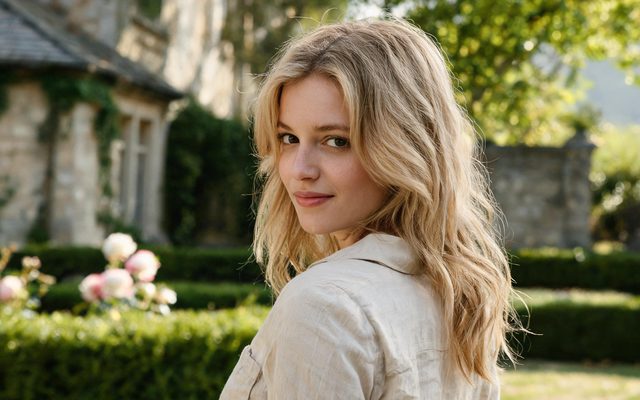
Visual Style: Digital HD
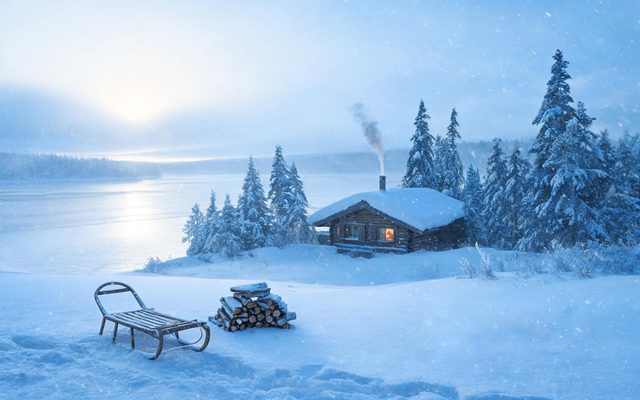
Scene Style: Frozen Wilderness
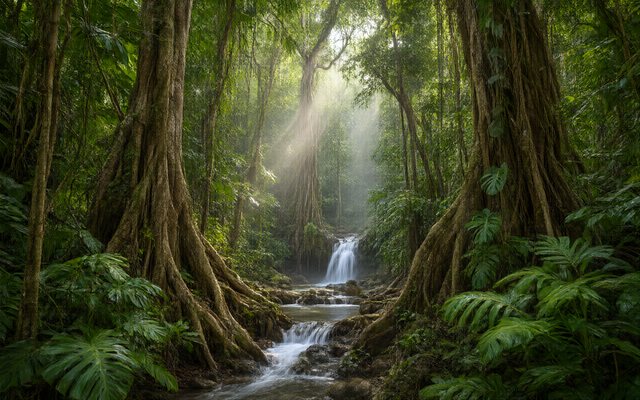
Scene Style: Tropical Rainforest
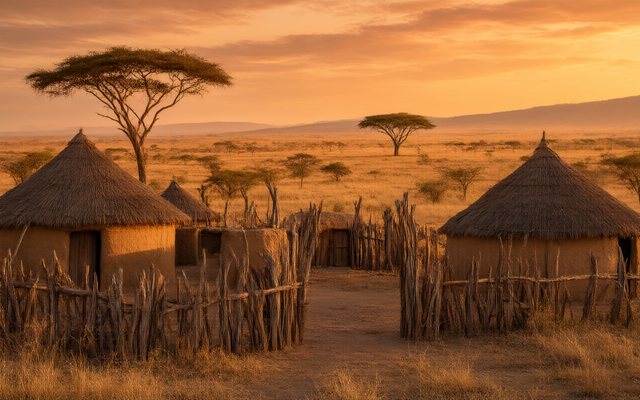
Scene Style: African Savanna
History
Real historical and public figures cannot be depicted, so tell history through invented witnesses (a soldier, a clerk, a child in the crowd) and the places themselves. Period settings are built in: WWII, history drama, medieval. Real people and the IP check.
One look per project
The visual style is fixed once you continue, so a documentary that cuts between colour interviews and black-and-white archive needs two projects, joined in your editor. Black & White Film for the archive, Digital HD or Shot on Film for the present. Captions and titles are added afterwards. Visual style.
Neighbours
Mockumentary (the comedy version), true crime style, training video.
Make it in SceneMixer, start to finish
- Script: paste your own on Upload Script, or write the brief above in AI Create and let it draft the episodes.
- Step 1: Type Film; Scene Style Frozen Wilderness, American Small Town; Costume Style Outdoor Gear, Soft Everyday; Visual Style Digital HD, Black & White Film; Target Region; dialogue language; 16:9 Landscape. Then read the script.
- Step 2: the narrator as a voice-only character; each named animal or witness as a character; the main places as locations. The first 15 setup images on an account are free.
- Storyboard: generate episode 1 first (free on your first drama) and read it before you render anything. One place per segment.
- Video: render on the default tier at 10 credits a second, fix single shots instead of whole episodes, then put the episode together and post.
| Minute | Part |
|---|---|
| 0–1 | Establishing: the town edge in snow, narration |
| 1–3 | Winter: hunting, the den |
| 3–5 | Spring: the cubs |
| 5–7 | Summer: the road |
| 7–8 | Autumn: leaving |
FAQ
How do I make a documentary-style video with AI?
Make a Film project with a voice-only narrator, B-roll shots without dialogue and interviewees framed to camera.
Can I make a nature documentary?
Yes. Real animals are drawn as animals; give each named animal a sheet.
Can I make a documentary about a real person?
Real public and historical figures cannot be depicted; use invented witnesses.
Can I mix black-and-white archive with colour?
Not in one project; make two and join them in your editor.
Can I add titles and captions?
Add them after export; generated video does not spell reliably.
How long can it be?
As long as you need, built from segments and joined.
Which aspect ratio?
16:9 Landscape for YouTube and screens.
Updated October 31, 2026