Answers · Workflow
Is a Multi-Tool AI Video Pipeline Worth It?
Published October 31, 2026
What a cinematic pipeline has to do
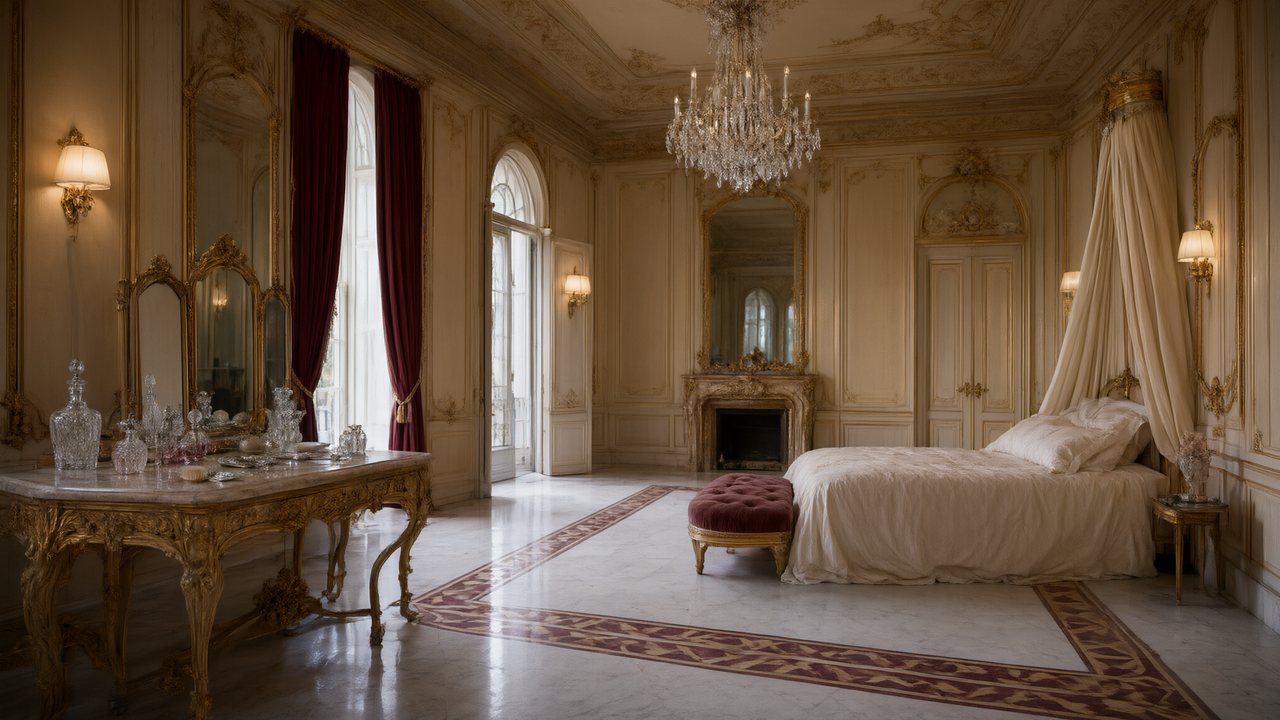
Strip away the tool names and every cinematic AI video goes through the same stages: a script, a look, the people and places designed, a shot plan, the shots rendered, sound and music, and a finish — the edit, the grade, the resolution. A "professional pipeline" usually means doing each stage in a different program and moving files between them. One creator in r/generativeAI described a typical chain for a city-destruction sequence: a downloaded 3D model posed and lit over their own street photos, frames composited, the frames animated by an image-to-video model, the clips upscaled, then colour and effects added back in a compositor.
The result, in that thread, drew a long and mostly generous discussion. It also showed where the chain costs you.
Where a chain of tools leaks
Every hand-off is a place where something the previous tool knew is lost. The image tool does not know what the 3D scene's camera was; the video model does not know what the previous clip ended on; the upscaler does not know which details matter. The creator was candid about patching the seams by hand:
I’m trying to use dirt on lens, lens flares, etc to hide the inconsistency.
Viewers noticed anyway. One reply named the details that give a sequence away:
little things like scale and location consistency can kill the realism of the whole project.
Consistency between shots is its own theme in the community — 1,500 posts are labelled with it — and most of those questions come from exactly this situation: each tool did its own step well, and the steps do not agree.
Consistency is a memory problem
The sharpest comment in the thread was not about any tool:
The most overlooked problem still is consistency.
Followed by a concrete brief:
Make a 30 sec scene that is perfekt. From multiple angles.
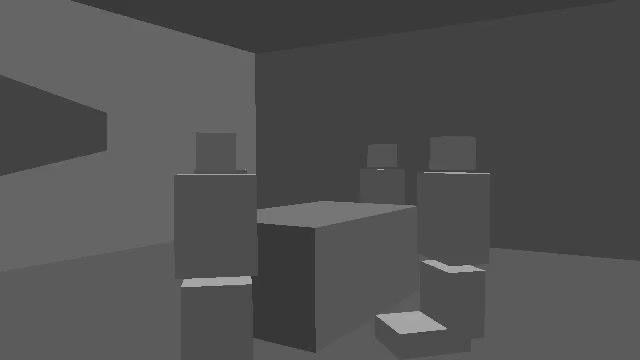
Multiple angles of one scene is precisely what a chain of single-shot tools struggles with, because nothing remembers the room. SceneMixer builds an automatic AI 3D model of each scene — the space, the furniture that matters, where each person stands — and generates every shot of that scene against it, so the wide shot, the close-ups and the reverse agree. Characters come from one sheet each; the next segment opens where the last one ended. None of that needs setting up; it happens when you generate.
What one project does, and what it does not
Inside a single SceneMixer project the stages are joined: the script is read into characters, places and props; each episode becomes numbered shots with their seconds; segments render with dialogue and sound in the same generation; the episode is joined with a score underneath. When a shot comes back wrong you edit its text — free — and regenerate that segment alone. When the picture needs to be sharper, Enhance raises a finished clip one resolution step. Video is billed per rendered second, from 10 credits a second on the default tier.
What it does not do is the specialist end of the chain. There is no compositor: you cannot bring your own 3D model or put generated effects over footage you shot. There is no grading suite or frame-level paint. If those steps are the point of the piece, they still happen in other programs — after the story, the cast and the angles are settled.
When the long chain is worth it
The chain earns its cost when one step needs a control no single tool offers: a specific 3D asset, effects over real footage, a client's exact grade, a delivery format. It does not earn it when the problem is the story. A reply in the same thread made that point without any software in it:
The scenes are too short, and the people well, are clearly AI.
Short scenes and unconvincing people are planning problems — how long a shot holds, whether the character is the same person across cuts — and they are cheaper to solve in a shot list than in a compositor. The honest order is: get a scene working end to end, from several angles, with the same people in it; then decide which step, if any, needs a specialist tool. The answer on whether AI can make a full-length film works through what that costs at length, and why a character looks different in every shot covers the most common seam.
Limitations of the one-project route
- It trades control for consistency: you cannot swap in a different model for one shot, pose a 3D asset yourself, or paint a frame.
- Finishing — grading, compositing, titles — still happens in an editor if you want more than the joined episode.
- The 3D model of each scene is automatic and invisible; you cannot open it or move the furniture by hand.
- Rendered shots still need review, and a missed segment is regenerated, which is billed again for that segment.
- The counts are produced by matching rules against a fixed window of public posts; they show how common the question is, not a precise total.
FAQ
Is a professional AI video pipeline worth it?
When one step needs control no single tool gives — your own 3D assets, effects on real footage, a precise grade. For story, consistency and multiple angles, one project that remembers the cast and the rooms is usually the better start.
Why do multi-tool AI videos look inconsistent?
Each tool only knows its own step. The video model does not know the previous clip's ending or the room's layout, so faces, scale and positions drift at every hand-off.
Can SceneMixer replace my compositor or grading software?
No. It handles script to joined episode, with sound and a score; compositing over your footage and detailed grading still happen in an editor.
How do I get several angles of the same scene to match?
Generate them against one model of the room. SceneMixer builds an automatic 3D model of each scene and renders every shot of it against that model.
See how positions hold across cuts and why a whole series stays consistent; for a whole sequence built this way, read the answer on making a disaster scene. The thread sample behind every count here is described in the method note.
Get one scene right from every angle
Script, cast, shots, sound and score in one project — then take it to your editor for the finish.
Sign up freePer-second video rates are on the pricing page with the same numbers.