Answers · YouTube
How to Make AI Videos for YouTube?
Published November 17, 2026
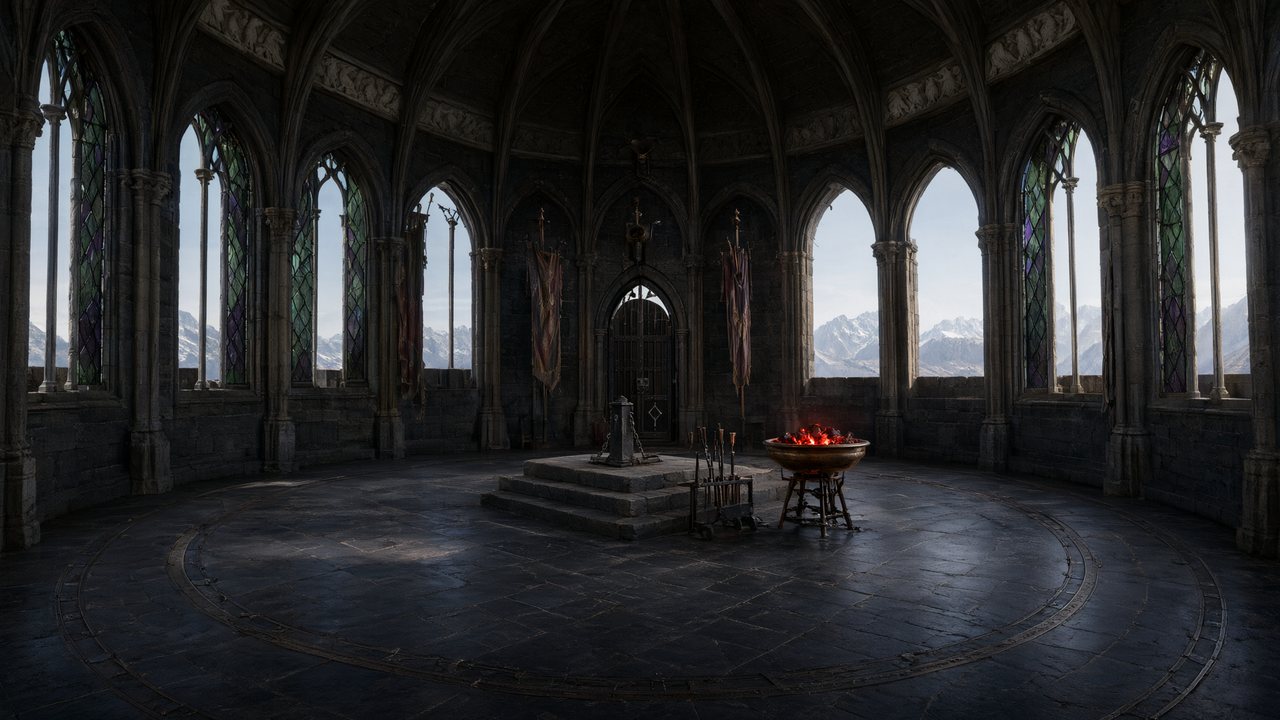
How to use AI for YouTube videos: what a channel needs
People making AI videos for YouTube are rarely after a single clip. They want a format they can repeat every week. One creator looking for collaborators listed every job they were doing alone — scripts, storyboards, visuals, voice and music, the edit, the thumbnails, the upload — and summed up where the hours went:
Most of my time right now goes into making AI-generated videos for YouTube.
That was a call for collaborators in r/generativeAI, and the list in it is the true shape of the job. Social platforms are one of the biggest topics in the community corpus, with around 15,000 posts, and the questions there come back to format, length and whether a channel can earn. Answering "how" is mostly answering those three.
Landscape for the watch page, a second project for Shorts
A new SceneMixer project starts as 16:9 landscape, the shape of the YouTube watch page and of a television. The frame applies to every video in the project and is fixed once you continue past Step 1. If the channel also posts Shorts, make each Short as its own 9:16 project from the same script and bring the cast across from your asset library, instead of cropping the wide version; a crop throws away the edges of every composition. The frame does not change the price, because video is charged by the second rather than by the shape.
Length: from a short to a long upload
The type picked in Step 1 sets the longest an episode may run: Short Drama up to 240 seconds, TV Series up to 300, Film with no cap. Inside an episode, segments run from a few seconds up to 15, or 30 on tiers that allow it, and an episode can hold up to 60 of them. A longer upload is simply more segments joined, so a second costs the same wherever it falls. For a channel, a regular length matters more than a long one; viewers return to a series they can predict.
Picture quality: draft cheap, publish once
Resolution comes with the model tier and is shown beside its price per second: 480P on the cheapest tier, then 720P and 1080P, and a 2K tier at the top. A sound habit for a watch-page video is to draft every segment cheaply, fix the words and the sheets, then render the keepers once on the tier you want to publish. Keep one episode on one tier: segments from the same tier are joined without re-compression, while mixing tiers forces a re-encode. Judge sharpness on the downloaded original, not on the lighter copy the site streams.

Cover, captions and the soundtrack
The cover art tool paints three poster options from your lead characters with the title drawn into the picture; the one you choose comes in landscape and portrait, and the landscape version is a starting point for a thumbnail. Keep the title short and check its spelling, since an image model draws it. Accounts that have bought credits or a plan can export an episode with burned-in subtitles plus a timed SRT file built from the script's own lines, so invented names come out spelled your way. Every episode is scored automatically; a Music switch gives a dialogue-only version if you want to lay your own track.
Labels, earnings and the upload itself
There is no upload button: you download the original-quality file and upload it in YouTube Studio. Two separate labels are involved. Free-account videos carry a small SceneMixer AI badge in the corner, which members' new clips leave off by default. YouTube has its own disclosure step in the upload flow for realistic altered or generated content, and that step is yours to complete whatever the file carries. Earning is a separate matter of originality and what you add; the monetisation answer quotes the platform rules with their dates.
Limitations for a YouTube channel
- It does not upload, or write titles, descriptions, tags or chapters.
- It is not a timeline editor: intros, end screens and title cards are added after download.
- Generated video does not draw readable text, so keep words off the picture itself.
- A Short and a long video are two projects; one cannot be turned into the other by cropping.
- The community figure is a keyword-based approximation from a fixed window of public posts.
FAQ
How to create AI videos for YouTube Shorts?
Make a separate 9:16 project from the same script. SceneMixer composes every sheet and shot tall instead of cropping the wide version.
How to make AI YouTube videos that look the same every week?
Reuse one cast and one look across episodes; on SceneMixer, characters, places and voices carry over into the next project.
How to make AI videos on YouTube without a timeline editor?
Generate and join the episode on SceneMixer, download the original file, then add intros, end screens or title cards in any editor before uploading.
Do AI videos on YouTube need a label?
YouTube asks creators to disclose realistic altered or generated content in its upload flow. Check its current policy page before uploading; this is not legal advice.
What is AI YouTube video content?
Videos for YouTube whose picture, voices or both are generated by AI models rather than filmed: explainers, animated shorts and story series. On SceneMixer you write or upload the story, and you download the finished episode and upload it to YouTube yourself.
Related: the YouTube specification sheet goes setting by setting, a faceless channel built on a drama series covers the channel side, and the collection method explains the community figure.
Set up a landscape project
Frame, length and look first. The upload is the last and easiest step.
Sign up freePer-second video rates are on the pricing page with the same numbers.