Answers · Animation
How to Make Animations?
Published November 18, 2026

How to make an animation: the steps every route shares
Animation is the illusion of movement made from still frames. Film plays at 24 frames a second, and everything an animator does is a way of deciding what goes into those frames. The methods differ a great deal, but the work around them is almost identical, and that shared work is where most first animations go wrong.
- Story. A short idea with one character and one change; animation takes too long for a story that is not settled.
- Script and storyboard. The shots in order, ideally timed to a rough voice track as an animatic.
- Design. Each character and place drawn or built once, from the front and side, so they stay the same in every shot.
- Frames. The animation itself, by whichever route below.
- Sound and finish. Voices, effects and music, then colour, render and export.
The four routes
How to make 2D animation
Hand-drawn animation draws the key poses first, then the in-between drawings that carry one pose into the next. Animating on twos, one drawing held for two frames, gives 12 drawings a second and is common in television and anime. Digital 2D can also use cut-out rigs, where a character is drawn once in parts and moved like a puppet, which is quicker but stiffer.
How to make 3D animations
3D animation builds each character as a model, gives it a skeleton, then poses it at key moments while the software fills the frames between. The look comes from lighting and rendering, which can take far longer than the animating.
What is stop motion animation?
Stop motion photographs real objects, clay figures, puppets or paper, moving them a tiny amount between each frame. Played back, they move on their own. It is slow and physical, and its slight unevenness is part of its charm.
Generated animation
AI video models can now render a shot directly from a description in an animated style. The hard part moves from drawing frames to keeping a character looking the same from shot to shot, which is why the design step matters even more. A post in r/aivideos by someone making a series shows where the effort goes:
How I avoid continuity issues in my animated AI shows
Animation and anime are among the largest subjects in AI video communities, with about 12,000 posts in the community corpus tagged with them.
How to make an animation as a beginner
Start with an exercise, not a film. The classic first one is a bouncing ball: draw or pose it falling, squashing as it hits the ground and stretching as it rises, with the drawings closer together near the top of the bounce, where it slows. That one exercise teaches timing and spacing, the two ideas every later shot depends on. Then make a scene of a few seconds with one character doing one thing, finish it with sound, and only then move on to something longer. A finished short scene teaches more than an unfinished ambitious one.
How to make animated videos with AI in SceneMixer
SceneMixer works from a script. For an animated project, step 1 offers three groups of animation presets, 2D Animation, 3D Animation and Stop-motion, and the style you pick is drawn into every character sheet, location and shot, on every video tier. Each character is drawn once as a reference sheet in that style and attached to every segment they appear in, which is what keeps a face steady across an episode.
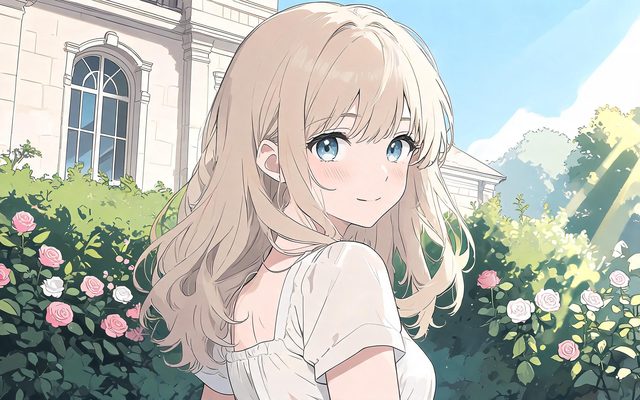
Choose carefully: the visual style is fixed once you continue past step 1, and trying another means a new project from the same script. The style settings keep the medium separate from the set and the costumes, so an animated look can be combined with any kind of place. For a first try, animating with AI and making AI cartoons cover the generated route at a smaller scale.
Limitations of each animation route
- Every route still needs a settled story and designs; skipping them shows in the result.
- Generated animation can drift on hands, small props and fast motion; keep shots simple and check each one.
- SceneMixer generates video in the chosen style; it does not offer frame-by-frame drawing, rigging or 3D modelling.
- The animation figure is a rule-based tag count over a fixed set of public posts, and a post can be tagged more than once; see the collection method.
FAQ
How to make stop motion animation at home?
Fix a phone or camera so it cannot move, light the scene evenly, move the object a little between photos, and play the photos back in sequence. Small steps give smooth movement.
What frame rate should an animation use?
Film plays at 24 frames a second; many hand-drawn and stop-motion animations hold each image for two frames, giving 12 images a second.
How long does it take to make an animation?
By hand, even a minute can take weeks. Generated animation is much faster to render, but planning the story, the designs and the shots still takes time.
Can SceneMixer make animated videos?
Yes. Pick a 2D, 3D or stop-motion style in step 1; SceneMixer draws the cast and places in that style and generates each episode from the script.
Related: animating with AI, making AI cartoons, making an AI animated short film, the AI animation generator, and the collection method behind the count.
Your story, drawn in one style
Pick an animation style, paste a script, and SceneMixer draws the cast and generates the episodes.
Sign up freePer-second video rates are on the pricing page with the same numbers.