How to Make an AI Animated Short Film

Brief for AI Create: An animated short: a lighthouse robot who has never seen another robot finds a small broken drone washed up on the rocks; he spends the winter fixing it; it flies away on the first day of spring and comes back with others; gentle, wordless, hopeful.
Pick the style first, and carefully
The visual style is fixed once you continue past step 1; to try another, you start a new project with the same script. Look at the sample card for each preset before choosing:
| Group | Presets | Good for |
|---|---|---|
| 2D Animation | 2D Cel Shading, Hand-painted Anime Film, Painterly Anime, 2D Chinese Style, Ink Wash Animation, Korean Webcomic, Manhua Full-render, American Graphic Novel, Watercolor Storybook, Oil Painting | Anime shorts, storybook tales, graphic-novel thrillers |
| 3D Animation | Realistic 3D CG, Feature 3D Animation, 3D Toy Cartoon, Cel-shaded 3D, 3D CG Xianxia Fantasy, Game Engine Realism | Family films, toys and creatures, game-style stories |
| Stop-motion | Claymation | Handmade, tactile, often funny |
Every video tier renders the style; there is no separate animation tier. The presets, one by one · Stylised looks across the tiers.
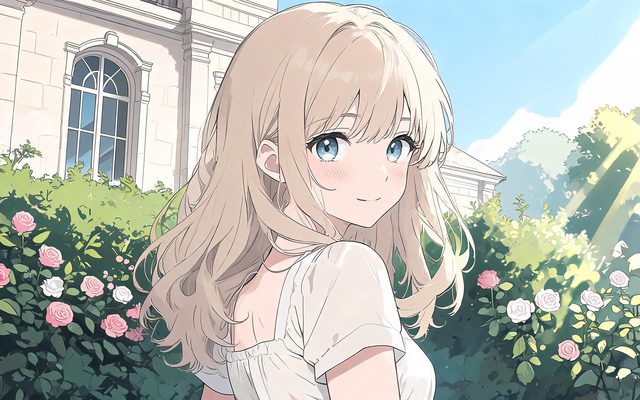
Visual Style: 2D Cel Shading
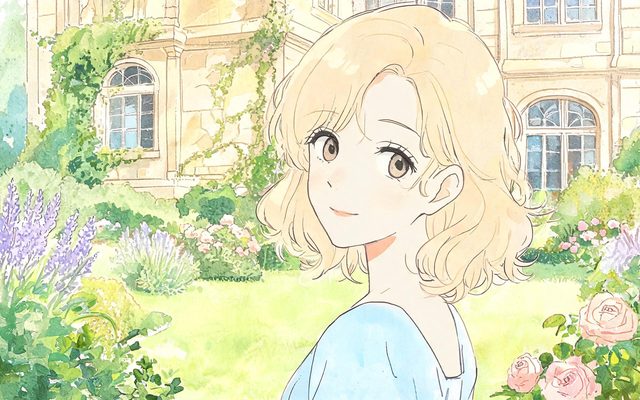
Visual Style: Hand-painted Anime Film
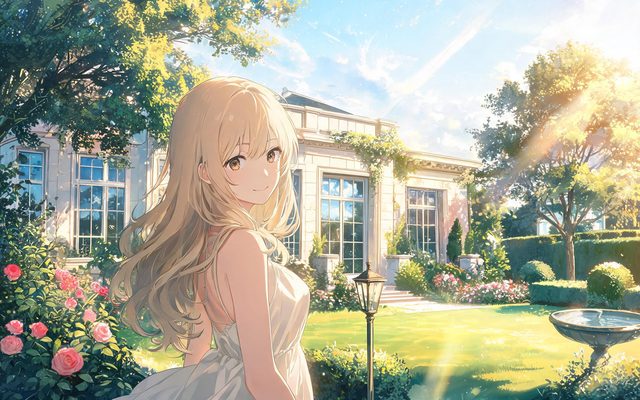
Visual Style: Painterly Anime
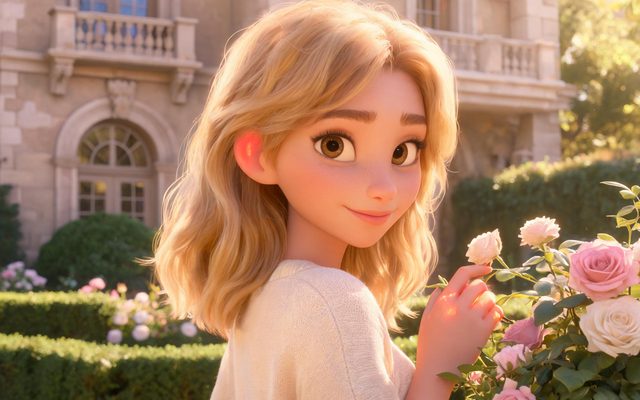
Visual Style: Feature 3D Animation
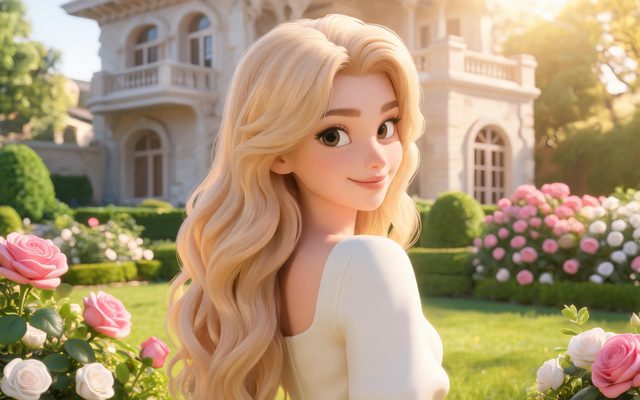
Visual Style: 3D Toy Cartoon
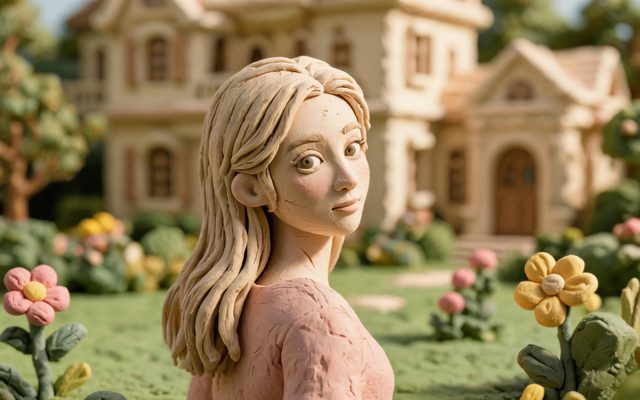
Visual Style: Claymation
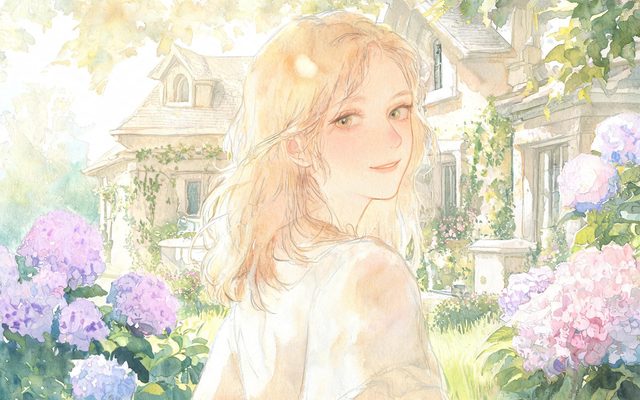
Visual Style: Watercolor Storybook
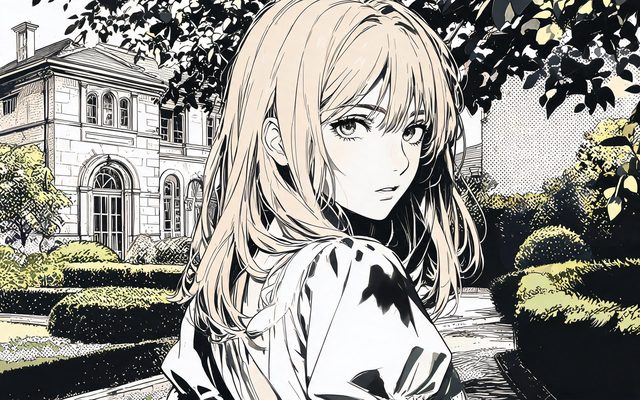
Visual Style: American Graphic Novel
Design characters that hold across shots
Animated faces are simpler than real ones, which makes them easier to confuse: two anime girls with brown hair become one. Give every character one trait nobody else has, and put it first in the description:
- A white streak in her black fringe, round glasses, a yellow raincoat she never takes off.
- A short, round robot with one large blue eye-lens, a dent on his left side, rust on his feet.
- A tall fox in a green scarf, one ear torn at the tip.
Sheets are drawn on a plain background with even light on purpose: they are references, not posters. The mood comes in the shots. Why sheets are plain · Robots, animals and creatures.


Write for animation
- Bigger expressions. Animation reads emotion from the whole body. Delivery notes and actions can be broader than in live action: he throws both arms up, her ears flatten.
- Wordless is fine. Many animated shorts have no dialogue at all. Mark those shots No dialogue and let the Ambient line carry the sound: wind, a creak, a beep.
- Light as storytelling. Animation lives on colour. Write the light into each shot: the lighthouse beam sweeps across the dark sea, spring sunlight turns the rocks gold.
- One action per shot. Even in a cartoon, a jump, a landing and a fall are three shots.
| Beat | Shot to adapt |
|---|---|
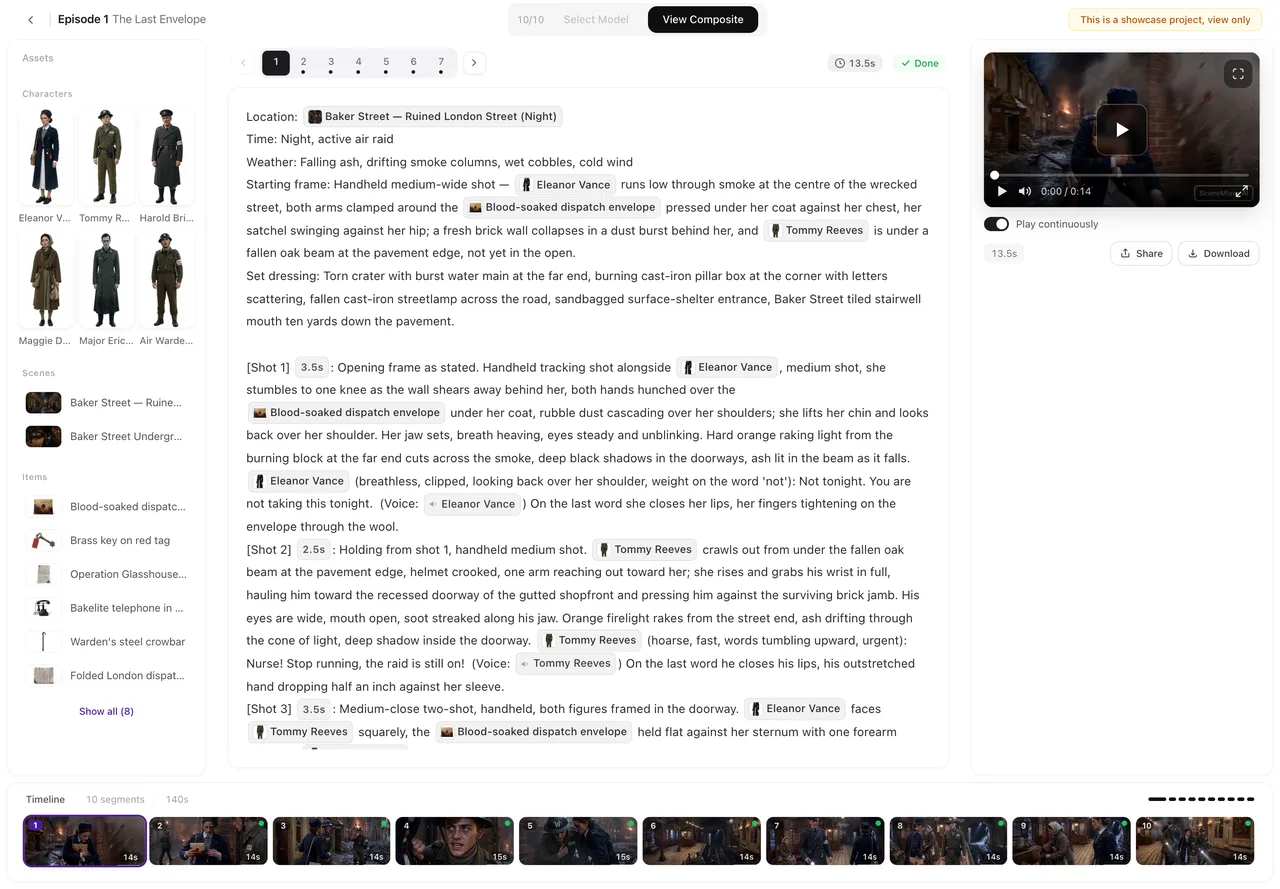
| The discovery | [Shot 2] 4s: Medium shot, low angle. @Beacon kneels on the wet rocks and lifts the @Drone in both hands; its single light flickers. No dialogue. Ambient: waves, a faint electronic chirp. |
| The winter | [Shot 5] 5s: Wide shot, fixed camera, the workshop at night. @Beacon at the bench, the @Drone in pieces under a lamp; snow against the window. No dialogue. Ambient: a soldering hiss, the wind. |
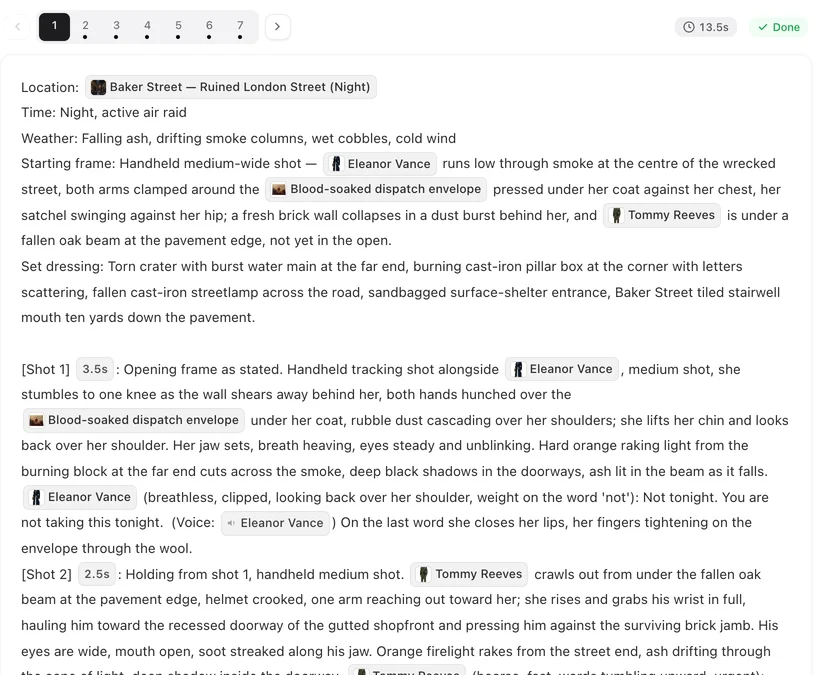
Settings to pick in step 1
- Type: Film — slower pace, no episode cap, written as one piece. Short Drama, TV Series or Film.
- Aspect Ratio: 16:9 Landscape for a film; 9:16 Portrait for an animated series on phones.
- Scene Style and Costume Style: they work with any visual style. A storybook village (Pastoral Healing), a sci-fi station (Starship), a magic school (Magic Academy). Set all three together; a period costume in a modern set reads as a mistake.
- Region and language: pick where the world is and what the cast speaks; animated characters speak any of the dialogue languages natively.
Draft cheaply, finish the keepers
Generate the whole short on the default tier first — 10 credits a second — and watch it cut together. Flat, cel-shaded styles tend to hold up at 480P; painterly and finely textured ones usually gain more from a higher tier, so regenerate the shots that will be seen most at a higher resolution. Regenerating one segment costs only that segment. Draft at 480P, finish at 1080P.
Make it in SceneMixer, start to finish
- Script: your own on Upload Script, or a brief in AI Create with the character, what they want, what is in the way and the ending.
- Step 1: Type Film, the aspect ratio, and the animation style you chose from the sample cards; read the script.
- Step 2: generate the cast with one distinguishing trait each, the locations and the props that recur. The first 15 setup images on an account are free.
- Storyboard: read it like an animator: one action per shot, light in every shot, No dialogue where nobody speaks.
- Video and finish: generate, regenerate what misses, composite, download the original. Composite and share.
See two animation styles in finished samples: Rocket Pup in Feature 3D Animation, and Rust City Knockout in Painterly Anime.
| Story | Style | Why |
|---|---|---|
| A family adventure with animals | Feature 3D Animation | Rounded, expressive, made for all ages |
| A teen drama or romance | Painterly Anime or Hand-painted Anime Film | Luminous light, emotional close-ups |
| A bedtime or picture-book tale | Watercolor Storybook | Soft, gentle, readable for children |
| A dark thriller | American Graphic Novel | Heavy ink, hard shadows |
| A comedy with props | Claymation or 3D Toy Cartoon | Tactile, playful, forgiving |
| A Chinese fantasy | Ink Wash Animation or 3D CG Xianxia Fantasy | Brushwork or immortal-fantasy CG |
FAQ
How do I make an animated short film with AI?
Write or generate a short script, choose Film and an animation style in step 1, design each character with one distinguishing trait, then generate the storyboard and the video segment by segment and composite them into one file.
Which animation styles are there?
2D Animation (ten presets from cel shading to oil painting), 3D Animation (six presets from Feature 3D Animation to Game Engine Realism) and Stop-motion (Claymation).
Can I change the style halfway through?
No. The visual style is fixed once you continue past step 1. Start a new project with the same script to try another style.
Is there a special animation video tier?
No. Every video tier renders the project's style; tiers differ in resolution, segment length and price.
Why do my animated characters look alike?
Animated faces are simpler, so give each character one trait no one else has and put it first in the description, then regenerate the sheet.
Can an animated short have no dialogue?
Yes. Mark shots No dialogue and use the Ambient line for sound. Many animated shorts work best that way.
Is animation cheaper than live action?
No. Prices are per sheet and per second whatever the style.
Can animated characters speak other languages?
Yes. Choose the dialogue language in step 1; the characters speak it natively.
Pick the style. Then everything else.
Start an animated short from one sentence.
Updated October 13, 2026
Pricing·Novel to Video·Guides·Samples·Support·Privacy·Terms·Legal·Contact·Affiliate program·© 2026 SceneMixer