AI photo to video generator free
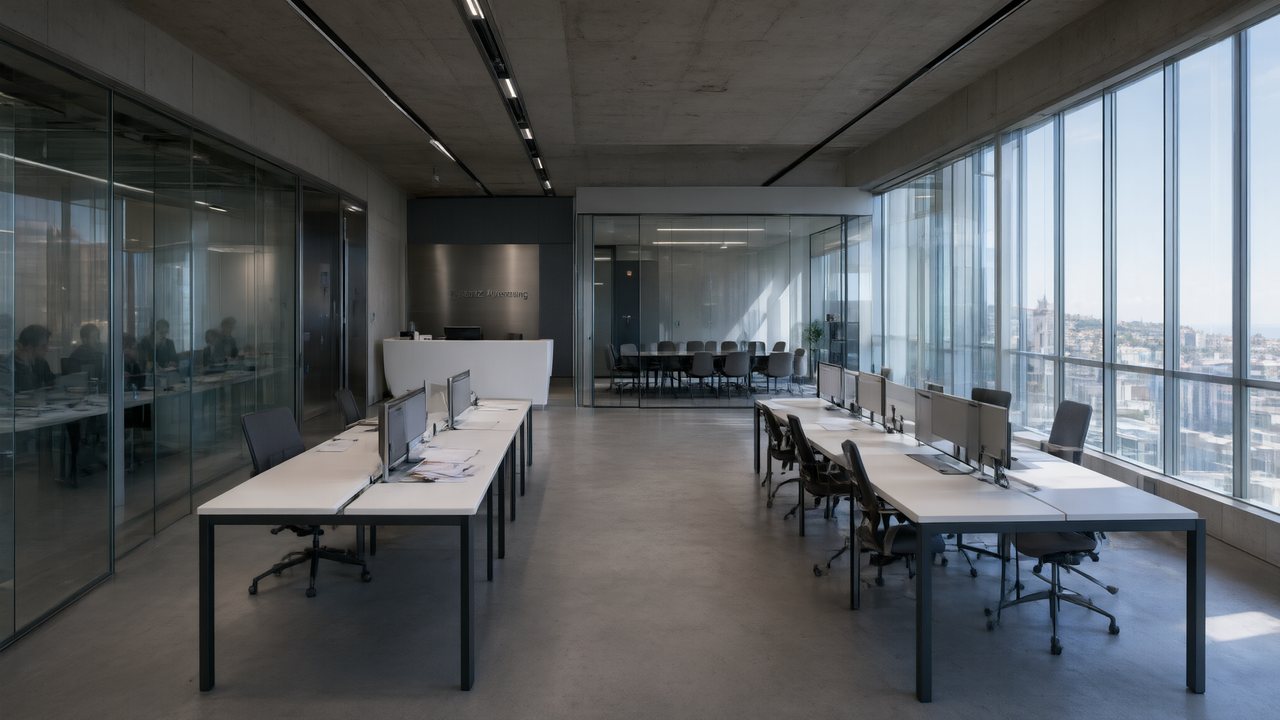
Photo to video AI generator free: people in your photo
| In your photo | What happens |
|---|---|
| Customers in a shop, a driver in a car | Removed before anything else; the place is kept |
| Someone wearing the clothing you sell | Read as clothing: the person is removed and the garment goes into the ad. In the talking types the composer checks it is not a photo of you |
| Actors on a cover, poster or still | Kept as they are; a Trailer ends on the picture |
| Only you, a portrait | Refused at the reading, with a note that the person on camera is drawn by the AI |
| A face in an app screenshot | Refused; a clean screen without faces is needed |
The reason is simple: a model given a frame copies the faces in it, and a bystander in your photo should not end up in your ad. So the photo carries the thing, and the cast is made for the ad.
Pick a presenter, or describe one
Most types ask who should appear, under Main character. There are two ways to answer:
- Pick a presenter. A set of ready-made people, women and men of different ages, appears when the look is realistic: Digital HD, Shot on Film or Soft Glow, or Auto style on a type that starts in one of them.
- Describe one in a few words, as the box suggests: “woman, 30s, short hair, white shirt”.
Product only and 3D exploded view do not ask: one is just the product, light and sound, the other takes the product apart layer by layer.
When the person on camera says your words
| Type | Who speaks | Your words |
|---|---|---|
| Founder on camera | The person behind it, to the camera | Write the lines you want said; they are used word for word |
| Narrated film | One voice over the pictures | Paste your own voice-over text; it is used word for word |
| Trailer | A narrator over key moments | Add any lines the narrator should read |
| Creator unboxing, Customer story | Someone who tried it | Say what they should rave about, or what changed for them |
In the other types the script is written for you from the reading and your one line. With Review each step, you can still edit every line at the first stop, before anything is filmed.
AI photo video generator free: check the cast before the video
The second stop in Review each step comes after the cast and sets are drawn. If the presenter does not look right for your product, redraw them there, before the video, which is the expensive part. After the ad is finished, a single shot can be fixed in the editor, charged by its seconds. One-click or review each step.
Make it in SceneMixer, start to finish
- Pictures: open the Ad Video tab and add up to four images of one subject; the first one is the main image. Photograph the product, not yourself; people in a shop photo are fine.
- Reading: wait for Reading your image… and check the name and category it shows. If they are wrong, write the one line or Pick different images. The reading is free.
- Choices: pick the Ad type and, if it asks, a presenter or a short description under Main character; then Length, Format and Quality.
- Make my ad: One-click generate runs everything in about ten minutes; Review each step stops after the script, after the cast and sets, and after the shots, each time with the price of the rest on Continue.
- Finish: Watch the presenter’s lines once with sound on. Fix one shot in the editor instead of making the ad again; Rebuild final cut costs 1 credit a second.
| Your photo | The ad | |
|---|---|---|
| The product, dish, clothing or place | Supplies it | Shows it |
| Bystanders | May be in it | Removed |
| The person on camera | — | Drawn by the AI: picked or described |
| The words | — | Written for you, or yours word for word in some types |
FAQ
Is there an AI photo to video generator free to try?
SceneMixer reads your photo for free and shows what it understood. The video is charged per second; a new account starts with 50 credits.
Can I be the person in the ad?
The person on camera in a SceneMixer ad is drawn by the AI; your own photo is not used as the presenter. Pick a ready-made presenter or describe one.
Why was my portrait refused?
A SceneMixer ad needs something to promote, and a portrait on its own has nothing. Upload the product, dish, clothing or place instead.
Where are the ready-made presenters?
Under Main character, when the ad’s look on SceneMixer is Digital HD, Shot on Film or Soft Glow.
Can I write what the presenter says?
Yes. In SceneMixer’s Founder on camera and Narrated film your lines are used word for word, and in Review each step you can edit any line at the first stop.
Are there ads with no people?
Yes. SceneMixer’s Product only is just the product, light and sound, and 3D exploded view takes the product apart layer by layer.
Is a free photo video generator ad watermarked?
On a free SceneMixer account the video carries a small AI badge in the corner. A paid membership leaves it off by default.
How do I make AI video from photo files on my phone?
Open SceneMixer’s Ad Video tab in the phone’s browser or the Android app, add up to four photos from the camera roll, and wait for the free reading before you choose the ad.
Can I get a free AI video from photo uploads?
The reading of your photos is free on SceneMixer, and it names what it sees. The video is charged by stage once you choose the ad; a new account starts with 50 credits.
Updated November 19, 2026