Image to Video AI
Two ways a photo becomes video
| Route | What you upload | What moves | Start here |
|---|---|---|---|
| An ad | One to four photos of the same subject, up to ten megabytes each and sixteen in total, plus one line about it | A made-up spot built around your product or place, with a script, a cast, sound and an end card | An ad from one photo |
| A character, location or prop | One photo per card in Step 2 of a drama (JPG or PNG) | Whatever the storyboard says happens to that person, in that room, with that object | Use your own photo |
The browser reads WebP, HEIC, PNG or JPEG and sends JPEG or PNG; files your browser cannot open (SVG, camera RAW, HEIC outside Safari) are refused the moment you pick them. What you can feed in.
Route one: photos into an ad
The photos are read once, for free, before anything is charged. The read says what it thinks the product is, the category, the product name and any brand name legible on the label, so you can correct it. Your one line wins when the line and the photo disagree. A product is redrawn as a clean studio shot; a shop front or a car or a house is kept as it is. People in the photo are removed first. Which photos work · Length, format and quality.
Route two: a photo as the face, the room or the object
In Step 2 open a card and press Upload & Replace. A dialog asks how to use the image. Optimize into a reference sheet reads the face, hair and clothing from your photo and redraws it in the project’s style on a clean background, priced like an image. Use this image as is puts the photo on the card untouched. Whichever you choose, every video generated for that character from then on looks at that image. Uploading is a membership feature on the current plan settings.
The description under the card does not change, and it still steers how the shot is written, so bring it in line with the picture. Clips you made earlier are untouched. Your own reference images: what changes.
Prepare the photo like a sheet
| For | Use | Why |
|---|---|---|
| A person | One person, full figure, plain background, 9:16 | A snapshot’s background, light and pose would otherwise follow the character into every shot, so optimise it |
| A place | The room or street, no people, 16:9 | It becomes the plate every shot in that location is built on |
| A prop | The object alone on a plain background, 16:9 | It is the reference whenever the prop is in frame |
| Artwork you made as a sheet | Use as is | It is already in the right shape |
Making the photo move: write the shot
The photo sets how it looks; the shot text sets what it does. A short example, once the person is on the card as Ana:
[Shot 1] 5s: Medium shot, a kitchen in morning light. @Ana puts down a cup and turns to the window. @Ana: It stopped raining.
Generate that one segment, look at it, and edit the text if the action is wrong. Editing is free; generating is charged per attempt. How to write one shot.
What it will not do
It will not animate a single still on its own, and it will not keep a real person’s likeness: a photo that reads as a real person’s face, a celebrity, or a brand mascot is flagged and refused. Why a photo is flagged. Use photos of your own product, your own place, or a face you made, and keep the rights question in mind: the first time you upload, a window asks you to confirm you have the right to use the material and that anyone whose face or voice is in it consented.
Languages
Native dialogue in 15 languages
Every series below was produced by the same pipeline with the cast speaking that language natively: the interface, the working documents and the spoken lines are all in one language, and nothing is dubbed. Open one to hear it.
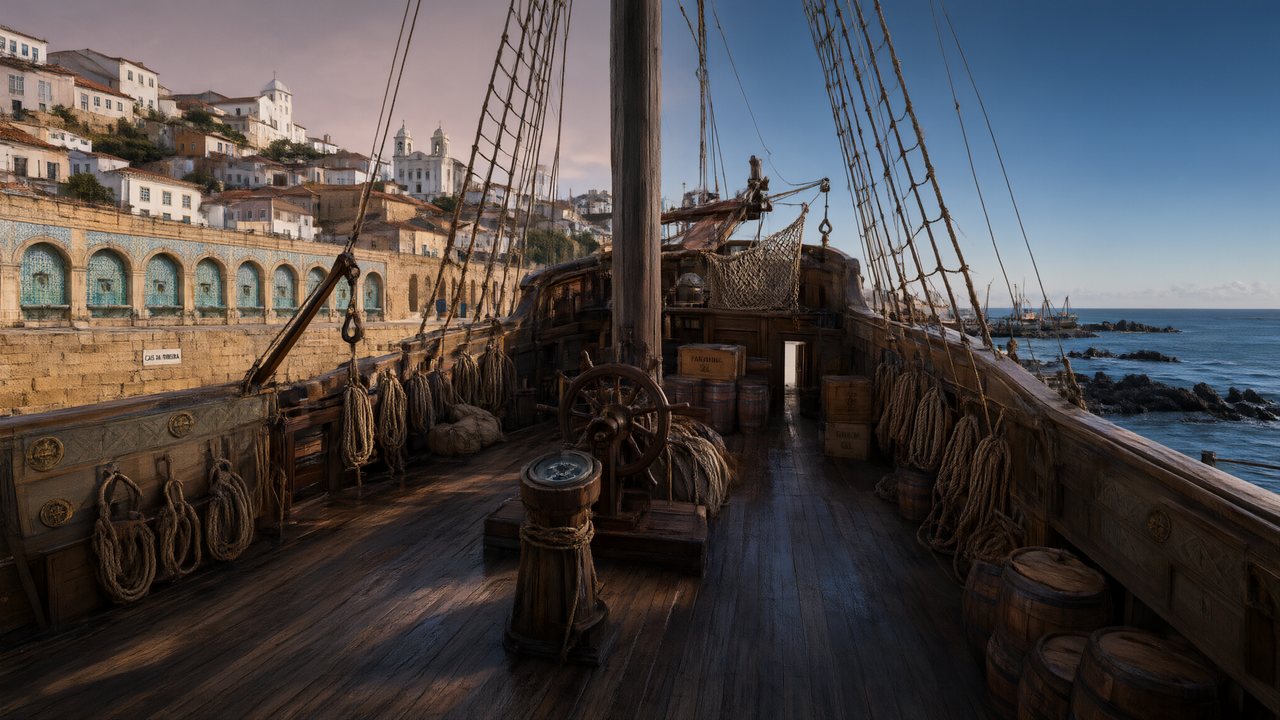 A Carta de LisboaPortuguêsNative dialogue
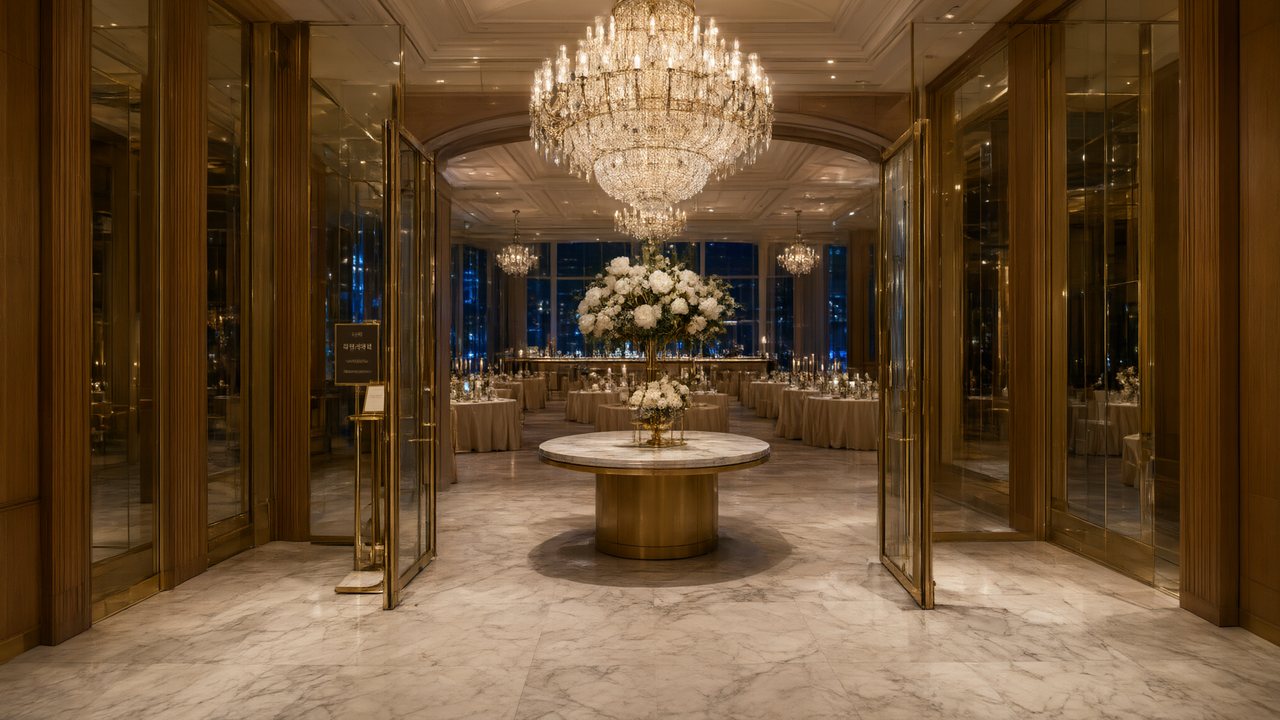 윈터 프라미스한국어Native dialogue
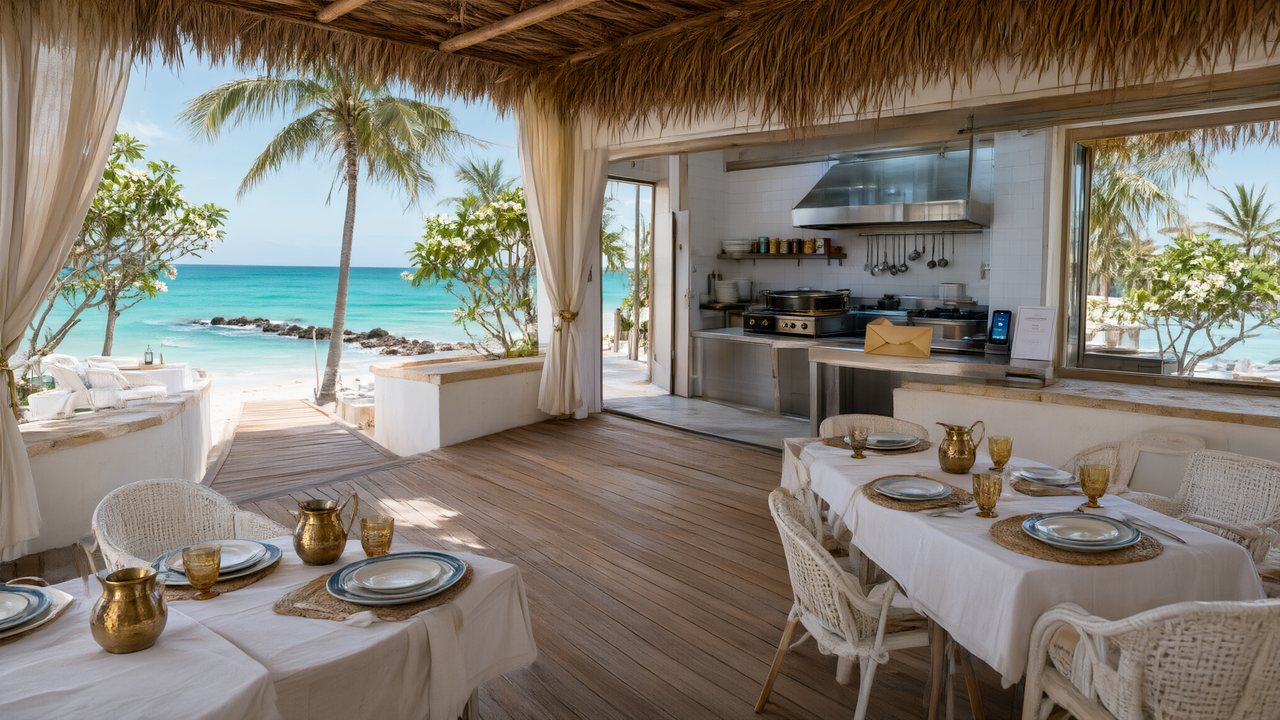 El Secreto de CostaEspañolNative dialogue
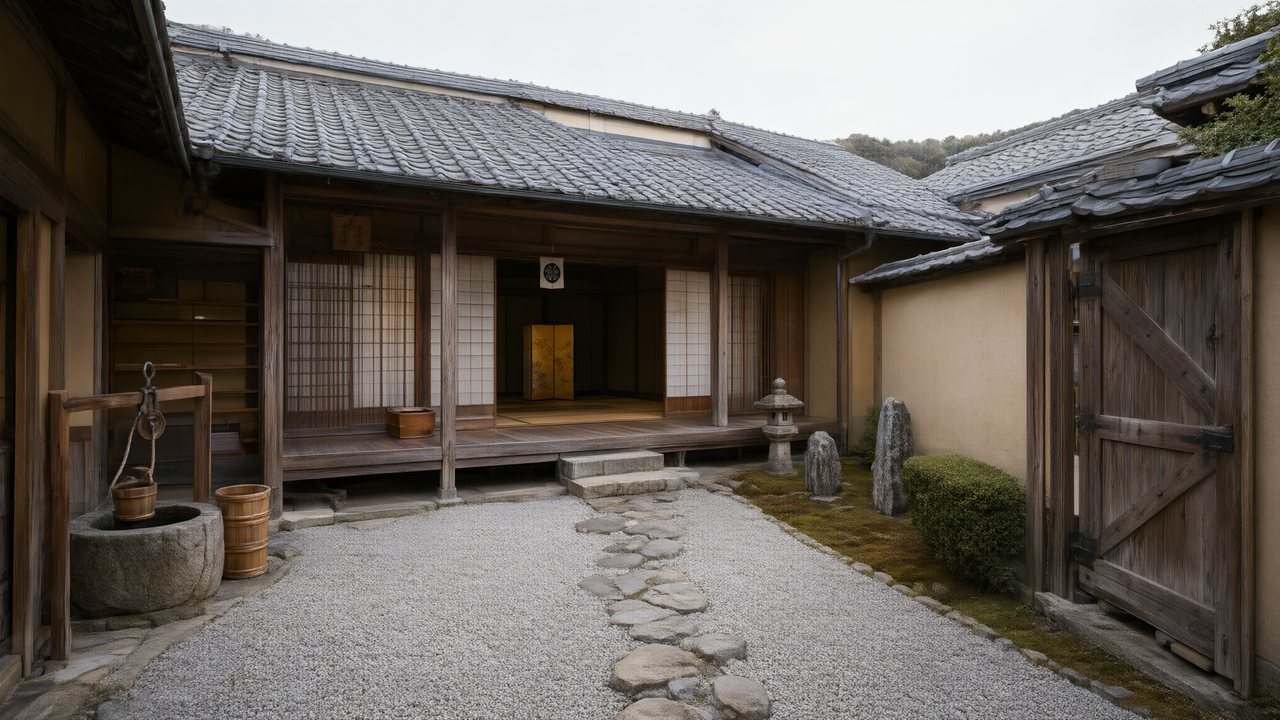 浪人の誓い日本語Native dialogue
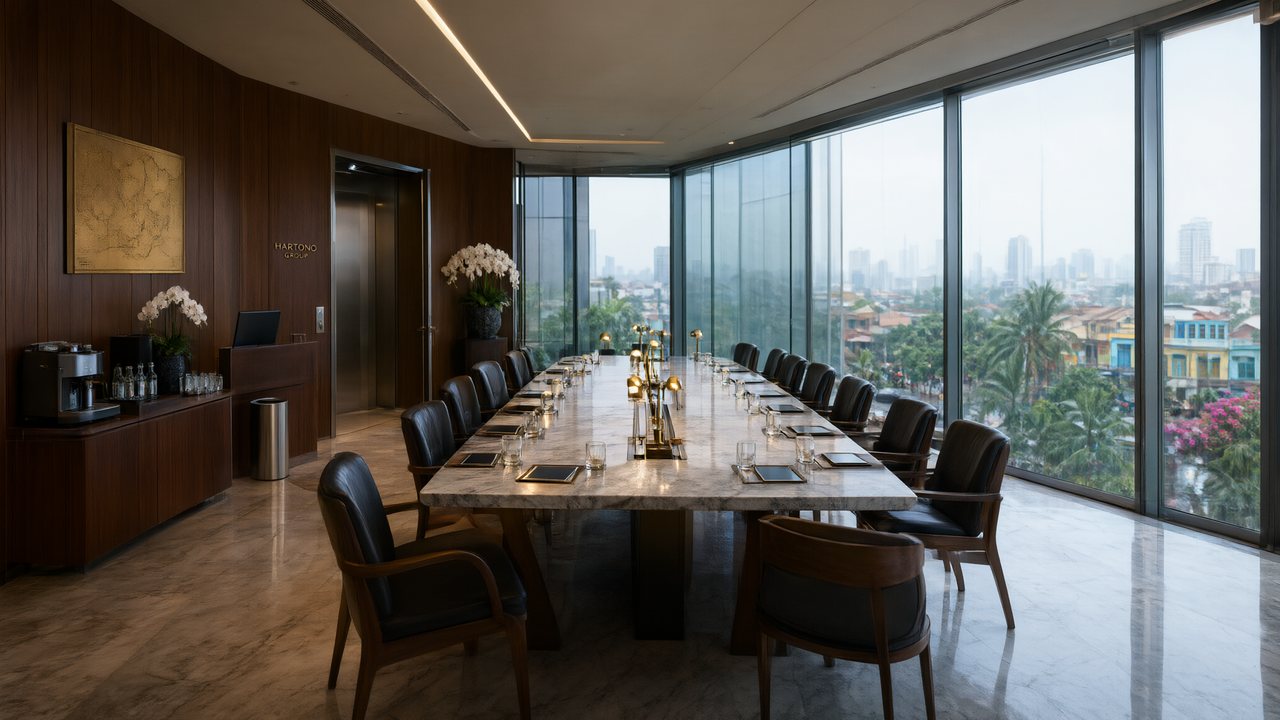 Ikrar JakartaBahasa IndonesiaNative dialogue
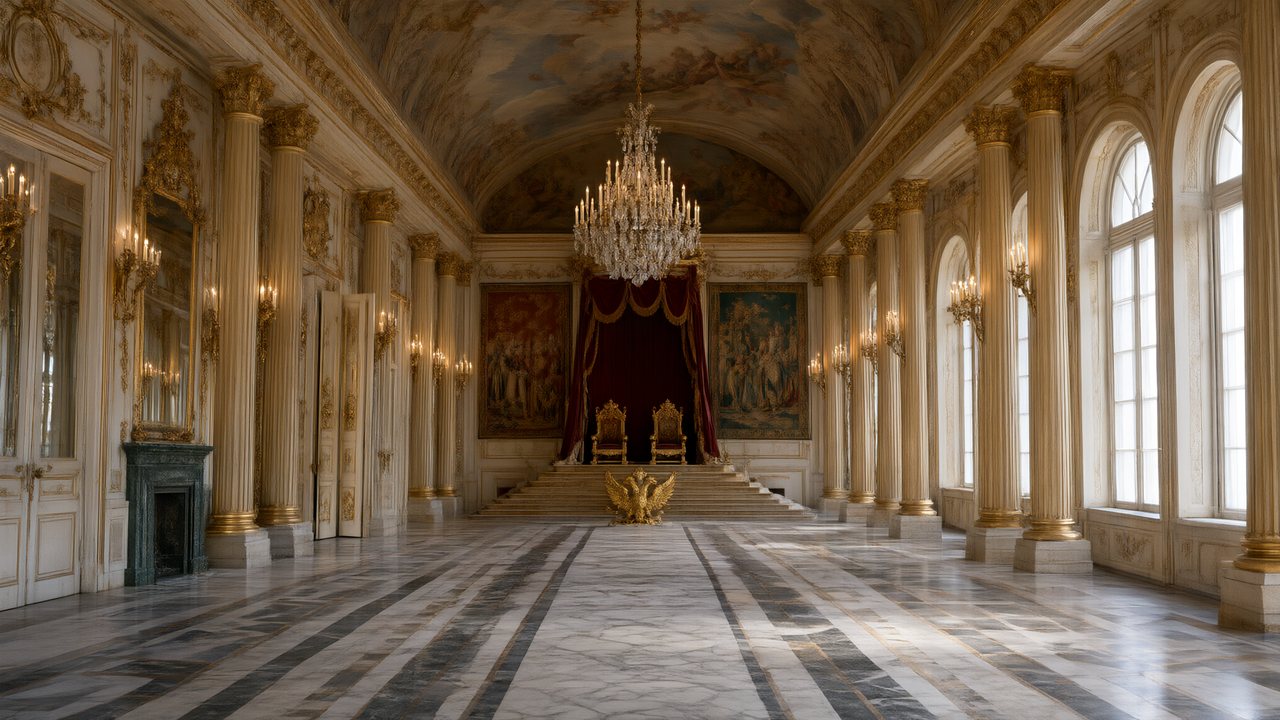 Зимняя коронаРусскийNative dialogue
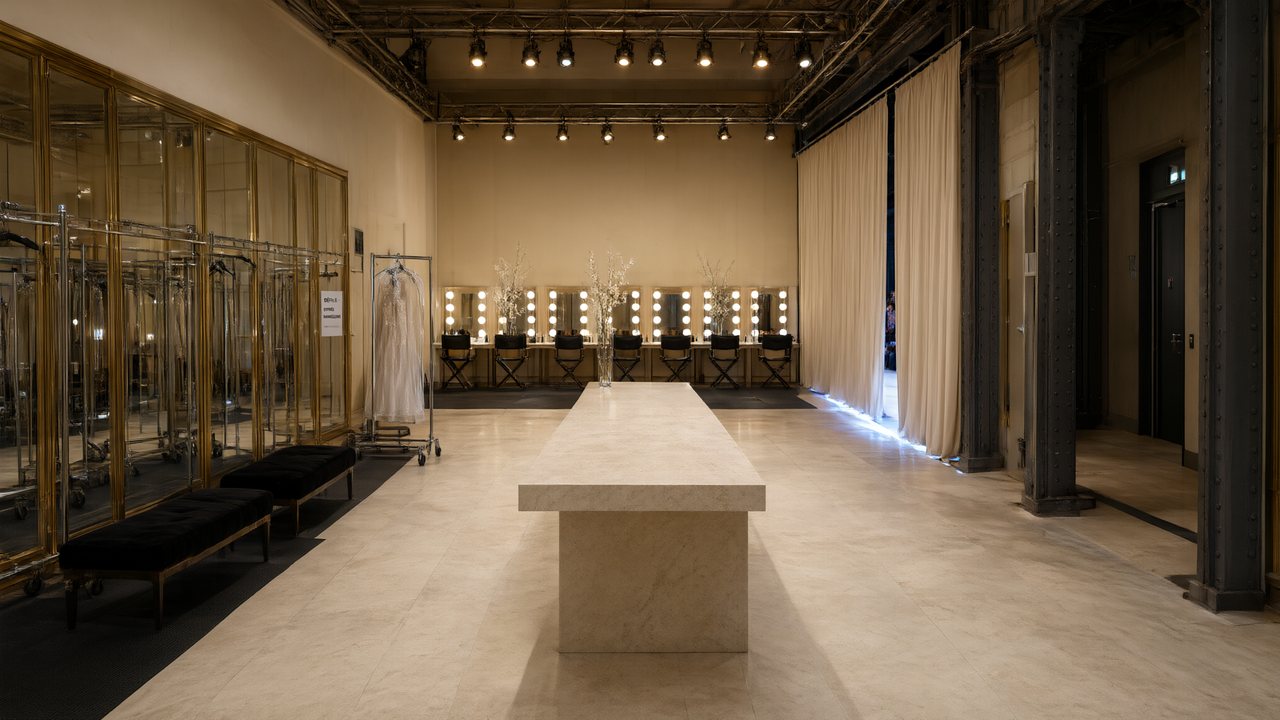 L’Héritier du DéfiléFrançaisNative dialogue
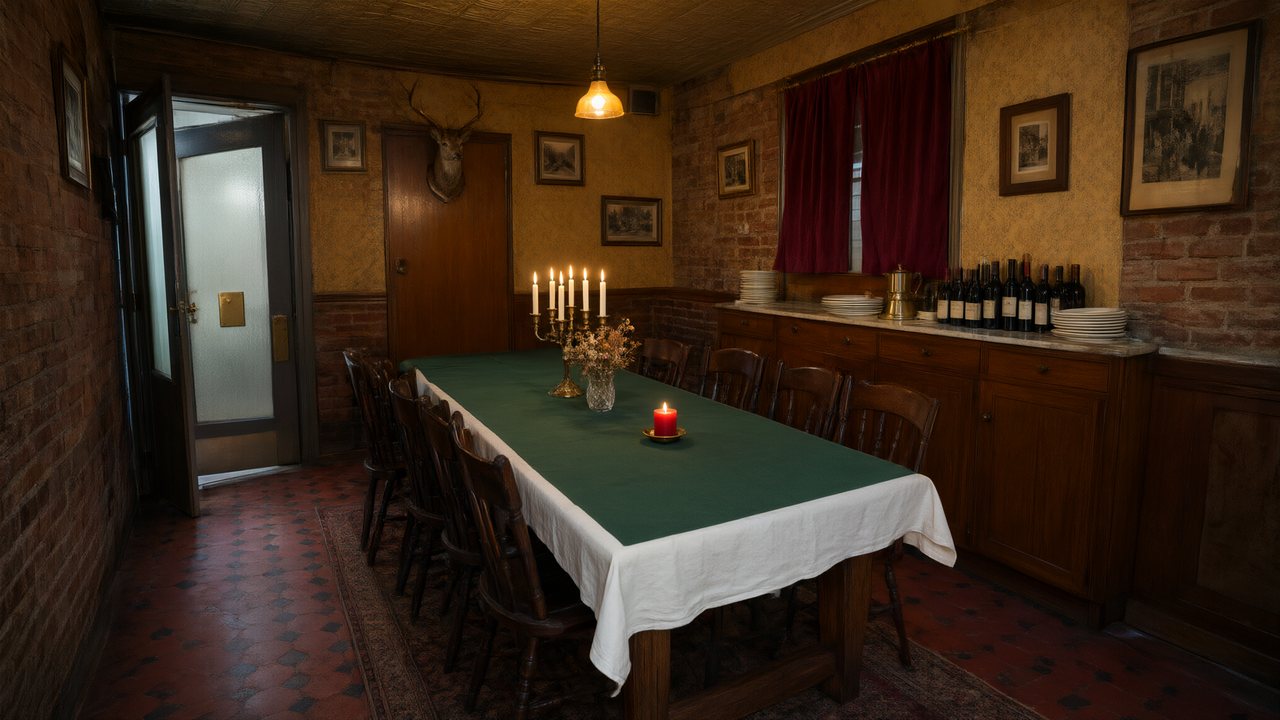 Il Tavolo dell'OlivaItalianoNative dialogue
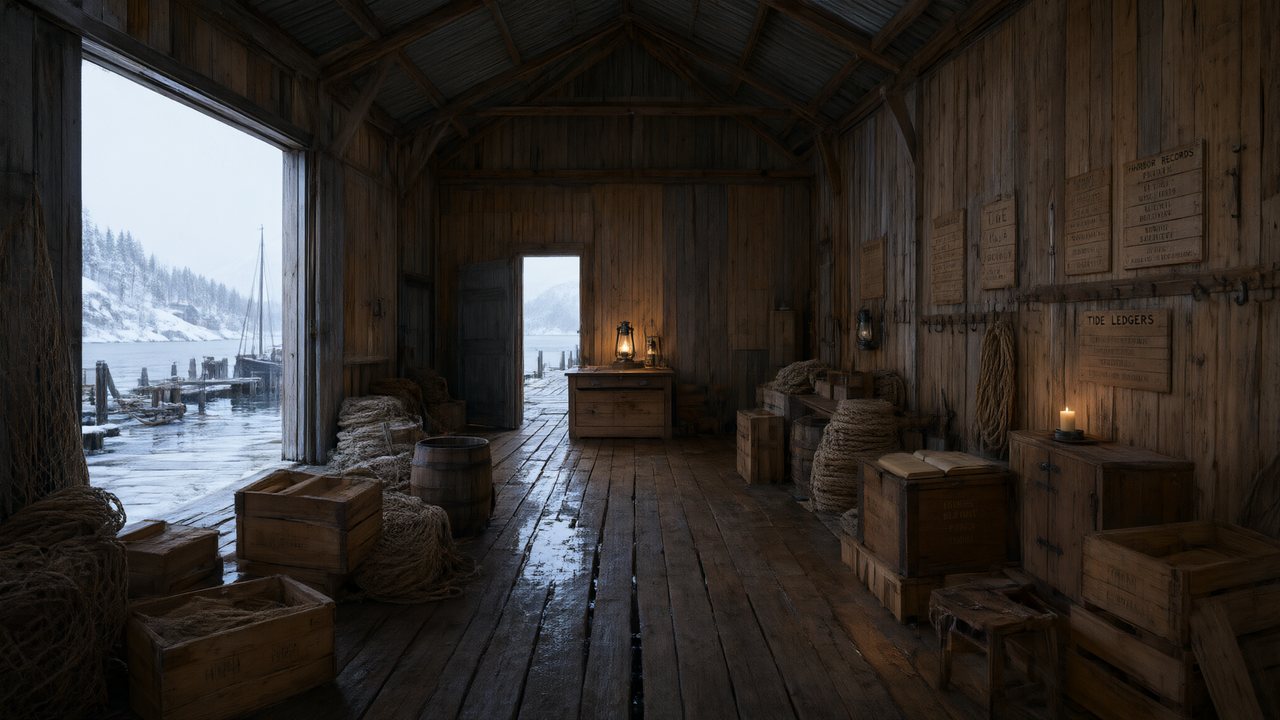 De Vuurtoren van de FjordNederlandsNative dialogue
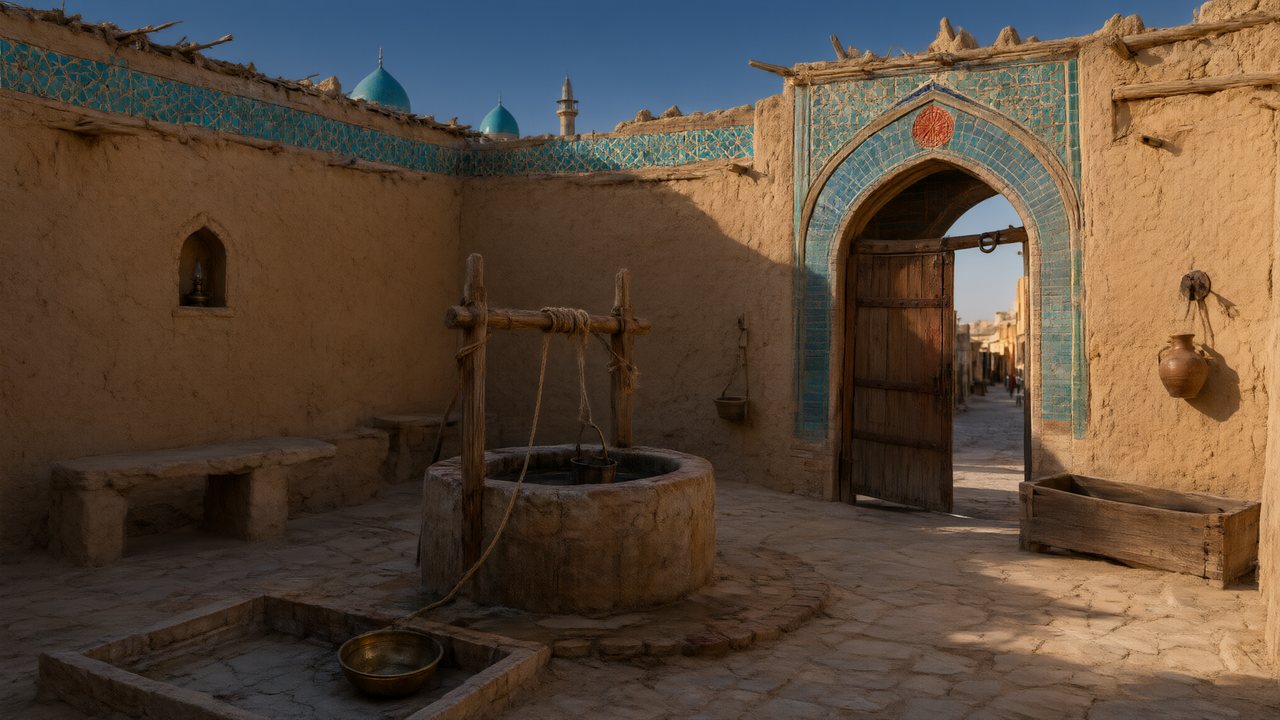 العهد الصحراويالعربيةNative dialogue
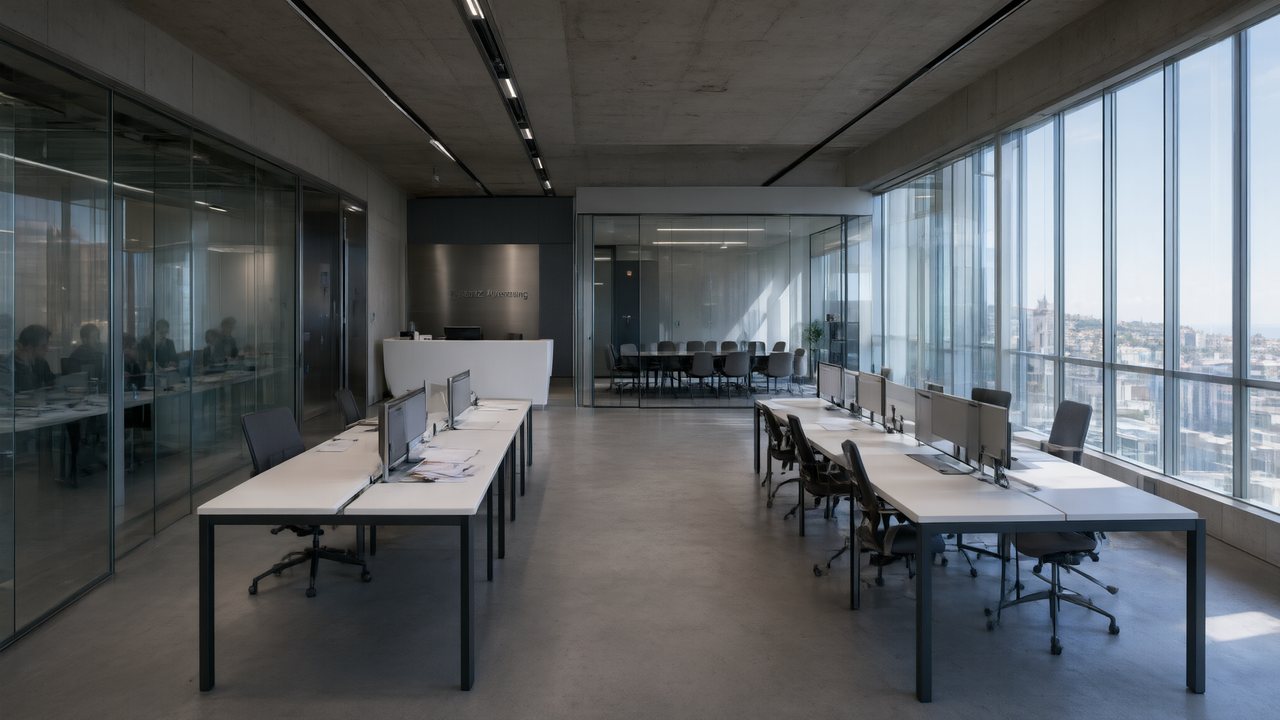 Çantasındaki SözleşmeTürkçeNative dialogue
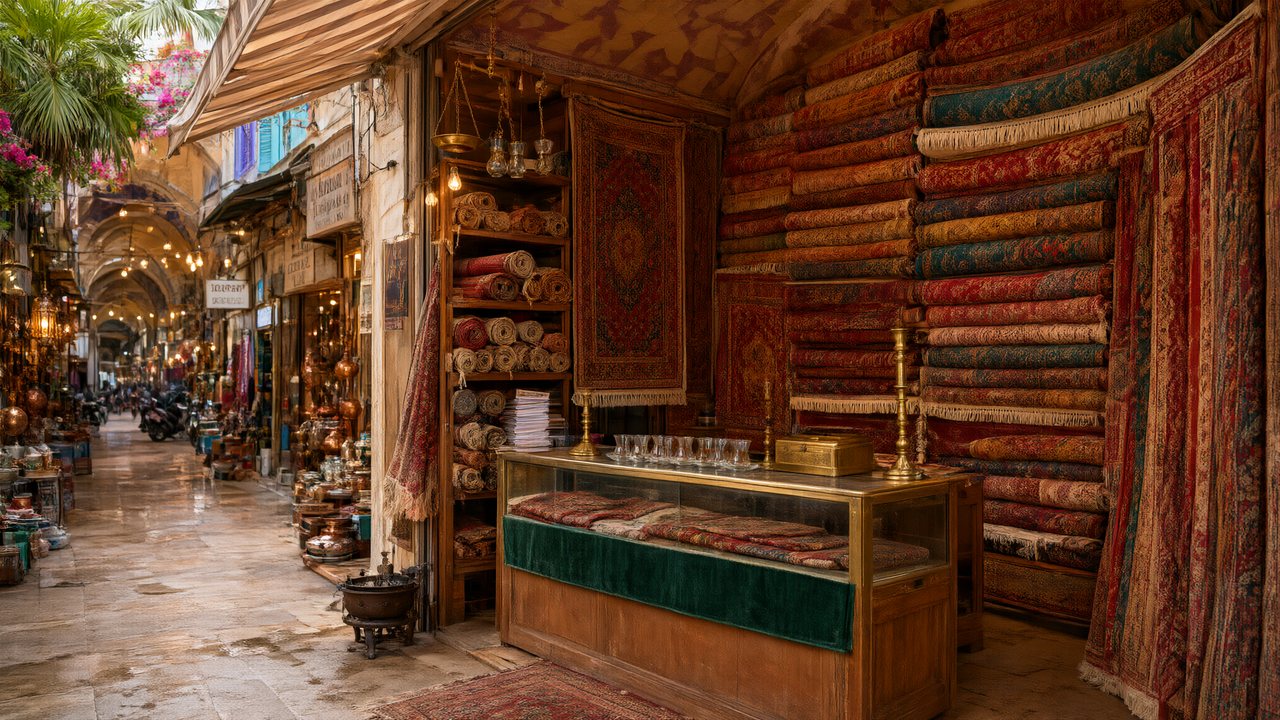 Die Istanbul-TäuschungDeutschNative dialogue
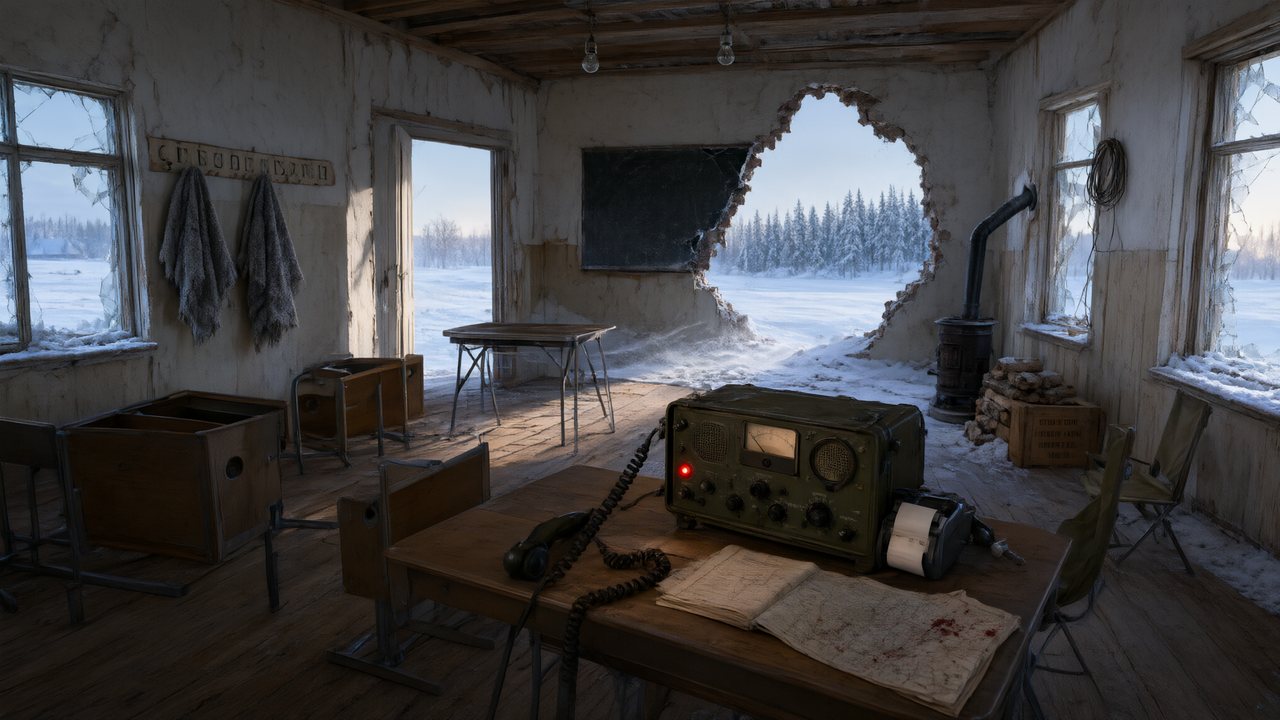 Останній сигналУкраїнськаNative dialogue
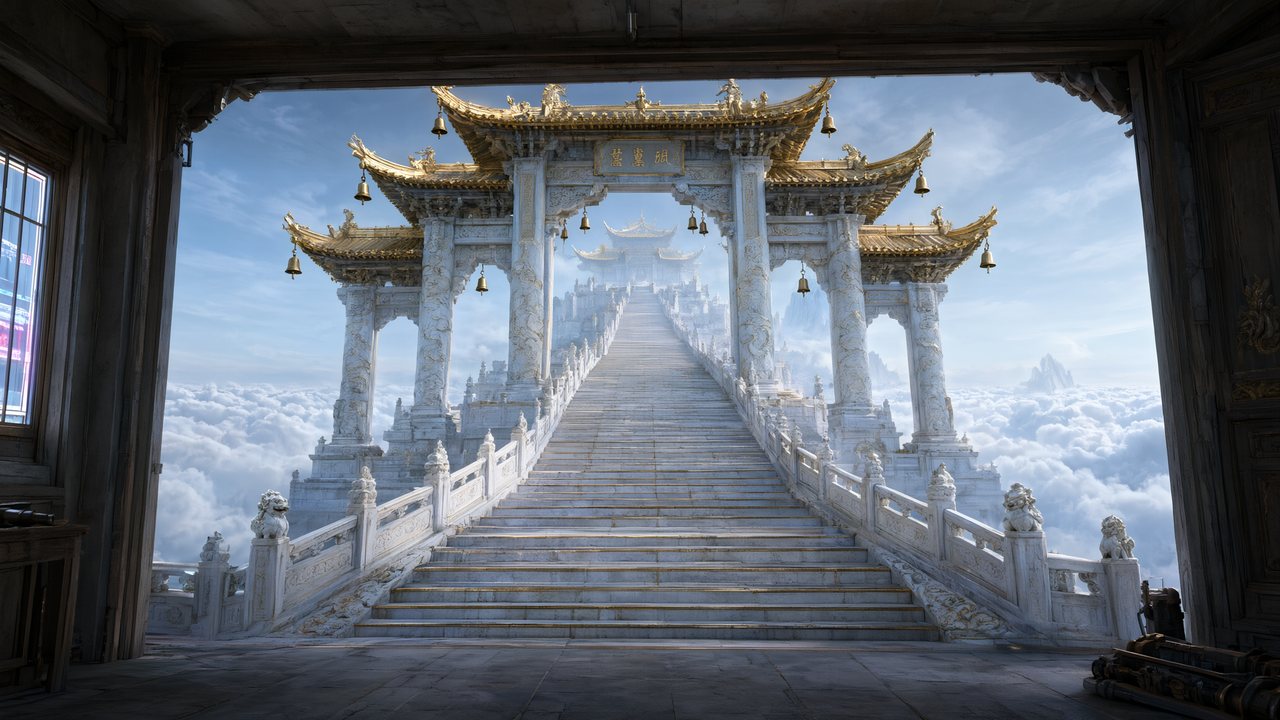 問劍青雲繁體中文Native dialogue
 The Last EnvelopeEnglishIn your language
FAQ
Can SceneMixer turn one photo into a video?
As an ad: up to four photos of one subject plus a line make a 15, 30 or 60 second spot. There is no tool that animates a single still on its own.
Can I use a photo of myself as a character?
Upload a photo on the character's card in Step 2 and choose to optimise it or use it as is. Photos that read as a real person's face may be flagged; the guide explains why.
What file types work?
Your browser reads WebP, HEIC, PNG or JPEG and sends JPEG or PNG. SVG and camera RAW are refused when you pick them.
How many photos can an ad use?
Up to four of the same subject, ten megabytes each and sixteen in total.
Does the photo cost anything?
Reading ad photos is free. Optimising a photo into a reference sheet is priced like an image; using it as is is not an image.
Will the video look exactly like my photo?
A product is redrawn as a clean studio shot and a place is kept as it is. A character sheet made from a photo keeps the face, hair and clothing, redrawn in the project's style.
Do earlier clips change if I replace a photo?
No. Clips you generated earlier are untouched; new videos for that character look at the new image.
Is uploading my own photo free?
Uploading is a membership feature on the current plan settings.
Updated November 3, 2026