How to make an AI brand film
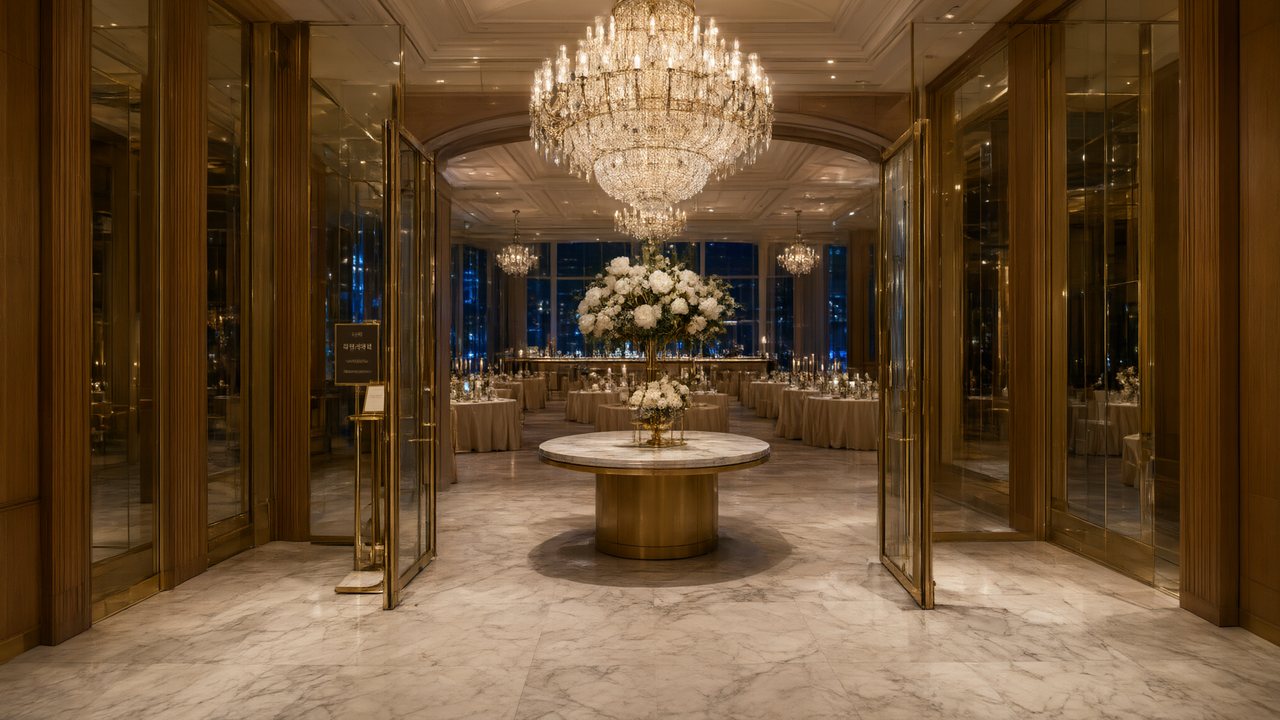
Brief for AI Create: A 90-second brand film for a family bakery: the founder's daughter finds her mother's first recipe card, we see why a loaf is shaped by hand at five in the morning, a customer returns after ten years; warm, unhurried, the shop's name only at the end.
A brand film is not an ad
| Point | Brand film | Ad |
|---|---|---|
| Starts from | A story and a script | Up to four photos of one subject |
| Length | 60 to 180 seconds | A spot, with an end card |
| The name | On a title card you add | On the end card: brand, product name, tagline, call to action |
| Where it lives | A website, a festival, a launch, a pitch | A feed or a shop page |
Make an AI ad from one photo · AI ad video generator · The ad end card.
Five beats for 90 seconds
| Beat | Seconds | What it shows |
|---|---|---|
| The maker | 15 | A person at work before anyone is watching |
| The problem | 20 | What was wrong with how it used to be done |
| The turn | 20 | The decision that made the business |
| The work | 25 | The craft, in close-ups of hands and materials |
| The line | 10 | One spoken sentence, then silence, then the name |
That is 90 seconds, six 15-second segments or three of 30. How to make a short movie with AI.
Turn values into scenes
Never say the value; show the scene that proves it.
| Value | A scene that shows it |
|---|---|
| Care | Someone re-ices a cake at 5 a.m. that no customer would have noticed |
| Patience | Dough left to rise while the founder sits and waits, the clock moving |
| Belonging | A regular's order is ready before they reach the counter |
| Honesty | A tray of imperfect loaves goes on the shelf with a handwritten tag |
Where the name goes
- On a title card in your editor. Finish the film, download it, and add the logo and the name as your own graphics. That is the reliable way for a story film.
- Through the ad route. An ad's end card is the one place the name is delivered as readable text: brand, product name, tagline, call to action, each editable, with the cut rebuilt without reshooting. Make the ad separately from product photos and join the two in your editor.
- Spoken once. You can have a narrator say the name at the end; listen to the take, because a name that is not a common word may be said differently from how you say it.
People, places, product
Use invented characters, not your staff: every real person whose face appears in what you upload has to have consented, and the video provider's face check refuses images that look like a real person (the credits come back, but the segment fails). Describe your place rather than uploading a logo'd photo of it, and show your product through the ad route's photos. Reference image flagged as a real person's face · Using your own photo.
A hero film and a social cut
The aspect ratio is fixed once you continue past step 1, so the 16:9 film for your website and a 9:16 cut for social are two projects from the same script; the cast can come across from the asset library. Vertical or landscape · Reuse a character, scene or voice.
Before it goes out
Free accounts' videos carry the small AI badge, and shared links always do. Where you publish, check the platform's AI rules. The AI badge switch · What YouTube's pages say about AI videos.
Make it in SceneMixer, start to finish
- Script: paste your own on Upload Script, or write the brief above in AI Create and let it draft the episodes.
- Step 1: Type Film; Scene Style Pastoral Healing, American Small Town; Costume Style Soft Everyday, Smart Casual; Visual Style Soft Glow, Shot on Film; Target Region; dialogue language; 16:9 Landscape. Then read the script.
- Step 2: Draw the founder, her daughter and the one customer, and the bakery as a single place; no logo, no sign. The first 15 setup images on an account are free.
- Storyboard: generate episode 1 first (free on your first drama) and read it before you render anything. One place per segment.
- Video: render on the default tier at 10 credits a second, fix single shots instead of whole episodes, then put the episode together and post.
| Route | Input | How the name appears | Suits |
|---|---|---|---|
| Story film | A script | A title card you add in your editor | A website, a launch, a pitch |
| Ad | Up to four photos of one subject | The end card: brand, product, tagline, call to action | A feed, a shop page |
| Both | A script and photos | Join them in your editor | A hero film plus a closing spot |
FAQ
Can AI make a brand film?
Yes, as a short story film with invented characters, and with the name added on a title card or through the ad route's end card.
Can it show our logo?
Not reliably: video models do not draw readable text. Add the logo in your editor, or use the ad route's end card for the name.
How long should a brand film be?
60 to 180 seconds is a common range; 90 seconds is five beats of 10 to 25 seconds.
Can I use our staff or customers as characters?
Use invented characters. Real people's faces need their consent, and the video provider's face check can refuse images that look like a real person.
Can I make a vertical cut for social?
Yes, as a second project from the same script, since the aspect ratio is fixed after step 1.
What is the difference from an AI ad?
An ad starts from photos of one subject and ends on a card with brand, product, tagline and call to action; a brand film starts from a story.
Does it carry an AI label?
Free accounts' videos carry a small badge; on a paid membership it is off by default, and shared links always carry it.
What does it cost?
Video is 10 credits a second on the default tier plus 1 credit a second to join, so 90 seconds is 90 seconds of each, before retakes.
Updated November 2, 2026