Seedance 2.5 Flash for YouTube: landscape episodes
Set the frame in step 1
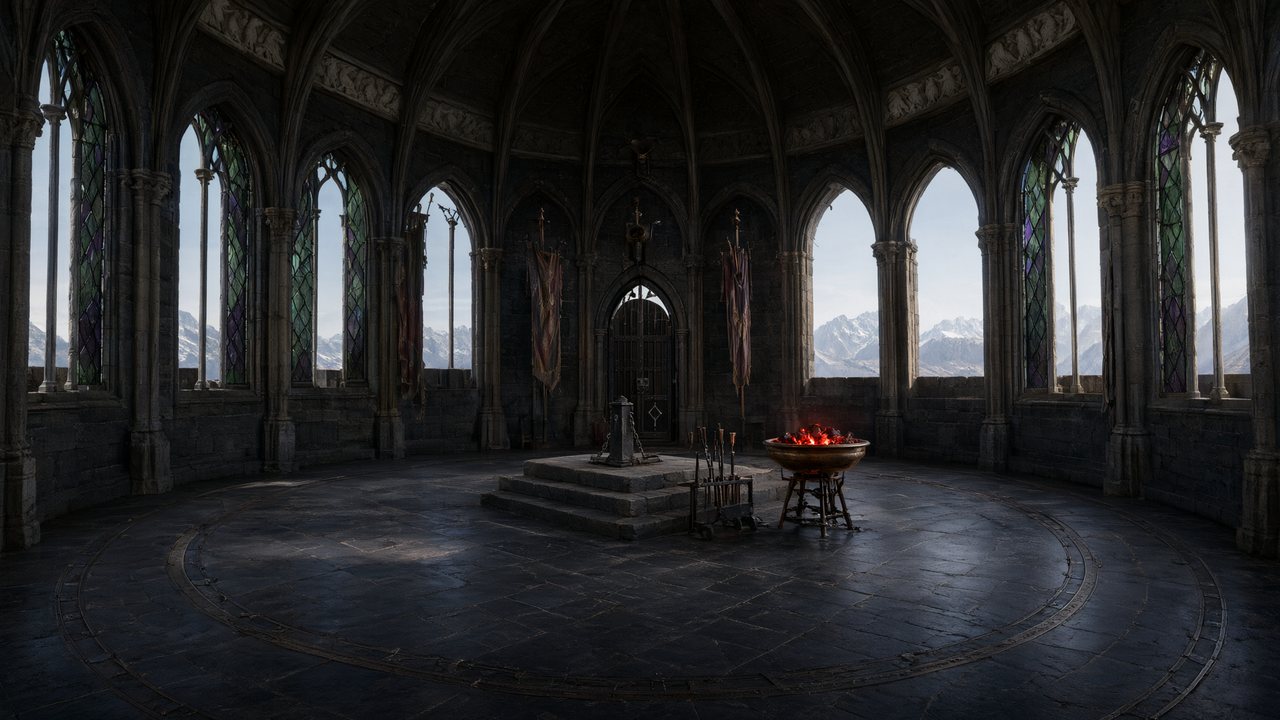
The aspect ratio is a project setting: the sheets, the locations and every shot are composed for it. For YouTube’s main player pick 16:9 (new projects on a computer start there). For Shorts, see Seedance 2.5 Flash for TikTok, Reels and Shorts.
From takes to an episode
Each segment is one Flash generation. Render them on Seedance 2.5 Flash (or draft on Seedance 2.5 Flash · 480P), then Composite joins the segments you choose into one episode file. Composite and share an episode
Resolution for YouTube
Flash tops out at 720P. YouTube plays 720p well on phones and laptops; for a scene that will be watched full screen on a television, use Enhance to raise that segment one step to 1080P without changing the take. Enhance a clip
Labels and uploading
Free accounts carry a small AI label on the video; paid plans render without it by default. Download the composite and upload it in YouTube Studio as usual. YouTube’s own rules on AI content and monetisation are covered here: Are AI movies allowed on YouTube?
FAQ
Can I make YouTube videos with Seedance 2.5 Flash?
Yes. In SceneMixer, render the episode on Flash in a 16:9 project and composite it.
Is 720p good enough for YouTube?
For phones and laptops, yes; enhance key scenes to 1080P for big screens.
How long can a YouTube episode be?
Up to the segment limit per episode shown on this page, each up to 30 seconds.
Can I switch a landscape project to vertical later?
No. The frame is set in step 1; start a new project for Shorts.
Is there a watermark?
Free accounts carry a small AI label; paid plans render without it by default.
Can I put the series on YouTube and TikTok?
Yes, as two projects: 16:9 for YouTube, 9:16 for TikTok.
Updated November 16, 2026