Free AI Video Generator

What is free
| What | How much | The catch |
|---|---|---|
| Signup credits | 50 credits | Spent on anything that is charged: reading a script, an image, video. |
| Setup images | 15 images, one pool for the whole account | Characters, locations and props. Only on a project whose script has been read and paid for, and not on ads or remakes. Whatever you do not use is still there for the next drama. |
| Storyboard | Episode 1 of your first drama | Decided the moment that project is created. Regenerating it, and every later episode, is charged. |
| Promo cover | One batch of three poster candidates | Your first drama only, on the same conditions as the setup images. |
| Preview clip | One clip of up to 5 seconds | One per account, at the lowest tier, made from your own cast and script. |
| Reading an ad photo | Up to four photos, read once | The read is free and tells you what it thinks the product is. The ad itself is charged. |
| Editing | Storyboard text, switching between takes, choosing which setup image a segment uses | Always free. Only generating video is charged. |
The full list, with the conditions in words, is in What you get for free; the setup images are explained in free sheets are per account.
What is not free
- Video. It is charged from the first second, once per attempt. There is no free video allowance and no “try again free”: each generation is a separate paid call to a model service.
- Reading a script. 4 credits per 1,000 characters, on every project. Writing a script with AI is charged too; each length option shows its own price before you press the button.
- Joining an episode. 1 credit a second, priced by total length and shown before you confirm.
- Regenerating a storyboard. Charged, and it also discards the finished video in that episode.
A first session that costs almost nothing
- Write a small brief. On the AI Create tab the shortest length is Mini, about a thousand characters: one scene, a test. Or paste a page of your own script. Either way, reading a page is a few credits.
- Read the cast. Step 2 shows the characters, locations and props the read found, with the first 15 images free.
- Open episode 1’s storyboard. Free on your first drama. Read every shot; change anything by editing the text, which costs nothing.
- Use the free preview. One shot of your own episode, about 5 seconds, at the lowest tier. How the preview works.
- Decide. If the shot is what you imagined, go on a segment at a time. If it is not, you found out for the price of reading a page.
If you go on: the cheap way to spend
Most credits in a drama go on video, and most wasted credits go on regenerating video that the text could have fixed. So: fix the storyboard text first; draft on a low tier and finish on a higher one; generate one segment before the whole episode. Spend fewer credits on an AI drama.
For scale: a 60-second episode on the default tier is about 660 credits including the join, about $4.11 at the lowest credit price, before retakes. Where credits go in one episode · AI video cost calculator.
Why there is no unlimited free video
Every clip is rendered by a model service that charges SceneMixer for each call, whether or not you like the result. A service that gave unlimited free video would be paying for it from somewhere, and the usual somewhere is the quality of the result or the life of the product. So the free part here is the part that costs little to give (reading, images, text editing, one storyboard, one short preview), and video is priced per second with the price on the button. Why unlimited AI video plans disappeared.
Free accounts and the badge
Videos made on a free account carry a small AI badge in the bottom-right corner. Turning it off is a membership benefit, and a link you share always carries the badge. AI video without a watermark has the table of who gets a clean file.
Languages
Native dialogue in 15 languages
Every series below was produced by the same pipeline with the cast speaking that language natively: the interface, the working documents and the spoken lines are all in one language, and nothing is dubbed. Open one to hear it.
 A Carta de LisboaPortuguêsNative dialogue
 윈터 프라미스한국어Native dialogue
 El Secreto de CostaEspañolNative dialogue
 浪人の誓い日本語Native dialogue
 Ikrar JakartaBahasa IndonesiaNative dialogue
 Зимняя коронаРусскийNative dialogue
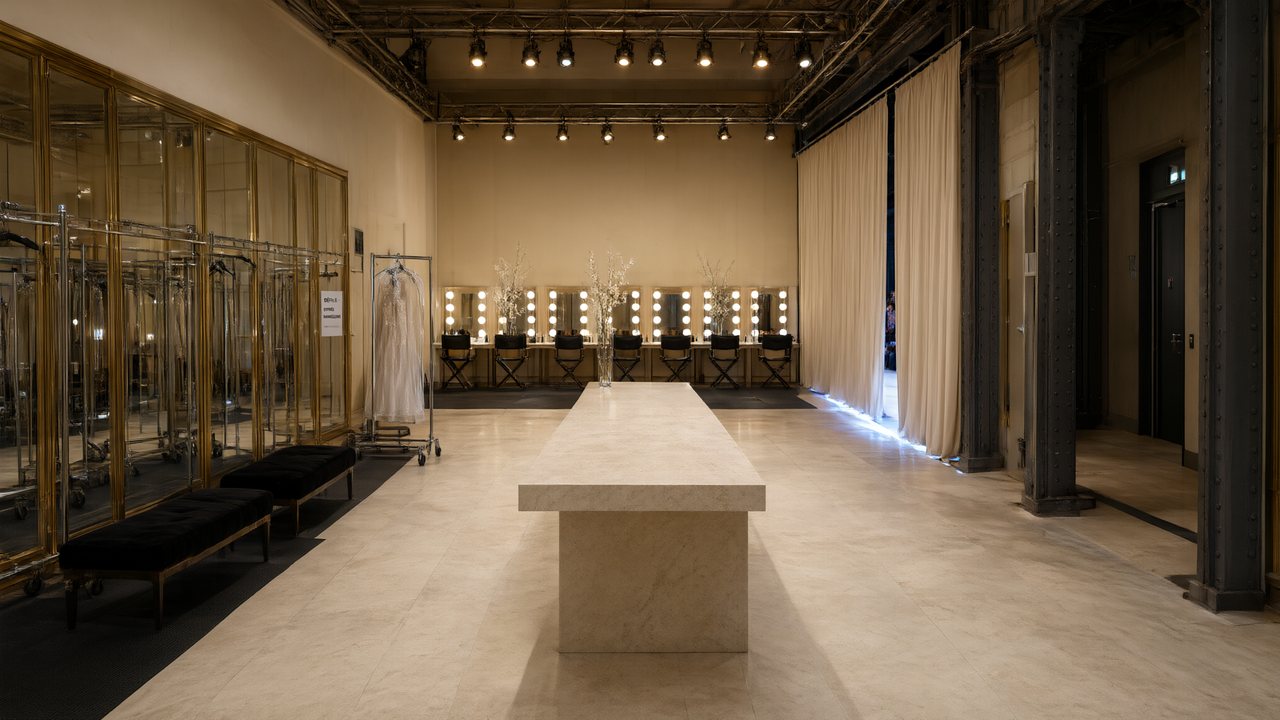 L’Héritier du DéfiléFrançaisNative dialogue
 Il Tavolo dell'OlivaItalianoNative dialogue
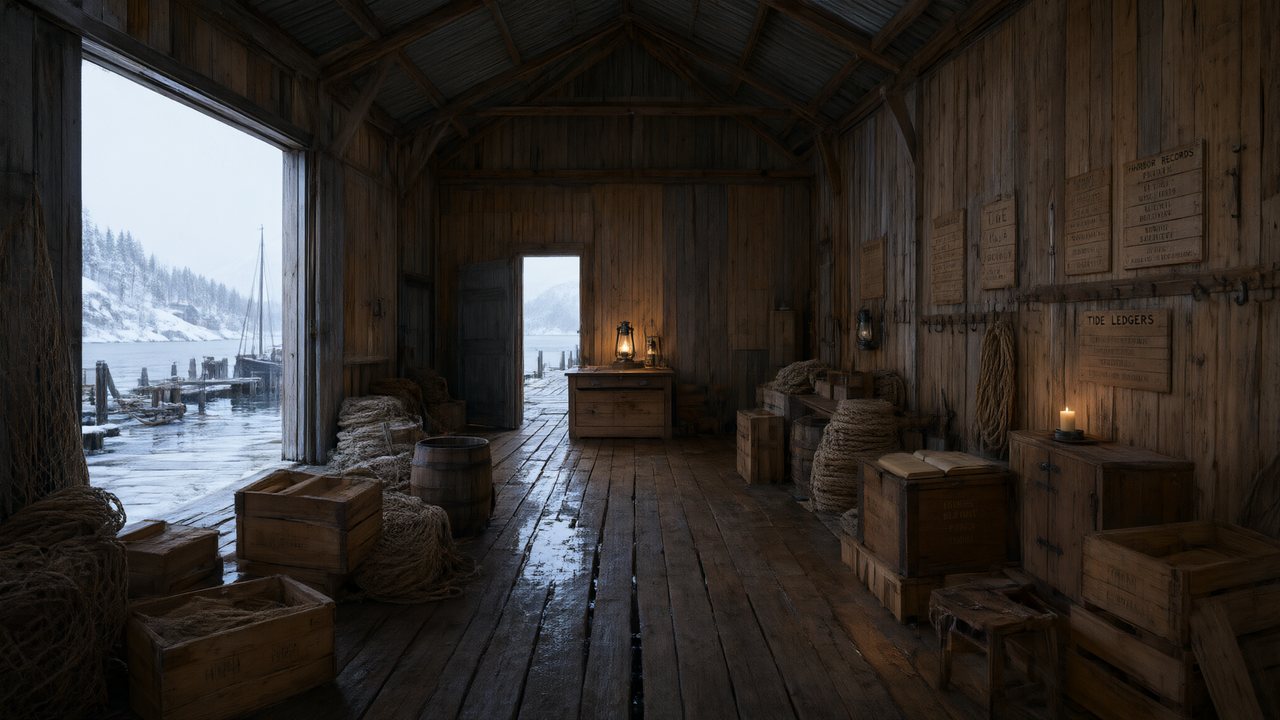 De Vuurtoren van de FjordNederlandsNative dialogue
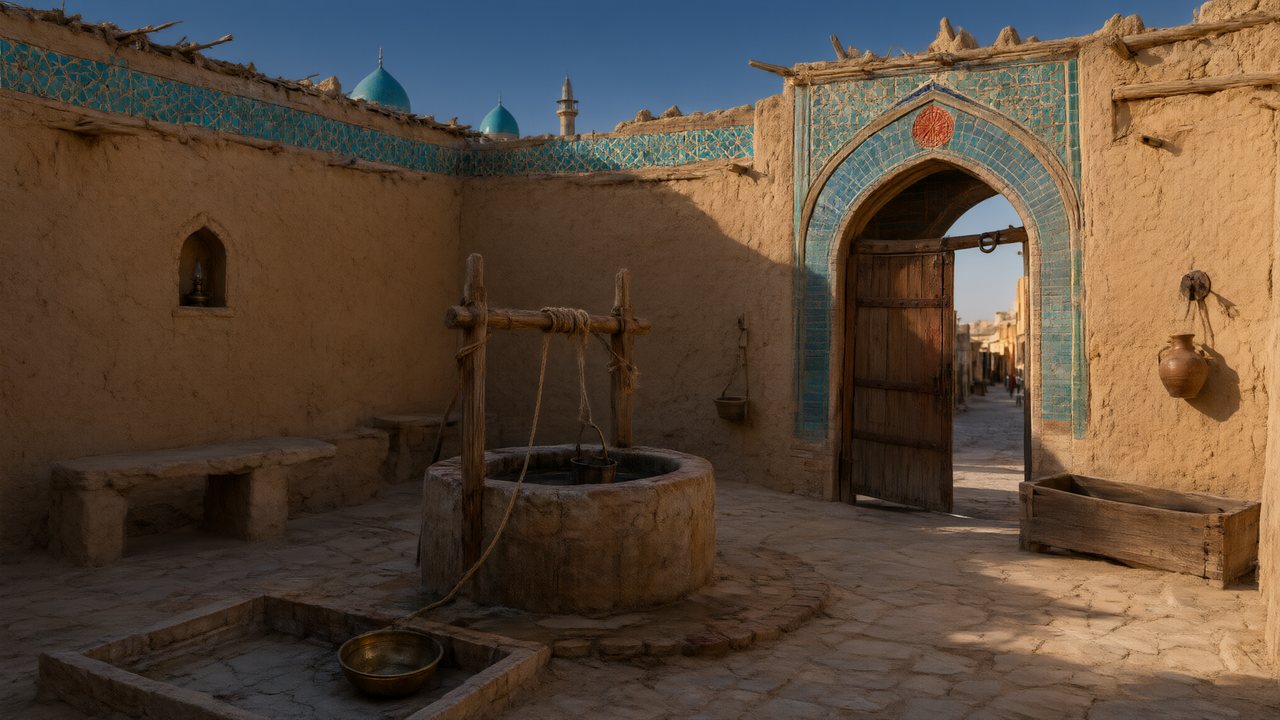 العهد الصحراويالعربيةNative dialogue
 Çantasındaki SözleşmeTürkçeNative dialogue
 Die Istanbul-TäuschungDeutschNative dialogue
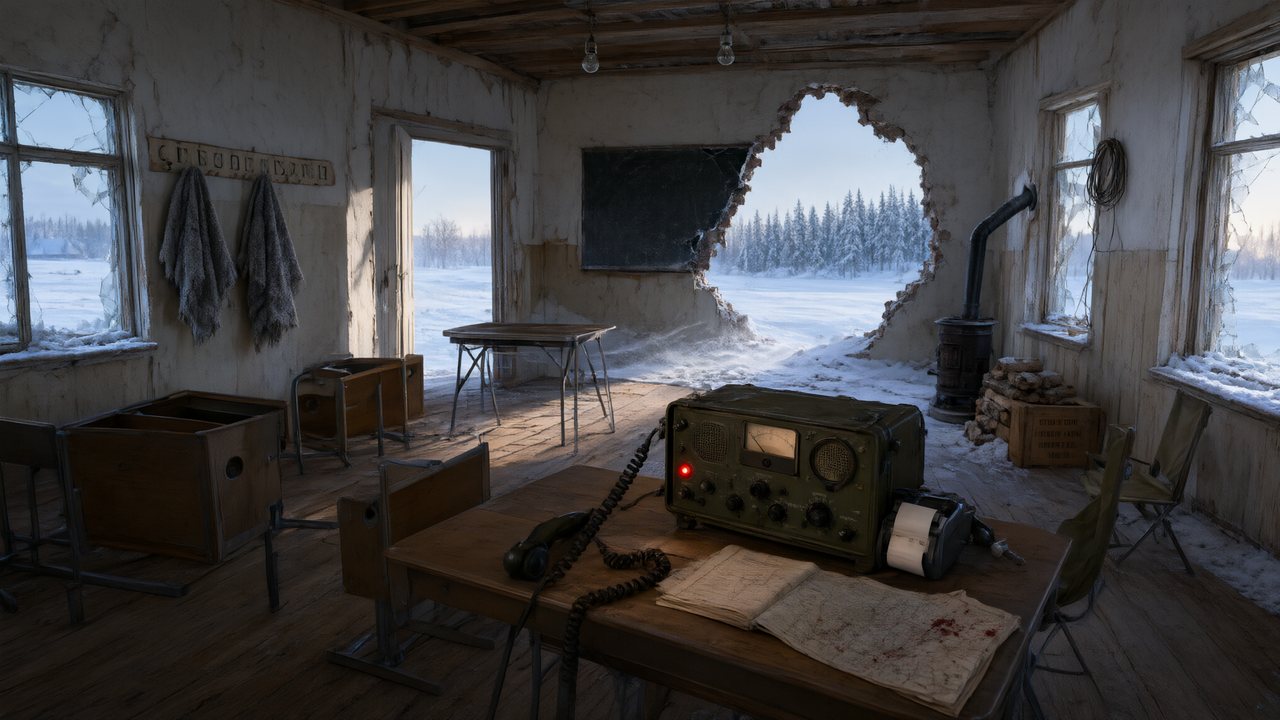 Останній сигналУкраїнськаNative dialogue
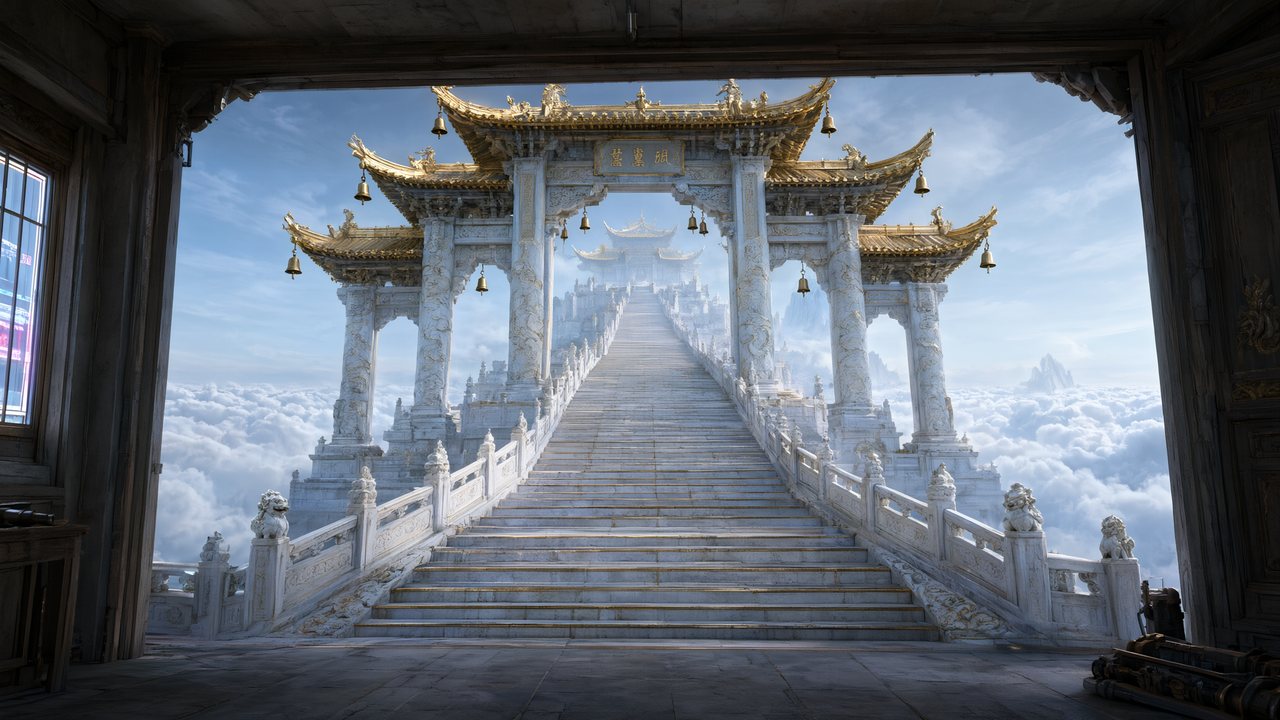 問劍青雲繁體中文Native dialogue
 The Last EnvelopeEnglishIn your language
FAQ
Is there really a free AI video generator here?
It is free to start: signup credits, free setup images, the first episode's storyboard and one short preview. Video is charged from the first second, so finishing an episode is paid.
Can I make a whole video for free?
No. Apart from one preview clip of a few seconds, video has no free allowance. The signup credits can be spent on video like any other credits.
How long is the free preview?
Up to 5 seconds, one per account, at the lowest tier, made from your own cast and script. It is a taste of one shot, not a cut of your project.
Do free videos have a watermark?
They carry a small AI badge in the bottom-right corner. Turning it off is a membership benefit.
Can I try my own script before paying?
Yes. Reading a script is charged at a few credits per page, the first drama's episode-1 storyboard is free, and the free preview renders one shot of it.
What happens to my free setup images if I do not use them?
They belong to the account, not to one project, so whatever you do not use on your first drama is still there for the next one.
What does it cost after the free part?
On the default tier video is 10 credits a second and joining is 1 credit a second; the price is shown on the button before you press it.
Is there another way to earn credits?
Sharing your first finished video can earn credits; the guide has the current terms.
See your script as a storyboard before you spend a credit
Sign up, paste a page, read the cast and the first storyboard.
Updated November 3, 2026