AI Video Generator

What goes in
There are four ways in, one per tab on the home page. They differ in what you hand over and in what the first step costs; after that they share one path.
| Material | How it goes in | Limits | First step |
|---|---|---|---|
| A script or story | Upload Script tab: paste it, or upload TXT, DOCX or Markdown | At least about a paragraph (roughly 330 characters of English). A hard ceiling that refuses rather than silently cutting. Links and PDFs are not accepted: paste the text | The read: 4 credits per 1,000 characters, where 3,333 characters of English count as 1,000 |
| One line of idea | AI Create tab; Inspire Me fills the box with an example to edit | Five lengths from Mini (about 1,000 characters) to Long (20,000 characters) | Writing, priced by the length you pick and shown on the button; then the read |
| Photos | Ad Video tab: one to four photos of the same subject, plus an optional line | 10 MB each and 16 MB in all; your browser converts them to JPEG or PNG | Reading the photos is free; the ad then has one price shown up front |
| A clip | Remake a video tab: MP4 or MOV | 300 MB, and up to 5 minutes. You confirm you hold the rights the first time you upload | The read, priced by the clip’s minutes |
The clip is read, not reshot: the video model never receives your upload. It is cut into shots and described, and a new video is generated from that description with your cast. What you can feed in has every format and limit; Four ways to start a project helps you pick a tab.
What happens in between
Whichever tab you used, the project goes through the same five stages. Each one produces something you can read before the next one is paid for.
- The read. The text is read for characters, scenes and props, split into episodes, and given a visual style. It takes minutes and you can leave the page. What comes back is a summary (title, protagonist, era, how the story was adapted), an episode list, and a description for every character, location and prop.
- The cast. Each description becomes a picture: characters at 9:16, locations and props at 16:9. The first 15 images on an account are free. These pictures are the reference every later shot is made from.
- The storyboard. Each episode becomes segments, and each segment becomes three to five numbered shots with their seconds, the people and props named, and the lines with a voice. It takes a few minutes. Editing it costs nothing.
- The segments. A segment is one generation. You press the button with the price on it, the credits are held, and the clip arrives in typically ten to twenty minutes.
- The join. The segments are put together into one file per episode, at 1 credit a second.
The order puts the cheap, readable stages first on purpose: a wrong name or a missing second is a free edit in stage 3 and a paid regeneration in stage 4. What is inside a project shows how the pieces nest.
What comes out
| Property | What you get |
|---|---|
| Shape | 9:16 portrait or 16:9 landscape, chosen once in step 1 (a new project starts at 16:9). It cannot be changed after you continue |
| Segment length | Up to 15 seconds on every tier, up to 30 seconds on the long-take tiers. A ceiling, not a target: the story decides where a segment ends |
| Resolution | Set by the tier: from 480P to 1080P, and a 2K tier on some models. The default is a cheap tier on purpose |
| Sound | Dialogue is spoken inside the video, one voice per character, in any of 15 languages; each new episode is scored |
| Files | The site plays a lighter copy; Download gives the full-quality file. Each episode is its own file |
| Mark | A small AI badge in the bottom-right corner and an AI-generated tag in the file’s metadata. Members can turn them off for their own downloads; a shared link always carries the badge |
The badge rules are in AI video without a watermark. For the numbers behind each row, see What comes out.
A real minute, costed
Take a one-minute episode on the default tier. Video is 60 seconds at 10 credits a second, and joining is 60 seconds at 1 credit a second. Together that is 660 credits, about $4.11 at the lowest credit price, before the read, and before any retake. The read of a short script is a few credits more, and the storyboard of your first episode is free.
The bigger a project, the more of the bill is video. The setup, the storyboard and all the editing together are a small share of a series; the lever that moves the total is how many seconds you render and at which tier. The AI video cost calculator itemises an eight-episode series.
For a sense of scale, the sample projects on this site are single episodes made by this same path, and they run from about a minute and three quarters to three and a half minutes, with casts of four to eleven characters. The Last Envelope has six characters and two sets and runs 140 seconds in 16:9; The Violin on Mercer St is the vertical one, at 148 seconds in 9:16.
Where the time goes
Almost all of it is the model. The stages above take minutes, not seconds, and the video stage is the longest. A reading usually takes a few minutes; a setup image about a minute and a half; a segment typically ten to twenty minutes. An internal measurement in August 2026 averaged around nine and a half minutes for a segment, so treat the card’s own estimate as the live number.
How many generations run at once is a property of your plan: 3 on a free account, 5 on the first paid plan, more above that. Start more and the extra ones wait, credits held, and start by themselves. You can close the tab; the work continues on the server. Why a generation takes time.
What it will not take in or give back
- A link instead of text. Pages are not fetched. Paste the text.
- A PDF. Refused when you pick it. Export to text or Word first.
- One button that animates a single still. Photos become an ad, or the face, room or object that a drama’s shots follow. Image to video AI has the two routes.
- Readable words drawn into the picture. Video models do not render text reliably, so what must be read goes on an end card or is spoken.
- A recognisable public figure or a franchise character. The check refuses it at generation.
- Free video without limit. Video is charged from the first second; the free part is the read, the first images, one storyboard and one short preview. What is free.
What decides how it looks
Four things, none of them a magic word. The tier sets resolution and the longest segment. The visual style you pick in step 1 sets the look, and it cannot be changed once you continue. The setup images set who everyone is. And the storyboard text sets what happens, which is why most odd shots are fixed by editing a sentence, not by paying for a higher tier. No magic words and Describe the cause, not the result cover the writing.
Start on the cheap tier. Both takes stay in the segment’s history, so shooting the keepers again on a higher tier costs one more generation and nothing else. Draft at the lowest tier, finish at the highest.
Languages
Native dialogue in 15 languages
Every series below was produced by the same pipeline with the cast speaking that language natively: the interface, the working documents and the spoken lines are all in one language, and nothing is dubbed. Open one to hear it.
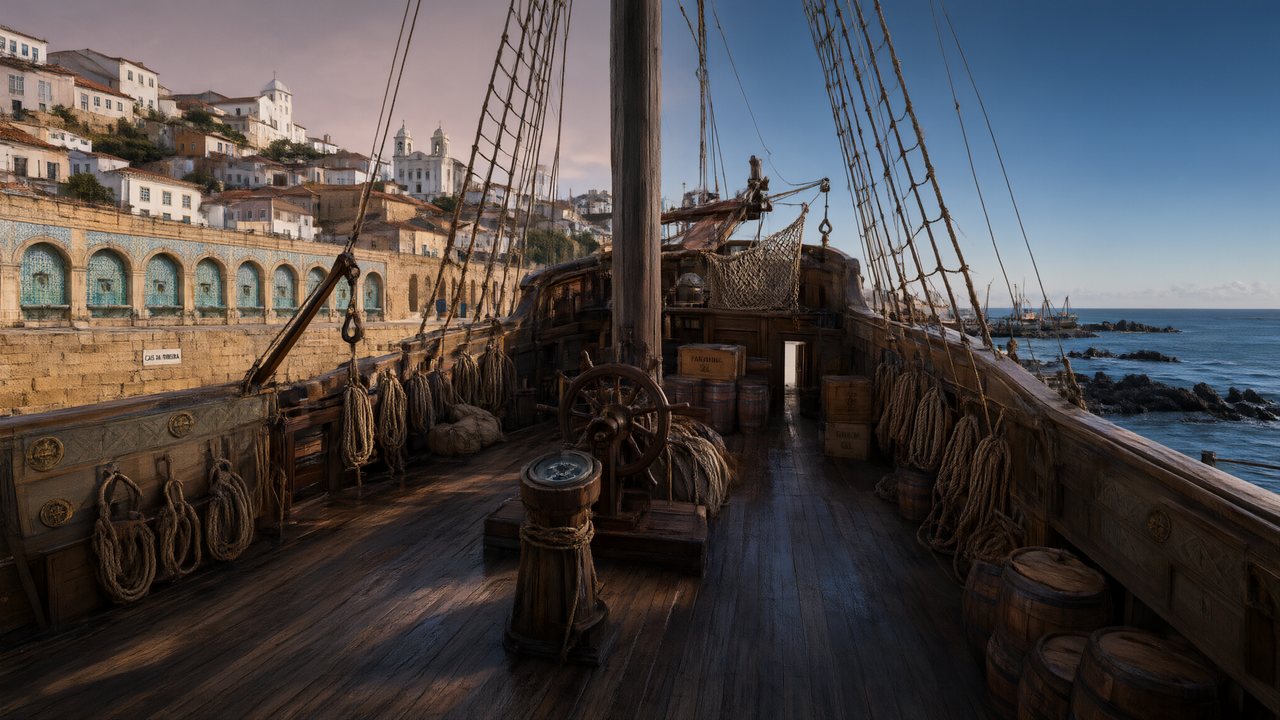 A Carta de LisboaPortuguêsNative dialogue
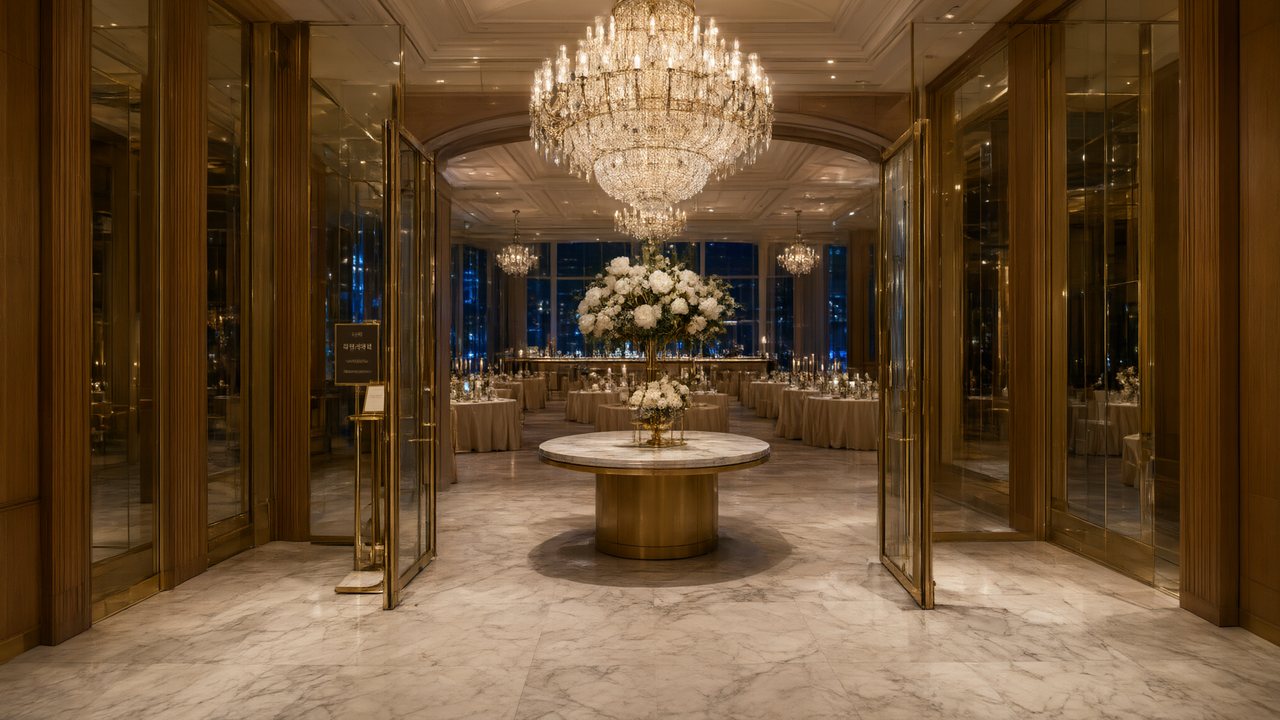 윈터 프라미스한국어Native dialogue
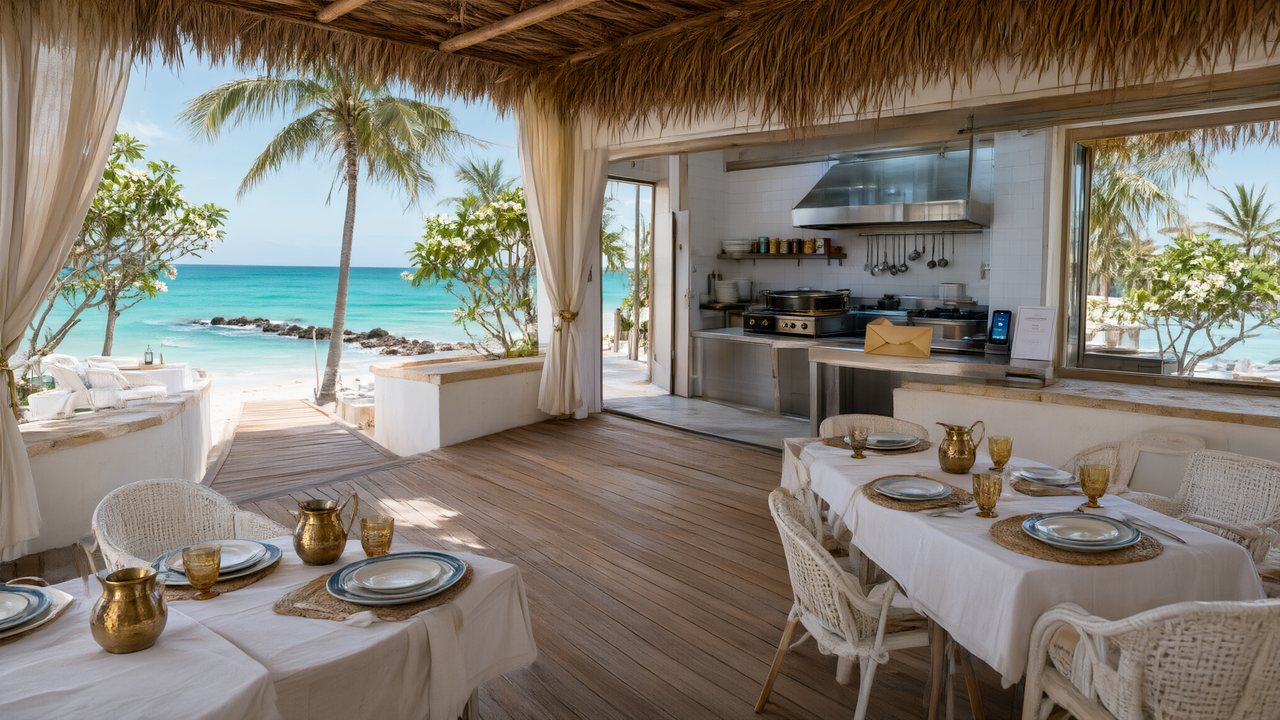 El Secreto de CostaEspañolNative dialogue
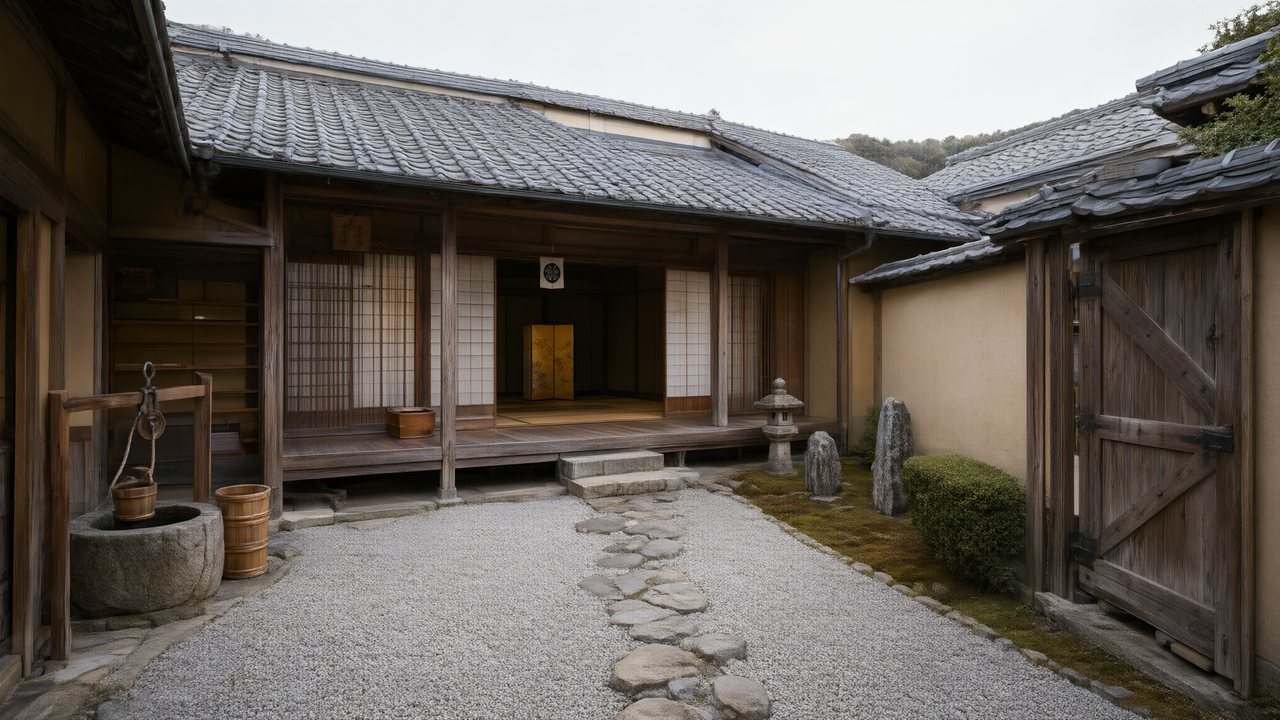 浪人の誓い日本語Native dialogue
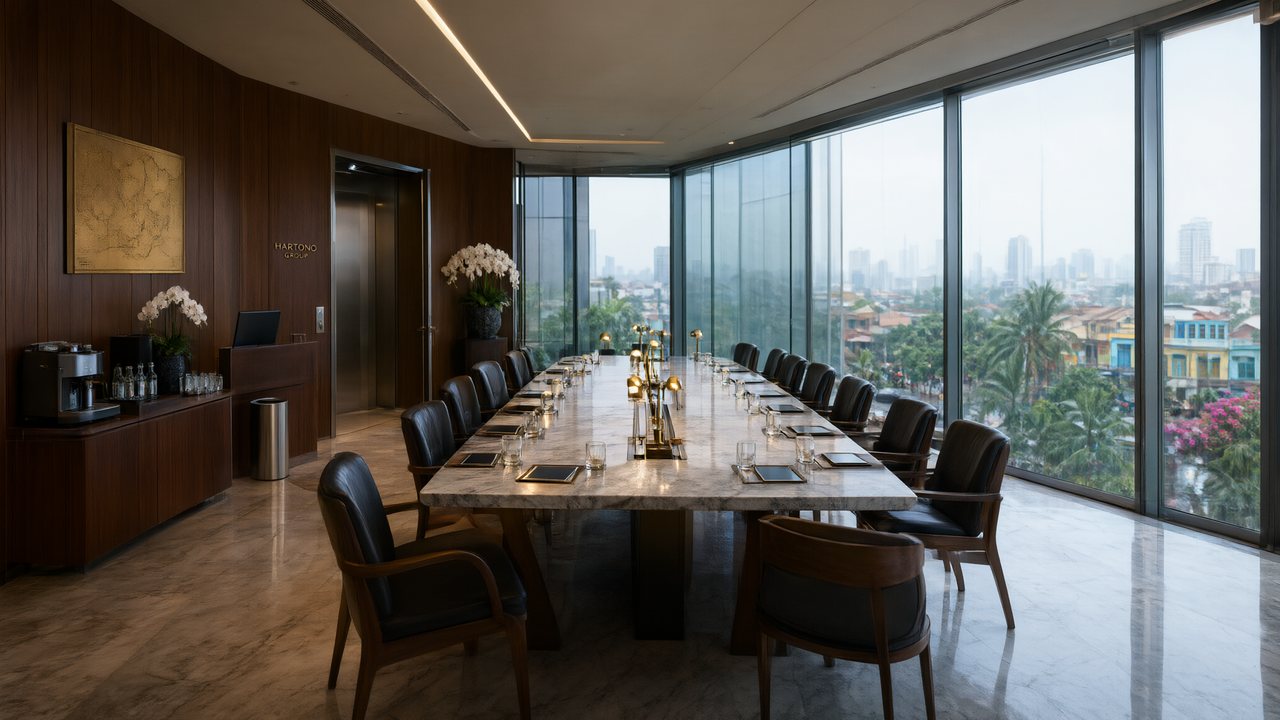 Ikrar JakartaBahasa IndonesiaNative dialogue
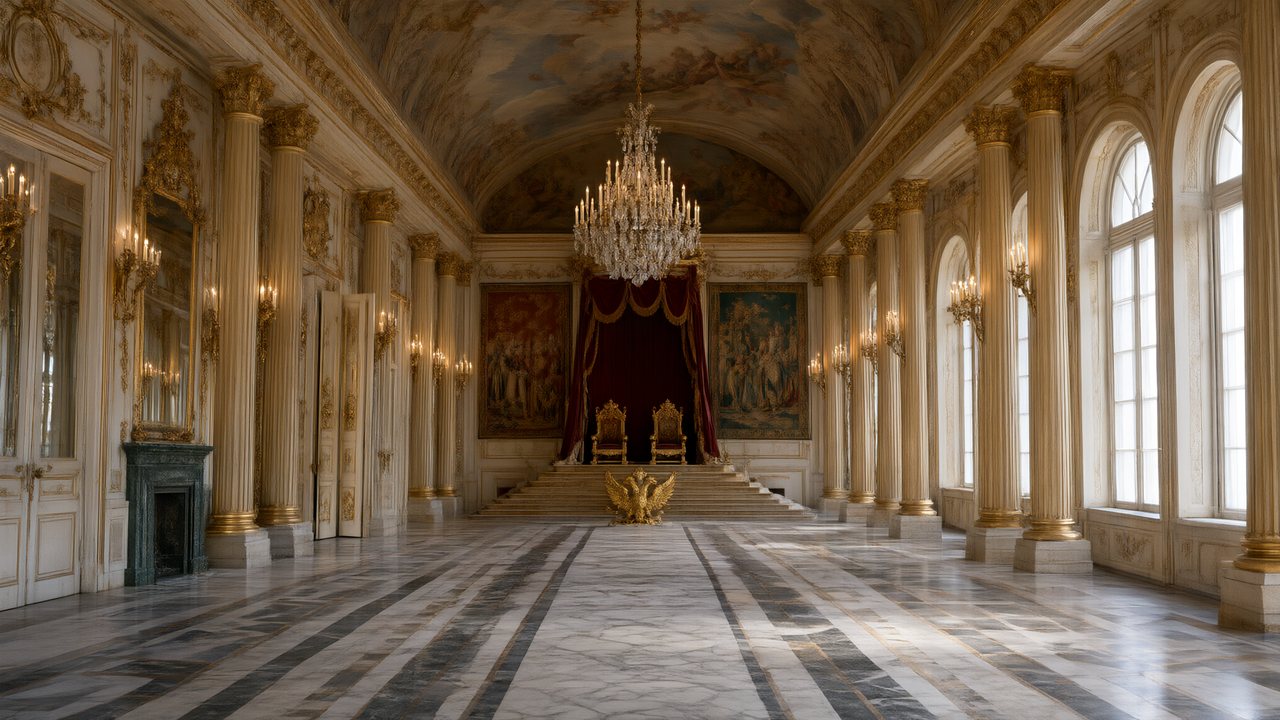 Зимняя коронаРусскийNative dialogue
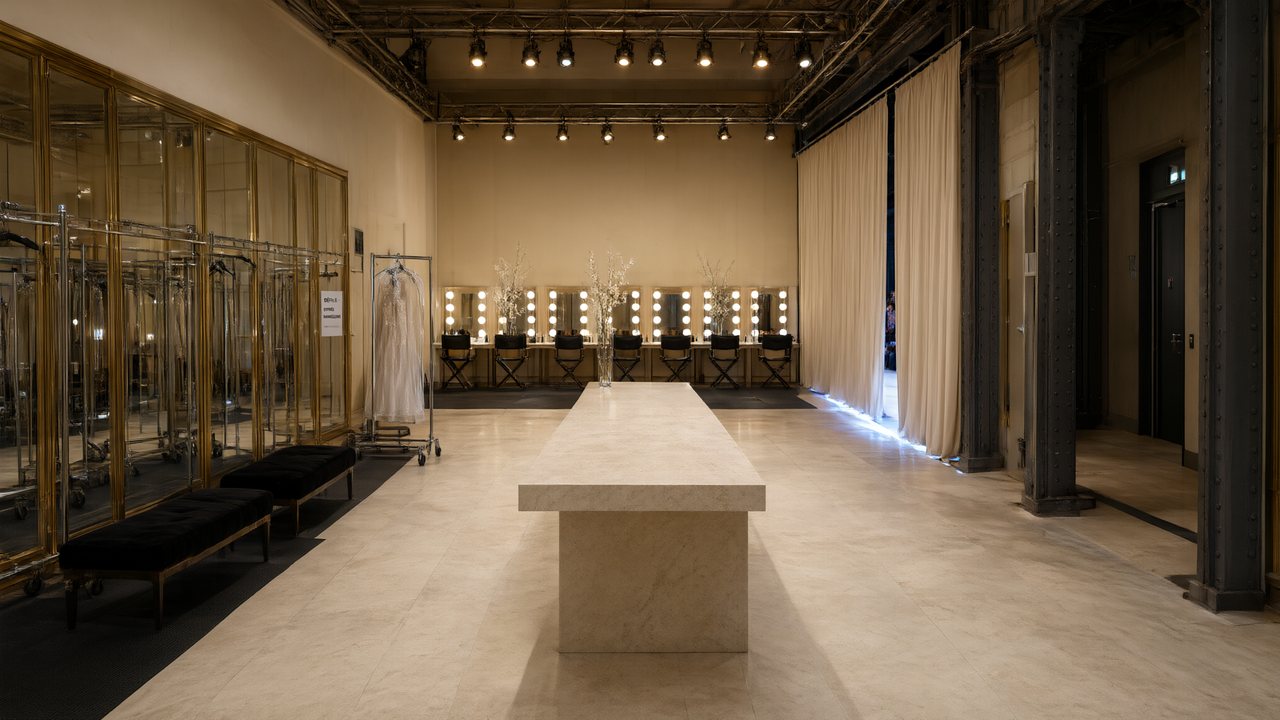 L’Héritier du DéfiléFrançaisNative dialogue
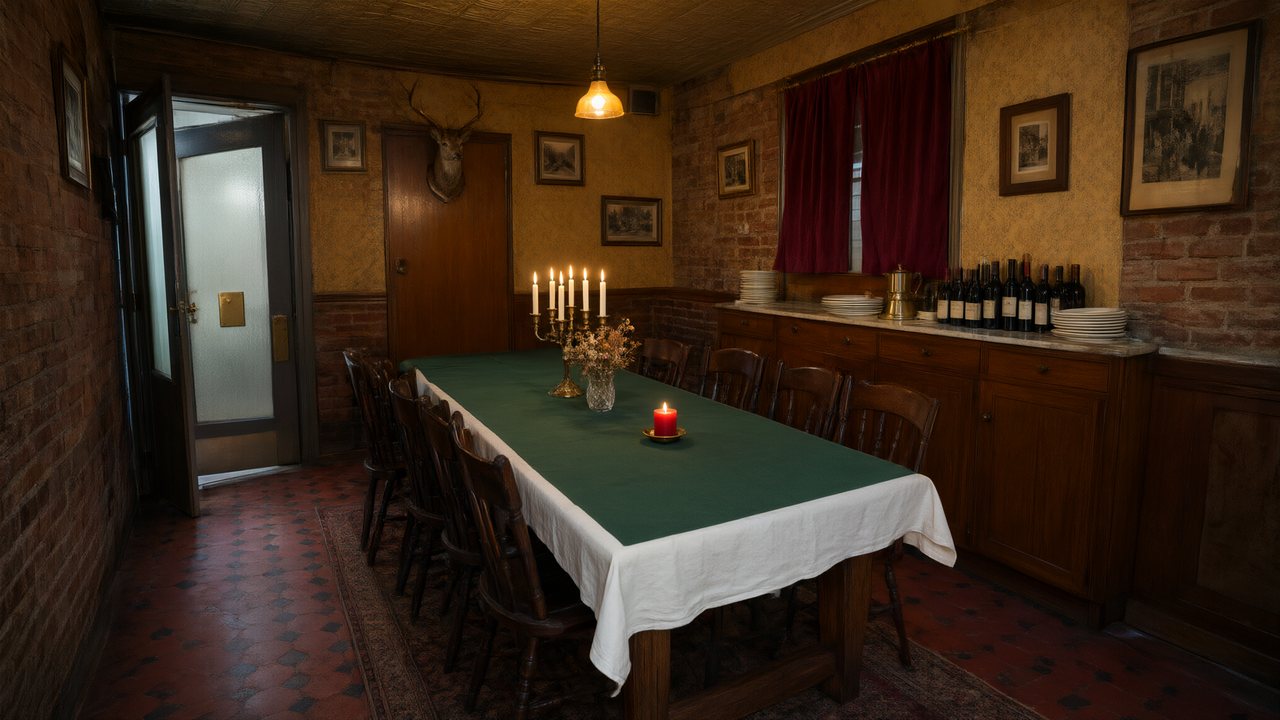 Il Tavolo dell'OlivaItalianoNative dialogue
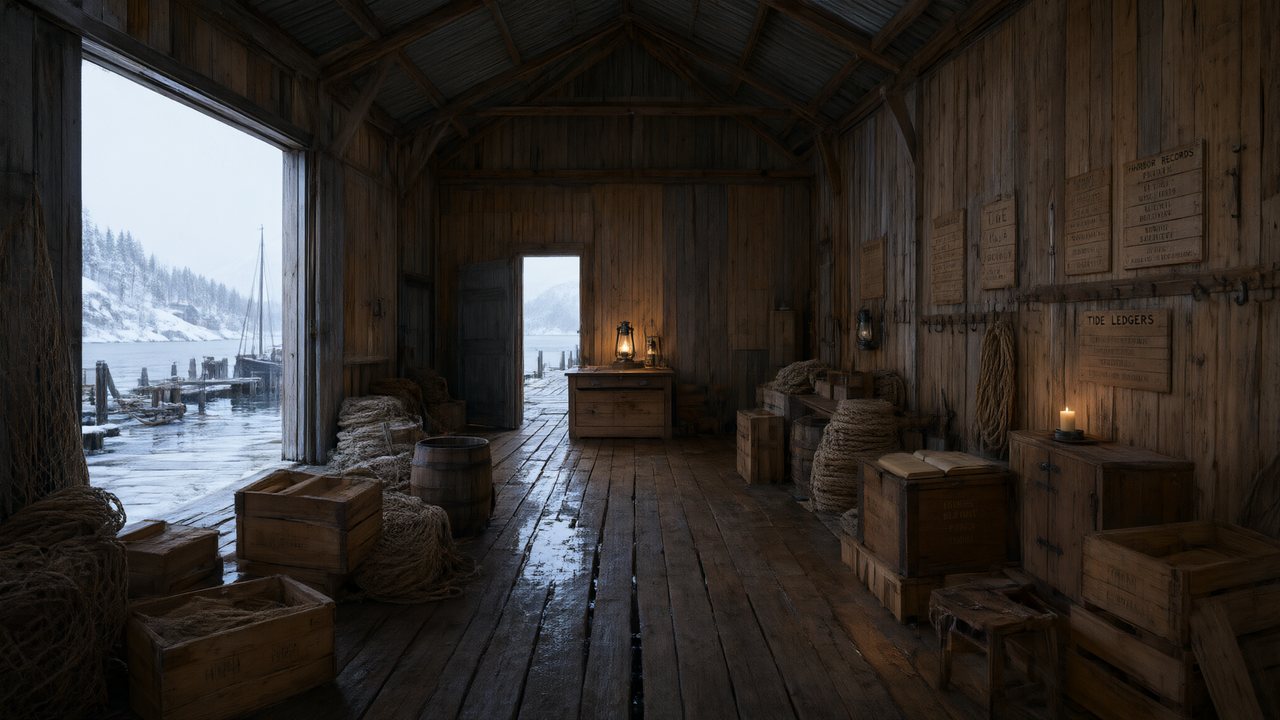 De Vuurtoren van de FjordNederlandsNative dialogue
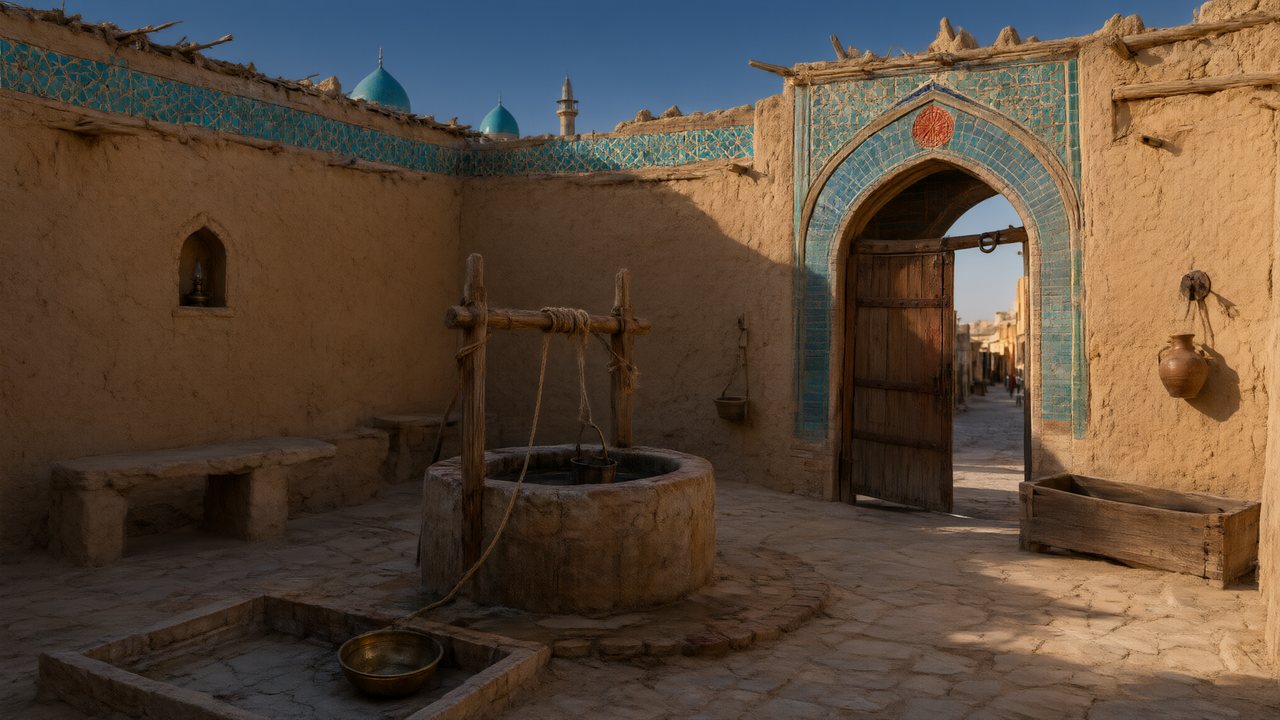 العهد الصحراويالعربيةNative dialogue
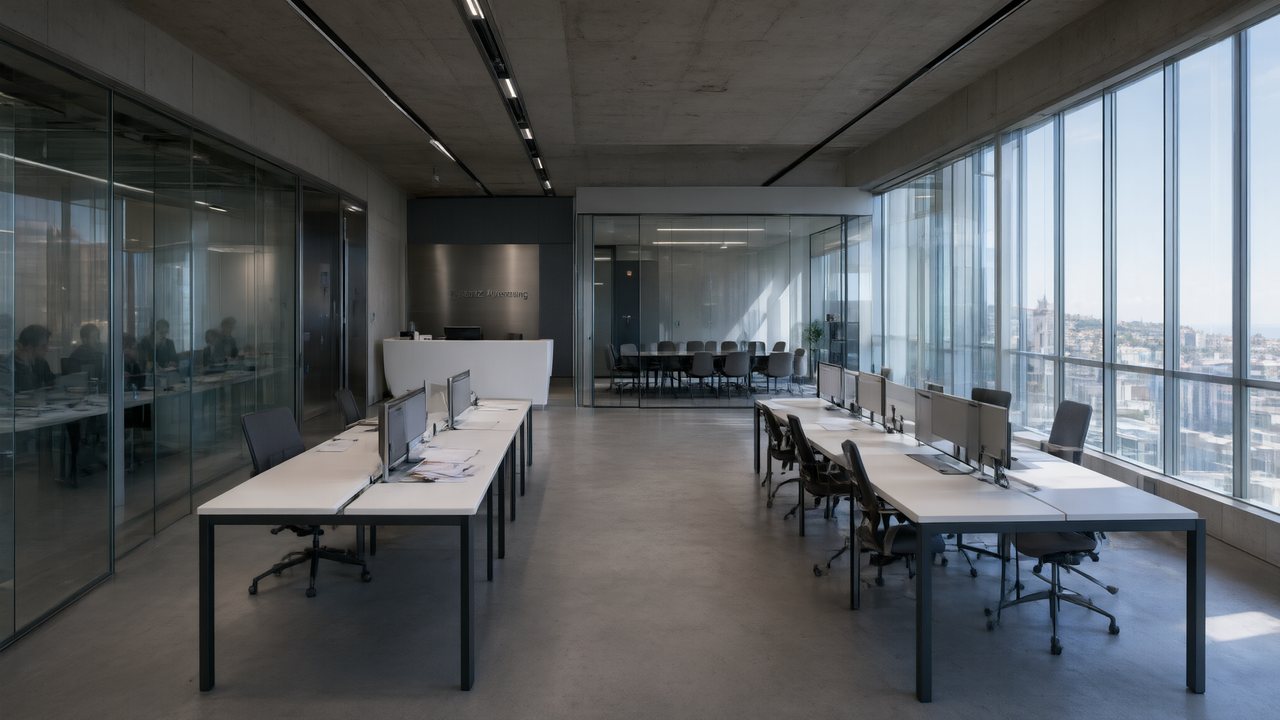 Çantasındaki SözleşmeTürkçeNative dialogue
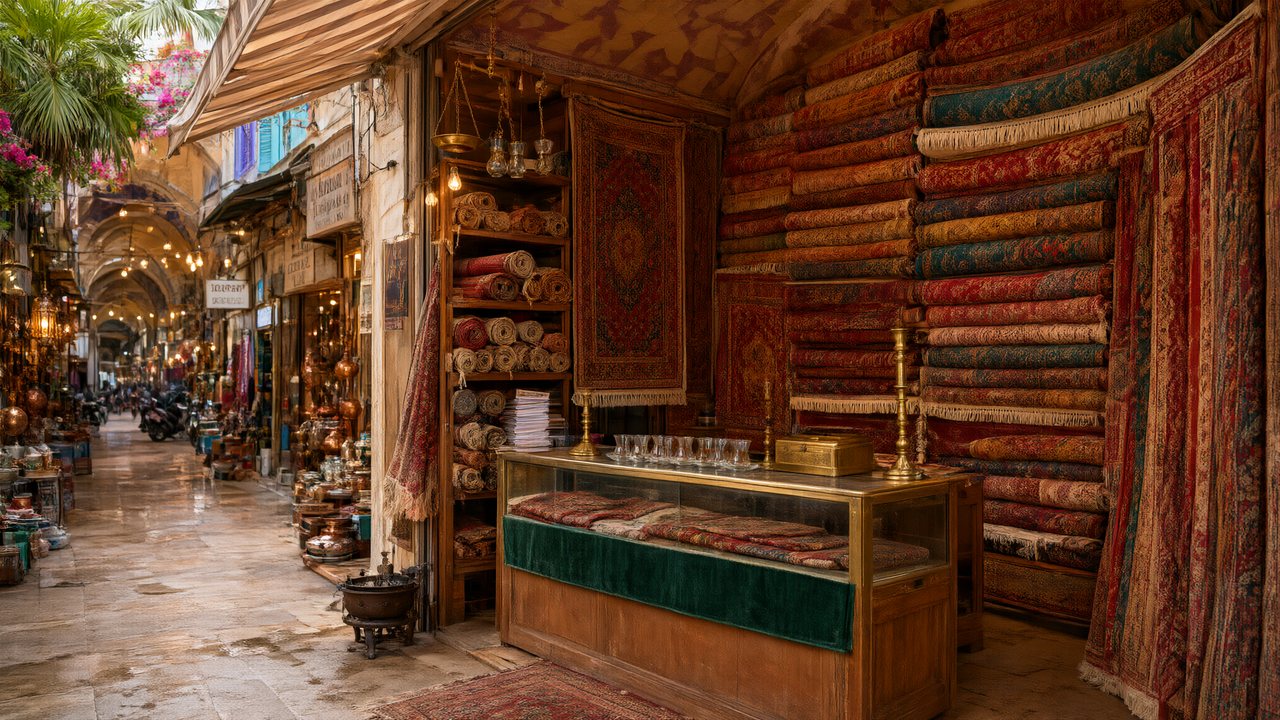 Die Istanbul-TäuschungDeutschNative dialogue
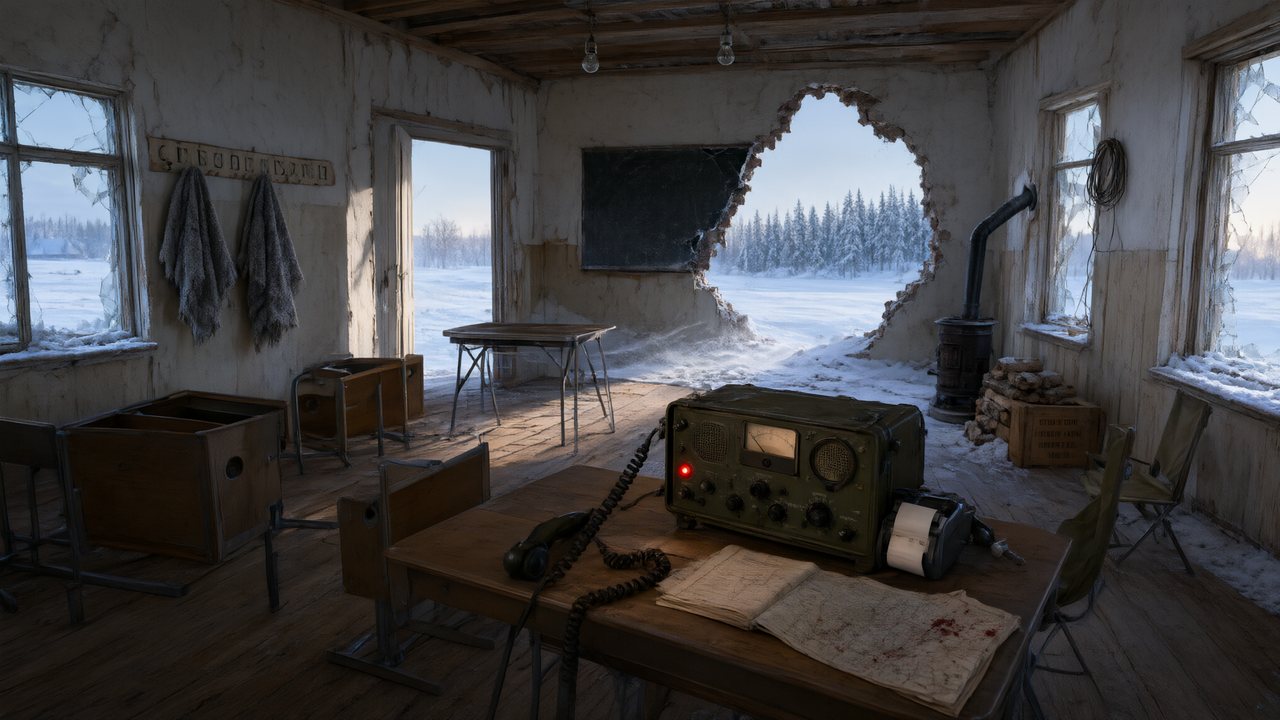 Останній сигналУкраїнськаNative dialogue
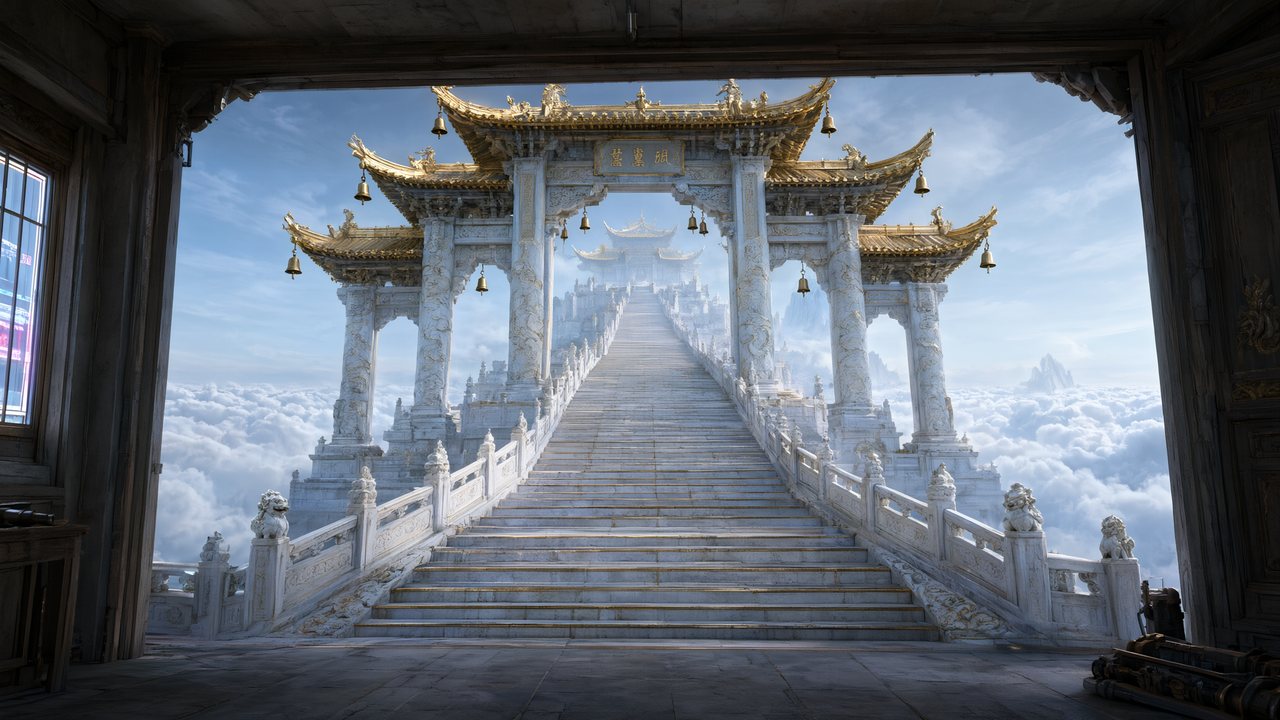 問劍青雲繁體中文Native dialogue
 The Last EnvelopeEnglishIn your language
FAQ
What does an AI video generator actually do?
It takes your material, has a model generate pictures and sound from it, and returns a video file. SceneMixer adds a reading step first, so you see the cast and the storyboard before any video is paid for.
What can I put into the generator?
A script or story as text, a one-line idea, one to four photos of a product or place, or a clip you have the rights to. Links and PDFs are not accepted.
How long is the video it makes?
Each generation is a segment of up to 15 seconds, or 30 on the long-take tiers. Segments are joined into episodes, and a series is as long as the script.
How long does it take?
A reading and a storyboard take minutes; a segment typically takes ten to twenty minutes. You can close the page while it runs.
How much does one minute of video cost?
On the default tier a 60-second episode is about 660 credits including joining, about $4.11 at the lowest credit price, before the read and before retakes.
Can it make vertical video?
Yes. Choose 9:16 in step 1 for a vertical feed, or leave the default 16:9. The shape is fixed once you continue.
Does the video have sound?
Yes. Dialogue is spoken inside the video, one voice per character, in any of 15 languages, and each new episode is scored.
Is there a free AI video generator here?
The start is free: signup credits, the first 15 setup images, one storyboard and one preview clip of up to 5 seconds. Video itself is charged by the second.
See what your script becomes before you spend on video
Paste a page, read the cast and the first storyboard, then decide.
Updated November 2, 2026