Story to Movie AI
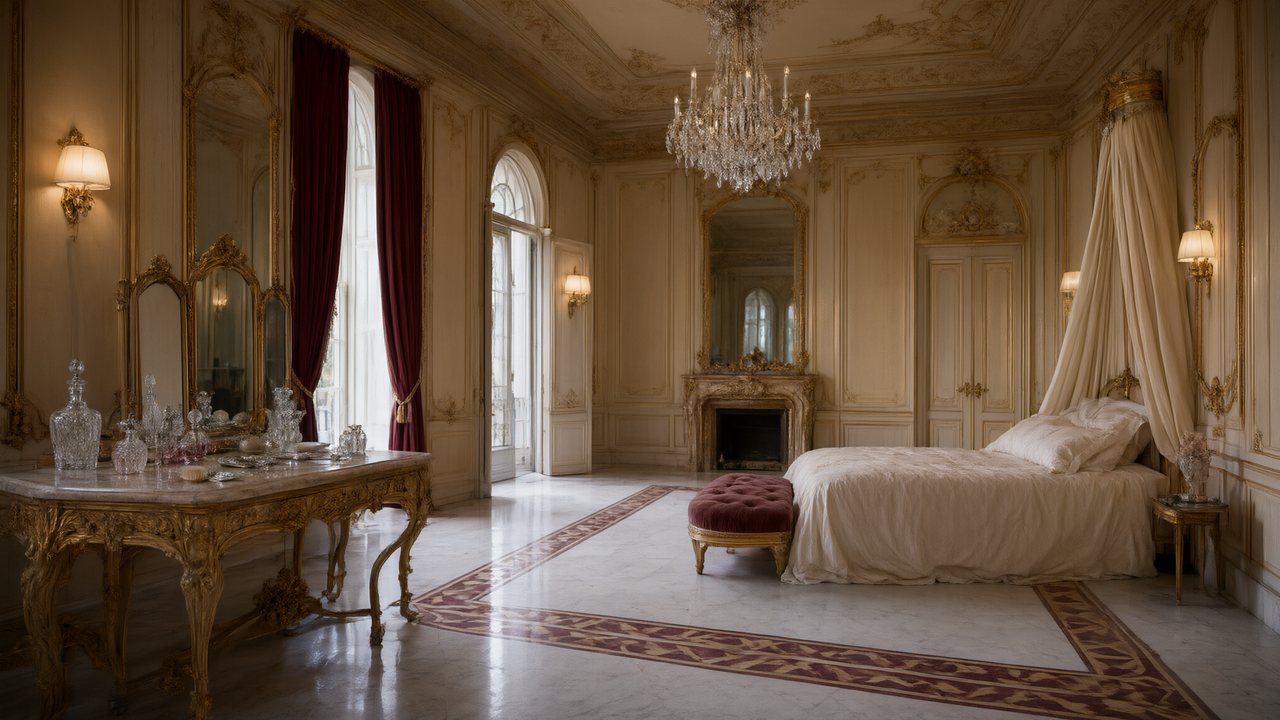
| SceneMixer at a glance | What you get |
|---|---|
| Video price | From $0.06 a second (10 credits) on the default tier, up to $0.47 a second on the top tier; every price is shown before you press the button |
| Clip length | Up to 30 seconds per generated segment; an episode is composited from its segments at 1 credit a second |
| One episode, worked out | A 60-second episode on the default tier is about 660 credits (video plus compositing), about $4.11 at the lowest credit price; a 10-episode series of 90-second episodes from a 30,000-character novel is about 10,026 credits, about $62 |
| Dialogue | Spoken in the video itself, one voice per character, in any of 15 languages |
| Formats | 9:16 vertical or 16:9 landscape; 480P to 1080P, plus a 2K tier |
| Free to start | 50 credits on signup, 15 free setup images, a free storyboard for the first episode and a free 5-second video preview |
| Who uses it | 2,900+ creators have generated with SceneMixer (accounts with at least one generation, counted November 2026) |
| Input | A script, a novel or a one-line idea; .txt, .docx and .md uploads |
What a story needs to become a movie
| In your story | In the movie |
|---|---|
| Who it is about | A character with a full-body drawing and one voice |
| Where it happens | A place drawn once and used as the set each time it returns |
| What they say | Dialogue spoken in the video, in the language you choose |
| What they do | Numbered shots with seconds and framing in the storyboard |
| What they think | Voice-over lines, or a look held a beat longer |
Inner thoughts are the one thing a camera cannot show. Either keep them as a narrator's voice-over, or turn the important ones into spoken lines. Writing dialogue so it is picked up.
Story length and what it turns into
| Your story | Make it as |
|---|---|
| A short story that fits one sitting | Film: one project, sequences if it needs them |
| A longer story with chapters | TV Series: one chapter or two per episode, up to 300 seconds each |
| A fast, hook-driven cut for phones | Short Drama: up to 240 seconds an episode, a hook to close each |
One project reads up to 300,000 characters of English. A whole book · A web novel.
Three things to do before you press go
- Read the cast list. Merge a nickname that is the same person as a full name.
- Cut what the screen does not need. Descriptions of the weather are fine; a paragraph of backstory is a voice-over or nothing.
- Test with the first scene. Make the opening alone, watch it, then decide how much more to make.
Upload and read a text · The free preview.
Rights
The story must be yours or licensed to you. Other people's characters, and well-known film versions of stories, are refused by the IP check; invent your own cast or use a public-domain text. What you get to keep.
Languages
Native dialogue in 15 languages
Every series below was produced by the same pipeline with the cast speaking that language natively: the interface, the working documents and the spoken lines are all in one language, and nothing is dubbed. Open one to hear it.
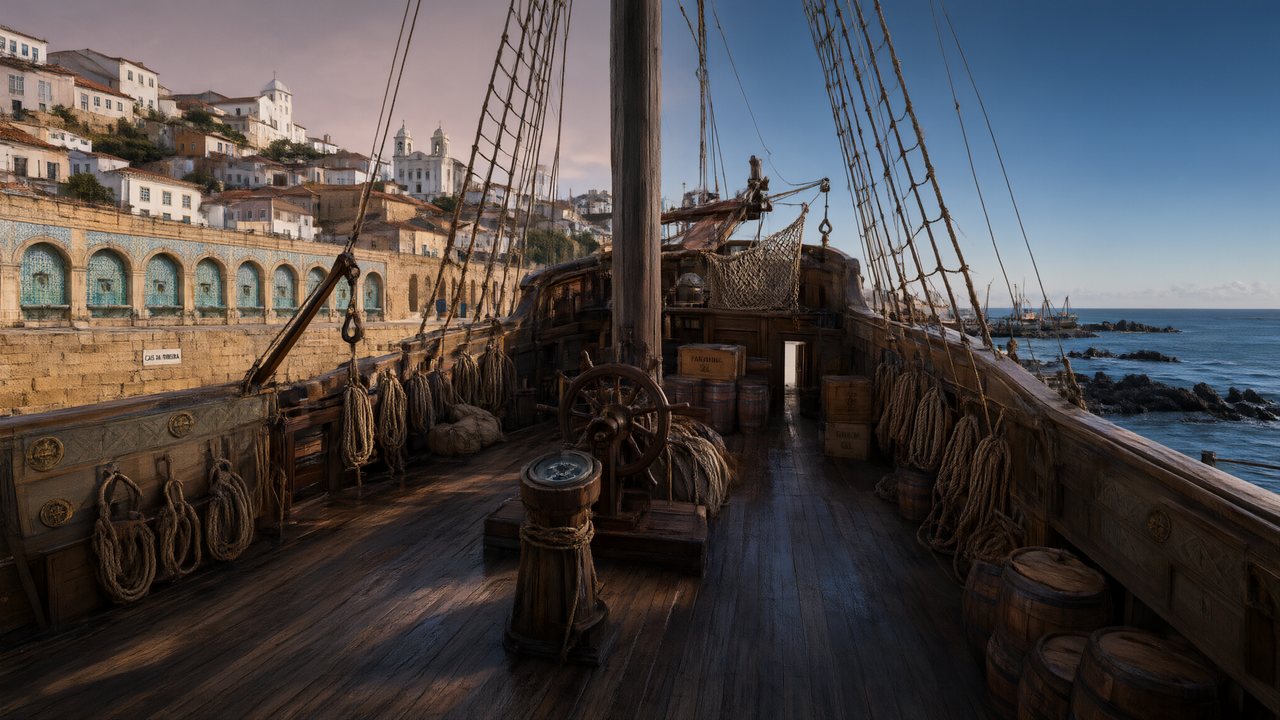 A Carta de LisboaPortuguêsNative dialogue
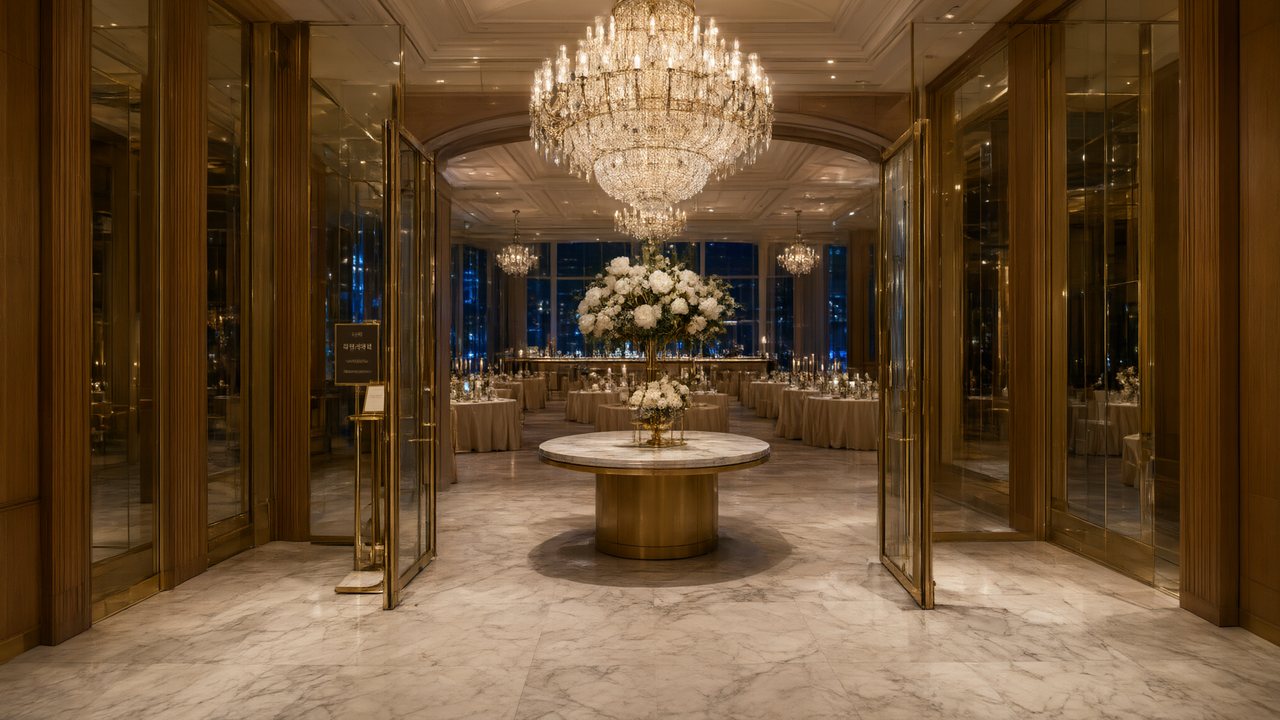 윈터 프라미스한국어Native dialogue
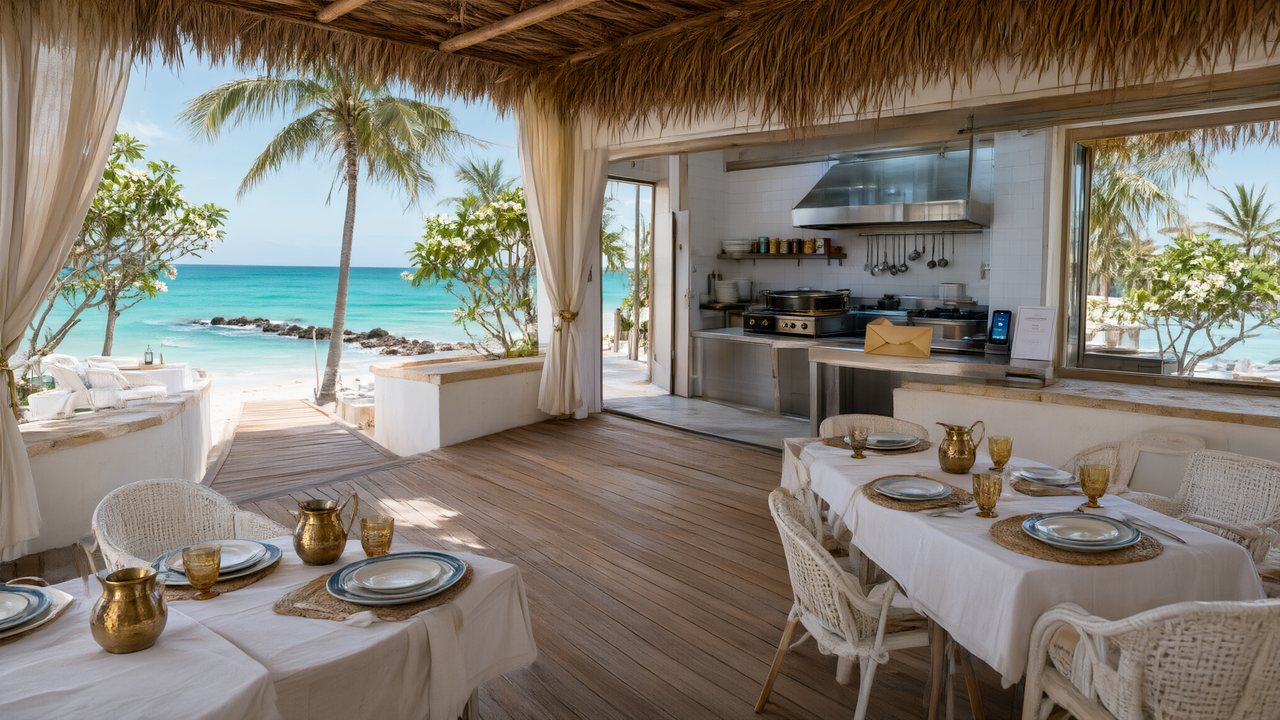 El Secreto de CostaEspañolNative dialogue
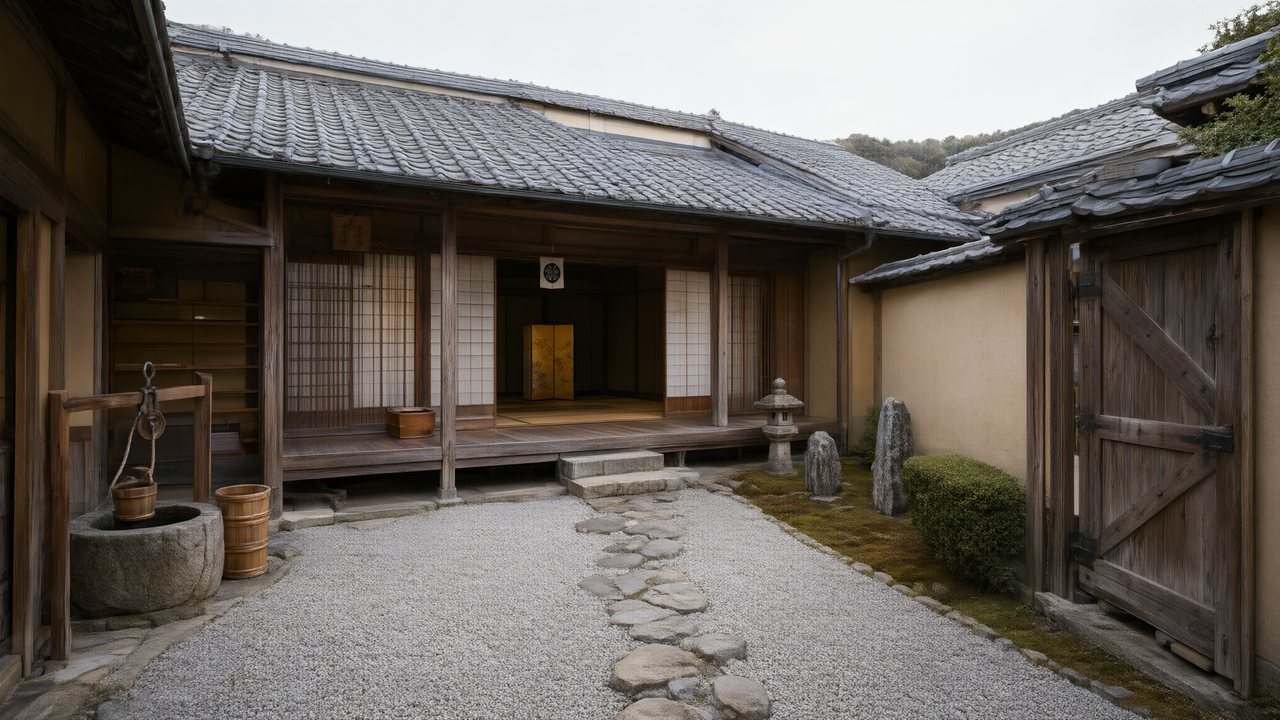 浪人の誓い日本語Native dialogue
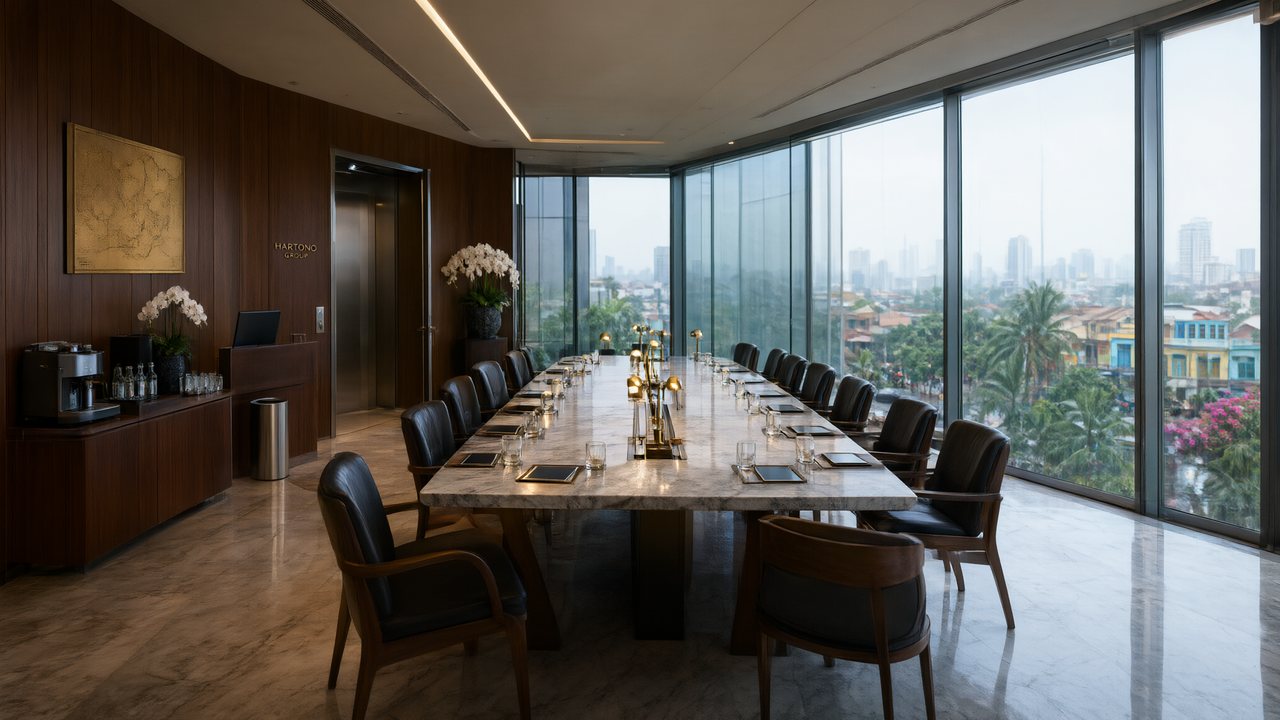 Ikrar JakartaBahasa IndonesiaNative dialogue
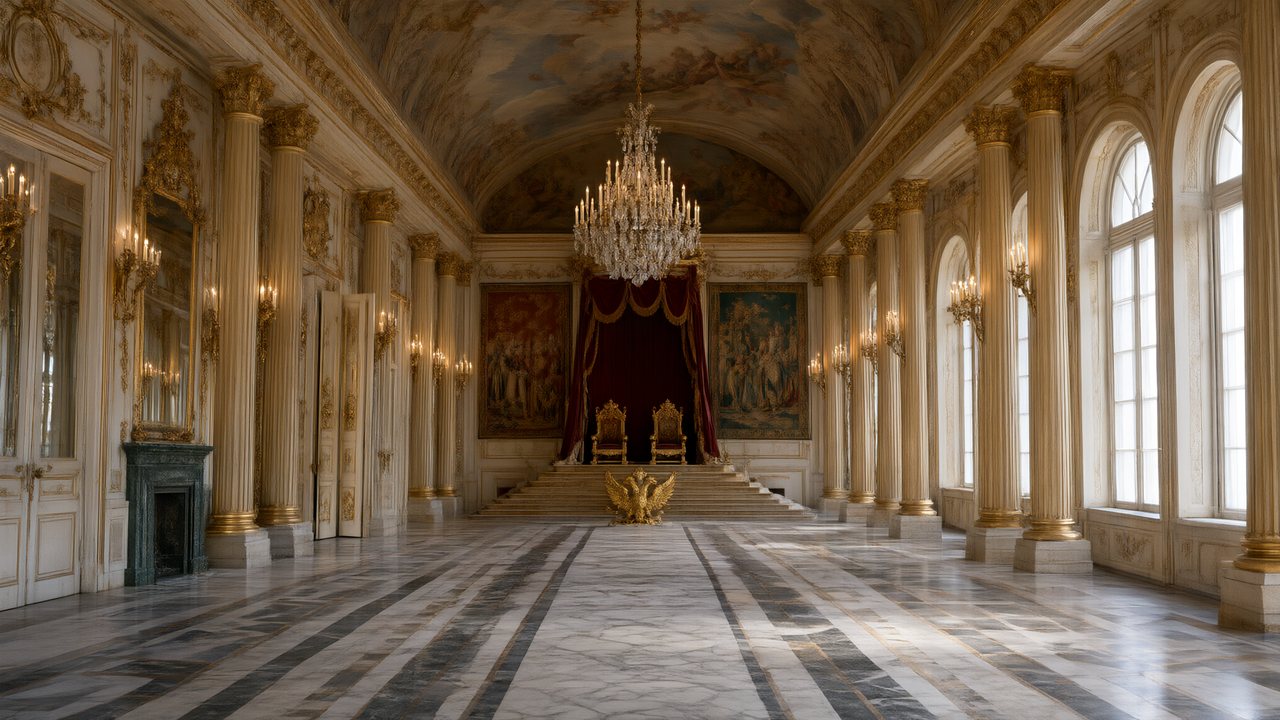 Зимняя коронаРусскийNative dialogue
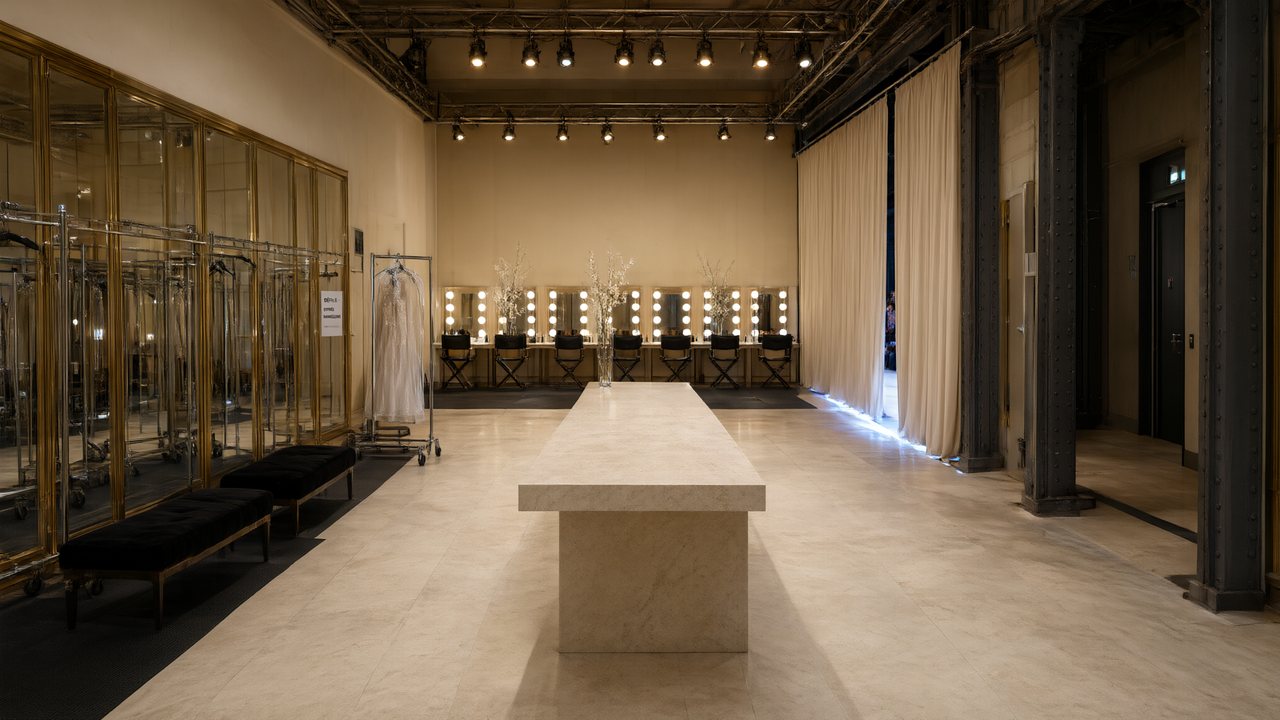 L’Héritier du DéfiléFrançaisNative dialogue
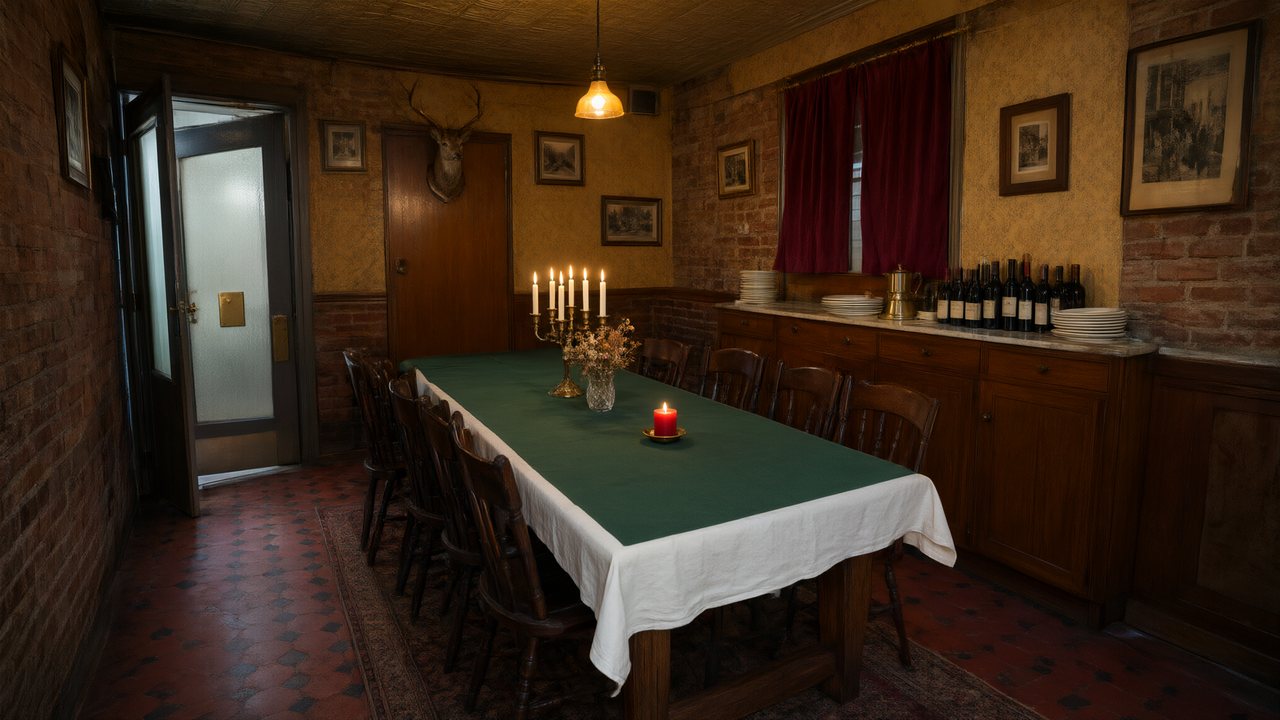 Il Tavolo dell'OlivaItalianoNative dialogue
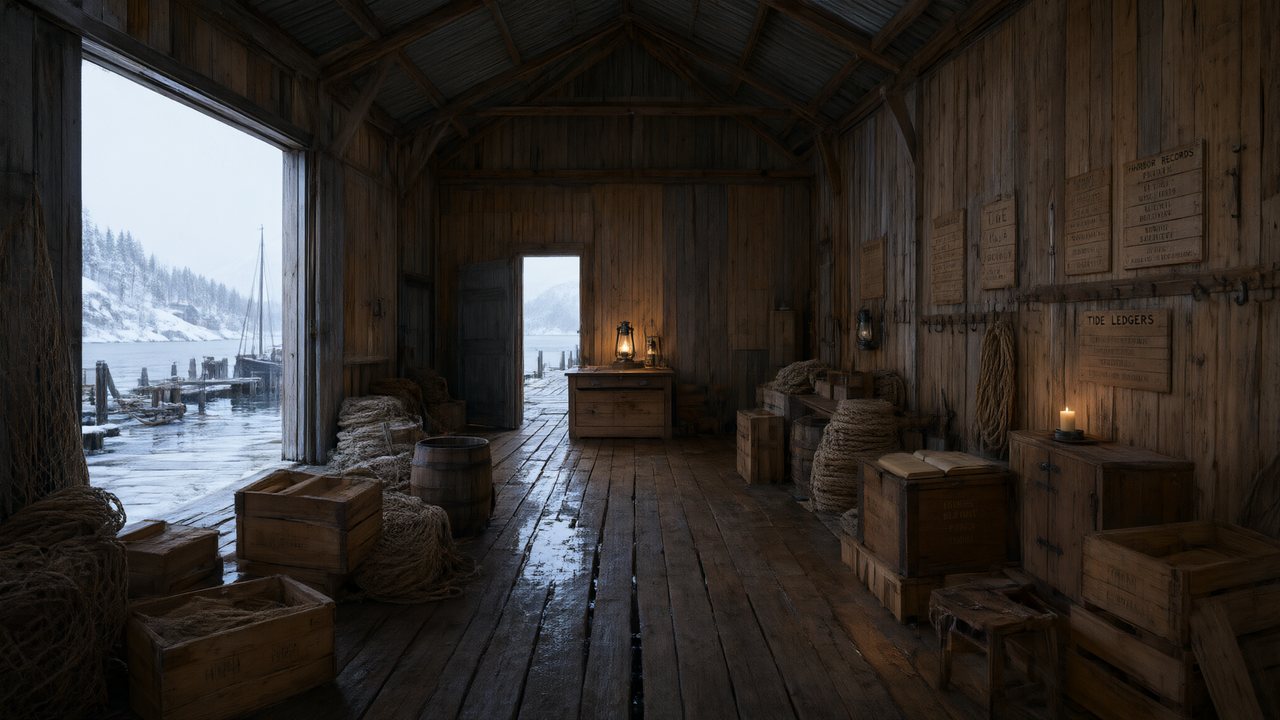 De Vuurtoren van de FjordNederlandsNative dialogue
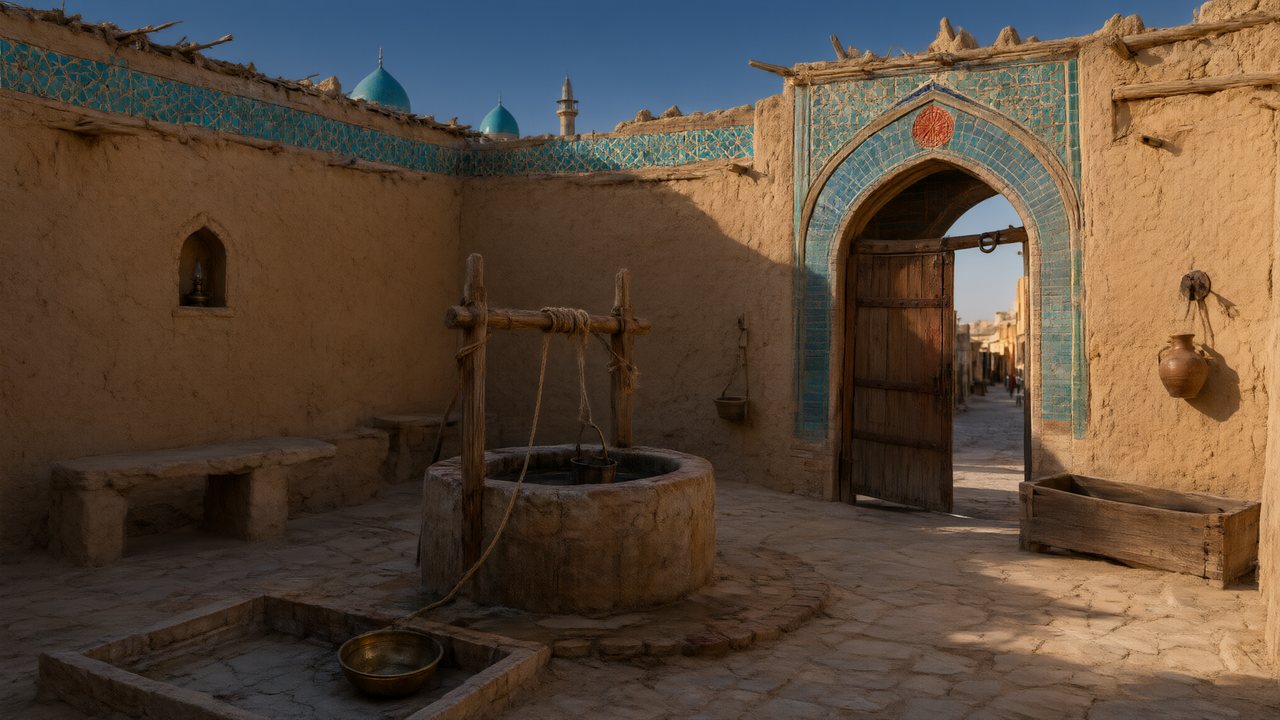 العهد الصحراويالعربيةNative dialogue
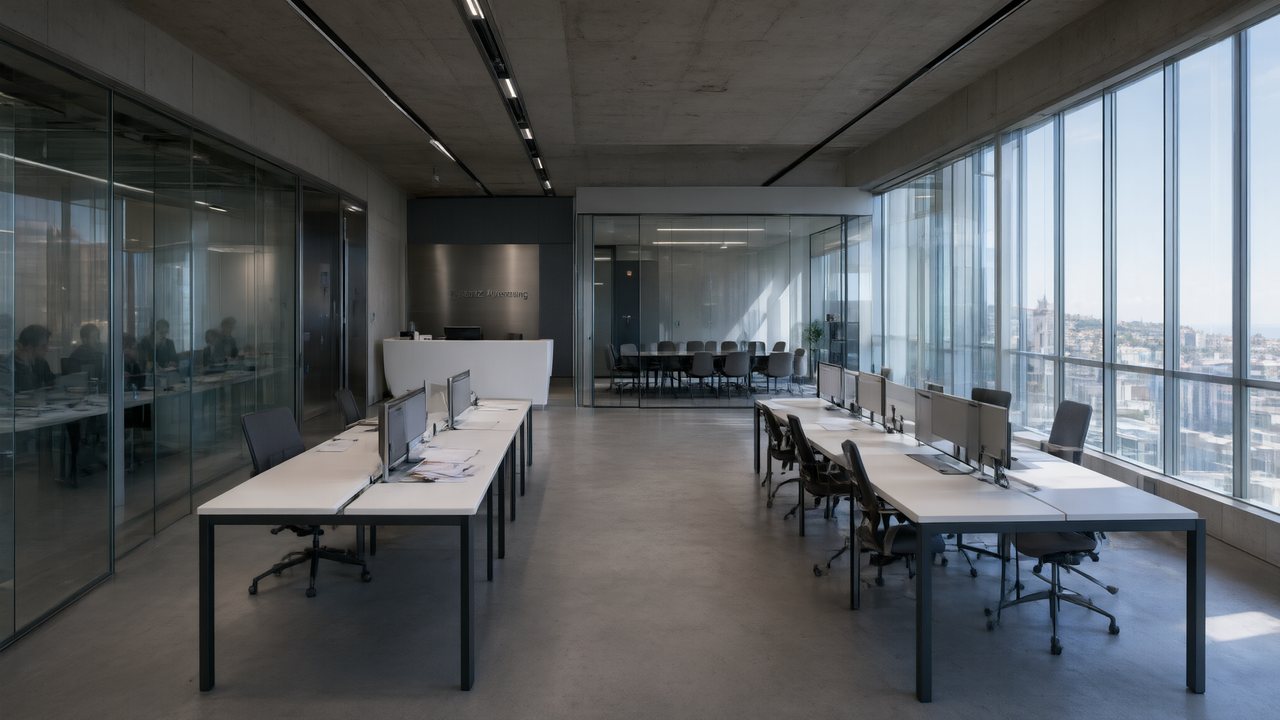 Çantasındaki SözleşmeTürkçeNative dialogue
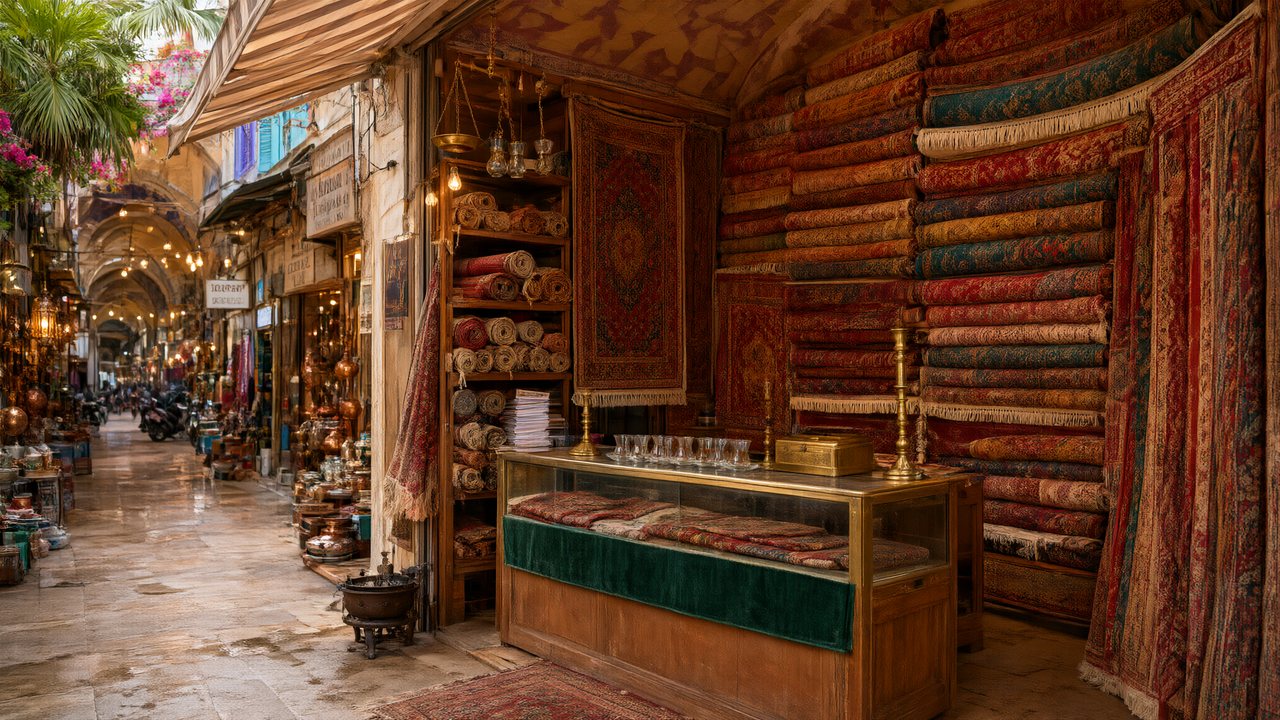 Die Istanbul-TäuschungDeutschNative dialogue
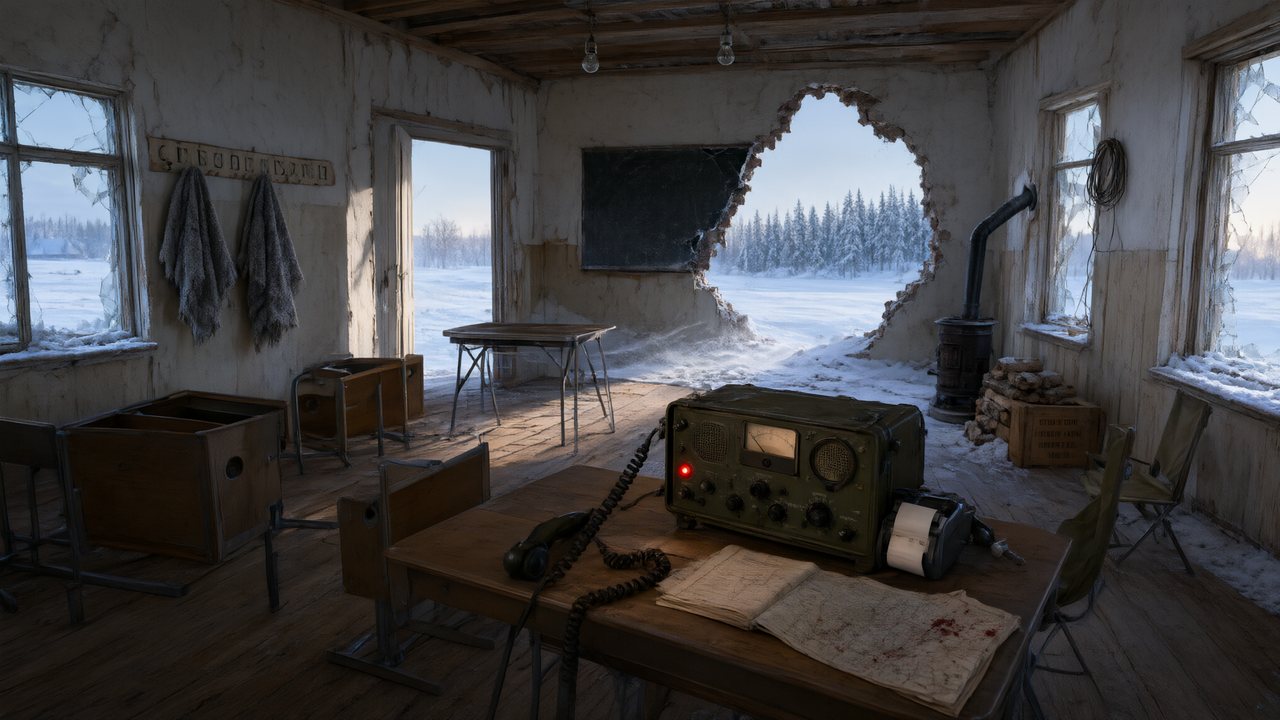 Останній сигналУкраїнськаNative dialogue
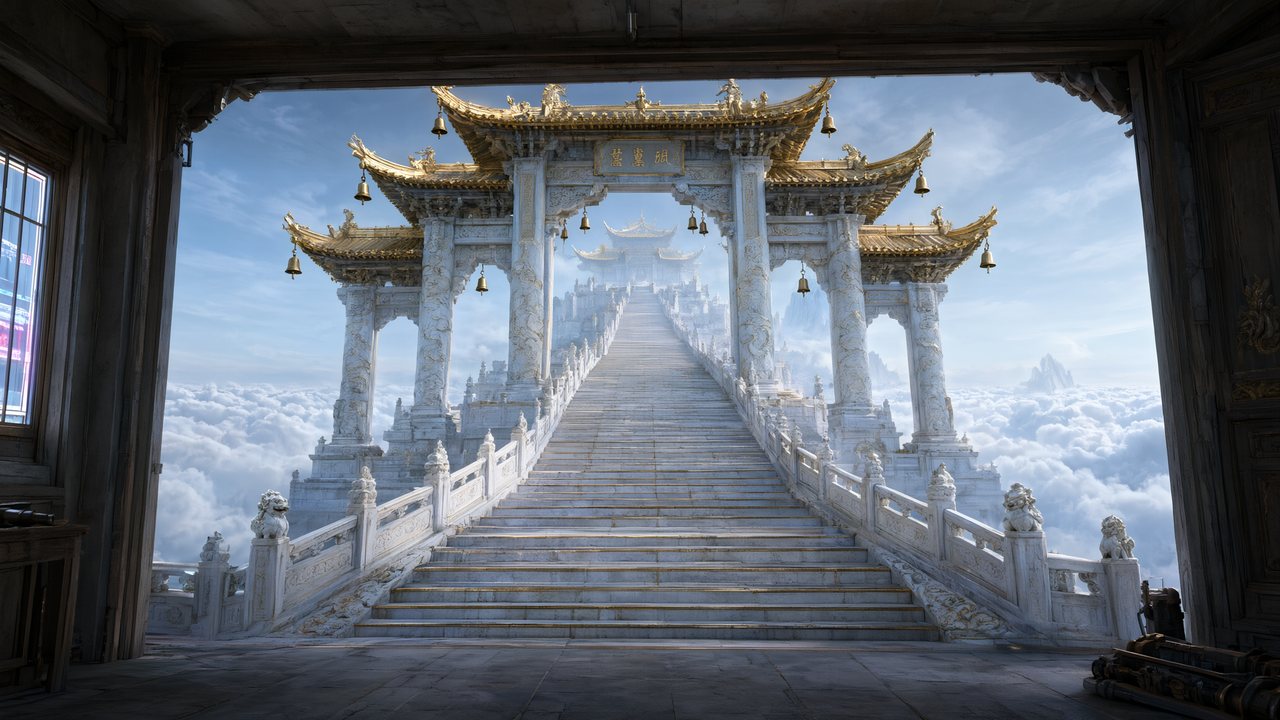 問劍青雲繁體中文Native dialogue
 The Last EnvelopeEnglishIn your language
In SceneMixer vs. stitching tools together
Most AI drama workflows are five or six tools in a row. This is where each step happens here, and what it replaces.
| Step | In SceneMixer | Doing it by hand with separate tools |
|---|---|---|
| Script and episode plan | Paste a script or a novel, or type one line: it is read into a cast, locations, props and an episode outline you can edit | A chat model writes the script; you split it into episodes and carry the text from tool to tool |
| Character faces and places | Every character, location and prop is drawn once as a reference sheet and attached to every shot it appears in | An image model, one sheet at a time; you upload the right reference to every clip yourself |
| Shots | A storyboard per episode with numbered shots and seconds; video is generated segment by segment in 9:16 or 16:9 against the same sheets | A video model, one clip per prompt, describing the same people again each time |
| Voices and dialogue | Lines are performed in the video itself, one voice per character, in any of 15 languages | A text-to-speech tool for each line, then a lip-sync pass on every clip |
| Fixing one shot | Edit that shot's text and regenerate the segment alone; the rest of the episode is untouched | Regenerate the clip, then re-cut the timeline |
| Finishing | Segments are composited into one episode file with its score; members download without the AI badge | A video editor to join the clips, add music and captions, then export |
| Publishing | You upload the finished episode to TikTok, YouTube, Instagram or anywhere else; nothing is posted for you | Upload by hand, the same as here |
FAQ
Can AI turn my story into a movie?
Yes. Paste the story; characters and places are read from it, drawn once, and shot as scenes with spoken dialogue.
Does my story need to be a screenplay?
No. Prose works. Scripts with scene headings and character names also work.
How long can the story be?
Up to 300,000 characters of English per project, about 50,000 words.
How much does it cost?
Reading is 4 credits per 1,000 characters. Video is 10 credits a second on the default tier plus 1 credit a second to join.
Can I keep the narrator?
Yes, as voice-over lines in the storyboard.
Can I try it free?
Yes: 50 credits on signup, the first 15 setup images, the first storyboard and a 5-second preview.
Can it be in another language?
Yes. Dialogue can be spoken in any of 15 languages.
Updated November 2, 2026