AI Film Editing Software
| SceneMixer at a glance | What you get |
|---|---|
| Video price | From $0.06 a second (10 credits) on the default tier, up to $0.47 a second on the top tier; every price is shown before you press the button |
| Clip length | Up to 30 seconds per generated segment; an episode is composited from its segments at 1 credit a second |
| One episode, worked out | A 60-second episode on the default tier is about 660 credits (video plus compositing), about $4.11 at the lowest credit price; a 10-episode series of 90-second episodes from a 30,000-character novel is about 10,026 credits, about $62 |
| Dialogue | Spoken in the video itself, one voice per character, in any of 15 languages |
| Formats | 9:16 vertical or 16:9 landscape; 480P to 1080P, plus a 2K tier |
| Free to start | 50 credits on signup, 15 free setup images, a free storyboard for the first episode and a free 5-second video preview |
| Who uses it | 2,900+ creators have generated with SceneMixer (accounts with at least one generation, counted November 2026) |
| Input | A script, a novel or a one-line idea; .txt, .docx and .md uploads |
What you can do to a clip
| Action | What it does | Good for |
|---|---|---|
| Regenerate | Renders the segment again from its storyboard | A face, a move or a line that came out wrong |
| AI edit | Rewrites the segment's text from a plain request | Changing what happens without retyping |
| Trim | Shortens the clip | Cutting a held beat |
| Redub | Replaces the voice or line | A line you want said differently |
| Enhance | Raises the quality of a clip | The best shots before export |
| Version history | Switches back to an earlier take | When the first take was better |
A tour of the editor · Segment versions.
Joining the episode
The composite uses the active version of each segment and refuses to run until every segment is finished, so a half-shot episode cannot be joined by mistake. It is priced at 1 credit a second and the price is shown before you confirm. The download is the full-quality master; the player uses a lighter copy. Compositing and sharing.
When to use a full editor too
- You want to mix generated shots with your own footage.
- You need colour grading, effects or a multi-track sound mix.
- You are cutting trailers from several episodes.
Download the master from the editor and finish there. Captions can be added after export. AI film making · AI video remake.
Cost of a fix
A fix costs one shot, not one episode, and it tells you the price and the refund rule before you confirm. What each clip fix costs · Edit one shot and regenerate.
Languages
Native dialogue in 15 languages
Every series below was produced by the same pipeline with the cast speaking that language natively: the interface, the working documents and the spoken lines are all in one language, and nothing is dubbed. Open one to hear it.
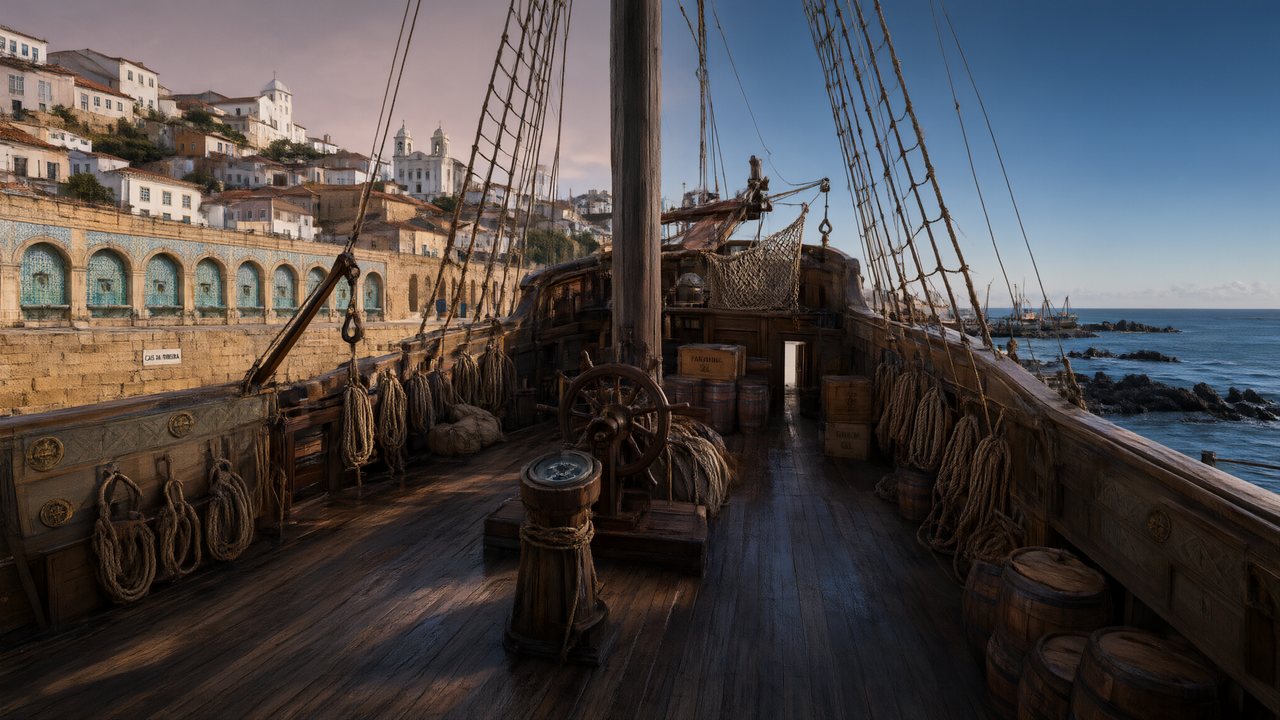 A Carta de LisboaPortuguêsNative dialogue
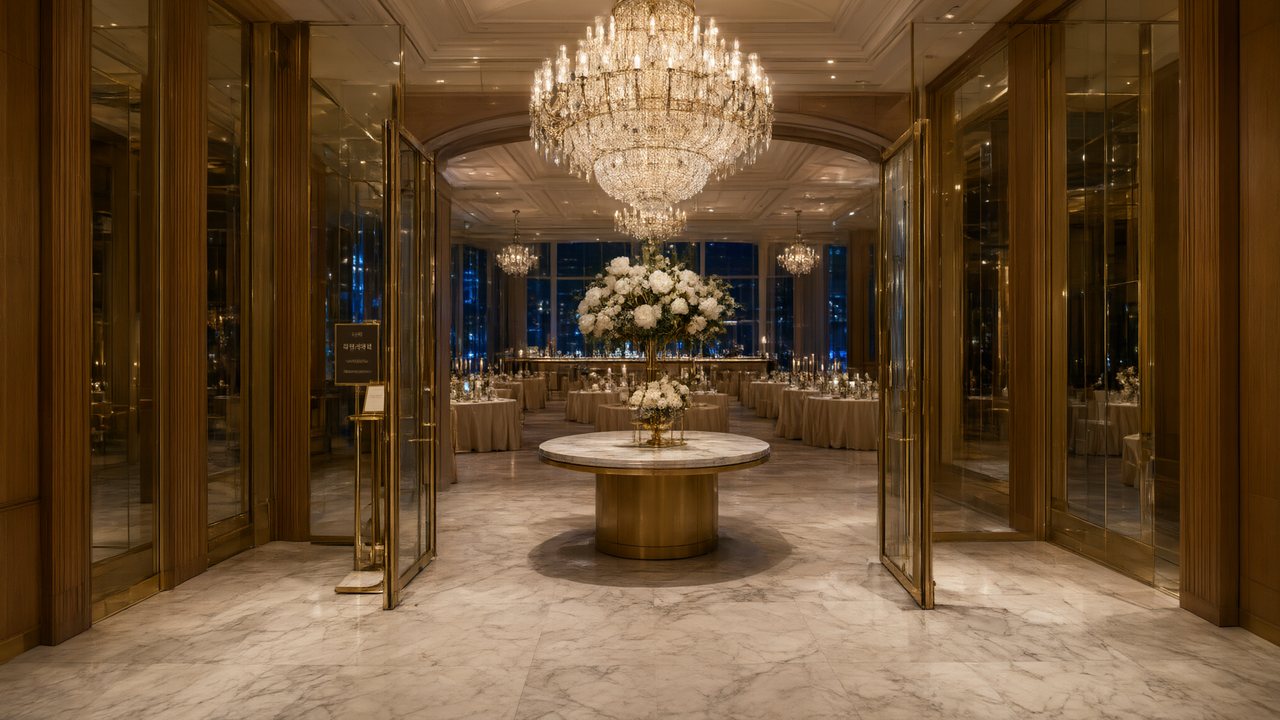 윈터 프라미스한국어Native dialogue
 El Secreto de CostaEspañolNative dialogue
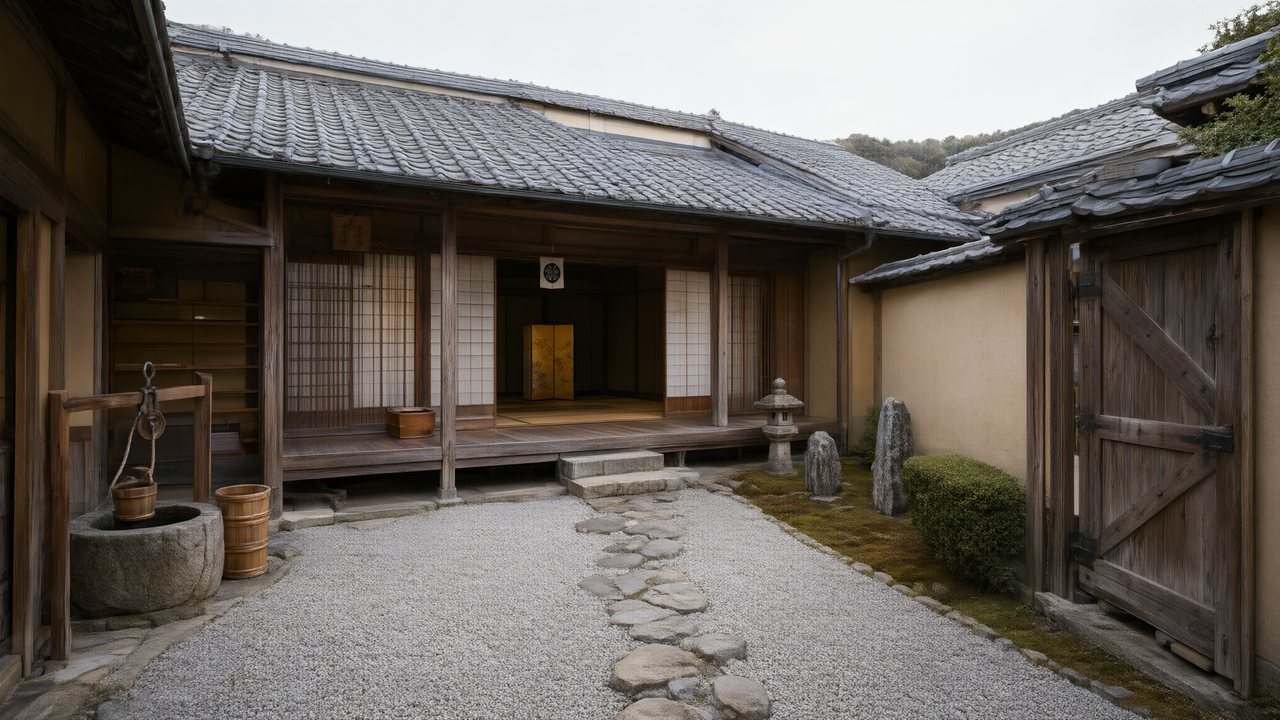 浪人の誓い日本語Native dialogue
- Ikrar JakartaBahasa IndonesiaNative dialogue
 Зимняя коронаРусскийNative dialogue
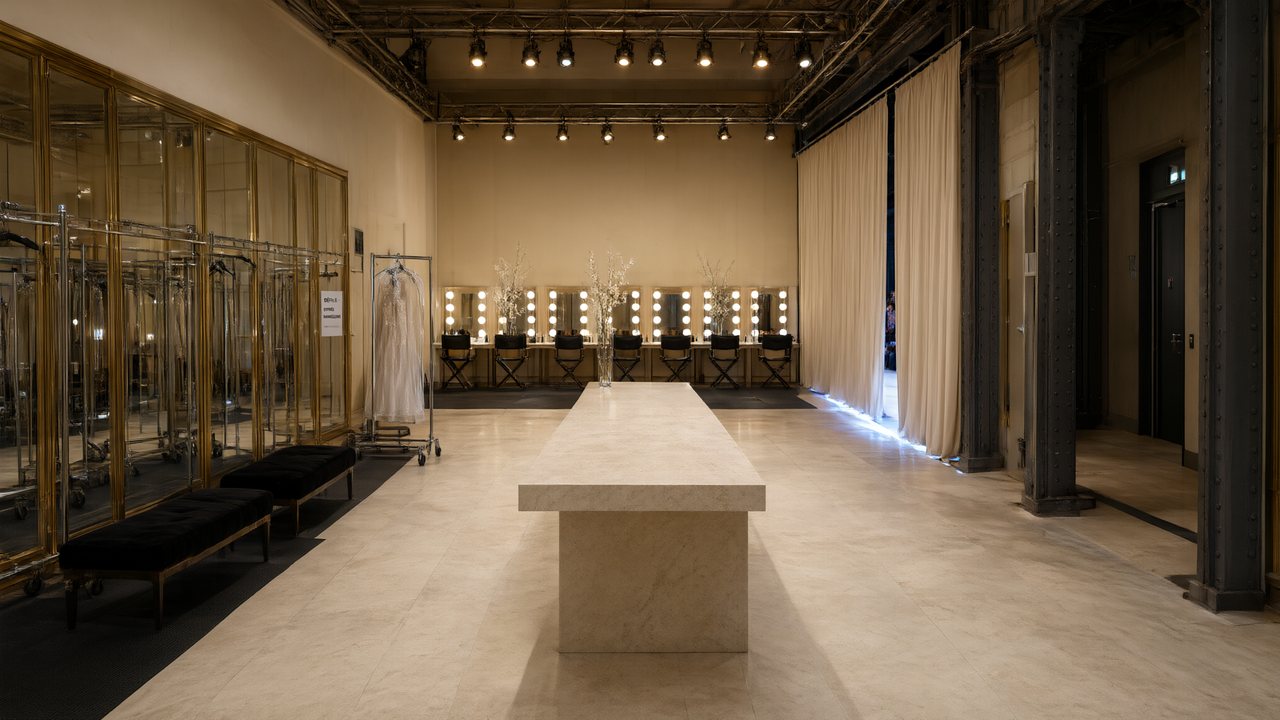 L’Héritier du DéfiléFrançaisNative dialogue
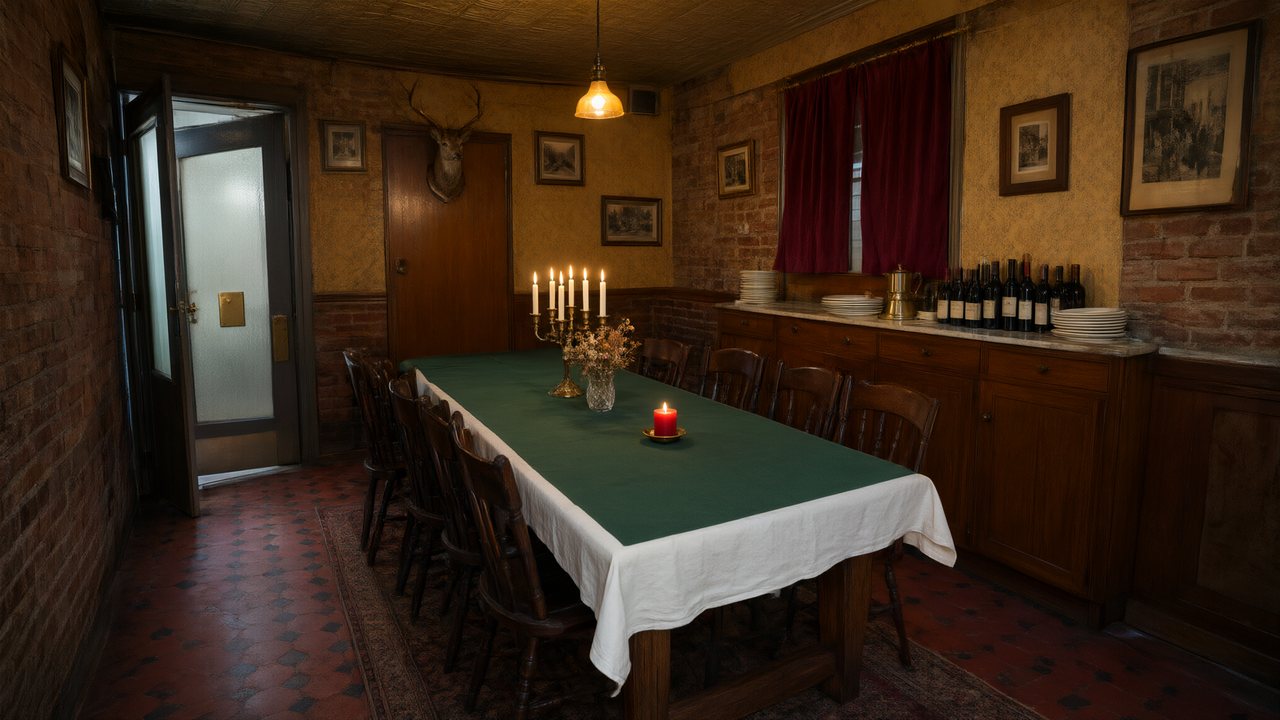 Il Tavolo dell'OlivaItalianoNative dialogue
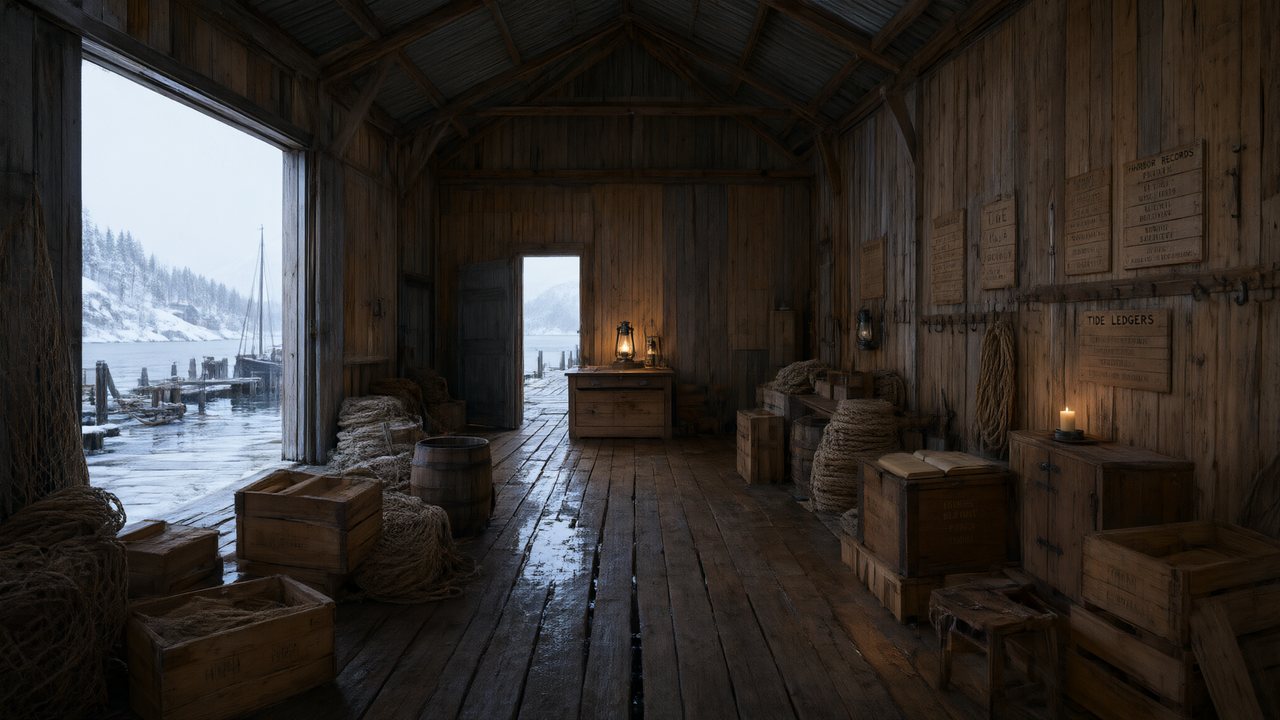 De Vuurtoren van de FjordNederlandsNative dialogue
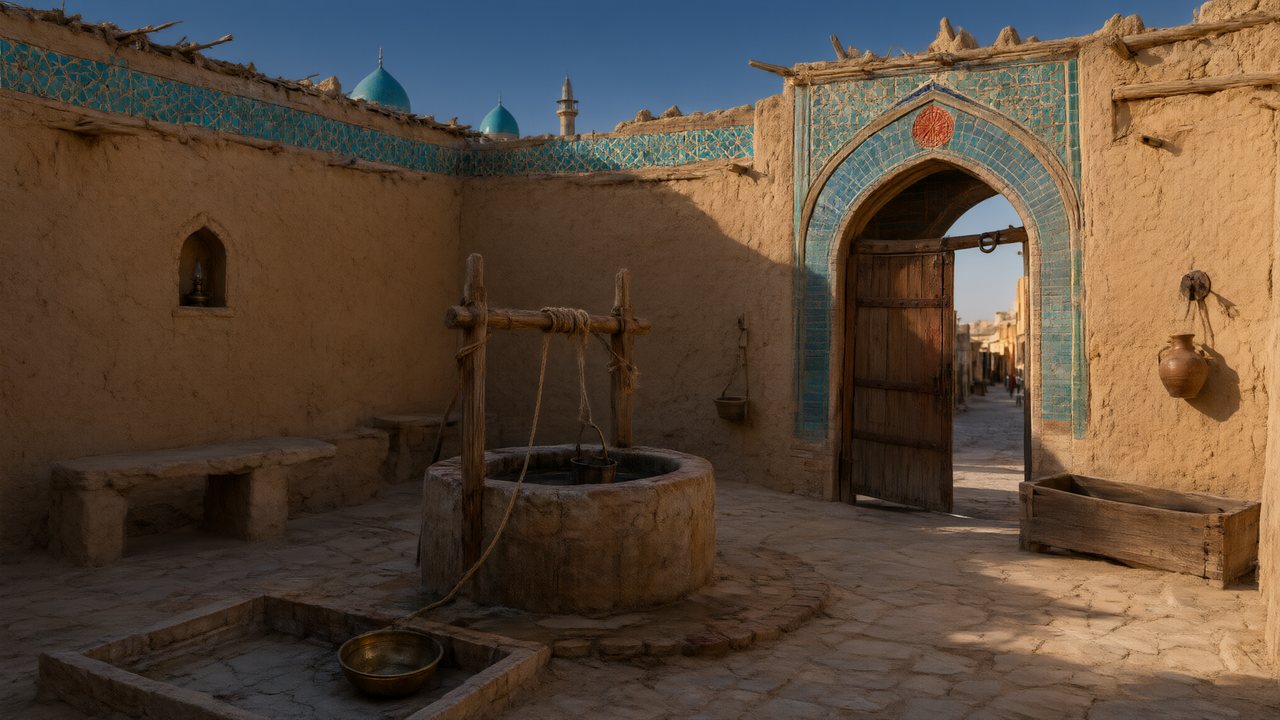 العهد الصحراويالعربيةNative dialogue
 Çantasındaki SözleşmeTürkçeNative dialogue
 Die Istanbul-TäuschungDeutschNative dialogue
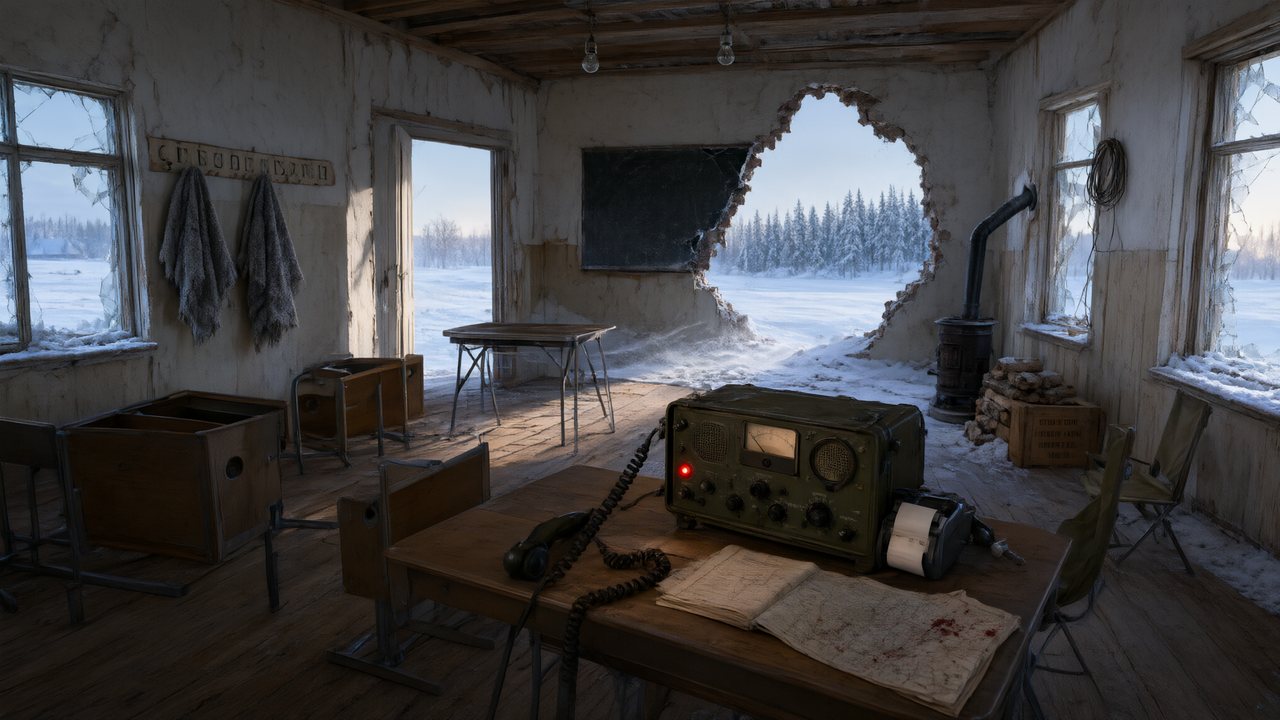 Останній сигналУкраїнськаNative dialogue
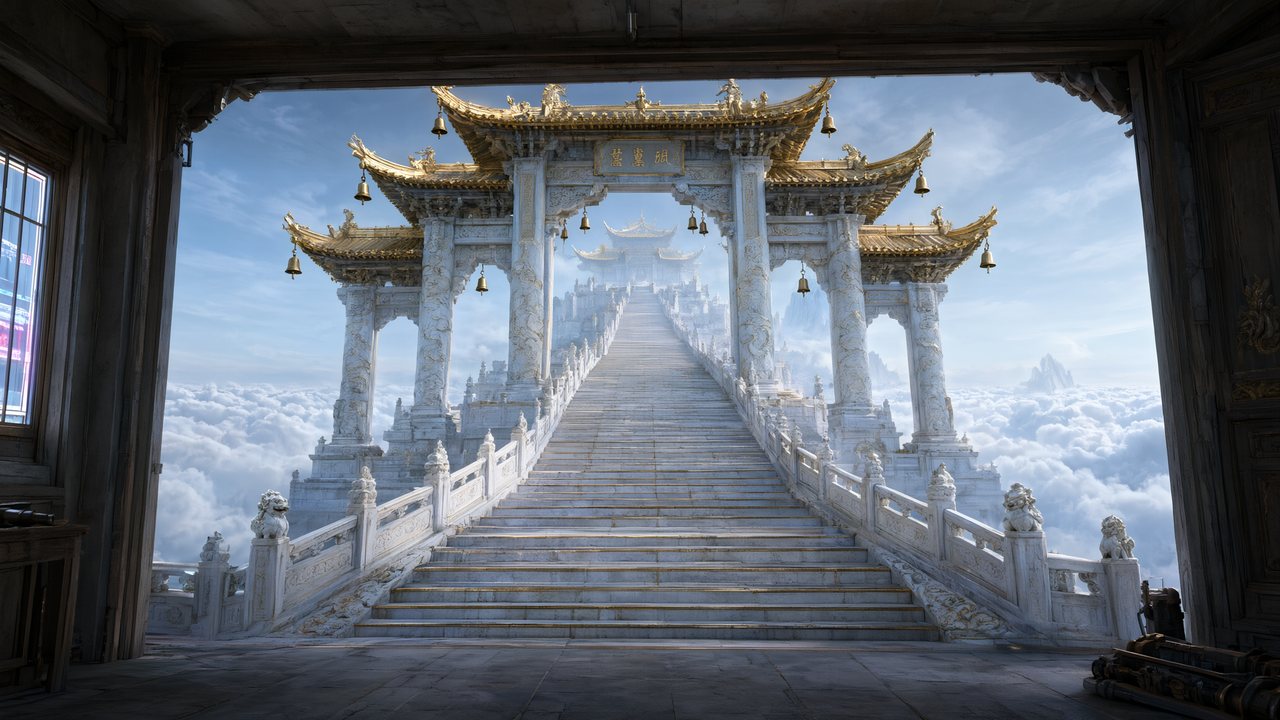 問劍青雲繁體中文Native dialogue
 The Last EnvelopeEnglishIn your language
In SceneMixer vs. stitching tools together
Most AI drama workflows are five or six tools in a row. This is where each step happens here, and what it replaces.
| Step | In SceneMixer | Doing it by hand with separate tools |
|---|---|---|
| Script and episode plan | Paste a script or a novel, or type one line: it is read into a cast, locations, props and an episode outline you can edit | A chat model writes the script; you split it into episodes and carry the text from tool to tool |
| Character faces and places | Every character, location and prop is drawn once as a reference sheet and attached to every shot it appears in | An image model, one sheet at a time; you upload the right reference to every clip yourself |
| Shots | A storyboard per episode with numbered shots and seconds; video is generated segment by segment in 9:16 or 16:9 against the same sheets | A video model, one clip per prompt, describing the same people again each time |
| Voices and dialogue | Lines are performed in the video itself, one voice per character, in any of 15 languages | A text-to-speech tool for each line, then a lip-sync pass on every clip |
| Fixing one shot | Edit that shot's text and regenerate the segment alone; the rest of the episode is untouched | Regenerate the clip, then re-cut the timeline |
| Finishing | Segments are composited into one episode file with its score; members download without the AI badge | A video editor to join the clips, add music and captions, then export |
| Publishing | You upload the finished episode to TikTok, YouTube, Instagram or anywhere else; nothing is posted for you | Upload by hand, the same as here |
FAQ
Is there AI film editing software?
SceneMixer edits the footage it generates: regenerate, trim, redub, enhance and join clips. For filmed footage or layered edits, use a full editor.
Can I trim a clip?
Yes, with the Trim option under Edit this clip.
Can I change a line after the shot is made?
Yes, with Redub, or by rewriting the shot and regenerating it.
Can I go back to an earlier take?
Yes. Every segment keeps a version history.
How do I join the clips?
Press Composite Episode. It joins the active version of each segment once all are finished.
What quality is the download?
The full-quality master. The player and shared pages use a lighter copy.
Does it replace my video editor?
No. It finishes the generated episode; layered edits and grading happen in your own editor.
Updated November 2, 2026