Which Script Files Work (TXT, DOCX, Markdown), What Is Ignored, and What Is Refused

Drop a .docx: the box fills with its text and the counter updates; if it shows far fewer characters than the document has, the file was mostly images.
The three ways text gets in
Paste from anywhere; drop or choose a file; or write with AI Create. All three end in the same box and go through the same parse. Upload a Script and Parse It.
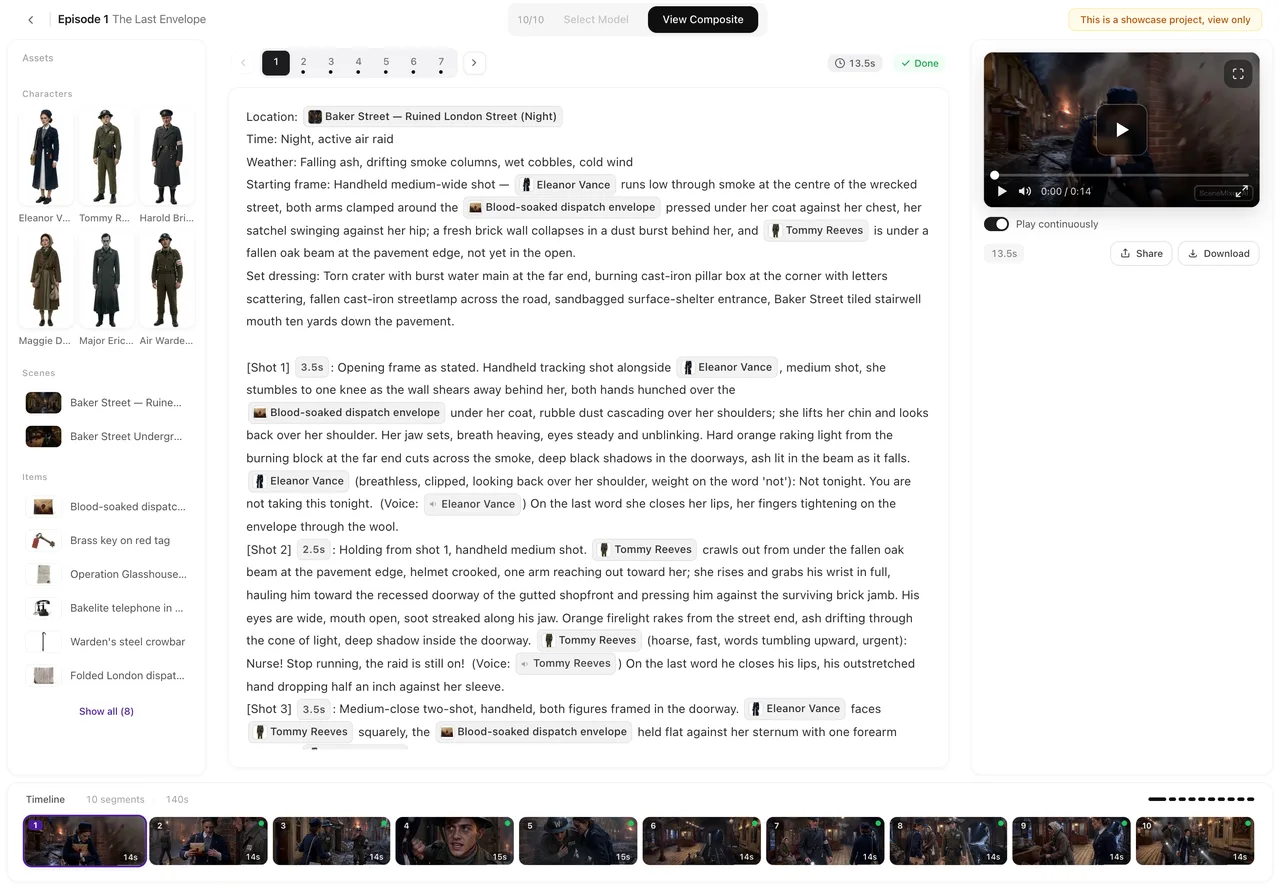
What a Word file loses
Text, line breaks and paragraph order survive. Bold, colours, fonts, headings-as-styles, footnotes, comments, tracked changes, images and tables do not; a script laid out as a table (name column, line column) comes out as running text, so check that speaker and line still sit together. SceneMixer keeps scene headings typed as text; headings applied only as a style become ordinary lines, which is fine.
What is refused
Links: the box says it cannot open links; paste the text. PDF, images and archives: refused as soon as you pick the file, with Only TXT, DOCX and Markdown files are supported — please pick another file. Nothing is charged; copy the text or export to Word. Too short: a sentence or a title is refused before any charge. Too long: over the single-parse limit; split into volumes. Length Caps and How Characters Count.
If the reading finds no characters or episodes
A file that looks like text but holds no readable story can still get through the box. When the reading cannot find characters and episodes in it, step 1 says The script couldn’t be read into characters and episodes (was the file plain text?). These credits are on hold pending a support review — no need to resubmit. Leave it; support releases the credits after checking. To try again in the meantime, paste the text itself into a new project.
Encoding and odd characters
Text should be UTF-8, which is what every modern editor saves. Old files in a regional encoding show as garbage in the box; re-save as UTF-8. Invisible control characters are removed automatically. Curly quotes, dashes and full-width punctuation are fine and are kept.
Writing the script for the parse
Dialogue as name-colon lines, delivery in brackets, captions marked; scene breaks as plain lines. The parse reads prose as well, but SceneMixer keeps lines written this way word for word. Write Dialogue So It Is Picked Up.
| Input | Result |
|---|---|
| .txt | Read as is |
| .md | Read as text; markers ignored by the parse |
| .docx | Text and breaks kept; formatting, images, tables dropped |
| Refused; export or copy the text | |
| A link | Refused; paste the text |
| A title or one sentence | Refused as too short |
FAQ
My Word file has the script in a two-column table.
It will come out as running text; check that names and lines still pair up, or convert the table to text first.
Can I upload several files at once?
SceneMixer takes one file per project; join them first, or parse each as a volume.
Does the parse keep my scene numbering?
Scene headings survive as text; SceneMixer's parse decides episodes itself.
Why does the counter differ from Word's count?
SceneMixer counts what was read, per the site's rules for your language.
Is my file stored?
SceneMixer stores the text with the project; the file itself is not kept.
Updated November 15, 2026