AI Animation Maker

| SceneMixer at a glance | What you get |
|---|---|
| Video price | From $0.06 a second (10 credits) on the default tier, up to $0.47 a second on the top tier; every price is shown before you press the button |
| Clip length | Up to 30 seconds per generated segment; an episode is composited from its segments at 1 credit a second |
| One episode, worked out | A 60-second episode on the default tier is about 660 credits (video plus compositing), about $4.11 at the lowest credit price; a 10-episode series of 90-second episodes from a 30,000-character novel is about 10,026 credits, about $62 |
| Dialogue | Spoken in the video itself, one voice per character, in any of 15 languages |
| Formats | 9:16 vertical or 16:9 landscape; 480P to 1080P, plus a 2K tier |
| Free to start | 50 credits on signup, 15 free setup images, a free storyboard for the first episode and a free 5-second video preview |
| Who uses it | 2,900+ creators have generated with SceneMixer (accounts with at least one generation, counted November 2026) |
| Input | A script, a novel or a one-line idea; .txt, .docx and .md uploads |
Four kinds of animation tool
| Kind | You do | Output | SceneMixer is… |
|---|---|---|---|
| Frame-by-frame software | Draw or pose every frame yourself | Exact hand-made motion | Not this |
| 3D software | Model, rig and animate | Full control, long learning curve | Not this |
| Picture animators | Upload an image and add motion | A short moving clip | Not this |
| Story generators | Give a script or idea | Scenes and episodes with a steady cast | This |
AI animation generator: all seventeen looks · Script to animation.
The looks
Choose once in Step 1: Anime, Painterly Anime, Watercolor Anime, Korean Webcomic, Family 3D Animation, 3D Toy Cartoon, Claymation, Watercolor Storybook, Ink Wash Animation and more. Every character, place and prop is drawn in the look you pick. Visual Style: Anime Visual Style: Family 3D Animation Visual Style: Claymation Visual Style: Watercolor Storybook Visual Style: Ink Wash Animation
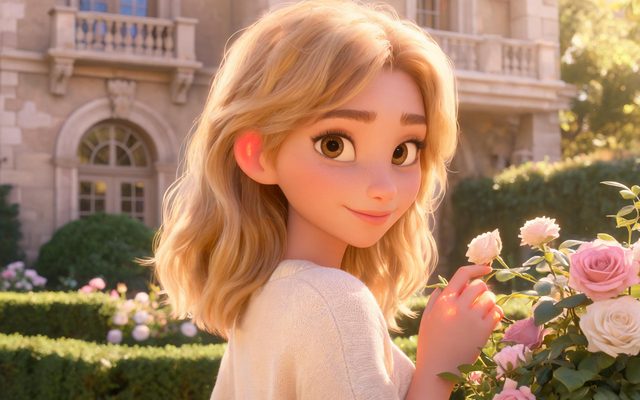
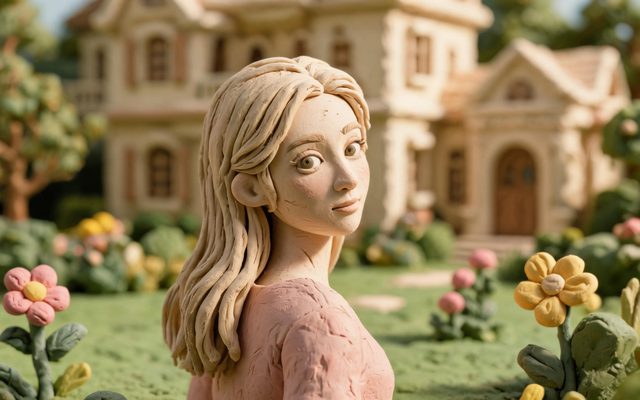


2D · 3D · Stop-motion and clay · Comic to video.
How a scene is made
- Write or paste the story; one line in AI Create also works.
- Approve the characters and places in your look; the first 15 setup images are free.
- Read the storyboard and rewrite shots; editing is free.
- Render the segments at 10 credits a second on the default tier and join them at 1 credit a second.
Free to begin
New accounts start with 50 credits, and the cast drawings, the first storyboard and a 5-second preview are free. Free AI animation maker · What you get for free.
Languages
Native dialogue in 15 languages
Every series below was produced by the same pipeline with the cast speaking that language natively: the interface, the working documents and the spoken lines are all in one language, and nothing is dubbed. Open one to hear it.
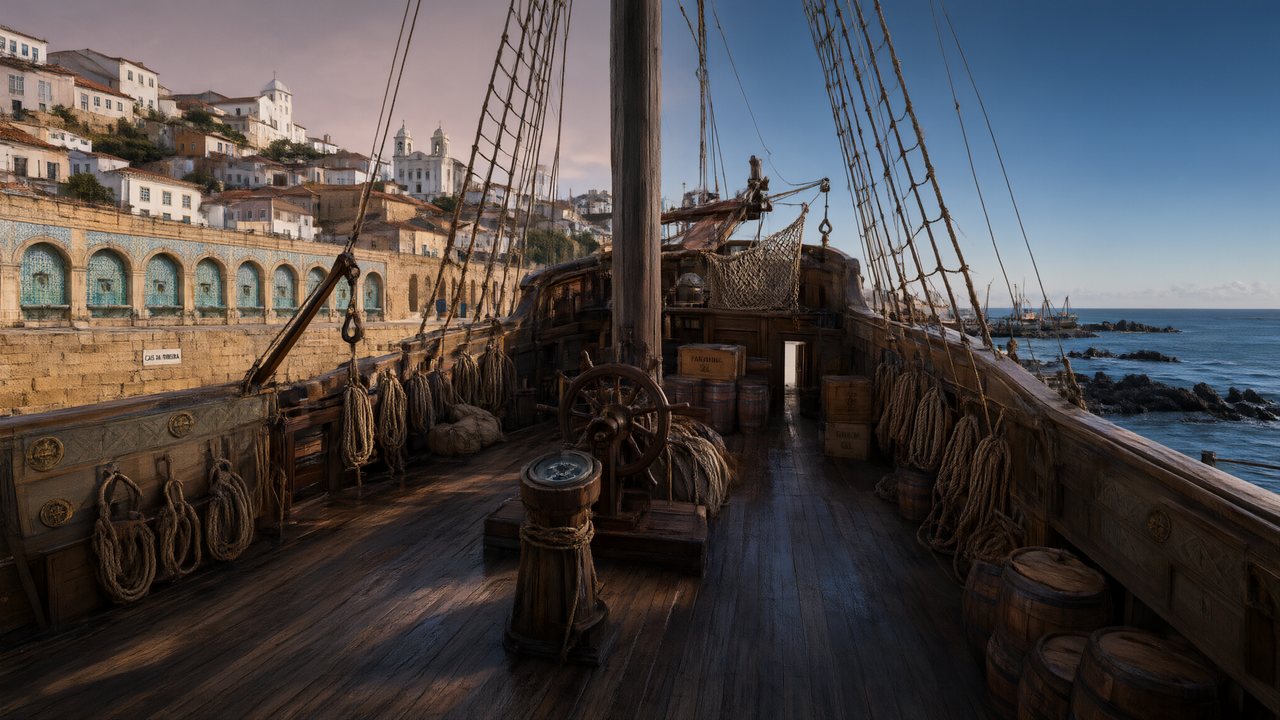 A Carta de LisboaPortuguêsNative dialogue
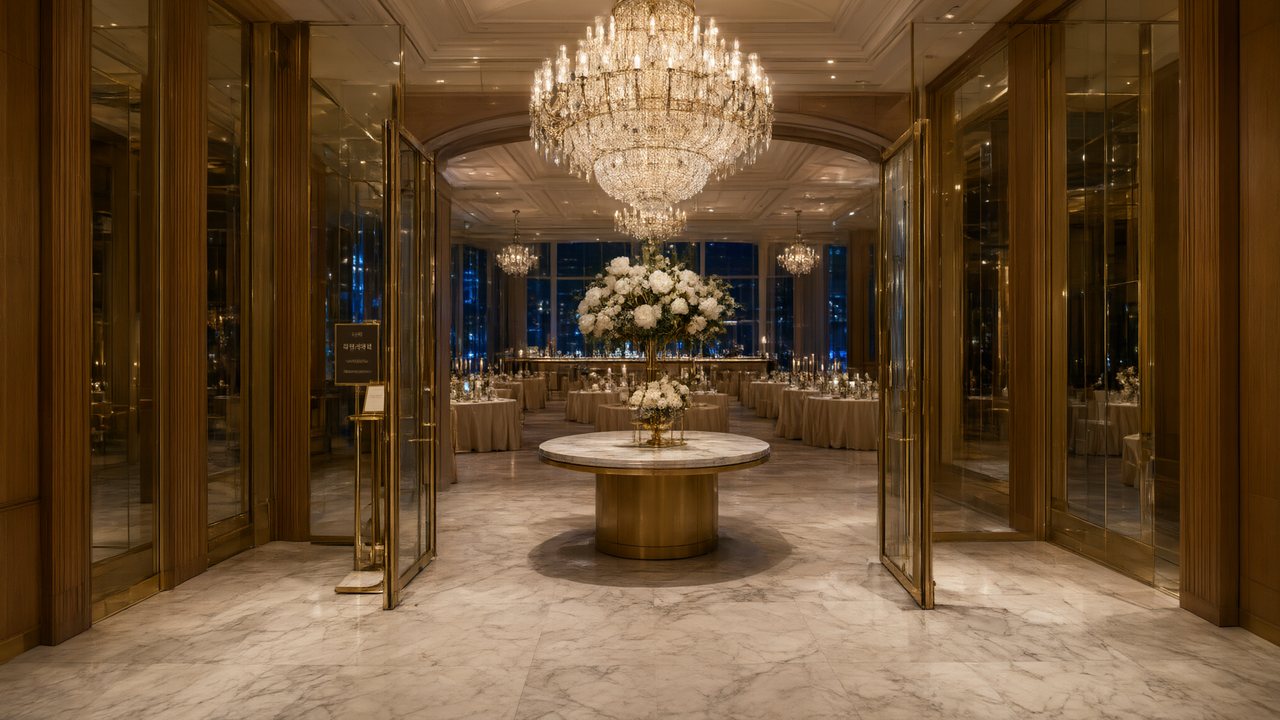 윈터 프라미스한국어Native dialogue
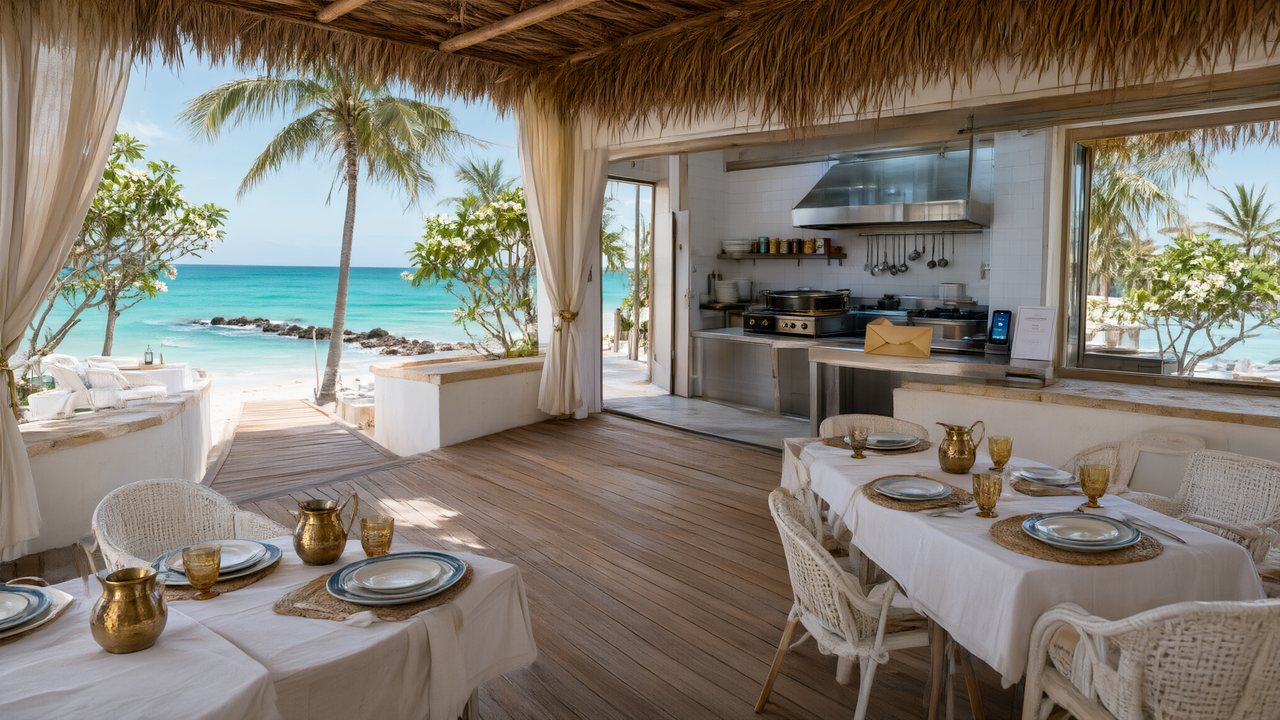 El Secreto de CostaEspañolNative dialogue
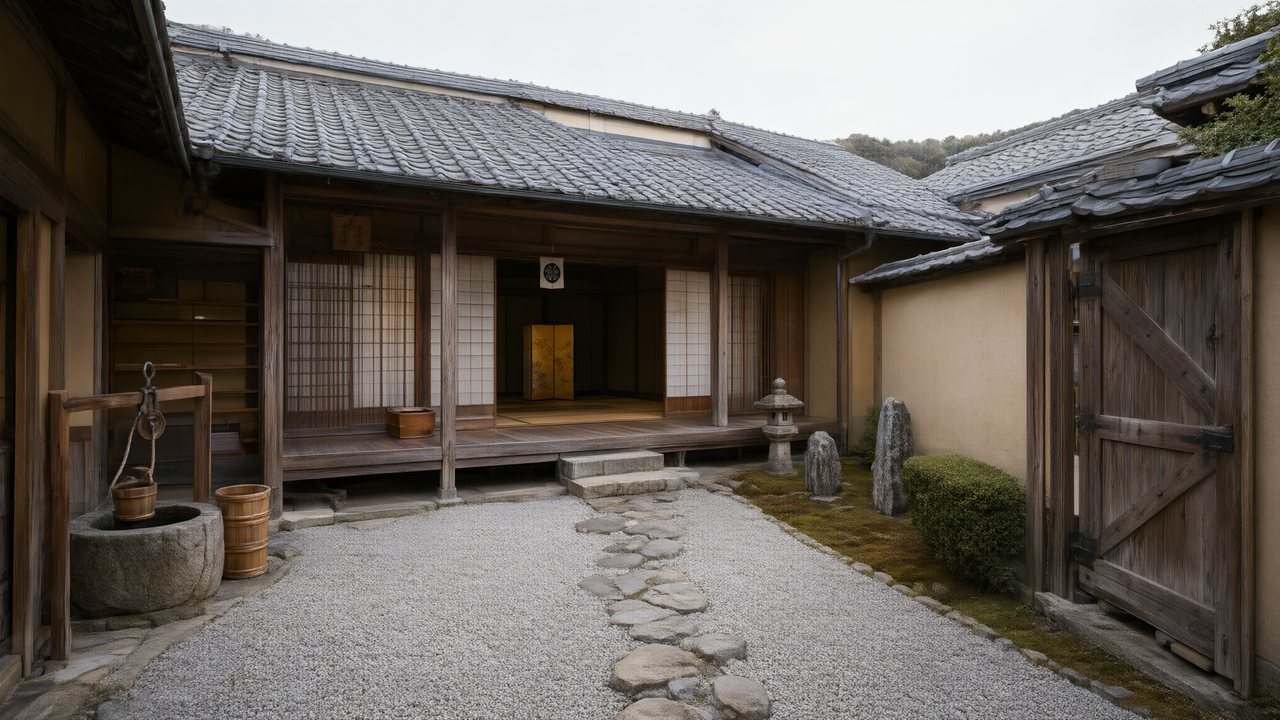 浪人の誓い日本語Native dialogue
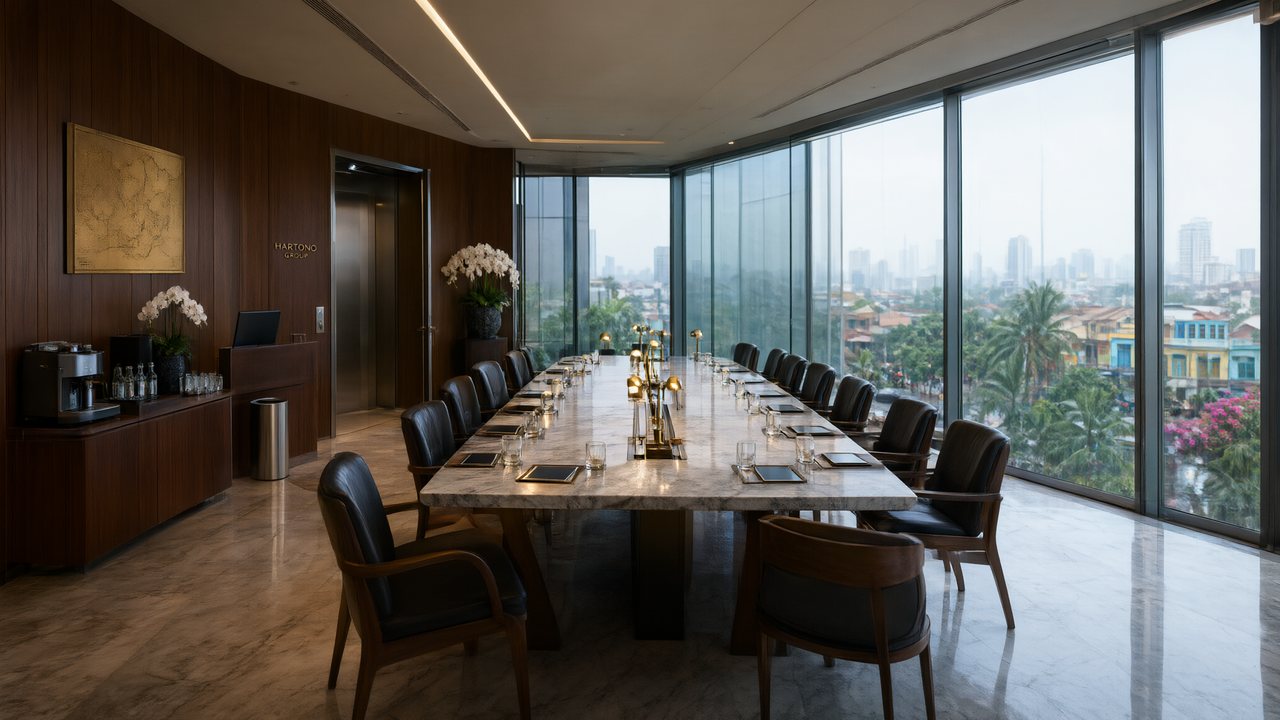 Ikrar JakartaBahasa IndonesiaNative dialogue
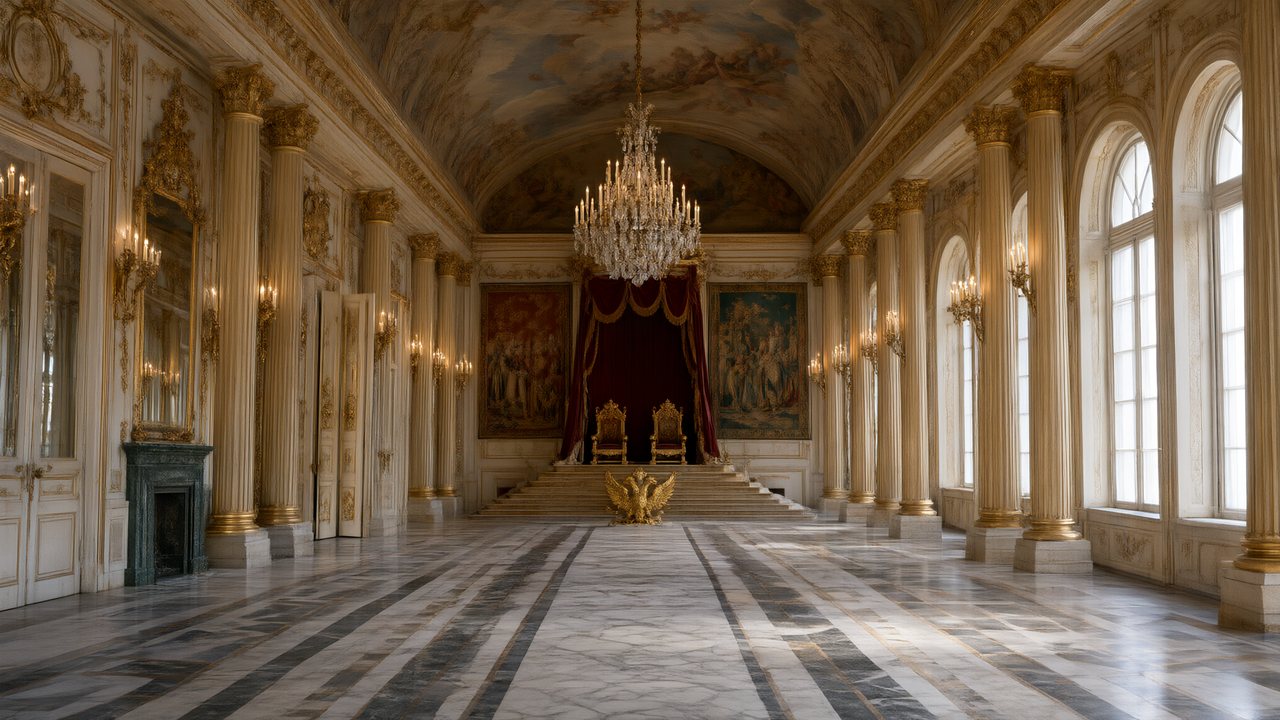 Зимняя коронаРусскийNative dialogue
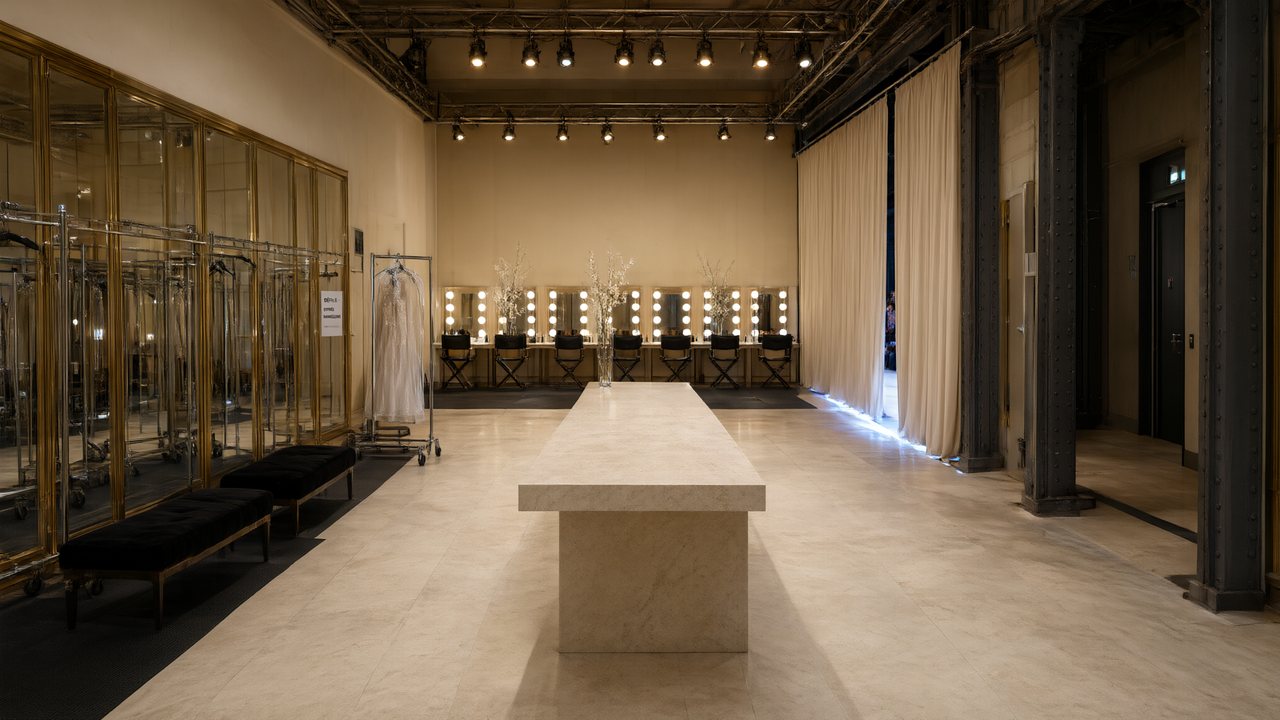 L’Héritier du DéfiléFrançaisNative dialogue
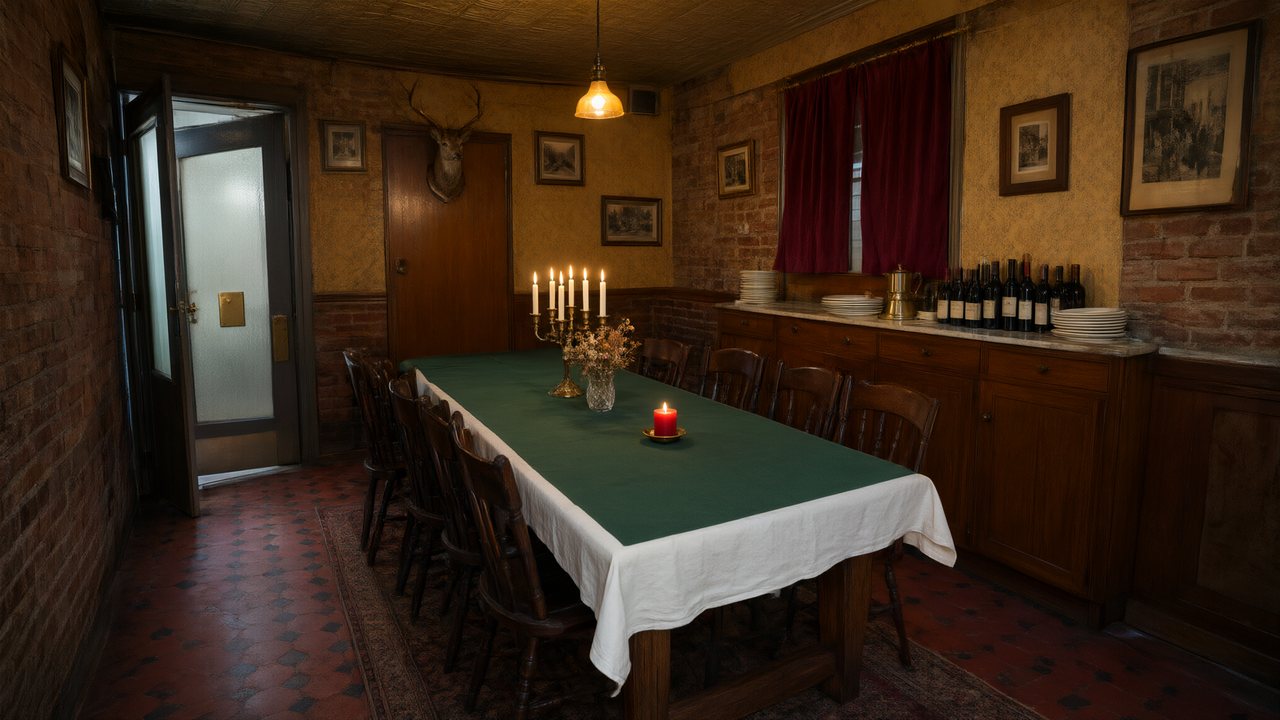 Il Tavolo dell'OlivaItalianoNative dialogue
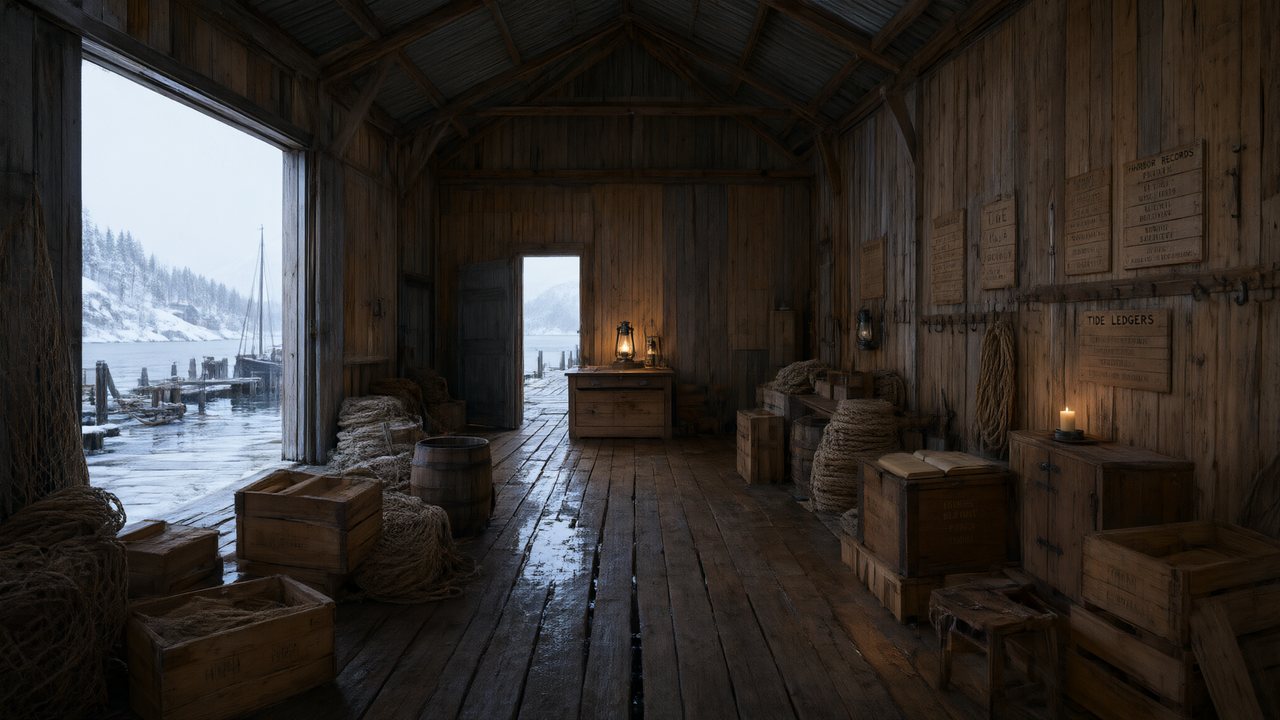 De Vuurtoren van de FjordNederlandsNative dialogue
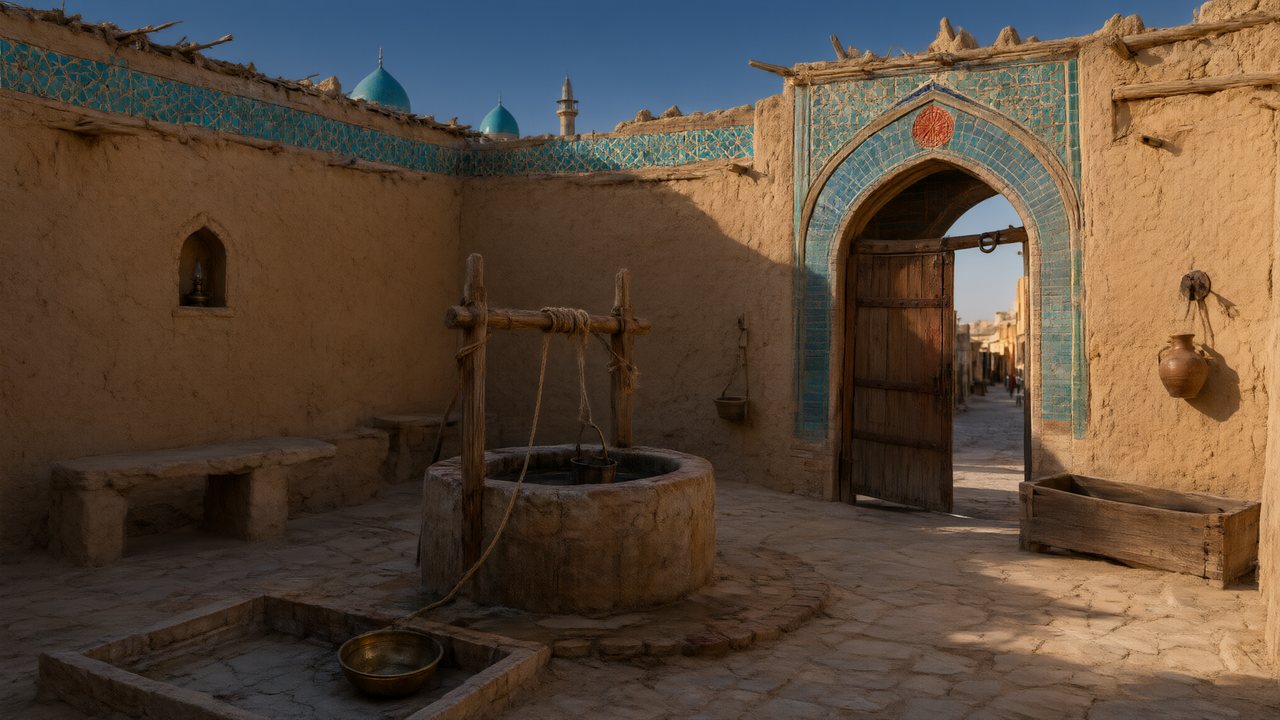 العهد الصحراويالعربيةNative dialogue
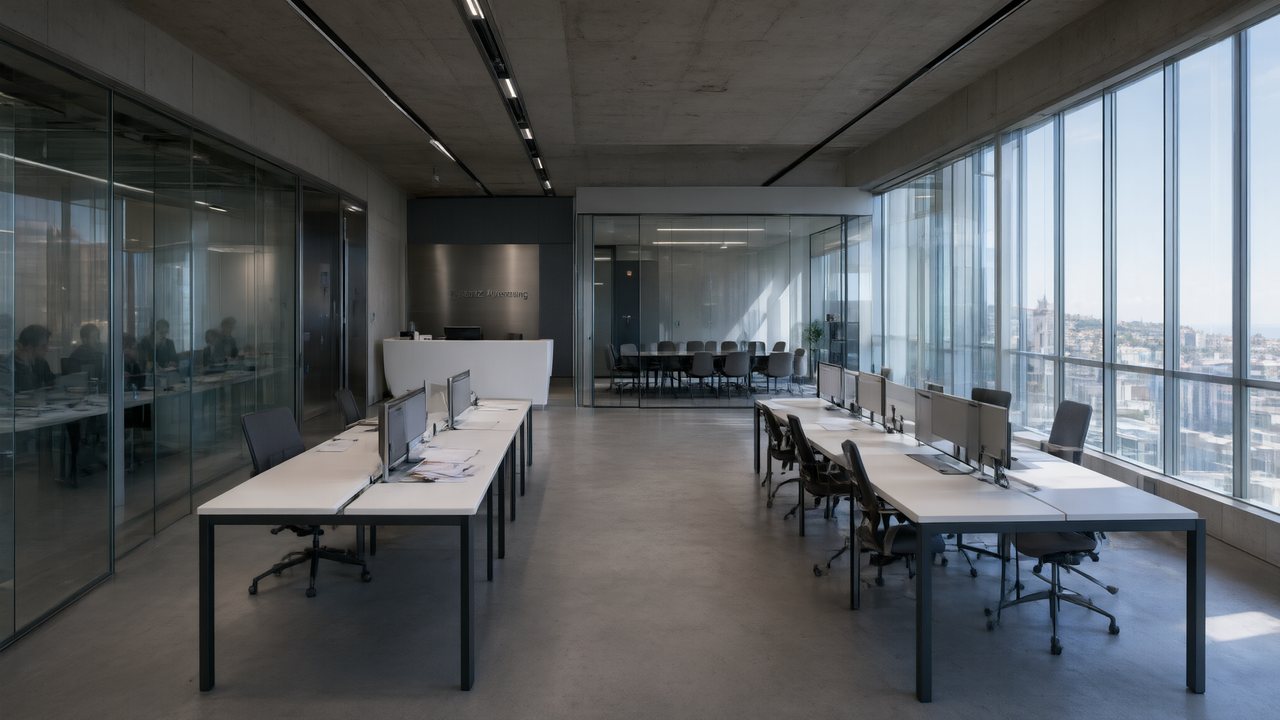 Çantasındaki SözleşmeTürkçeNative dialogue
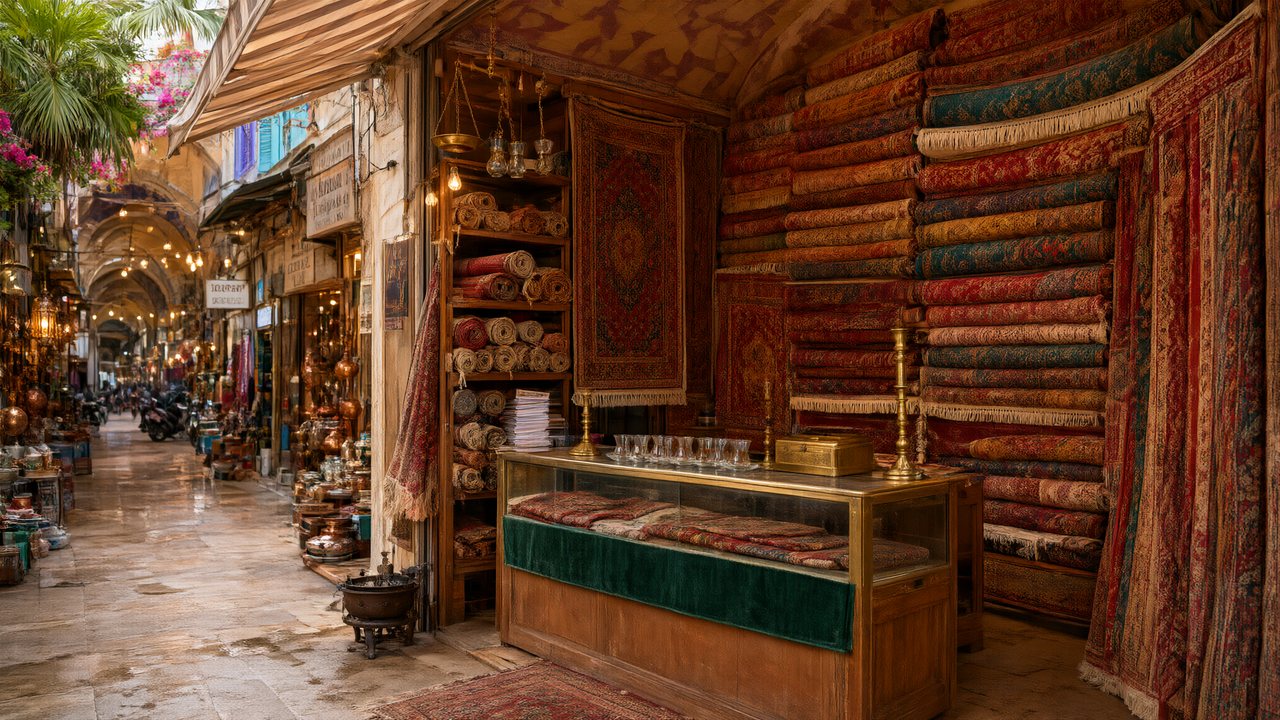 Die Istanbul-TäuschungDeutschNative dialogue
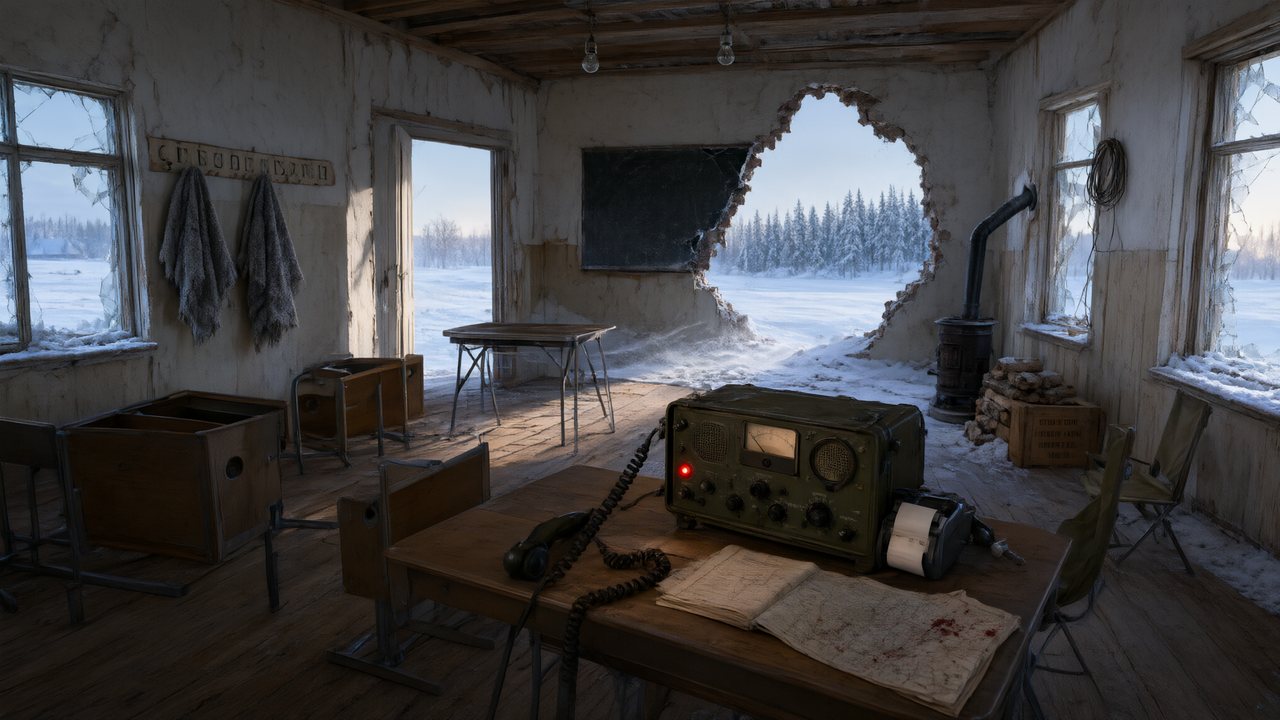 Останній сигналУкраїнськаNative dialogue
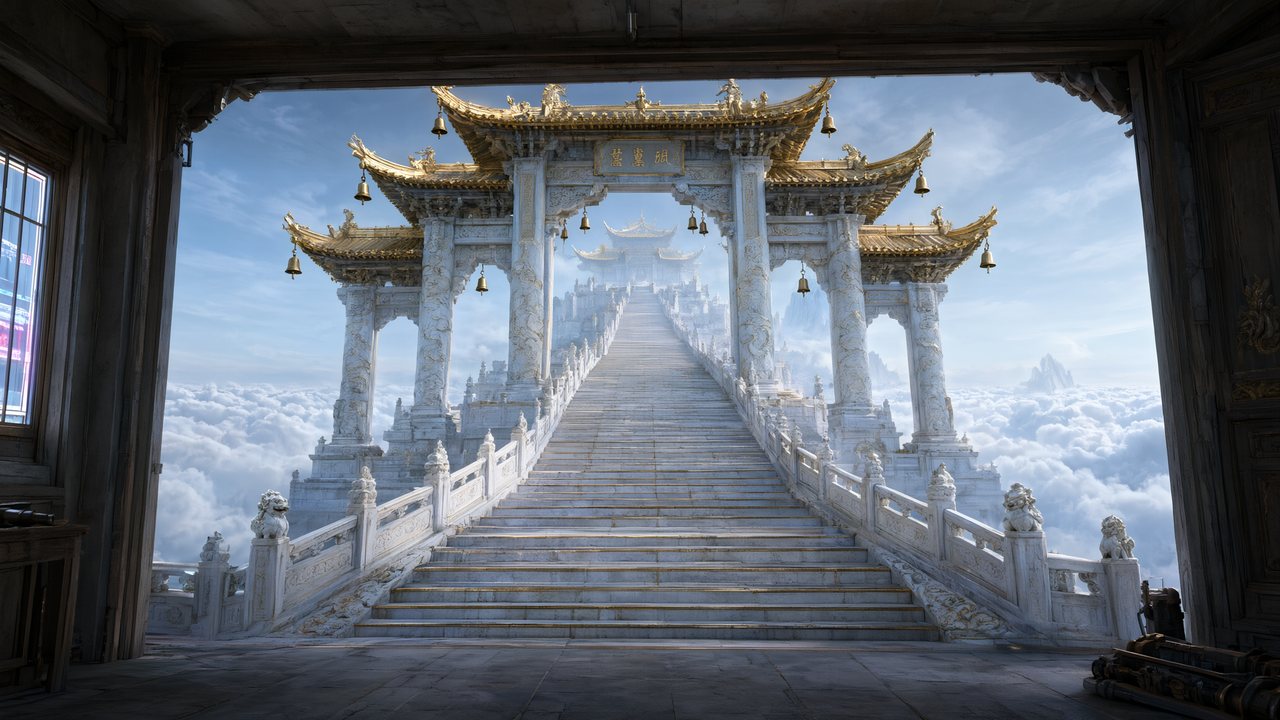 問劍青雲繁體中文Native dialogue
 The Last EnvelopeEnglishIn your language
In SceneMixer vs. stitching tools together
Most AI drama workflows are five or six tools in a row. This is where each step happens here, and what it replaces.
| Step | In SceneMixer | Doing it by hand with separate tools |
|---|---|---|
| Script and episode plan | Paste a script or a novel, or type one line: it is read into a cast, locations, props and an episode outline you can edit | A chat model writes the script; you split it into episodes and carry the text from tool to tool |
| Character faces and places | Every character, location and prop is drawn once as a reference sheet and attached to every shot it appears in | An image model, one sheet at a time; you upload the right reference to every clip yourself |
| Shots | A storyboard per episode with numbered shots and seconds; video is generated segment by segment in 9:16 or 16:9 against the same sheets | A video model, one clip per prompt, describing the same people again each time |
| Voices and dialogue | Lines are performed in the video itself, one voice per character, in any of 15 languages | A text-to-speech tool for each line, then a lip-sync pass on every clip |
| Fixing one shot | Edit that shot's text and regenerate the segment alone; the rest of the episode is untouched | Regenerate the clip, then re-cut the timeline |
| Finishing | Segments are composited into one episode file with its score; members download without the AI badge | A video editor to join the clips, add music and captions, then export |
| Publishing | You upload the finished episode to TikTok, YouTube, Instagram or anywhere else; nothing is posted for you | Upload by hand, the same as here |
FAQ
What is an AI animation maker?
A tool that generates animated video. SceneMixer is a story kind: scripts and ideas become scenes and episodes with a steady cast.
Does it animate a single picture?
No. It generates scenes from a script; it is not a picture animator.
Which animation styles can I make?
Anime, painterly anime, Korean webcomic, family 3D, 3D toy cartoon, claymation, watercolor storybook, ink wash and more.
Can I make a series?
Yes. The cast and sets are reused across episodes.
Do the characters speak?
Yes, in any of 15 languages.
How much does it cost?
Video is 10 credits a second on the default tier plus 1 credit a second to join.
Is there a free version?
You can start free: 50 credits, the first 15 setup images, the first storyboard and a 5-second preview.
Updated November 2, 2026