AI Story Generator With Pictures: Which Pictures You Get
Three kinds of picture
| Picture | What it shows | What it is for | How many |
|---|---|---|---|
| Character sheet | One person, full length, on a plain white background | The reference every shot with that person copies | One per character who is seen |
| Outfit or state picture | The same sheet, changed in one thing: an outfit, an injury, a drawn blade | A reference for the scenes where that change applies | One per state you need |
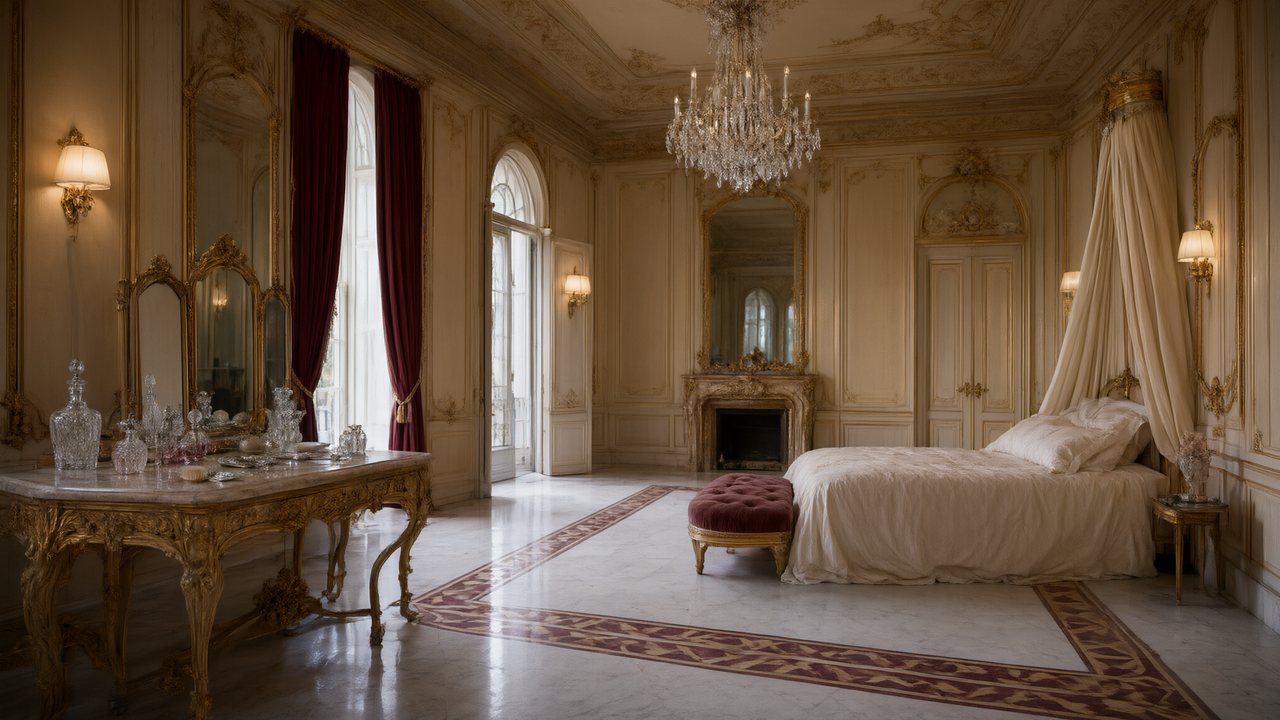
| Place sheet | The empty location with its layout readable, no people | The reference for every shot set there | One per place |
| Prop sheet | The object alone on white | The reference when the object is in a shot | One per prop that matters |
| Cover art | A poster with your title painted into it; the site adds the tagline and episode numbers | The one picture made to be looked at: for the project, for sharing | Three options per set |
| Shots | The moving pictures themselves | The video | Drawn from the story text and the sheets above |
What none of them is: a picture for every page of a story. If you want a storybook with one illustration per page, this is not that. The pictures that tell the story are the shots, and the sheets exist to make sure the same faces and rooms appear in all of them. AI story video generator covers the way a story becomes a video.
Why the sheets look plain
A character sheet shows the person full length on a plain white background; a place sheet shows the room empty; a prop sheet shows the object alone. That is not a limit of the picture maker, it is the job. Every shot is made by showing the model the sheets of everything in it, and the model copies what it sees, mood and background included. A sheet with a smoky background brings the smoke into a sunny scene. So the sheets stay neutral and the mood is written into each shot. Why character, scene and prop sheets look plain has the whole argument.
How many pictures a story needs
Count the cast who are seen and the places, then add the props and the outfit changes that matter. Here are the ten English samples, with the cast and places each page lists.
| Story | Characters | Places | Together |
|---|---|---|---|
| The Veil at Dawn | 6 | 2 | 8 |
| The Violin on Mercer St | 5 | 1 | 6 |
| The Eagle’s Vow | 9 | 2 | 11 |
| Rust City Knockout | 6 | 1 | 7 |
| The Glass Floor | 5 | 2 | 7 |
| Neon Debt | 7 | 2 | 9 |
| Crimson Vow | 4 | 1 | 5 |
| Rocket Pup | 7 | 3 | 10 |
| The Last Envelope | 6 | 2 | 8 |
| Starfall Command | 7 | 2 | 9 |
The biggest of all 23 samples, in another language, has 11 characters and 4 places: 15 entries. These counts do not include props or outfit states, which depend on the story. Three kinds of entry do not need a picture: a character marked Off-screen (a narrator, a voice on a phone) is heard and never seen; a crowd is not cast, it is described in the shot; and a prop gets a sheet only where it matters to a shot. Leads, supporting cast and voice-only characters.
The first 15 setup images on an account are free, in any mix of characters, places and props. After that a picture on the default image model is 7 credits. The reading that finds your cast is priced by the script’s length, 4 credits per thousand characters on the default, and English counts 3,333 characters as 1,000.
Changing a picture
| You want | Do this | Cost |
|---|---|---|
| A different face or outfit | Edit the Appearance or Clothing text on the card, then Regenerate | Priced like any image; the free allowance covers it while it lasts |
| One detail changed | Ask the card for an AI edit, for example an outfit, hair or expression. AI edit a sheet | Priced like an image, and a membership feature on the current plan settings |
| Your own art | Upload & Replace on the card (a paid-plan feature). A plain, well-lit picture on a simple background works best | Free; counts toward storage |
| The same person in another outfit | Add a state to the character instead of redrawing the sheet. Outfit changes and scene states | A state is one image |
| A different image model | Pick the image tier in settings; it applies to new sheets, not existing ones. Which image tier for sheets | Per image, at the tier’s price |
| Keep a copy | Download on the entry in the asset library. Regenerating replaces the image on the card, so download first if you may want it back | Free |
You do not have to make every sheet before moving on: step 2 lets you continue without generating all of them. Regenerate one sheet and describe it.
The picture made to be looked at: cover art
Open the Cover art tab in step 2 once at least one lead has a character image. Type the title (twelve characters or fewer works best, because the title is painted by the picture model), choose the lettering, the genre mood and up to two cover characters, add an optional tagline, and press Generate 3 options. The three posters are built from your leads’ sheets, so the faces and costumes are the ones in the story. Pick one with Use this one; the site lays the tagline and the episode numbers on top, and makes the other shape, portrait or landscape, from it. The first set of three on an account’s first project is free. Make a promo cover poster for your AI drama.
Where the story’s own pictures happen
The storyboard is the story written as shots. Each shot has a size, an angle, who is in frame, what happens, the line and the seconds. You can read all of it before a single frame is drawn, and editing the text costs nothing. The clip for a segment is then made from that text and the sheets of everything it names. So the way to get the picture you imagine is in two places: the sheets for who and where, and the shot text for what happens. How to write one shot and the episode editor tour show the screens.
For where the story itself comes from, see AI story generator and AI story.
FAQ
Does the generator draw an illustration for every page?
No. It draws reference sheets for the cast, places and props, a cover poster on request, and the moving shots. It does not make a picture per page.
How many pictures will my story need?
The cast who are seen plus the places, then the props and outfit states that matter. The ten English samples need between 5 and 11 before props.
Are the pictures free?
The first 15 setup images on an account are free, in any mix. After that each is charged at the image model’s price, shown on the button.
Why do the character pictures have a plain white background?
Every shot copies its sheets, background and mood included. A plain sheet can be used in any scene.
Can I use my own drawings?
Yes, on a paid plan. Use Upload and Replace on the card. A plain, well-lit picture works best.
Can I download the pictures?
Yes. Every entry in the asset library has a Download button.
Is there cover art for my story?
Yes. The Cover art tab in step 2 makes three poster options with your title painted in. The first set on your first project is free.
Can I change the picture style?
The Visual Style is chosen in step 1 and fixed once you continue. The image model for new sheets can be changed in settings.
Write the story, then look at the cast
The first setup images and the first storyboard are free, so you can see your story’s pictures before you spend on video.
Updated November 2, 2026