Long Scripts Are Read in Two Passes: What “Preparing Episodes” Means and Why Some Episodes Open Later

Paste a long novel chapter set on the home page and watch the stage names in the progress bar: cast, then episodes, then preparing.
What you see in Step 1
The reading bar runs through the same stages as any script — reading, cast, episodes — and for a long script adds a final preparing episodes stage. You can leave the page; the read carries on and picks up where it was when you come back. What each stage means and what happens if it fails: While the Script Is Being Read.
Why two passes instead of one
A single read has a fixed budget for what it can write back, and a fifty-episode script does not fit: read in one go, the model silently delivers a fraction of the episodes. Splitting the read into cast and then episodes keeps every episode, and preparing each episode’s full outline separately keeps the detail. The parse fee is charged once for the whole script, by length, whichever way it is read — Upload a Script and Parse It.
Which episodes are ready when
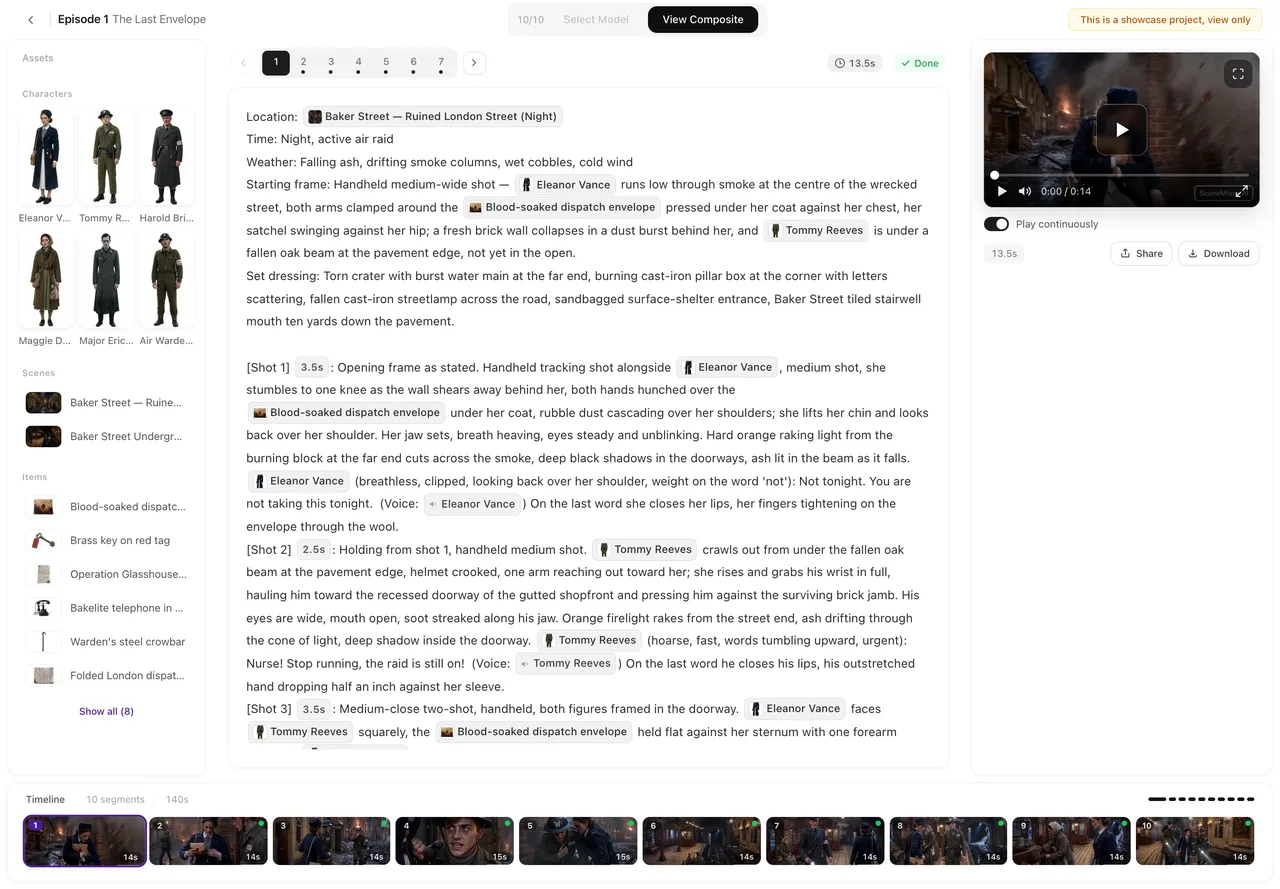
After the read, the first three episodes have their full outline; the others show a shorter summary with a preparing mark in Step 3. The others are prepared when you press Generate storyboard on one: that episode and the next one are prepared first; opening an episode alone does not start it. the button shows a short wait and continues on its own once the outline is in. You never have to press twice.
If an episode will not finish preparing
A preparation that fails is retried on its own; after repeated failures the episode is marked as prepared from its short summary instead, and the storyboard is generated from that. The result is thinner for that episode; outlines cannot be edited on the site, so add detail by editing the storyboard once it is generated. Checking the Summary, and What Re-parsing Means.
Size caps and how characters are counted
Scripts under 10,000 equivalent characters are read in one pass; from there up to 100,000 they are read in two. Alphabetic scripts count lighter: every 3,333 characters of English, German, Spanish and other alphabetic text count as 1,000, so an English two-pass read can be up to 300,000 raw characters. The home page shows the cap for the language you paste. How the caps and the character factor work.
| Script length (equivalent characters) | How it is read | Cap |
|---|---|---|
| Under the two-pass threshold | One pass: cast, episodes and full outlines together | Up to the threshold, 10,000 |
| Over the threshold | Two passes, outlines prepared when needed | 100,000 |
| Alphabetic text, over the threshold | Same, counted at 3,333 characters per 1,000 | 300,000 raw characters |
FAQ
Why does episode 12 say 'preparing' when episode 1 is ready?
Only the first three are prepared in advance. Press Generate storyboard on episode 12 and it is prepared then; the button waits and continues.
Do I pay extra for the second pass?
No. The parse fee is by script length, charged once.
I pressed Generate storyboard and it just waited. Is it stuck?
It is waiting for that episode's outline to finish preparing, then continues by itself. Give it a minute.
Can I edit an outline?
No. Outlines cannot be edited on the site; edit the storyboard once it is generated.
My script is over the cap. What now?
Split it into parts and parse each as its own project, or trim it. The home page tells you the cap for your language before you start.
Paste the whole thing
Long scripts are read in full; later episodes are prepared when you get to them.
Updated September 27, 2026
Pricing·Novel to Video·Guides·Samples·Support·Privacy·Terms·Legal·Contact·© 2026 SceneMixer