How to make an AI memorial video
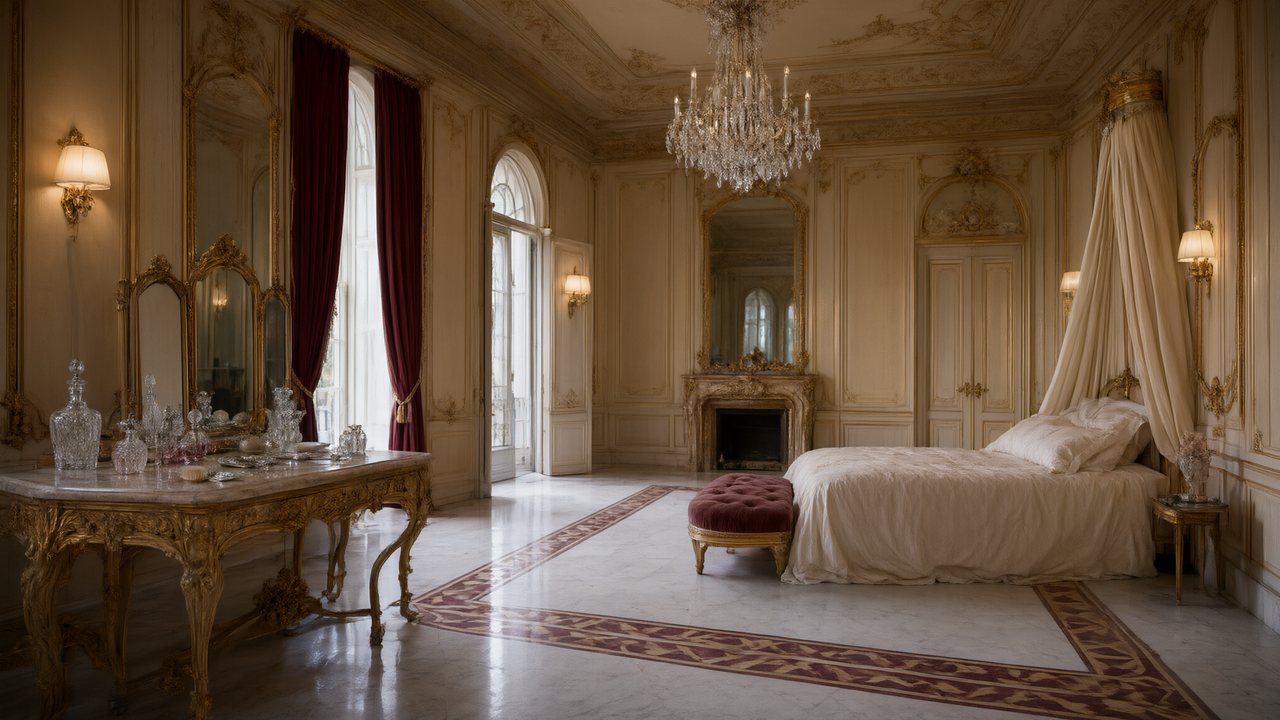
Brief for AI Create: A two-minute tribute to a grandfather who kept a garden: the garden at six in the morning, his coat on the hook by the door, the radio he kept tuned to one station, a narrator reading five short lines; slow, warm, no faces, ends on the garden gate.
What it can and cannot be
- Can. A tribute film in short scenes, a narrator's voice-over, ambience, a quiet score, a gentle look (Watercolor Storybook, Soft Glow, Painterly Anime).
- Cannot. Turn a folder of photos into a slideshow: the site takes text, up to four photos of one subject for an ad, or a video. What you can feed in.
- Does not offer. Cloning anyone's voice. The site does not offer cloning of a named person; a member can upload a clip they have the right to use. How voices work.
Three versions, from lightest
| Version | What is on screen | What you need |
|---|---|---|
| 1. No faces | Places, objects, hands, weather; a narrator speaks | Only your words |
| 2. A drawn character | A figure inspired by the person, drawn in a gentle look from your written description | Your words; no photo |
| 3. A photo as reference | The character redrawn with the face, hair and clothing read from your photo | A membership; a photo you have the right to use |
Version 3 is Upload & Replace on the character's card in step 2, then Optimize into a reference sheet: it reads the face, hair and clothing from the photo and redraws them in the project's style. The clearer and larger the face, the more of it the video can hold on to. Using your own photo.
Rights and the face check
The Terms say: “Do not upload or generate a real person's face, voice or likeness without their documented consent.” The window before your first upload asks you to confirm that you have the right to use the material and that every real person whose face or voice appears in it has given consent. Whether you hold that right for a person who has died, and whether to agree the film with the people close to them, is your decision; this page does not judge it.
Separately, the video provider's face check can refuse an image that looks like a real person. The segment fails, the credits come back automatically, and retrying with the same image fails the same way; after 12 blocked attempts in a day, video generation pauses for 1 hour. A drawn look sits far from a real face and is rarely flagged. What to do when a reference is flagged.
Write three memories and one line
| Beat | Seconds | Picture | Sound |
|---|---|---|---|
| The place | 20 | The garden at six in the morning | Ambient: birds, a gate |
| The object | 20 | His coat on the hook by the door | Quiet; one line of voice-over |
| The habit | 20 | The radio tuned to one station | Ambient: a far-off tune, low |
| The line | 15 | The garden gate, left open | One sentence, then silence |
Narration is spoken off-screen, so people in frame keep their mouths closed. In the storyboard it is one line per shot, at about three words a second:
[Shot 1] 4s: Wide shot, slow push in. A garden at first light, a spade standing in the soil. @Narrator (voice-over, quiet): He was up before the light. (voice: Narrator)
[Shot 2] 4s: Close-up on a coat on a hook, the sleeve a little worn. Ambient: a clock, far off. No dialogue.
Lines, voice-over and captions.
Pace, look and music
- Slow. Long shots, one thing in each. No cliffhanger; end on an image.
- Look. Soft Glow for a hazy, low-contrast feel; Watercolor Storybook for something tender and drawn.
- Music. The episode is scored automatically and you cannot pick the piece. To use a song they loved, turn the Music switch off, download, and lay a track you have the right to use under it in an editor. The built-in score and your own.
Try one shot first
The storyboard is free to read and rewrite before anything is rendered on your first drama, and each account has one free preview of up to 5 seconds. Make the first segment alone, watch it with the sound on, and carry on only if it feels right. The free preview · What you get for free.
Sharing it
A video shared through a SceneMixer link always carries the small AI badge, so anyone who watches can see it was made with AI. Your own download follows your badge setting: a free account's carries it, a member's is off by default. Shared links open without an account. Why shared videos carry the badge · Composite and share an episode.
Make it in SceneMixer, start to finish
- Script: paste your own on Upload Script, or write the brief above in AI Create and let it draft the episodes.
- Step 1: Type Film; Scene Style Pastoral Healing; Costume Style Soft Everyday; Visual Style Soft Glow, Watercolor Storybook; Target Region; dialogue language; 16:9 Landscape. Then read the script.
- Step 2: Draw only what you want to see: a garden and a doorway as places, a coat as a prop, and a narrator; leave the person out until you choose to add them. The first 15 setup images on an account are free.
- Storyboard: generate episode 1 first (free on your first drama) and read it before you render anything. One place per segment.
- Video: render on the default tier at 10 credits a second, fix single shots instead of whole episodes, then put the episode together and post.
| You have | You can make | Needs |
|---|---|---|
| Words and memories | A tribute film in scenes with a narrator | Nothing else |
| A description of the person | A drawn character inspired by them | Nothing else |
| A photo you have the right to use | A character redrawn from it | A membership |
| A folder of photos | Not a slideshow | — |
| A recording of their voice | Not as a clone | A member may upload a clip they have the right to use |
FAQ
Can I make a memorial video from photos?
Not as a slideshow. The site takes text, up to four photos of one subject for an ad, or a video. A member can upload one photo as a character reference.
Will the face look like them?
It will be a likeness in the project's style, not a photograph: the face, hair and clothing are read from the photo and redrawn. A small or unclear face gives the video less to hold on to.
Can it use their voice?
The site does not offer cloning of a named person. A member can upload a clip they have the right to use; a recording of a real person is that person's.
What if the face check blocks it?
The credits come back automatically. Change the image or choose a drawn look; after 12 blocked attempts in a day, video pauses for 1 hour.
Which look is gentlest?
Soft Glow and Watercolor Storybook are the softest of the looks; Painterly Anime suits larger, quieter scenery.
How long should it be?
One to three minutes. Three memories and one closing line fit about 75 seconds.
Does it carry an AI label?
A shared link always shows the small AI badge; your own download follows your setting.
What does it cost?
Video is 10 credits a second on the default tier plus 1 credit a second to join, so 75 seconds is 75 seconds of each, before retakes.
Updated November 2, 2026