How Character Voices Work

Voice descriptions are visible in the character panel of any project. Open a sample, click a character, and the voice line sits under the appearance description.
Mode 1 — a voice written in words (the default)
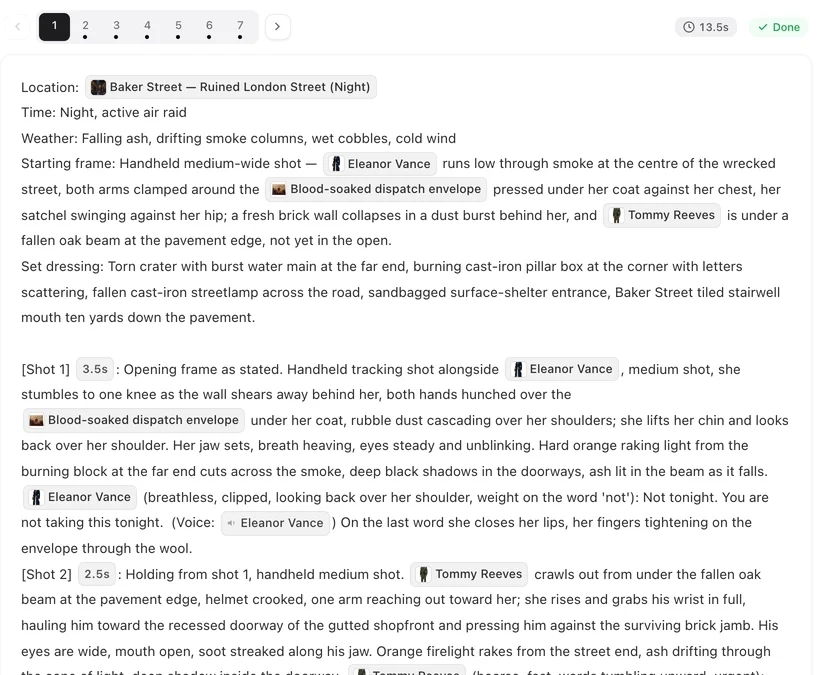
The script read gives each character a short voice description, the same way it gives them an appearance. That line travels into the video prompt, and the model performs it. No sample file is attached; nothing is generated in advance.
This is the default because it is free, it is instant, and for most characters it is enough. The cost is consistency: two shots of the same character can land slightly differently.
Mode 2 — matched to a preset you can hear
Open a character and ask for a voice match. A short, free pass reads the description and picks a voice from the built-in library, preferring one that speaks the right language. You get a sample to play, and a picker to choose a different one if the match is not right.
Once attached, the sample becomes an audio reference on every shot that character speaks in, which is what makes the voice hold across an episode.
The library is a fixed set of system voices with a pre-rendered sample for each, so matching costs nothing to try and nothing to change your mind about.
Mode 3 — upload your own
You can upload a clip and use it as the character's voice. It is trimmed to a short reference and used the same way a matched preset would be. An uploaded voice is a sticky choice: later matching passes will not overwrite it. Uploading files is a member feature — the first two modes are free for everyone.
Only upload a voice you have the right to use. A recording of a real person is that person's, and using one without their permission is not something the platform will help with.
What the voice does and does not control
The voice covers timbre and delivery. It does not decide what is said — the lines come from the storyboard and are spoken word for word. It also does not carry across to narration: lines marked as off-screen or voice-over are handled as off-screen audio, and the people in frame keep their mouths closed.
If a shot has no dialogue, no voice is used at all — what you hear is the ambient track written into that shot.
Changing your mind
Rematching, picking a different preset, and clearing back to a text description are all free and take effect on the next shot you generate. Segments you have already shot keep the voice they were shot with; regenerate a segment if you want it to pick up the new one.
| Mode | Cost | Consistency |
|---|---|---|
| Description in words | Free, automatic | Good, varies slightly per shot |
| Matched preset | Free to match and change | Holds across the episode |
| Your own upload | Member feature | Holds; not overwritten by rematching |
FAQ
Do I have to pick voices before generating video?
No. Without a matched voice the description is performed directly, and that is the default for every project.
Can I hear a voice before committing to it?
Yes — every preset in the library has a sample you can play in the picker.
Does matching a voice cost credits?
No. The matching pass is free, and so is changing your mind.
Will the voice be used for narration and inner monologue?
Those lines are treated as off-screen audio: they are heard, but the people on screen do not move their lips.
Can I clone a specific person's voice?
Members can upload a clip they have the right to use. We do not offer cloning of a named person, and uploading someone else's voice without permission is not permitted.
Hear the difference
Open a character, match a voice, and play the sample before you shoot anything.
Updated September 21, 2026
Pricing·Novel to Video·Guides·Samples·Support·Privacy·Terms·Legal·Contact·© 2026 SceneMixer