Vertical AI video generator
Vertical AI Video Generator
Updated September 20, 2026

Vertical is a format, not a crop
You can letterbox a landscape shot into a 9:16 frame and call it vertical. It will look like exactly that. A frame three times taller than it is wide changes where faces sit, how much room a two-hander needs, how far the camera can pull back before a head becomes a dot — and generated video is unusually sensitive to all three, because every shot is composed from scratch rather than cropped from coverage.
So the aspect ratio is a project setting chosen before any art is generated, and it propagates: character sheets, location plates, prop shots and every rendered segment are all composed for the frame you picked.
At a glance
| Where it is set | Step 1, once per project. 16:9 landscape is the default; 9:16 vertical is the other option. |
|---|---|
| Character sheets | Always 9:16, in both projects — a full-body reference is taller than it is wide regardless of the delivery frame. |
| Locations and props | Follow the project frame, so a vertical project gets vertical plates that later shots are composed against. |
| Segment length | 4–15 seconds; some model tiers reach 30. Runtime is stacked, not requested. |
| Episode length | Short drama is paced for up to 240 seconds per episode. Vertical series usually run 60–120. |
| Resolution | 480P by default, 720P and 1080P a click away. The per-second price moves with the tier, nothing else does. |
| Text in frame | None by design. Video models cannot spell reliably, so captions are added after export on whatever platform you publish to. |
What the shot list does differently in a tall frame
- It keeps faces high. In a vertical frame the eye lands in the upper third; a composition centred for 16:9 puts the head in the middle and wastes the top.
- It avoids wide two-shots. Two people side by side in 9:16 either both become small or one leaves the frame. The list uses over-the-shoulder and alternating singles instead — which is what vertical drama does on real sets too.
- It does not pull back to show wardrobe. A full-length figure in a tall frame shrinks the head until identity is gone. Clothing is established once on the reference sheet, not re-established in every shot.
- It states who is in frame, per shot. In a narrow frame the difference between “two people” and “one person and a voice” is most of the composition, so it is written explicitly rather than implied.
Changing your mind later
The frame is not locked forever, but it is not free to change either: the reference art was composed for the old ratio. Switching a project from landscape to vertical leaves you with location plates framed for the wrong shape — usable, but they will fight the new compositions. If you know the series is for phones, pick 9:16 before generating art; if you are unsure, generate one segment in each and look, which is what the free allowance is for.
What it will not do
- Reframe an existing landscape video. There is no crop-and-track tool here. Vertical output comes from generating in a vertical frame.
- Add a safe-zone overlay. Platform UI overlays differ and change; the pipeline keeps the subject clear of the extreme edges but does not render a template.
- Produce one continuous vertical take of any length. Segment caps are per model tier. Runtime comes from stacking.
- Burn in captions or a hook card. Those go on after export, where you can change them per platform without re-rendering.
What it costs
Vertical costs exactly what landscape costs — the frame is not a surcharge. Video starts at 10 credits per second of output on the 480P tier (≈ $0.06/s at the lowest credit price), up to $0.47/s on the sharpest; assembly is 1 credit per second. A 90-second vertical episode is therefore about 990 credits of video and assembly at the cheapest tier. Analysis and shot lists are billed by text length and are the same either way. New accounts get 50 credits, 15 free reference images and one free preview of up to 5 seconds. The micro drama page covers the format's economics; full rates on the pricing page.
Languages
Native dialogue in 15 languages
Every series below was produced by the same pipeline with the cast speaking that language natively: the interface, the working documents and the spoken lines are all in one language, and nothing is dubbed. Open one to hear it.
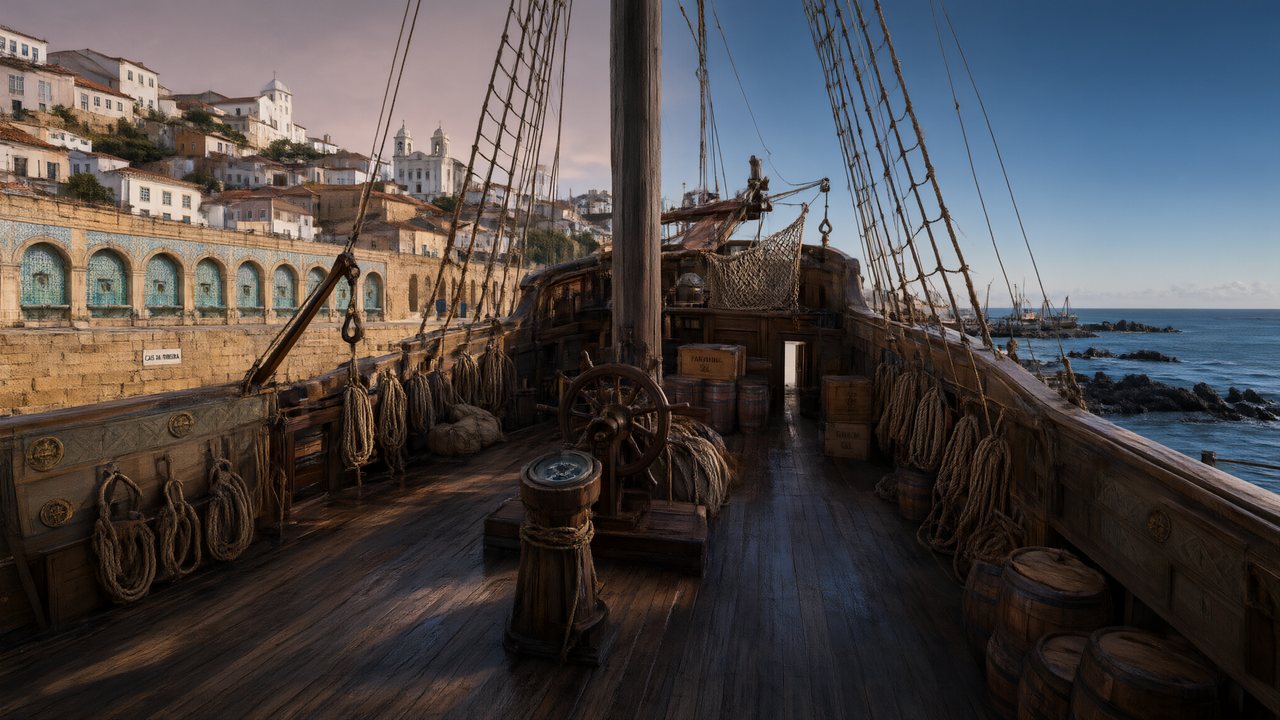 A Carta de LisboaPortuguêsNative dialogue
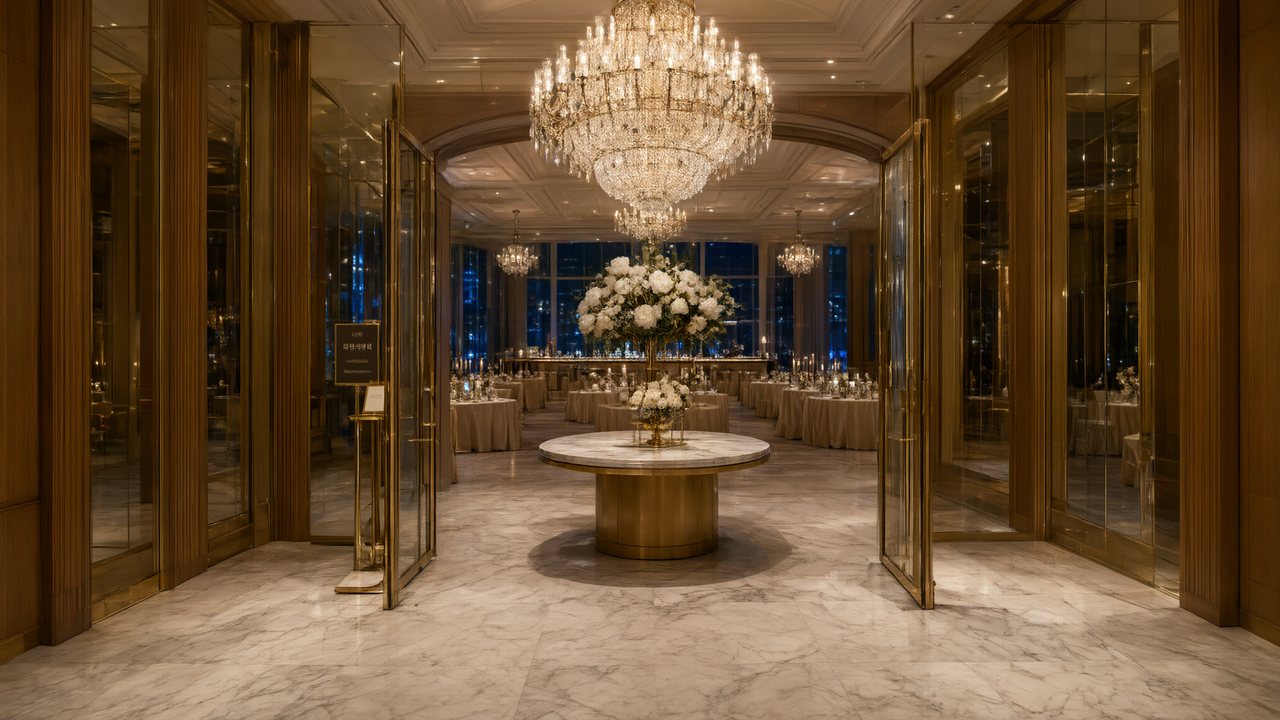 윈터 프라미스한국어Native dialogue
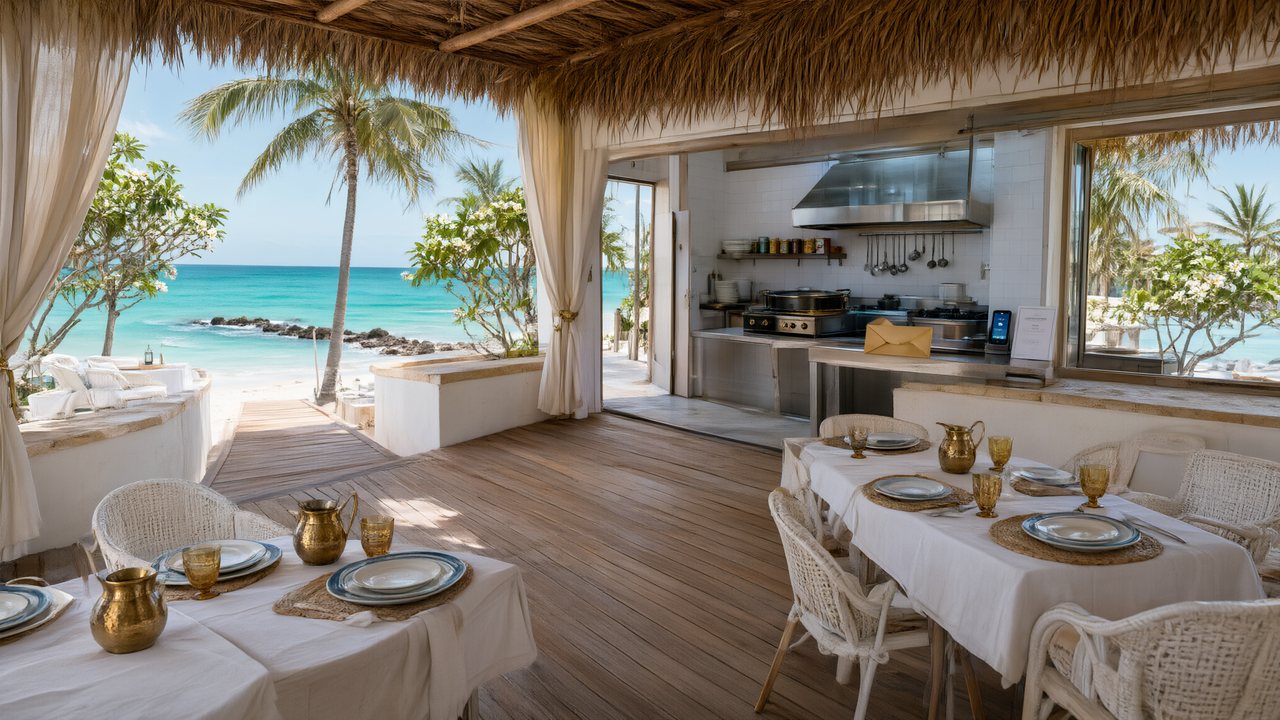 El Secreto de CostaEspañolNative dialogue
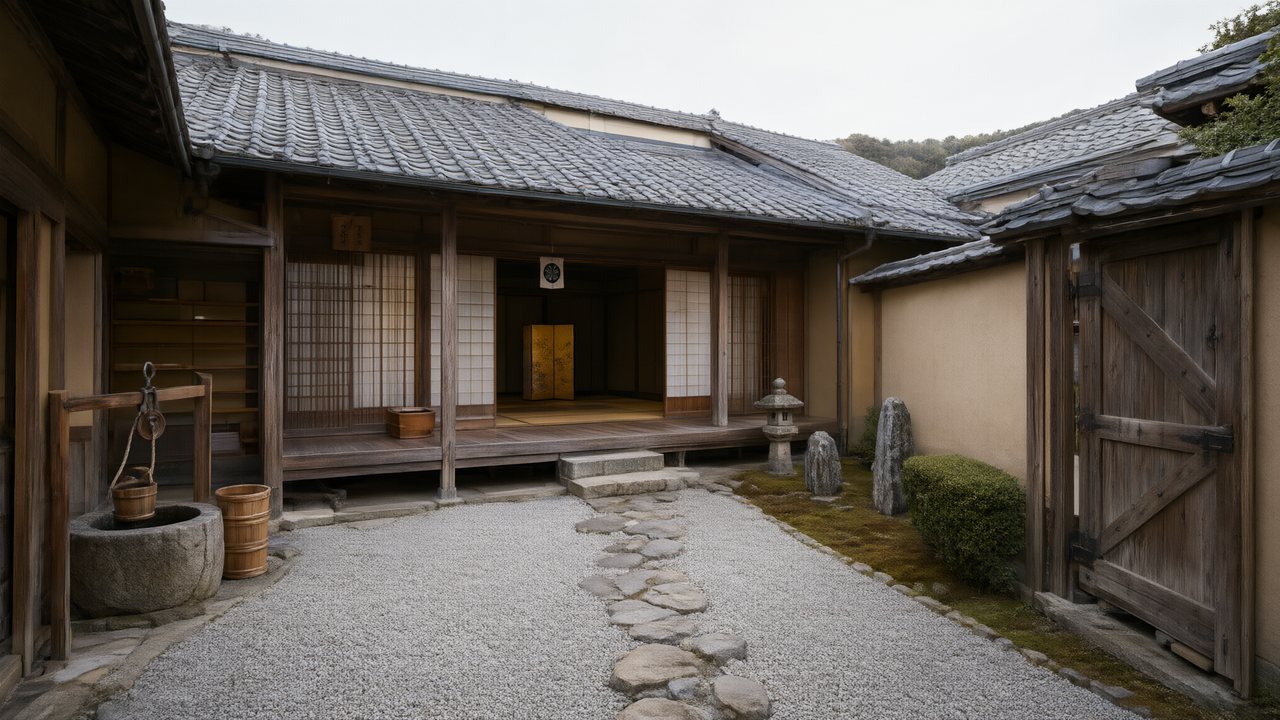 浪人の誓い日本語Native dialogue
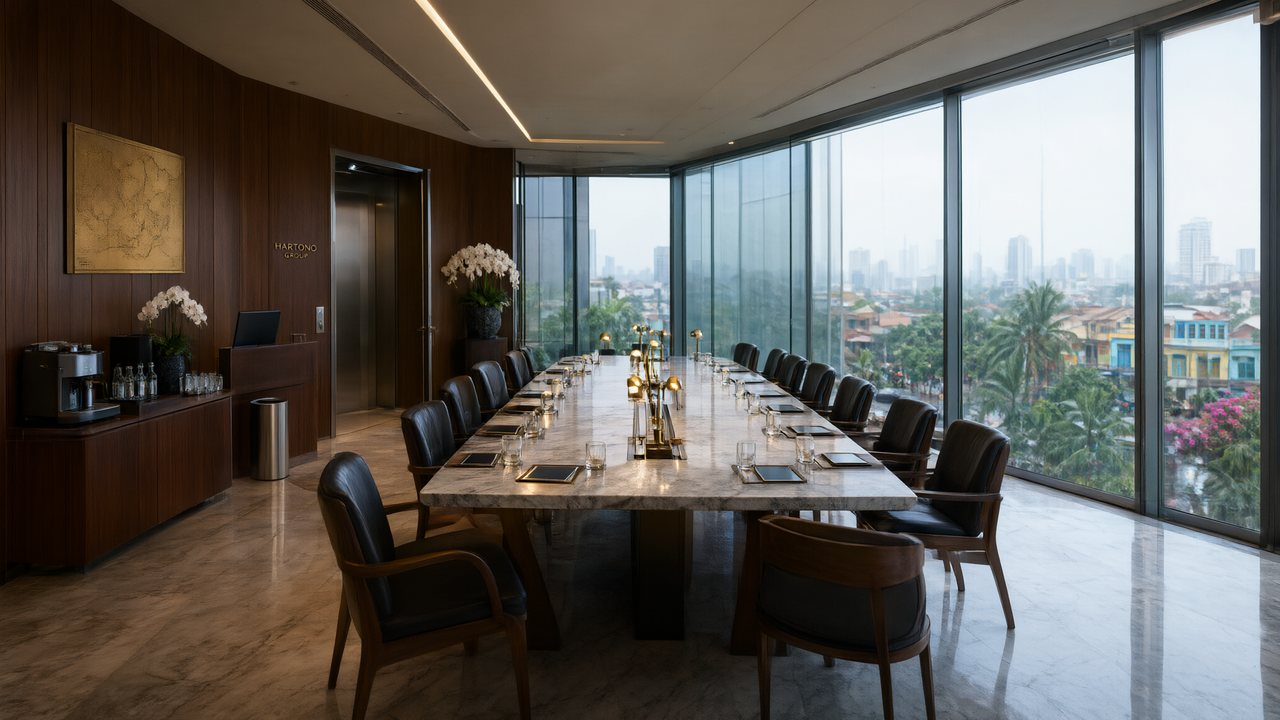 Ikrar JakartaBahasa IndonesiaNative dialogue
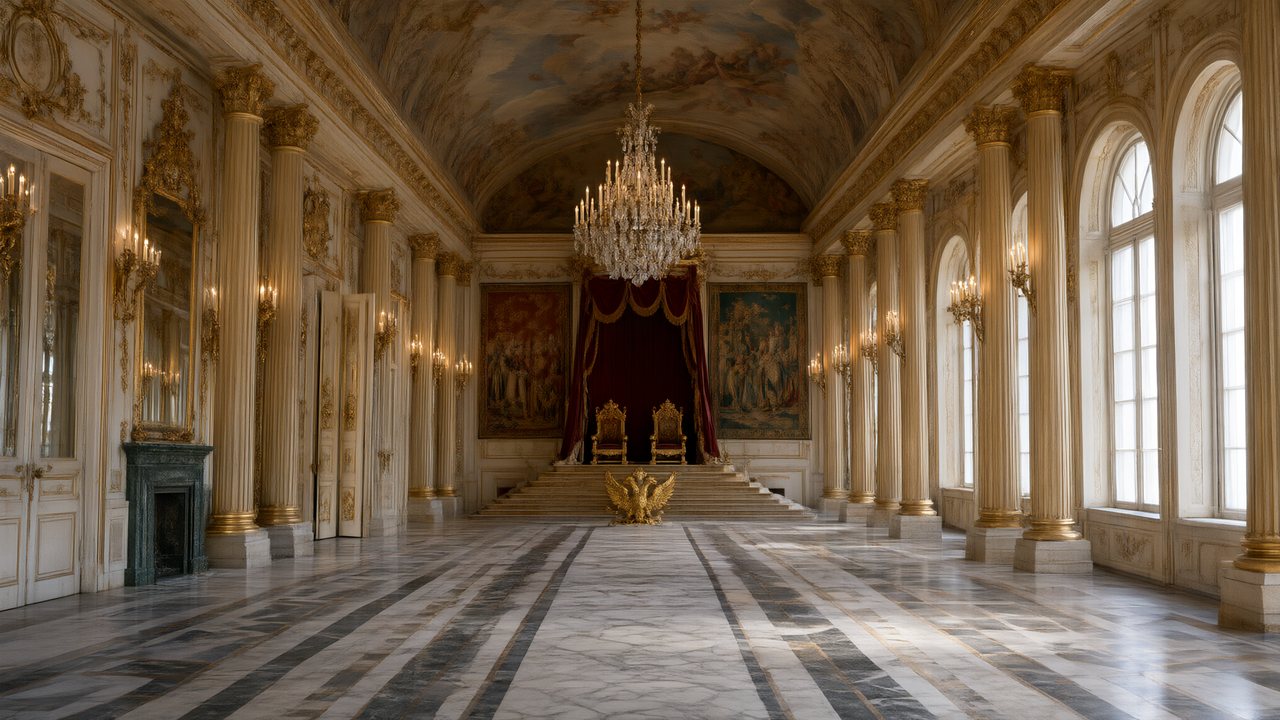 Зимняя коронаРусскийNative dialogue
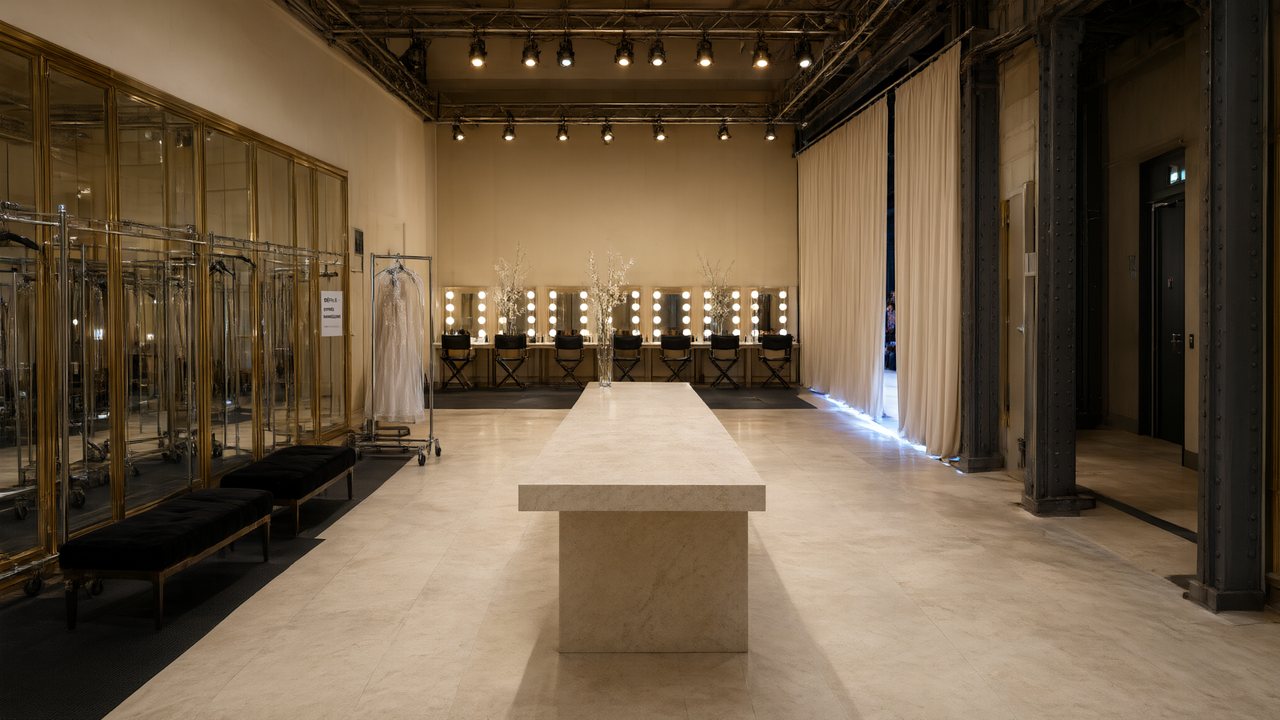 L’Héritier du DéfiléFrançaisNative dialogue
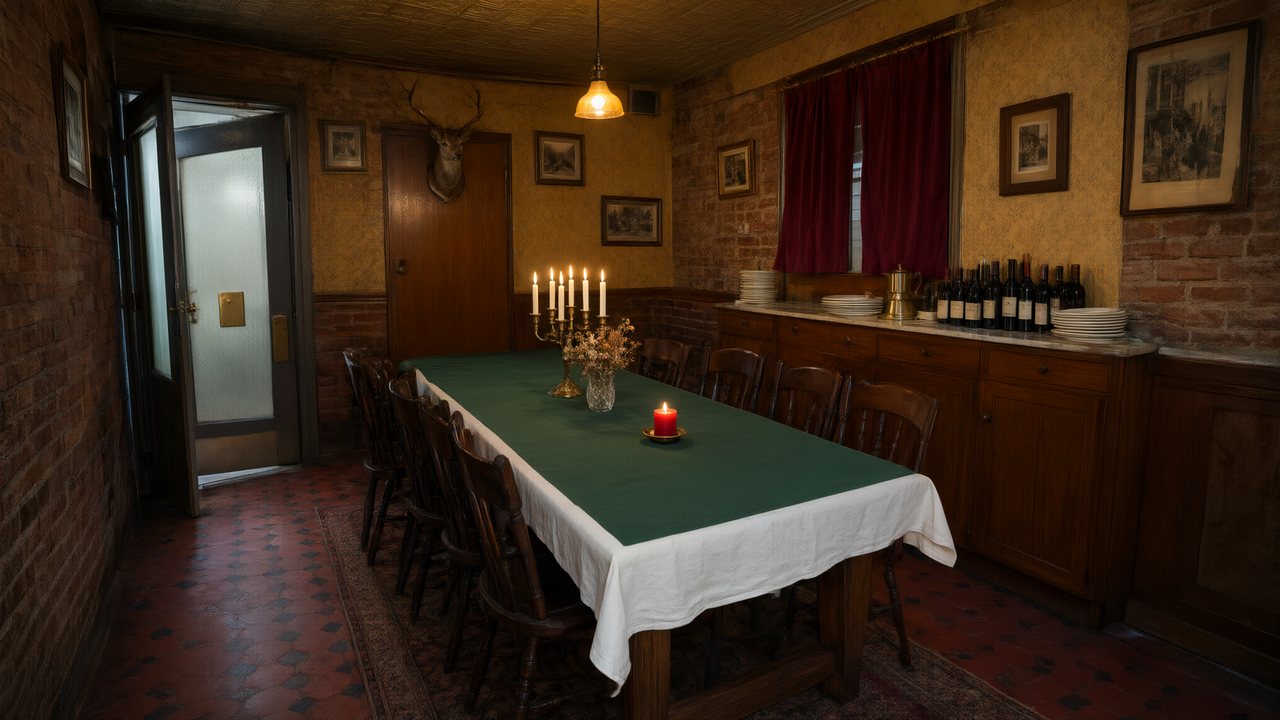 Il Tavolo dell'OlivaItalianoNative dialogue
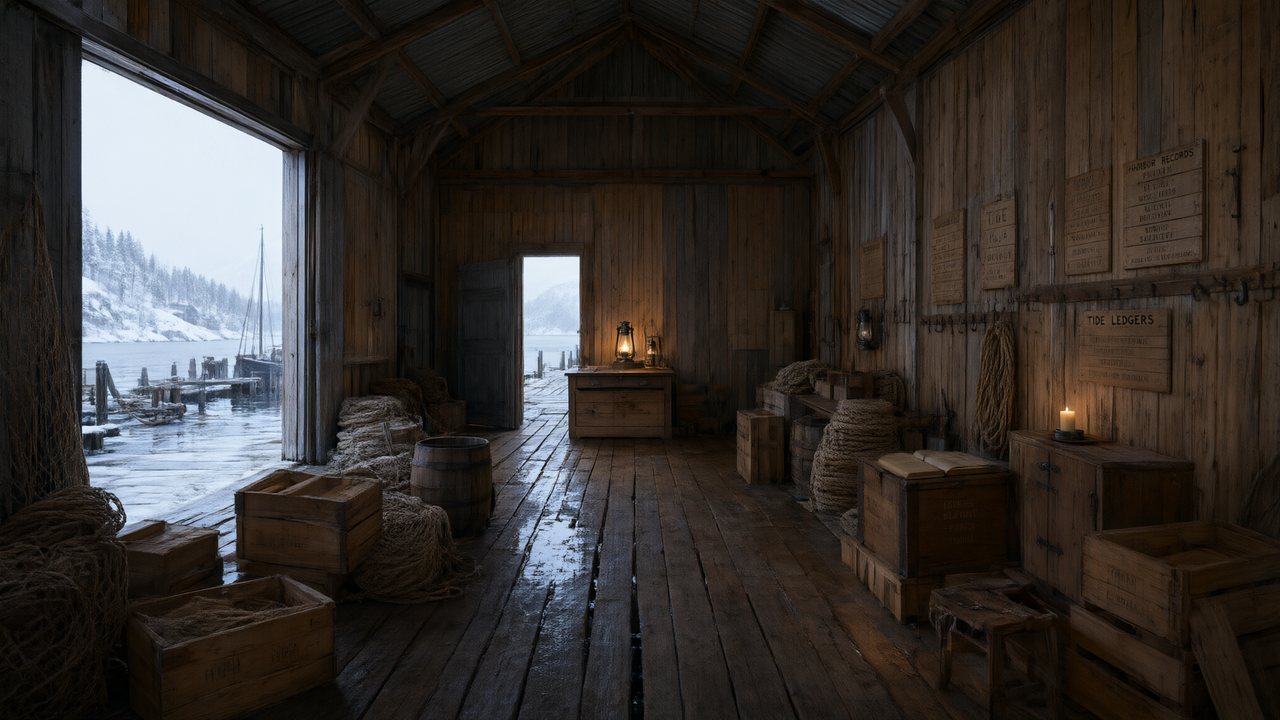 De Vuurtoren van de FjordNederlandsNative dialogue
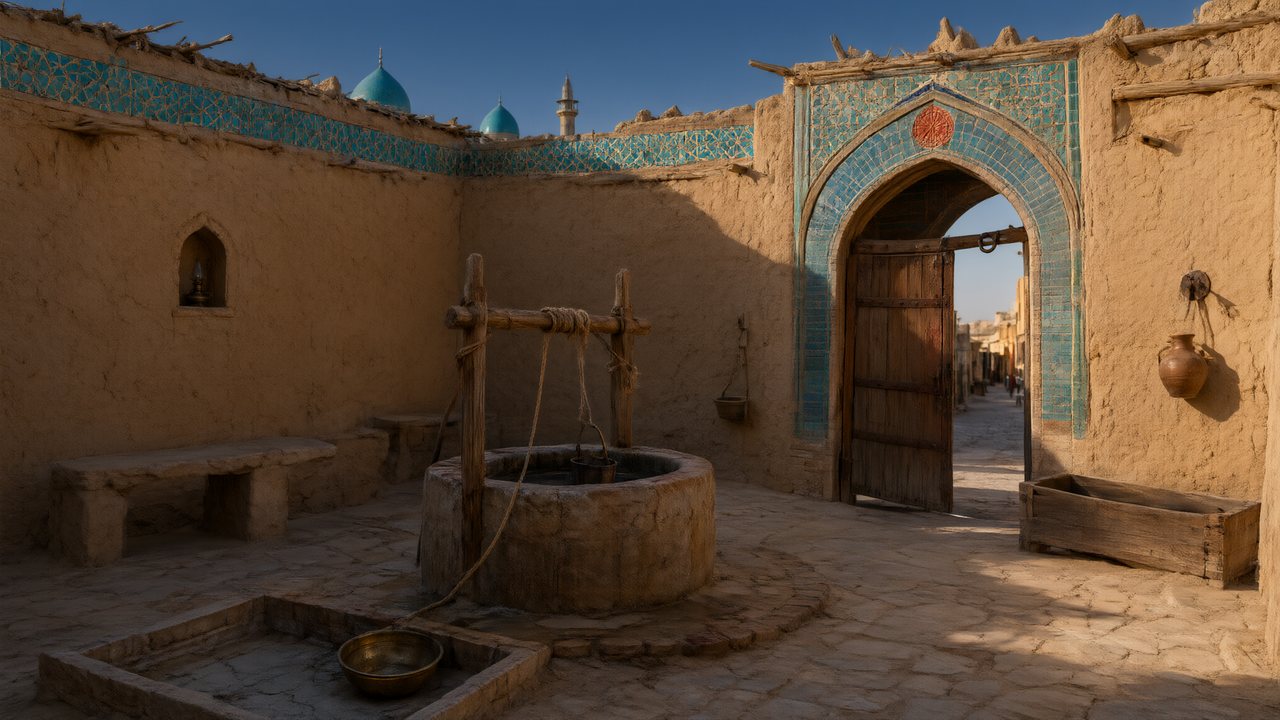 العهد الصحراويالعربيةNative dialogue
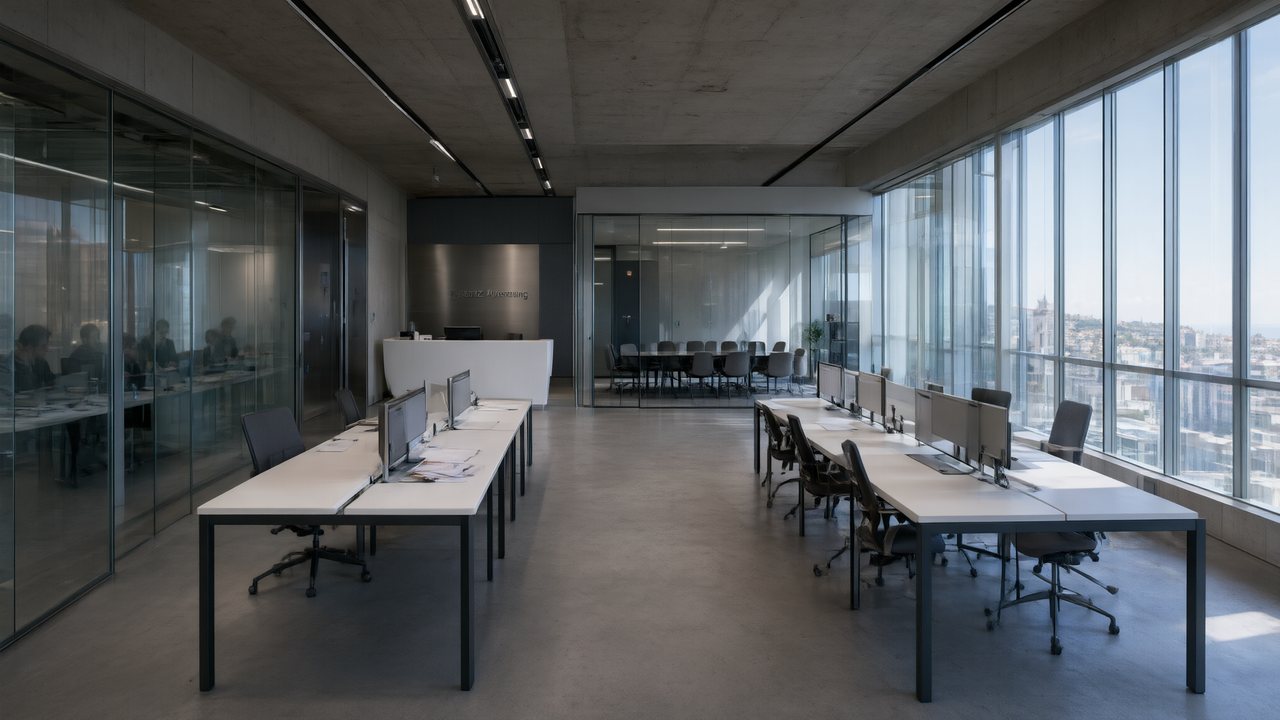 Çantasındaki SözleşmeTürkçeNative dialogue
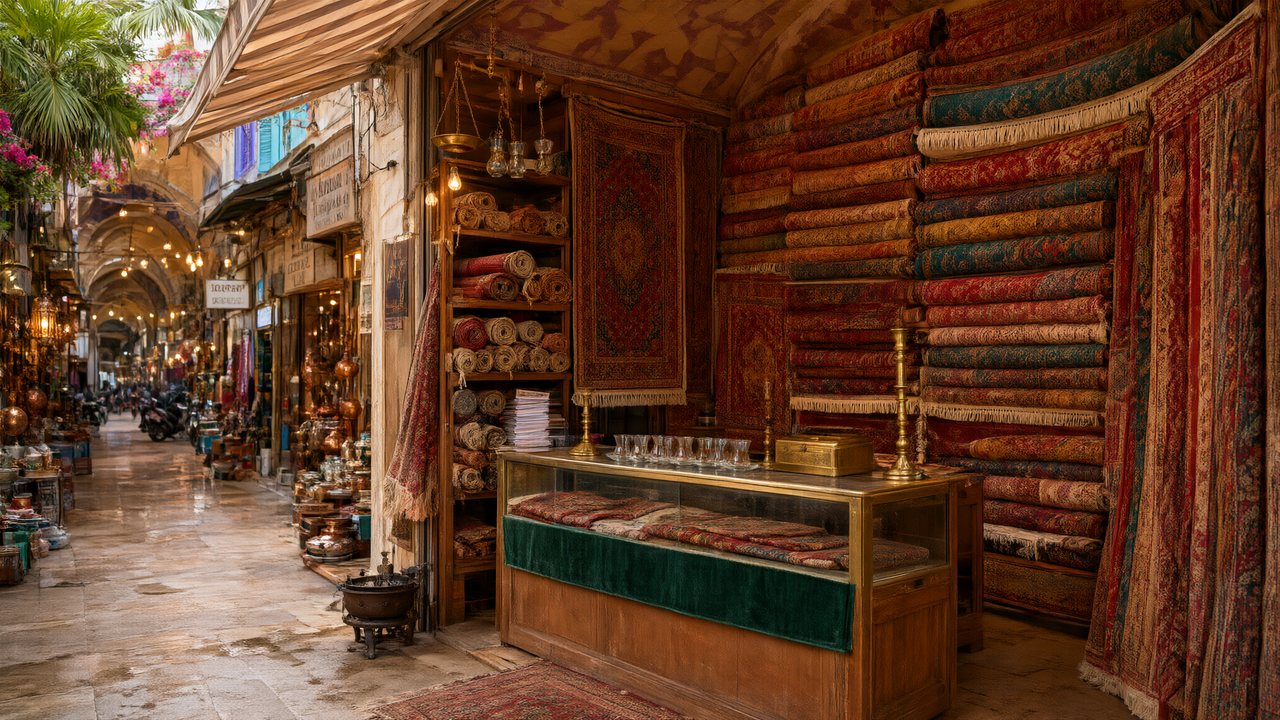 Die Istanbul-TäuschungDeutschNative dialogue
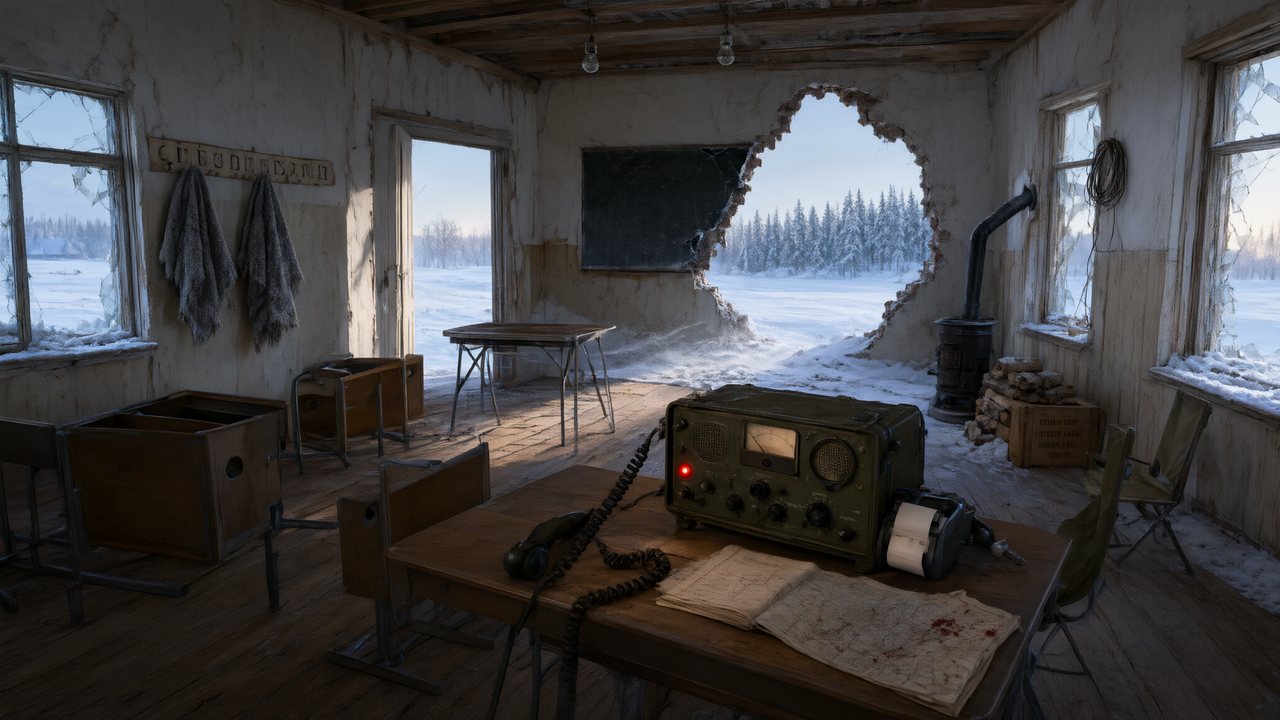 Останній сигналУкраїнськаNative dialogue
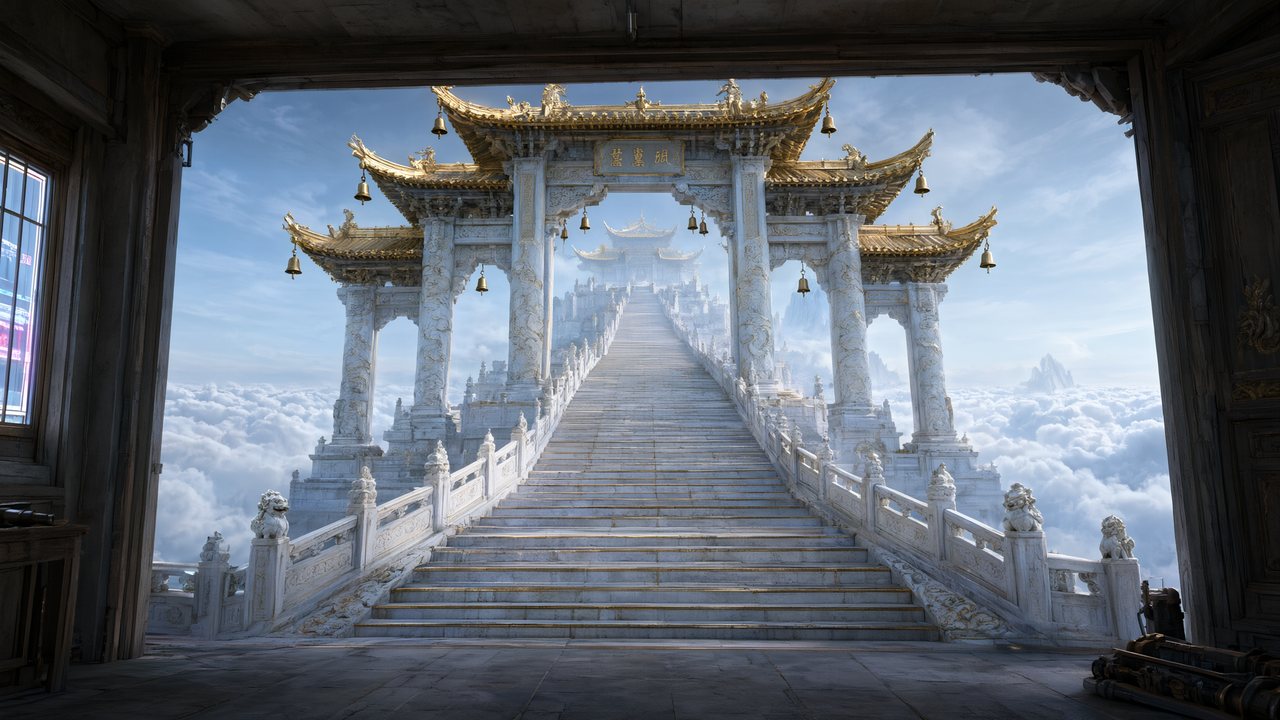 問劍青雲繁體中文Native dialogue
- The Last EnvelopeEnglishIn your language
Frequently asked questions
Is 9:16 the default?
No — 16:9 landscape is the default, and 9:16 is one setting away in Step 1. It is worth setting deliberately before any reference art is generated, because the art is composed for the frame.
Can I get both a vertical and a landscape cut of the same series?
Not from one render. Each segment is generated in the project's frame; producing the other shape means generating those segments again in a project set to that ratio. There is no reframing pass.
How long should a vertical episode be?
Sixty to a hundred and twenty seconds is the working range for short drama, and that is what the outline paces for. A 90-second episode is typically seven segments of about fourteen seconds stacked together.
What resolution should I publish at?
480P is the default and is genuinely fine on a phone; 720P is the usual upgrade when the series is working. The per-second price is the only thing that changes — generate one segment at each and compare before committing an episode.
Where do captions and hook text go?
On after export. The pipeline deliberately renders no text in frame, because current video models cannot produce reliable lettering — so you add captions on the platform, where you can change them without re-rendering a shot.
Built for the phone, from the first frame
Set the frame once, generate one segment, look at it on your phone.
Try SceneMixer freeCredit packages from $1.49 · Pro $7.99/mo · No credit card to start
Pricing·Novel to Video·Guides·Samples·Support·Privacy·Terms·Legal·Contact·© 2026 SceneMixer