Vertical feed delivery
AI Drama for TikTok & Reels
Updated September 20, 2026

What the platforms actually demand of the file
Short-form feeds want a tall frame, a fast opening, speech that reads without sound on, and a length that fits a single sitting. Those are production decisions, not export settings, and three of the four have to be made before any video exists.
| Requirement | Decided | How |
|---|---|---|
| 9:16 vertical | Step 1, before any art | Aspect ratio is a project setting; reference art and every shot are composed for it. Not a crop. |
| Immediate hook | Episode breakdown | Openings start on the problem; episodes end unresolved, with the kind of ending rotating. |
| 60–120 seconds | Episode outline | Short-drama pacing caps at 240s; vertical series usually settle in the 60–120 band. |
| Captions | After export | Deliberately not burned in — no video model spells reliably, so text goes on at the platform. |
| Dialogue in the viewer's language | Step 1 | Language is chosen once and the lines are authored in it, rather than dubbed afterwards. |
Why captions are not rendered into the video
Two reasons, and neither is laziness. Current video models cannot produce reliable lettering — asked for text they return plausible-looking garble, which is why nothing in this pipeline renders words in frame at all. And even if they could, burned-in captions would freeze one language and one style into the file: changing them would mean re-rendering shots rather than editing a caption track. So you export clean video and caption it where captions belong.
The same applies to hook cards and end cards for a series episode: overlay them on the platform, change them per post, re-render nothing.
What comes out of an export
- Two renditions per segment. A full-quality file for download and assembly, and a lighter one used for in-app playback. The download is the full-quality one.
- A finished episode. Segments assembled into one file at 1 credit per second of runtime.
- An AI badge, by default. A small corner mark is applied at delivery. Paid members can turn it off; the toggle sits next to the model selector and applies to subsequent renders, not past ones.
- Share links with previews. Any segment or finished episode can be shared as a page with proper social preview metadata, without publishing your project.
- No platform upload. There is no direct post-to-feed integration. You download and upload.
Practical sequence for a feed series
- Set the frame and the dialogue language first. Both propagate into reference art and every line; changing them later means regenerating art.
- Read the episode list before rendering anything. Each outline states how that episode ends. Fixing endings as text is free; fixing them as video is not.
- Render one segment. The free preview covers up to 5 seconds. Watch it on a phone, not a laptop.
- Render one full episode before committing a season. At 10 credits a second, a 90-second episode is about 990 credits including assembly.
- Caption and publish per platform. Same clean master, different caption tracks and covers.
What it will not do
- Reframe a landscape video to vertical. Vertical comes from generating vertical. There is no crop-and-track pass.
- Burn in captions, hook text or an end card. By design, as above.
- Post to a platform for you. No feed integrations. Export and upload.
- Advise you on a platform's AI-content rules. Those are the platform's, they change, and they are yours to read. What this product does is stamp a badge by default and let paid members remove it.
- Produce one continuous take of a whole episode. Segment caps are per tier; runtime is stacked.
What it costs
Video from 10 credits per second of output (≈ $0.06/s at the lowest credit price), assembly 1 credit per second, shot lists 1 credit per hundred characters, analysis 4 credits per thousand. New accounts get 50 credits, 15 free reference images and one free preview. The cost breakdown prices out a full eight-episode series; the vertical page covers what changes in a tall frame.
Languages
Native dialogue in 15 languages
Every series below was produced by the same pipeline with the cast speaking that language natively: the interface, the working documents and the spoken lines are all in one language, and nothing is dubbed. Open one to hear it.
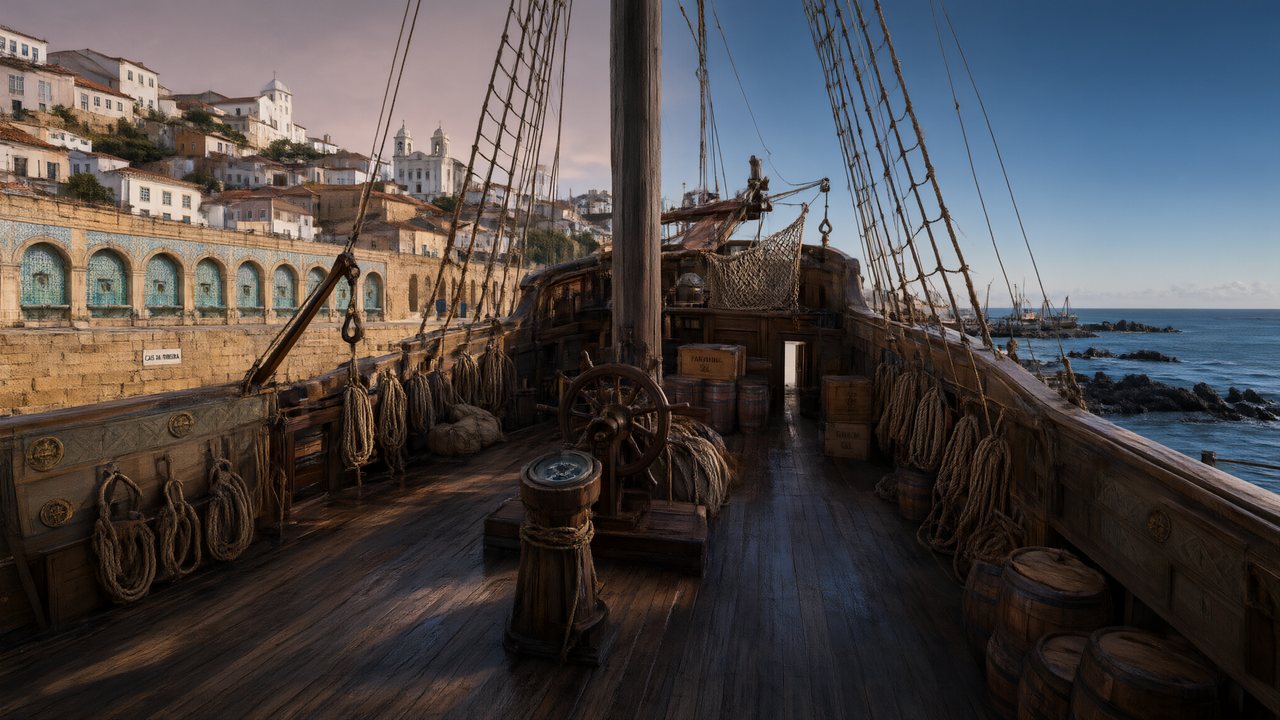 A Carta de LisboaPortuguêsNative dialogue
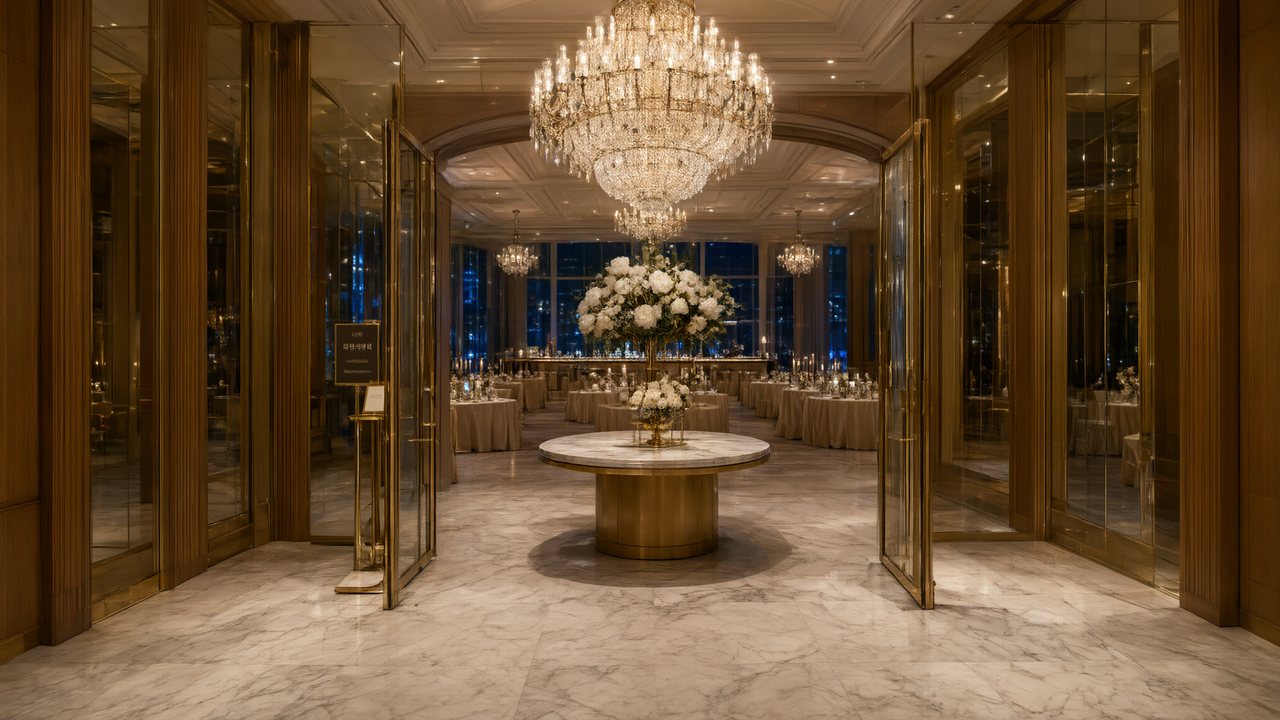 윈터 프라미스한국어Native dialogue
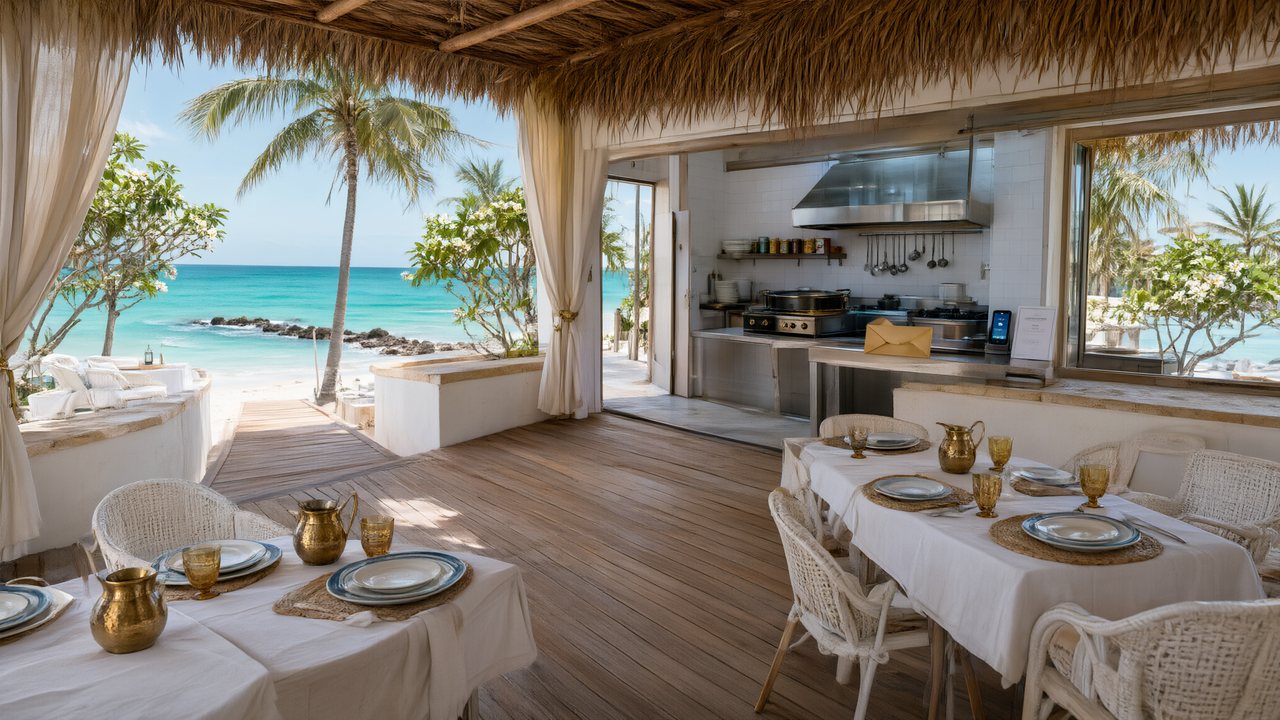 El Secreto de CostaEspañolNative dialogue
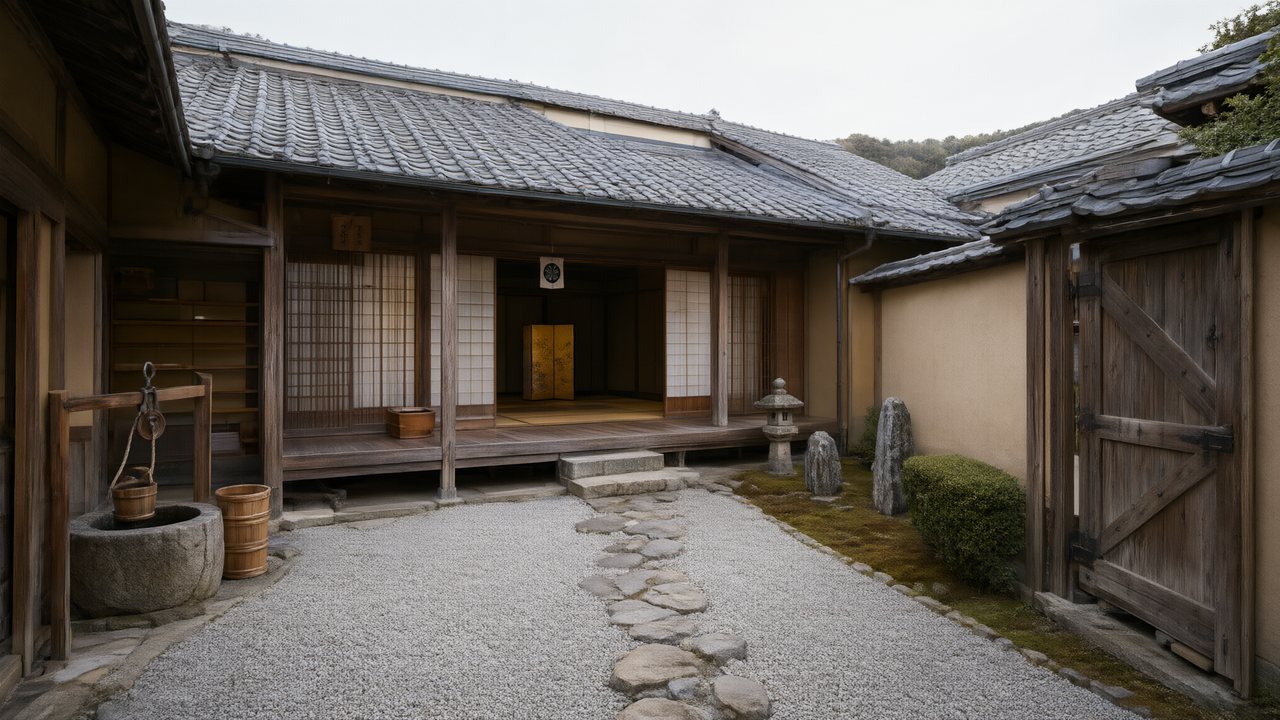 浪人の誓い日本語Native dialogue
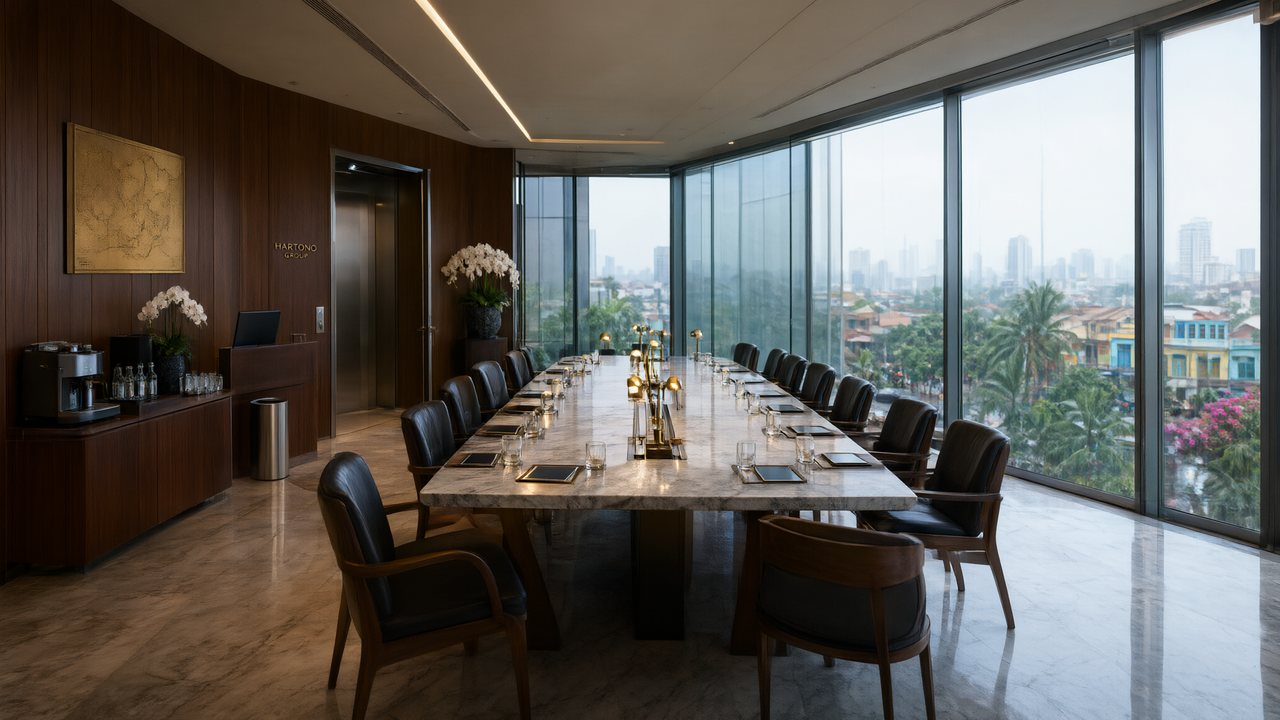 Ikrar JakartaBahasa IndonesiaNative dialogue
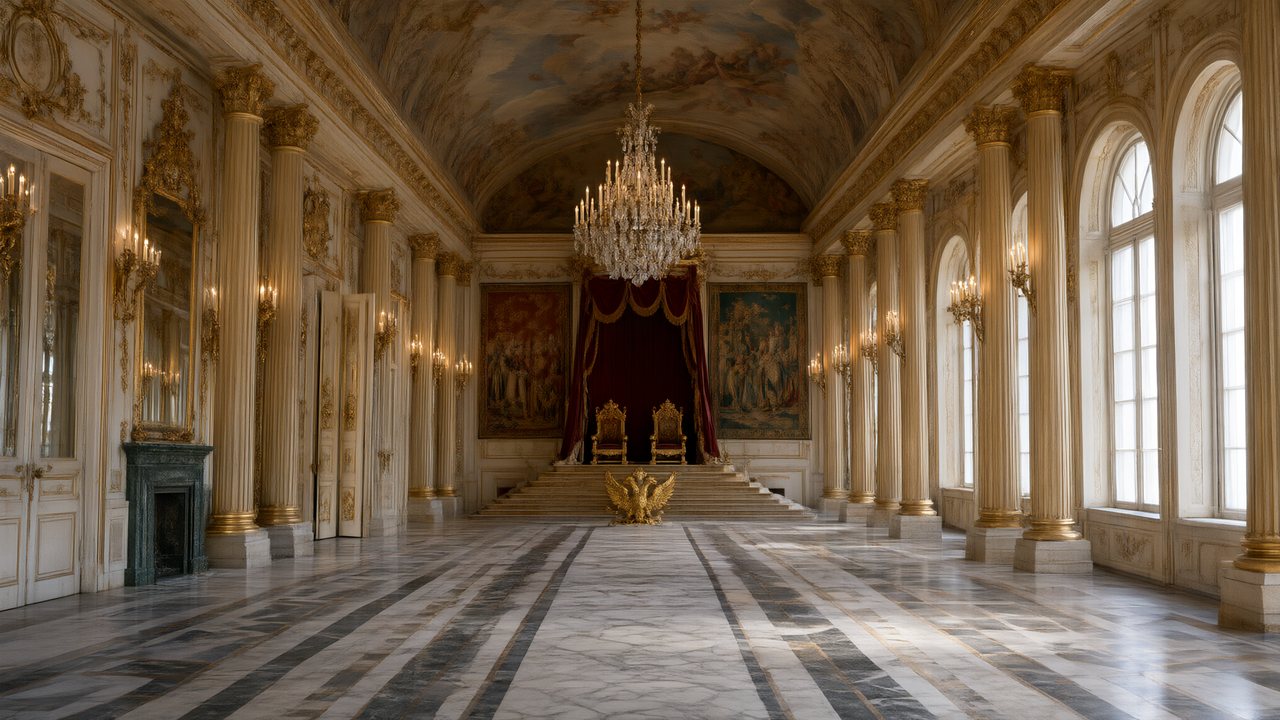 Зимняя коронаРусскийNative dialogue
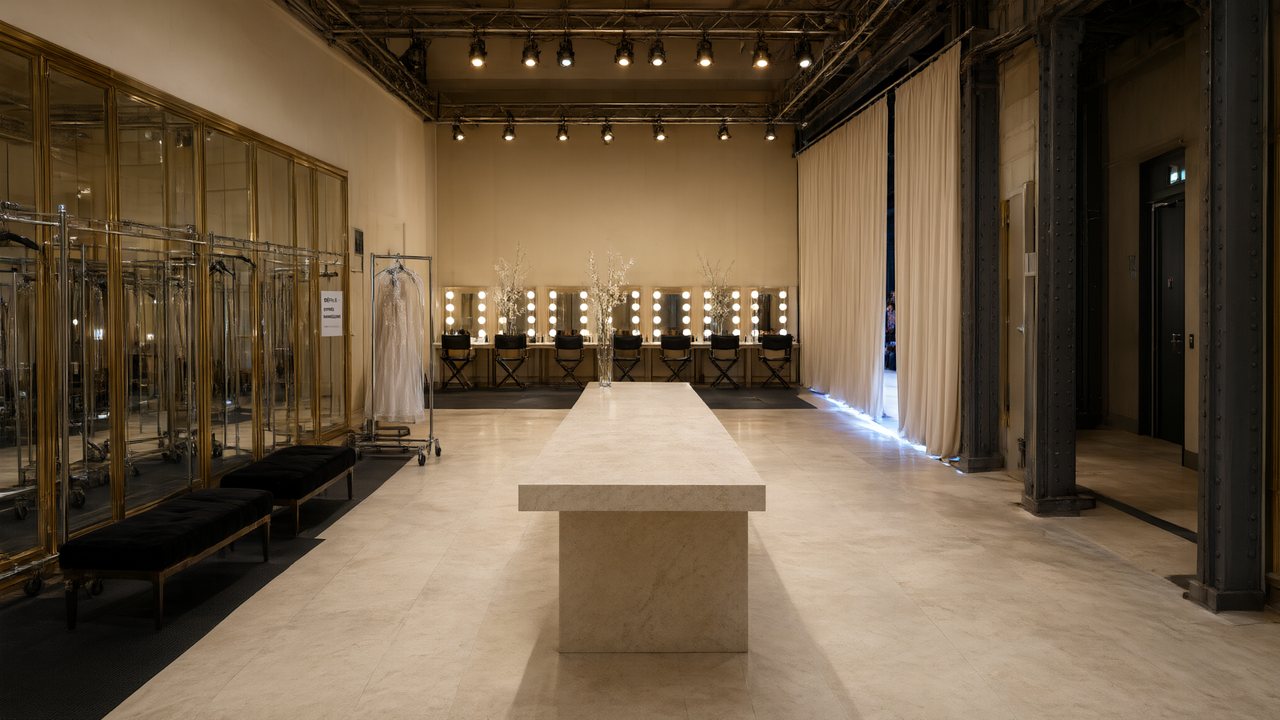 L’Héritier du DéfiléFrançaisNative dialogue
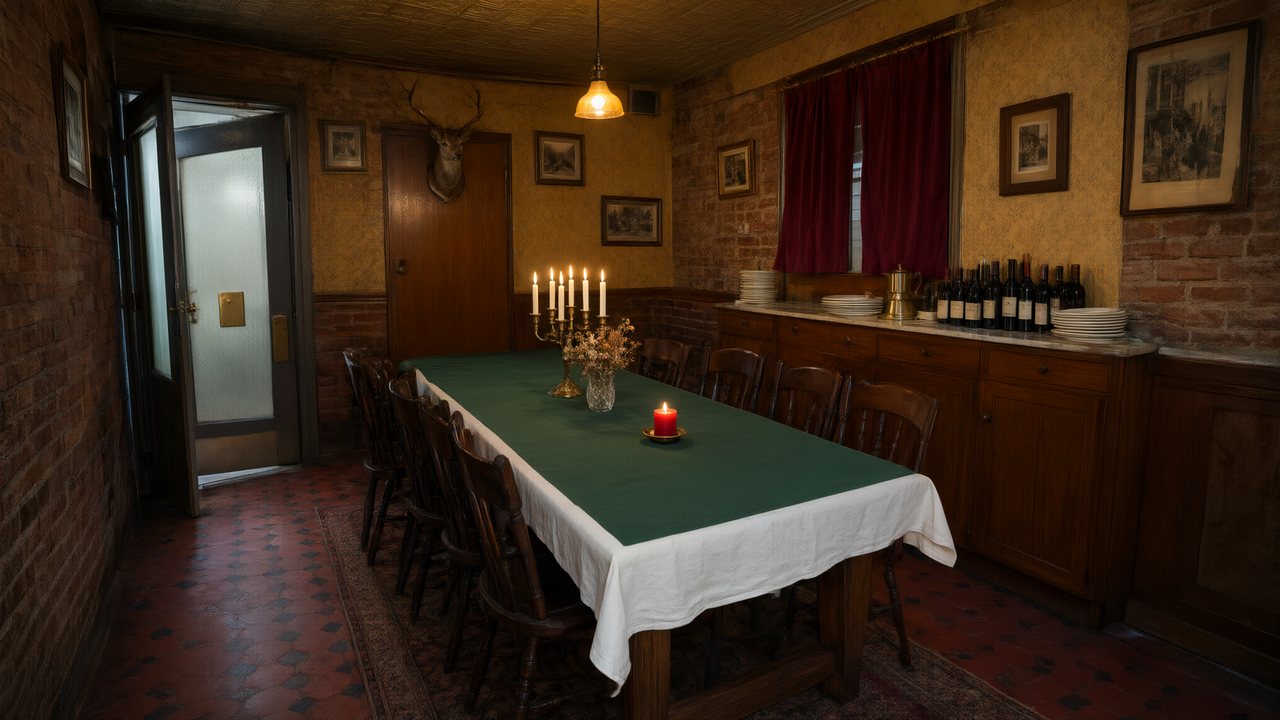 Il Tavolo dell'OlivaItalianoNative dialogue
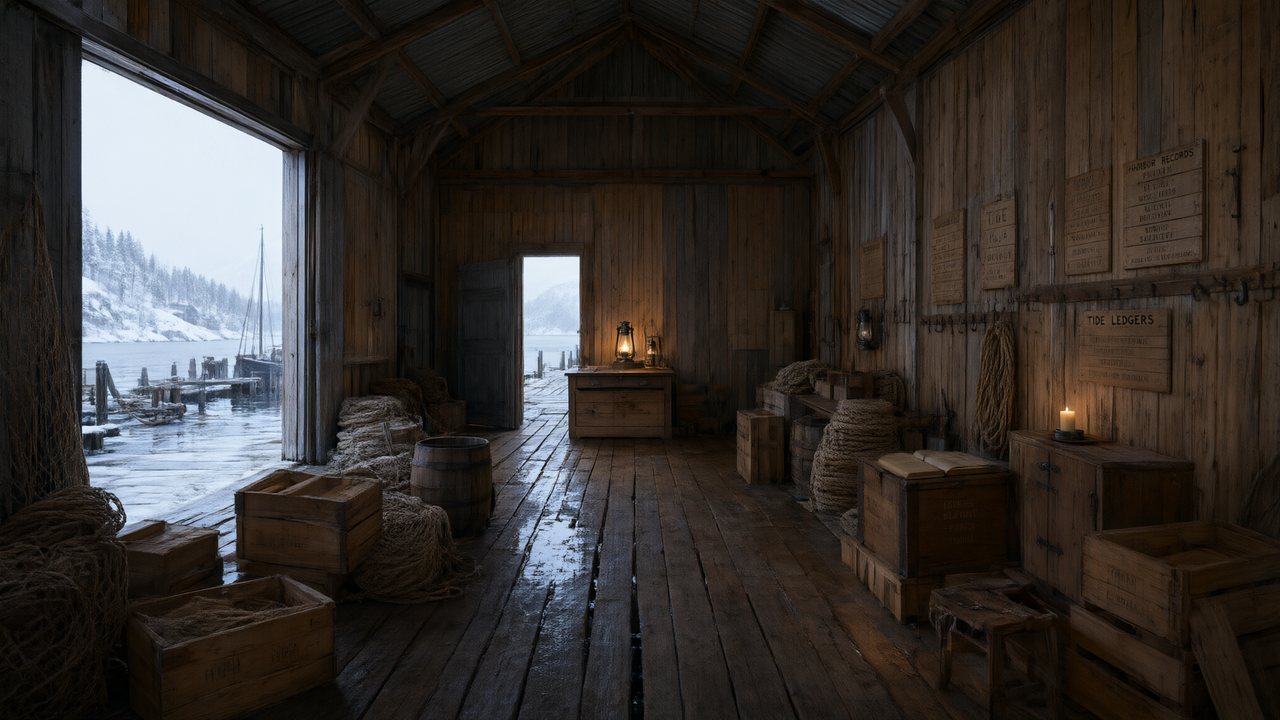 De Vuurtoren van de FjordNederlandsNative dialogue
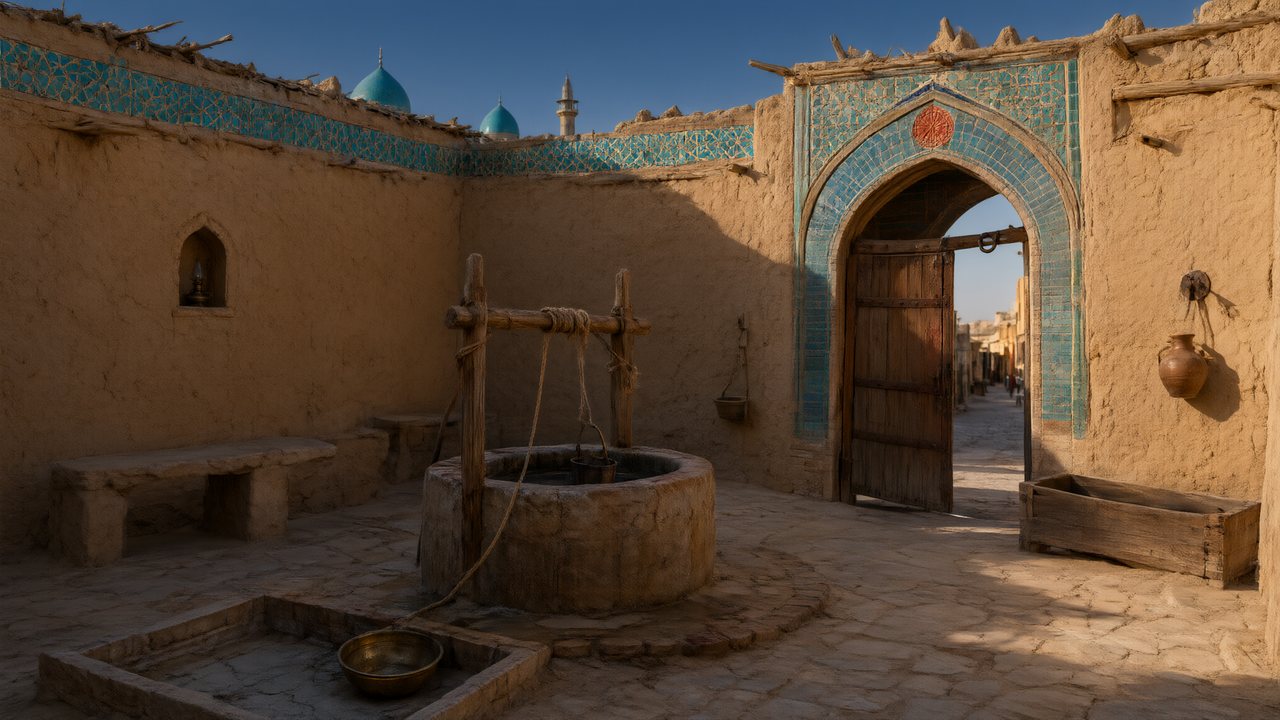 العهد الصحراويالعربيةNative dialogue
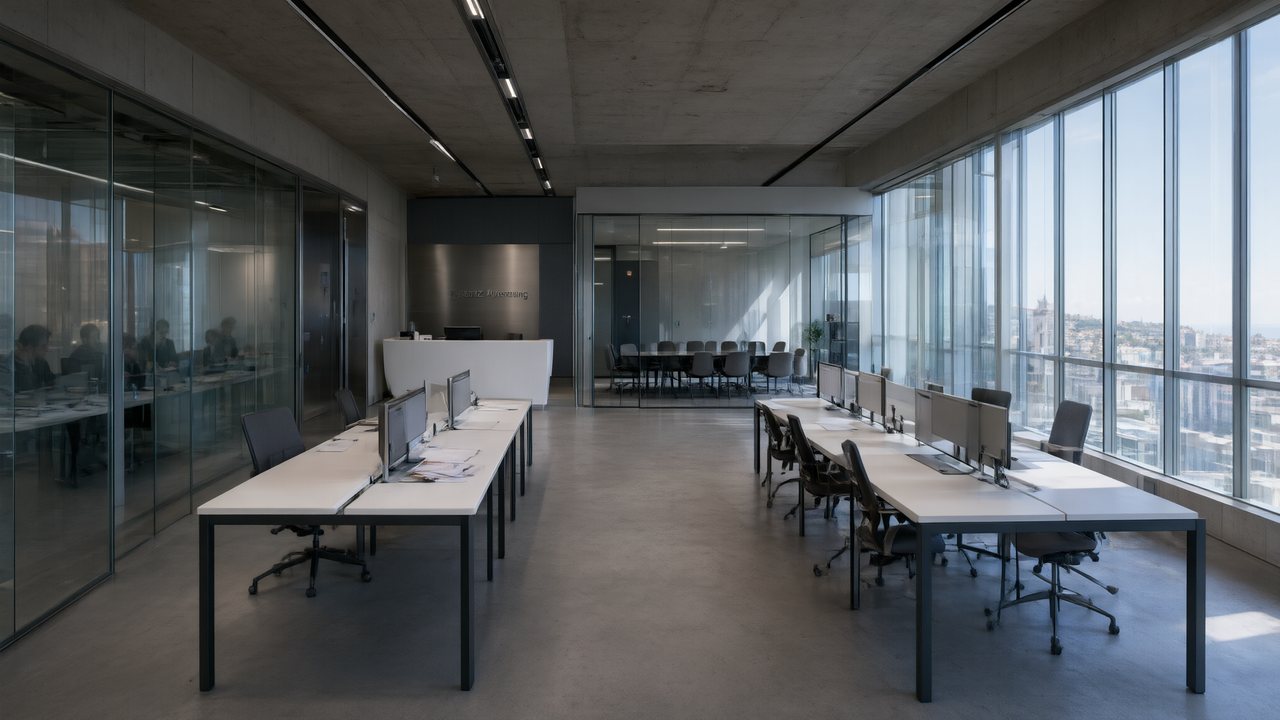 Çantasındaki SözleşmeTürkçeNative dialogue
 Die Istanbul-TäuschungDeutschNative dialogue
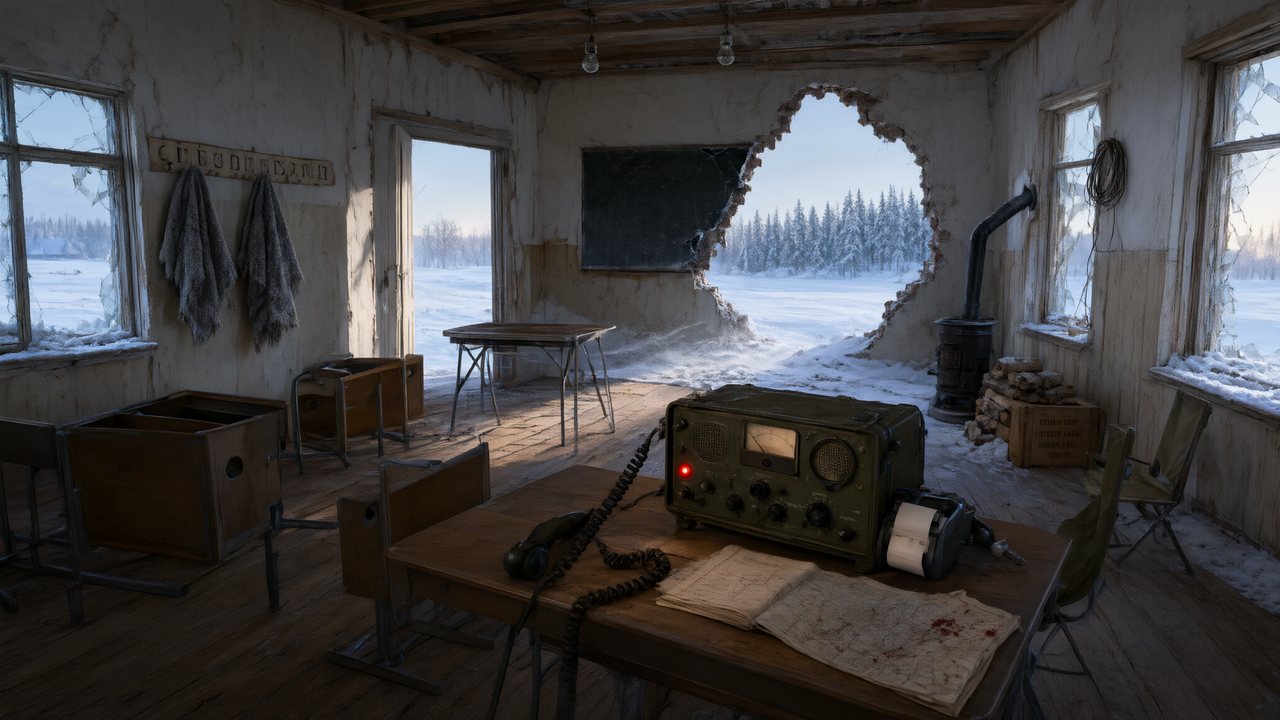 Останній сигналУкраїнськаNative dialogue
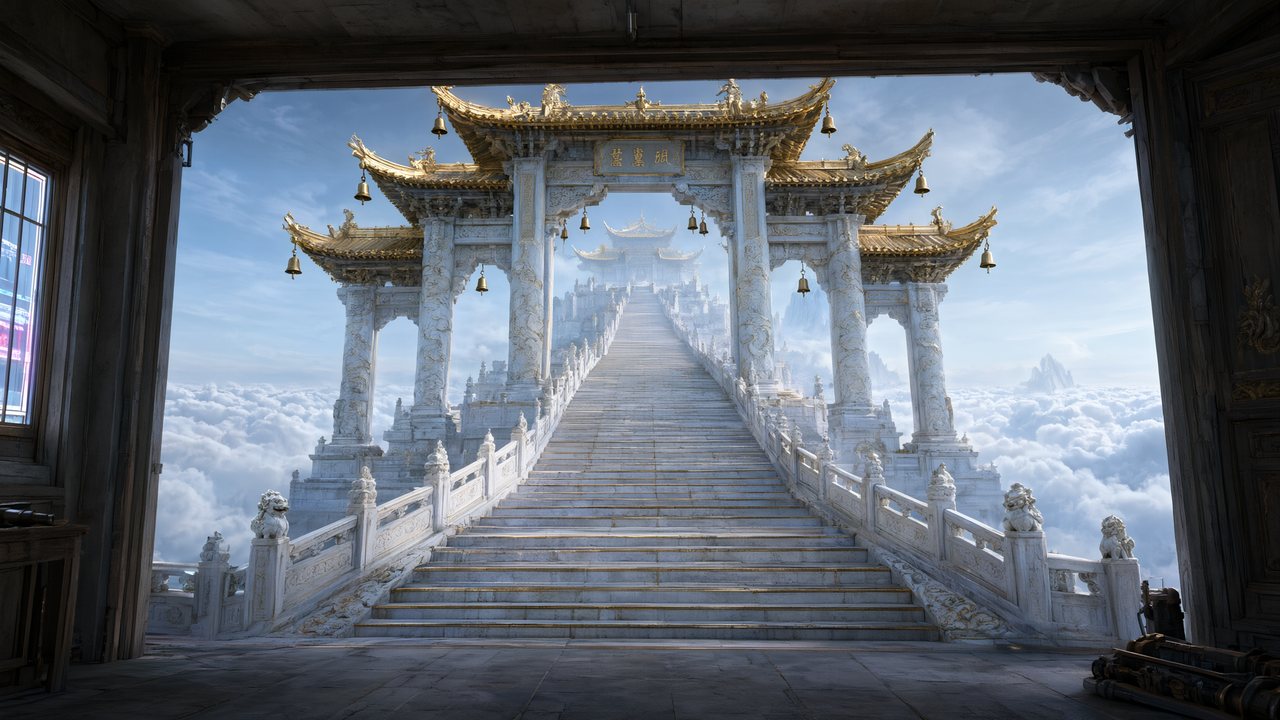 問劍青雲繁體中文Native dialogue
- The Last EnvelopeEnglishIn your language
Frequently asked questions
Do I get captions burned into the video?
No, deliberately. No current video model produces reliable lettering, and burned-in text would lock one language into the file. You export clean video and add a caption track on the platform, where you can change it per post without re-rendering.
Can I turn a landscape episode into a vertical one?
Not by cropping — there is no reframing pass. Vertical output comes from setting the project to 9:16 before reference art is generated, so every shot is composed for the tall frame.
How long should a feed episode be?
Sixty to a hundred and twenty seconds is the working band for vertical short drama, and the outline paces for it. The format's ceiling here is 240 seconds per episode.
Is there an AI watermark on the output?
A small corner badge is applied at delivery by default. Paid members can switch it off for subsequent renders. Whatever a given platform requires in the way of AI disclosure is the platform's rule and worth reading yourself.
Can it upload to TikTok or Reels directly?
No. There is no posting integration — you download the finished episode and upload it yourself, which is also what lets you caption the same master differently per platform.
One clean master, captioned per platform
Set the frame, render five free seconds, watch it on your phone.
Try SceneMixer freeCredit packages from $1.49 · Pro $7.99/mo · No credit card to start
Pricing·Novel to Video·Guides·Samples·Support·Privacy·Terms·Legal·Contact·© 2026 SceneMixer