AI Video Maker
Three things it makes
| You bring | You get | How long | Start here |
|---|---|---|---|
| A script, a novel or a one-line idea (.txt, .docx, .md) | A drama: characters, locations, episodes, a storyboard for each, then video with spoken dialogue | Segments of 15 or 30 seconds joined into episodes; a series as long as the script | Upload a script |
| One to four photos of the same subject and one line about it | An ad with a script, a cast, locations, sound and an end card carrying your brand | 15, 30 or 60 seconds (one, two or four segments) | An ad from one photo |
| A video you shot, within the length and size on the upload box | A remake: the clip read shot by shot, then shot again with new characters in a new look and language | Priced by the clip’s length | AI video remake |
All three run through the same steps behind the scenes: read the material, make the characters, locations and props, split into episodes, write a storyboard for each, shoot each segment, join. What you can feed in.
What “without editing” means
Nothing here asks you to place clips on a timeline. What it asks instead is three decisions at the right moments, each before money is spent:
- Approve the cast. After the read you see every character, location and prop with a picture. The first 15 images on an account are free.
- Read the storyboard. It is plain text, shot by shot, with seconds. Editing it costs nothing, and it is what the video is made from.
- Choose a tier and a length. Each segment shows its price on the button. Draft on a low tier, finish on a higher one.
Everything else is automatic: the voices (one per character), the music (scored for you, with a switch to turn it off), the join, and subtitles on accounts that have bought credits at least once. The built-in score · Subtitles.
What comes out
| Property | Options |
|---|---|
| Shape | 9:16 vertical or 16:9 landscape, chosen in Step 1 |
| Quality | 480P up to 1080P, and a 2K tier on some models |
| Dialogue | Spoken inside the video itself, one voice per character, in any of 15 languages |
| Segment length | Standard 15 seconds or Long take 30 seconds; the price per second is the same |
| Music | Scored for each episode; no track picker |
| Consistency | One cast, one set of locations and props for the whole series, fixed when the script is read |
Why a whole series stays consistent · 15 or 30 second segments · Which quality tier.
What one video costs
Video is 10 credits a second on the default tier, and joining the segments into an episode is 1 credit a second. A 60-second episode comes to about 660 credits including the join, about $4.11 at the lowest credit price, before retakes. Reading the script is 4 credits per 1,000 characters. A shot that misses is regenerated alone, not the episode. Where credits go in one episode.
A first video in six steps
- Sign up. A new account starts with 50 credits.
- Write the brief. One line on AI Create: who, where, what goes wrong. Or upload a script.
- Step 1. Pick the type, the shape, the three style choices and the dialogue language.
- Step 2. Read the cast. Replace a picture with your own photo if you want a specific face. Use your own photo.
- Storyboard. Read episode 1, edit what you want, use the free 5-second preview.
- Video. Generate one segment, check it, then Generate all and join the episode.
What it is not for
It is built for stories, ads and remakes with people in them. It does not do screen recordings, slide narration or a single still brought to life on its own. It does not keep a real person’s face from a photo, and it does not use famous characters or brand mascots. Why a photo gets flagged. And a generation takes minutes, not seconds, because the model takes minutes. Why a generation takes time.
Languages
Native dialogue in 15 languages
Every series below was produced by the same pipeline with the cast speaking that language natively: the interface, the working documents and the spoken lines are all in one language, and nothing is dubbed. Open one to hear it.
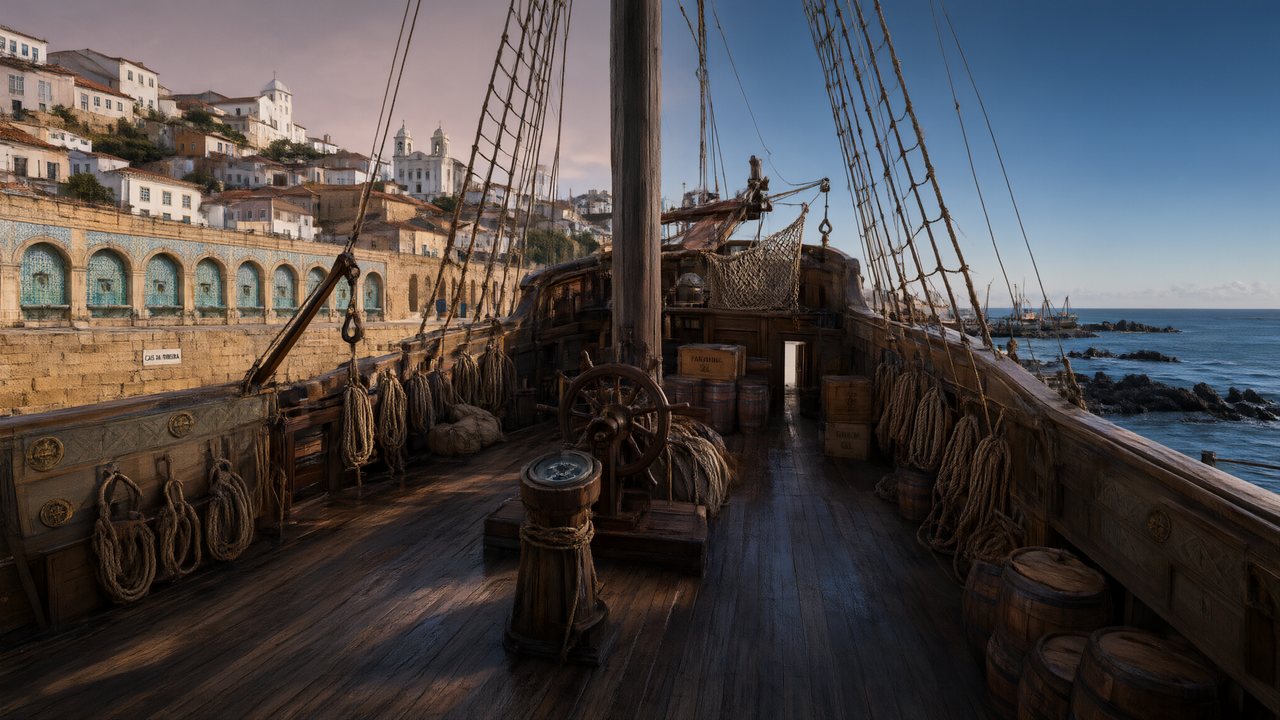 A Carta de LisboaPortuguêsNative dialogue
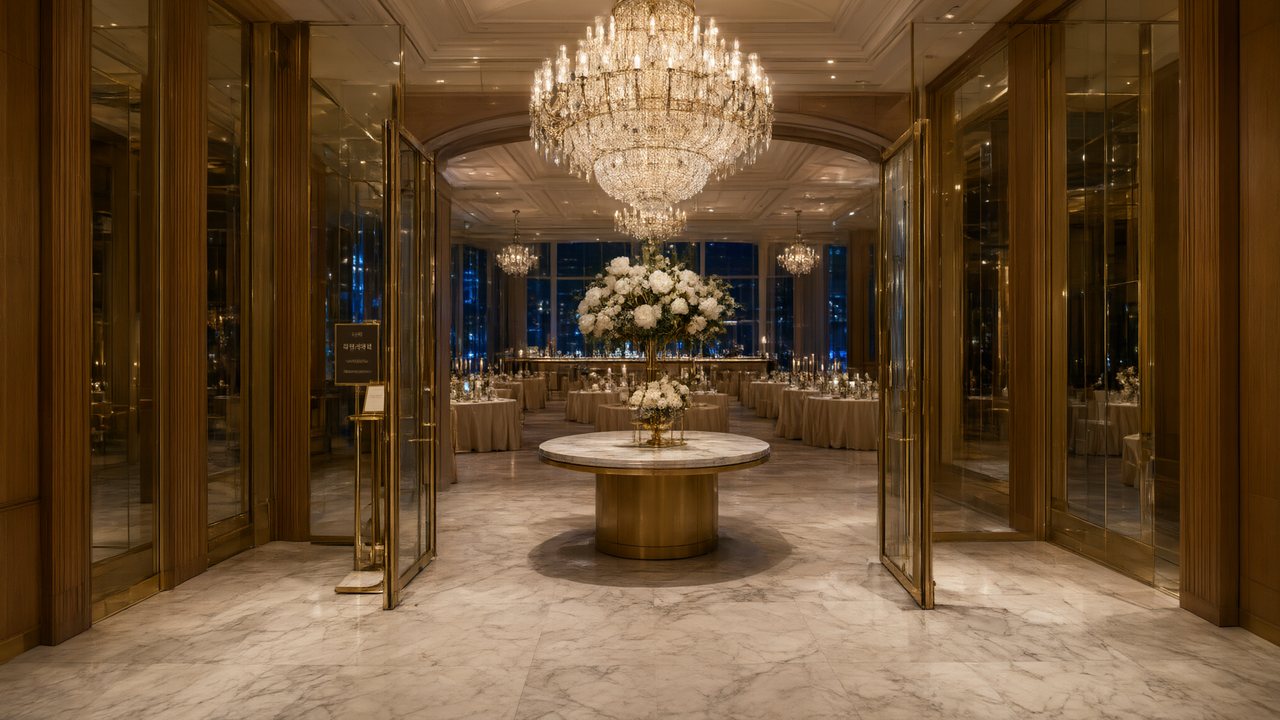 윈터 프라미스한국어Native dialogue
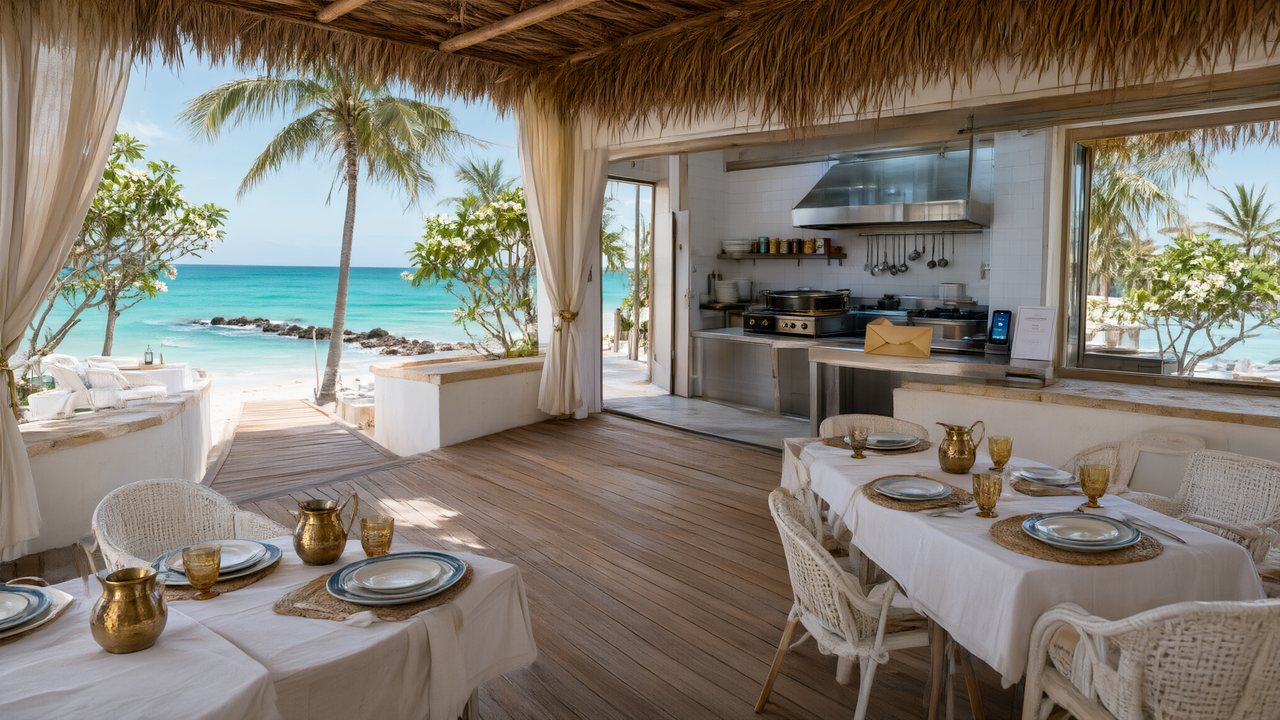 El Secreto de CostaEspañolNative dialogue
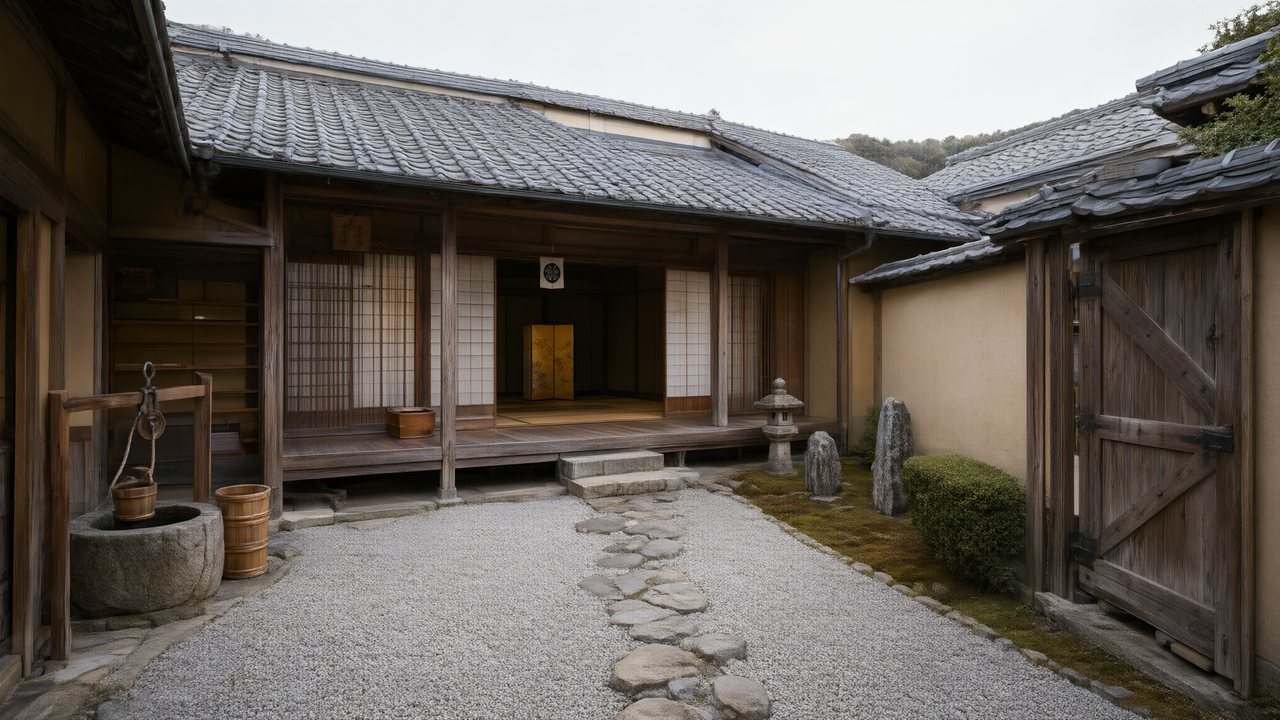 浪人の誓い日本語Native dialogue
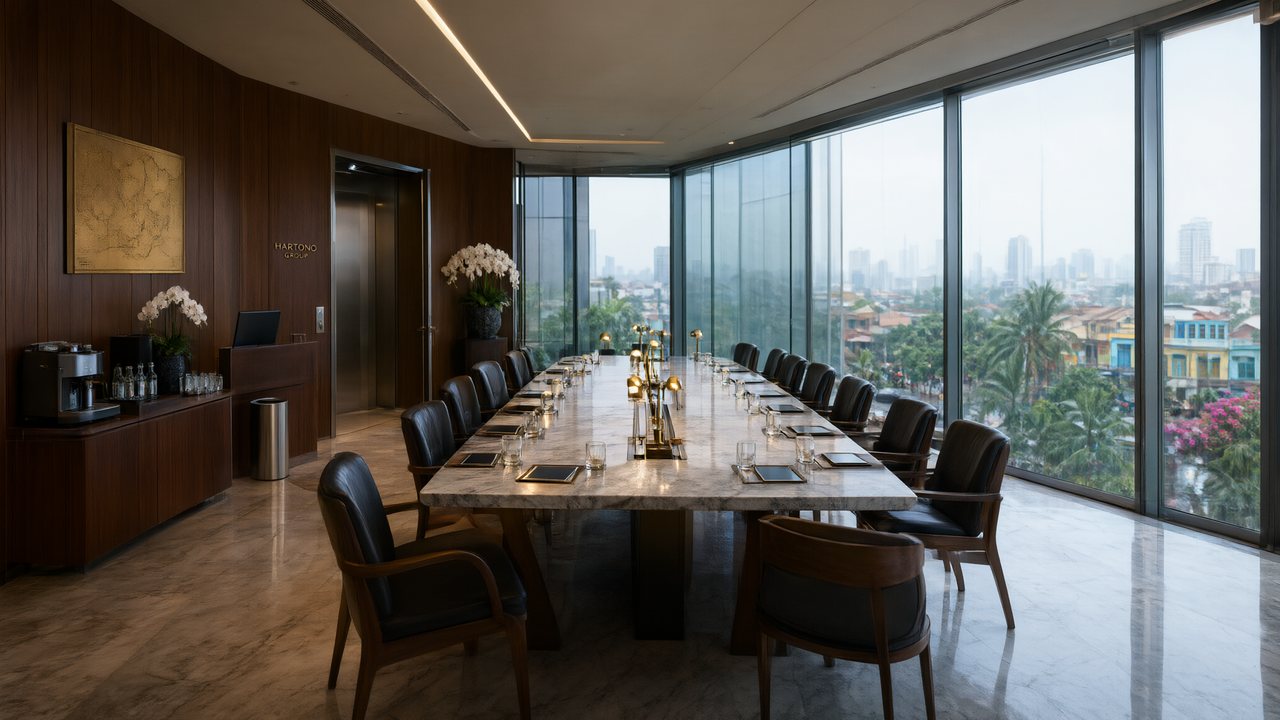 Ikrar JakartaBahasa IndonesiaNative dialogue
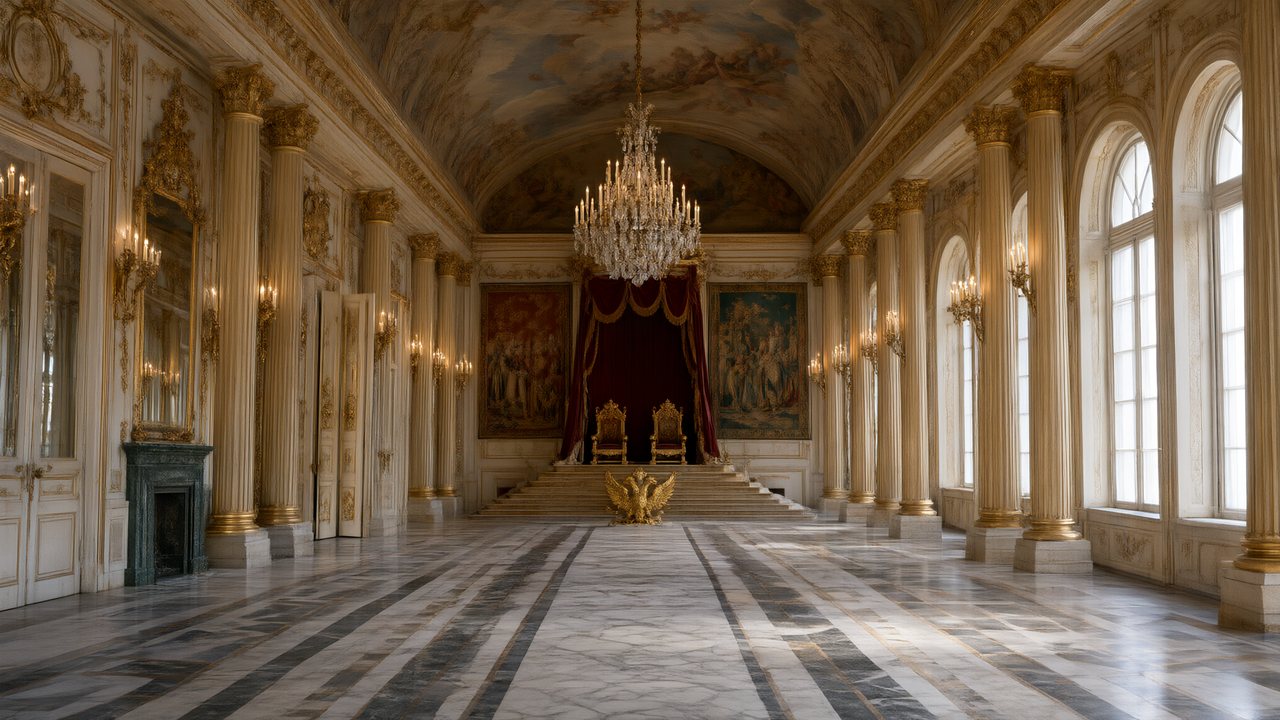 Зимняя коронаРусскийNative dialogue
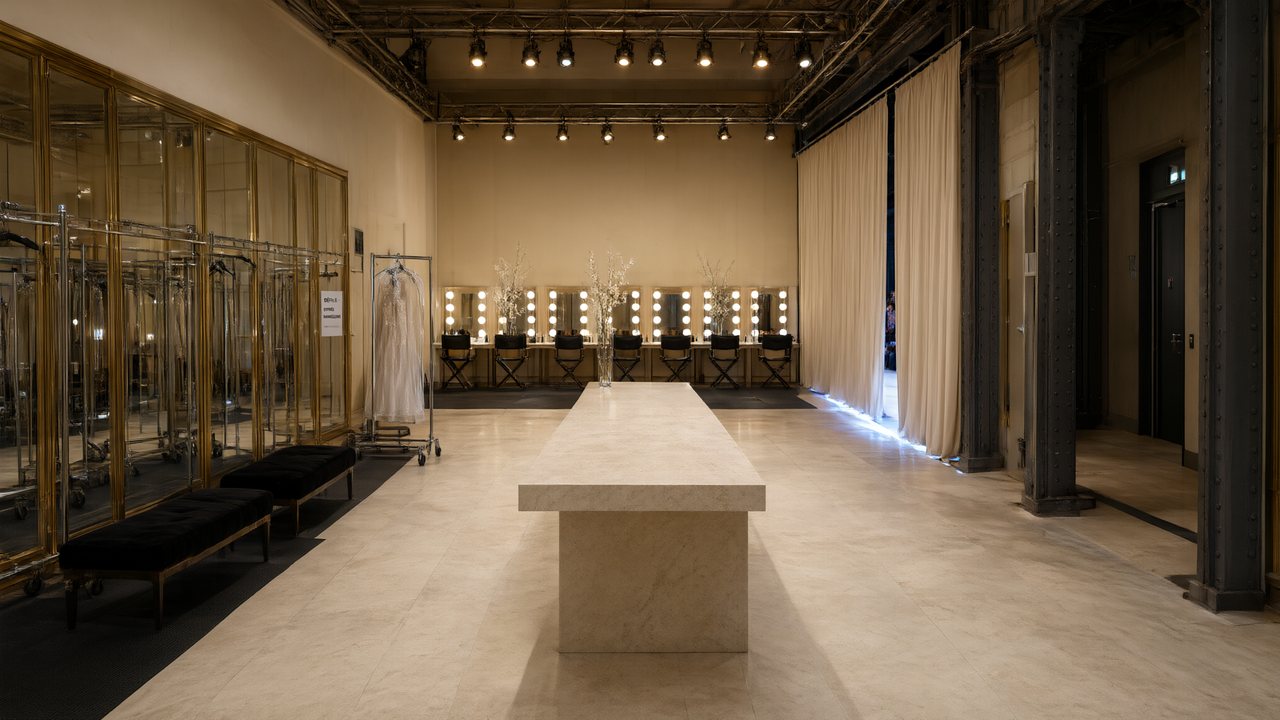 L’Héritier du DéfiléFrançaisNative dialogue
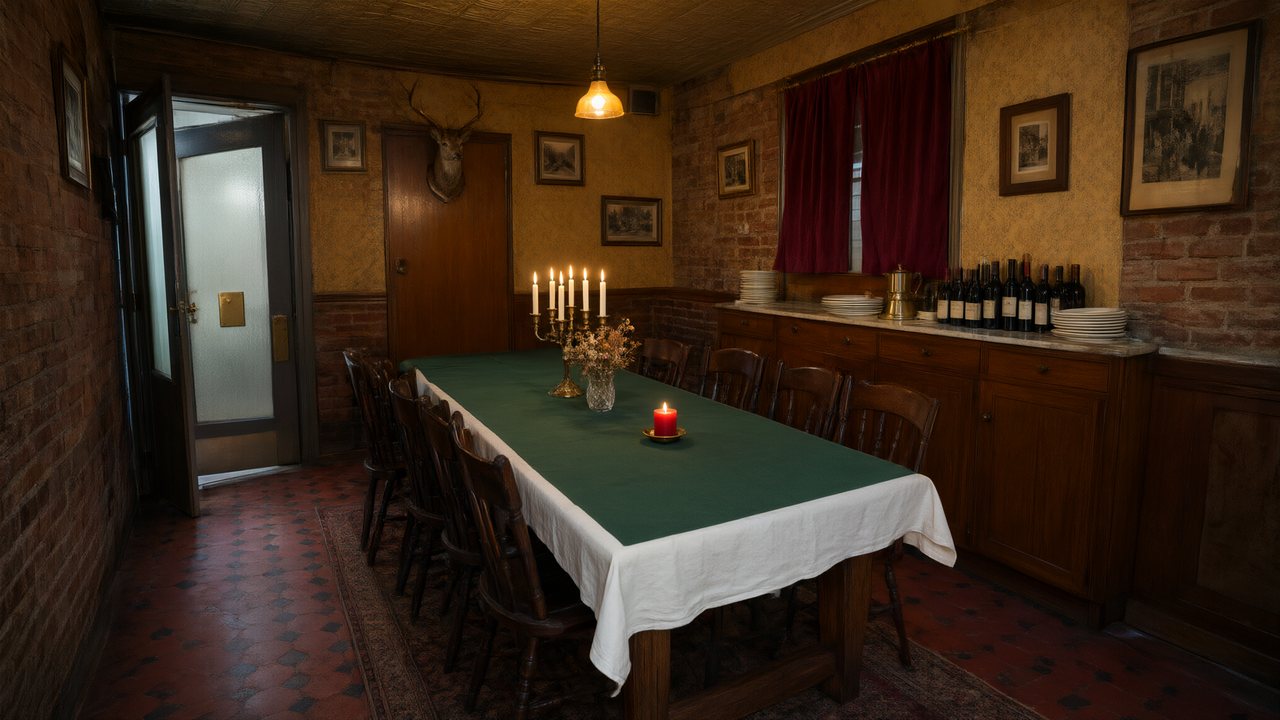 Il Tavolo dell'OlivaItalianoNative dialogue
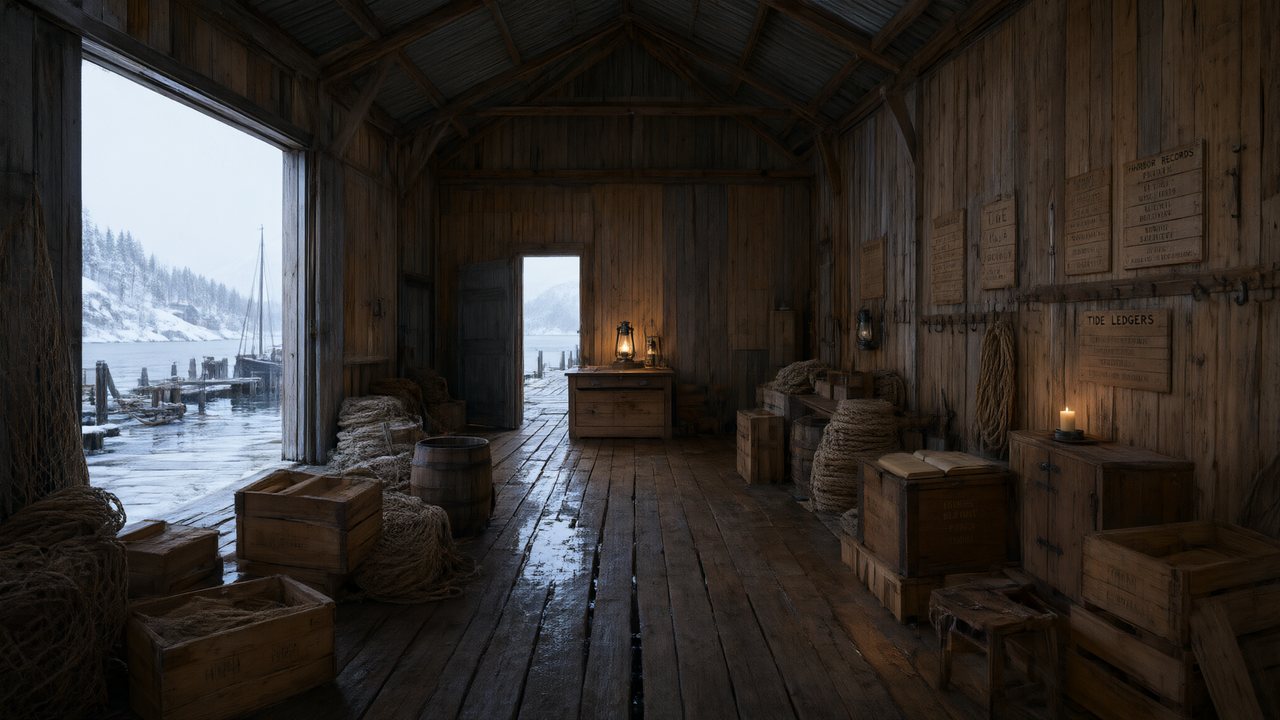 De Vuurtoren van de FjordNederlandsNative dialogue
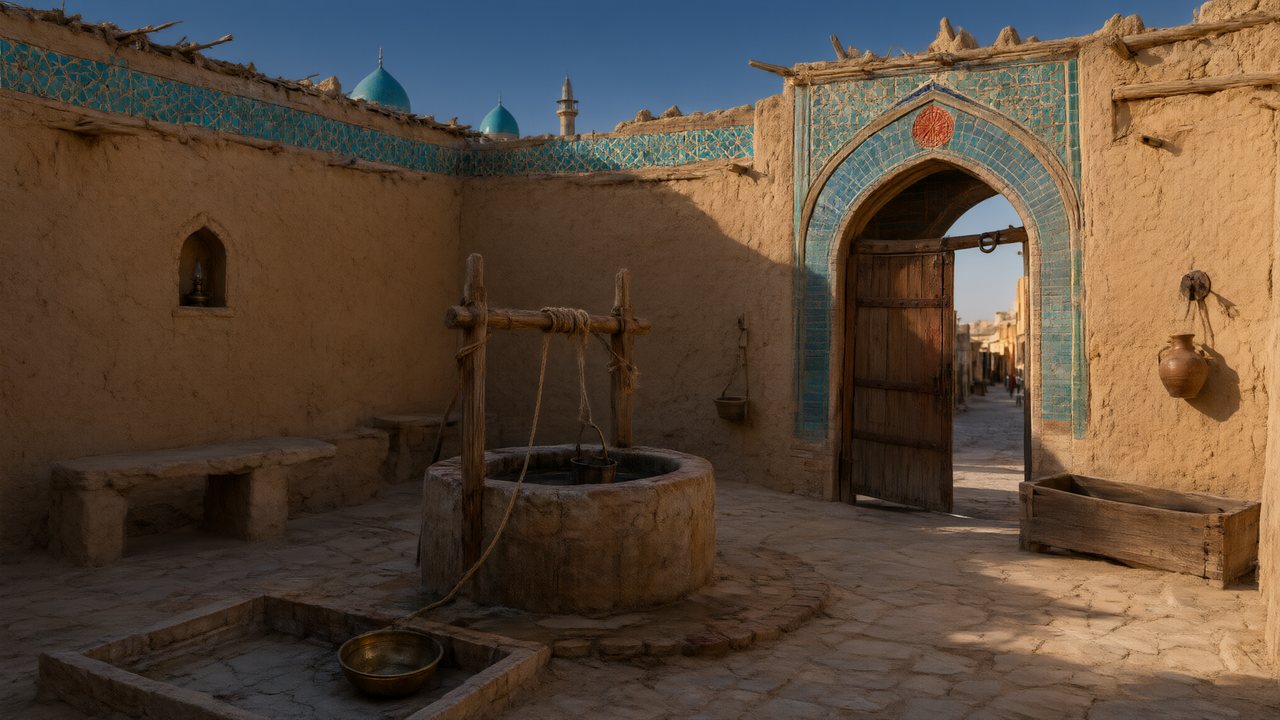 العهد الصحراويالعربيةNative dialogue
 Çantasındaki SözleşmeTürkçeNative dialogue
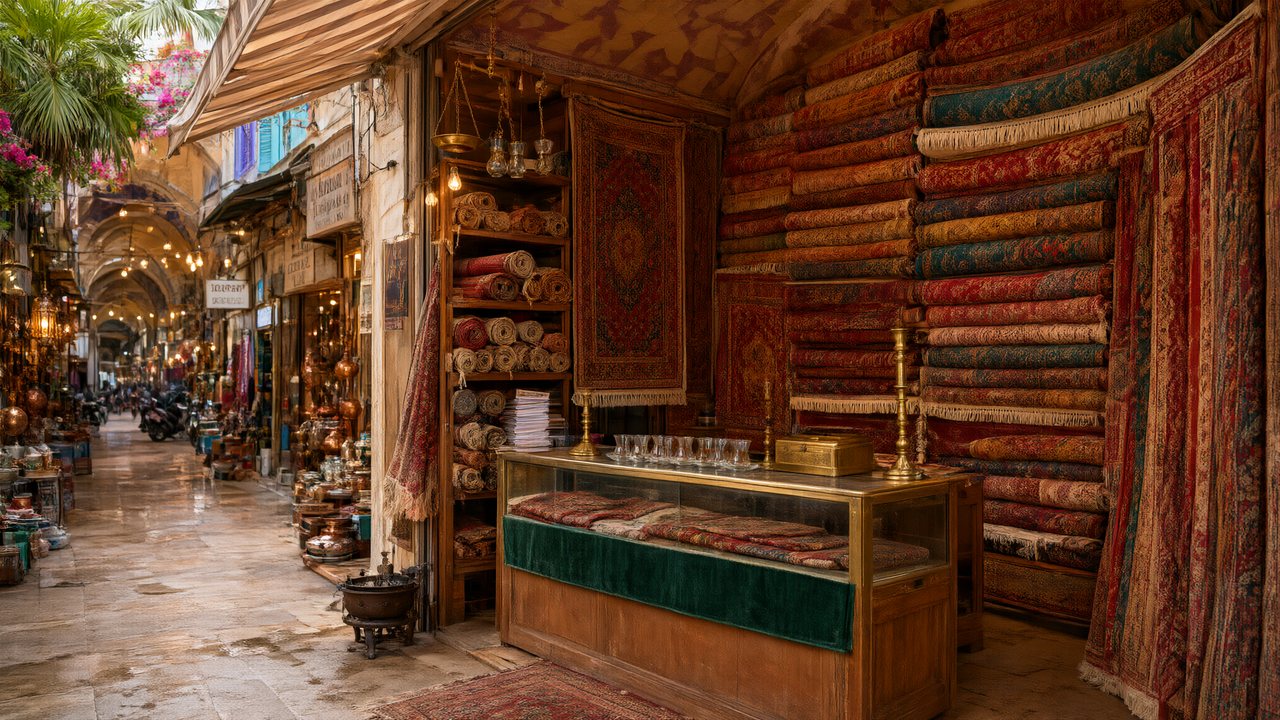 Die Istanbul-TäuschungDeutschNative dialogue
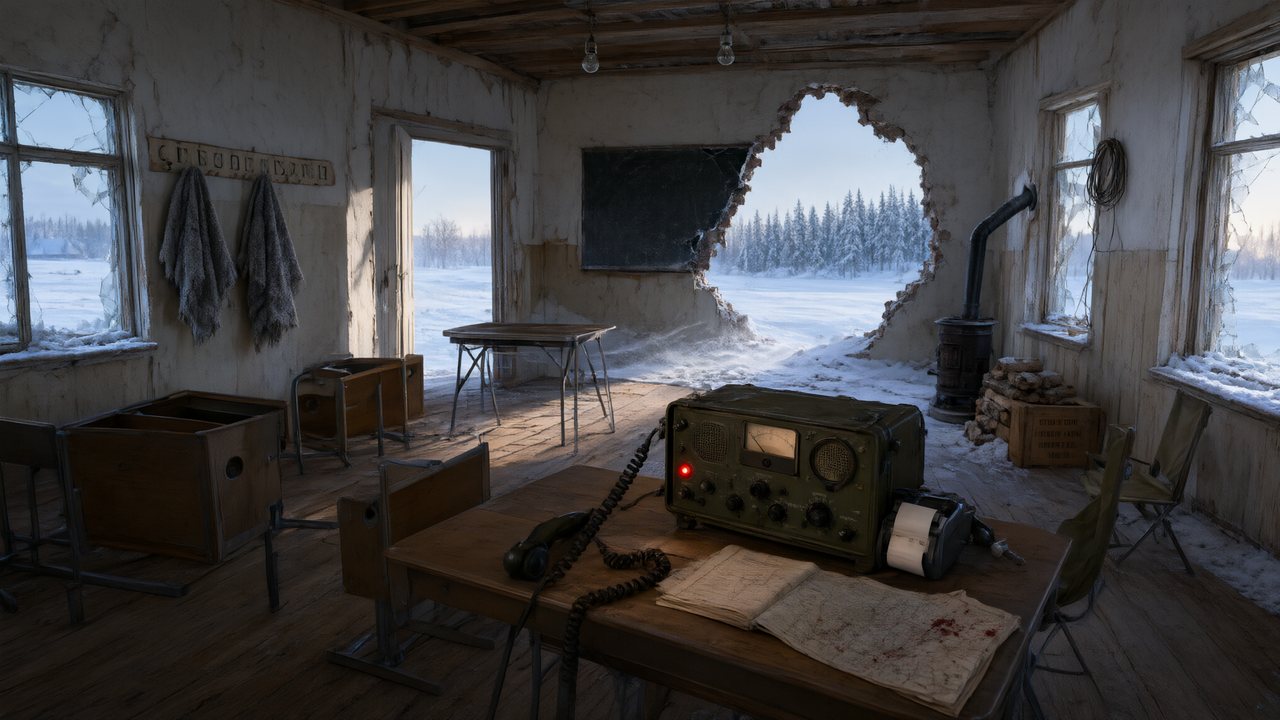 Останній сигналУкраїнськаNative dialogue
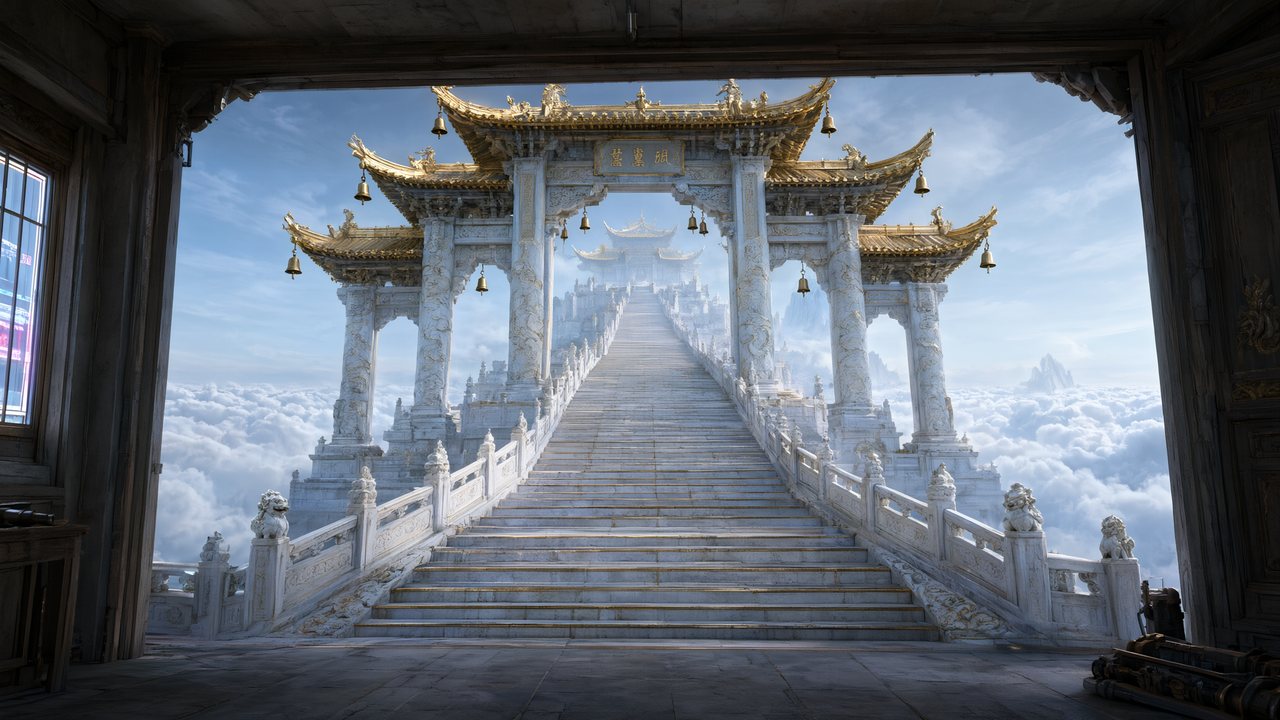 問劍青雲繁體中文Native dialogue
 The Last EnvelopeEnglishIn your language
FAQ
What can an AI video maker like this make?
Dramas and series from a script, ads from one to four photos, and remakes of a clip you shot, each with spoken dialogue, music and a consistent cast.
Do I need editing skills?
No. You approve a cast, read a storyboard and choose a tier. The voices, music and join are made for you.
How long can a video be?
A segment is 15 or 30 seconds and segments are joined into an episode. A series is as long as the script; an ad is 15, 30 or 60 seconds.
Can it make a video from a photo?
Yes, as an ad: up to four photos of the same subject plus one line. Photos can also replace a character, location or prop picture.
Which languages can the characters speak?
Dialogue is spoken in the video itself in any of 15 languages, one voice per character.
Can I post the video to TikTok or YouTube?
Yes. Download the original-quality file or share a link; the badge rules and the platforms' own AI labels apply.
How much does one video cost?
On the default tier, video is 10 credits a second plus 1 credit a second to join; a 60-second episode is about 660 credits before retakes.
Is it free?
It is free to start, not free to finish. The free part is described in the free AI video generator page.
Bring a script, a photo or a clip
The cast, the storyboard and the first free preview before you spend a credit.
Updated November 3, 2026