Kling 4.0: What Was Announced, and What Changes From 3.0

What was announced, and when
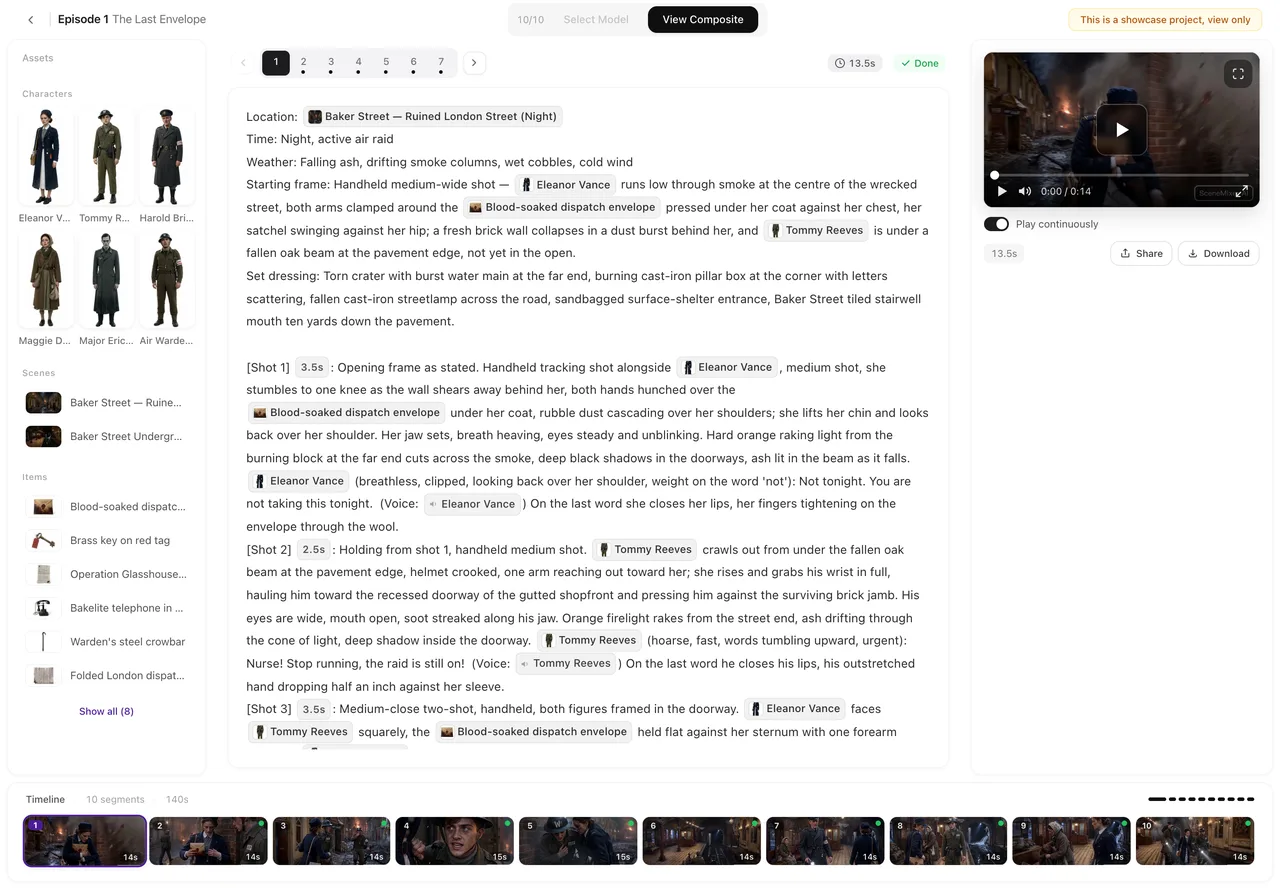
The still above is from Neon Debt, an episode this site took from script to composite.
On September 28, 2026 Kling announced two models: Kling 4.0 and Kling 4.0 Flash. The announcement is published on Kling's own model-release page; the specification tables below restate it, and each figure can be traced to the sources at the end of this page.
The two models did not arrive together in the same form. Kling 4.0 Flash opened the same day as an early-access preview for a limited batch of creators (accounts differ on exactly who qualifies, so we do not name a condition here). The full Kling 4.0 was described in the announcement as arriving in October; no day was given.
That is the state we found when we checked on October 15, 2026: no release announcement for the full model, no open API, no published model IDs, and no published pricing for either version. If all of that changes, the first place it should show up is Kling's own release page — not a roundup like this one.
The announced specifications
This is everything the announcement stated about the full Kling 4.0, in one place. Where a feature was announced as coming later, it says so.
| Announced | Kling 4.0 |
|---|---|
| Clip length | 3–30 seconds in one generation; extension to a maximum of 2 minutes is announced as coming soon |
| Resolution | 720p, 1080p and 4K |
| Colour | 10-bit HDR at 1080p and 4K — announced as coming soon, not available at announcement |
| Aspect ratios | 21:9, 16:9, 1:1, 9:16 and Auto |
| Frame control | First and last frame, plus up to 10 keyframes at any position on the timeline |
| References | Omni Reference: up to 15 references per task — at most 10 images, at most 5 videos (30 seconds combined), at most 7 subjects of which up to 3 may be video subjects, plus a voice |
| Audio | Stereo, with tighter lip sync; spoken lines and on-screen text in 9 languages, with accents and dialects |
| Video editing | Up to 5 input clips (one main), each 3–30 seconds, 30 seconds in total; a re-edit can change a single expression, camera, background or one spoken line and leave the rest untouched |
| Prompt length | Up to 8,000 tokens |
Those are the officially announced numbers. Nothing in the table is a measurement: nobody outside Kling has run a released model yet, so treat them as the specification the launch is measured against.
What a keyframe is, and why ten of them matter
The frame controls are the most consequential change for anyone writing shot by shot. A first frame pins where a shot starts and a last frame pins where it ends; the model moves the action between those two points. Kling 3.0 already had first-and-last-frame mode.
Keyframes go further: they are additional pinned frames placed at chosen moments inside the clip. Up to 10 of them were announced. In practice this lets you write a shot the way a storyboard reads — a character raises the letter at second 4, drops it at second 9, turns to the door at second 14 — instead of describing the whole movement in prose and hoping the take lands on each beat.
For a series, the difference is mostly about landing beats: the moments a cut depends on. A take that has to end on a specific pose, a prop that has to change hands on cue, a reveal that has to happen at a written second. Keyframes are how the announced 4.0 gives those moments a fixed time.
What changes from Kling 3.0
Kling 3.0 and 3.0 Omni were announced in February 2026 and are documented on Kling's own blog. The table compares what each generation announced; the 3.0 column is what that release actually stated, not what it later added.
| Kling 3.0 (announced February 2026) | Kling 4.0 (announced September 28, 2026) | |
|---|---|---|
| One generation | 3–15 seconds | 3–30 seconds, extension to 2 minutes coming soon |
| Shot control | Up to 6 shot changes in one generation; per-shot duration, framing, angle, content and camera movement | First and last frame plus up to 10 keyframes at any position on the timeline |
| References | Element reference for subjects, multi-image reference, video element reference | Omni Reference: up to 15 per task across images, videos, subjects and a voice |
| Audio | Audio and video in one pass; dialogue in English, Chinese, Japanese, Korean and Spanish; accents and Chinese dialects; lines assigned per speaker | Stereo, tighter lip sync, 9 languages for lines and on-screen text |
| Editing | Not part of the 3.0 announcement | Up to 5 input clips; single-expression, single-line, camera or background re-edits |
The pattern is that 4.0 turns dials 3.0 had already introduced. Longer takes, more pinned moments, more references, more languages, plus an editing layer that 3.0 did not announce at all.
4.0 and 4.0 Flash are not the same release
The second model announced on September 28 is Kling 4.0 Flash, positioned for high-volume creation: clips of 3–20 seconds, 720p output, 8-bit SDR, and the text-to-video, first-frame and Omni Reference modes. It does not get first-and-last-frame or multi-keyframe control in the announcement, and its audio and editing capabilities were not stated.
Flash went to a limited group of creators first. Which one suits a given production is a real question with a short answer and a long one — Kling 4.0 vs Kling 4.0 Flash works through it.
What is announced but not here yet
Three items in the announcement are explicitly later work, and it is worth keeping them separate from what exists:
- Extension to 2 minutes. Announced as coming soon. Until it ships, the long-take ceiling in the announcement is 30 seconds.
- 10-bit HDR at 1080p and 4K. Also announced as coming soon. The resolution list itself (720p, 1080p, 4K) is not marked that way.
- The full model's release itself. Announced for October 2026 with no date; as of October 15 there was no report of it going live.
Two more things are simply unknown rather than promised: pricing — nothing was published for either version — and the API, which was not open at the time of writing. Anyone quoting a per-second price for Kling 4.0 today is quoting a guess.
How to read this page, and announcements like it
Everything above is the officially announced specification. We did not run the model, because there is no released model to run, and we did not repeat measurements from other sites as if they were tests.
That is also the way to read the next announcement you find: check whether the numbers come from the maker's own release notes or from a roundup of them, and check the date on whatever you are reading. Specifications change between announcement and release, and "coming soon" items have a habit of slipping past the launch.
Side by side with this site's own pipeline, the same announcement is covered on our Kling 4.0 page, with the lighter model on Kling 4.0 Flash.
What a 30-second, keyframed generation means for series work
Strip away the version numbers and the announcement is about length and control per take: a single generation can now cover a beat that used to need two or three, and the moments inside it can be pinned.
Series work has wanted exactly that for a while. A short-drama episode is a stack of segments, and every segment joins the next one at a cut, so the value of a longer take is not the length itself — it is fewer joins to police, and more of the performance kept in one piece.
The other half of the working method does not change with any version number: the story is still decided in the script and the shot list. SceneMixer turns a script into an episode outline, then a storyboard where every shot carries its seconds, the cast in frame and the lines to be spoken, then renders those shots segment by segment and joins them into one file per episode. How to make an AI short drama walks through that pipeline end to end, and character consistency covers the reference-image layer that keeps a cast recognisable across episodes — the same problem Omni Reference is built for.
Video tiers on this site are chosen per segment and priced per second, with the price printed on the generate button before anything is charged; the current list and rates are on the pricing page. When a model like Kling 4.0 reaches general release, it is the kind of thing that gets added as a tier; until then this page stays a specification page, not a how-to.
Sources
- Kling: 4.0 model release page (kling.ai) — the announcement itself; the specification tables above restate it, checked October 15, 2026.
- Runware: Kling 4 specification table — a restatement of the announced specs (clip length, resolution, keyframes, Omni Reference limits, audio, editing).
- OrcaRouter: Kling 4.0 release-date roundup (October 4, 2026) — release status: full version still to come, Flash in limited preview.
- Kling: Video 3.0 Omni multi-shot and native-audio guide (kling.ai blog) — the Kling 3.0 column in the comparison.
Kling is a trademark of its owner and is named here only to identify the product; SceneMixer is not affiliated with it. Specifications are quoted as announced and may change before release.
| Version | Announced | One generation | Resolution |
|---|---|---|---|
| Kling 3.0 / 3.0 Omni | February 2026 | 3–15 seconds, up to 6 shot changes | Not stated in the 3.0 announcement |
| Kling 4.0 Flash | September 28, 2026 | 3–20 seconds | 720p, 8-bit SDR |
| Kling 4.0 | September 28, 2026 | 3–30 seconds (2-minute extension coming soon) | 720p, 1080p, 4K (10-bit HDR coming soon) |
FAQ
Is Kling 4.0 out yet?
Not as far as we could establish. The full version was announced on September 28, 2026 for October, and as of October 15, 2026 we found no release report, no open API and no published pricing. Kling 4.0 Flash opened to a limited group of creators on announcement day.
How long can a Kling 4.0 clip be?
3 to 30 seconds in one generation, per the announcement. An extension to a maximum of 2 minutes was announced as coming soon, not as available.
What can Omni Reference take?
Up to 15 references per task, as announced: at most 10 images, at most 5 videos adding up to 30 seconds, at most 7 subjects (up to 3 of them video subjects), plus a voice.
What is the difference between a keyframe and a first or last frame?
First and last frame pin the two ends of a clip. Keyframes are additional pinned frames at chosen moments inside the clip; Kling 4.0 was announced with up to 10 of them. They are how a shot can land on a written beat.
Does Kling 4.0 have native audio?
The announcement describes stereo audio with tighter lip sync, and dialogue and on-screen text in 9 languages with accents and dialects. Kling 3.0 already generated audio and video in one pass in five languages.
Can Kling 4.0 edit a video I already have?
The announcement describes video editing with up to 5 input clips (one main), each 3-30 seconds and 30 seconds in total, including re-edits that change one expression, camera, background or single line. This was in the announcement, not something we have seen running.
How much will Kling 4.0 cost?
Unknown. No pricing was published with the announcement for either version, and any per-second figure you see elsewhere today is not an official number.
Is Kling 4.0 available through an API?
Not at the time of writing. The model-release page covers the release itself; the API was not open when we checked on October 15, 2026.
Where should I check the release status?
Kling's own release page, kling.ai/dev/model-release/kling-4. Roundups of it, including this one, lag the source by definition; we date our checks and list our sources so you can see exactly how current they are.
Does this page describe how to use Kling 4.0 on this site?
No. This page is about what Kling announced. This site's video tiers, their prices and their limits are listed on the pricing page, and no Kling tier is among them.
Write the series while you wait for the model
The script, the cast and the storyboard are the parts you keep whatever renders the shots.
Updated October 15, 2026
Pricing·Novel to Video·Guides·Samples·Alternatives·Answers·Support·Privacy·Terms·Legal·Contact·Affiliate program·© 2026 SceneMixer