Script to video
Script to Video, End to End
Updated September 21, 2026

At a glance
| You bring | A screenplay, a treatment or a chapter file — pasted, or uploaded as .txt / .docx / .md. No formatting standard is required; the parser reads prose and screenplay layout alike. |
|---|---|
| It makes | A cast and location list with reference art, an editable shot list per episode, a rendered video per segment, and one composited file per episode. |
| Shot length | 4–15 seconds per generated segment; some model tiers reach 30. Runtime is built by stacking segments. |
| Frame | 16:9 landscape by default, 9:16 vertical available. Set once per project. |
| Spoken dialogue | Performed on screen in the language you choose before analysis — fifteen of them — not dubbed on afterwards. |
| Free to change | Every description and every line of the shot list. Only model calls are billed; editing text never is. |
| Billed | Analysis by script length, storyboards per episode, video per second of output, compositing per second. |
What makes script-to-video different from text-to-video
Text-to-video gives you one clip per prompt. A script needs structure: who is in the shot, where it happens, what was established in the previous scene. SceneMixer's parser reads the whole script first and produces a production plan — cast list, locations, props, episode splits — before a single frame is generated. Each storyboard segment then references those shared assets, which is why shot 41 still matches shot 3.
How the SceneMixer pipeline works
- Upload your story — paste text or upload .txt / .docx / .md. Chinese and English are both supported, or let the built-in AI writer draft a script for you.
- AI script analysis — one pass extracts characters, scenes, props, and a full episode structure, each episode outlined with conflict and a cliffhanger.
- Consistent reference art — full-body character sheets (9:16) plus scene and prop art in your chosen visual style (realistic, 2D, 3D CG and more). These references anchor every later shot, so faces and outfits stay consistent across episodes.
- Storyboard scripts — every episode is broken into 4–15 second video segments with editable shot descriptions. Editing the script is free.
- Video generation & compositing — segments are generated at 16:9 landscape (the default) or 9:16 vertical, on Wan 3.0 by default, with per-segment version history, then composited into a full episode with one click.
Localization is built in: pick a target region (Western, East Asian, Southeast Asian, Latin American) and casting, character names, scenery, and on-screen text adapt to that market.
Built for AI-friendly cinematography
The storyboard writer favors shots AI video models render well — two-person dialogue close-ups, single-character emotional beats, strong lighting — and avoids known failure modes like large crowds or complex choreographed fights. You can edit any segment's script by hand (free) and regenerate just that segment, keeping the rest of the episode untouched.
What script-to-video will not do
- Edit footage you already shot. Everything here is generated from the shot list. There is no timeline for imported clips, no face swap onto live-action plates, and no dubbing pass over existing video.
- Render one unbroken take of any length. Each generation is capped by the model tier you pick. A five-minute scene is a stack of segments, which is also what makes re-cutting one shot cheap.
- Reproduce a real person. Casting is generated, and voices are matched from a preset library or uploaded by you. There is no path here for recreating someone else's face or voice.
- Guarantee a shot you did not ask for. The storyboard is explicit on purpose: if a prop, a costume state or a location matters, it has to be named in the shot text. Anything left implied is the model's guess.
- Burn in captions. Text meant to be seen in frame is written into the shot; platform subtitles are added after export.
What it costs
SceneMixer is credit-based — you pay for what you generate, not a flat seat license. Credit packages start at $1.49; membership tiers from $7.99/month add monthly credits, higher concurrency, and member-only features such as custom style prompts, uploads, and AI image fine-tuning. Script analysis is priced by text length (4 credits per 3,333 characters, reference images billed separately, with 15 free per account across characters, scenes and props); storyboard scripts are billed per episode at 1 credit per 333 characters, and regenerating one costs the same; video generation starts at 10 credits per second (≈ $0.06/s at the lowest credit price) of output (the rate depends on the model tier you pick), and episode compositing is 1 credit per second — see the full pricing table.
How long it runs, and how to test it for nothing
Measured over every job that completed successfully on scenemixer.com in the thirty days to 20 September 2026: reading a whole script takes about 2 minutes 49 seconds at the median, a reference image 16 seconds, one episode's shot list 1 minute 54 seconds, one video segment 3 minutes 20 seconds, and compositing an episode 3 minutes 52 seconds. Segments run in parallel — three at once on the free plan, up to twenty on the largest — so a typical seven-segment episode is around a quarter of an hour of machine time end to end.
You can walk that whole path before paying: every account gets 50 credits at sign-up, 15 free reference images across characters, scenes and props, a free episode-1 shot list on the first project, and one free preview of up to 5 seconds that renders the opening shot of your own episode against your own cast.
Fifteen dialogue languages, one script
Your script can stay in the language you wrote it in. The spoken dialogue is set per project before parsing and performed natively by the video model, so timing and mouth shapes match the language; nothing is dubbed afterwards, and the price per segment does not change. Below, one finished series per language from the same pipeline; see the samples page for 15 languages for the full set.
Languages
Native dialogue in 15 languages
Every series below was produced by the same pipeline with the cast speaking that language natively: the interface, the working documents and the spoken lines are all in one language, and nothing is dubbed. Open one to hear it.
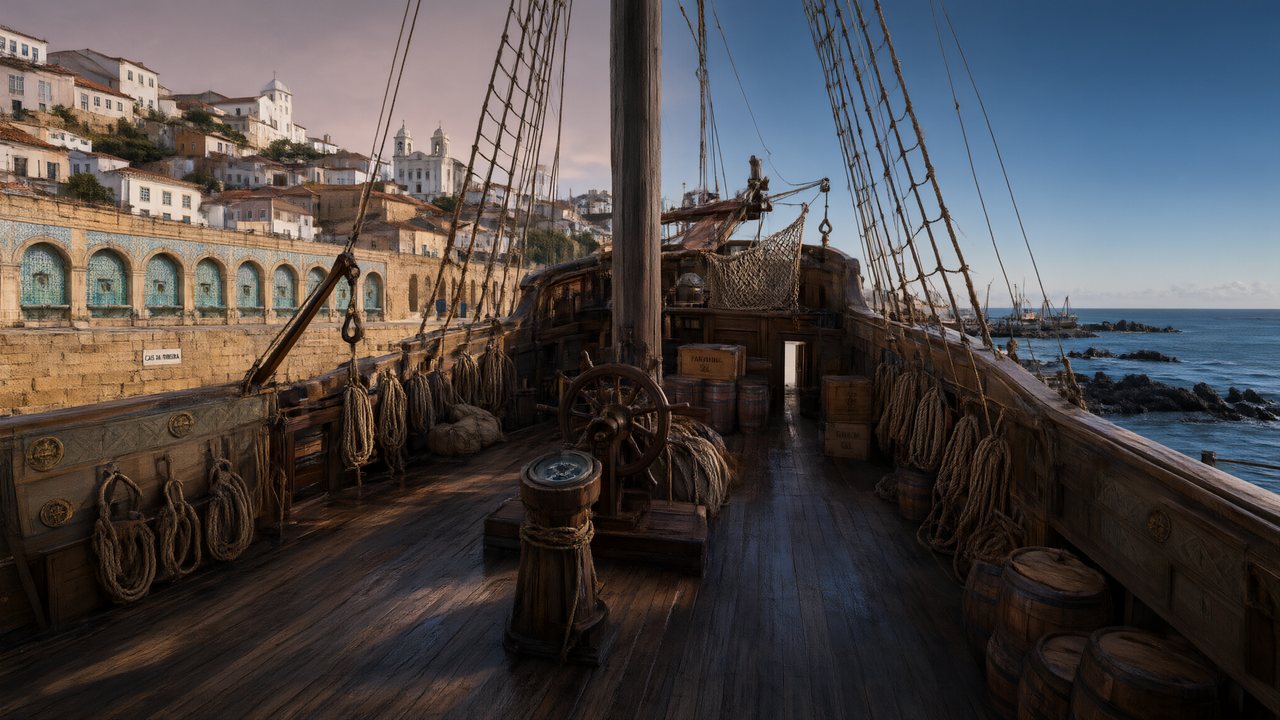 A Carta de LisboaPortuguêsNative dialogue
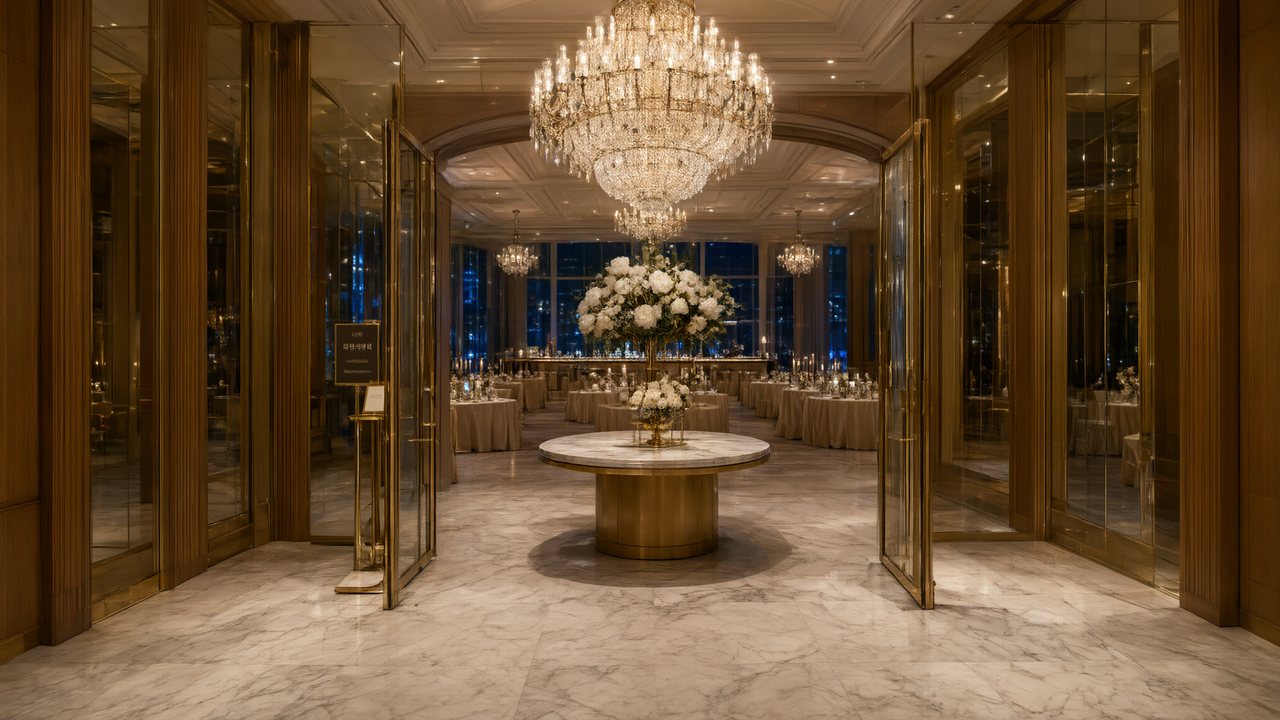 윈터 프라미스한국어Native dialogue
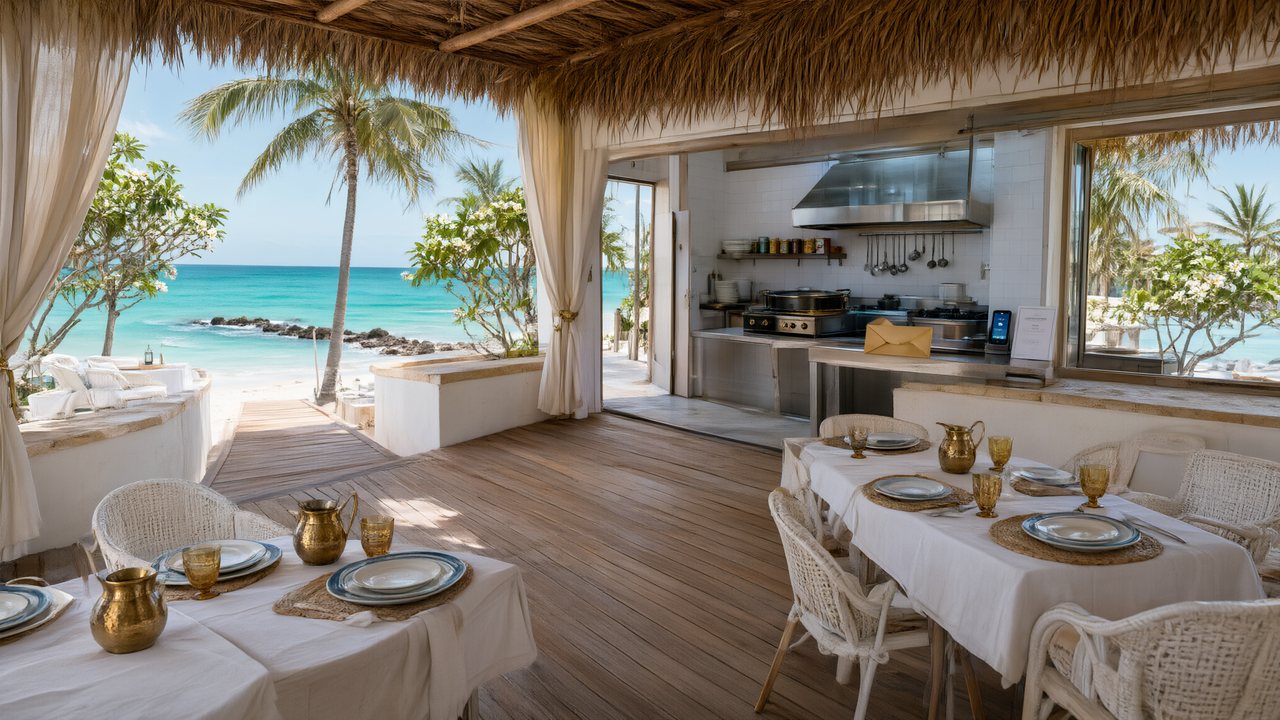 El Secreto de CostaEspañolNative dialogue
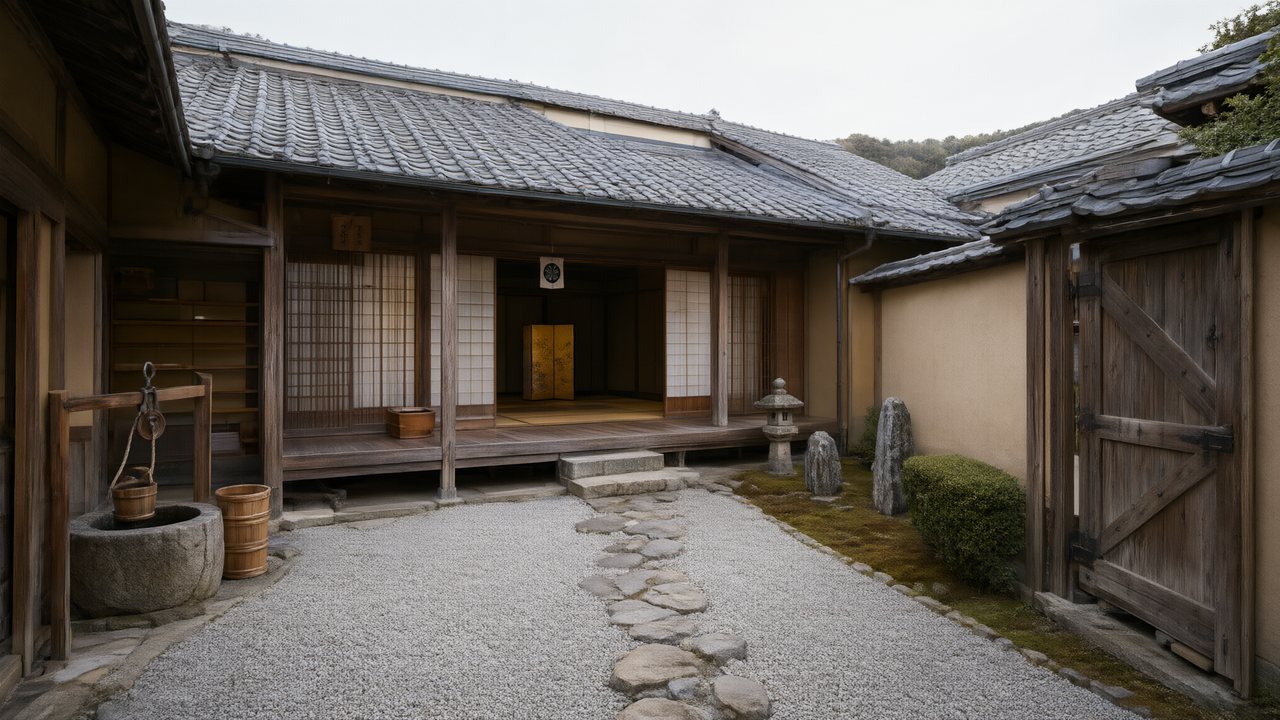 浪人の誓い日本語Native dialogue
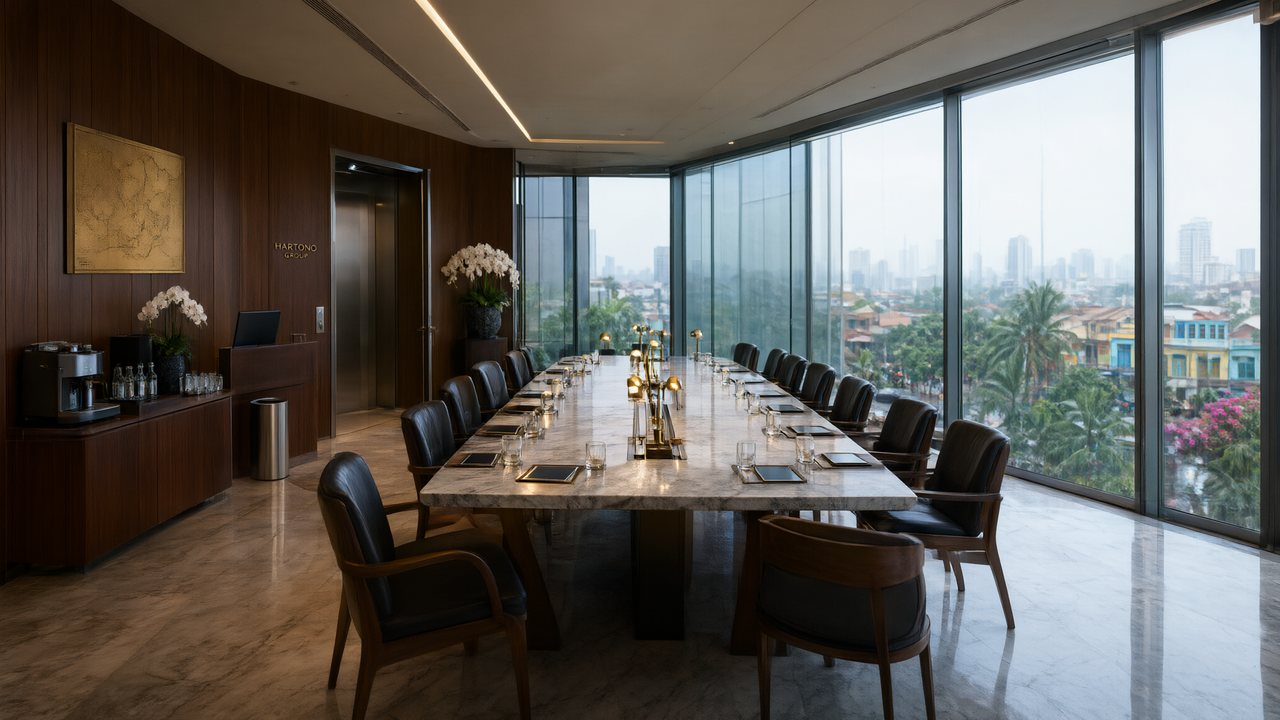 Ikrar JakartaBahasa IndonesiaNative dialogue
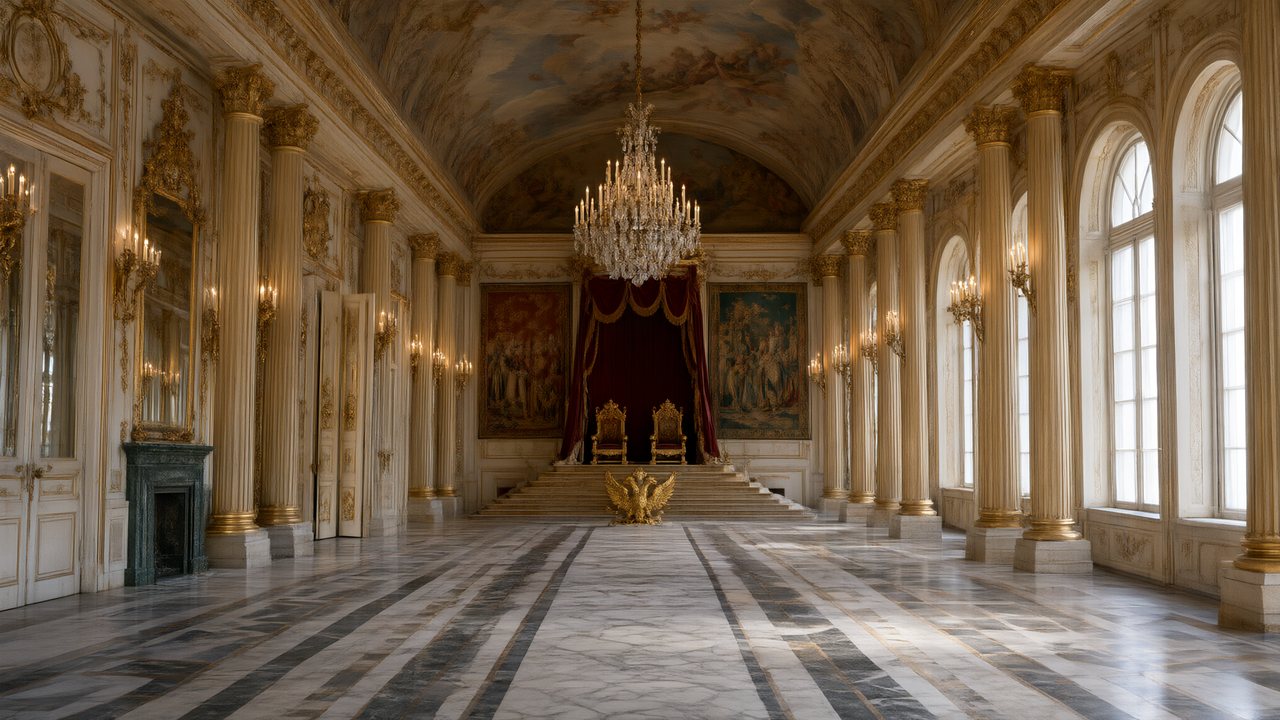 Зимняя коронаРусскийNative dialogue
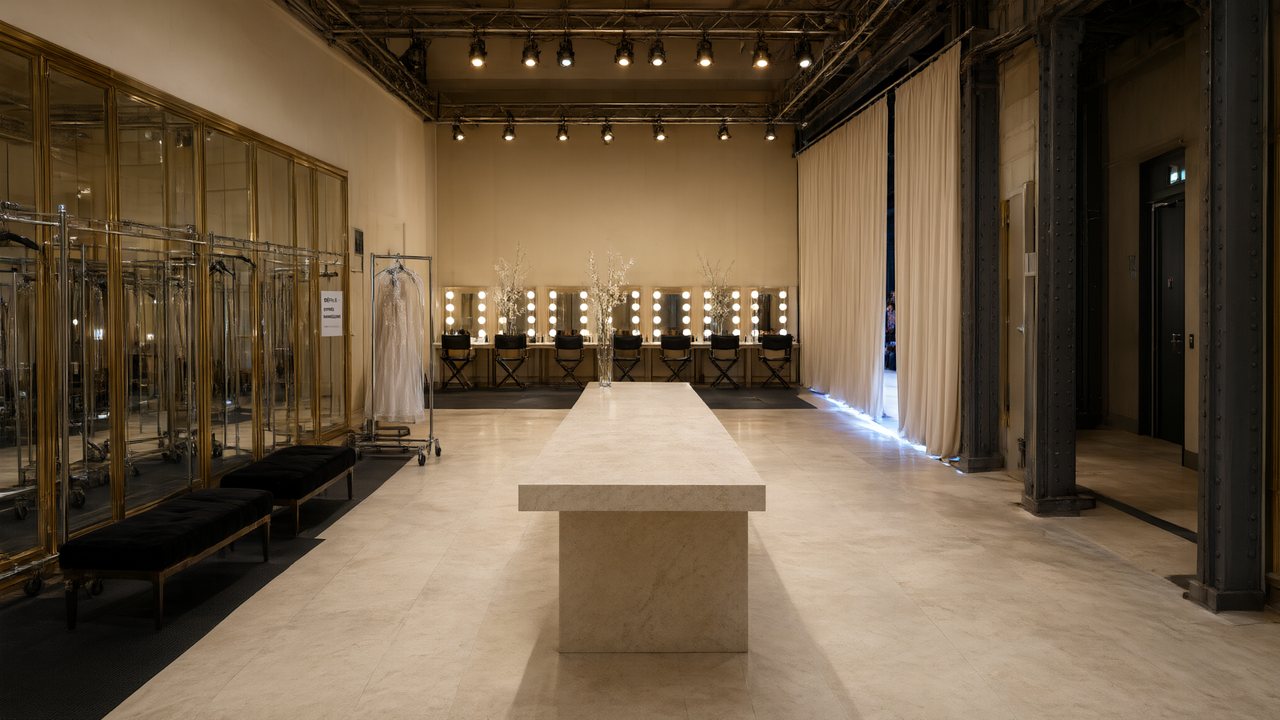 L’Héritier du DéfiléFrançaisNative dialogue
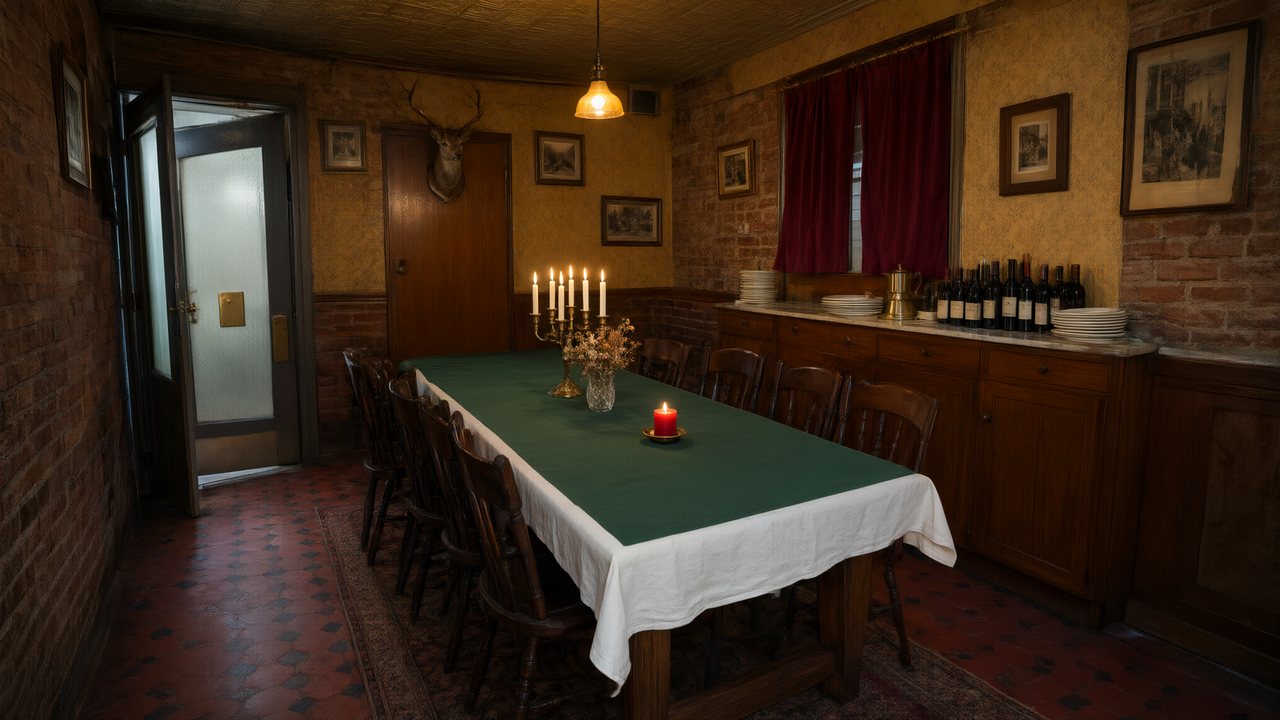 Il Tavolo dell'OlivaItalianoNative dialogue
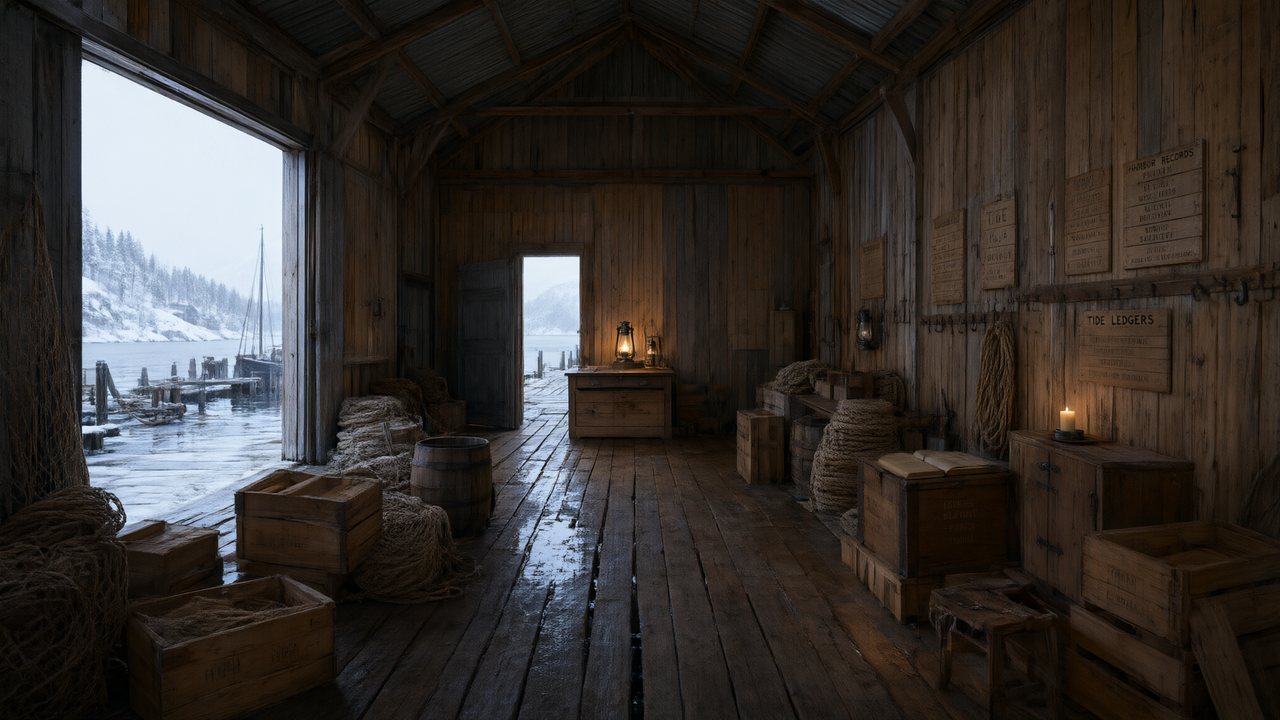 De Vuurtoren van de FjordNederlandsNative dialogue
 العهد الصحراويالعربيةNative dialogue
 Çantasındaki SözleşmeTürkçeNative dialogue
 Die Istanbul-TäuschungDeutschNative dialogue
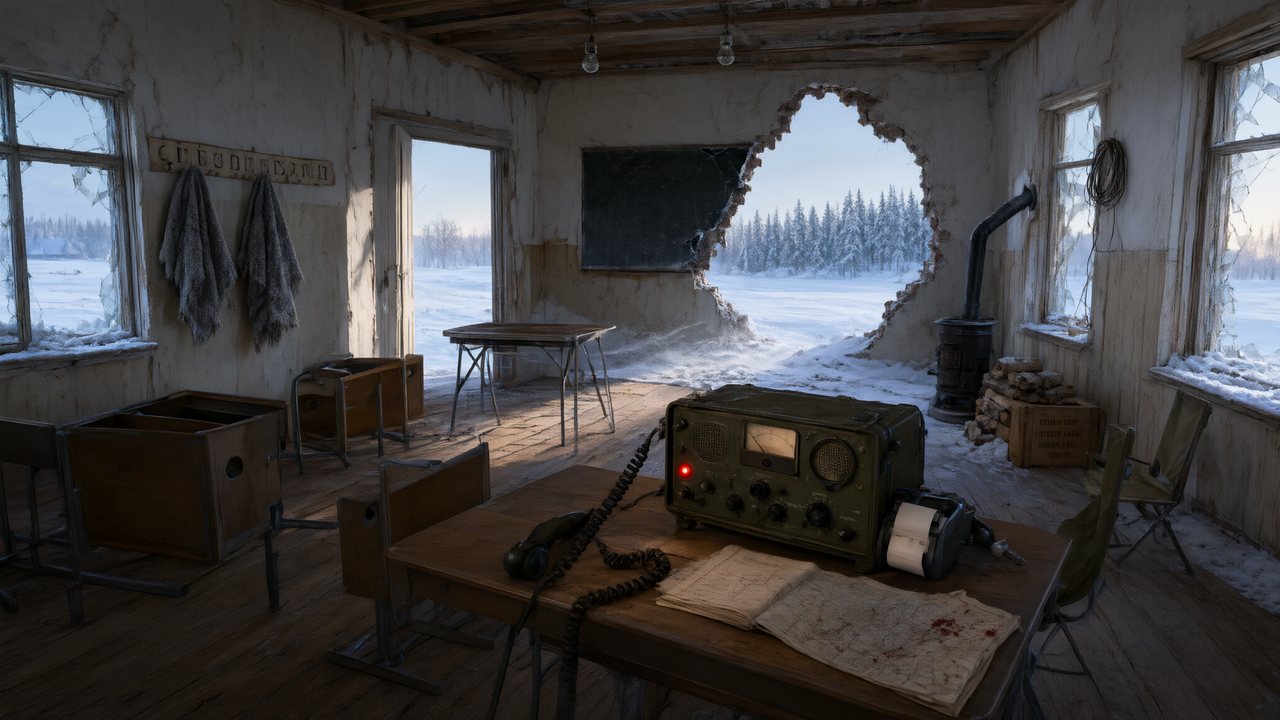 Останній сигналУкраїнськаNative dialogue
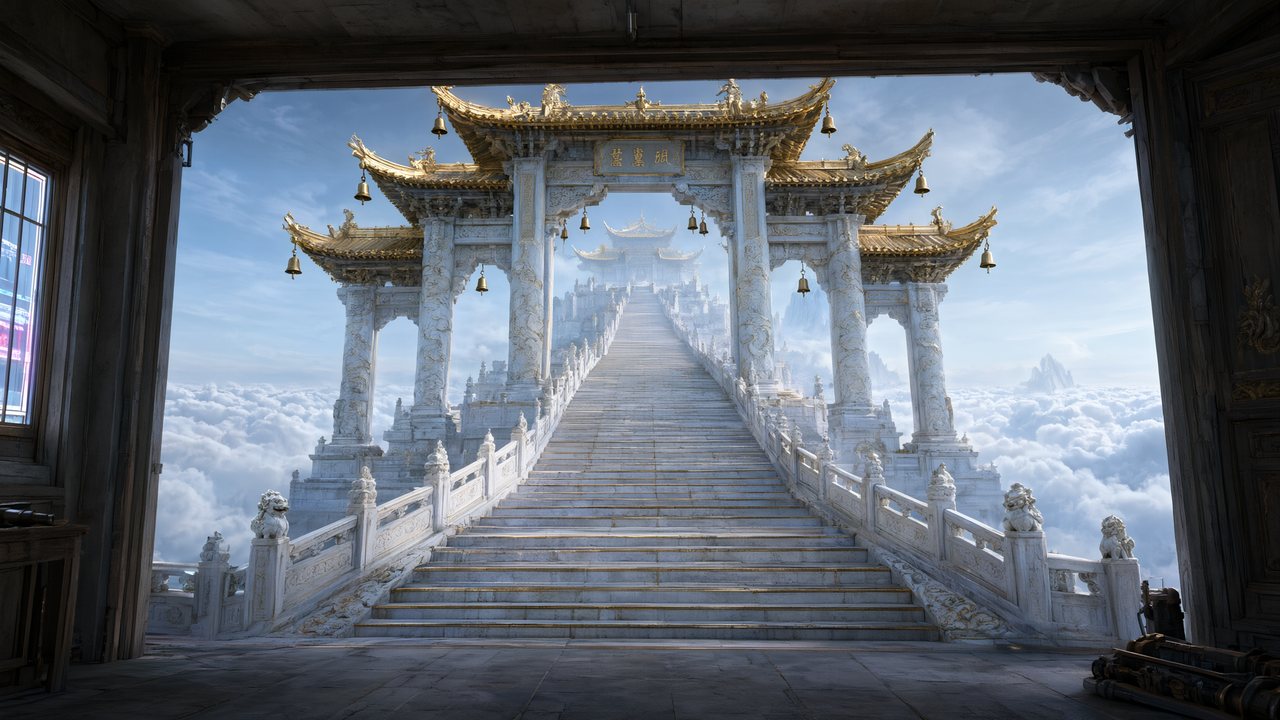 問劍青雲繁體中文Native dialogue
 The Last EnvelopeEnglishIn your language
Frequently asked questions
What script formats can I upload?
Plain text, .docx, and .md — or paste directly. Both Chinese and English scripts are supported, and the built-in AI writer can draft or expand a script from a one-line idea.
Can I control individual shots?
Yes. Every 4–15 second segment has an editable storyboard script (editing is free). You can regenerate a single segment without touching the others, and each segment keeps a version history you can switch between.
Which video models does SceneMixer use?
Video generation runs on Wan 3.0 by default (480P, with 720P and 1080P one click away); other model tiers are selectable per episode, each with its per-second rate on the pricing page. Text analysis and image generation use a routed multi-model backend with automatic failover.
How faithful is the shot list to my script?
Scene order, dialogue and beats follow the script; what the pipeline adds is coverage — which shot sizes, who is in frame, how long each shot holds. Lines are carried through rather than paraphrased, and if a shot reads wrong you rewrite that shot's text and re-render only it.
Does it work with a screenplay in Final Draft or Fountain format?
Export to plain text first. The parser reads screenplay layout — slug lines, character cues, parentheticals — as well as ordinary prose, so a text export of a .fdx keeps its structure. .docx and .md upload directly.
What happens with a feature-length script instead of a serial?
Set the content type to film in Step 1 and the pacing rules change with it: longer scenes, different dialogue rhythm, and no episode hooks. Past roughly 10,000 equivalent characters the analysis also switches to a two-call path built for long material, which raises the length ceiling substantially.
Do I need video editing skills?
No. The unit of editing is the storyboard script, not a timeline. When all segments are ready, full-episode compositing is one click, billed by total duration.
From table read to premiere in an afternoon
Paste your script and see the first cut.
Try SceneMixer freeCredit packages from $1.49 · Pro $7.99/mo · No credit card to start
Pricing·Novel to Video·Guides·Samples·Support·Privacy·Terms·Legal·Contact·© 2026 SceneMixer