AI short drama generator
AI Short Drama Generator
Updated September 21, 2026

At a glance
| Input | Paste the script, upload .txt / .docx / .md, or let the built-in AI writer draft one from a premise. |
|---|---|
| Output | An editable storyboard plus rendered video for every segment, and a composited file per episode. |
| Aspect ratio | 16:9 landscape by default; 9:16 vertical available. Set once per project. |
| Segment length | Typically 4–15 seconds per generated segment; some model tiers reach 30. |
| Episode length | However many segments the outline calls for — length comes from stacking, not from one long shot. |
| Cast consistency | Character sheets are generated once, then attached as references to every segment that character appears in. |
| Dialogue | Spoken on screen in the language you pick in Step 1; voices matched from a preset library. |
| Visual control | 21 render styles across live-action, 2D, 3D and stop-motion, plus 55 art-direction and 80 wardrobe presets; members can write their own. |
| Markets | A target-region setting adapts names, casting, scenery and on-screen text for Western, East Asian, Southeast Asian and Latin American audiences. |
| Billing | Credits, per unit of work: analysis by text length, storyboard per episode, video per second, compositing per second. |
Five generation stages, and where you step in
- Script analysis — one pass reads the whole script and returns the cast, locations, props and an episode-by-episode outline, each episode carrying a conflict arc and an end-of-episode hook. Yours to change: every description, plus the project name and the three style axes, before anything is drawn.
- Reference art — full-body 9:16 character sheets, location plates and prop shots in the render style you picked. Yours to change: regenerate any sheet, upload your own image in its place, or add a state variant such as an outfit change, a ruined room or a drawn blade.
- Storyboard scripts — one episode at a time, cut into 4–15 second segments with shot descriptions, dialogue and per-shot durations. Yours to change: the text of any segment, free; asking the model for a fresh pass costs the same as the first one.
- Per-segment video — each segment is generated against the reference art for the characters and places it names. Yours to change: regenerate a single segment without re-billing the episode; every take is kept as a version you can switch back to.
- Compositing — the segments are joined into one episode file. Yours to change: swap a segment and re-composite.
The same five stages run whether you start from a finished script (script to video) or from a novel that still has to be adapted (novel to video); the micro drama page covers why the vertical format needs a pipeline in the first place.
What stops the cast from drifting
Drift is the failure mode that kills generated series: by episode 5 the lead has a different jaw, and the audience stops believing it is the same show. Three mechanisms work against it.
- The cast is generated once, not per shot. Character sheets live in the project, so no later shot re-invents a face from a text description.
- References are attached, not described. Face and body crops from the sheet ride along with every segment that names the character, so the model is matching a picture instead of interpreting adjectives.
- Links are by id, not by name. Storyboards reference assets by identifier, so renaming a character halfway through a project does not silently break the reference chain.
The mechanics are laid out in the character-consistency guide.
What this generator will not do
- Clone a voice you do not own. Voices are matched from a preset library, and you may upload a sample of your own; there is no path here for reproducing someone else's voice.
- Burn in a subtitle track. Text that belongs inside the frame is written into the shot; platform captions are added after export.
- Re-edit or dub footage you upload. The generator renders new video from the storyboard. It is not a post house for existing clips, and it does not swap faces onto live-action footage.
- Produce one continuous shot of unlimited length. Each generation is bounded by the model tier's cap; episode length comes from stacking segments.
What a generated episode costs
Nothing here is a seat licence — you buy credits and spend them per unit of work. Script analysis is 4 credits per 3,333 characters of English text (reference images are billed separately, with 15 free per account and 7 credits each after that on the default image model); each episode's storyboard is 1 credit per 333 characters of that episode; video starts at 10 credits per second of output (≈ $0.06/s at the lowest credit price), and compositing is 1 credit per second. A 90-second episode therefore lands around 990 credits of video plus compositing on the cheapest tier. Every account gets 15 free reference images — characters, scenes or props, in any mix, across any project — and in your first project the storyboard for episode 1 is free as well. Packages start at $1.49; memberships from $7.99/month add monthly credits, higher concurrency, custom style prompts and generated video without the AIGC badge. The pricing page carries the full table.
How long it takes, measured
The numbers below are not estimates. They are the median and ninth-decile run times of every job that finished successfully on scenemixer.com in the thirty days to 20 September 2026 — machine time for the job itself, with queue wait excluded.
| Stage | Typical | 9 in 10 finish within |
|---|---|---|
| Script analysis — whole script to cast, locations and episode outline | 2 min 49 s | 9 min 8 s |
| One reference image — character sheet, location plate or prop | 16 s | 27 s |
| One episode's storyboard | 1 min 54 s | 5 min 53 s |
| One video segment | 3 min 20 s | 7 min 32 s |
| Compositing one episode | 3 min 52 s | 12 min 51 s |
They stack differently than they read, because segments generate in parallel. A typical episode here is seven segments of about fourteen seconds each; on the free plan three jobs run at once, so those seven segments are three waves — roughly ten minutes — with the storyboard before them and the composite after. Call it a quarter of an hour of machine time per episode, and less than that on a paid plan, where the concurrency ceiling rises from three to twenty.
See one shot before you spend anything
Every account gets one free preview of up to 5 seconds. It is not a stock demo reel: it renders the opening shot of your episode, with your own character sheets attached as references, on the 480P tier — the same path a paid segment takes, minus the bill. The rest of the starting allowance works the same way: 50 credits at sign-up, 15 reference images per account, and your first project's episode-1 storyboard. That is enough to carry a real script from upload to a rendered shot and judge the result before deciding whether the series is worth paying for.
Generated natively in fifteen languages
Pick the dialogue language in Step 1 and the whole series is performed in it, with the target-region setting moving names, faces and settings to that market at the same time. The sample series below were each produced that way, one per language.
Languages
Native dialogue in 15 languages
Every series below was produced by the same pipeline with the cast speaking that language natively: the interface, the working documents and the spoken lines are all in one language, and nothing is dubbed. Open one to hear it.
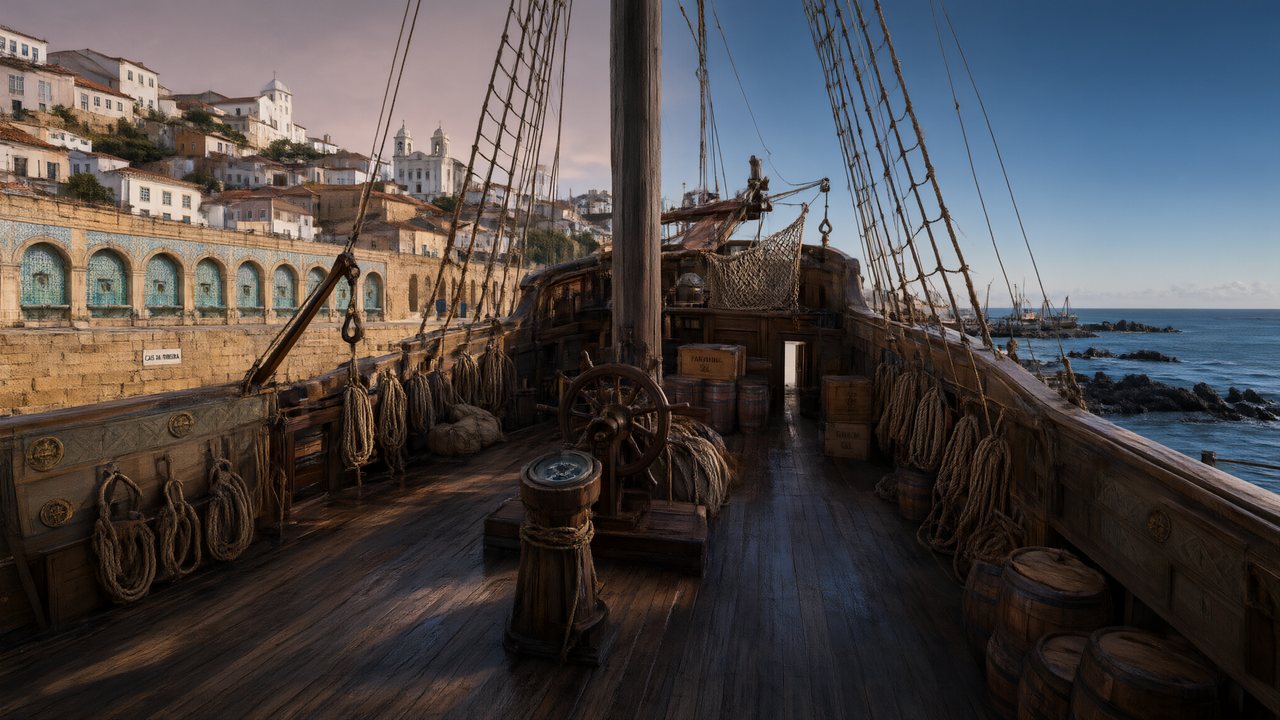 A Carta de LisboaPortuguêsNative dialogue
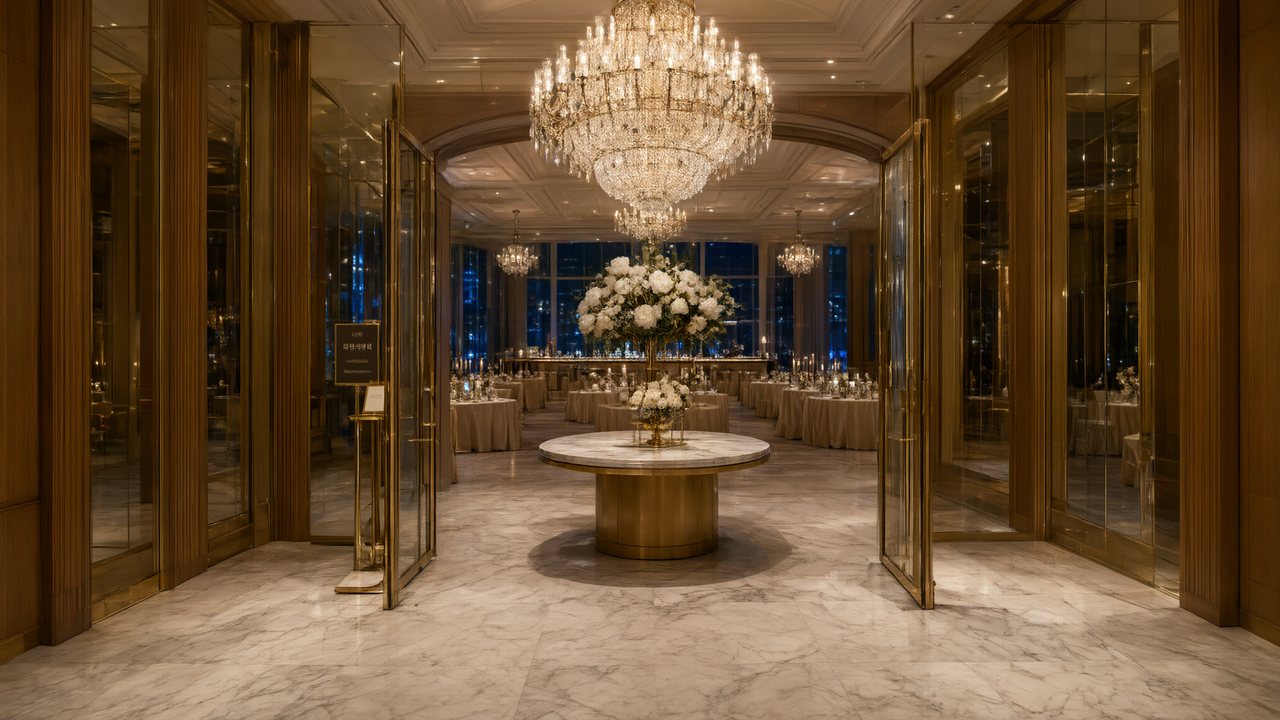 윈터 프라미스한국어Native dialogue
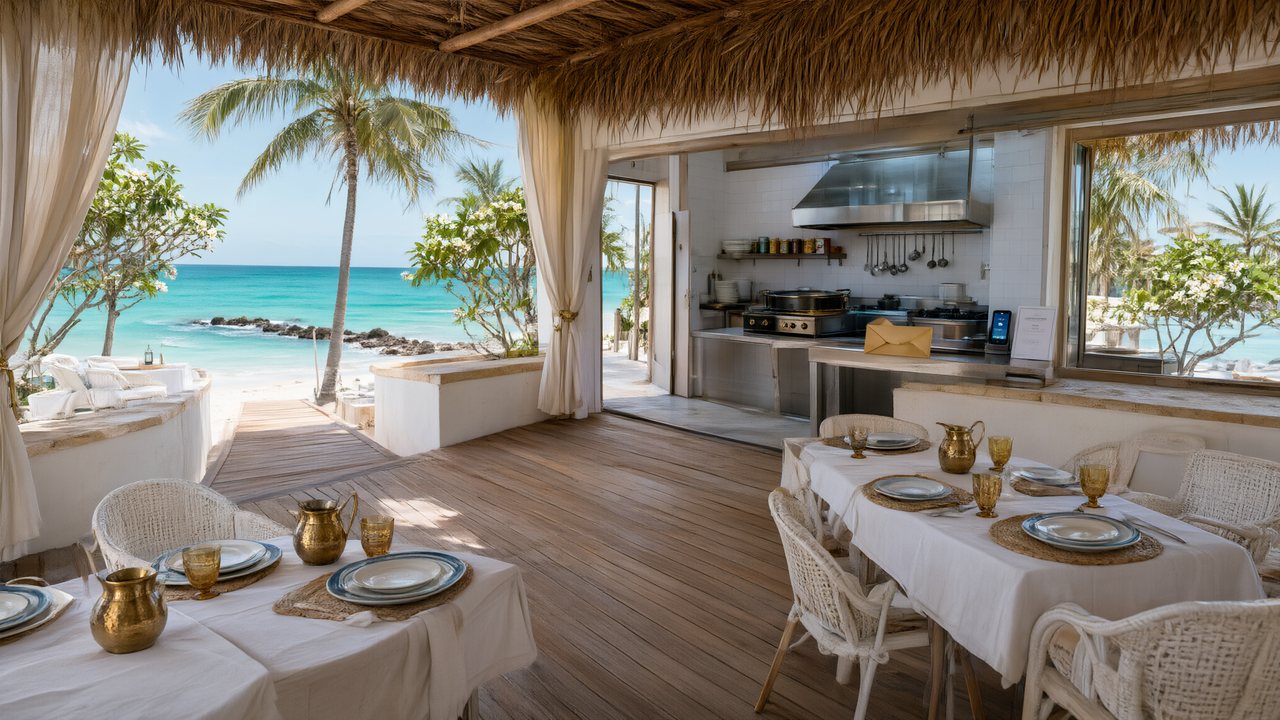 El Secreto de CostaEspañolNative dialogue
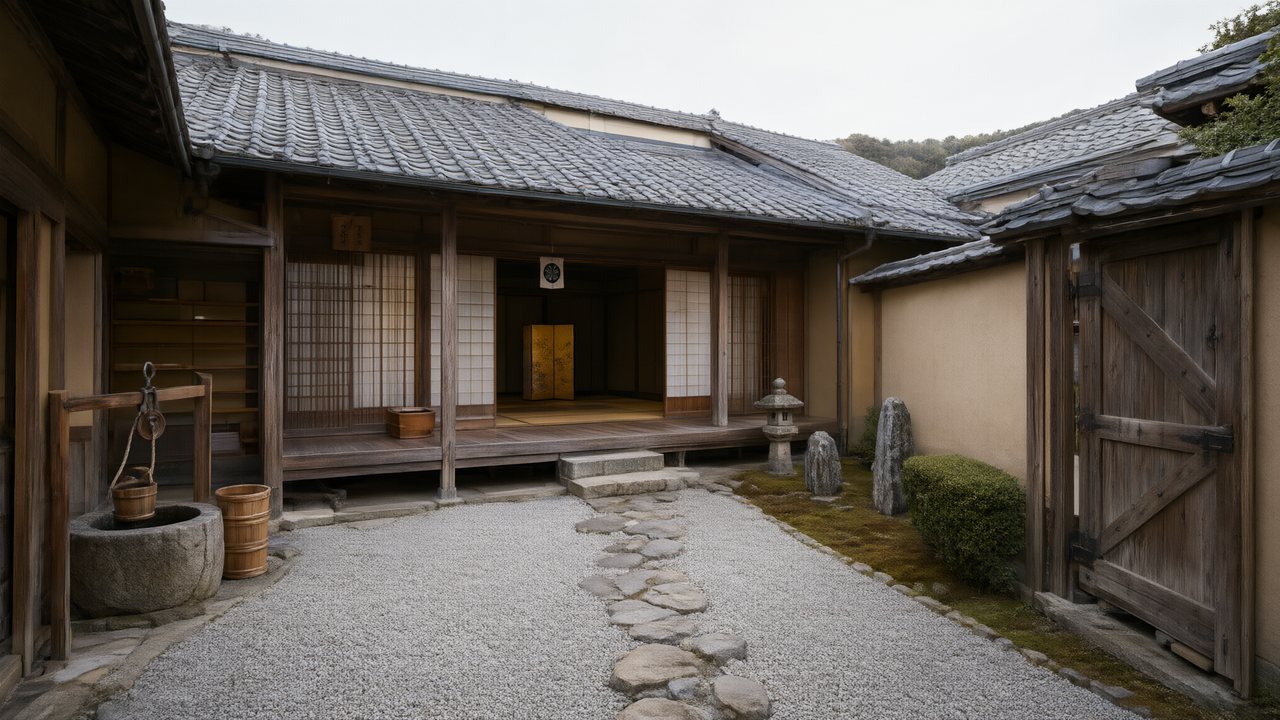 浪人の誓い日本語Native dialogue
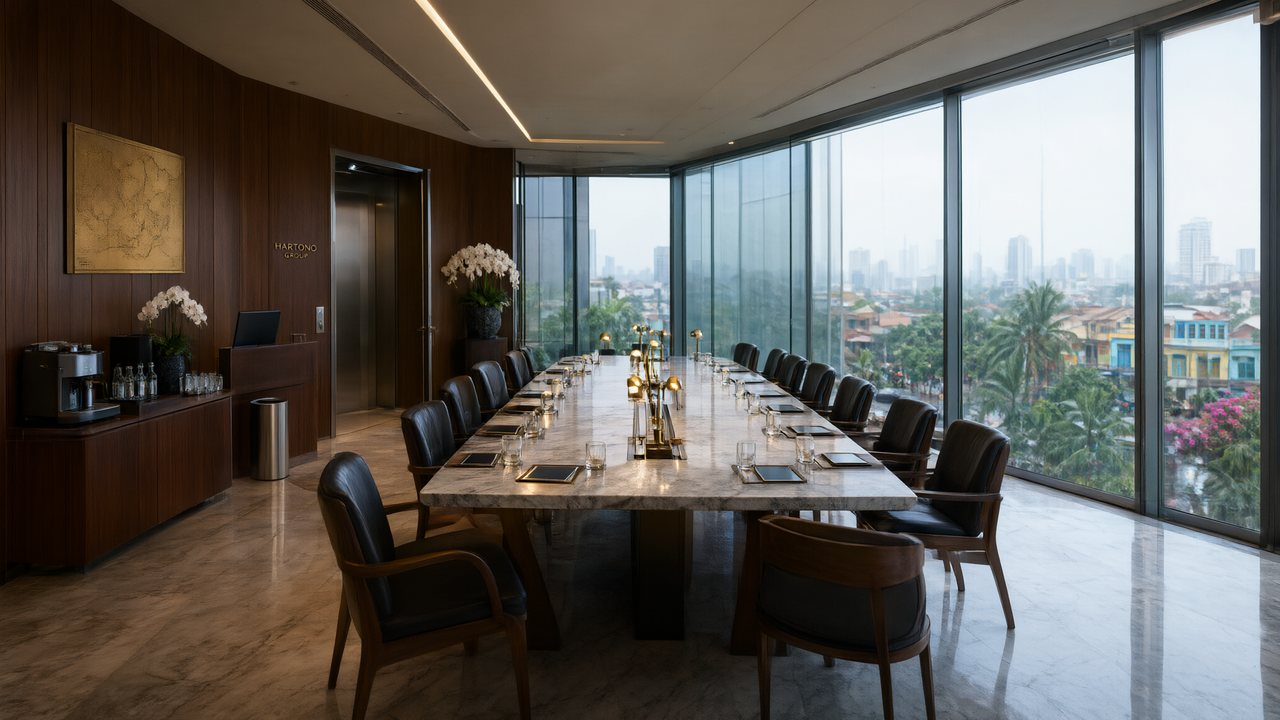 Ikrar JakartaBahasa IndonesiaNative dialogue
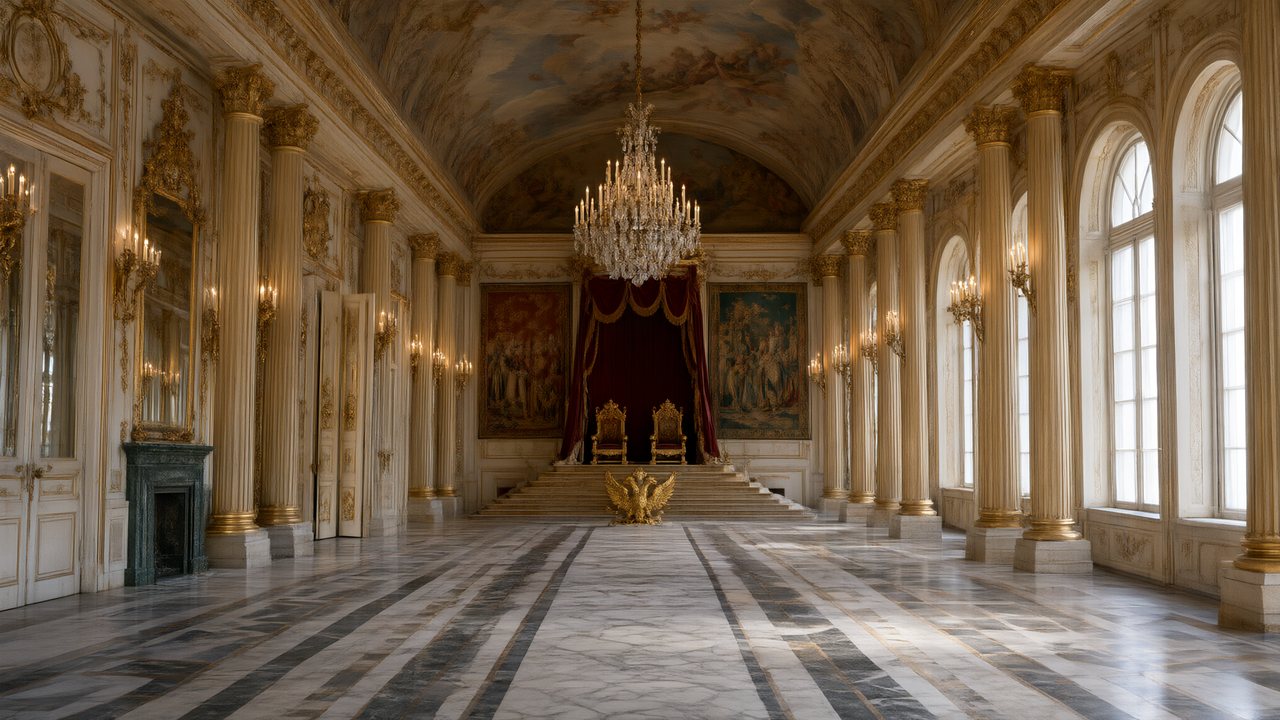 Зимняя коронаРусскийNative dialogue
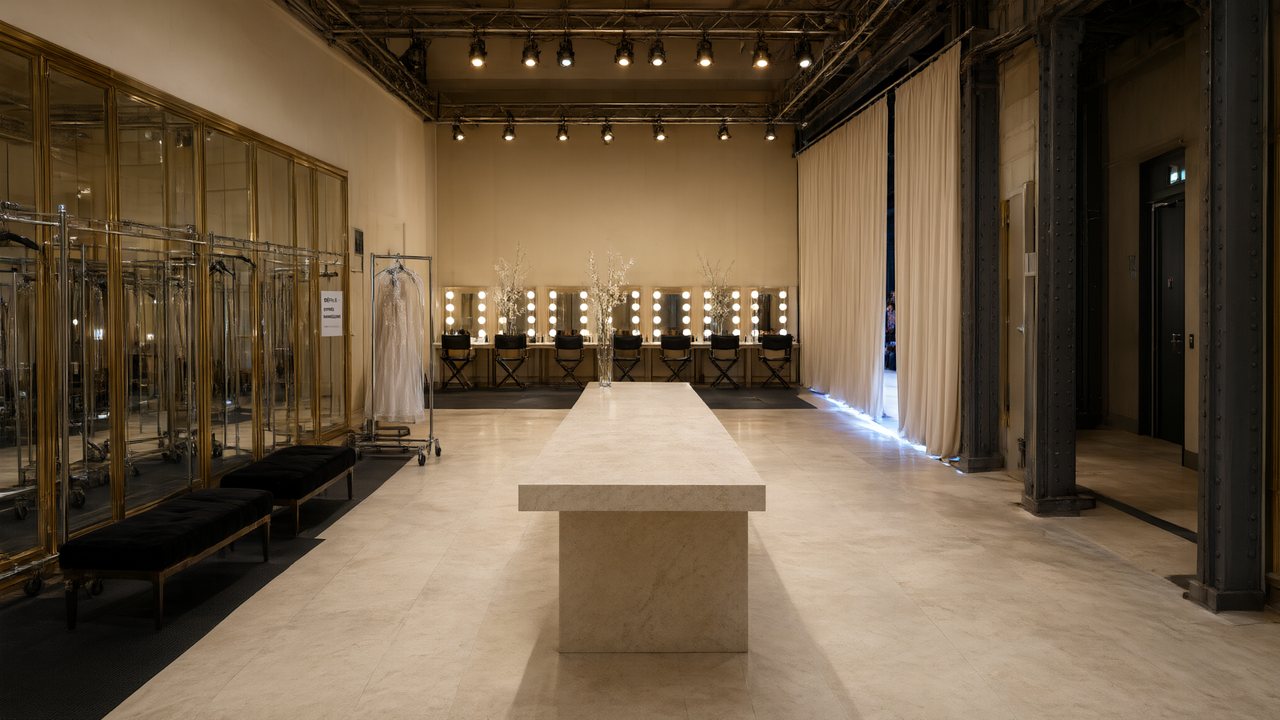 L’Héritier du DéfiléFrançaisNative dialogue
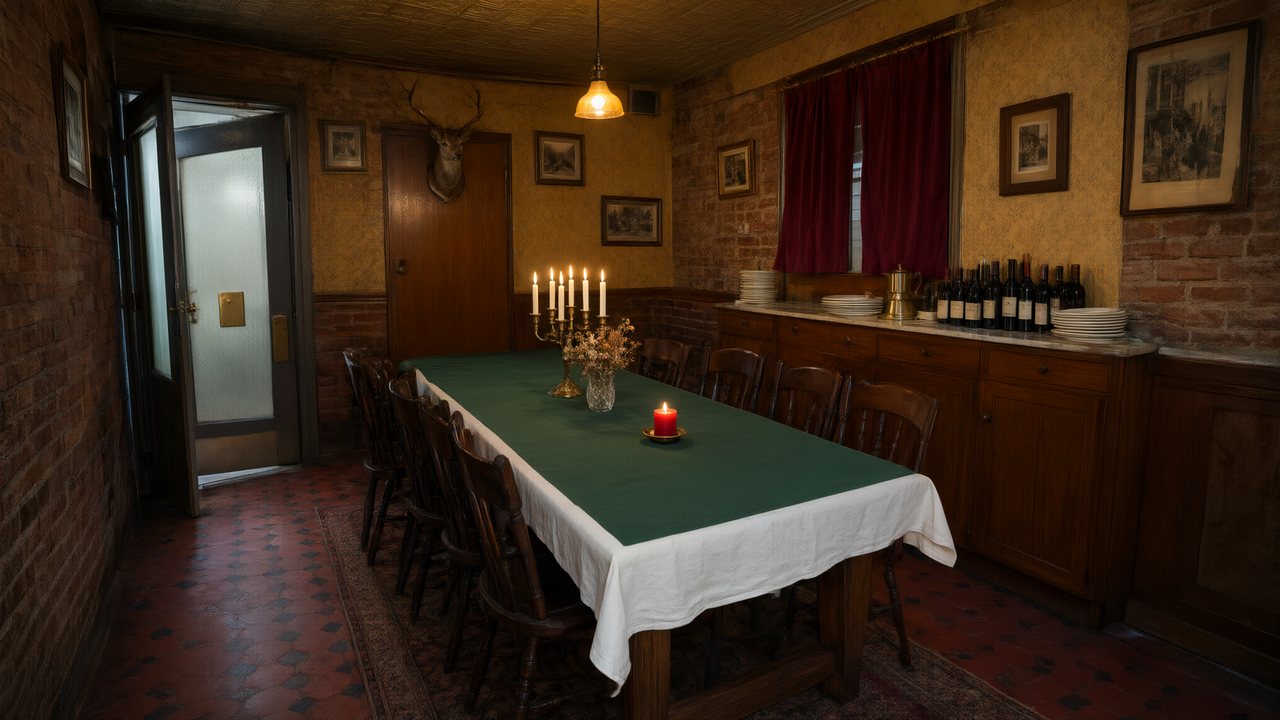 Il Tavolo dell'OlivaItalianoNative dialogue
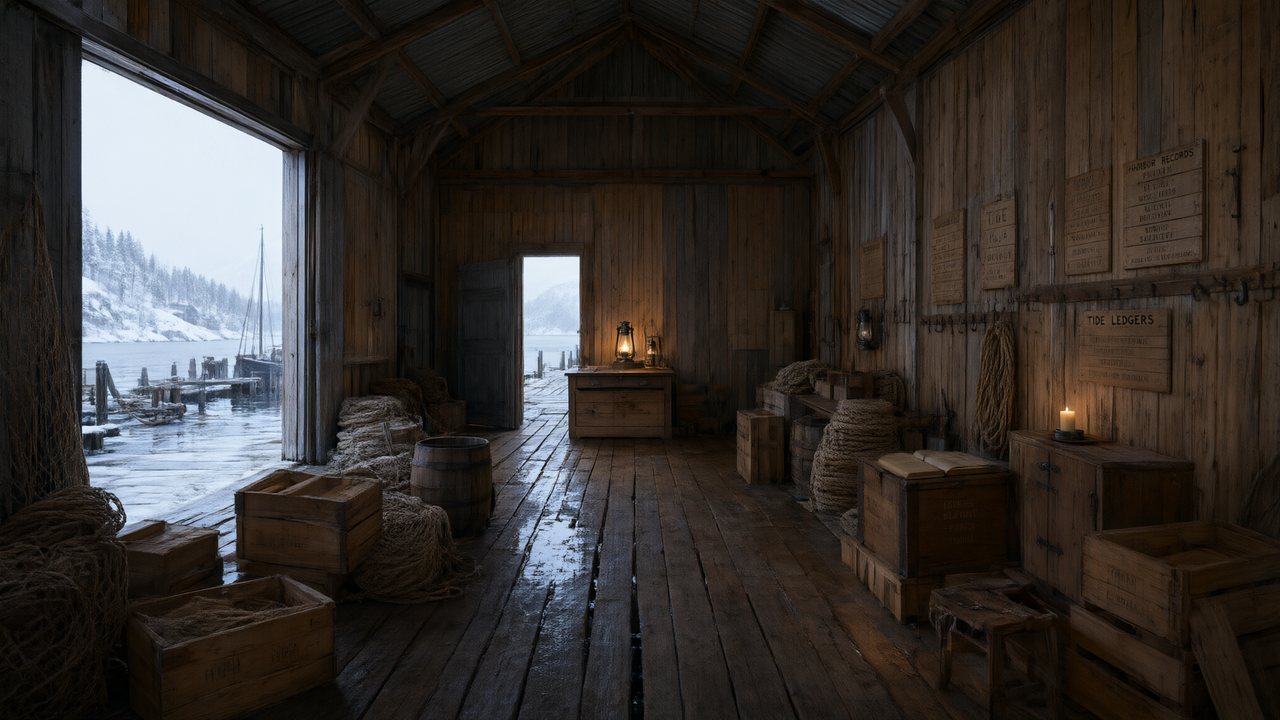 De Vuurtoren van de FjordNederlandsNative dialogue
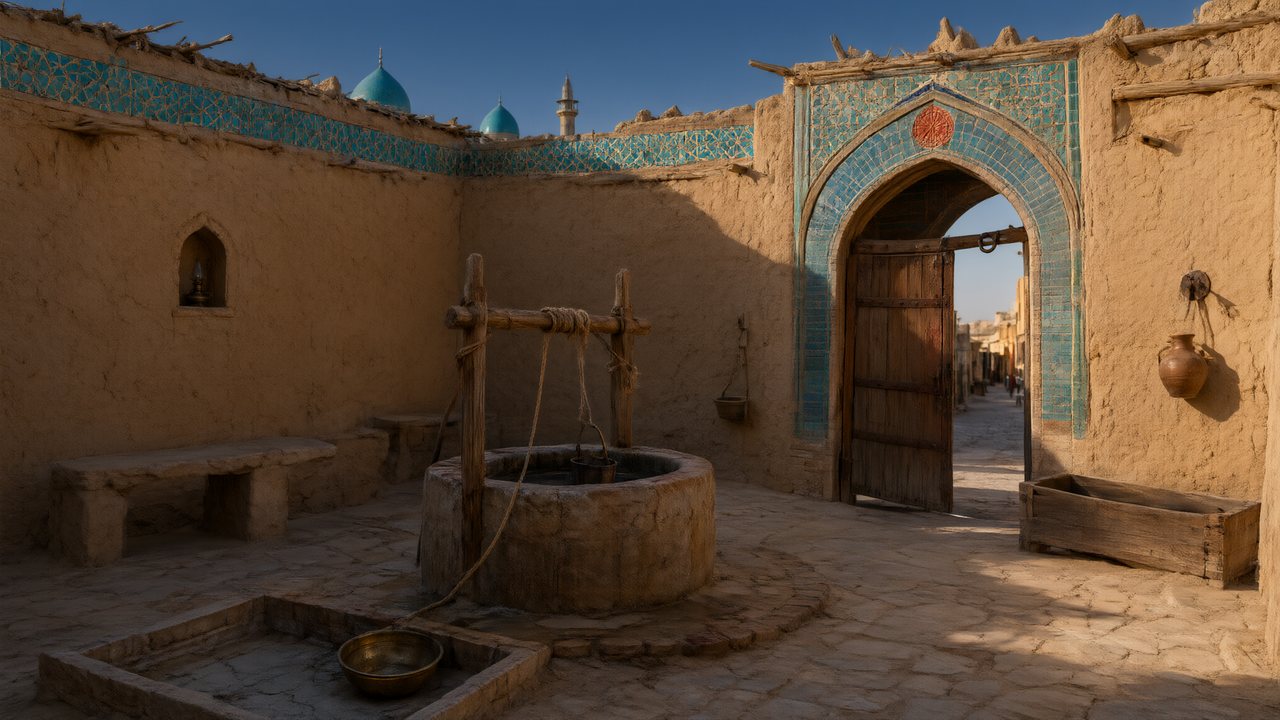 العهد الصحراويالعربيةNative dialogue
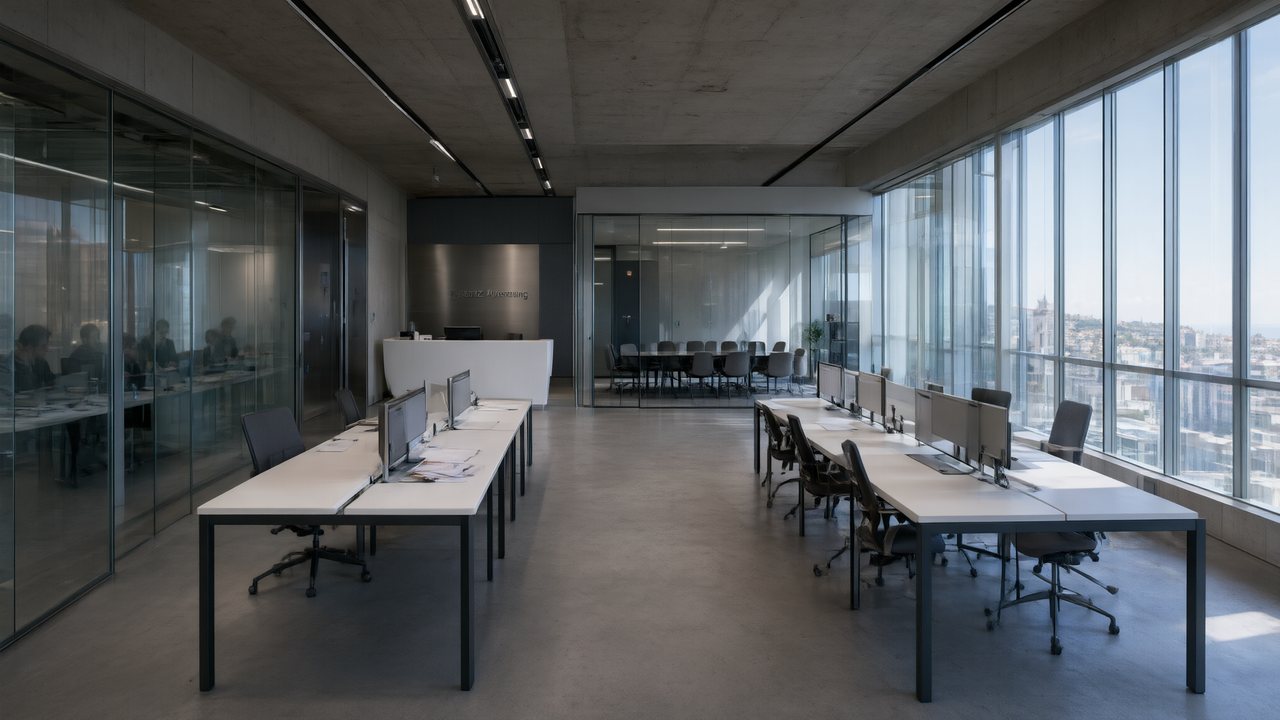 Çantasındaki SözleşmeTürkçeNative dialogue
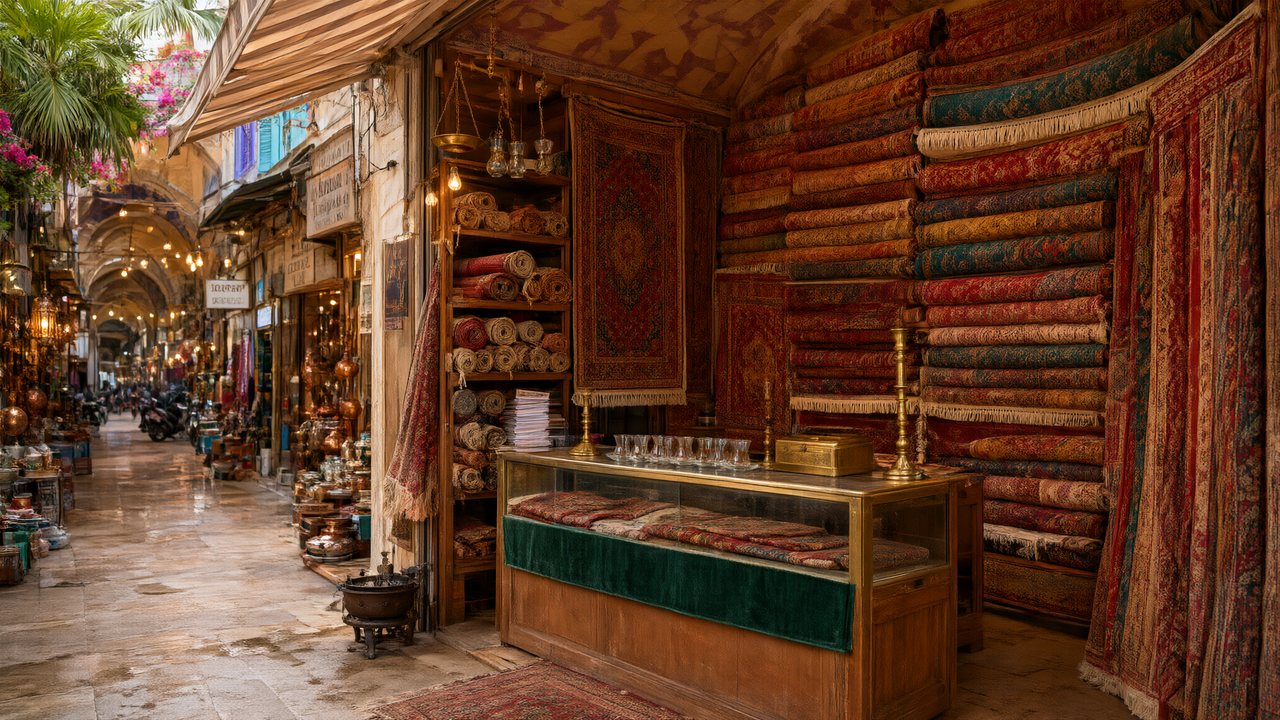 Die Istanbul-TäuschungDeutschNative dialogue
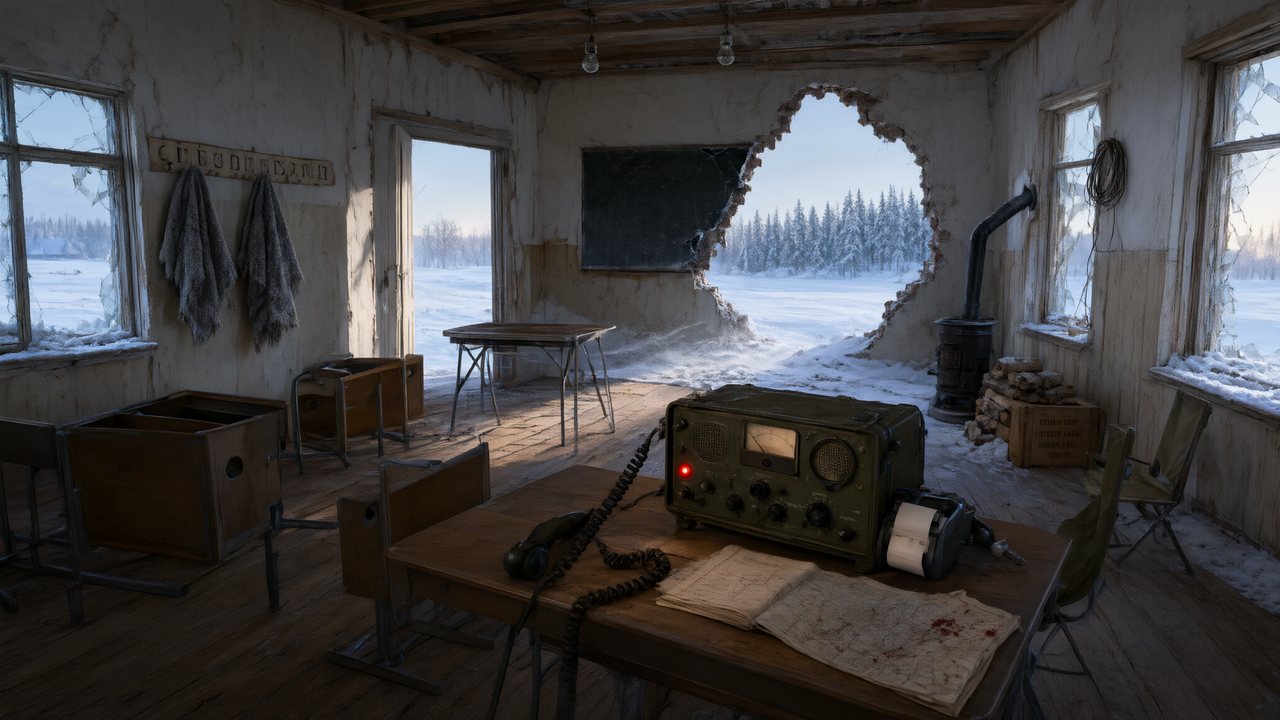 Останній сигналУкраїнськаNative dialogue
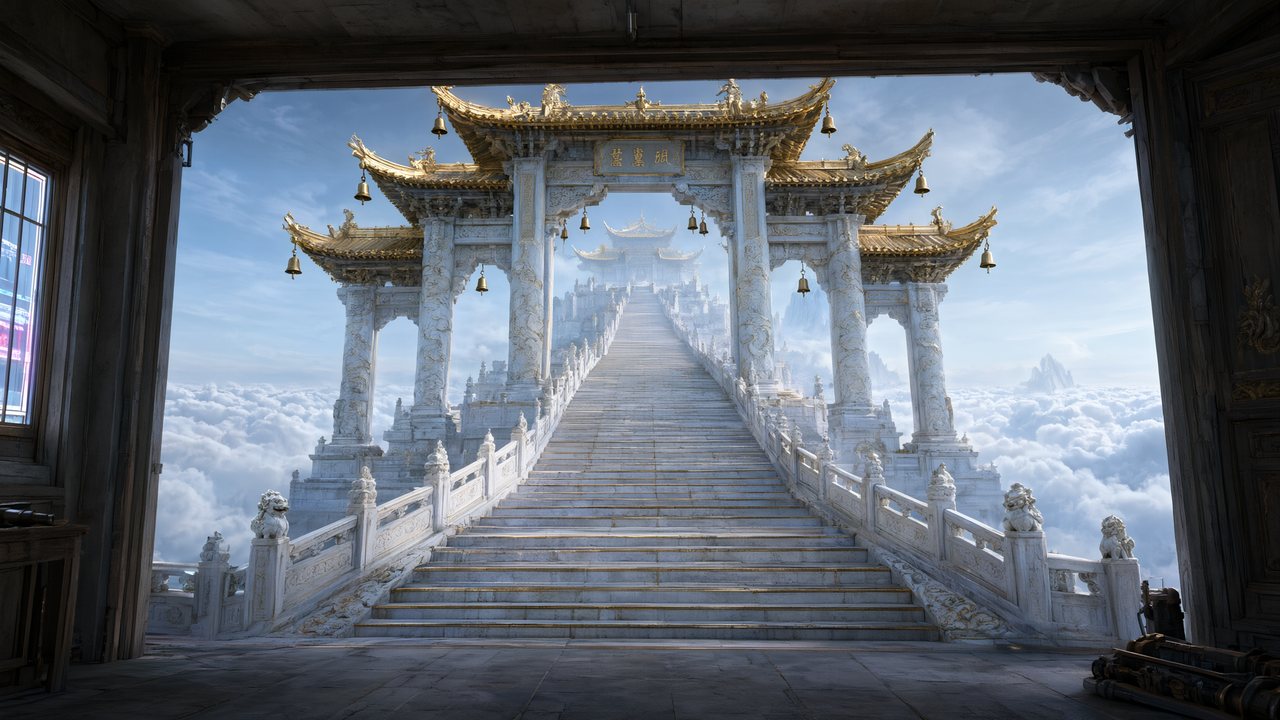 問劍青雲繁體中文Native dialogue
 The Last EnvelopeEnglishIn your language
Frequently asked questions
Can it generate a whole series, or only one video?
A series. One upload is analysed into an episode-by-episode outline, and every episode gets its own storyboard and its own set of video segments, all drawing on the same cast and locations. Tools that return a single clip make you start from scratch for episode 2; here episode 2 inherits the project.
How does it keep the same actor across episodes?
The cast is generated once, at the start, as full-body reference sheets. Every segment that features a character is generated against that character's sheet, with face and body crops attached as references — so the face in episode 1 is the face in episode 40. Since September 2026 those references are resolved by asset id rather than by name, so renaming a character mid-project does not break the link.
What length and aspect ratio does it output?
Video is 16:9 landscape by default, with 9:16 vertical available; you set it once per project. Segments are typically 4 to 15 seconds, and some model tiers go to 30. Episode length comes from stacking segments, not from one long generation, so a 60 to 120 second episode is a handful of segments composited together.
Can I edit what the AI wrote?
Yes, at every stage. Character, scene and prop descriptions are editable before any art is drawn; storyboard text is editable for free and re-renders only the segments you touched; each segment keeps a version history you can switch back to. Only model calls cost credits — editing text never does.
Does it generate the spoken performance too?
Yes. The video models used for generation produce picture and audio together, so characters speak on screen in the dialogue language you chose in Step 1. Character voices are matched from a preset voice library rather than designed from a text description, and you can upload your own sample for a character instead. There is no tool here for cloning a voice you do not own.
How long does a full series take?
Machine time scales with the number of segments, not the number of episodes — roughly a quarter of an hour per episode at the free plan's three-job concurrency, and proportionally less as that ceiling rises with the plan. What actually takes your time is review: reading the outline, correcting a character description, rewriting a line. None of that is billed, and most people spend longer choosing takes than waiting for them.
What if I do not have a script yet?
Start from a premise. The built-in AI writer drafts a script from a one-line idea and a target length, in the language your interface is set to, and the draft drops straight into the same pipeline. It is a billed model call like any other, and you can rewrite the draft freely before analysis runs on it.
Do I need to know anything about filmmaking?
No — the storyboard is written so that you do not have to. It picks shot sizes, keeps two-hander dialogue in the framings video models render reliably, and steers around the ones they fail at, such as large crowds and long choreographed fights. If you do know the vocabulary, every shot is plain text you can rewrite, and only the segments you touch are re-rendered.
Can I publish what it generates?
You own the output. Download finished episodes and publish them to TikTok, YouTube Shorts, Instagram Reels or a short-drama platform. Generated video carries a small AIGC badge by default; paid members can turn it off in settings.
Bring a script, leave with episodes
One upload, five stages, a series that looks like one show.
Try SceneMixer freeCredit packages from $1.49 · Pro $7.99/mo · No credit card to start
Pricing·Novel to Video·Guides·Samples·Support·Privacy·Terms·Legal·Contact·© 2026 SceneMixer