How to Make an AI K-Drama, Modern or Joseon
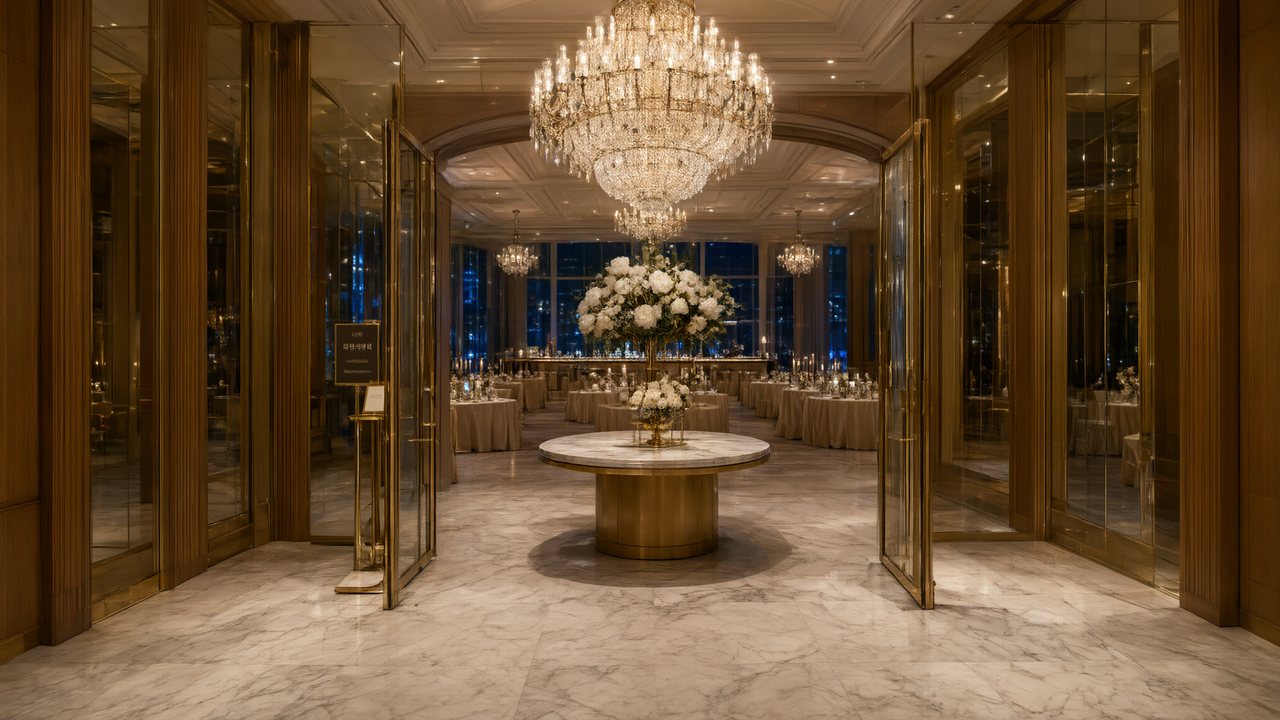
Brief for AI Create: A modern K-drama: a chaebol heir who has lost his memory works at a small Seoul bakery, unaware the owner was his first love; 10 short episodes, Korean dialogue, every episode ends on a look.
Modern or Joseon
| Modern Seoul | Joseon era | |
|---|---|---|
| Scene Style | Neon Nights, Corporate Cold, Campus Youth, Urban Opulence | Imperial Splendor, Classical Elegance |
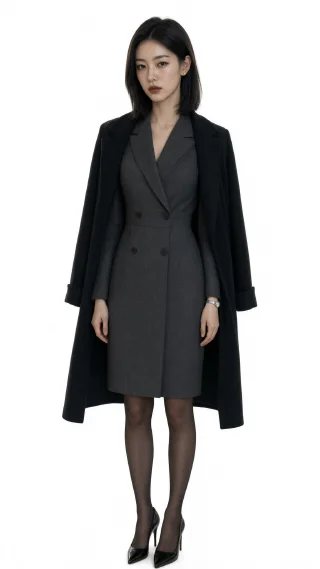
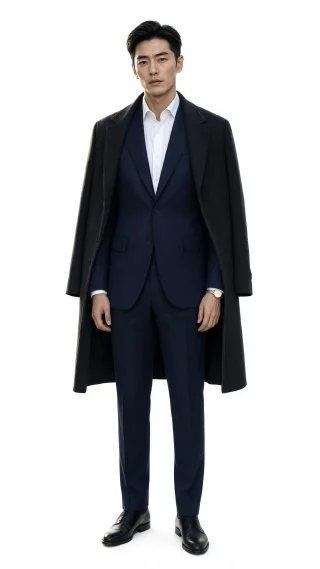
| Costume Style | Smart Casual, Power Tailoring, School Uniform | Hanbok |
| Visual Style | Digital HD, Soft Glow | Shot on Film, Soft Glow |
| Typical story | Chaebol romance, office, campus, revenge | Palace intrigue, a disguised royal, forbidden love |
For a webtoon look rather than live action, pick Korean Webcomic as the visual style. The visual style is fixed after step 1. Visual style presets.
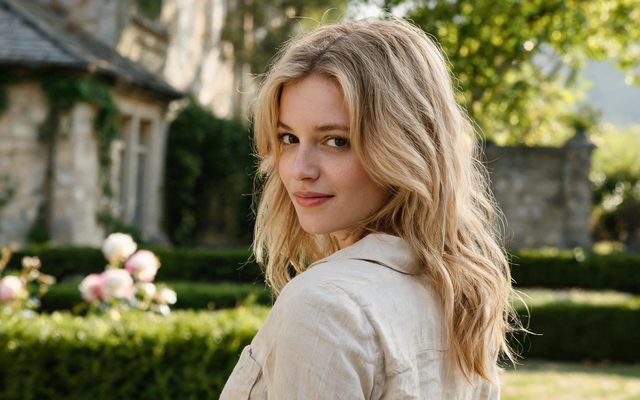
Visual Style: Digital HD
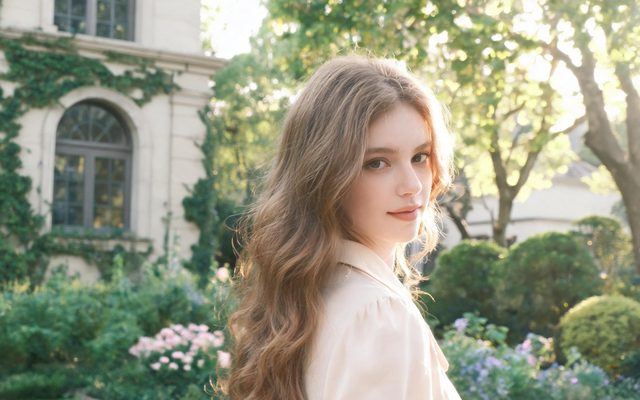
Visual Style: Soft Glow
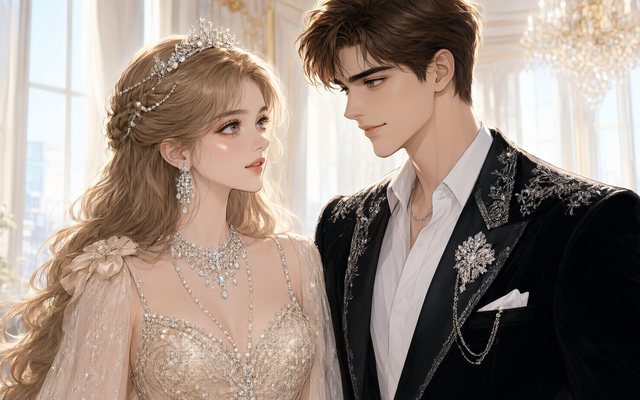
Visual Style: Korean Webcomic
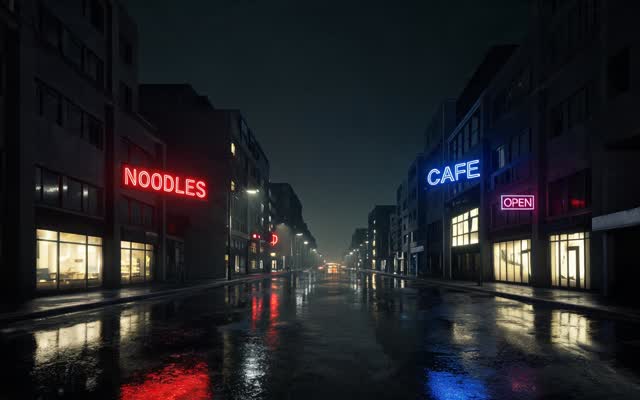
Scene Style: Neon Nights
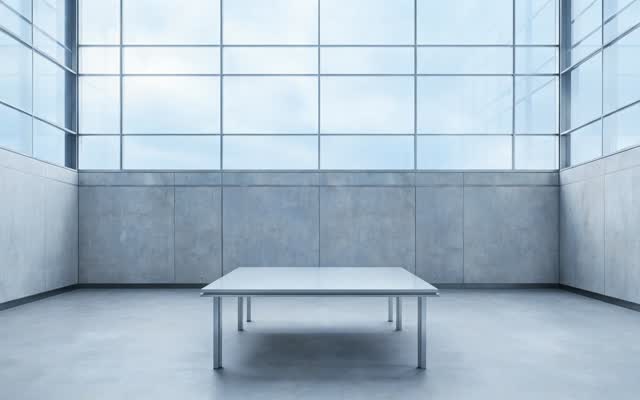
Scene Style: Corporate Cold
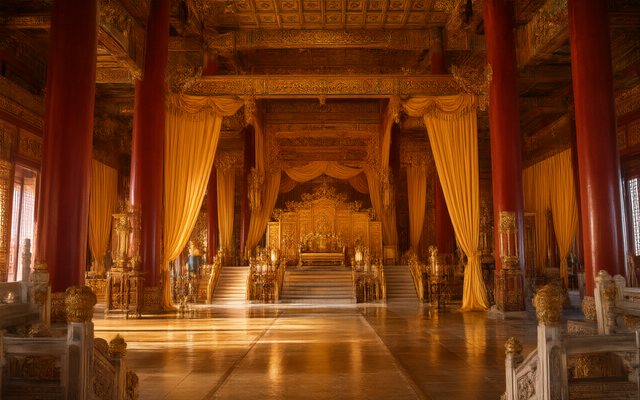
Scene Style: Imperial Splendor
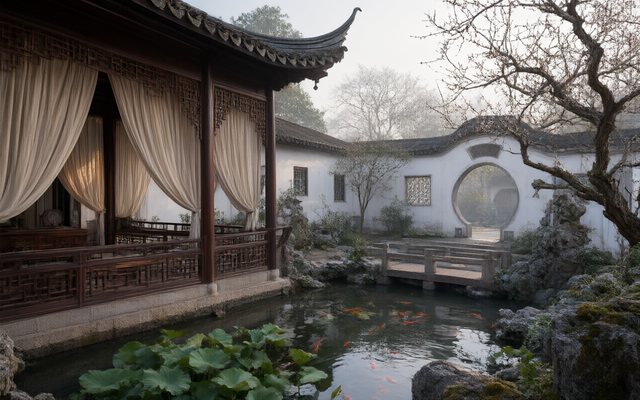
Scene Style: Classical Elegance
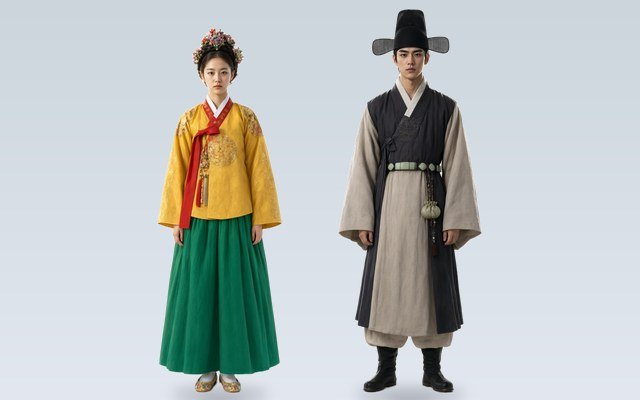
Costume Style: Hanbok
Korean faces, names and dialogue
- Target Region: East Asia. The reading casts names, faces and places for that audience. Target region.
- Dialogue language: Korean. The lines are performed in Korean as the shot renders, with no dubbing pass. Native dialogue vs dubbing.
- Or English lines with a Korean world. Keep East Asia as the region and choose English: a K-drama for an international audience.
- A second language version of the same drama can be made from the finished project. Second language version.
The K-drama rhythm, shot by shot
K-dramas take their time where other short dramas rush: the look held a second longer, the rain, the umbrella offered, the first hand-hold as an episode’s climax. Write those beats as their own shots and give them seconds.
| Beat | Shot to adapt |
|---|---|
| The rain | [Shot 1] 4s: Wide shot, fixed camera. A narrow Seoul alley at night in the rain, a convenience store glowing. In frame only: @Ji-woo, no umbrella, holding a cake box. Ambient: heavy rain. |
| The umbrella | [Shot 2] 3s: Medium shot. An umbrella appears over her. @Min-jun beside her, looking straight ahead. No dialogue. Ambient: rain on the umbrella. |
| The line | [Shot 3] 3s: Close-up on @Ji-woo, turning to him. @Ji-woo (quiet, Korean): 왜 여기 있어요? Ambient: rain. |
| The look | [Shot 4] 3s: Close-up on @Min-jun. He does not answer. No dialogue. Ambient: rain softening. |
How to write one shot · Hooks and cliffhangers.
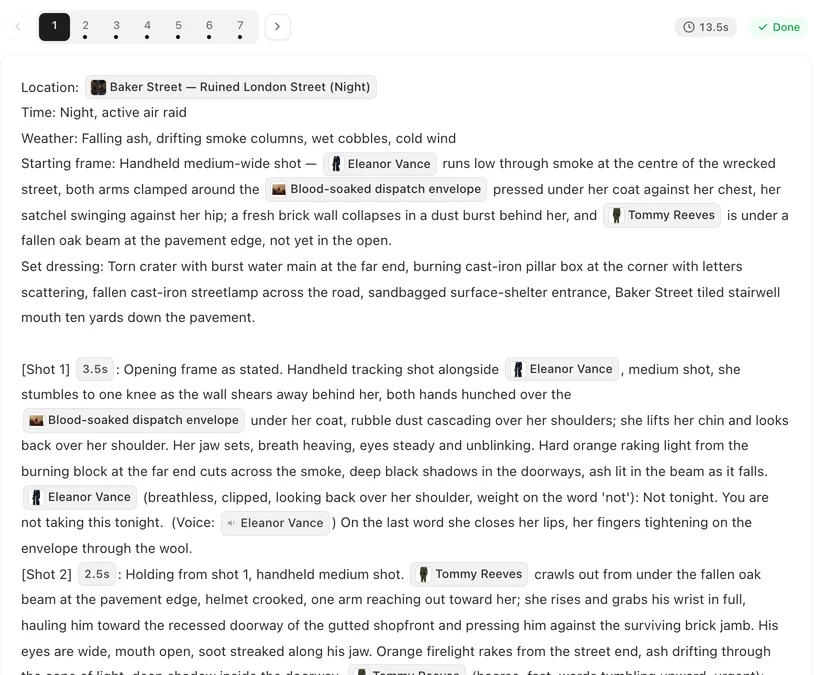
Joseon: hanbok and palace
Pick Hanbok as the costume style and write rank into each character’s clothing: a deep blue official’s robe with a square embroidered crane on the chest, a black gat hat for a scholar-official; a pale pink jeogori and a long red chima, hair in a braided bun with a jade pin for a court lady. A disguised royal is one character with a second state (commoner clothes), so the face stays the same. Costume changes and states · Period romance.
Story shapes that work
- Chaebol romance: the heir and the ordinary woman; every episode a class wall, every episode a crack in it.
- Amnesia and first love: one of them remembers; the audience knows.
- Contract marriage: the rules are written in episode 1 and broken one by one.
- Palace intrigue: a crown prince, a poison, a court lady who saw it.
- Revenge: she returns years later under a new name. Revenge drama.
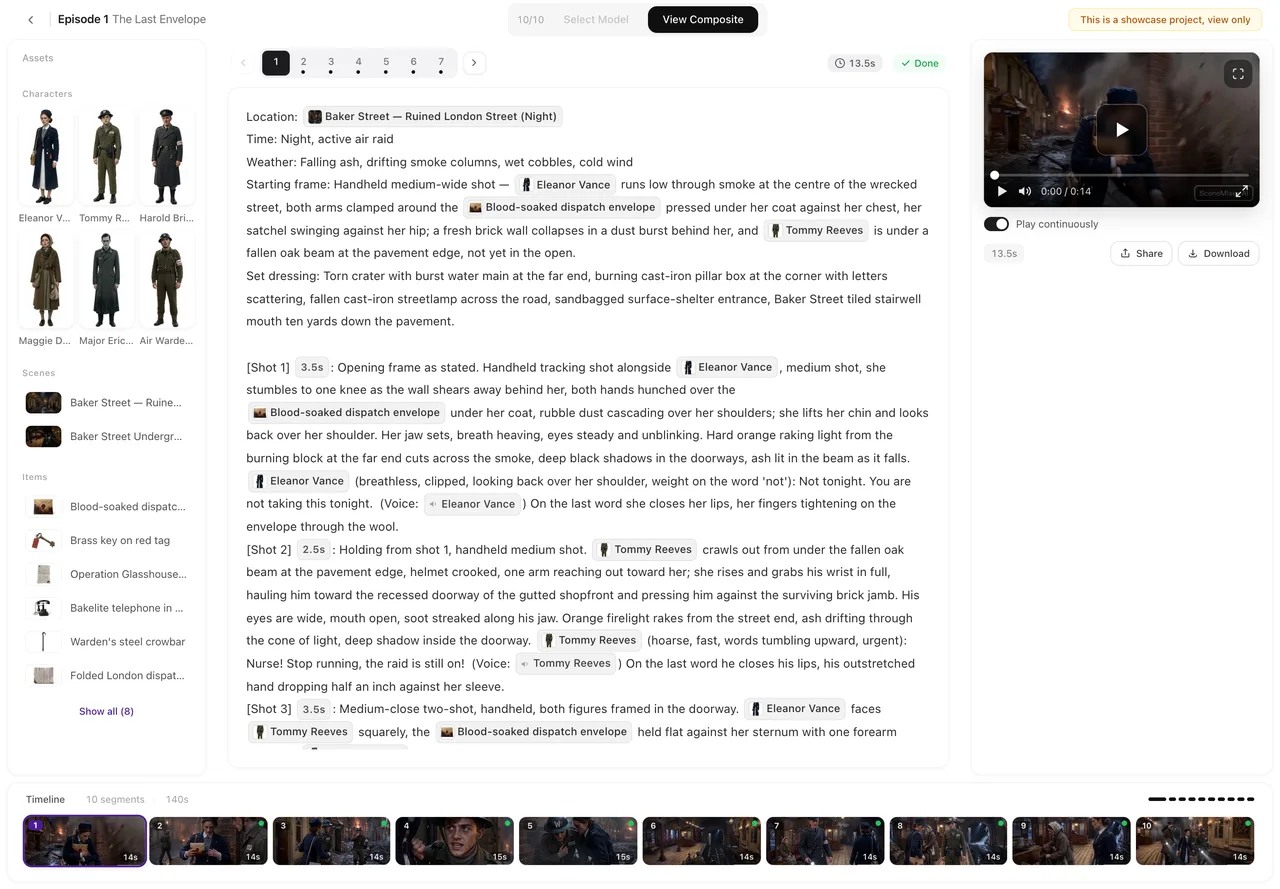
Make it in SceneMixer, start to finish
- Script: your own on Upload Script (Korean or English), or a brief in AI Create.
- Step 1: Type Short Drama or TV Series; region East Asia; dialogue Korean or English; the scene, costume and visual styles above; 9:16 Portrait for feeds or 16:9 for YouTube. Read the script.
- Step 2: give each lead a specific face and one mark; regenerate any generic sheet. The first 15 setup images on an account are free.
- Storyboard: episode 1 first (free on your first project); give the slow beats their own shots.
- Video: generate on the default tier at 10 credits a second; composite; post.
For a Korean-language sample, watch 윈터 프라미스.
| Episode | The scene | The ending beat |
|---|---|---|
| 1 | A stranger with no memory is hired at the bakery. | He knows how she takes her coffee. She never told him. |
| 2 | His family is searching for him. | His photo on the news; she turns the TV off. |
| 3 | The rain and the umbrella. | “Why are you here?” He does not answer. |
| 4 | His fiancée finds the bakery. | “You don’t remember me either?” |
| 5 | A box of old letters. | Her handwriting. From ten years ago. |
FAQ
How do I make an AI K-drama?
Set the target region to East Asia and the dialogue language to Korean in step 1, choose modern or Joseon scene and costume styles, write or generate the script, and render episode by episode.
Can the characters speak Korean?
Yes. Choose Korean as the dialogue language and the lines are performed in Korean on screen; English lines in a Korean setting work too.
Can I make a Joseon-era historical K-drama?
Yes. Pick Hanbok as the costume style and a palace scene style, and write each character's rank into their clothing.
Can it look like a webtoon?
Yes. Choose Korean Webcomic as the visual style in step 1; the style is fixed after that.
Will the leads look the same in every episode?
Yes. Each character is drawn once and that sheet is used in every shot; a disguise or a later look is a state of the same character.
Can I make an English version too?
Yes. A second language version can be made from the finished project.
How long should an episode be?
One to three minutes for feeds; longer for YouTube. Give the slow beats their own shots.
Can I use a real K-drama's characters or actors?
No. Known characters and real actors are refused by the IP check; invent your own cast.
Updated October 20, 2026