How to Turn Your Own Manga or Webtoon into an AI Anime Series

Brief for AI Create, if you start from an idea instead of pages: A webtoon-style action romance: a delivery rider in a neon city discovers she can see 10 seconds into the future; 8 episodes, Korean Webcomic look, each episode ends on a vision.
What goes in, what comes out
| From your comic | Goes into SceneMixer as |
|---|---|
| A chapter | An episode of the script |
| Panels | Scene descriptions: where, who, what happens |
| Speech bubbles | Dialogue lines with the speaker’s name |
| Narration boxes | Voice-over lines from an off-screen narrator |
| Character designs | Uploaded as each character’s reference image |
| The art style | The visual style chosen in step 1 |
Comic pages themselves are not an input: paste the text or upload .txt, .docx or .md. What you can feed in · Which script files work.
Write the chapter as a script
Go panel by panel and write what the reader sees and hears. One page of a webtoon is usually two to four shots. Keep the dialogue exactly as in the bubbles; turn sound effects into the ambient line. Screenplay format is read well, but plain prose works too. Screenplay headings and cues · Write dialogue so it is picked up.
| Panel | As a script line |
|---|---|
| Wide panel of a rainy rooftop, the hero alone | Night. A rooftop in the rain. MIRA stands alone at the edge, her delivery jacket soaked. |
| Close-up, speech bubble | MIRA: Ten seconds. That’s all I ever get. |
| Sound effect “KRAK”, door bursting open | The rooftop door bursts open behind her. |
| Narration box | NARRATOR (V.O.): She had already seen this part. |
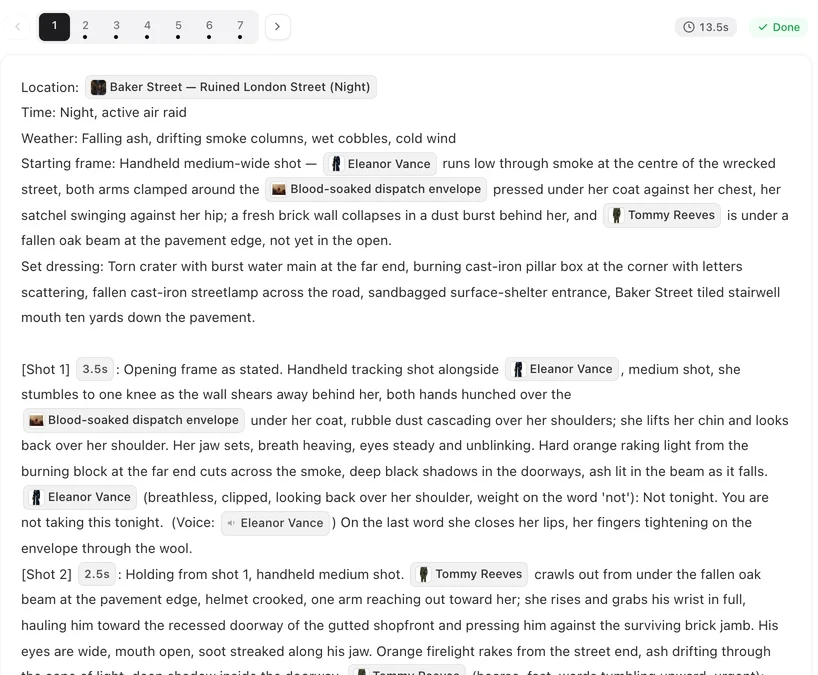
Keep your character designs
After the script is read, open each character in step 2 and press Upload & Replace. Choose Optimize into a reference sheet to have your design redrawn as a clean full-length sheet in the project’s style, or Use this image as is if you drew a proper character sheet already. From then on every shot of that character looks at your design. Uploading is a membership feature on the current plan settings. Use your own image · What changes when you upload.
Keep the card’s written description in line with your design — it still steers how every shot is written. Costume changes from later arcs are states of the same character.


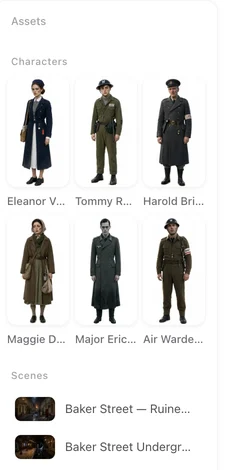
Match the comic’s look
| Your comic looks like | Visual Style |
|---|---|
| A full-colour vertical webtoon | Korean Webcomic |
| Japanese manga, anime adaptation look | Anime, Painterly Anime, Watercolor Anime |
| Chinese manhua, painted | Painted Manhua, Chinese Painted Style |
| Western comic book | American Comic |
| 3D-style manhua | Cel-shaded 3D |
For a vertical webtoon, also choose 9:16 Portrait in step 1: the comic’s reading direction becomes the phone screen. A consistent anime look · Stylised looks across tiers.
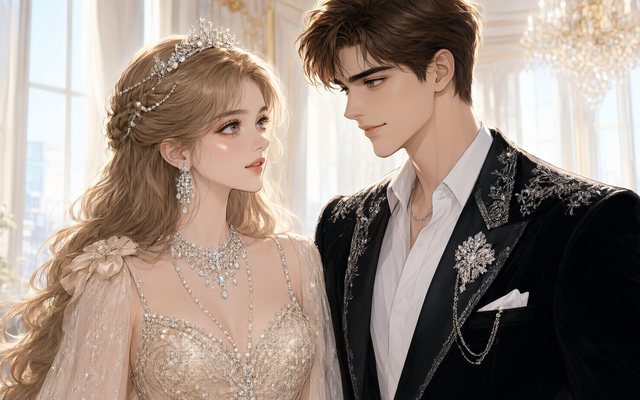
Visual Style: Korean Webcomic

Visual Style: Anime
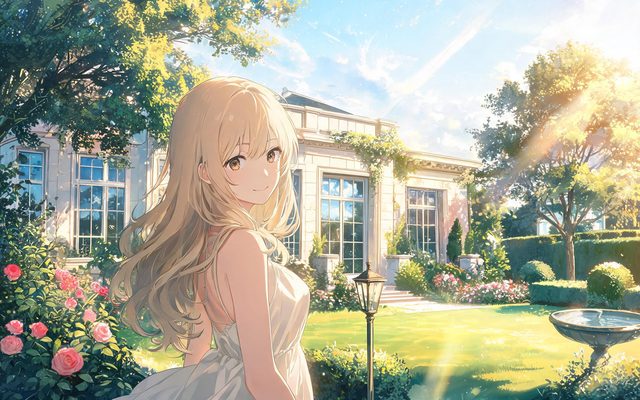
Visual Style: Painterly Anime

Visual Style: Watercolor Anime
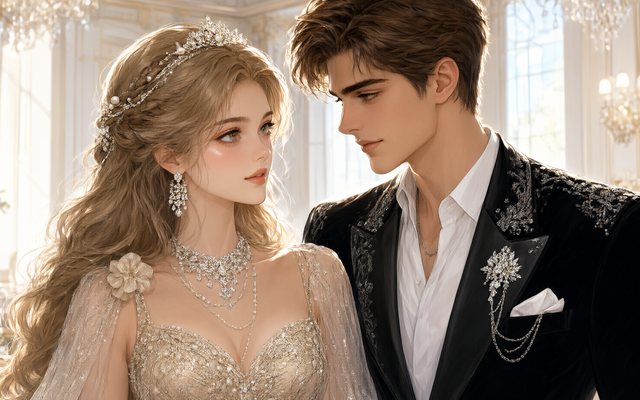
Visual Style: Painted Manhua
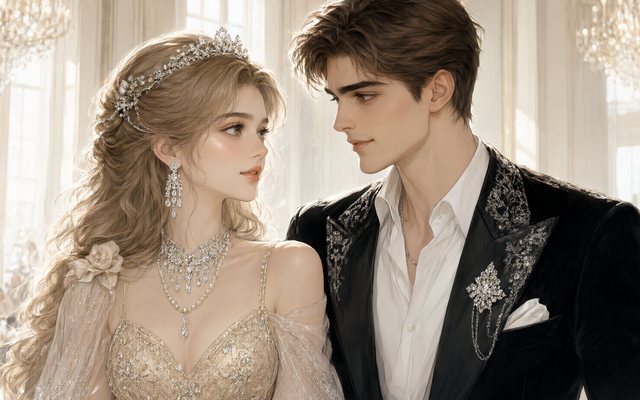
Visual Style: Chinese Painted Style
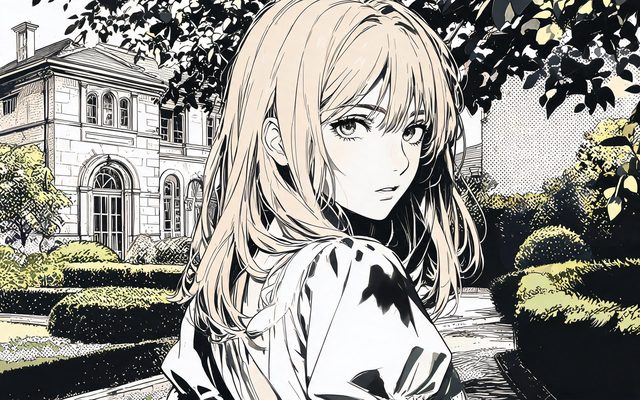
Visual Style: American Comic
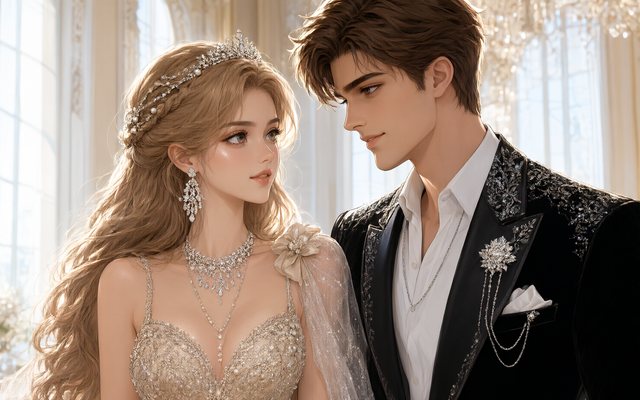
Visual Style: Cel-shaded 3D
Rights and the IP check
Adapt only work you created or have the rights to adapt. An IP check refuses characters, names and iconic outfits from known films, games and comics, in the script and in uploaded images; a refused attempt is refunded. Fan versions of famous series will not get through. IP check: celebrities, brands, franchises.
Make it in SceneMixer, start to finish
- Script: write chapter 1 (and as many as you like) as scenes and dialogue; paste it on Upload Script.
- Step 1: Type TV Series for a long-running comic or Short Drama for a short arc; the visual style that matches the comic; 9:16 Portrait for a webtoon; the dialogue language. Read the script.
- Step 2: upload your character designs with Upload & Replace, or generate sheets (the first 15 on an account are free).
- Storyboard: episode 1 first (free on your first project); check every shot names who is in frame.
- Video: generate on the default tier at 10 credits a second; composite; post the episode with your chapter.
For a painterly anime sample, watch Rust City Knockout. From a web novel · Making a multi-episode series.
FAQ
Can AI convert my manga into anime?
In SceneMixer, yes, from the story rather than the pages: write each chapter as a script with the bubbles' dialogue, upload your character designs, pick an anime style, and each chapter becomes an animated episode.
Can I upload my comic pages?
No. Drama projects take a written script. Your character designs can be uploaded as reference images in step 2.
Will my characters look like my designs?
Uploaded designs become each character's reference, and every shot is matched to it. Optimize redraws the design as a clean sheet in the project's style; Use as is keeps it untouched.
Which style for a webtoon?
Korean Webcomic, with 9:16 Portrait for phone viewing.
Can the characters speak?
Yes. Dialogue lines are performed on screen in the language you pick in step 1, one of 15; narration boxes become voice-over.
Can I adapt a famous manga as a fan project?
No. Characters from known series are refused by the IP check. Adapt your own work or work you have the rights to.
How much of a chapter fits in one episode?
Roughly one webtoon chapter per one-to-three-minute episode; long chapters can be split across two.
Do I need to know how to animate?
No. You write the scenes and the dialogue; the storyboard and the video are generated, and you can edit any shot's text and regenerate it.
Updated October 20, 2026