AI Video Editor

What the editor changes, and what each change costs
| You want to change | How | It costs |
|---|---|---|
| What happens in a shot, or who says what | Edit the shot’s text and save | Nothing |
| Which take of a segment is current | Switch to an earlier take | Nothing, and instant |
| Which setup image a segment uses | Pick another image for that segment | Nothing |
| The picture of one segment | Regenerate that segment | Priced by its length, shown on the button |
| A line of dialogue | Redub it rather than regenerating the picture | Cheaper than regeneration |
| A few extra seconds at the end | Trim | Cheaper than regeneration |
| Who plays a character, or a voice | Recast a character or replace a voice in a finished clip (members) | See the guide |
| Words on screen | Subtitles switch next to Music; on accounts that have bought credits at least once | Nothing |
| The music | On or off with the Music switch | Nothing |
Spend fewer credits · Swap a character in a clip · Change a voice · Subtitles.
The editor in one picture
Three panes. On the left, the asset library for this episode: the characters and locations it draws on. In the middle, the storyboard for the selected segment: shot-by-shot text with durations. On the right, the video for that segment, or the button to generate it. Along the bottom, the timeline of every segment in the episode. The storyboard text is not a log. It is what gets turned into the video prompt, so editing it is how you change the picture. Fixing one shot without redoing everything.
A repair, step by step
- Find the shot. Click the segment on the timeline.
- Edit the text. Change the action or the line. The seconds are real: they add up to the length of the segment, so cutting a line without changing the seconds leaves dead air.
- Save. Nothing is charged and no model is called; only the shots you touched are re-read.
- Regenerate that segment. The price is on the button. No other segment is touched.
- Compare. Every take is kept. If the new one is worse, switch back for free.
Changing the script does not change a video you have already made; the shot you have came from the old text until you regenerate it. Switch back to an earlier version.
The one button that throws work away
Regenerate the storyboard rebuilds the episode from scratch, and every video you already paid for in that episode is discarded with the old segments, without a refund. The editor makes you confirm. Regenerating one segment is safe; regenerating the storyboard is not. What you lose · When a shot comes out wrong.
When to export and use another editor
If you need frame-accurate cuts, colour grading, titles over footage or a mix with real footage, the finished episode is a normal video file. Join the segments, then download the original-quality file rather than the play version, and open it in an editor made for that. Original versus play version · Composite and share an episode. Joining is 1 credit a second.
Languages
Native dialogue in 15 languages
Every series below was produced by the same pipeline with the cast speaking that language natively: the interface, the working documents and the spoken lines are all in one language, and nothing is dubbed. Open one to hear it.
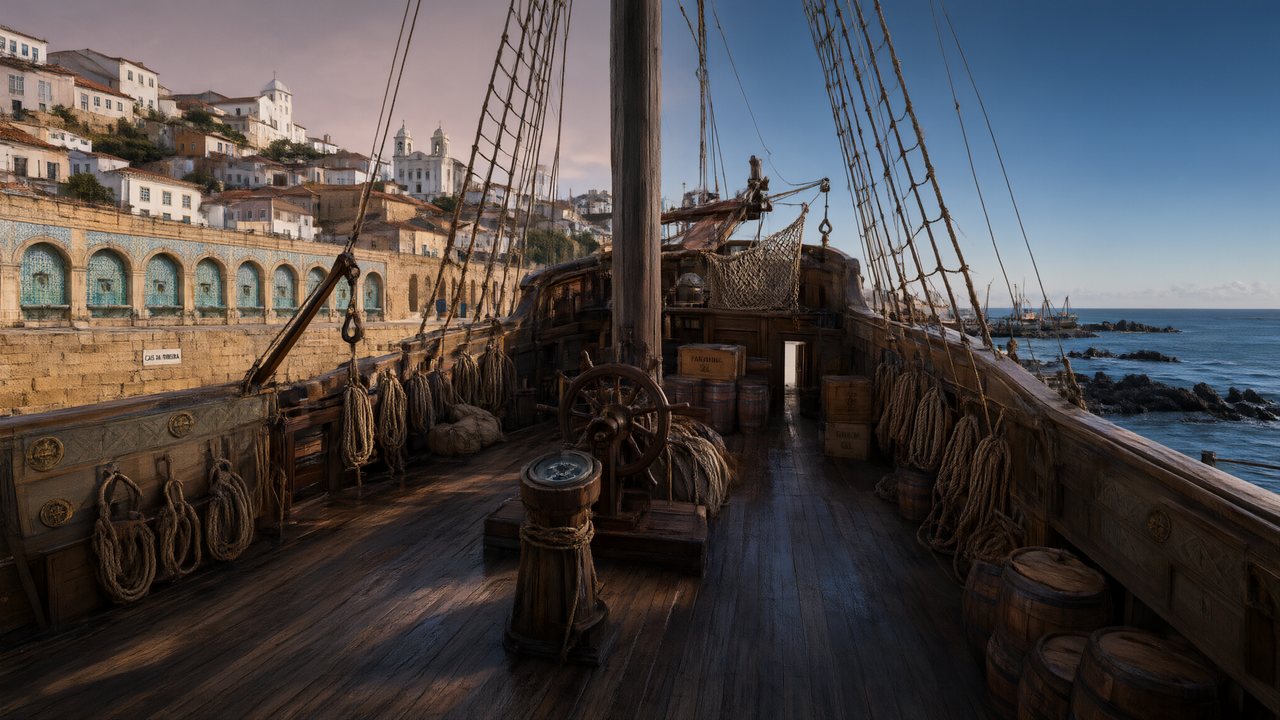 A Carta de LisboaPortuguêsNative dialogue
 윈터 프라미스한국어Native dialogue
 El Secreto de CostaEspañolNative dialogue
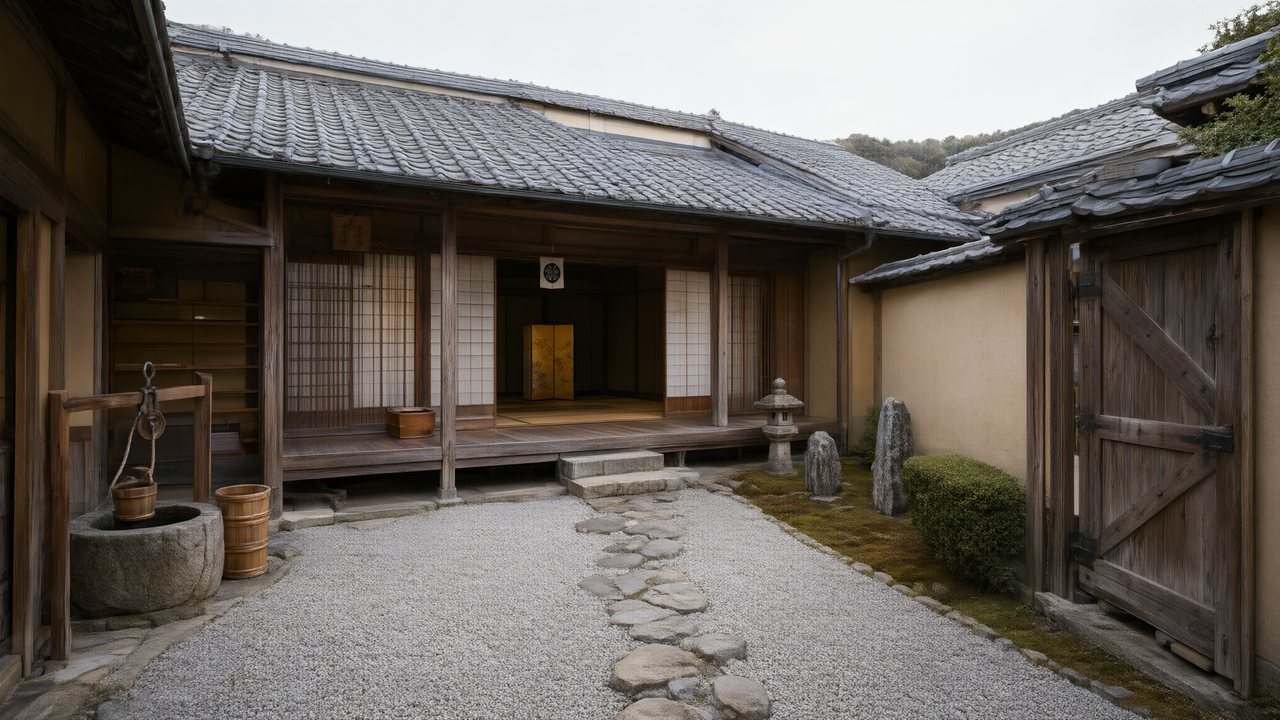 浪人の誓い日本語Native dialogue
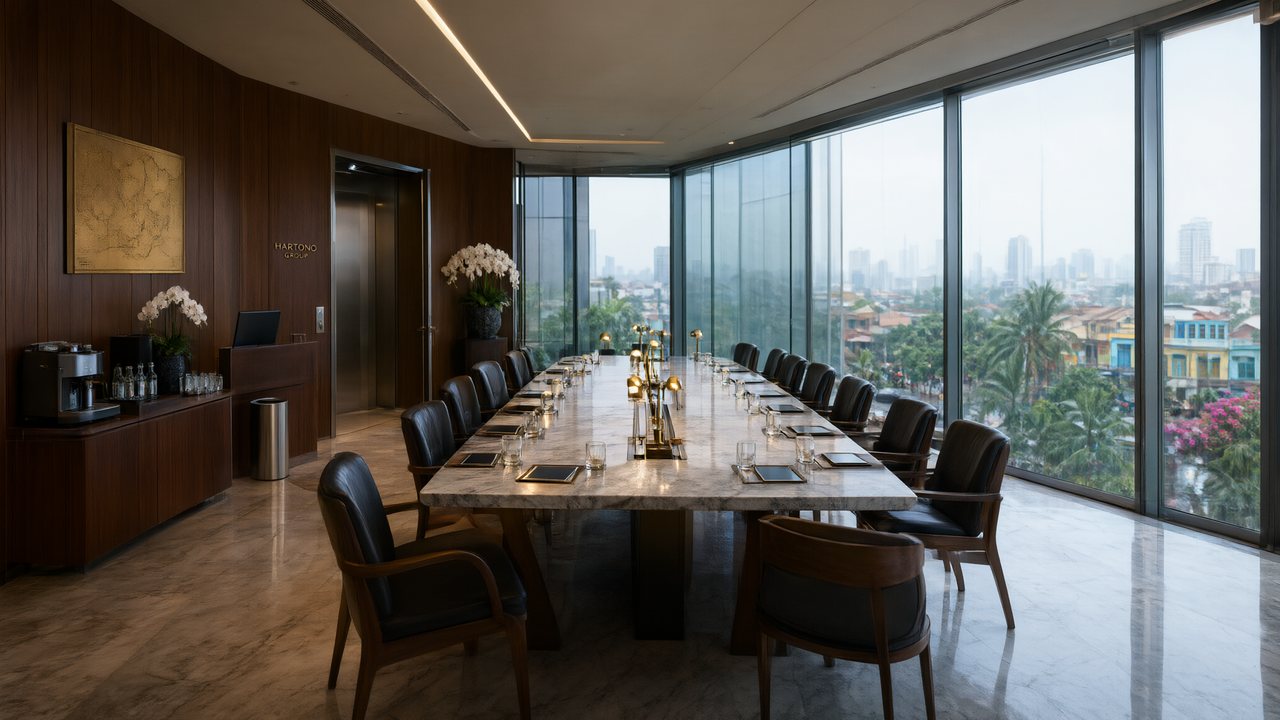 Ikrar JakartaBahasa IndonesiaNative dialogue
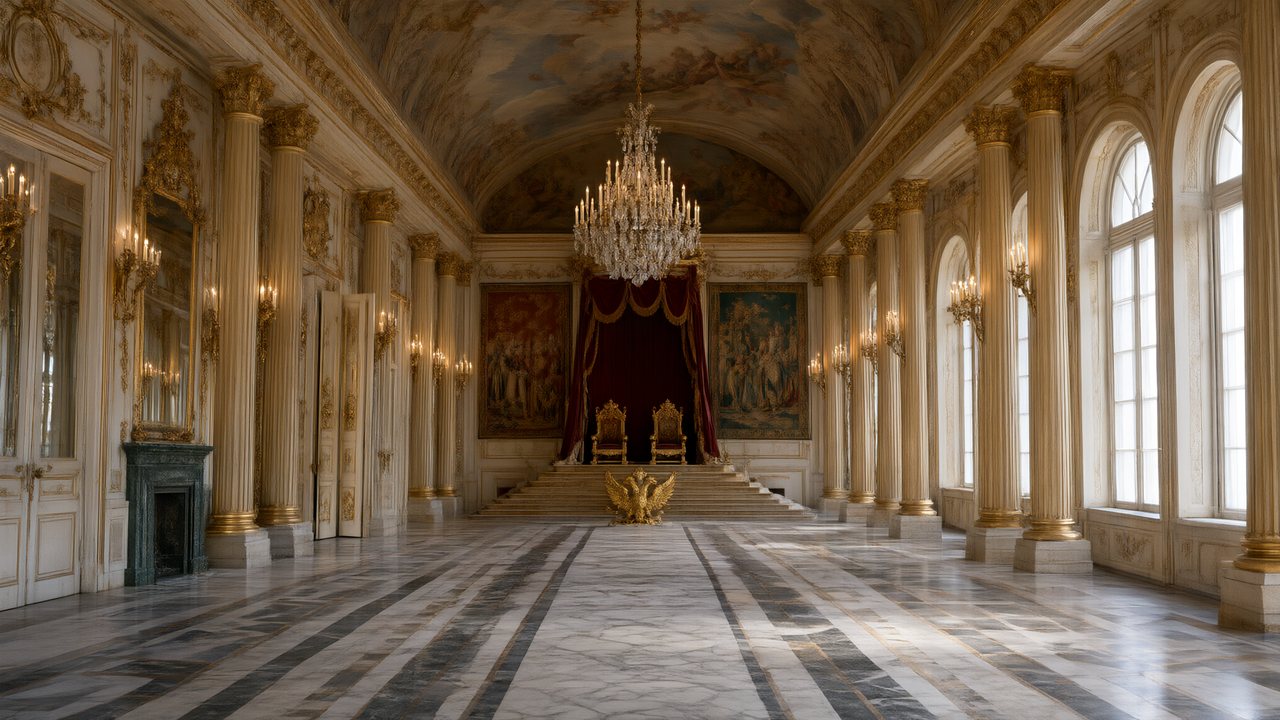 Зимняя коронаРусскийNative dialogue
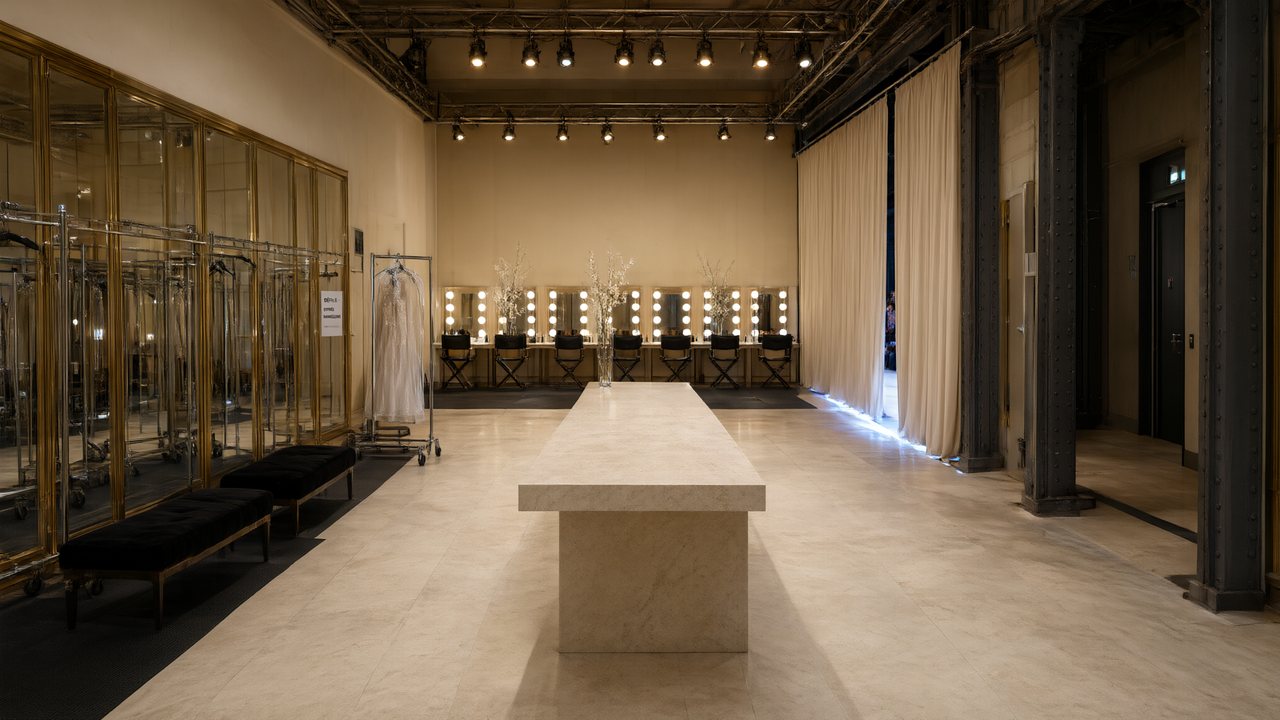 L’Héritier du DéfiléFrançaisNative dialogue
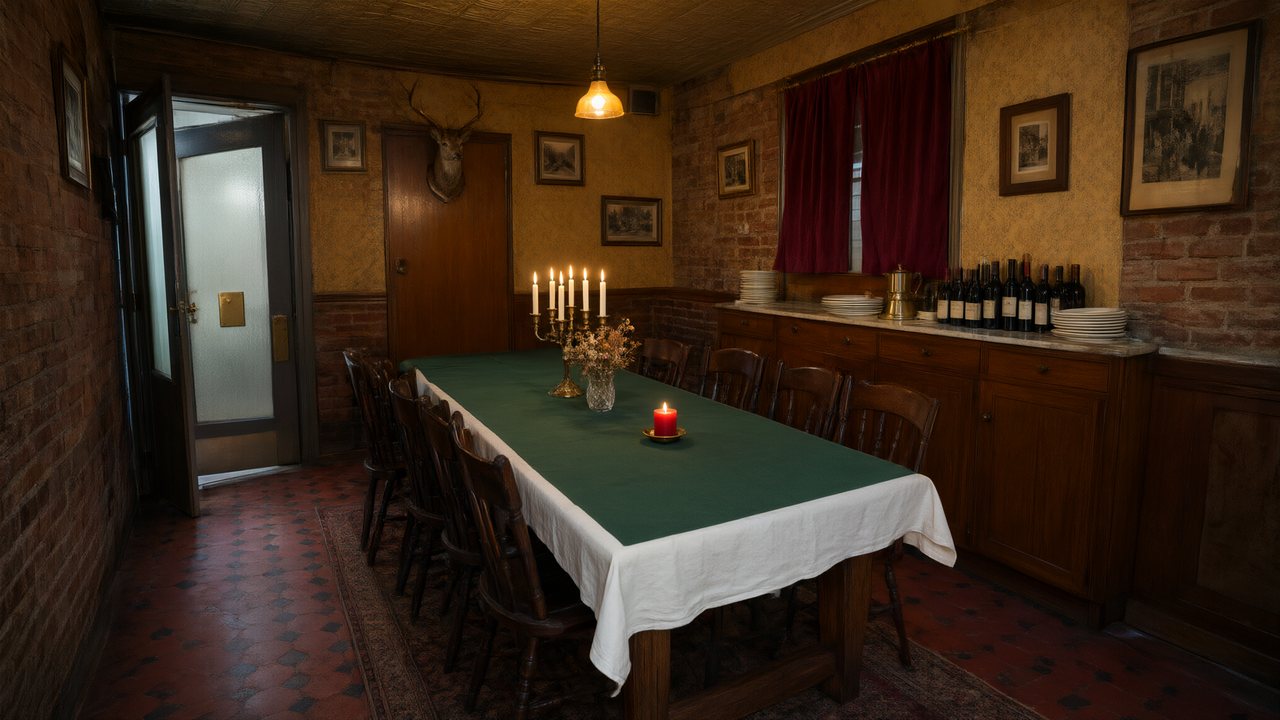 Il Tavolo dell'OlivaItalianoNative dialogue
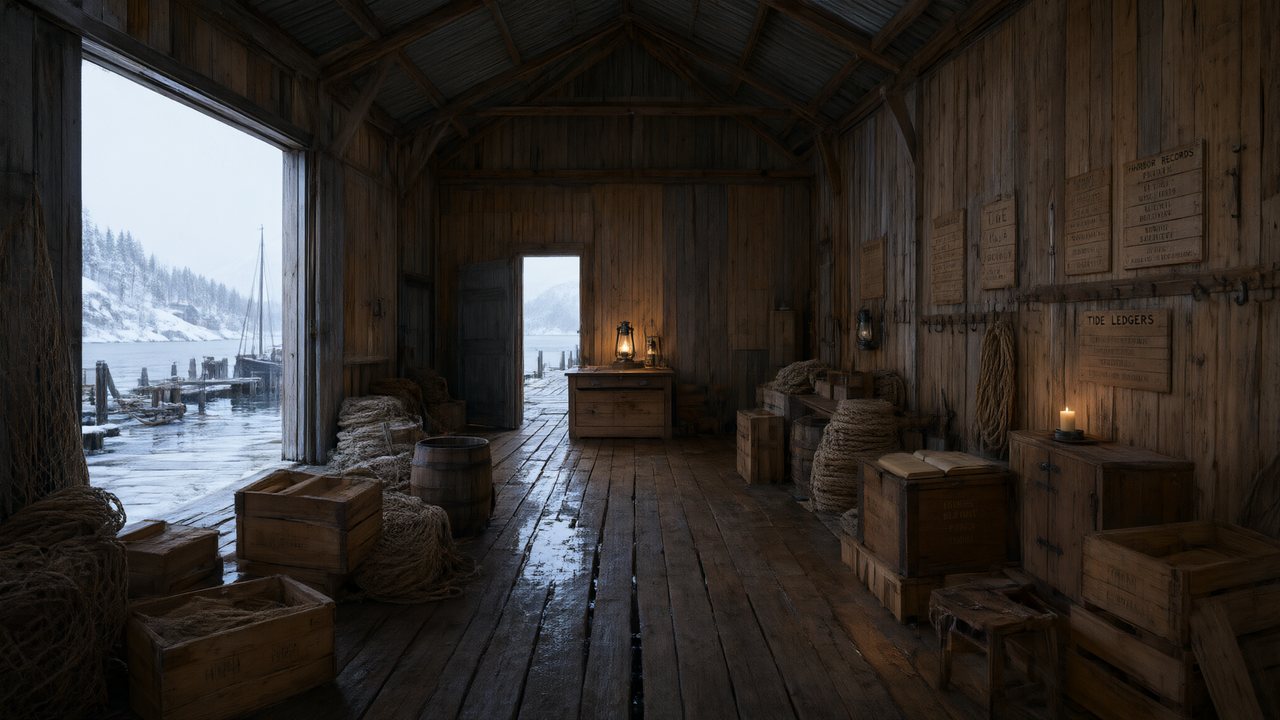 De Vuurtoren van de FjordNederlandsNative dialogue
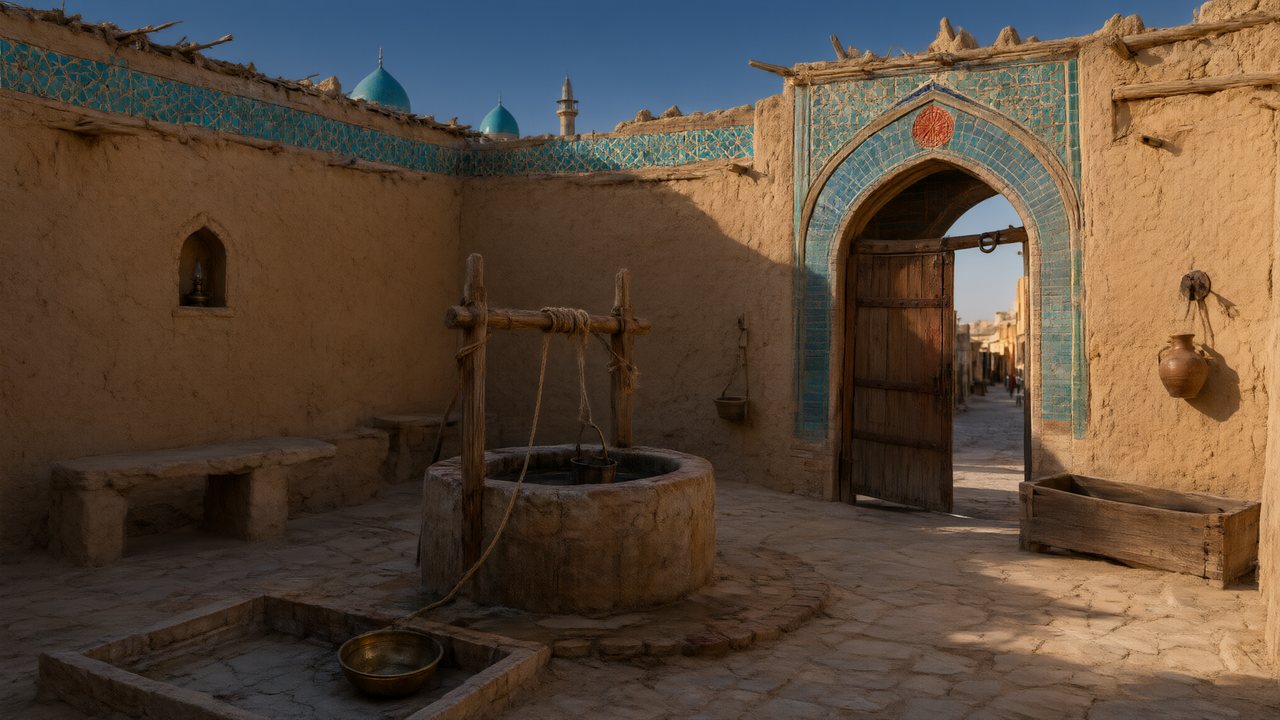 العهد الصحراويالعربيةNative dialogue
 Çantasındaki SözleşmeTürkçeNative dialogue
 Die Istanbul-TäuschungDeutschNative dialogue
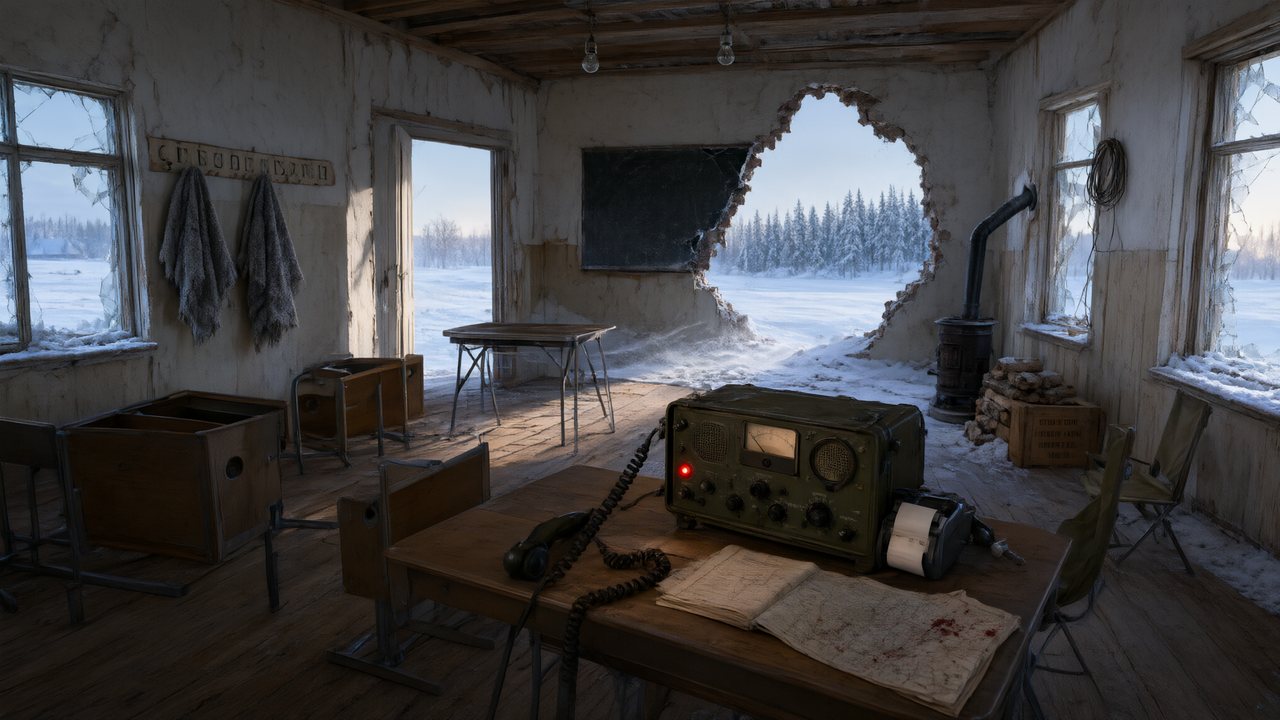 Останній сигналУкраїнськаNative dialogue
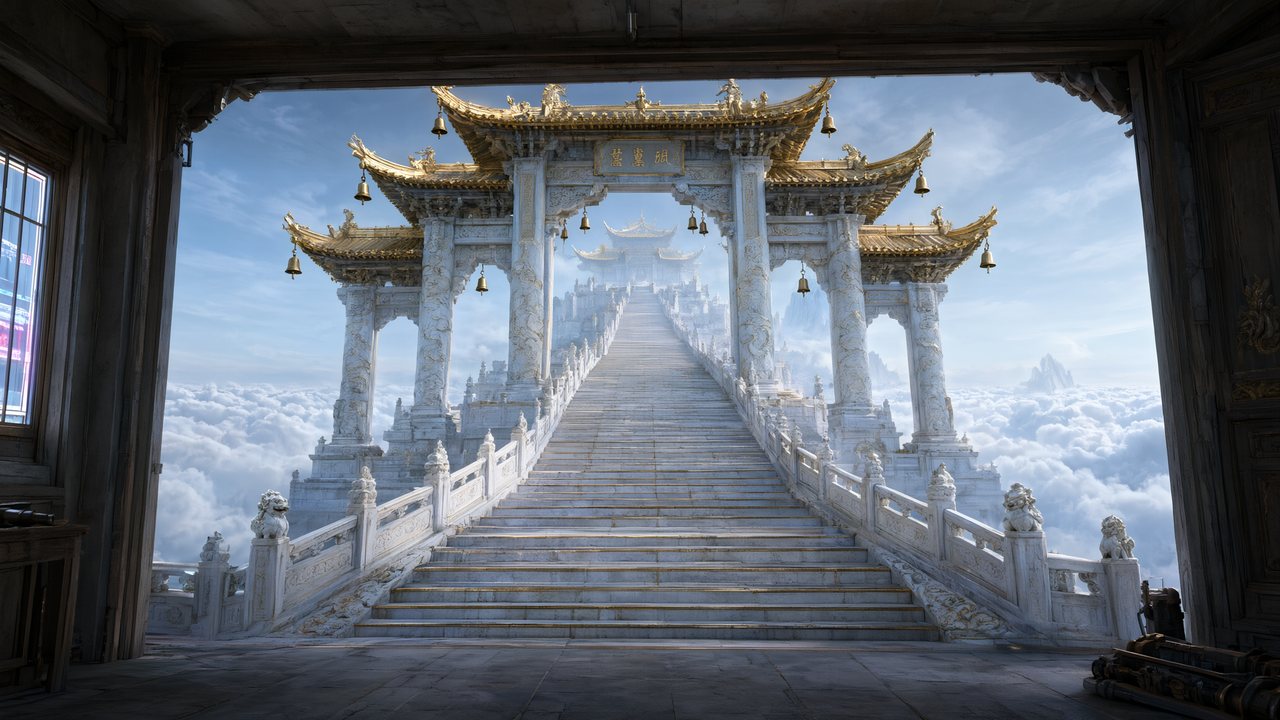 問劍青雲繁體中文Native dialogue
 The Last EnvelopeEnglishIn your language
FAQ
Can I edit an AI video after it is made?
Yes. Edit the text of the shot you want to change and regenerate that one segment. Editing is free; the regeneration is charged by that segment's length.
Does editing one shot cost me the whole episode?
No. Only the segment you regenerate is charged. The rest of the episode is untouched.
Can I go back to the earlier version?
Yes. Every take is kept, and switching between takes is free and instant.
Is it a timeline editor?
The bottom timeline lists every segment in the episode, but changes are made by editing each segment's text. For frame-accurate cuts, export the file and use another editor.
Can I change a line of dialogue without redoing the picture?
Yes, with Redub, which is cheaper than regenerating the segment.
Can I add subtitles?
Yes. Turn on Subtitles next to the Music switch; they cost no credits and are available on accounts that have bought credits at least once.
What is the button I should avoid?
Regenerate the storyboard. It rebuilds the episode and discards every finished video in it without a refund.
Can I download the edited video?
Yes. Join the segments and download the original-quality file or share a link.
Updated November 3, 2026