Consistent characters
AI Video Generator With Consistent Characters
Updated September 20, 2026

Why characters drift in the first place
A text-to-video model renders each generation independently. Describe a woman in her thirties with a scar through one eyebrow in shot 1 and again in shot 30, and you get two women who match the description and not each other — adjectives underdetermine a face. Every fix below is the same idea in a different place: stop describing the character, and hand the model a picture of them.
Four locks
| Reference sheet | Each character is generated once as a full-body sheet in 9:16 on a plain background under directional key light — a casting photo, not a mood piece, because whatever light is baked into the sheet gets inherited by every shot that uses it. |
|---|---|
| Attached crops | Face and body crops from that sheet are sent with every segment the character appears in. The model matches a picture instead of interpreting a description. |
| Links by id | Storyboards point at assets by identifier, not by name. Two characters with the same name, or a rename halfway through a project, no longer break the chain silently. |
| Off-screen rule | A character who is only being looked at, spoken to or reached for — and is not in frame — is written as a direction, never named. Naming an absent character is what makes a model paste their face into a single-person shot. |
A fifth, smaller one: each person in a shot carries one or two distinguishing facial notes pulled from their own description, which takes the edge off the classic failure where two characters in the same uniform trade faces mid-shot.
When the character is supposed to change
Consistency cannot mean "never changes" — a character who is set on fire in episode 6 has to look burned in episode 7. The dividing line is drawn by how a video model treats a reference image: it copies the face, the clothing, the form and the structure almost literally, and it applies light, weather and time of day as effects layered on top.
- Give it a state variant when what changes is appearance, wardrobe, form or structure: a full change of outfit, a transformation, burns, a collapsed room, a blade out of its sheath, a snapped object. The variant gets its own reference image, generated from the base art.
- Write it in the shot text when what changes is light, weather, time of day, position, what someone is holding, or what has landed on them. Rain does not need a second version of the street.
Getting this backwards is expensive in both directions: a variant for "holding the cup" is an image you paid for and will never see, and a prompt for "after the fire" is a request the model will politely ignore in favour of the clean room in its reference.
What is still not solved
- Long coats swallow the face. A full-body 9:16 sheet of a character in a long coat or robe spends most of its pixels on fabric, and the head ends up small enough that fine identity cues are lost. It is a framing limit, not a prompting one.
- Two characters dressed identically in one shot can still trade faces. Distinguishing notes help; matching uniforms remain the hardest case.
- Crowds. Consistency guarantees cover the cast in your asset library. Background extras are generated fresh each time and should be treated as scenery.
The layered explanation, with what each layer can and cannot catch, is in the character-consistency guide.
What it costs
Reference sheets are their own line item, separate from script analysis (4 credits per 3,333 characters of English text): each account gets 15 reference images free, and extra or regenerated images after that are 7 credits each on the default image model. State variants carry their own small free allowance on a first project and are billed as images after that. Video itself starts at 10 credits per second of output (≈ $0.06/s at the lowest credit price) whether or not references are attached — consistency is not a surcharge. Details on the pricing page.
Prove it on your own cast, for nothing
Consistency is the one claim in this category you should never take on trust, and you do not have to. A new account carries 50 credits, 15 free reference images across characters, scenes and props, a free episode-1 storyboard on your first project, and one free preview of up to 5 seconds that renders the opening shot of your own episode against your own sheets. That is enough for a real test:
- Paste a scene in which the same two people appear several times, minutes apart.
- Let the analysis build the cast, then read the character descriptions and fix anything wrong before art is drawn — the sheets are generated from that text.
- Generate the sheets. A reference image takes about 16 seconds at the median, and 9 in 10 finish inside 27 seconds, so a five-person cast is a couple of minutes.
- Spend the free preview on a shot where a character is doing something, not standing still, and compare the face against the sheet.
For calibration: the median project on this platform has five named characters, and nine in ten have fewer than ten. If your story needs thirty, the same mechanism still applies — the cost is the sheets, not the consistency.
Every episode, in fifteen languages
The dialogue language is set once in Step 1 and the whole run is performed in it, with the target-region setting moving names, faces and streets to that market at the same time. Each sample below was produced that way, one per language.
Languages
Native dialogue in 15 languages
Every series below was produced by the same pipeline with the cast speaking that language natively: the interface, the working documents and the spoken lines are all in one language, and nothing is dubbed. Open one to hear it.
 A Carta de LisboaPortuguêsNative dialogue
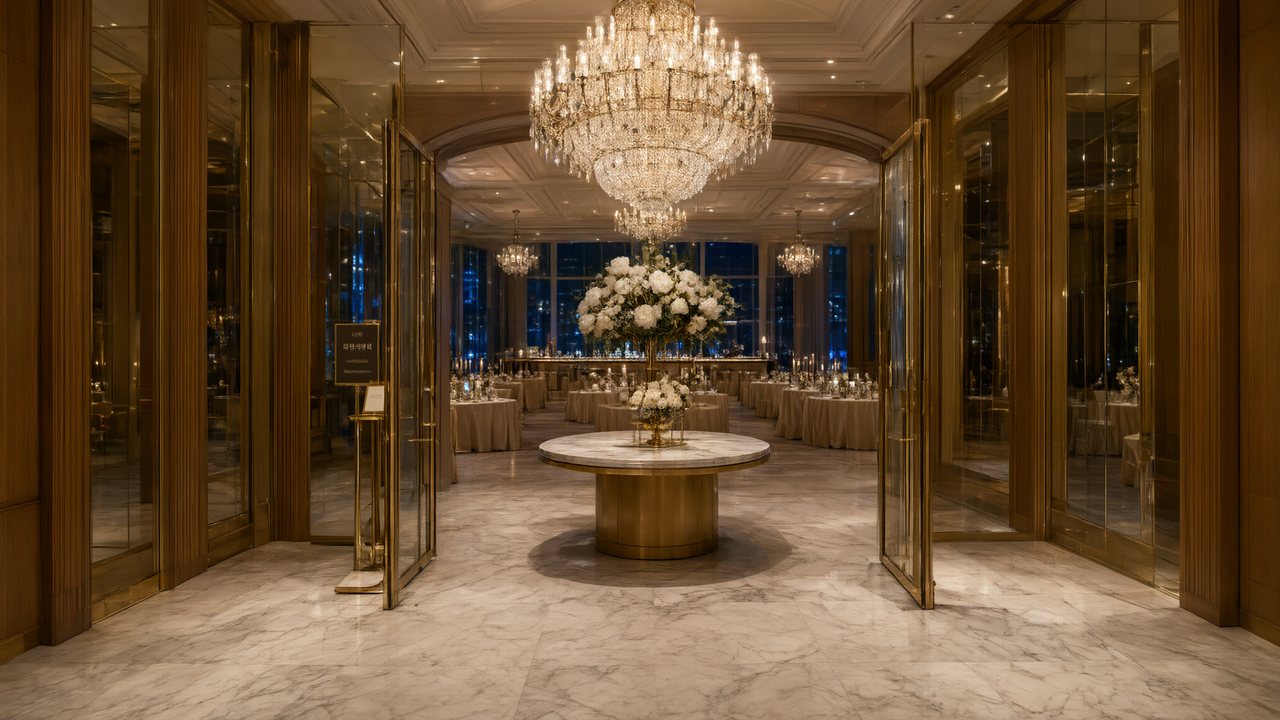 윈터 프라미스한국어Native dialogue
 El Secreto de CostaEspañolNative dialogue
 浪人の誓い日本語Native dialogue
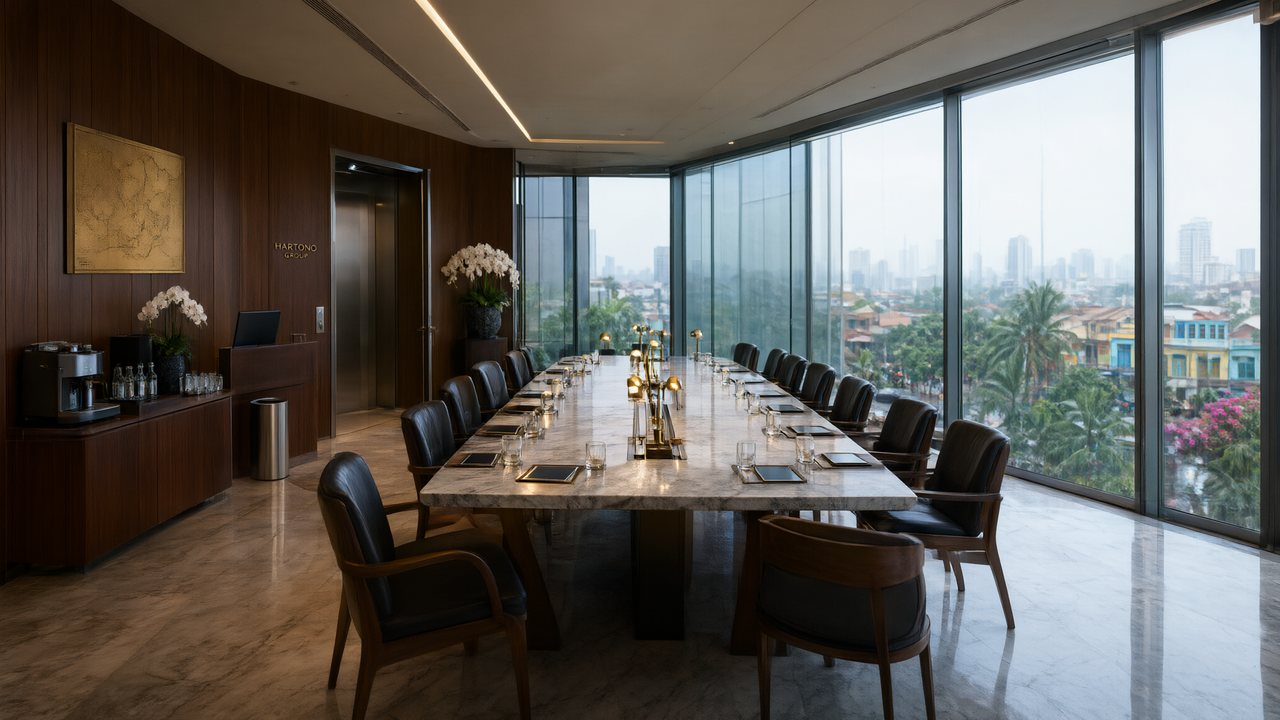 Ikrar JakartaBahasa IndonesiaNative dialogue
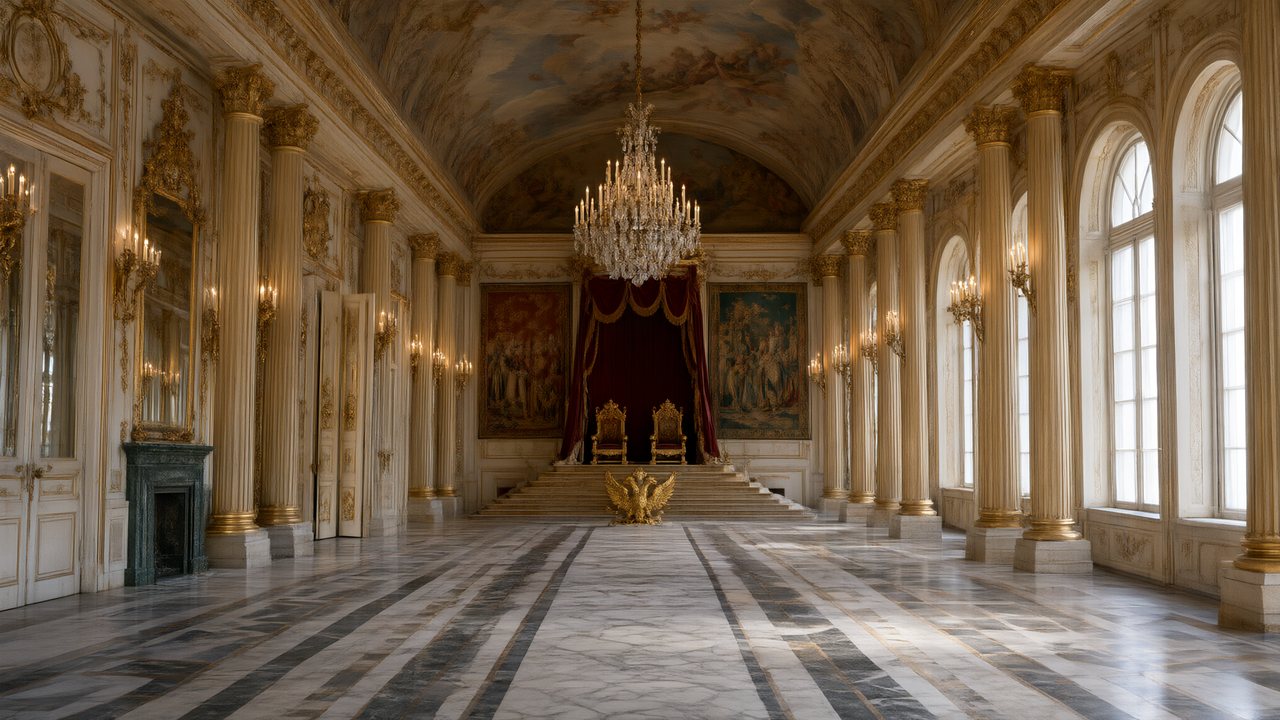 Зимняя коронаРусскийNative dialogue
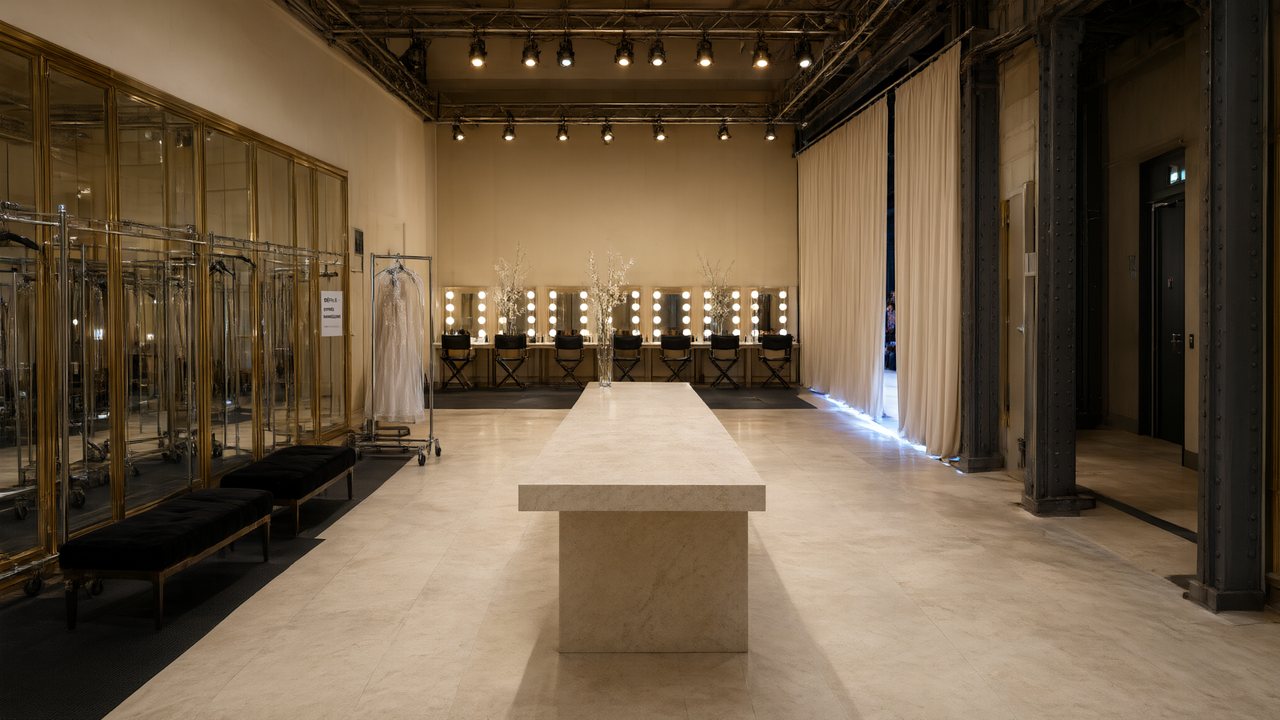 L’Héritier du DéfiléFrançaisNative dialogue
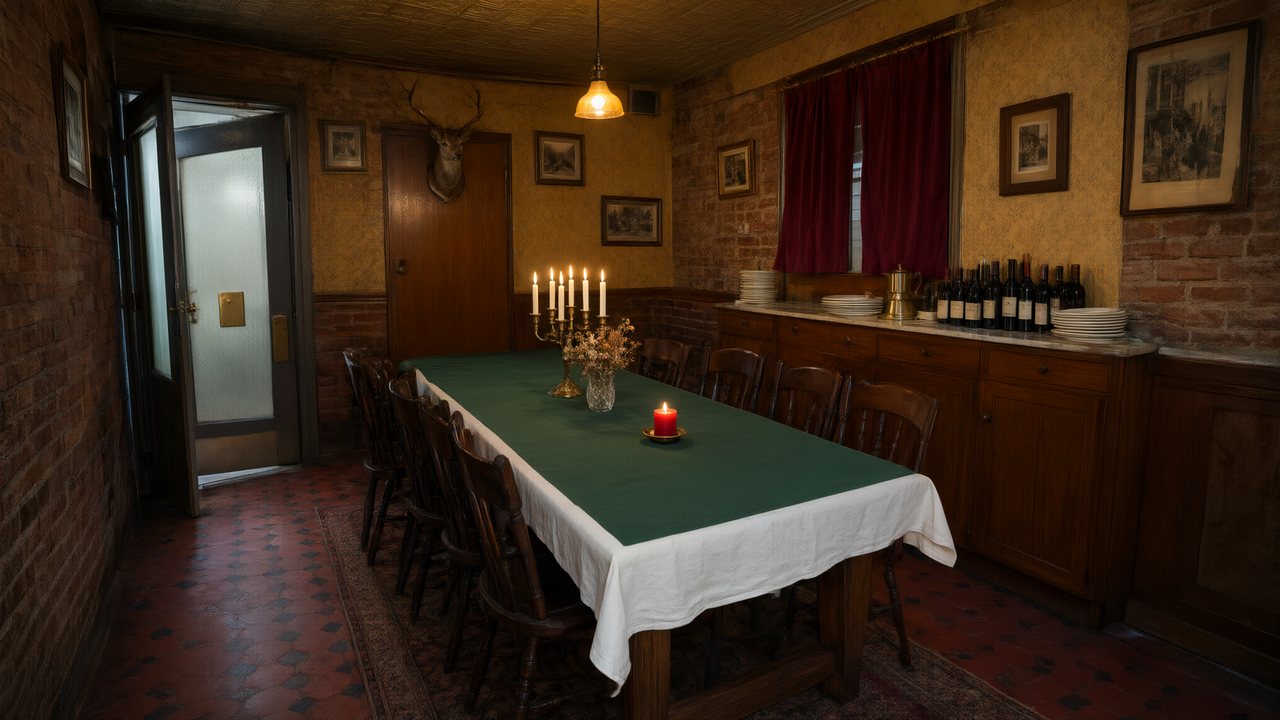 Il Tavolo dell'OlivaItalianoNative dialogue
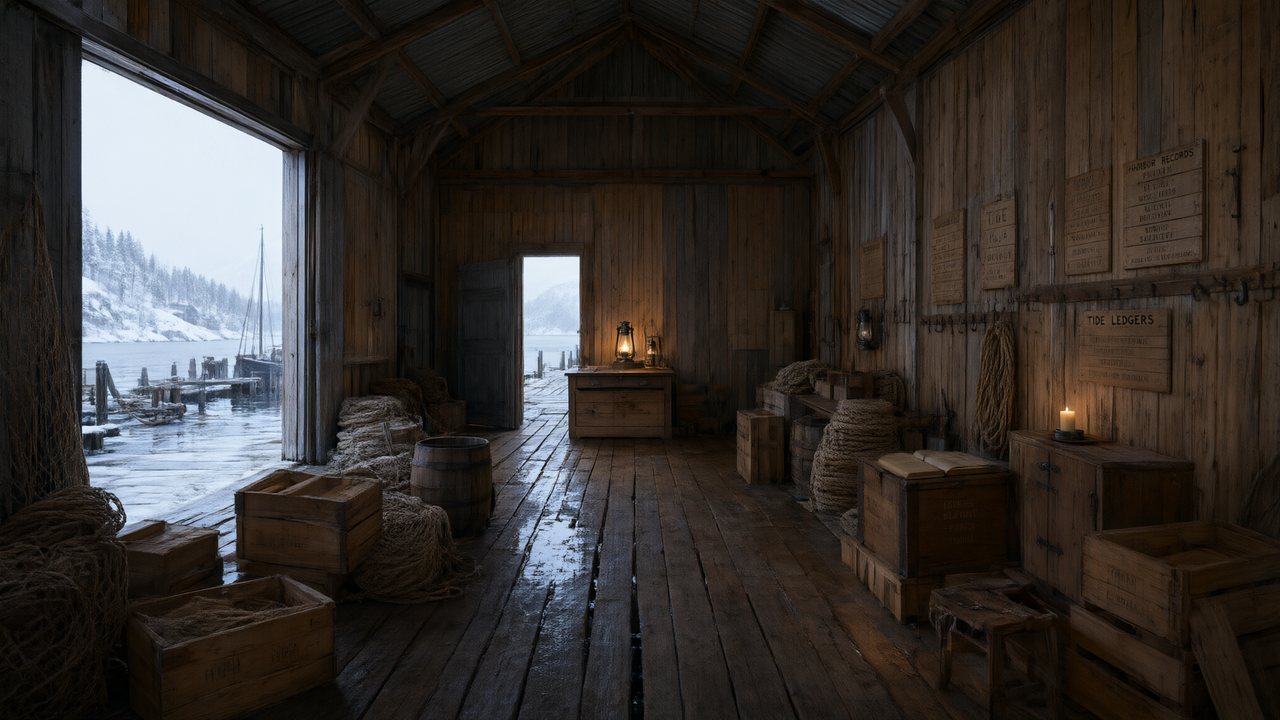 De Vuurtoren van de FjordNederlandsNative dialogue
 العهد الصحراويالعربيةNative dialogue
 Çantasındaki SözleşmeTürkçeNative dialogue
 Die Istanbul-TäuschungDeutschNative dialogue
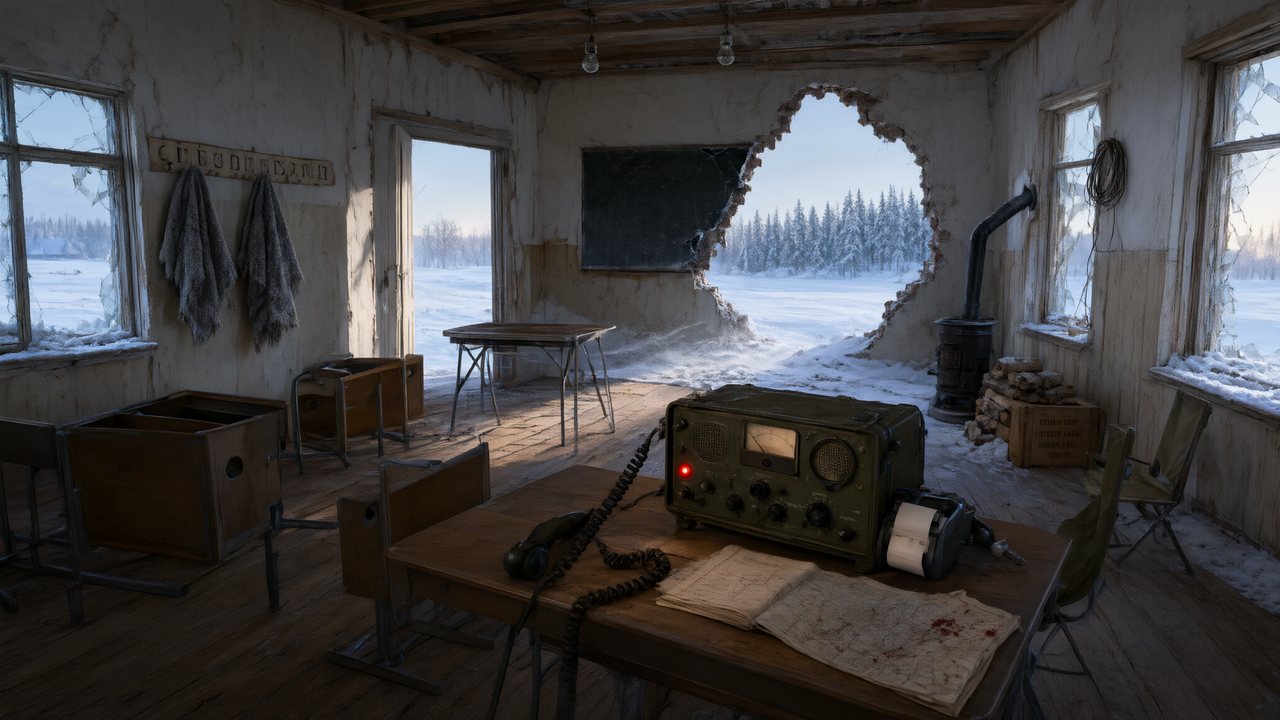 Останній сигналУкраїнськаNative dialogue
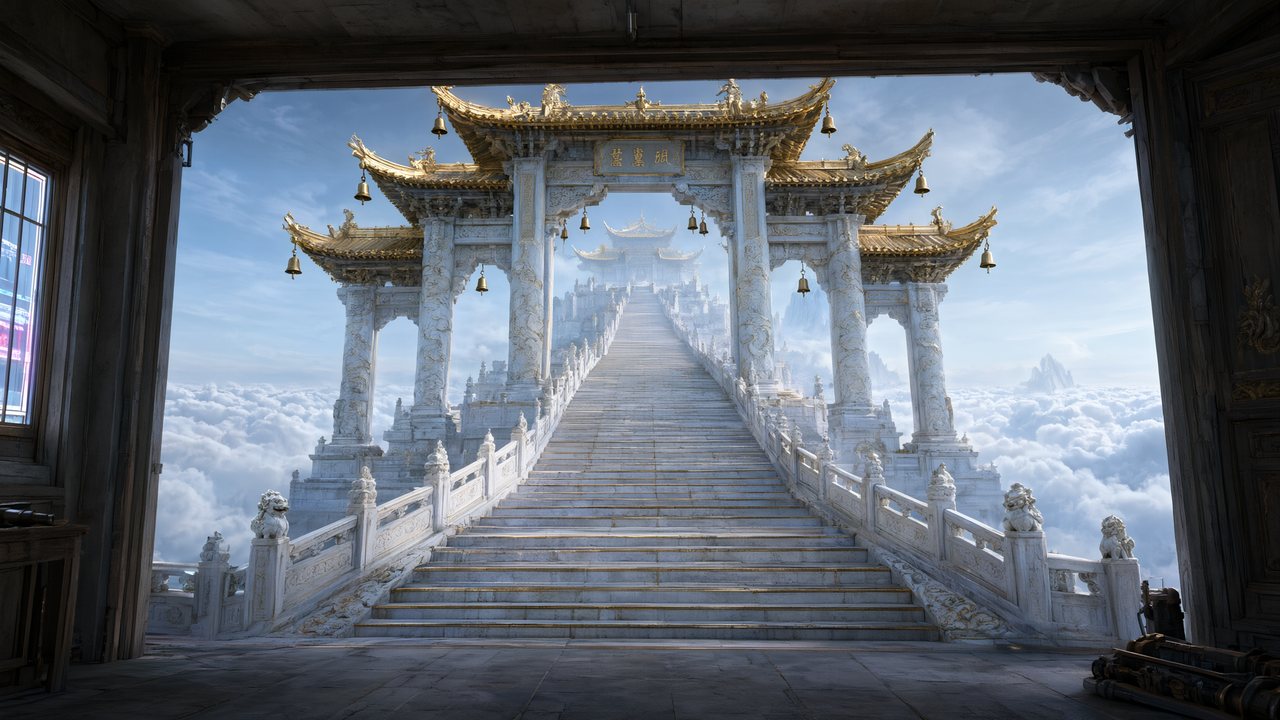 問劍青雲繁體中文Native dialogue
 The Last EnvelopeEnglishIn your language
Frequently asked questions
How consistent is it, really?
The same face across an entire series is the design target and what the reference-sheet architecture delivers for the cast in your asset library. It is not a guarantee on every frame: identically dressed characters sharing a shot, and characters whose sheet is mostly coat, remain the hard cases. Everything else — episode count, elapsed time, how many shots a character appears in — does not degrade it, because every shot is matched against the same picture.
Can I upload my own character image instead of generating one?
Yes. Any reference sheet can be replaced with an image you upload, and the rest of the pipeline treats it exactly like a generated one. That is the route for a character you have already designed elsewhere.
Does it work with a real person's face?
Technically the upload path does not care what the image is, but publishing AI video of a real person's likeness is a legal problem in most markets and our compliance guide treats it as one. We do not provide a face-swap tool, and we do not recommend it.
What happens if I rename a character mid-project?
Nothing breaks. Storyboards reference assets by identifier, and the rename is propagated through the stored text at the same time. Before September 2026 references were matched by name, and that is exactly the failure this change removed.
Does keeping a character consistent cost extra per shot?
No. Attaching reference art to a segment does not change the per-second rate — you pay once for each reference sheet, then nothing further no matter how many shots use it. Consistency is an architecture here, not an upsell.
Do I have to re-describe the character in every shot?
No, and you should not. The shot text names the character; the reference art carries what they look like. Repeating a physical description in the shot text pulls the model back towards the words and away from the picture, which is precisely the drift this design removes.
Can one character have two looks in the same episode?
Yes — that is what state variants are for. Each look is its own reference image, and the storyboard decides per segment which one applies, down to the individual segment rather than the whole episode.
Same face in episode 1 and episode 40
Generate the cast once; every shot after that matches a picture, not a description.
Try SceneMixer freeCredit packages from $1.49 · Pro $7.99/mo · No credit card to start
Pricing·Novel to Video·Guides·Samples·Support·Privacy·Terms·Legal·Contact·© 2026 SceneMixer