AI storyboard generator
AI Storyboard Generator
Updated September 20, 2026

What a generated storyboard actually contains
| Segment | The unit that becomes one video generation. Typically 4–15 seconds; some model tiers reach 30. |
|---|---|
| Starting frame state | Where everyone and everything is at frame one — so a segment does not re-stage the room it inherited. |
| Location, time, weather | Named per segment, so the same location is lit and dressed the same way across an episode. |
| Props in play | Only the props the shot text actually mentions; anything listed but never used is dropped before the segment is rendered. |
| Numbered shots | Each with its own duration in seconds, framing change, and action text. The segment's length is the sum of its shots, not an independent number. |
| On-screen cast | Marked per shot. A character who is only being looked at or spoken to, and is not in frame, is deliberately not named — naming them is what makes a video model paste their face into a single-person shot. |
| Dialogue | Written inline on its own line, with the speaker tagged and a short delivery note in brackets (off-screen, on the phone, over the radio). |
| Ambient sound | One line per segment, describing what the scene sounds like. |
Timing is derived, not guessed
The most common way a generated storyboard fails is a shot that gives an actor 1.5 seconds to say a nine-word line. Durations here are computed from the spoken length of the dialogue: English is paced at three words per second, Chinese at roughly five characters per second, and dialogue shots get a floor so a short line still has room to land. The same formula is written into the generation prompt and re-checked after the model answers, so a shot that comes back too short for its own dialogue is corrected before it reaches you.
A working document, not a preview
- Editing is free. Rewriting shot text, dialogue or durations costs nothing — only model calls consume credits.
- Edits are surgical. Changing one segment re-renders that segment. The rest of the episode, and every segment you did not touch, stays byte-for-byte as it was.
- Every take is kept. Each render is a version on the segment; switch back to an earlier one at any time.
- Asking the model for a fresh pass costs the same as the first one — it is the same call over the same text — so for small fixes, edit rather than regenerate.
From storyboard to video
Each segment is rendered against the reference art for the characters and places it names: the character sheet crops ride along as image references, the location plate anchors the space, and the shot text supplies everything the references cannot carry — movement, lighting for that beat, weather, what is being held. Since September 2026 those references are resolved by asset identifier rather than by name, so renaming a character halfway through a project does not quietly break the link between a shot and the face it was supposed to use. The consistent-character page covers that side in detail.
What it costs
Storyboards are billed per episode by that episode's share of the script: 1 credit per 333 characters of English text. On a first project, generation is free up to episode 1. Rendering the segments afterwards starts at 10 credits per second of output (≈ $0.06/s at the lowest credit price). Editing, re-reading and version switching are free. See the pricing page for the full table, or the generator overview for how the storyboard fits between analysis and video.
Every episode, in fifteen languages
The dialogue language is set once in Step 1 and the whole run is performed in it, with the target-region setting moving names, faces and streets to that market at the same time. Each sample below was produced that way, one per language.
Languages
Native dialogue in 15 languages
Every series below was produced by the same pipeline with the cast speaking that language natively: the interface, the working documents and the spoken lines are all in one language, and nothing is dubbed. Open one to hear it.
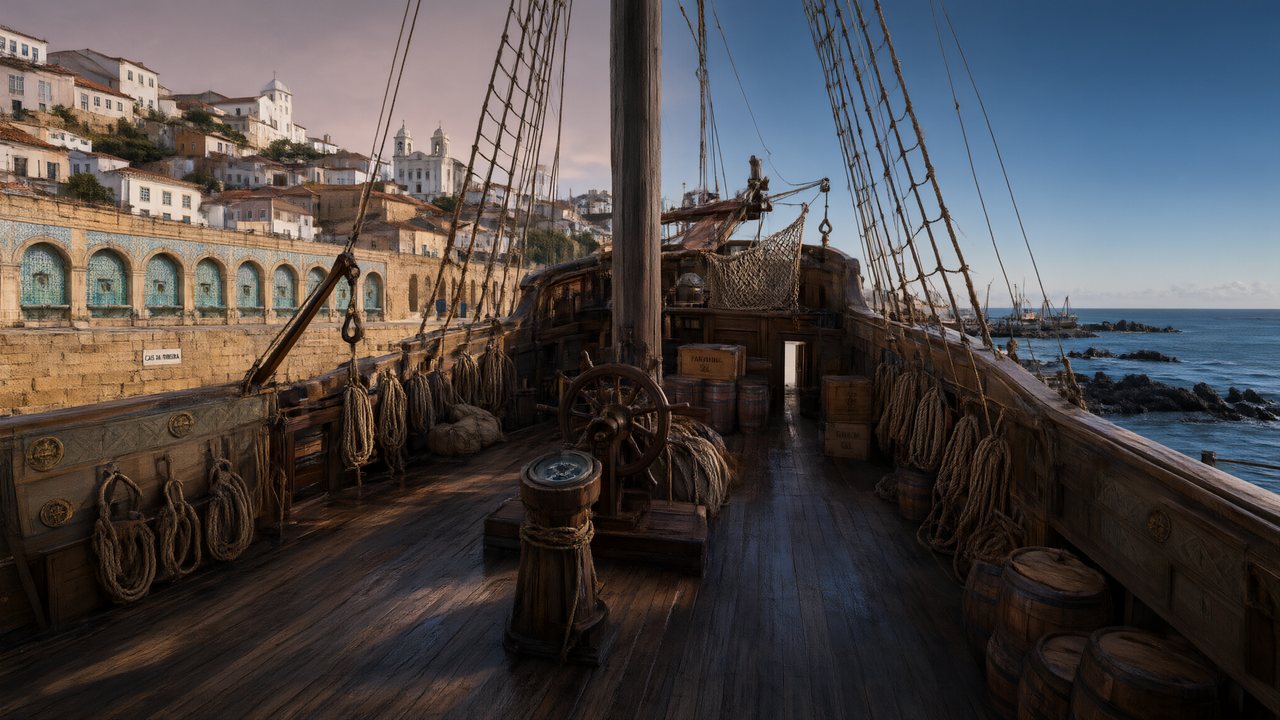 A Carta de LisboaPortuguêsNative dialogue
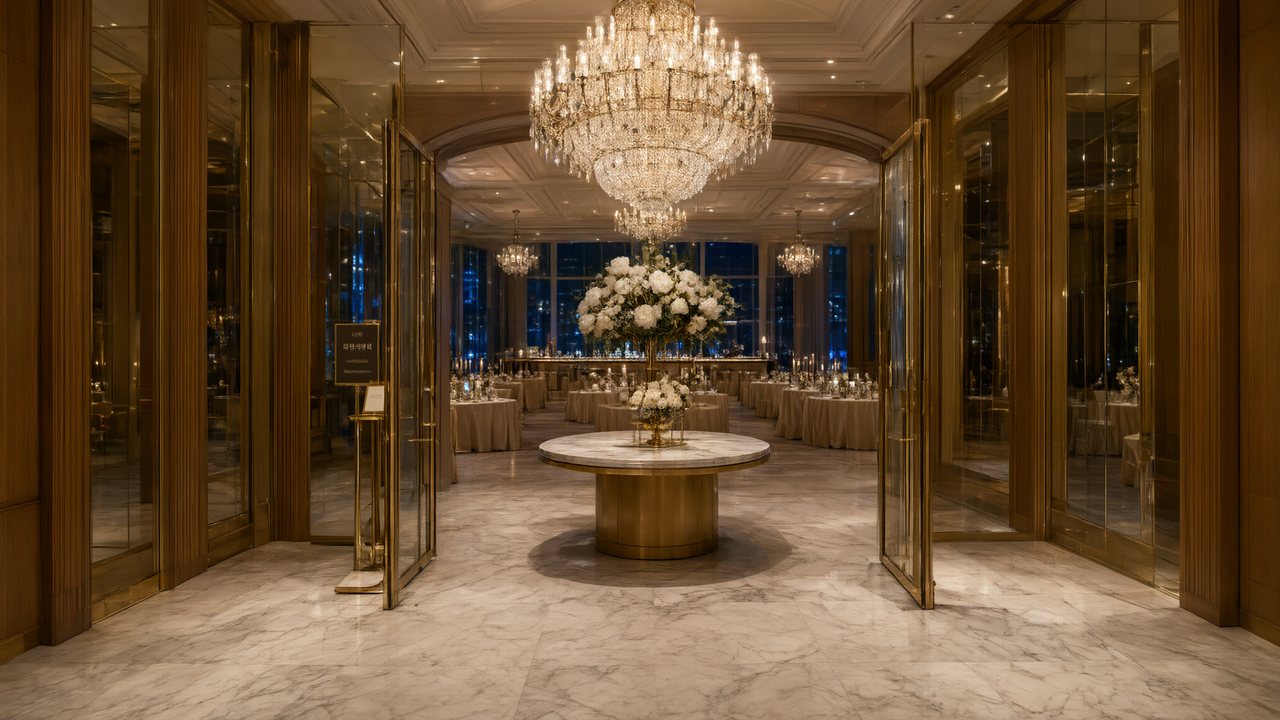 윈터 프라미스한국어Native dialogue
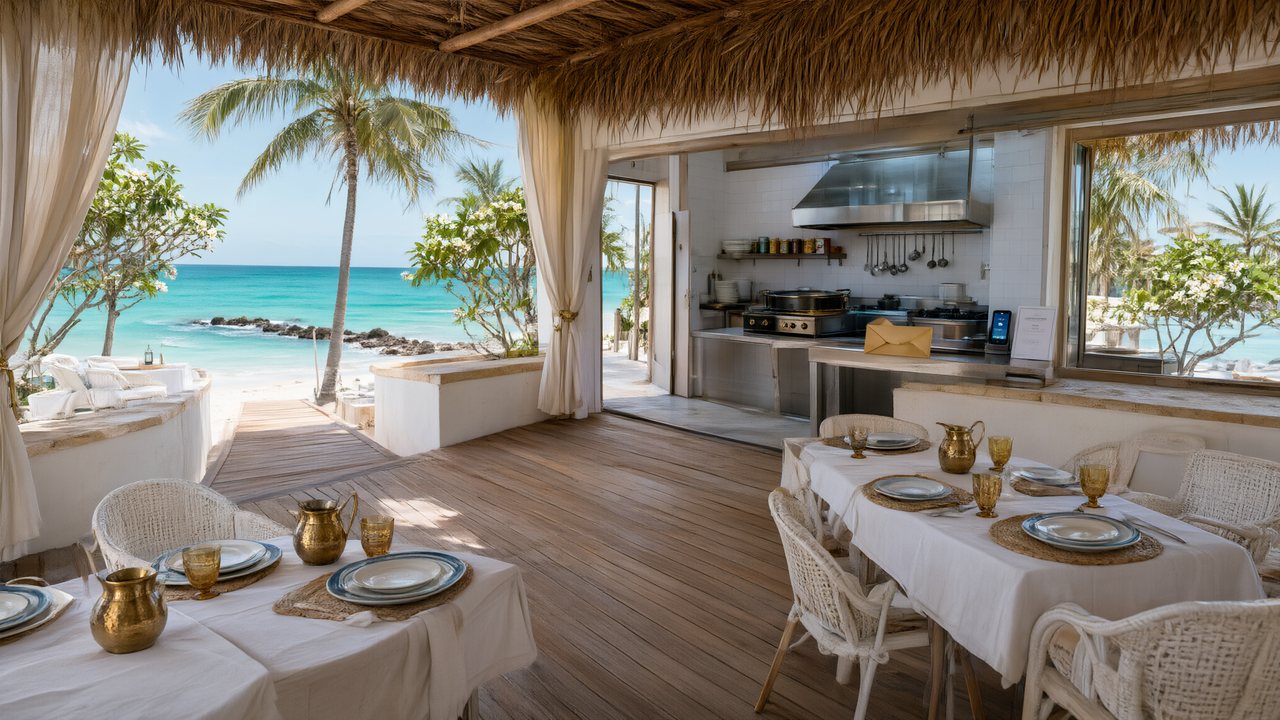 El Secreto de CostaEspañolNative dialogue
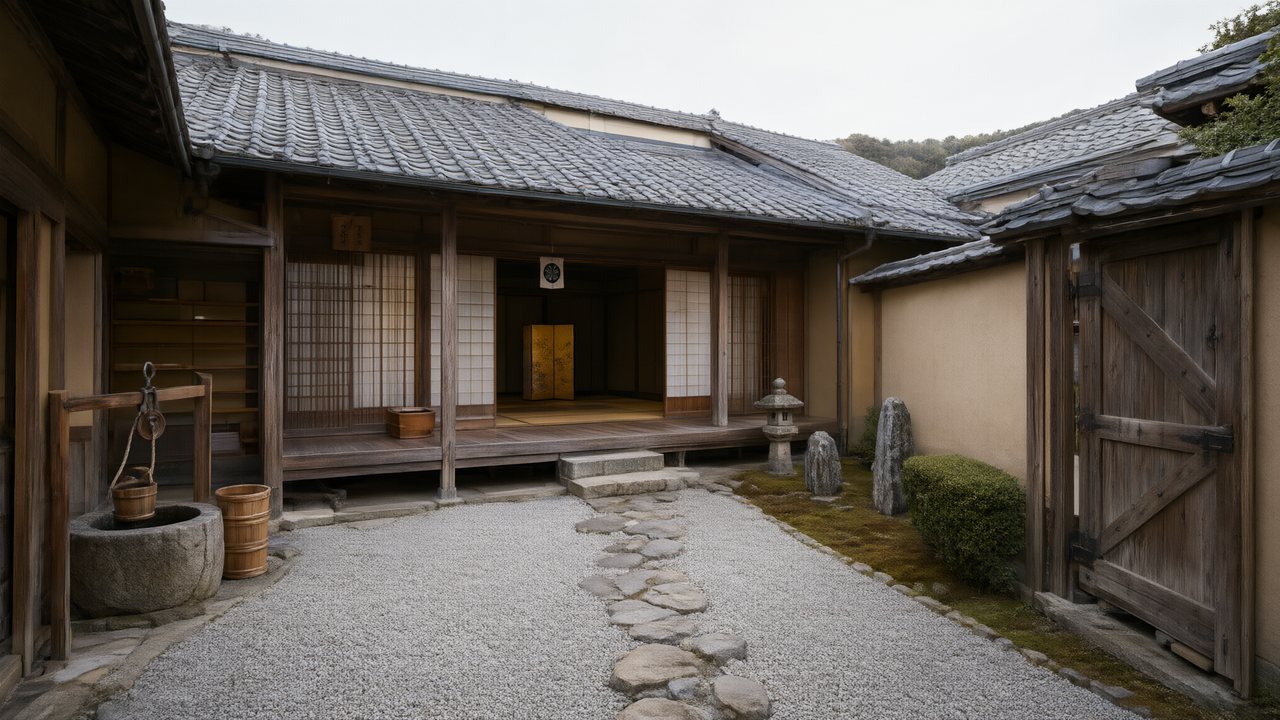 浪人の誓い日本語Native dialogue
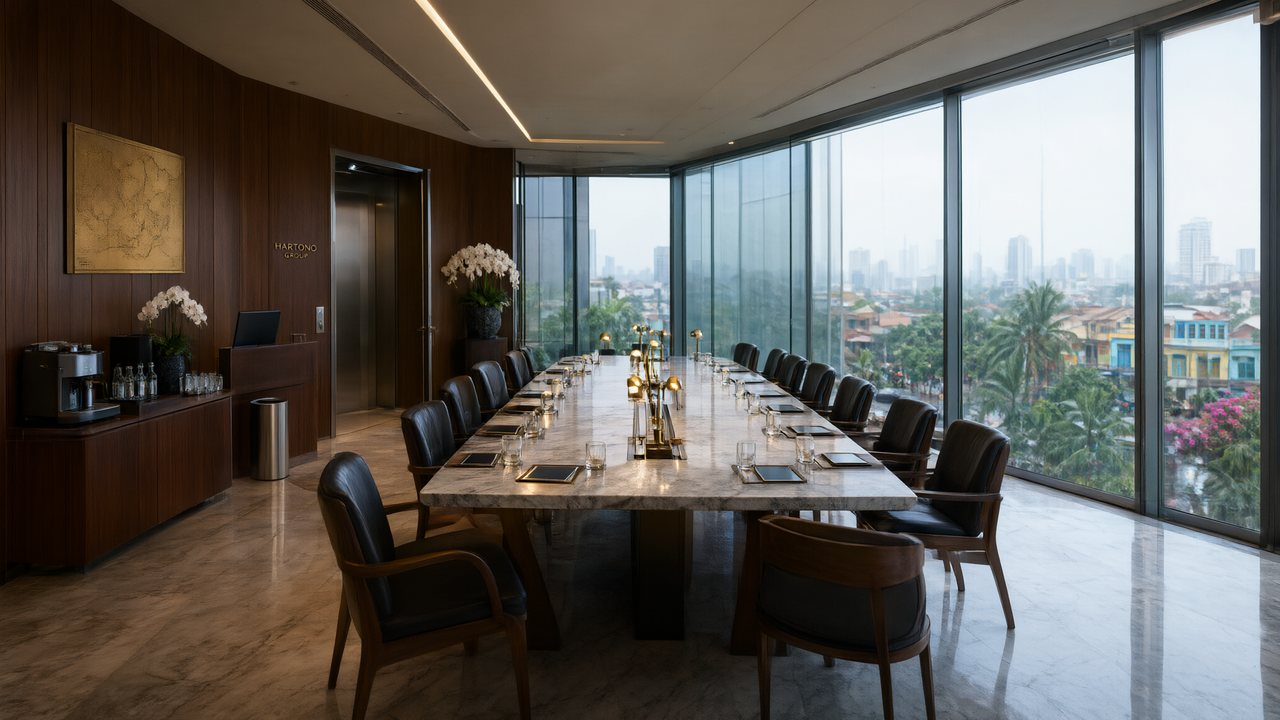 Ikrar JakartaBahasa IndonesiaNative dialogue
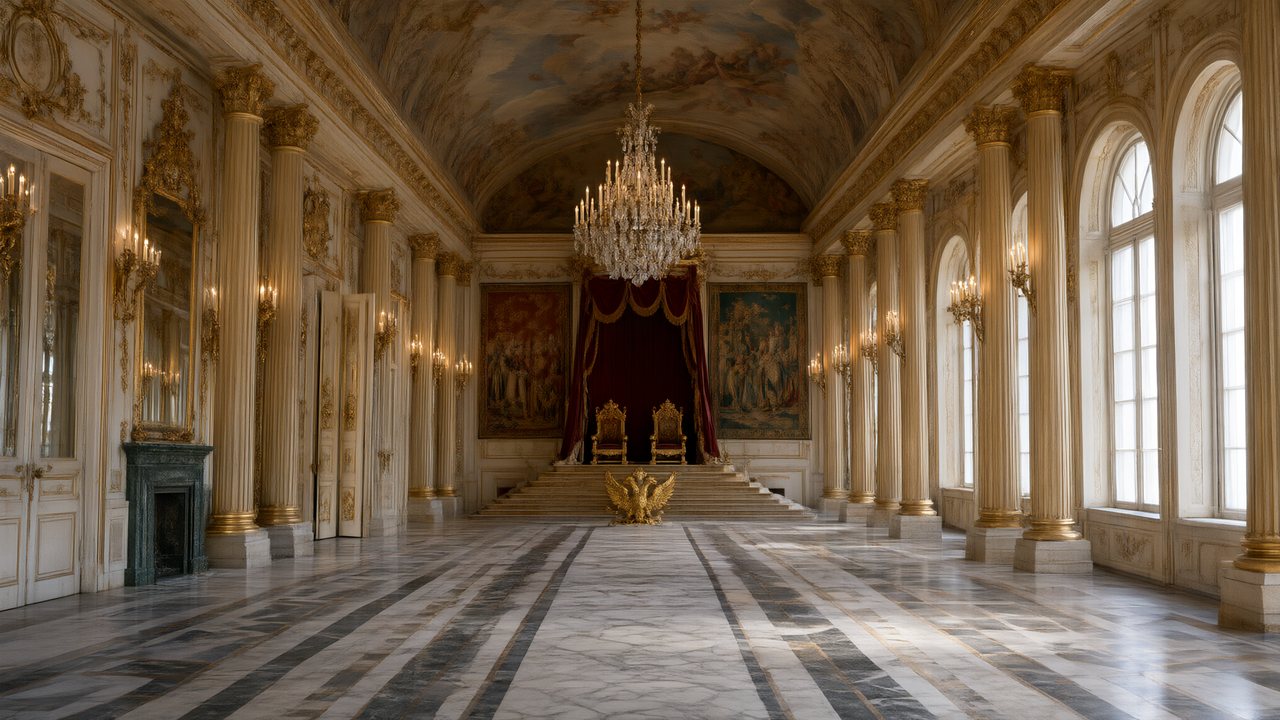 Зимняя коронаРусскийNative dialogue
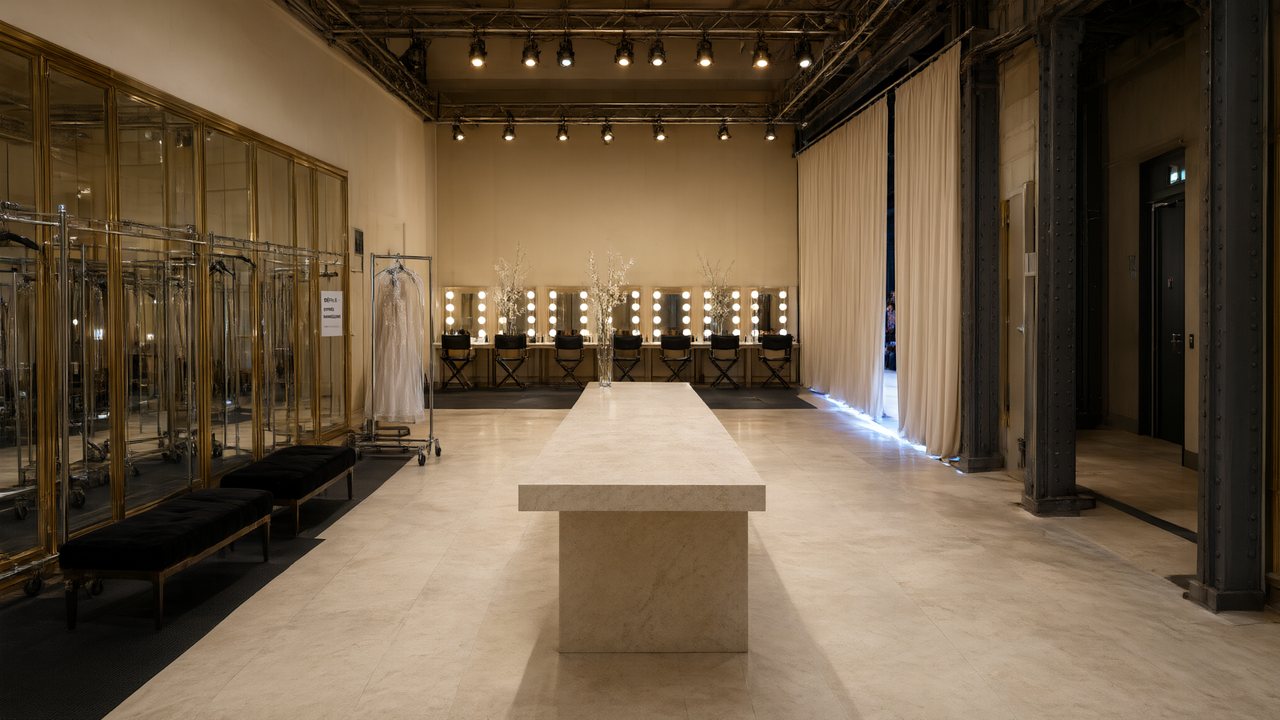 L’Héritier du DéfiléFrançaisNative dialogue
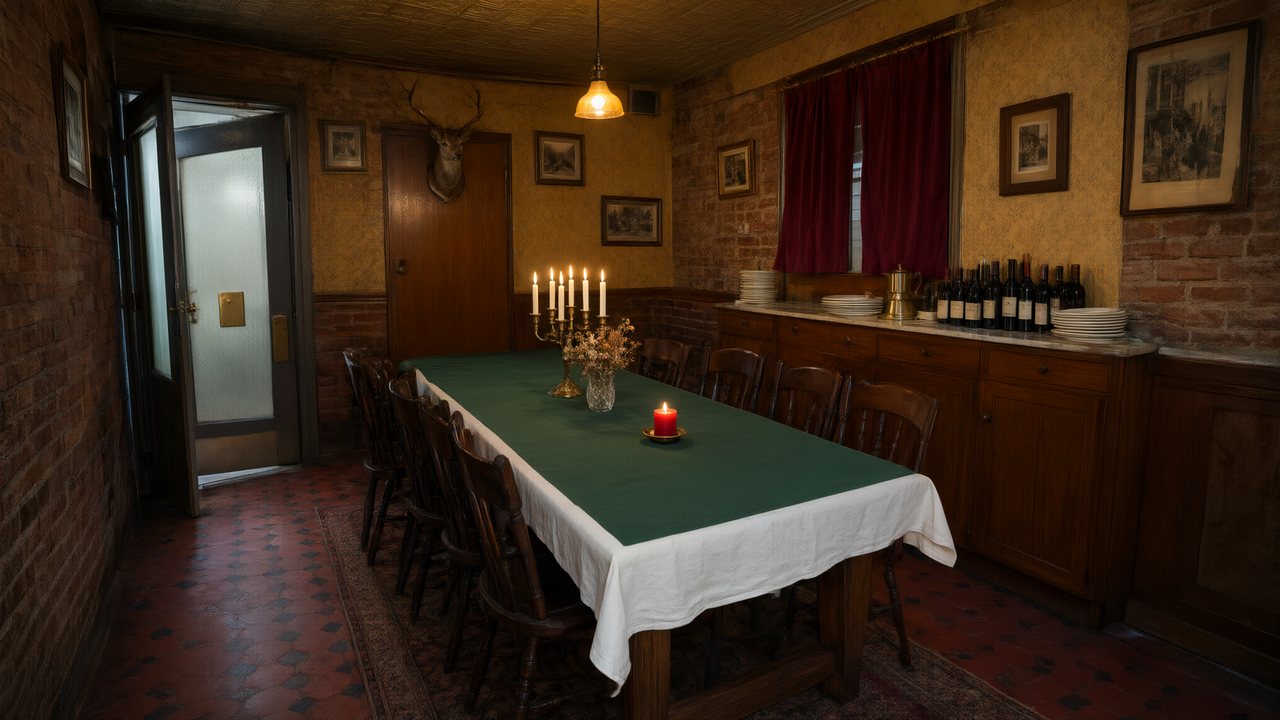 Il Tavolo dell'OlivaItalianoNative dialogue
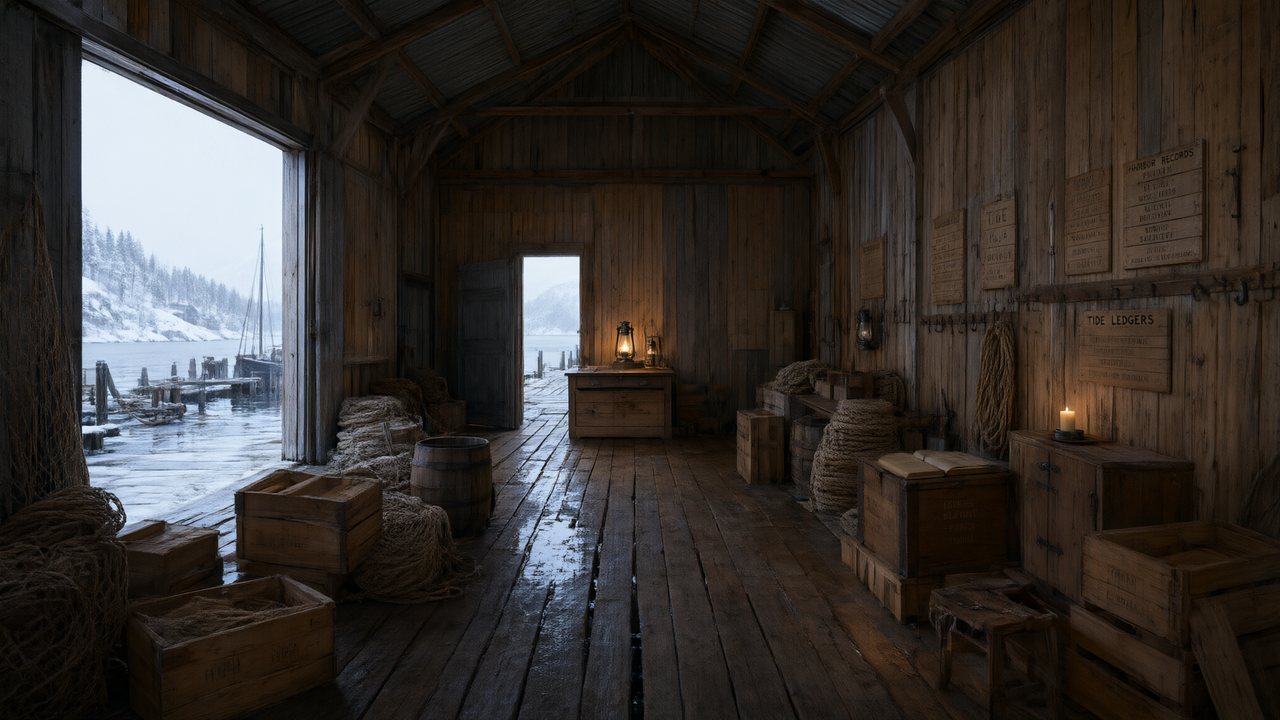 De Vuurtoren van de FjordNederlandsNative dialogue
 العهد الصحراويالعربيةNative dialogue
 Çantasındaki SözleşmeTürkçeNative dialogue
 Die Istanbul-TäuschungDeutschNative dialogue
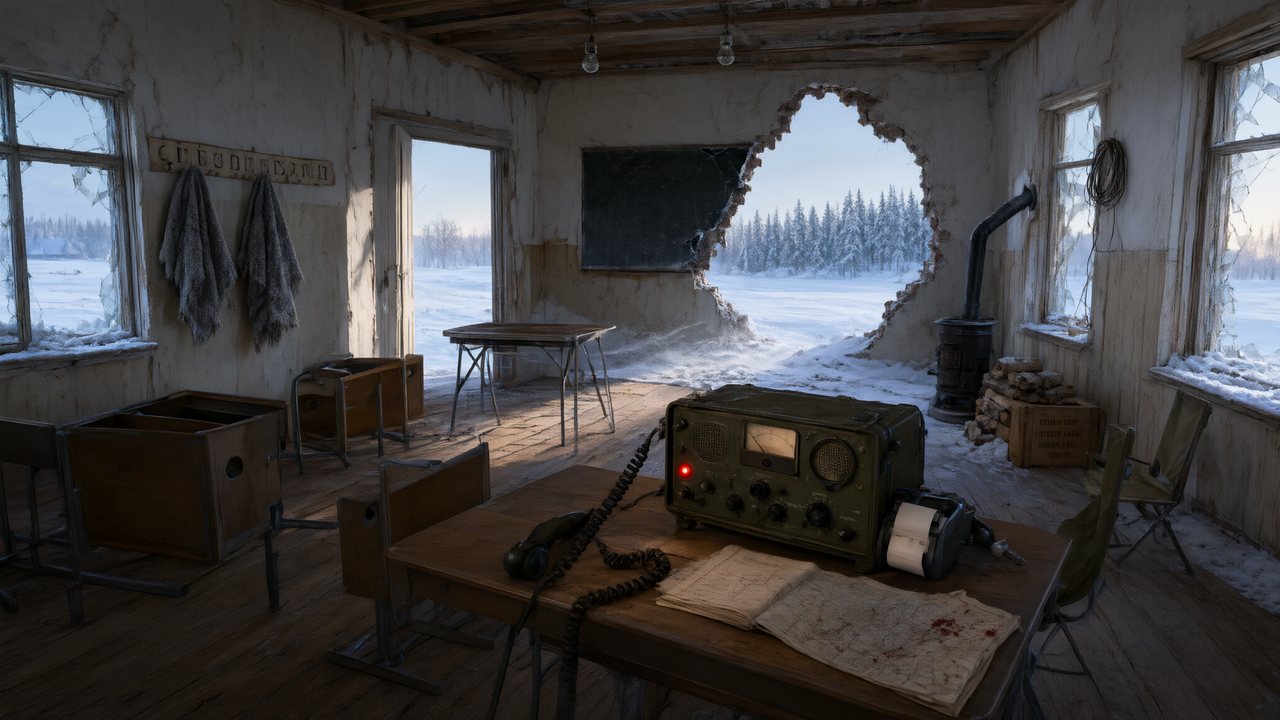 Останній сигналУкраїнськаNative dialogue
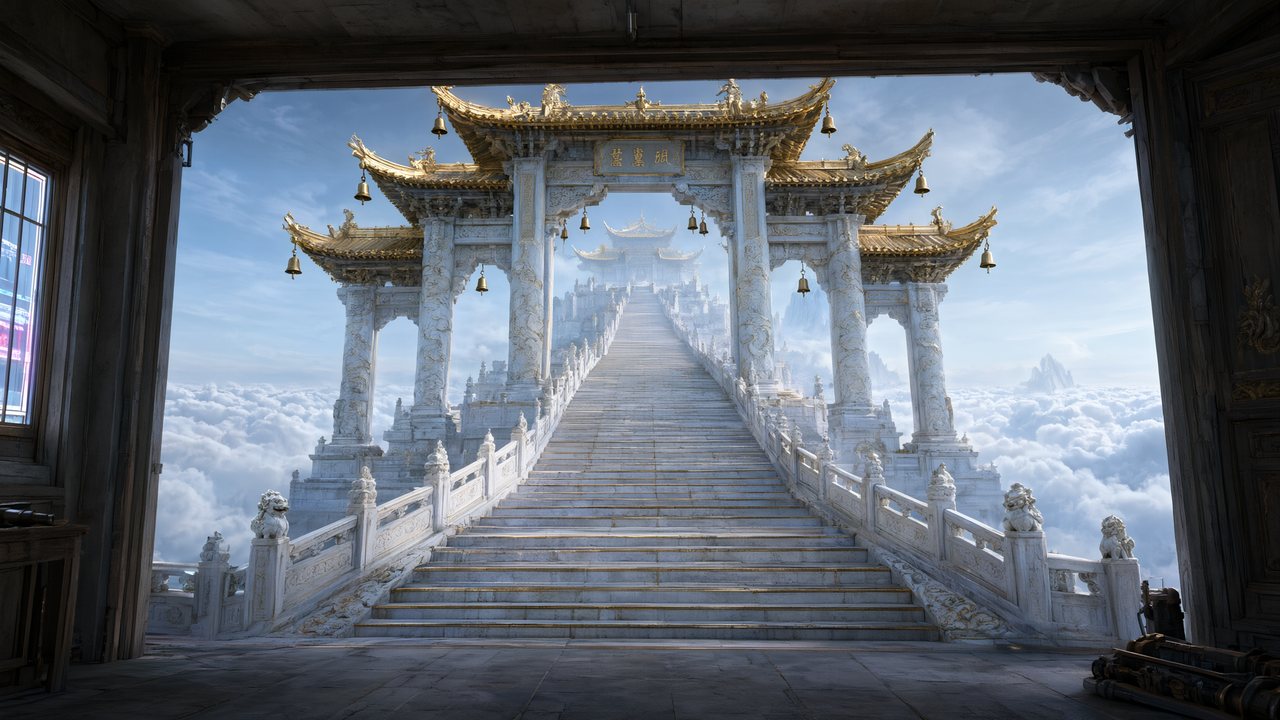 問劍青雲繁體中文Native dialogue
 The Last EnvelopeEnglishIn your language
Frequently asked questions
Is the storyboard images or text?
Text, with numbered shots — and then real video for each segment. There is no intermediate frame-by-frame image grid to approve; the reference art for characters, locations and props is what you approve visually, and the storyboard is what you approve as writing.
Can I write my own storyboard instead of generating one?
You can rewrite any generated storyboard freely, including replacing a segment's text wholesale. What the pipeline needs is the structure — numbered shots with durations and tagged dialogue — because the renderer reads those fields.
Why does it mark which characters are on screen?
Because naming an off-screen character inside a single-person shot is the single most reliable way to make a video model put that person's face in frame. Frame-by-frame testing showed eight shots that named an absent opponent producing five face swaps, against zero across twelve shots that wrote a direction instead. So the storyboard marks who is actually in frame, and writes directions for everyone else.
Can I change how long a shot is?
Yes, durations are editable. The segment's length is the sum of its shots, so lengthening one shot lengthens the segment — and the segment still has to fit inside the model tier's cap.
Does editing the storyboard re-bill the episode?
No. Editing text is free, and re-rendering is charged per second of the segments you actually re-render.
See the shot list before you spend a credit on video
Generate the storyboard, read it, fix it — then render.
Try SceneMixer freeCredit packages from $1.49 · Pro $7.99/mo · No credit card to start
Pricing·Novel to Video·Guides·Samples·Support·Privacy·Terms·Legal·Contact·© 2026 SceneMixer