AI character sheet generator
AI Character Sheet Generator
Updated September 21, 2026

A casting photo, not a poster
A character sheet here has one job: to be the picture every later shot is matched against. That makes it a reference image, and reference images are judged by different rules than artwork. Whatever is baked into the sheet is inherited by every shot that uses it — so a dramatic sidelight on the sheet becomes a dramatic sidelight in a scene set at noon, fighting the lighting the shot actually asked for. The sheet is therefore shot the way a casting photo is: full body, 9:16, plain background, one clear read of the face and the silhouette, and nothing competing for attention.
Three constraints that came out of looking at bad sheets
| Directional light, never flat | “Flat even lighting, no shadows” is the standard recipe for a plastic face — flat light erases skin texture. Sheets are lit with a keyed main source plus fill and a rim, and the prompt asks for the shadow under the nose, the transition across the cheekbone and a catchlight in the eye. |
|---|---|
| Identity first, technique after | The analysis step writes very specific faces — bone structure, a mole, a scar. Bury that in the middle of a long technical prompt and the image model dilutes it back towards a generically attractive face. The order is fixed: who this person is, then an instruction not to smooth those features away, then the technical block, then framing. |
| Face over wardrobe | The prompt states outright that this is an actor's casting photo and not a clothing catalogue, and forbids pulling the camera back to show off an outfit at the cost of head size. A neutral-expression instruction was removed for the same reason: it erases exactly the presence that makes a character recognisable. |
A fourth constraint is about length rather than content. The default image model attends less and less to a prompt the further down it reads, so the rules that matter most are placed immediately after the identity block and the whole prompt is kept short enough to stay inside the part of it the model actually reads. Adding a long passage near the top is not free: it pushes the skin and lighting rules out of the window.
What gets a sheet, and what does not
- Named characters get one, generated once for the project and reused by every shot they appear in.
- Characters who are only ever heard — a voice on the phone, a narrator — are flagged during analysis and skipped, because art nobody will see is art you paid for.
- Non-human characters are drawn as a species plate rather than a person: real anatomy, four feet on the ground where the animal has four, no human hands, no clothing, a three-quarter front view. Anthropomorphising happens by default otherwise, and it is very hard to undo downstream.
- A second look — a full change of outfit, a transformation, burns, a uniform — is its own image, generated from the base sheet. When the description hands back two wardrobes in one field, they are separated automatically rather than drawn on top of each other.
- Your own art can replace any sheet. Upload it and the rest of the pipeline treats it exactly like a generated one.
The description is the sheet
Sheets are generated from the character descriptions that script analysis produced, which means the cheapest moment to fix a face is before any image exists. Read the descriptions, correct them, then generate. Two habits pay for themselves: describe causes rather than results — the shape of the jaw, not “handsome” — and give each character one visual anchor that is impossible to confuse, a scar, an earring, a streak of grey. The same principle runs through the whole pipeline and is set out on the character consistency page.
Some result-language slips through from analysis anyway — phrasing about makeup that describes the outcome rather than the cause — and is rewritten before it reaches the image model, because an image model handed a result tends to paint it literally as a patch of colour.
What it still gets wrong
- Long coats swallow the face. A full-body 9:16 frame of someone in a floor-length coat spends most of its pixels on fabric, and the head ends up too small to carry fine identity cues. It is a framing limit of the format, not a prompting failure.
- Two characters in the same uniform are still the hardest case for later shots, sheets or no sheets.
- Extras are not cast. Sheets cover the people in your asset library. Background figures are generated fresh each time and should be treated as scenery.
What it costs, and how fast
Sheets are billed as images, separately from script analysis: every account gets 15 free reference images — characters, scenes or props, in any mix, across any project — and images after that are 7 credits each on the default image model. Regenerating a sheet costs the same as the first one. Generation is quick: a reference image takes about 16 seconds at the median and 9 in 10 finish inside 27 seconds, measured across every image that generated successfully on scenemixer.com in the thirty days to 20 September 2026 — so a typical five-character cast is a couple of minutes, and the free allowance covers a first cast with room to spare. The pricing page has the rest.
One cast, fifteen languages
A sheet is language-agnostic — it is a picture. What changes with the dialogue language is the casting brief, so a series set for a different market is cast for that market rather than dubbed into it. One finished series per language below.
Languages
Native dialogue in 15 languages
Every series below was produced by the same pipeline with the cast speaking that language natively: the interface, the working documents and the spoken lines are all in one language, and nothing is dubbed. Open one to hear it.
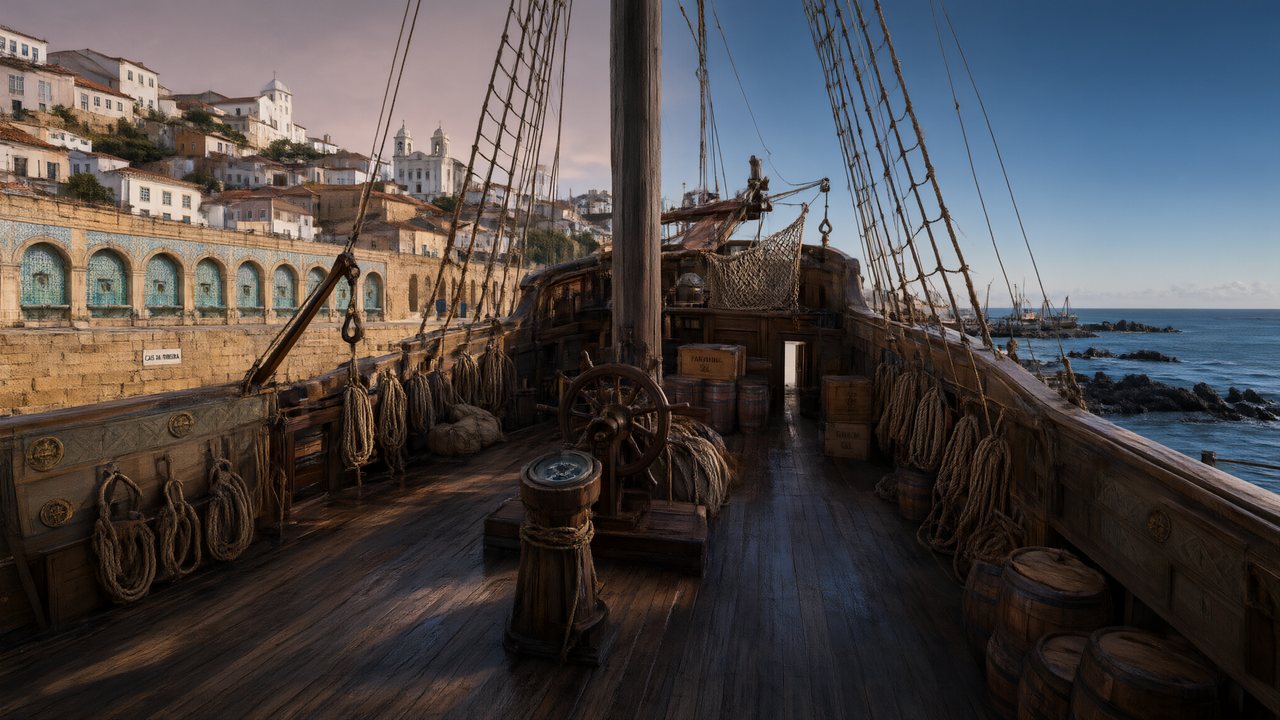 A Carta de LisboaPortuguêsNative dialogue
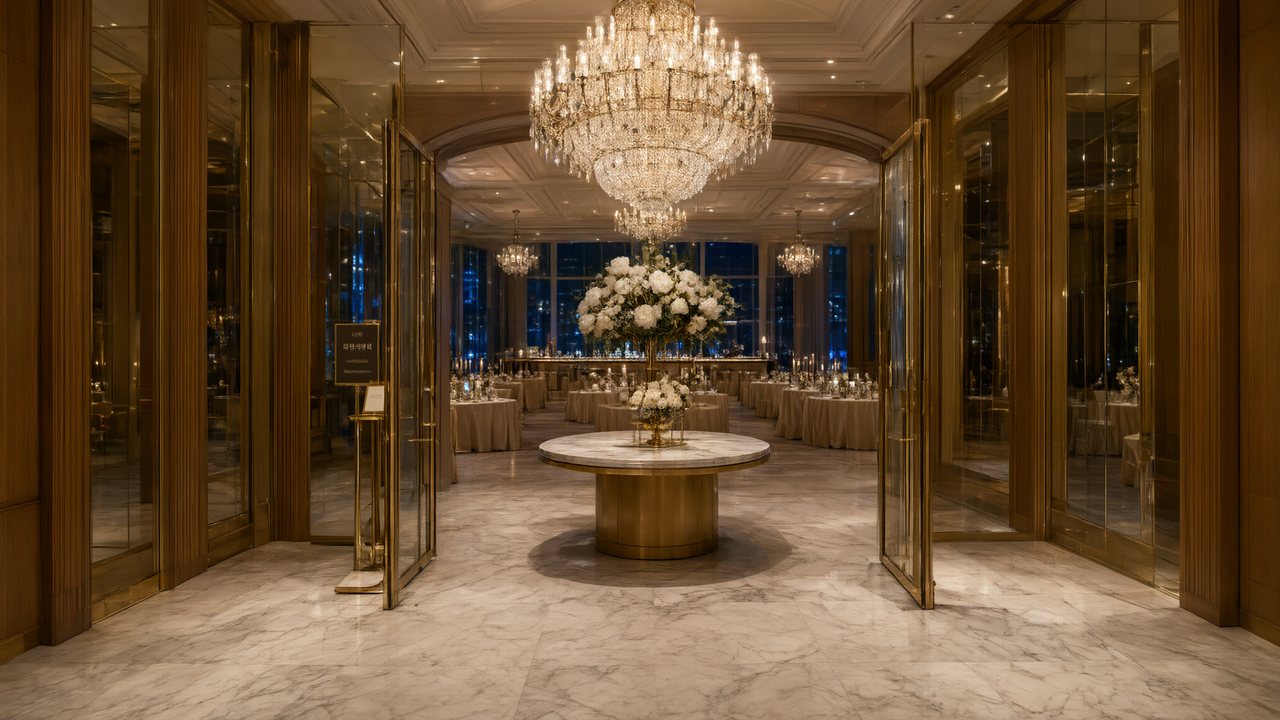 윈터 프라미스한국어Native dialogue
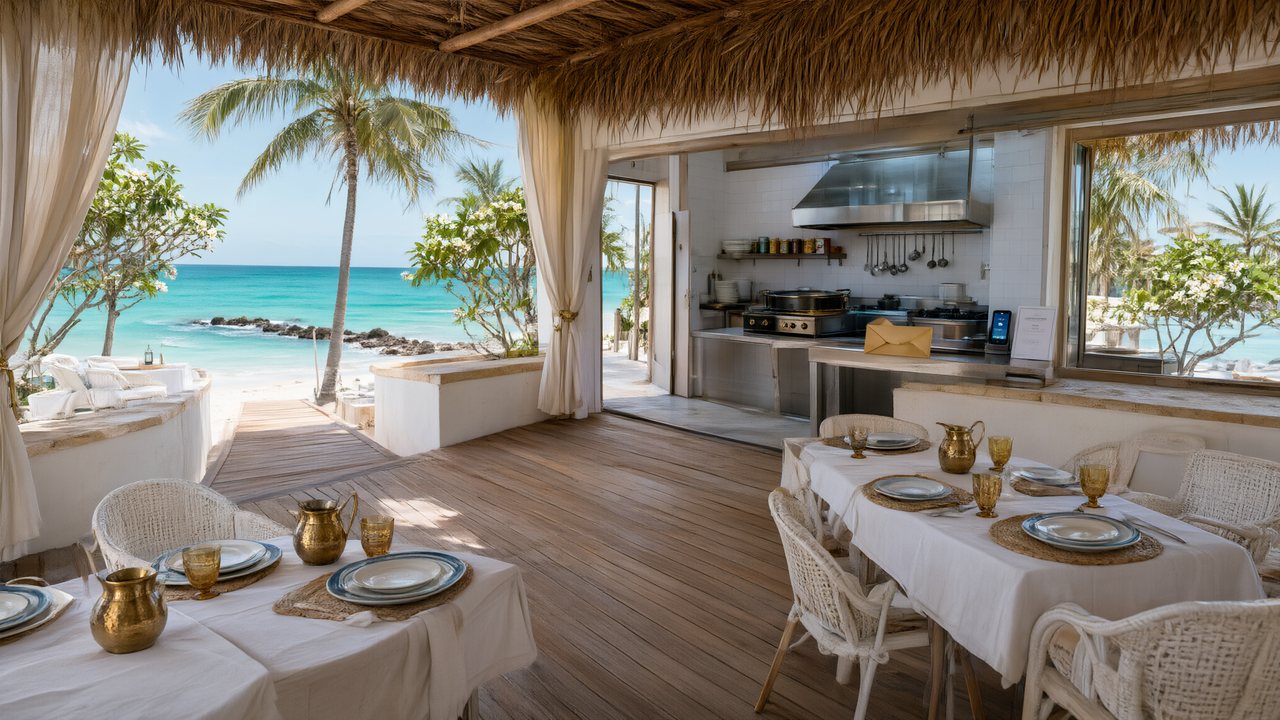 El Secreto de CostaEspañolNative dialogue
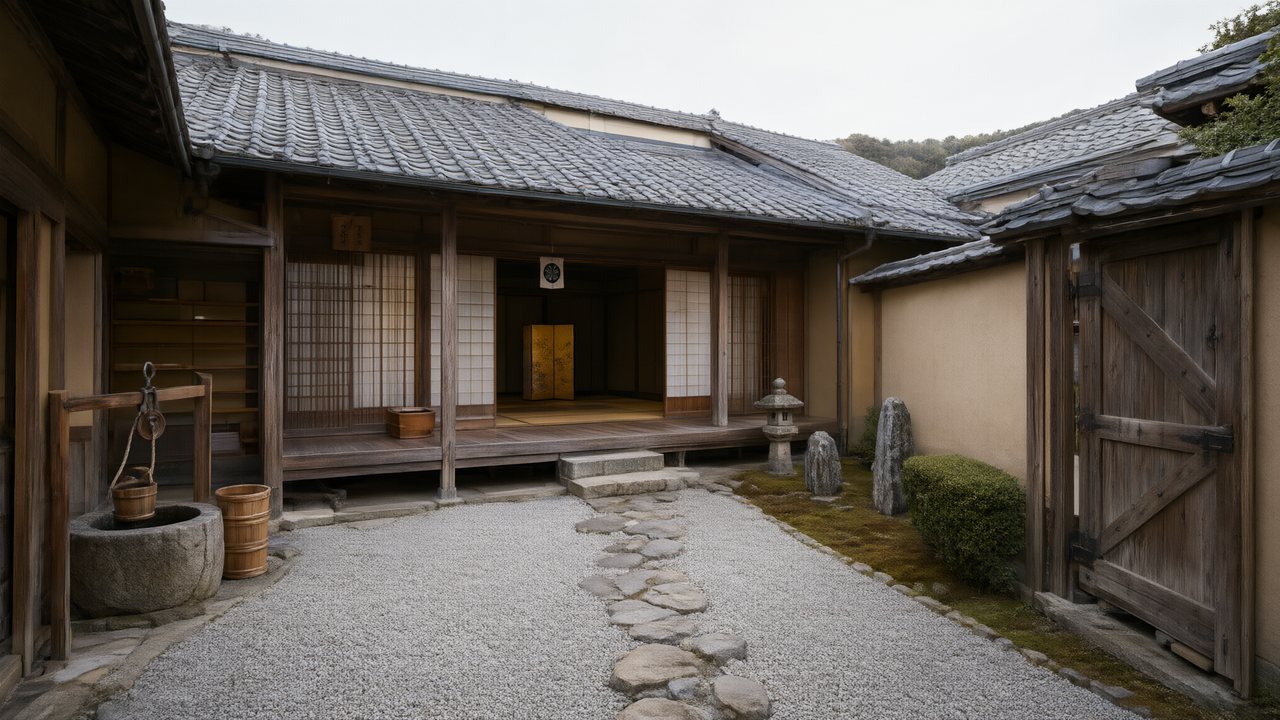 浪人の誓い日本語Native dialogue
 Ikrar JakartaBahasa IndonesiaNative dialogue
 Зимняя коронаРусскийNative dialogue
 L’Héritier du DéfiléFrançaisNative dialogue
 Il Tavolo dell'OlivaItalianoNative dialogue
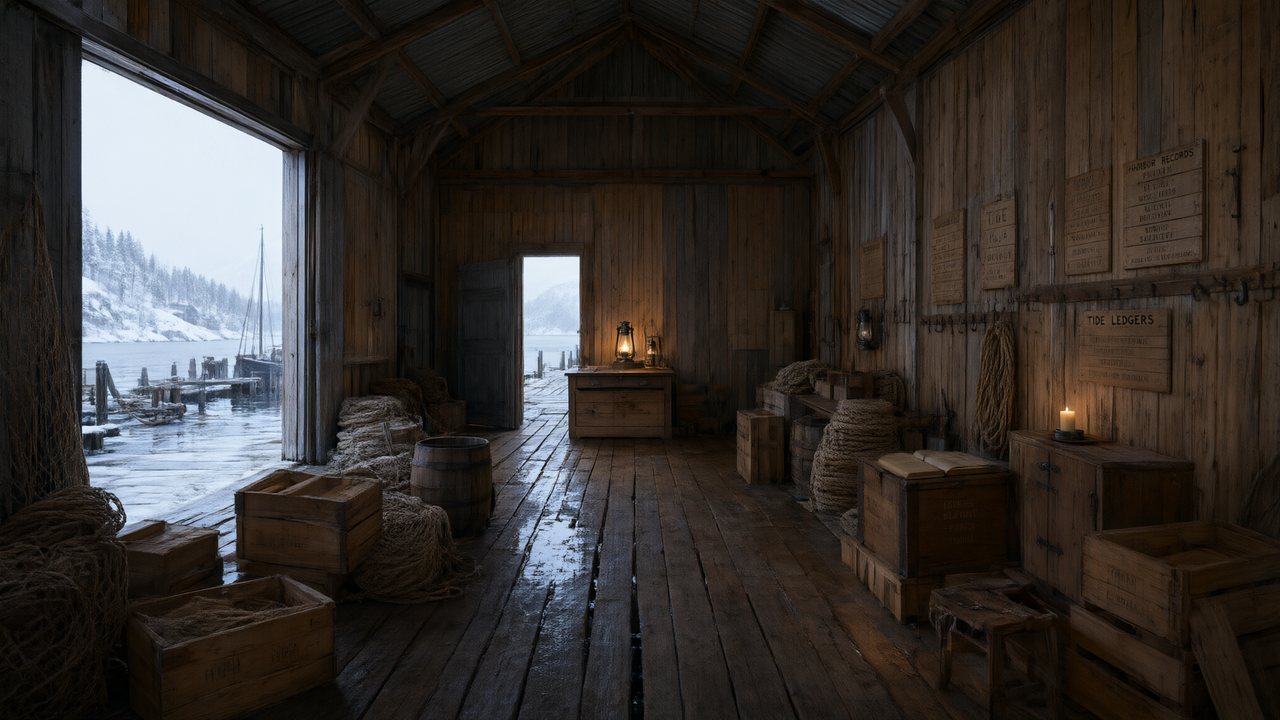 De Vuurtoren van de FjordNederlandsNative dialogue
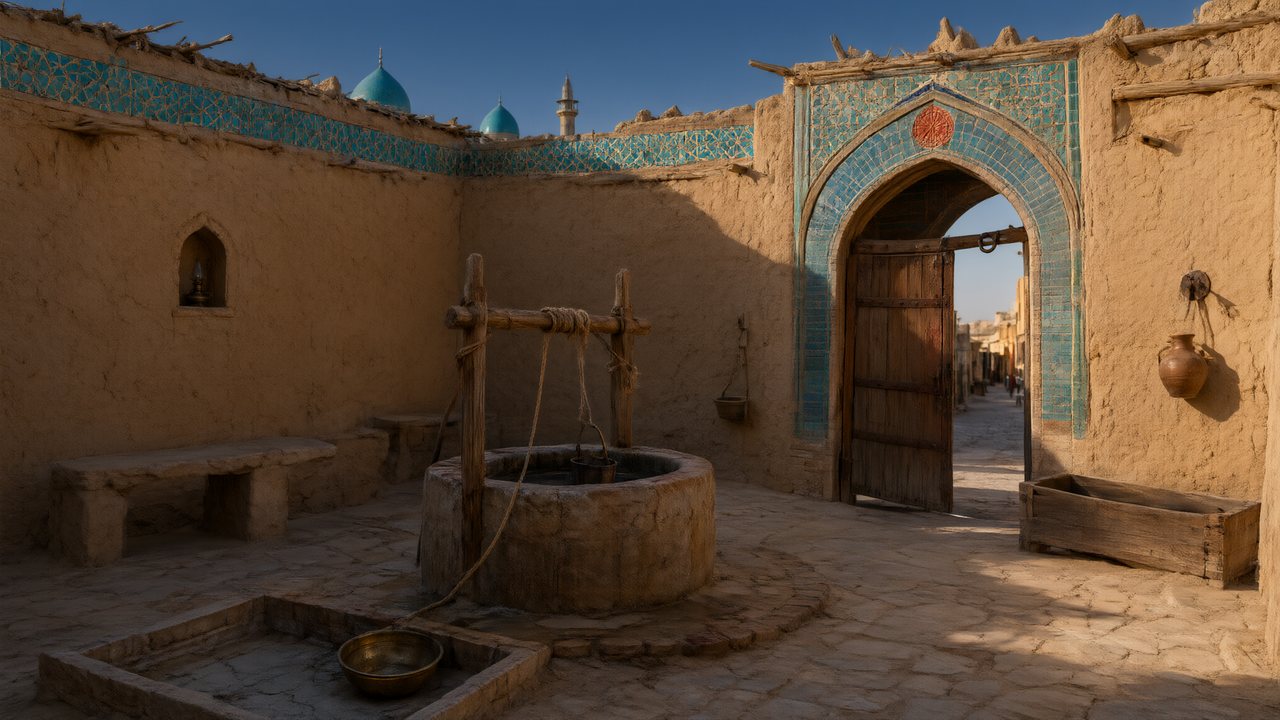 العهد الصحراويالعربيةNative dialogue
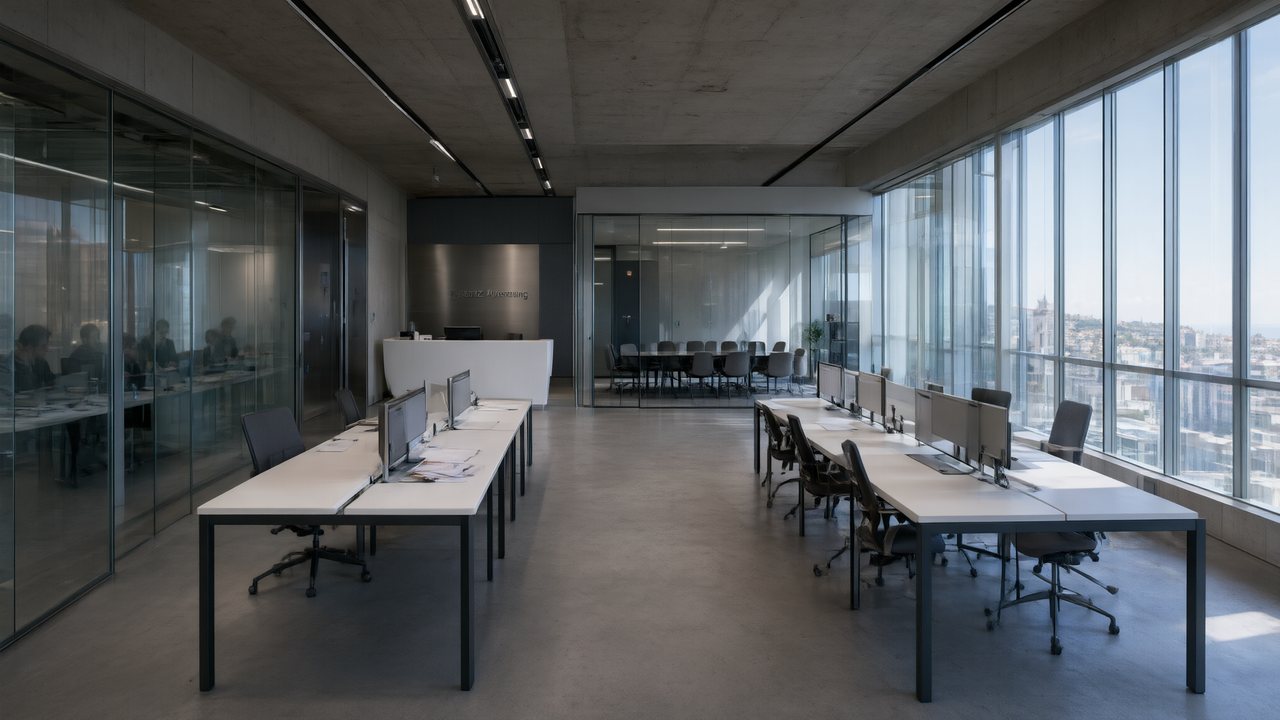 Çantasındaki SözleşmeTürkçeNative dialogue
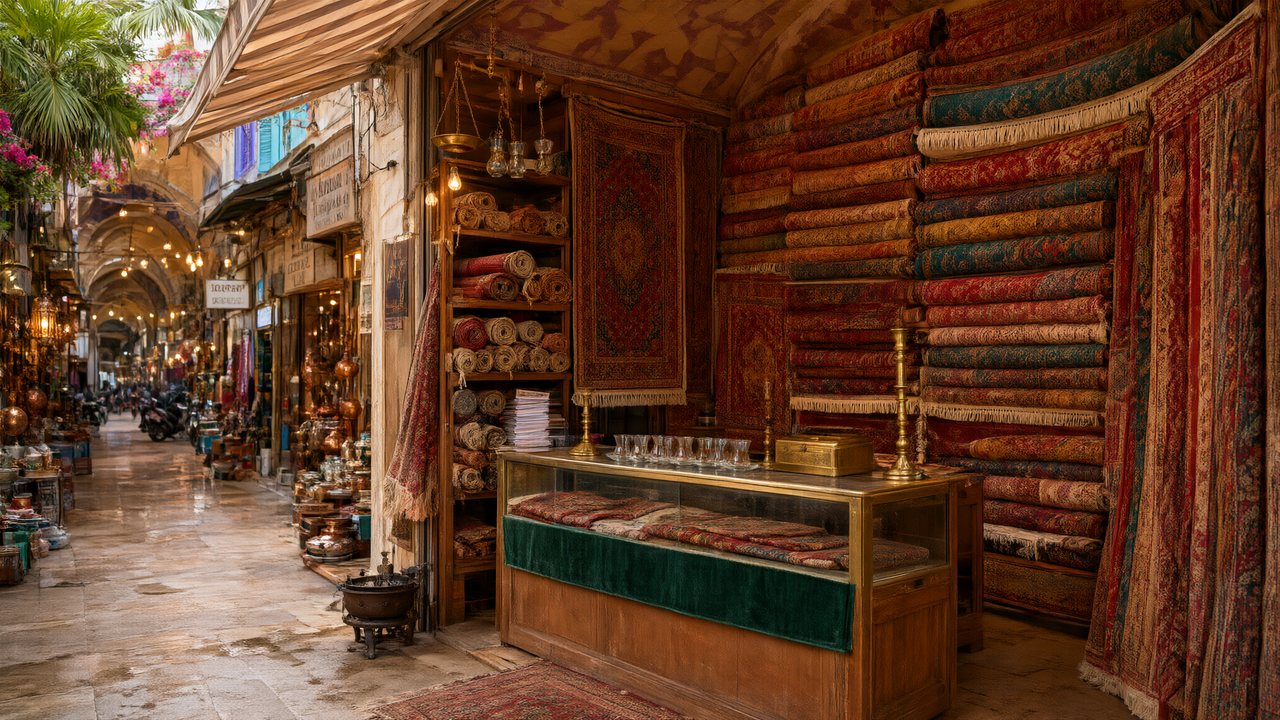 Die Istanbul-TäuschungDeutschNative dialogue
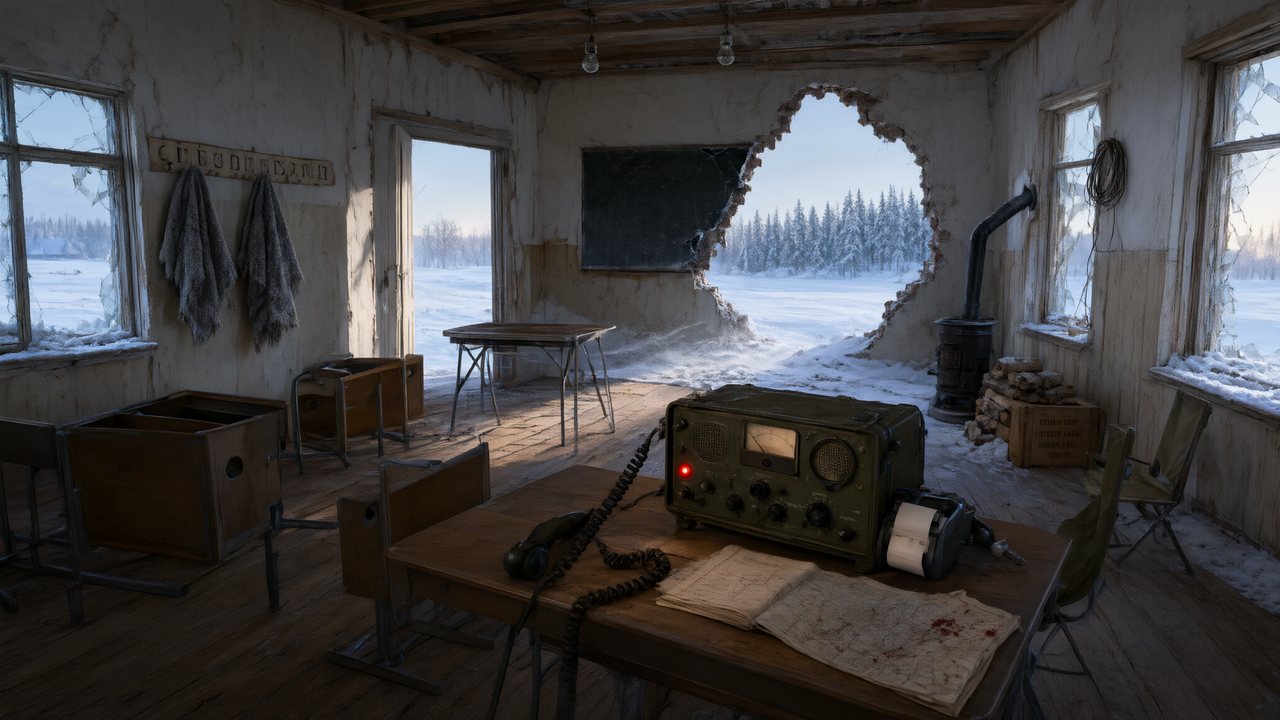 Останній сигналУкраїнськаNative dialogue
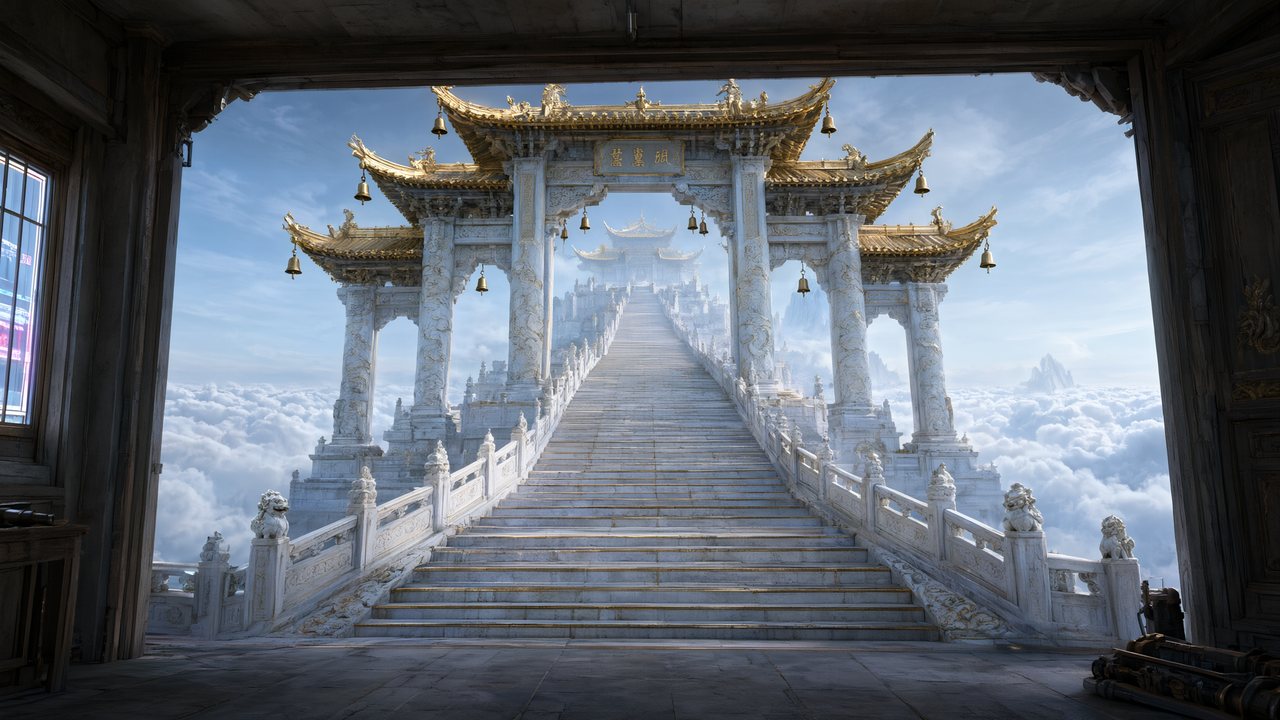 問劍青雲繁體中文Native dialogue
 The Last EnvelopeEnglishIn your language
Frequently asked questions
How many angles does a sheet have?
One full-body pose, plus face and body crops taken from it that travel with each shot. It is not a multi-angle turnaround grid. The reason is practical: what later shots consume is a clear, well-lit read of the face and silhouette, and a grid of small panels gives a video model less of that per pixel, not more.
Can I use my own character art instead?
Yes — upload an image in place of any generated sheet and the pipeline treats it identically. That is the route for a character you have already designed elsewhere, or for a look you could not get the model to produce.
Does it work for animals and creatures?
Yes, and they are drawn differently on purpose: a species plate with real anatomy rather than a person in animal costume. Mark the character as non-human during analysis and the whole prompt changes — no human hands, no clothing, no upright stance unless the species has one.
Why is the background plain?
Because anything else gets inherited. A sheet shot in a location bakes that location's light and colour into every scene the character later appears in. Plain background and neutral, directional lighting keep the sheet usable everywhere, which is the entire point of generating it once.
What happens if two characters have the same name?
Nothing breaks. Shots reference assets by identifier rather than by name, so duplicates and mid-project renames do not silently attach the wrong sheet. New assets are also prevented from taking a name already in use within the project.
Can I generate a sheet without a script?
Sheets are generated inside a project, from the cast that analysis found, because their purpose is to be reused by that project's shots. You can add a character by hand and give it a description, which is the closest thing to a standalone generator — but a sheet with no shots to anchor is just an image.
Cast it once, keep the face
Fifteen reference images per account, no card needed.
Try SceneMixer freeCredit packages from $1.49 · Pro $7.99/mo · No credit card to start
Pricing·Novel to Video·Guides·Samples·Support·Privacy·Terms·Legal·Contact·© 2026 SceneMixer