Talking characters
AI Video With Talking Characters
Updated September 20, 2026

The voice comes out of the same generation as the picture
There are two ways to get a character to talk on screen. One is to render silent video and then drive the mouth with an audio track — the lip-sync route, which needs a face crop, a driving audio file, and produces a face that moves correctly and a body that does not act. The other is to generate picture and sound together, so the performance and the mouth are one decision.
This pipeline does the second. The default video tier is audio-visual: the model is given the line, who says it, how it is said, and a voice reference, and returns a shot with the line spoken in it. Nothing is stitched afterwards.
At a glance
| The line | Verbatim, once. Spoken exactly as written — not paraphrased, not re-timed. |
|---|---|
| Who says it | Named, and bound to that character's voice reference so the same person sounds the same across episodes. |
| How it is said | A short direction in brackets — under her breath, still smiling, forcing it flat. Direction, not subtitle. |
| Who else is in frame | Marked lips closed, so listeners do not mouth along. |
| Off-screen speech | Marked first in the bracket — voice-over, on the phone, over the intercom — and then everyone visible is described with their mouth shut. |
| Timing | A shot carrying dialogue is never shorter than the line needs: three words per second in English, five characters per second in Chinese. |
Voices are matched, not synthesised per character
Each character is assigned a voice from a library of pre-built system voices — you hear a three-to-eight-second sample before choosing, can re-match, can pick a different one from the selector, or can upload your own recording. The reason it is matching rather than per-character voice design is cost and stability: designed voices drift between generations and cost per character, while a library voice is the same voice in episode one and episode twelve.
If a character has no voice assigned, the shot falls back to a written description of the voice — age, texture, register — which the model interprets. That is the default for new projects; assigning voices is a deliberate step, not something that happens silently to every character.
The timing rule, and why it exists
A four-second shot cannot hold sixteen words of English. Either the delivery is rushed into unintelligibility or the line is cut. So dialogue shots have a floor derived from the line: word count divided by three for English, character count divided by five for Chinese, and short lines get a pause added on top rather than being crushed to their theoretical minimum. Shots that come back too short for their line are flagged and corrected before anything is rendered — which is cheaper than discovering it in the output.
Language
Dialogue language is a project setting, chosen once, and it is applied where the lines are first written rather than translated afterwards — so the performance is authored in that language instead of being a dub. Fifteen interface languages are available and dialogue is supported across them; a couple of languages occasionally mispronounce individual words on the default model tier, and the selector says so where it is true. The character voices page covers this in detail.
What it will not do
- Clone a real person's voice. Not offered. You can upload your own recording as a reference for your own characters.
- Lip-sync an existing video or photo you upload. Speech comes from generation, not from driving an existing frame.
- Hit an exact runtime for a line. The floor is enforced; the precise delivery length is the model's.
- Burn in subtitles. No text is rendered in frame. Captions go on after export.
- Guarantee perfect pronunciation of every proper noun. Invented names in particular are worth previewing before you commit an episode.
What it costs
Speech is included in the video price — there is no separate audio charge. Video starts at 10 credits per second of output (≈ $0.06/s at the lowest credit price) and runs to $0.47/s on the sharpest tier; assembly is 1 credit per second. Voice matching from the library costs nothing. New accounts get 50 credits and one free preview of up to 5 seconds — enough to hear a character speak before deciding. Rates on the pricing page.
Languages
Native dialogue in 15 languages
Every series below was produced by the same pipeline with the cast speaking that language natively: the interface, the working documents and the spoken lines are all in one language, and nothing is dubbed. Open one to hear it.
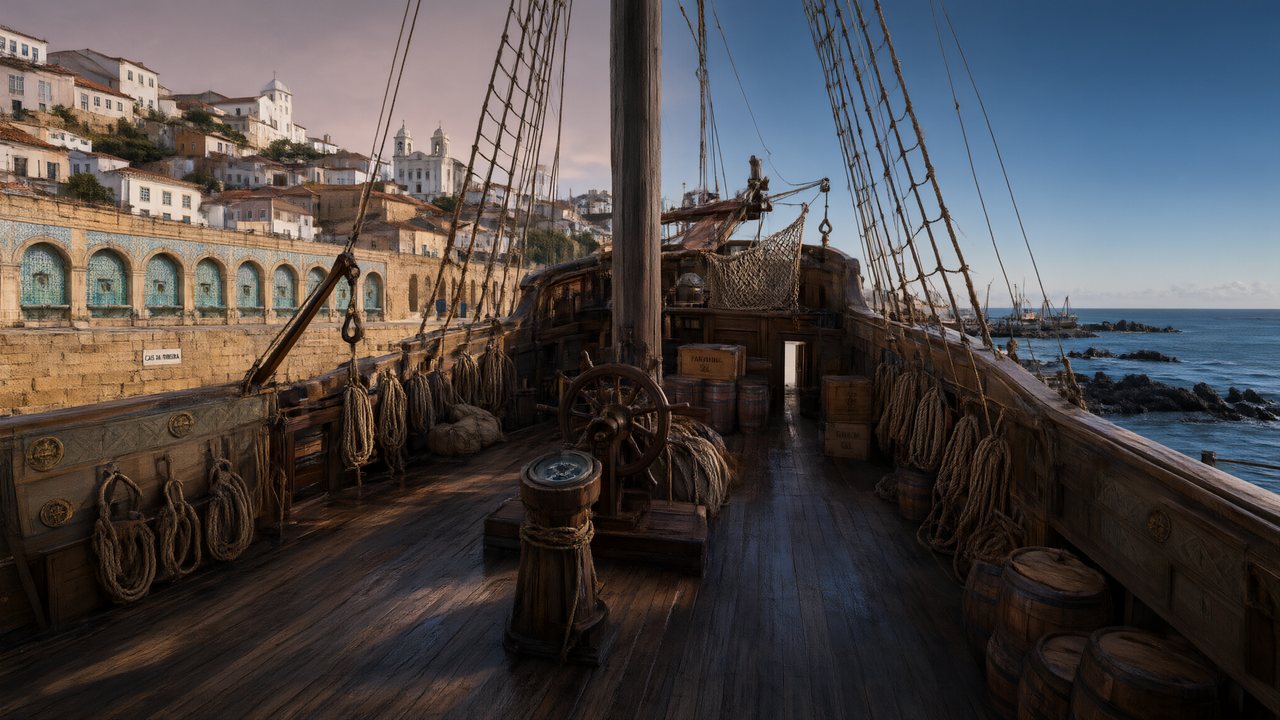 A Carta de LisboaPortuguêsNative dialogue
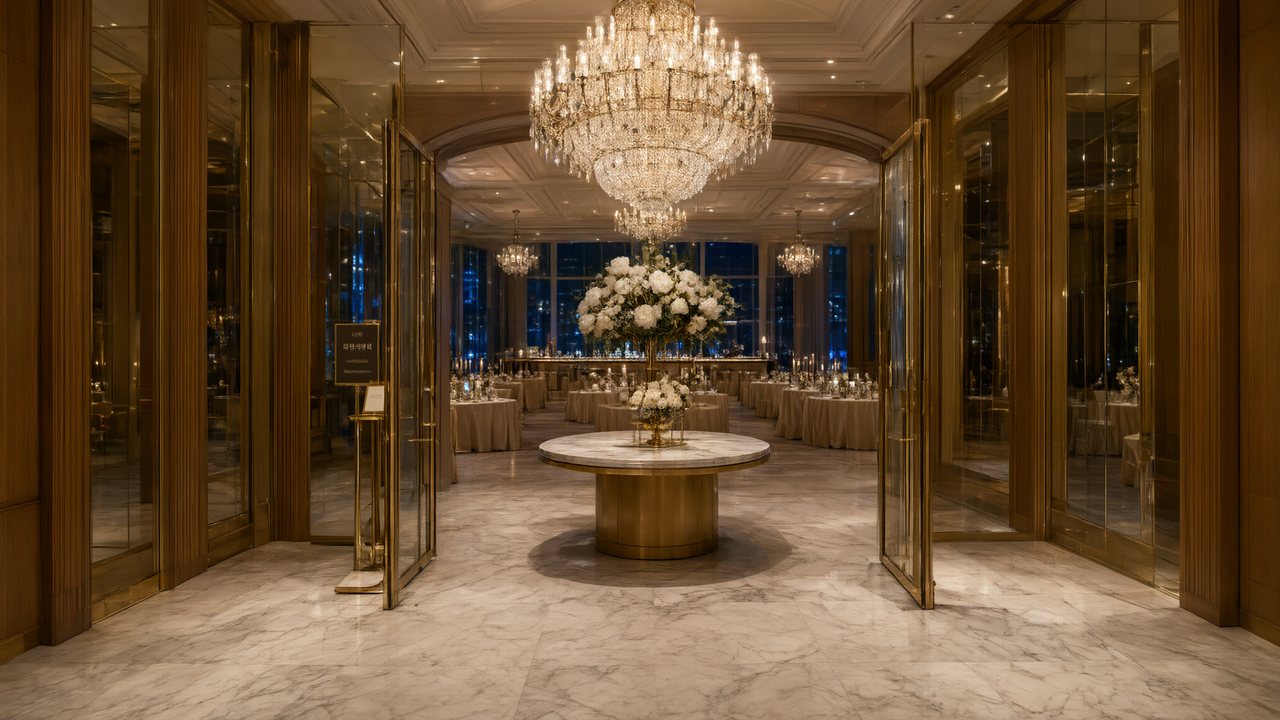 윈터 프라미스한국어Native dialogue
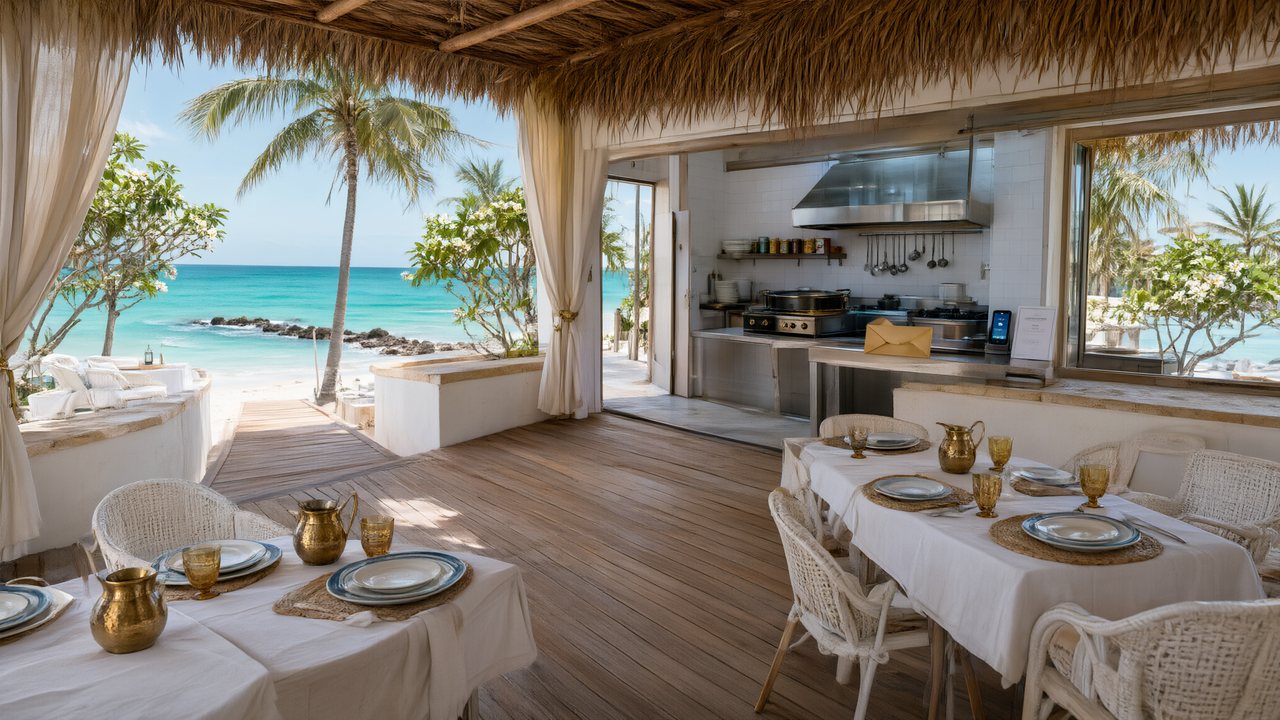 El Secreto de CostaEspañolNative dialogue
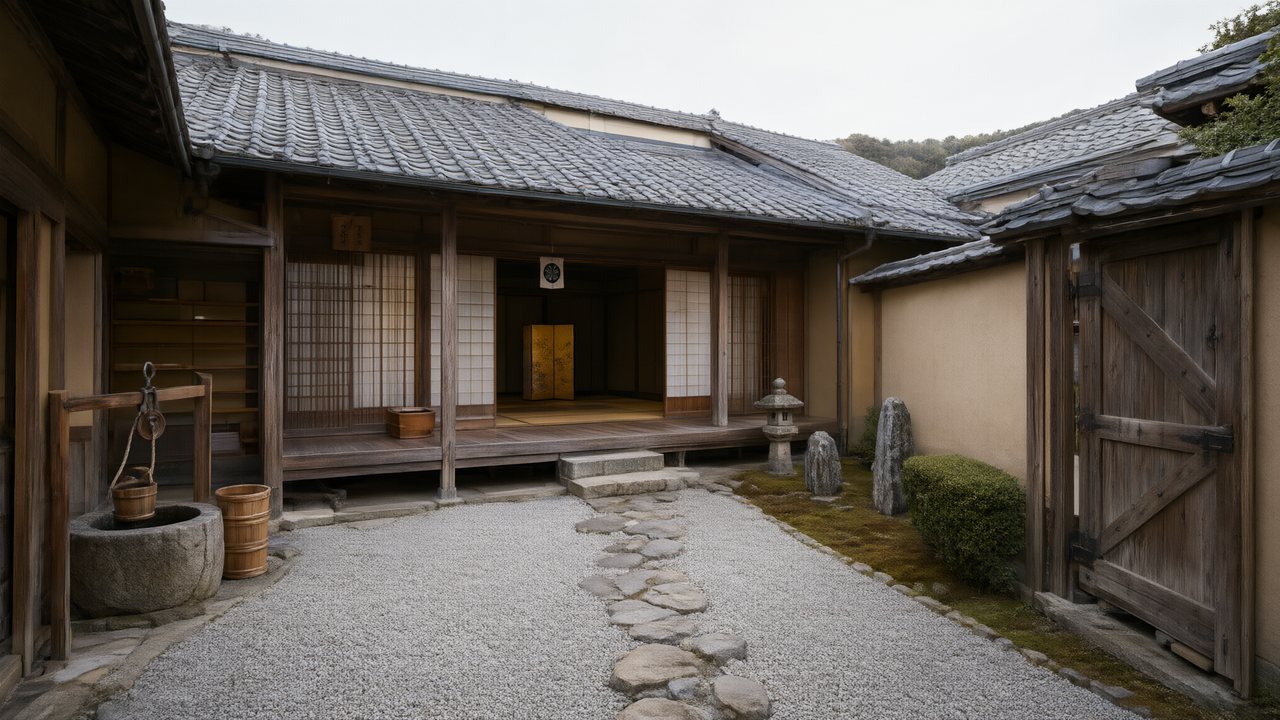 浪人の誓い日本語Native dialogue
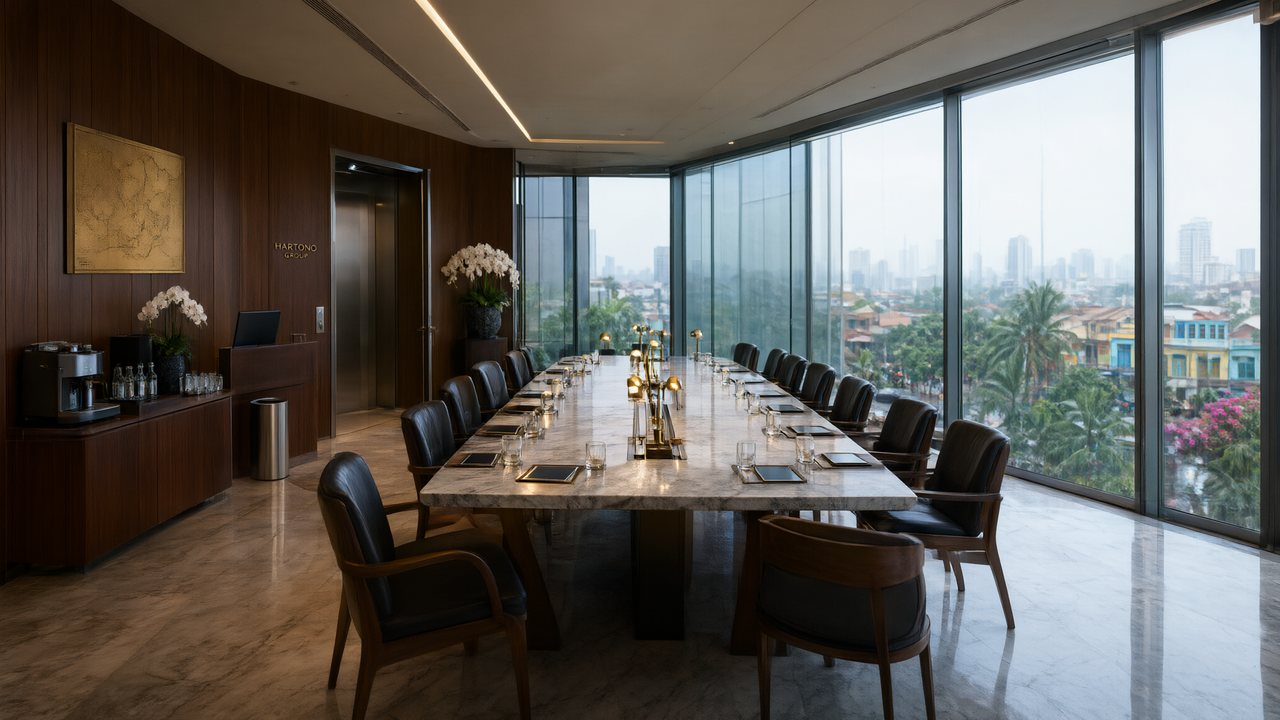 Ikrar JakartaBahasa IndonesiaNative dialogue
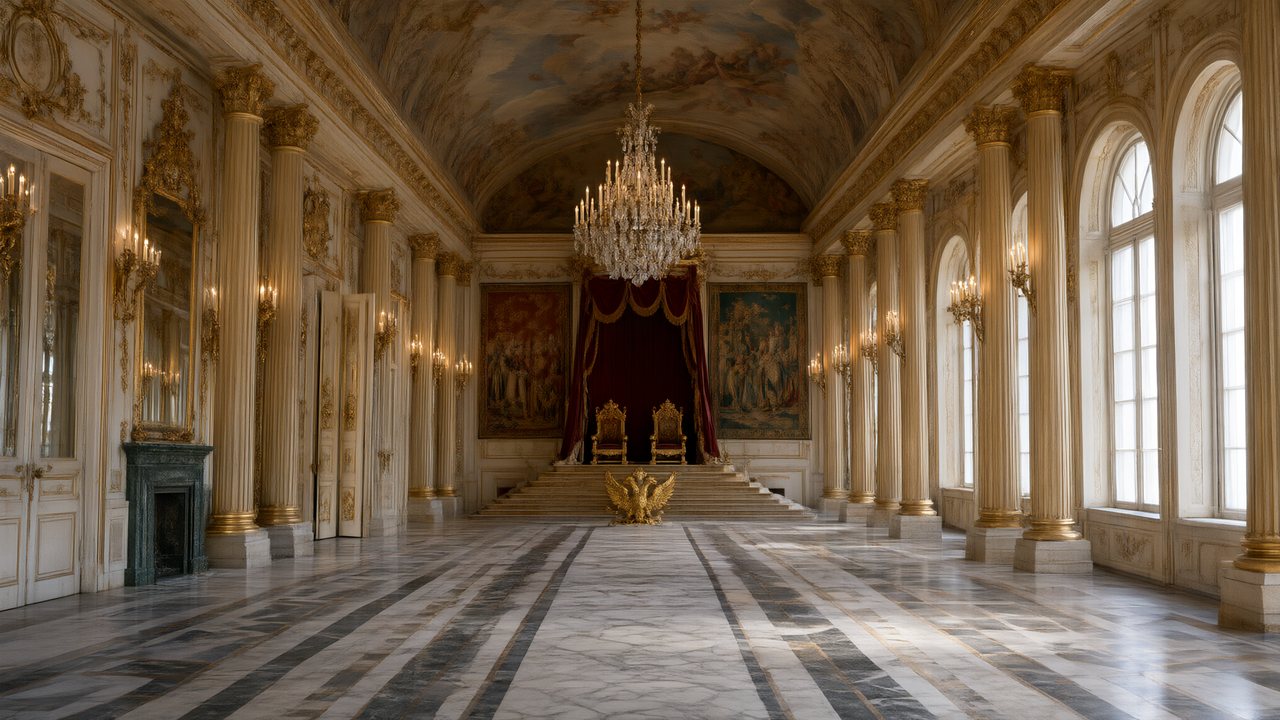 Зимняя коронаРусскийNative dialogue
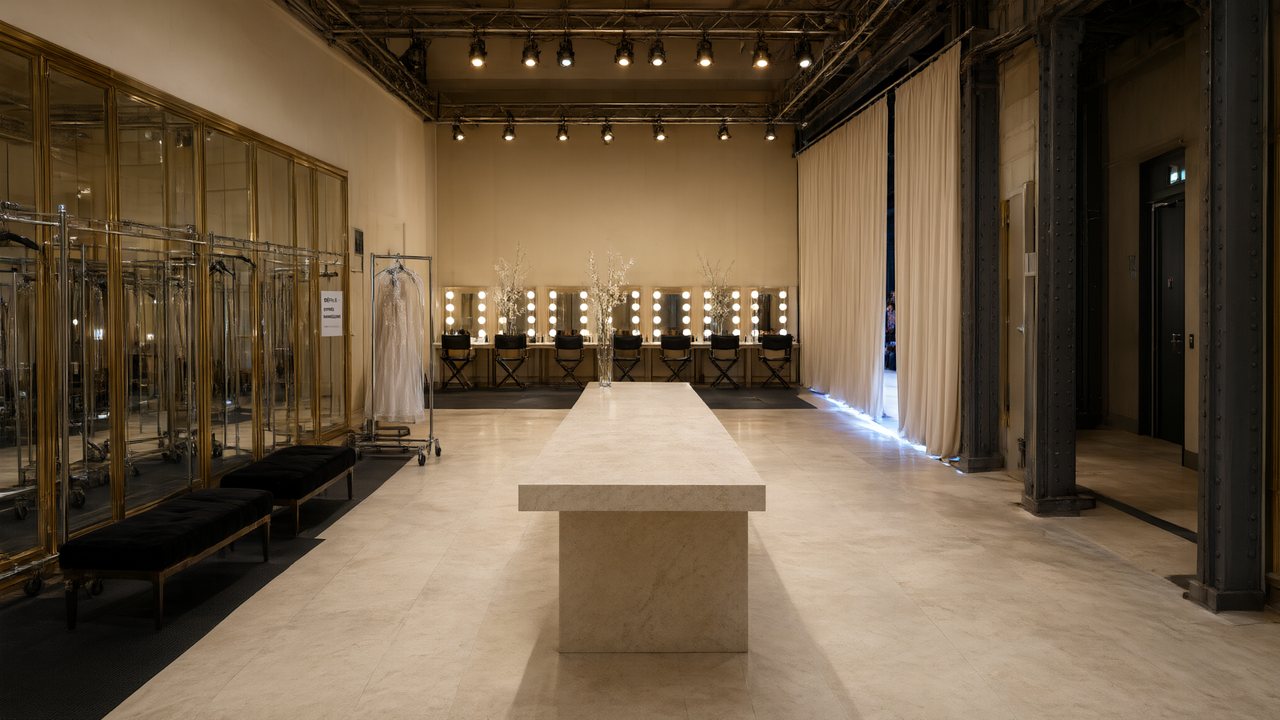 L’Héritier du DéfiléFrançaisNative dialogue
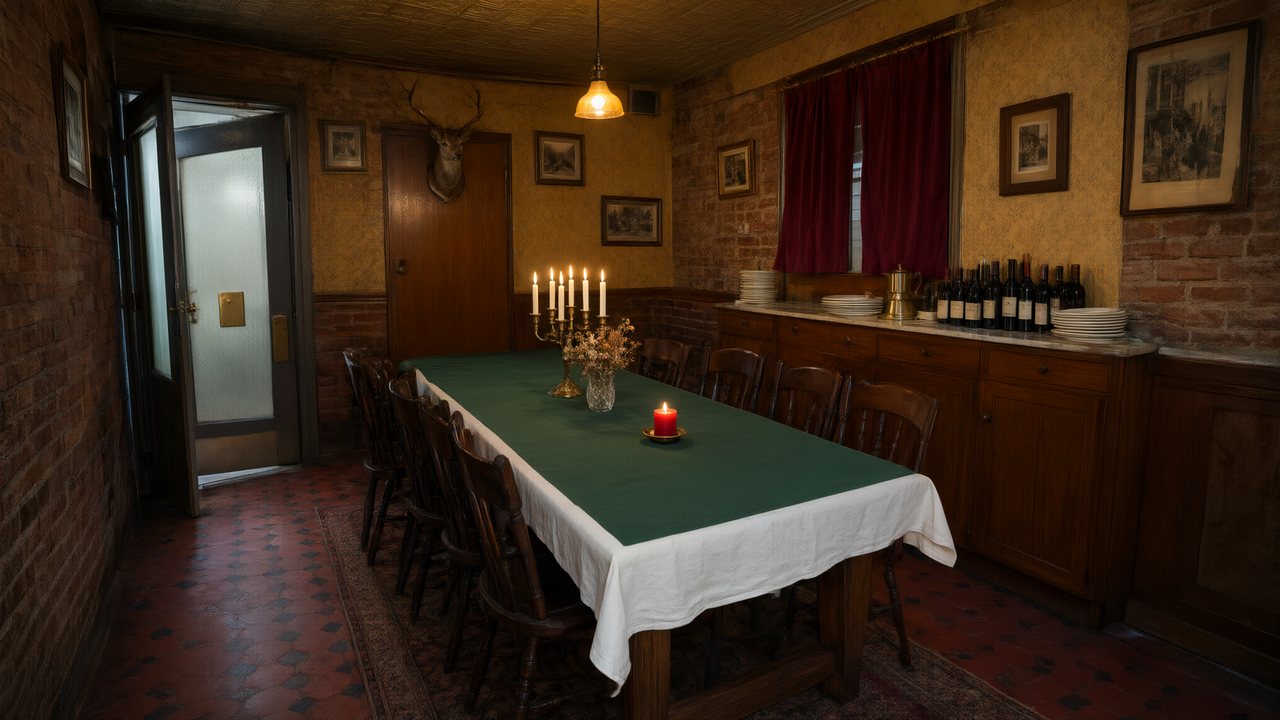 Il Tavolo dell'OlivaItalianoNative dialogue
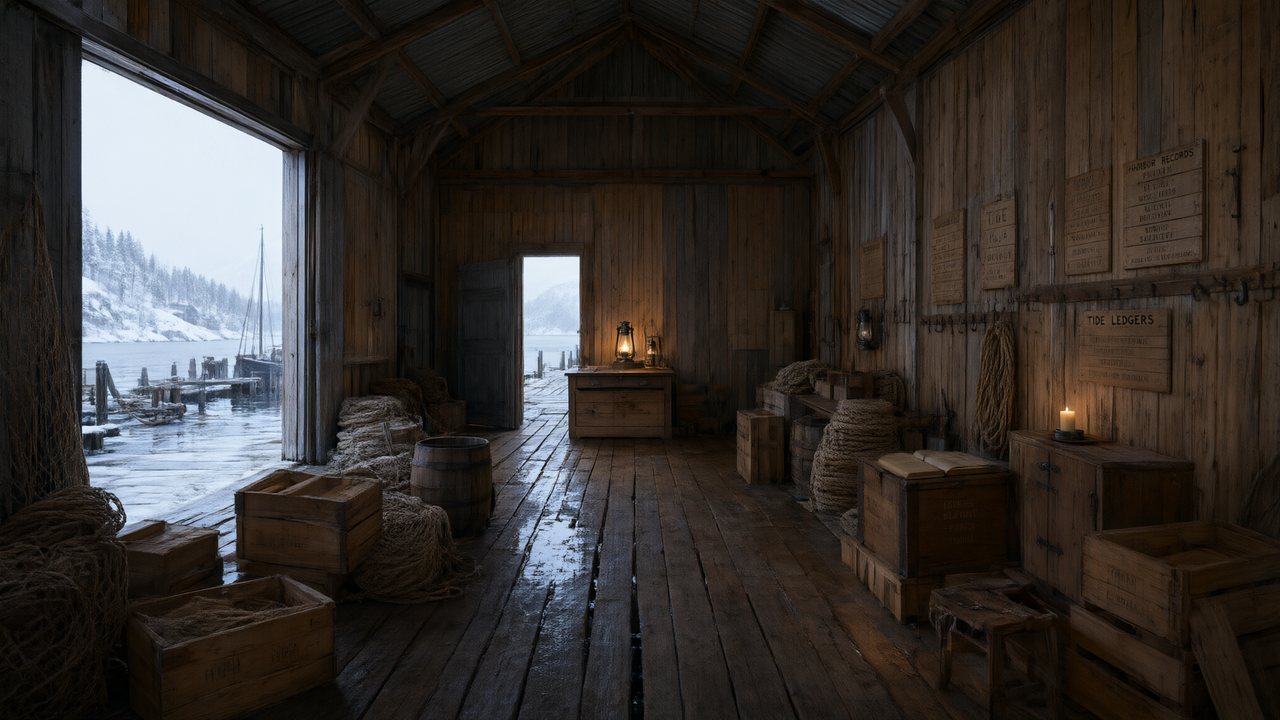 De Vuurtoren van de FjordNederlandsNative dialogue
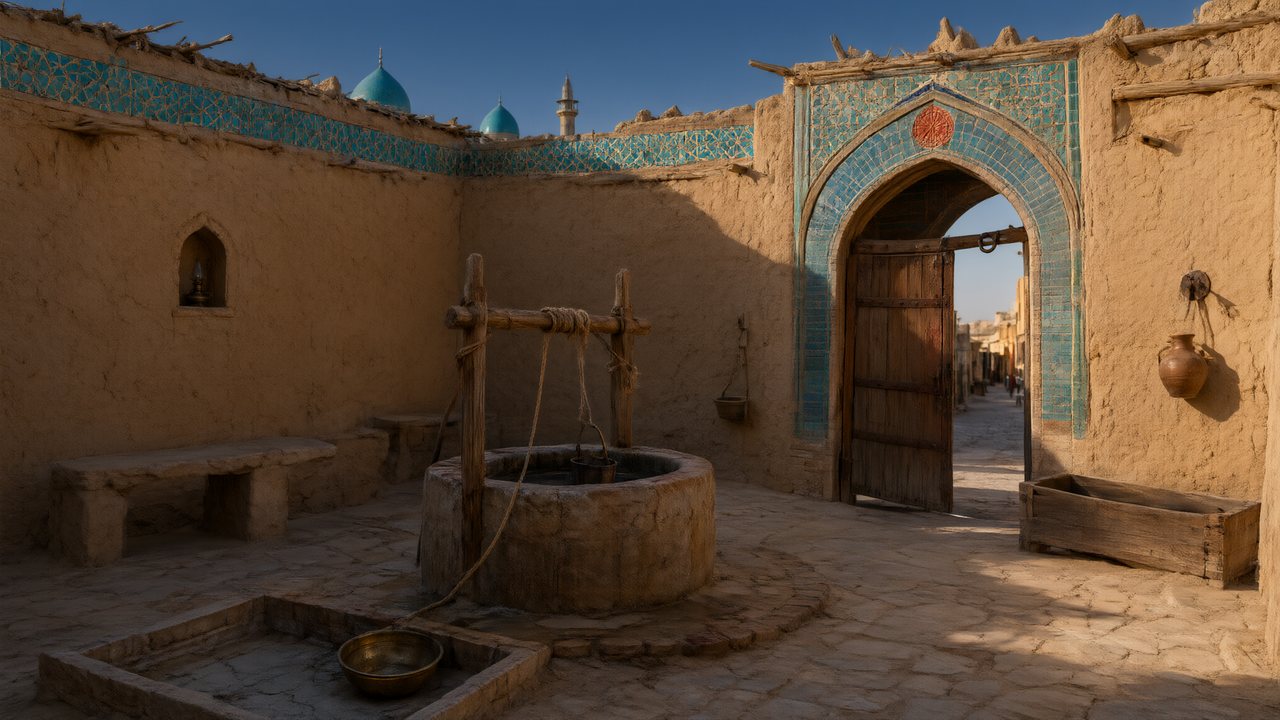 العهد الصحراويالعربيةNative dialogue
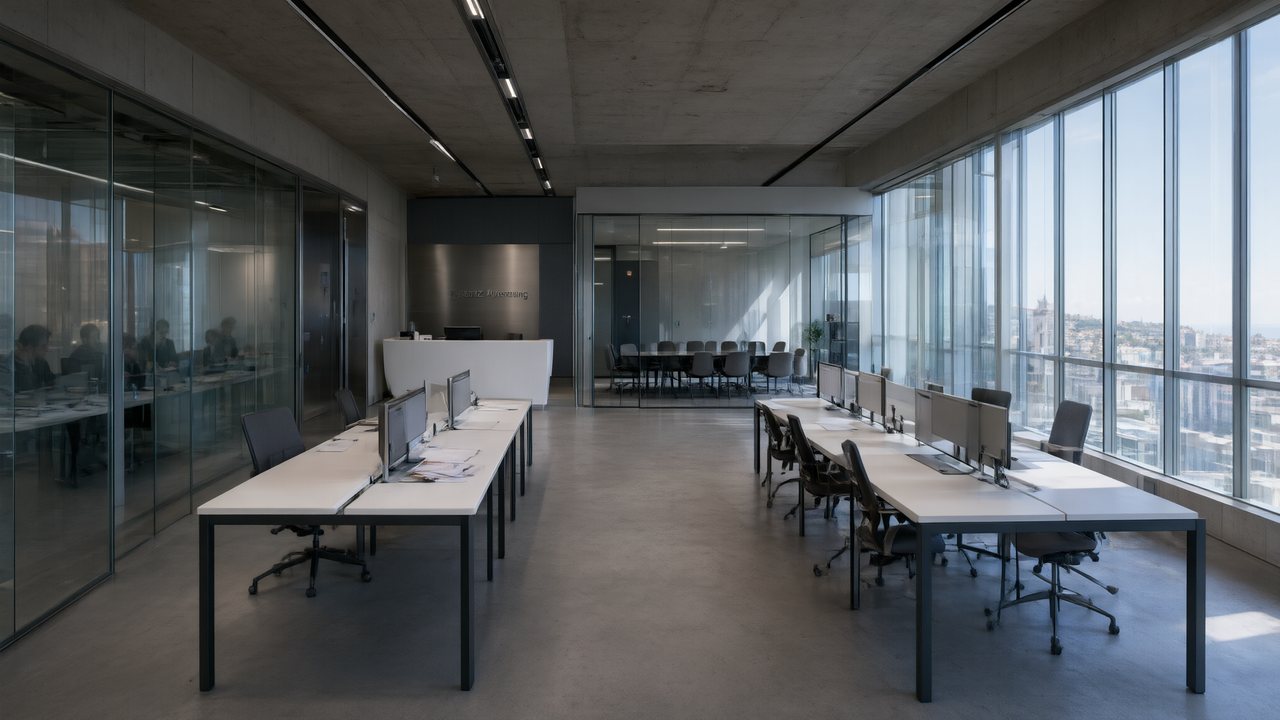 Çantasındaki SözleşmeTürkçeNative dialogue
 Die Istanbul-TäuschungDeutschNative dialogue
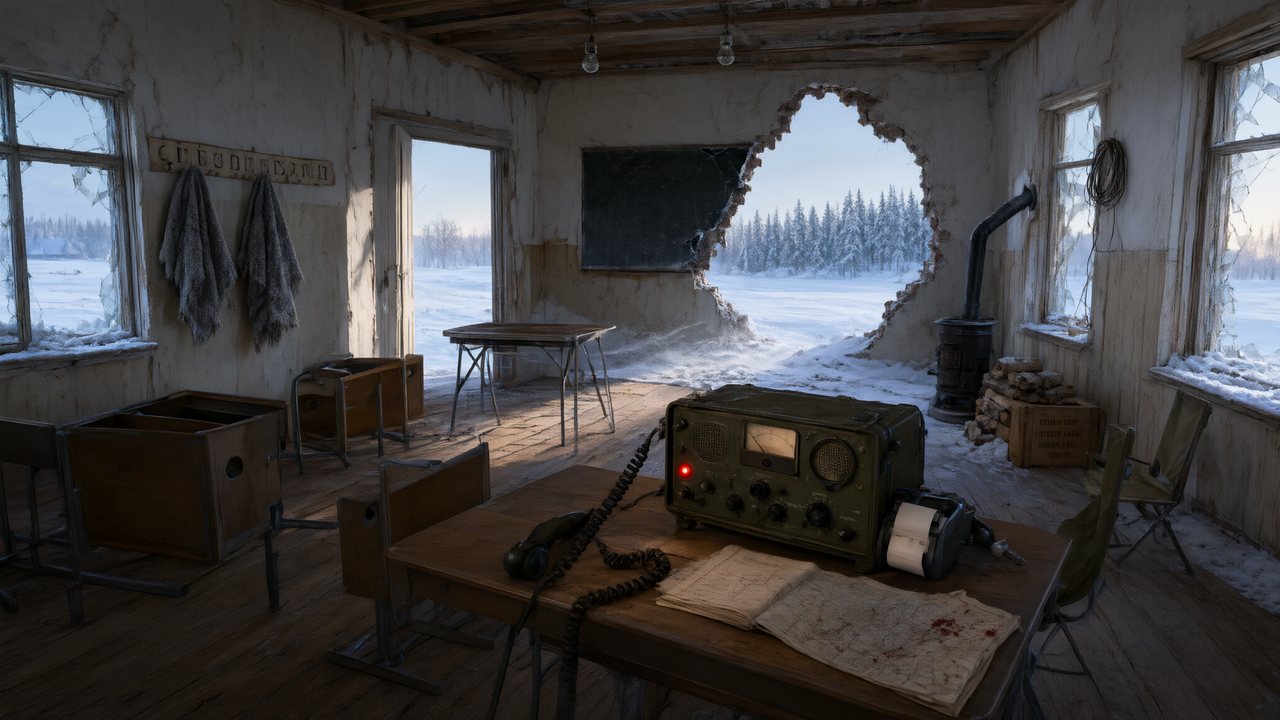 Останній сигналУкраїнськаNative dialogue
 問劍青雲繁體中文Native dialogue
 The Last EnvelopeEnglishIn your language
Frequently asked questions
Is this lip-sync?
No. Picture and speech are generated together in one pass, so the mouth and the performance are the same decision. There is no separate audio track being matched to a silent render, and no way to drive a photo or an uploaded video.
Can I use my own voice?
You can upload a recording as a character's voice reference. Cloning someone else's voice is not offered.
Do listeners in the shot move their mouths?
They should not — every non-speaking character in frame is explicitly marked with their lips closed, which is the instruction that stops a listener mouthing along with the line.
What happens with voice-over and phone calls?
The off-screen marker is written first in the delivery note, and then everyone visible in the shot is described with their mouth shut — so the line is heard without anyone appearing to say it.
Why is my dialogue shot longer than I wrote?
Because the line needs the time. Shots carrying dialogue have a floor of roughly three words per second in English, five characters per second in Chinese, with a pause added for very short lines. A shot too short for its line gets corrected before rendering rather than after.
Hear a character before you commit an episode
The free preview is long enough for a line of dialogue.
Try SceneMixer freeCredit packages from $1.49 · Pro $7.99/mo · No credit card to start
Pricing·Novel to Video·Guides·Samples·Support·Privacy·Terms·Legal·Contact·© 2026 SceneMixer