Your First Five Minutes

Which of the four tabs to use if you are not sure which fits.
The big box
Upload Script: paste text or Upload File (TXT / DOCX / Markdown). AI Create: type one idea and a script is written for you. Ad Video: photos in, an ad out. Remake a video: a clip in, a storyboard out. The button at the bottom right shows ✦ and the price of the first step; it changes as the text changes. Upload and parse.
The strip above
A promo line — First drama: concept sheets and episode-1 storyboard parsing, free — with Learn more. Close it with the cross; it stays closed. What is free.
Recent Projects and Featured Projects
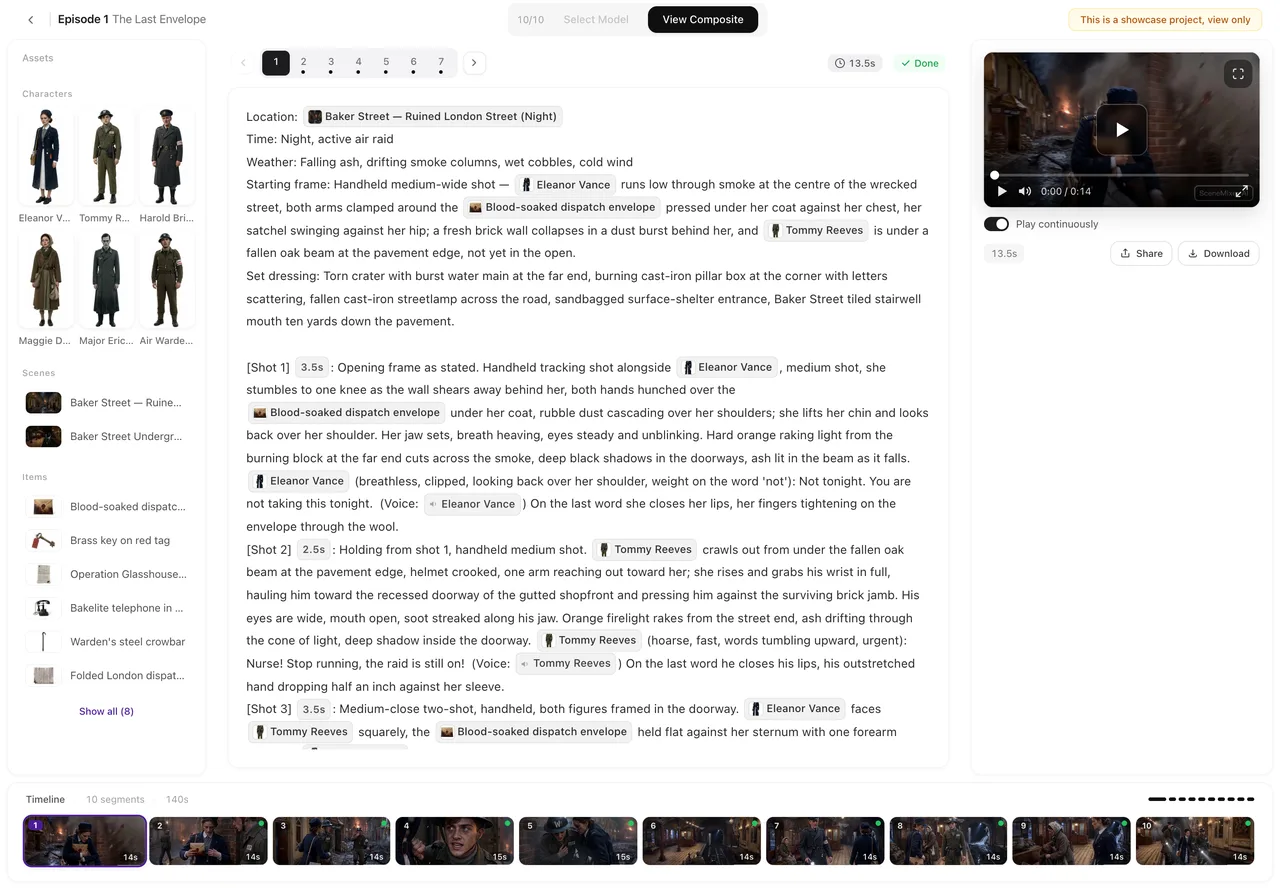
Your projects as cards, newest first, each with a thumbnail, its name and Step n/3. Click one to resume where you stopped; hover for Rename and Delete Project. View all opens the full list. Below, Featured Projects are finished dramas you can open, browse and play, but not change. Using a sample.
The sidebar
Home: this page. Projects: every project. Assets: every image, video and script you have made or uploaded, grouped by type. Membership: plans. Credits: packs and order history. Refer: your referral link. At the bottom, the question mark opens Help (the Ask window; feedback is sent from inside it) and the ⚙ opens Settings. Settings.
Top right
Your balance (click for Available, Frozen, Credit History, Buy Credits), Upgrade, the bell for announcements and replies, and your avatar (nickname, ID, Terms, Log out). The Ask button in the corner answers questions about the site from these guides. Getting help.
The on-page tips
The first time you open a page, a short tour points at its buttons. Close it any time; replay it from Settings → Quick tour → Replay.
| Area | What it is for |
|---|---|
| Four tabs | Start a project from a script, an idea, photos or a clip |
| Button with ✦ | The price of the first step, live |
| Recent Projects | Resume, rename or delete |
| Featured Projects | Open and browse finished dramas |
| Sidebar | Projects, Assets, Membership, Credits, Refer, Feedback, Settings |
| Top right | Balance, Upgrade, bell, avatar, Ask |
FAQ
Where do I start?
Paste a script into the box and press Get Started; the button shows the price first.
What is Step n/3 on a card?
How far that project got: 1 outline, 2 cast and sets, 3 episodes. Click to resume there.
Can I edit a Featured Project?
No. They open read-only, for browsing and playing.
Where are my files?
Assets in the sidebar, grouped by type across every project.
How do I see the tips again?
Settings, Quick tour, Replay.
Updated September 26, 2026
Pricing·Novel to Video·Guides·Samples·Support·Privacy·Terms·Legal·Contact·© 2026 SceneMixer