How to Make AI Videos That Do Not Look Like AI
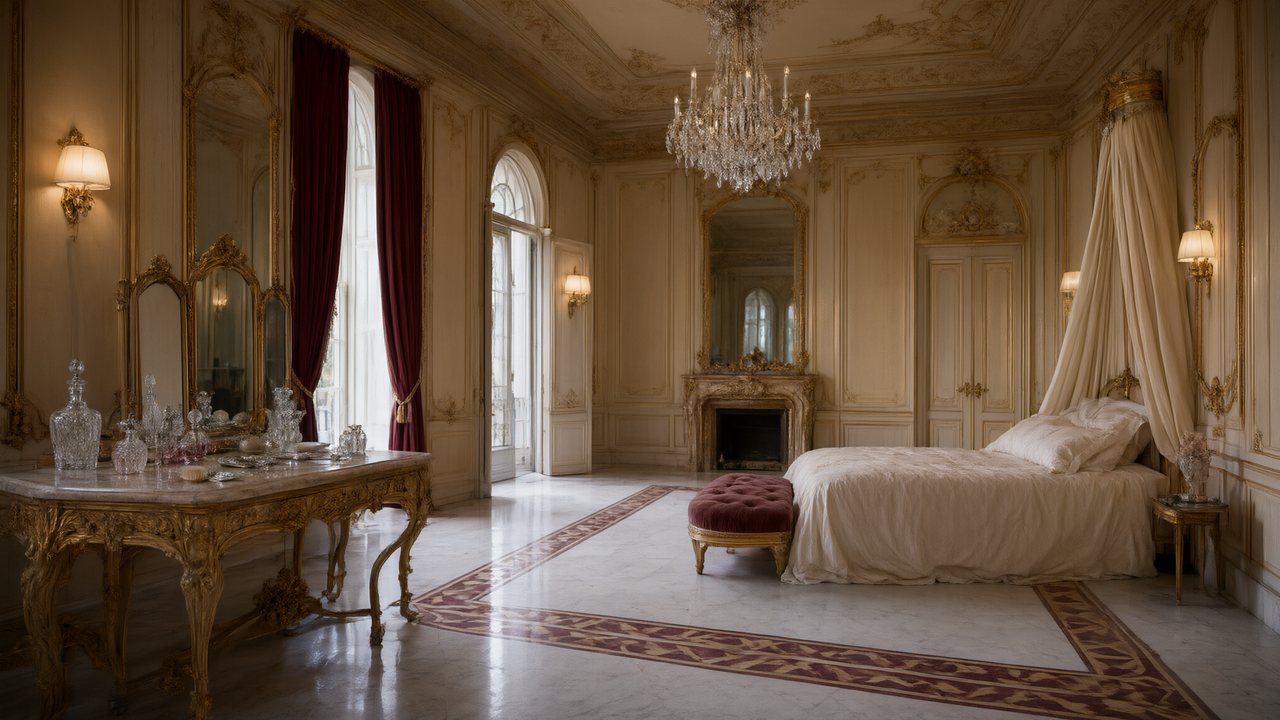
Try it: watch one finished sample episode with the sound off and note the first thing that feels wrong. Match it to one of the six tells below; that is the one to fix in your own project first.
Tell 1: the face changes between shots
Why: if every shot is drawn on its own, nothing says who a person is, so the model draws a plausible face each time. The fix: each character is one entry with one approved image, and every shot that includes her is made from that entry. The face in a close-up is the face in a wide shot and in episode nine, because the source is the entry, not the previous clip. A bad shot does not poison the next one: regenerate it, or move on.
Your part: approve the sheets in Step 2 before you pay for any video. Describe the face with the specific things a real face has, a crooked front tooth, a broken nose, grey stubble, a scar, not with verdicts like “beautiful”, because the model resolves a verdict to an average pretty face. The sheet is drawn with a plain side light that shows the bones, so the description does the rest. Free: the first 15 sheets on an account. The same face in every shot · Describe the cause, not the result.
Tell 2: the room rearranges itself, and people swap sides
Why: a conversation is three or four shots, and if each shot invents its room, the window moves and the man who was on the left is on the right. A reverse shot even draws a wall that was never there. The fix: every scene gets an automatic AI 3D model, the space, the furniture that matters and a place for each person, and every shot in the scene is generated against that one model. The wide shot, the close-ups and the reverse shot describe the same room from different positions. There is nothing to set up.
Your part: write positions as relations to things in the room and to each other, “at the head of the table, across from her, back to the window”, once at the start of the segment and again only when someone moves. “By the window” holds from every camera; “on the left” is true from one. Everyone stays where they sat · Write positions the world can read · Why characters swap sides.
Tell 3: clothes and wounds jump, or never change
Why: a model given a reference picture copies what is in it, the face, the clothes, the shape of an object, and no sentence will talk it out of that. The fix: a thing that looks different needs its own picture, called a state: a full change of outfit, a transformation, a burnt hall, a blade out of its sheath. The read proposes them within caps (up to three looks for a character, two for a location, one for a prop) and works out which segment uses which. Anything that changes only the situation, such as standing or sitting, day or night, rain, dust or who holds what, is written in words and works fine. Rain in particular is text, not a state.
The test is one question: does the thing itself look different, or does the situation around it? If both versions could be in one frame, they are two assets, not one asset with a state. Costume changes and scene states.
Tell 4: a crowd that appears, vanishes, or stares at nothing
Why: whether a shot has people in the background is a fact, and if the text never states it, the model decides shot by shot. A wedding with a full church in one shot and an empty one in the next is the classic. The fix: state the crowd as a fact once for the whole segment: who, where, doing what, such as “a dozen guests at the tables, eating and talking”. If the place is empty, say what is there instead: “an empty street, chairs stacked against the cafe wall”. A negative like “no crowd” tends to produce the crowd, because a sentence is a list of things to consider drawing. Background people in a scene · Say what is there, not what is not.
Put an @ chip on every character who is visible in a shot, and on nobody who is only heard or elsewhere in the room: an unseen name invites a face that should not be there. Who is in frame.
Tell 5: the generic AI look
Why: the average of everything is smooth skin, perfect symmetry, even light from nowhere. The fix: choose the look on purpose and in layers. Visual style is the medium; scene style is what the set is built from; costume style is what people wear. They are kept apart because they control different layers, and mixing them into one box is what makes things generic. Then give each shot a light with a source (a desk lamp, headlights across the ceiling, overcast noon), write actions as physical causes (the train brakes and her coffee tips), and keep two or three people per shot.
Leave out the magic words. “Masterpiece, 8K, cinematic, volumetric fog” adds nothing the model can place, pushes the words that matter further down, and sometimes gets painted literally: the fog really appears. How to make AI video look more realistic · No magic words · Choosing your style settings.
Tell 6: the sound does not belong to the picture
Why: when speech is recorded or dubbed after the picture, lips and words drift apart. The fix: each segment is generated with its sound already in it, every tagged line spoken in that character’s voice by the person whose lips move, plus the ambience of the place. Each character has one voice, chosen once and used for every line in every episode; match one from the built-in library and it is attached to every shot that character speaks in.
Your part: write each line with its speaker and voice tag, give anyone else in the shot lips closed, add one Ambient line of a few words, and mark a silent shot as No dialogue. If lettering appears in the picture, a shot invited it by mentioning a sign, a caption or a screen with content; describe a blank screen and regenerate. Dialogue and sound in one generation · Text in the picture, and wrong dialogue.
A three-minute test for your first segment
| Look at | Pass if | If it fails |
|---|---|---|
| The face, in the close-up and the wide shot | It is the same person, with the features you wrote | Edit the description in Step 2, regenerate the sheet |
| The room, across two cuts | The window, the door and the seats have not moved | Add one sentence of positions to the segment’s first shot |
| The clothes, against the sheet | They match, or a state is chosen for the change | Add a state, or move the change into words if it is only the situation |
| The background | People are there or absent as you stated | State the crowd, or describe the empty place |
| The light | It has a visible source | Name the lamp, the window or the hour in the shot |
| The sound, with the picture on | Right voice, right mouth, nothing written on screen | Check the speaker and voice tags, then the character’s voice |
Run this on one segment of the lowest tier before you generate the rest; the cost of a retake there is small and the lessons carry to every later shot. A checklist before you generate.
What setup cannot fix
Hands, five people talking at once and fine detail in a crowd are where AI video still gives itself away, and the answer is to ask for less: fewer people, one action per shot. Two identical requests can give two different clips, so some shots will need a second take. And a face too close to a real person is refused, which is a rule, not a flaw. The honest goal is not to hide that a video was made with AI, which the badge and platform labels exist to say, but to remove the glitches that distract from the story.
| Tell | Cause | Fix in the product |
|---|---|---|
| Face changes | No fixed identity | One approved sheet per character |
| Room rearranges | Each shot invents its room | A 3D model per scene; positions written as room anchors |
| Clothes jump | Reference copies what it shows | A state picture for a changed look; words for a changed situation |
| Crowd flickers | Never stated | State who, where, doing what, or what is there instead |
| Generic look | Average of everything | Three style layers, a light source, specific features |
| Sound mismatch | Sound made apart from picture | Sound generated with the clip; speaker and voice tags |
FAQ
How do I make an AI video look less like AI?
Fix what should stay put: one approved image per character, one room per scene, a state picture for any change of look, a stated crowd, a chosen look and a voice tied to its speaker. Then keep shots to two or three people and one action.
Why does my character look different in every shot?
Because each shot was made without a fixed reference. Here each character is one entry with one approved sheet, and every shot is made from it. Check the sheet and that the character has an @ chip in the shot.
Can I keep the same room across cuts?
Yes. Each scene is built against an automatic AI 3D model, and you describe positions relative to things in the room, such as the window or the head of the table.
How do I change a character's outfit mid-story?
Add a state for a full change of outfit, burns or a transformation. Changes of situation, such as rain, night or sitting down, are written in words.
Do words like cinematic or 8K help?
No. The models read sentences, not tags. Say where the light comes from and what the camera sees.
Why does a negative like no crowd give me a crowd?
A sentence is a list of things to consider drawing, and the noun carries more weight than the word no. Describe what is there instead.
Why is there writing in my picture?
A shot mentioned a sign, a caption or a screen with content. Remove the mention and regenerate; the site asks for a clean picture and carries dialogue by sound.
Is it dishonest to make AI video look natural?
No, if you label it. The AI badge and the platform’s own AI declaration say what it is; the aim here is fewer glitches, not concealment.
Run the three-minute test on one segment
Fix the cast and the room once, and every later shot inherits it.
Updated November 2, 2026