Why the Scene Style and the Costume Style Are Chosen Before the Script Is Read

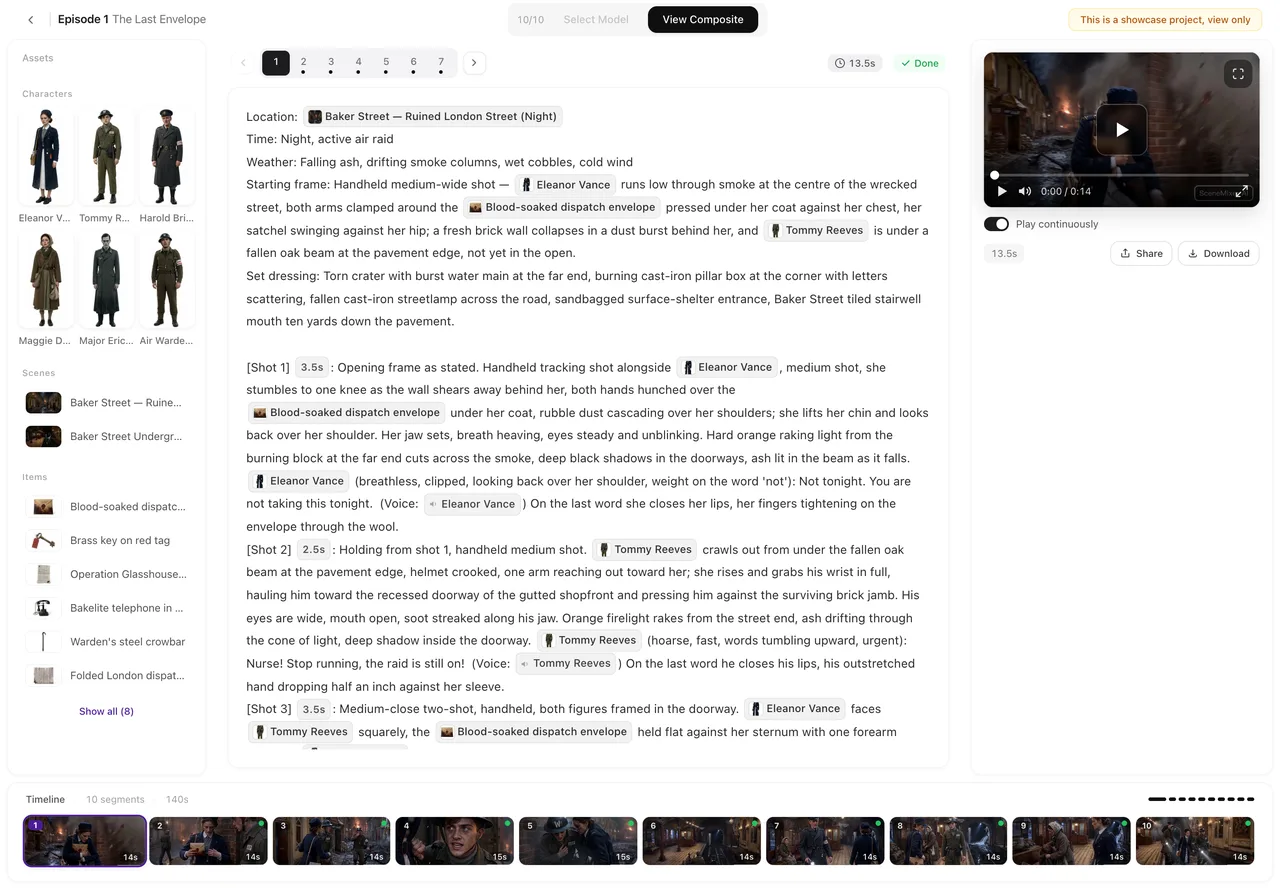
Open a scene in Step 2 of a parsed project and read its description: the scene style is already written into it, in words you can edit.
The four style settings and when each applies
Visual style: how things are drawn — medium and finish. Applied at generation, every time. Scene style: what the sets are — materials, period, density of dressing. Written by the read into every scene description. Costume style: what people wear — cut, fabric, period. Written by the read into every character’s clothing field; if a clothing field is left empty, the costume style fills it when the sheet is generated. Content type: pacing and structure; also used by the read. All four are set in Step 1 before the script is read and cannot be changed in the project afterwards. Choosing them well: How to Choose Visual Style Settings.
Why the two are handled differently
A visual style is a way of drawing and can be attached to any description. Scene and costume styles are content: a Song-dynasty courtyard is a different room from a Brooklyn loft, and a character’s clothes are part of who they are. If those were applied at generation on top of descriptions written for another setting, the two would fight — a modern apartment description with a period style pasted on gives you red pillars in a kitchen. So they go in once, during the read, where the descriptions are written in the first place.
Changing the look after the read
Edit the descriptions yourself in Step 2 — the scene descriptions for a new art direction, the clothing fields for new costumes — and regenerate those sheets; storyboards and clips generated afterwards read the edited descriptions. The visual style itself cannot be changed in the project; for a different one, start a new project with the same script. What you can still change after the read.
Custom styles
Members can enter a custom scene or costume style in their own words. It is applied the same way — during the read — and follows the same writing rule as any description: materials, cuts and periods, not adjectives. Describe the Cause, Not the Result.
Existing clips
Editing a description changes nothing already generated. Regenerate the sheets and segments you want in the new look. Segments keep every earlier version; a regenerated sheet replaces the old one.
| Setting | Applied | To change it after the read |
|---|---|---|
| Visual style | At every generation | Not possible in the project; start a new project |
| Scene style | During the read, into scene descriptions | Edit scene descriptions in Step 2, then regenerate |
| Costume style | During the read, into clothing fields | Edit clothing fields in Step 2, then regenerate |
| Content type | During the read | Not possible in the project; start a new project |
FAQ
Can I change the scene style after the script is read?
Not the setting. Edit the scene descriptions in Step 2, where the style was written, then regenerate those sheets.
Can the script be read again with a new style?
Not in the same project. Start a new project with the same script and choose the styles before it is read.
Can I mix a period costume style with a modern scene style?
Yes; they are independent axes and both go into the read.
Can I change the visual style later?
No. It is fixed once you continue from Step 1, because it shapes every sheet and clip in the project.
Where do I write a custom style?
In the same Step 1 dropdown, as a member; describe materials and cuts, not moods.
Pick sets and costumes before you parse
All four style settings are fixed once the script is read; choose them in Step 1.
Updated September 27, 2026
Pricing·Novel to Video·Guides·Samples·Support·Privacy·Terms·Legal·Contact·© 2026 SceneMixer