Ad Projects and Remake Projects: What Looks Different in the Wizard and the Editor, and Why

Open an ad in advanced mode and a remake side by side: count the controls in Step 1; the missing ones are the ones listed here.
Ads: the same three steps, renamed
Step 1 ‘Ad script’: the creative script, editable, with a button to let AI rewrite it; no content type, dialogue language or region (an ad is written in Chinese on a Chinese interface and in English otherwise). Step 2 ‘People, scenes, props’: the product card carries a badge; its image is redrawn from your original photo only, never from text; screenshots are used as they are. Step 3 ‘Shots and final cut’: one episode, segments fixed at 15 seconds, no delete-episode; the composite button first asks for the end card (brand, product name, tagline, call to action). Hand It to AI or Advanced Mode.
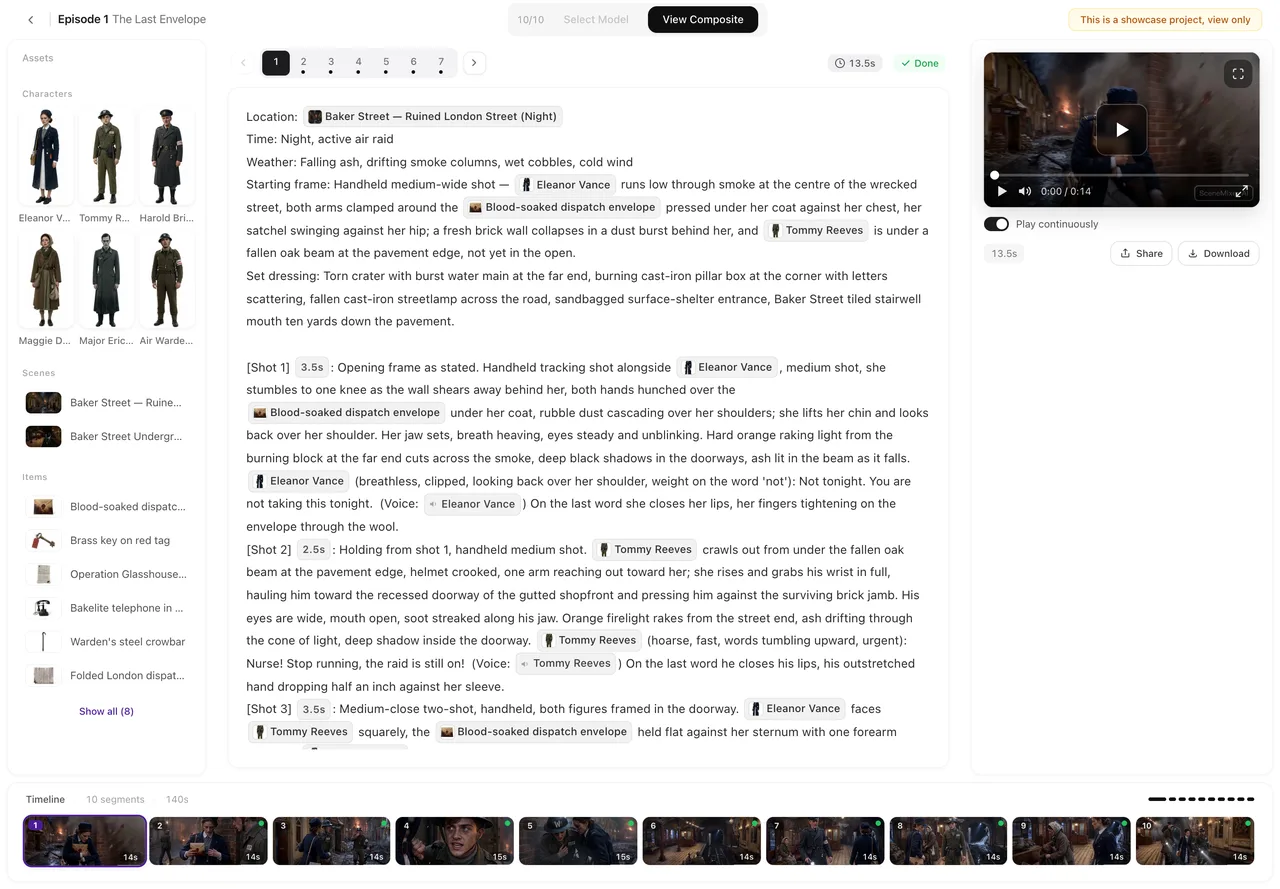
Ads: what is fixed
Segment length (15 s), the number of segments (from the ad duration), the resolution tier chosen at the start, and the one-price quote if you chose to hand it to AI. Regenerating a shot, a sheet or the composite works as in any project and is priced per action. The End Card.
Remakes: what replaced the parse
The read of your clip produces the cast, scenes, props and an episode outline written like a parsed script. So Step 1 has no parse button; the style step holds visual style, scene style, costume style and region, applied when you confirm and the descriptions are tidied to match. Dialogue language is not offered in Step 1: it is chosen on the upload screen (defaulting to your interface language) and fixed once the read starts. After the Read.
Remakes: the storyboard step
Step 3 shows one episode with its outline and a generate-storyboard button at the usual storyboard price; the storyboard is written to the site’s own pacing, so the result runs longer than the source. Segments, clips and composite then work exactly as in a script project. After the Read, Generate the Storyboard.
What is the same everywhere
Sheets and states, the segment editor, versions, the model selector, the badge switch, sharing, downloads, the library, credits and refunds. If a control is missing in an ad or a remake, it is one of the items above; nothing else is hidden.
| Control | Script project | Ad | Remake |
|---|---|---|---|
| Parse button | Yes | Yes (from the ad script) | No; the read replaced it |
| Content type / dialogue language | Step 1 | Hidden | Hidden |
| Region | Step 1 | Hidden | Style step |
| Segment length | 15 or 30 s | Fixed 15 s | 15 or 30 s |
| Delete episode | Yes | No | Yes |
| End card before composite | No | Yes | No |
| Onboarding tour | Yes | No | Yes |
FAQ
Why can't I change the ad's segment length?
Ad shots are paced for 15-second segments; the count comes from the ad duration.
Why is there no dialogue language in a remake's Step 1?
It is chosen on the upload screen and fixed once the read starts; it cannot be changed afterwards.
Can I redraw the product from text?
No. The product image is always redrawn from your original photo so it stays your product.
Does an ad get the first-project free allowance?
No; ads are never the free first project.
Can a remake use the 30-second segment length?
Yes, like any script project; set it in Step 3.
Updated September 27, 2026
Pricing·Novel to Video·Guides·Samples·Support·Privacy·Terms·Legal·Contact·© 2026 SceneMixer