AI Film Maker for filmmakers

| SceneMixer at a glance | What you get |
|---|---|
| Video price | From $0.06 a second (10 credits) on the default tier, up to $0.47 a second on the top tier; every price is shown before you press the button |
| Clip length | Up to 30 seconds per generated segment; an episode is composited from its segments at 1 credit a second |
| One episode, worked out | A 60-second episode on the default tier is about 660 credits (video plus compositing), about $4.11 at the lowest credit price; a 10-episode series of 90-second episodes from a 30,000-character novel is about 10,026 credits, about $62 |
| Dialogue | Spoken in the video itself, one voice per character, in any of 15 languages |
| Formats | 9:16 vertical or 16:9 landscape; 480P to 1080P, plus a 2K tier |
| Free to start | 50 credits on signup, 15 free setup images, a free storyboard for the first episode and a free 5-second video preview |
| Who uses it | 2,900+ creators have generated with SceneMixer (accounts with at least one generation, counted November 2026) |
| Input | A script, a novel or a one-line idea; .txt, .docx and .md uploads |
Five jobs it does for a production
| Job | What you make | Guide |
|---|---|---|
| Previs and animatics | Key scenes rendered from your script to test blocking and pace | Previs and animatics |
| Pitch trailer | A 60–120 second trailer with the same cast | Trailer |
| TV pilot | A whole pilot episode to show a buyer | Pilot |
| Festival short | A finished short in an AI category | Festival short |
| Key art | Three poster options with the title painted in | Poster |
Your screenplay, as written
Scene headings, character cues, parentheticals and V.O. all read. Export from your screenwriting app as plain text or Word (rename Fountain to .txt); PDFs are refused. Keep one spelling per character and one name per place, or the read will make two. Scene headings and character cues.
The read lists every character, location and prop. Step 2 draws them as plain reference sheets, so the look you approve is the one every shot uses. You can upload your own concept art as a reference (a member feature). Use your own image.
The shot list is yours to edit
The storyboard is a shot list with seconds: framing, who is in frame, positions, the line and the sound. Rewrite any of it and only the shots you touched are re-read. Write lenses and moves in plain words; a vague shot gets a generic picture. Editing the storyboard and camera movement.
Positions are tracked across cuts, so a character on the left of a table stays there in the reverse shot. Why characters swap sides.
Delivery
- Aspect: 16:9 or 9:16, fixed per project.
- Resolution: chosen by tier; Enhance raises a finished clip a step at a time up to 2K. Enhance.
- Badge: members get badge-free downloads by default. The AI badge switch.
- Subtitles: burned in or as SRT on accounts that have made a purchase. Subtitles.
- Looks: Shot on Film, Black & White Film, Soft Glow among 21 visual styles. Visual styles.
Where it stops
It does not edit footage you shot, it cannot hold one take longer than a single generation, and it will not put a real actor's face on a character. Treat it as a tool to see and sell a film, and to make short films outright; a feature is possible but is a budget decision. Short film budgets.
Languages
Native dialogue in 15 languages
Every series below was produced by the same pipeline with the cast speaking that language natively: the interface, the working documents and the spoken lines are all in one language, and nothing is dubbed. Open one to hear it.
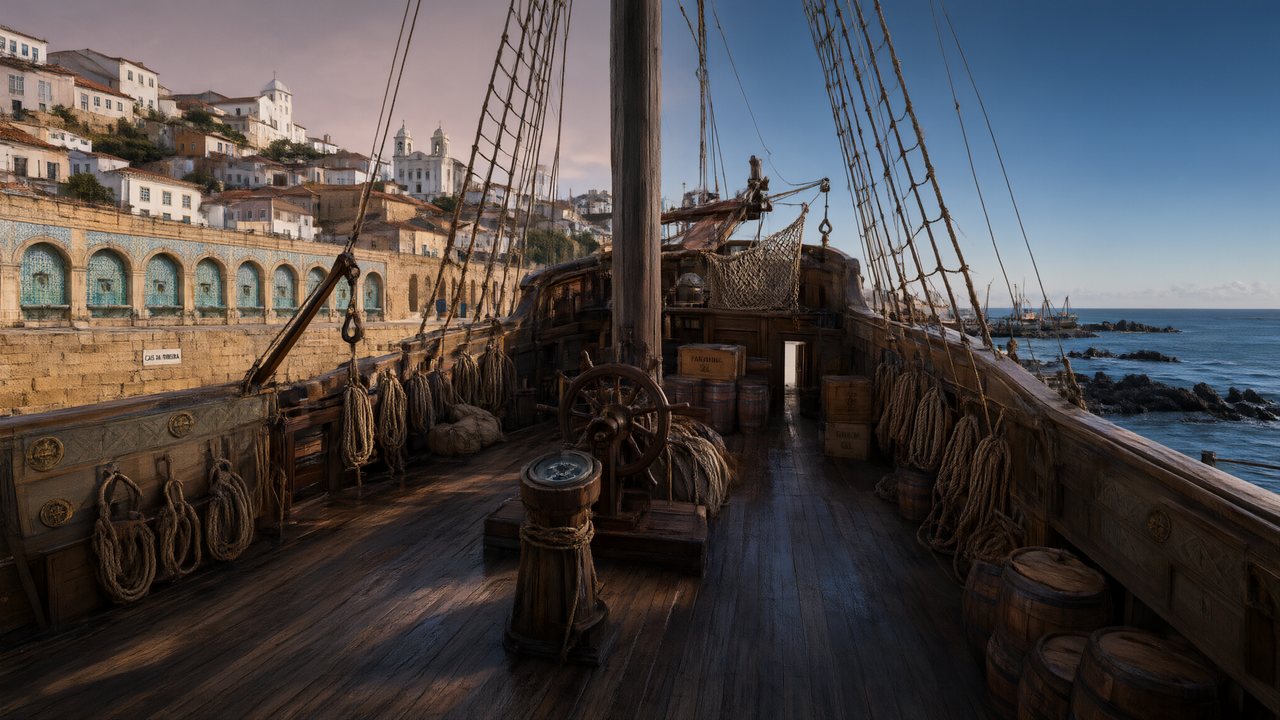 A Carta de LisboaPortuguêsNative dialogue
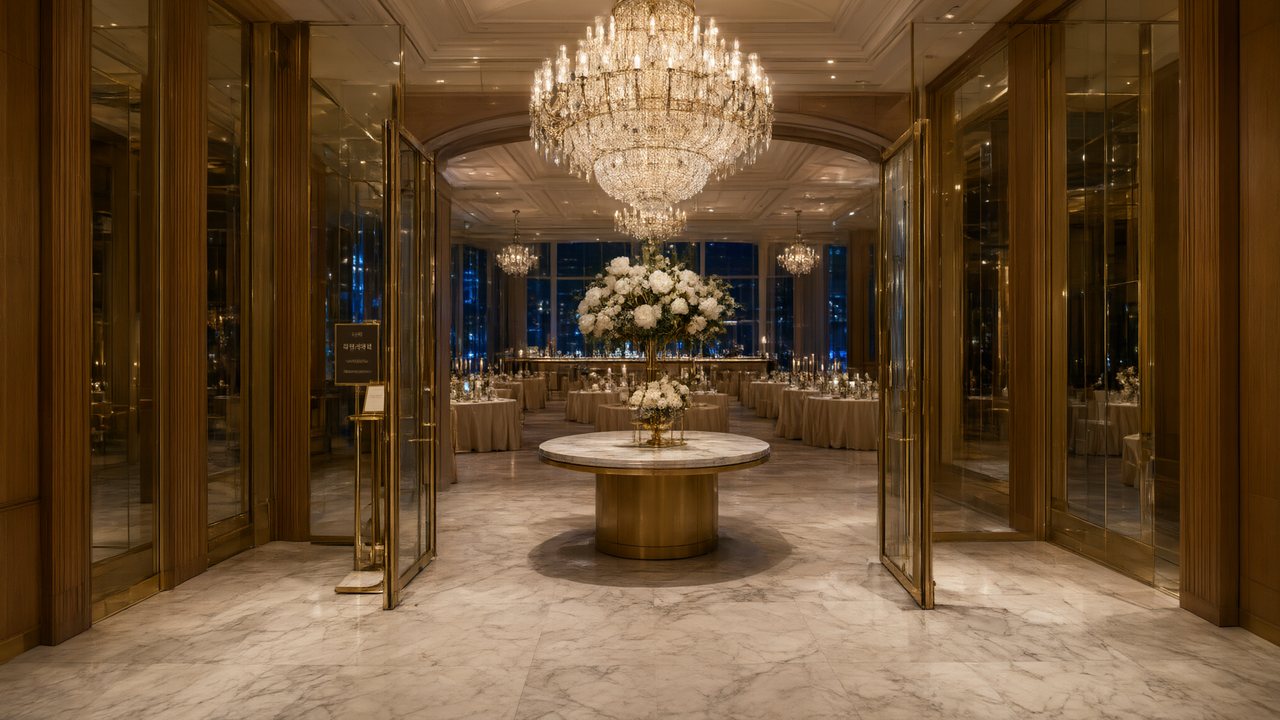 윈터 프라미스한국어Native dialogue
 El Secreto de CostaEspañolNative dialogue
- 浪人の誓い日本語Native dialogue
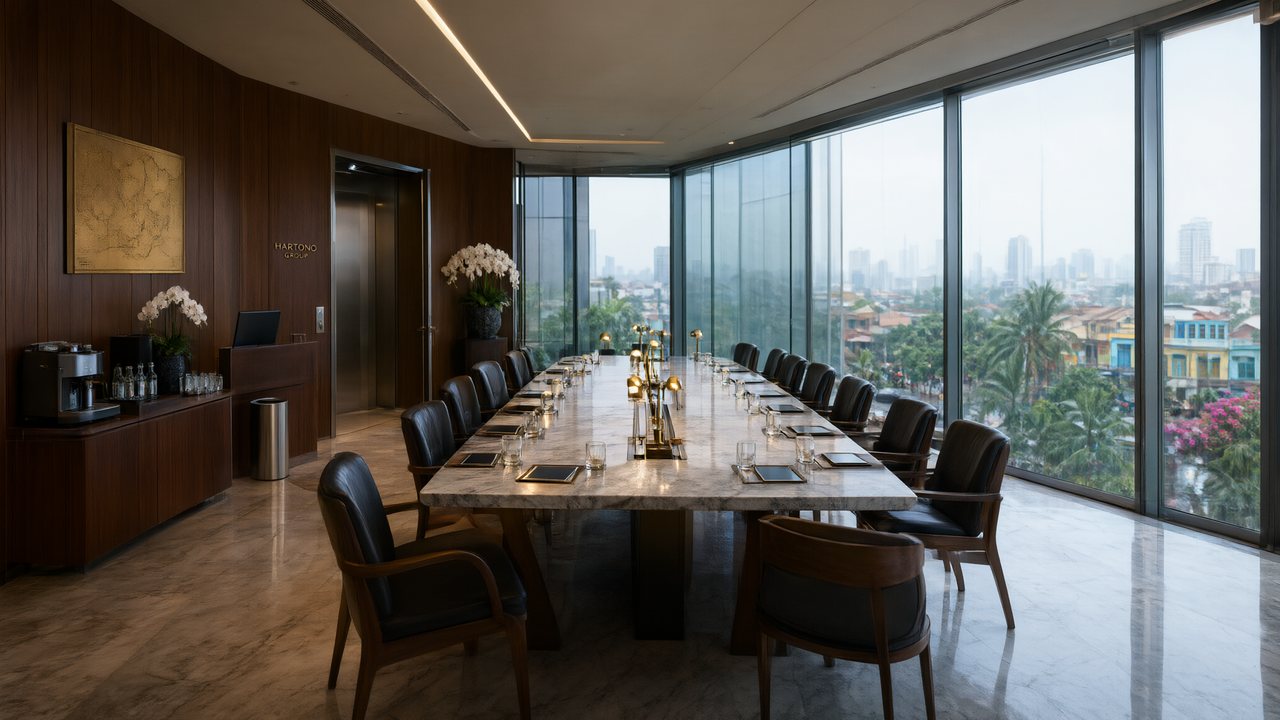 Ikrar JakartaBahasa IndonesiaNative dialogue
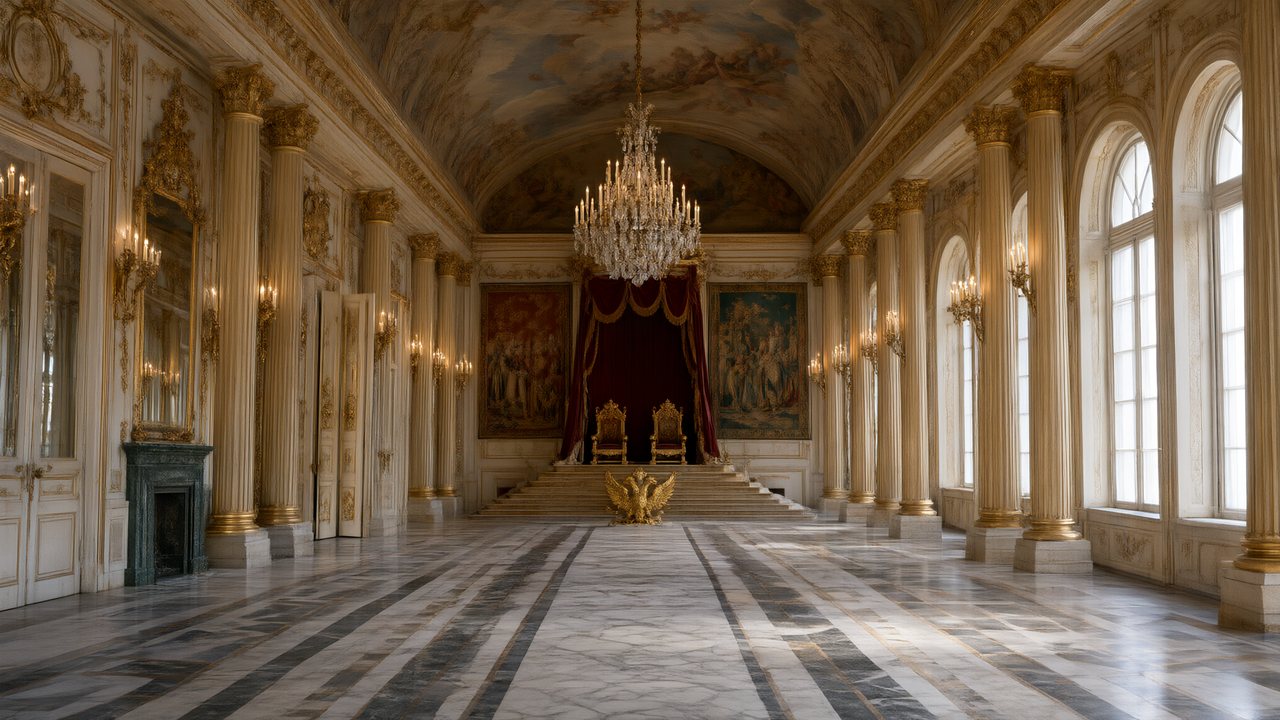 Зимняя коронаРусскийNative dialogue
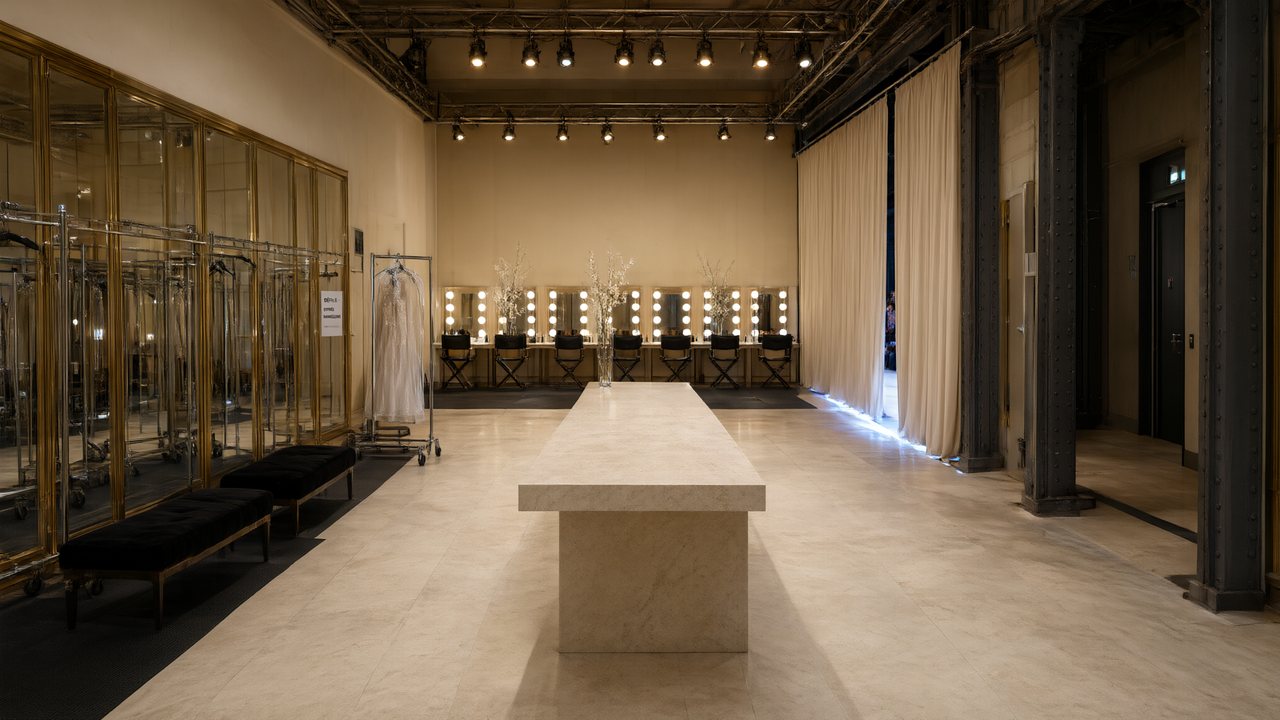 L’Héritier du DéfiléFrançaisNative dialogue
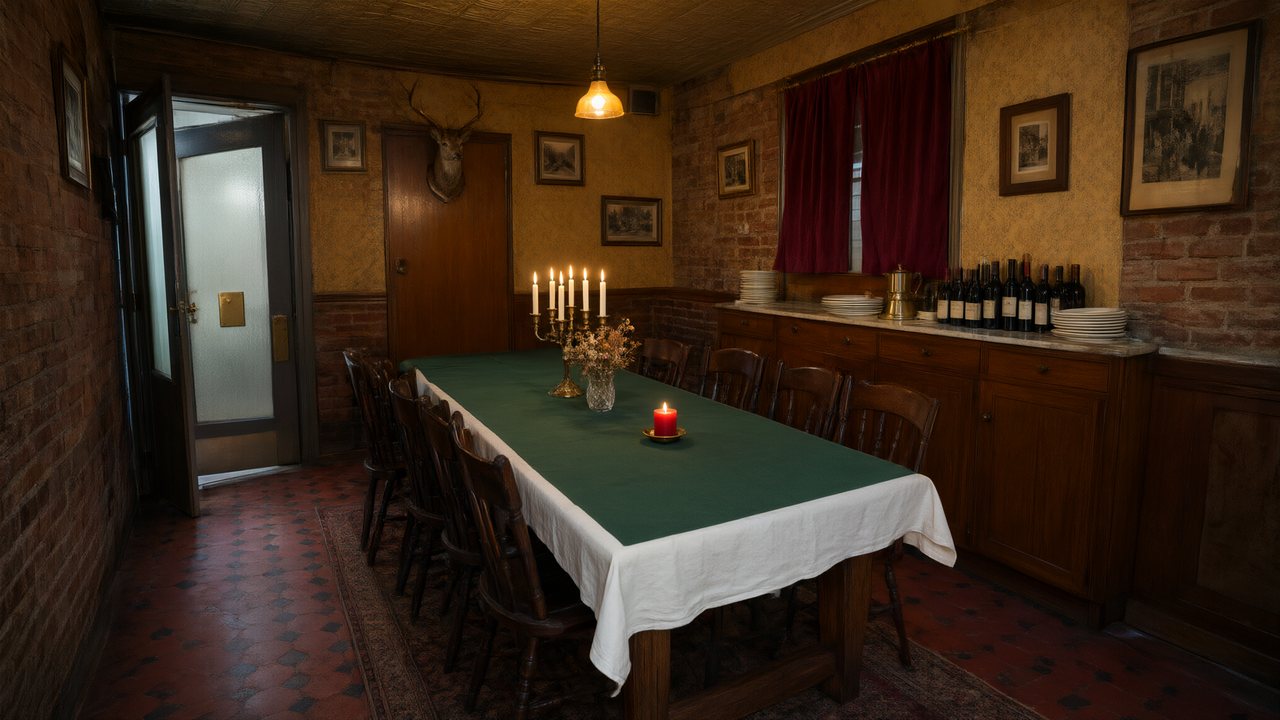 Il Tavolo dell'OlivaItalianoNative dialogue
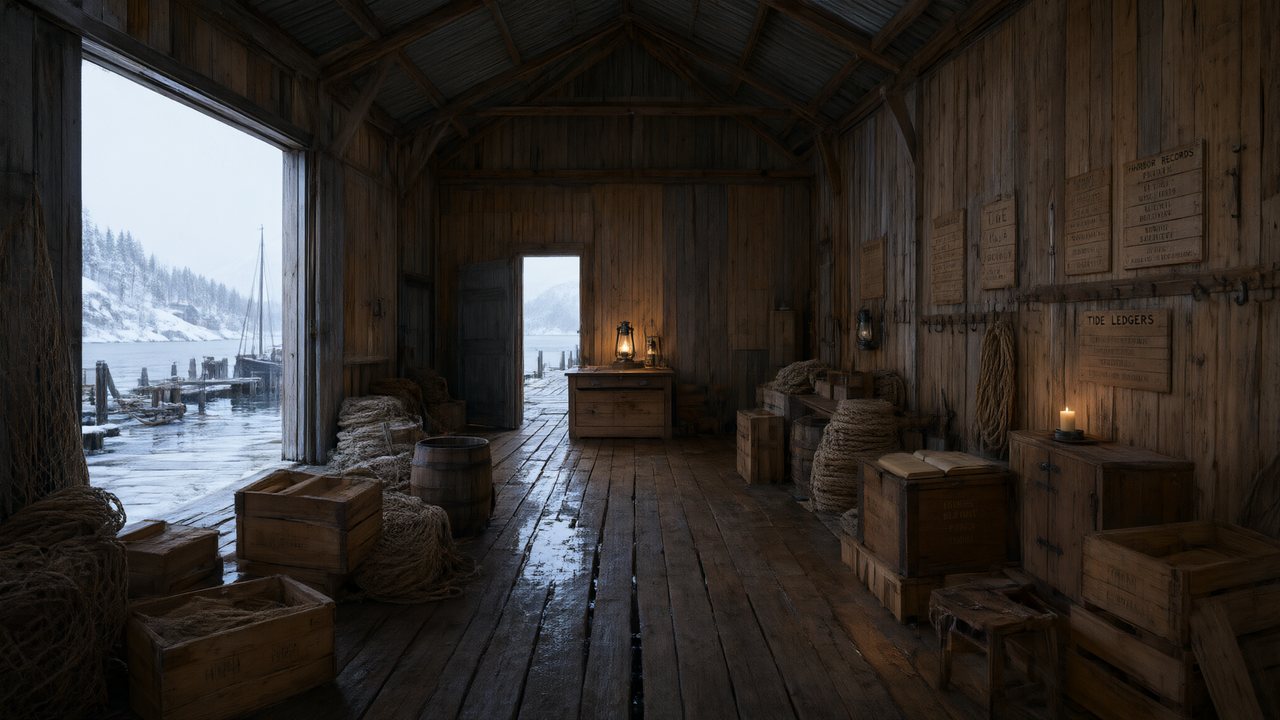 De Vuurtoren van de FjordNederlandsNative dialogue
 العهد الصحراويالعربيةNative dialogue
 Çantasındaki SözleşmeTürkçeNative dialogue
 Die Istanbul-TäuschungDeutschNative dialogue
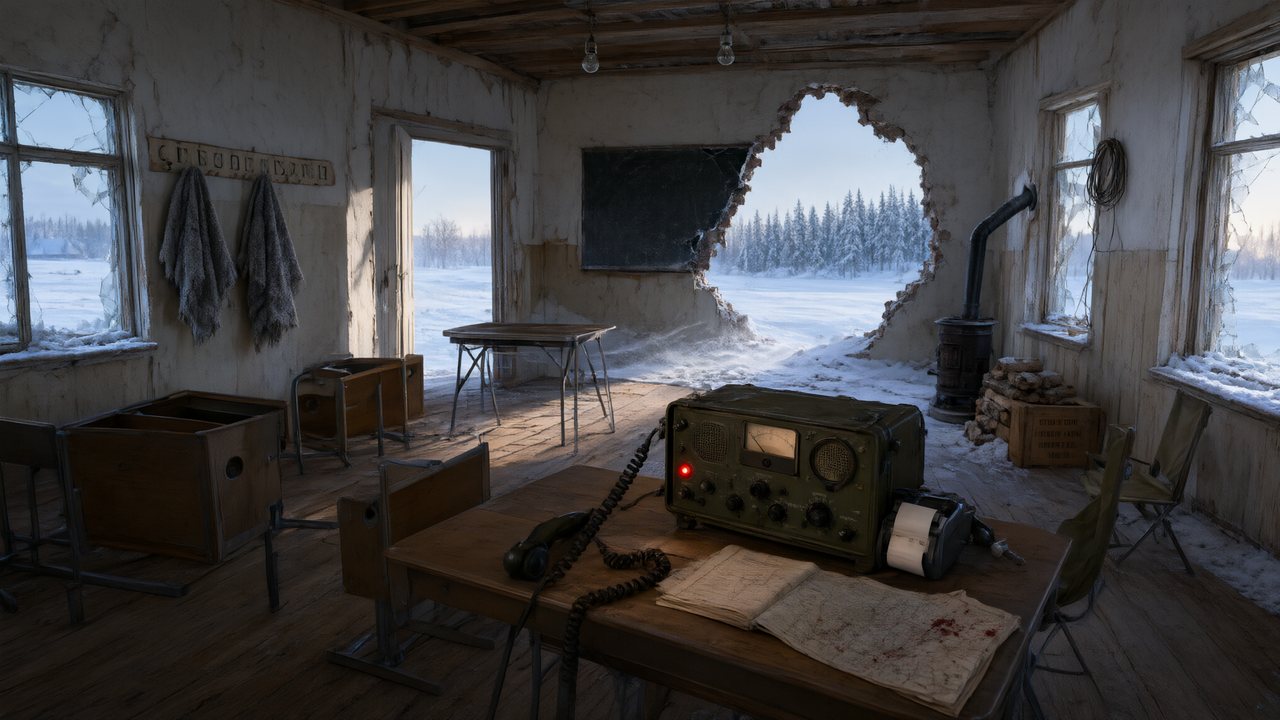 Останній сигналУкраїнськаNative dialogue
 問劍青雲繁體中文Native dialogue
 The Last EnvelopeEnglishIn your language
In SceneMixer vs. stitching tools together
Most AI drama workflows are five or six tools in a row. This is where each step happens here, and what it replaces.
| Step | In SceneMixer | Doing it by hand with separate tools |
|---|---|---|
| Script and episode plan | Paste a script or a novel, or type one line: it is read into a cast, locations, props and an episode outline you can edit | A chat model writes the script; you split it into episodes and carry the text from tool to tool |
| Character faces and places | Every character, location and prop is drawn once as a reference sheet and attached to every shot it appears in | An image model, one sheet at a time; you upload the right reference to every clip yourself |
| Shots | A storyboard per episode with numbered shots and seconds; video is generated segment by segment in 9:16 or 16:9 against the same sheets | A video model, one clip per prompt, describing the same people again each time |
| Voices and dialogue | Lines are performed in the video itself, one voice per character, in any of 15 languages | A text-to-speech tool for each line, then a lip-sync pass on every clip |
| Fixing one shot | Edit that shot's text and regenerate the segment alone; the rest of the episode is untouched | Regenerate the clip, then re-cut the timeline |
| Finishing | Segments are composited into one episode file with its score; members download without the AI badge | A video editor to join the clips, add music and captions, then export |
| Publishing | You upload the finished episode to TikTok, YouTube, Instagram or anywhere else; nothing is posted for you | Upload by hand, the same as here |
Can you make money with AI dramas on TikTok and YouTube?
Yes, within each platform's rules, and the rules are about the account and the video, not about how the video was made. TikTok's Creator Rewards Program (checked November 2, 2026) is open to personal accounts aged 18+ in the United States, United Kingdom, Germany, Japan, South Korea, France, Mexico and Brazil with at least 10,000 followers and 100,000 video views in the last 30 days; a rewarded video must be original, longer than one minute and reach 1,000 views on the For You feed. YouTube's Partner Program needs 1,000 subscribers plus either 4,000 watch hours in the last 12 months or 10 million Shorts views in the last 90 days.
Both platforms require realistic AI-generated content to be labelled, and YouTube states that disclosing AI use alone does not limit a video's audience or its eligibility to earn. SceneMixer episodes are longer than a minute by design, carry an AI badge by default (members can switch it off and add the platform's own label instead), and are yours to publish. The full answer, with sources.
FAQ
Can I use AI for previs?
Yes. Upload the scenes you want to test, render them, and use the clips as an animatic to check blocking and timing.
Does it read Final Draft or Fountain?
Export as plain text or Word; a Fountain file is plain text, so rename it to .txt. PDFs are not accepted.
Can I control camera angles?
Yes. Each shot's framing and movement are text in the storyboard, which you can rewrite before rendering.
Can I get a clean file without the AI badge?
Members can switch the badge off; downloads then have none. Shared links always carry it.
What resolution can I deliver?
It depends on the tier you render on; Enhance raises a finished clip up to 2K.
Can I use my own concept art for characters?
Yes, as a member: upload it and use it as is, or let it be turned into a reference sheet.
Can I submit the result to festivals?
Many festivals have AI categories, each with its own rules on length and disclosure. Read them first.
Is SceneMixer like ReelShort or DramaBox?
No. ReelShort and DramaBox are apps for watching short dramas. SceneMixer is for making them: it turns your script or novel into episodes with a consistent cast and spoken dialogue, and you publish the episodes wherever you like, including those platforms' creator programmes where they exist.
See your script before you shoot it
Upload a scene, render it, and edit the shot list until it plays.
Updated November 2, 2026