How to Create an AI Video

The five steps and what each one costs
| Step | You do | It costs |
|---|---|---|
| 1. Brief | Write one line, or paste a script. One line becomes a script on the AI Create tab | Writing with AI is priced by the length you pick, shown on the button; pasting your own is free until it is read |
| 2. Cast | Read the characters, locations and props the read found; replace a picture if it is wrong | Reading is 4 credits per 1,000 characters; the first 15 images on an account are free |
| 3. Storyboard | Read each shot; edit the text | Episode 1 of your first drama is free; editing is always free |
| 4. Shots | Generate one segment, check it, then the rest | 10 credits a second on the default tier, per attempt |
| 5. Join | Join the segments into one episode, download or share | 1 credit a second |
Step 1: a brief to copy
The one-line brief matters more than the length you pick. It needs a person, a place, and one thing that goes wrong. Copy this and change the nouns:
A one-minute short: at 11:58 on New Year’s Eve a courier delivers a letter to the wrong flat and stays for the countdown; one stairwell, one balcony, fireworks off screen.
On the AI Create tab the length options are Mini (about a thousand characters), Brief (2,500), Short (5,000), Medium (10,000) and Long (20,000); each option shows its own price. Mini is a test, Short is the usual first choice. If you paste your own text instead, it needs at least about a paragraph, roughly 330 characters of English. Choosing script length and cost · Which script files work.
Step 2: check the cast before you spend anything on video
After the read you have a cast, a set of locations and a prop list, each with a description and a picture. They are fixed once, and every shot of every episode is generated from the same set, which is why faces, outfits and rooms stay the same from shot to shot. Check three things: the age and look of each character, the number of places (fewer is easier), and any prop that matters to the plot. If a face is wrong, fix the description first, then the picture. Why a whole series stays consistent · A character looks the wrong age or ethnicity.
Step 3: write each shot like a viewer would see it
A shot is a marker with its seconds, then a few sentences saying what the camera sees: the framing, whether it moves, who is in the picture, the one thing that happens, and the line if there is one. One action per shot, and enough seconds for it to happen. Here is the shape:
| Weak | Strong |
|---|---|
| Mara arrives and is upset and talks to Teo. | [Shot 1] 4s: Wide shot, a stairwell at night. @Mara, in a wet jacket, checks a door number and knocks. |
| There is a big emotional moment. | [Shot 3] 3s: Close-up on @Mara. She looks at the letter, then at the paper hat. @Mara: Thirty seconds. Can I watch from your balcony? |
| Fireworks fill the sky. | [Shot 4] 4s: Two-shot on a small balcony. Both count the last three numbers aloud. The sky flashes off screen. |
Editing this text costs nothing, and the seconds are real: they add up to the length of the segment. How to write one shot · Write dialogue in the storyboard.
Step 4: shoot one segment first
A segment is one generation of 15 or 30 seconds. Open the first one, look at the price on the button, and generate only that. Check the faces, the room and whether the line is spoken. If it is right, use Generate all: it lists how many segments and how many seconds it will submit, and each is charged at its own price and refunded if it fails. Generate all · The free preview.
Draft on a low tier and finish on a higher one. A generation takes minutes, and segments beyond your account’s concurrency limit wait in line and start by themselves.
When a shot misses: where to look
| What you see | Look here |
|---|---|
| The picture does not match what you wrote | When a shot comes out wrong: edit the text, then regenerate that segment only |
| A character’s face changed between shots | My character’s face changed: a checklist |
| Text appears on screen or the dialogue is wrong | Text on screen and wrong dialogue: fixes |
| Characters swap sides between cuts | Why characters swap sides |
| The shot is fine but you want to spend less | Spend fewer credits |
Every attempt is a separate paid call, and every take is kept, so you can switch back to an earlier one for free.
Step 5: join, download, post
Once every segment is finished, joining them into one episode is 1 credit a second, shown before you confirm. Download the original-quality file or share a link. Composite and share an episode · Posting to TikTok, Shorts and Reels.
Languages
Native dialogue in 15 languages
Every series below was produced by the same pipeline with the cast speaking that language natively: the interface, the working documents and the spoken lines are all in one language, and nothing is dubbed. Open one to hear it.
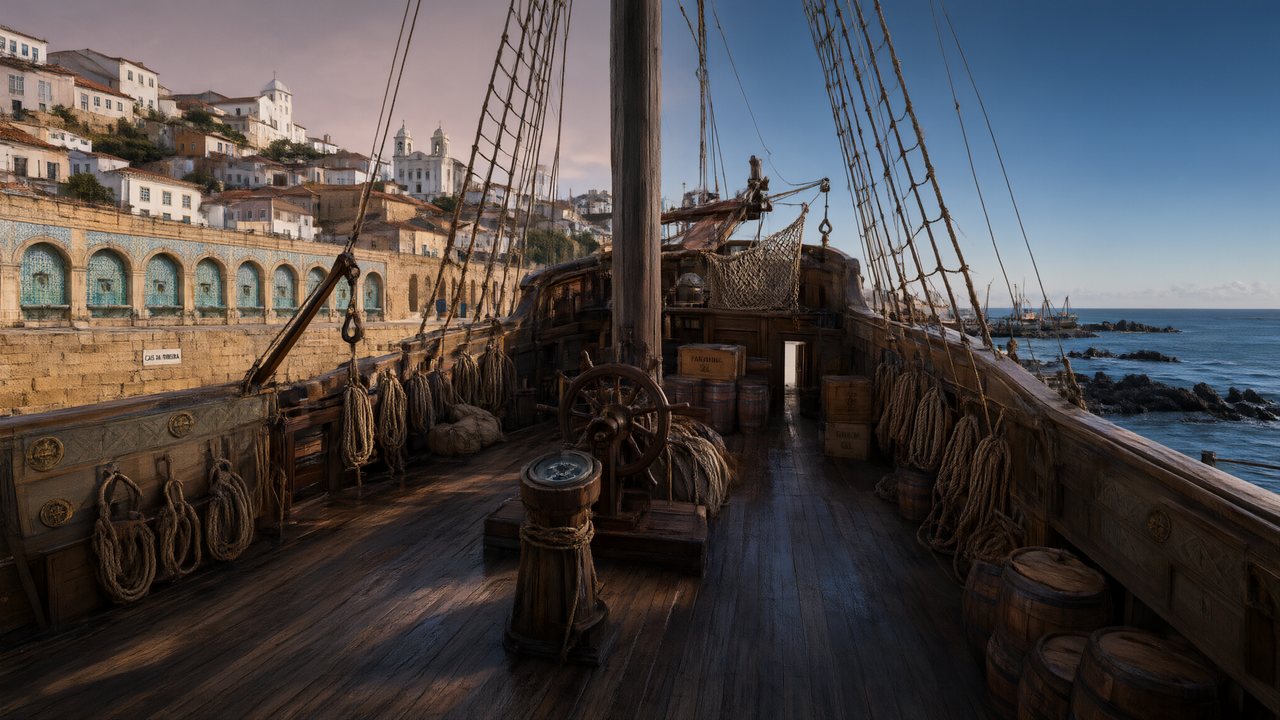 A Carta de LisboaPortuguêsNative dialogue
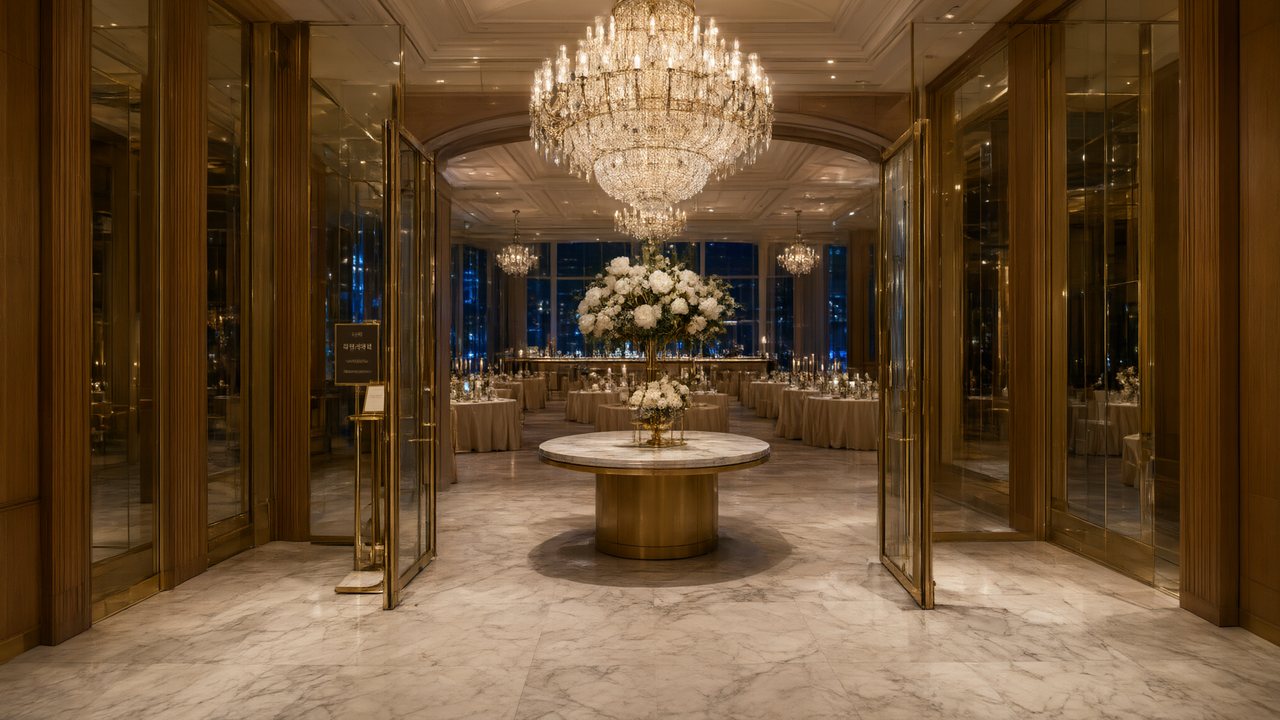 윈터 프라미스한국어Native dialogue
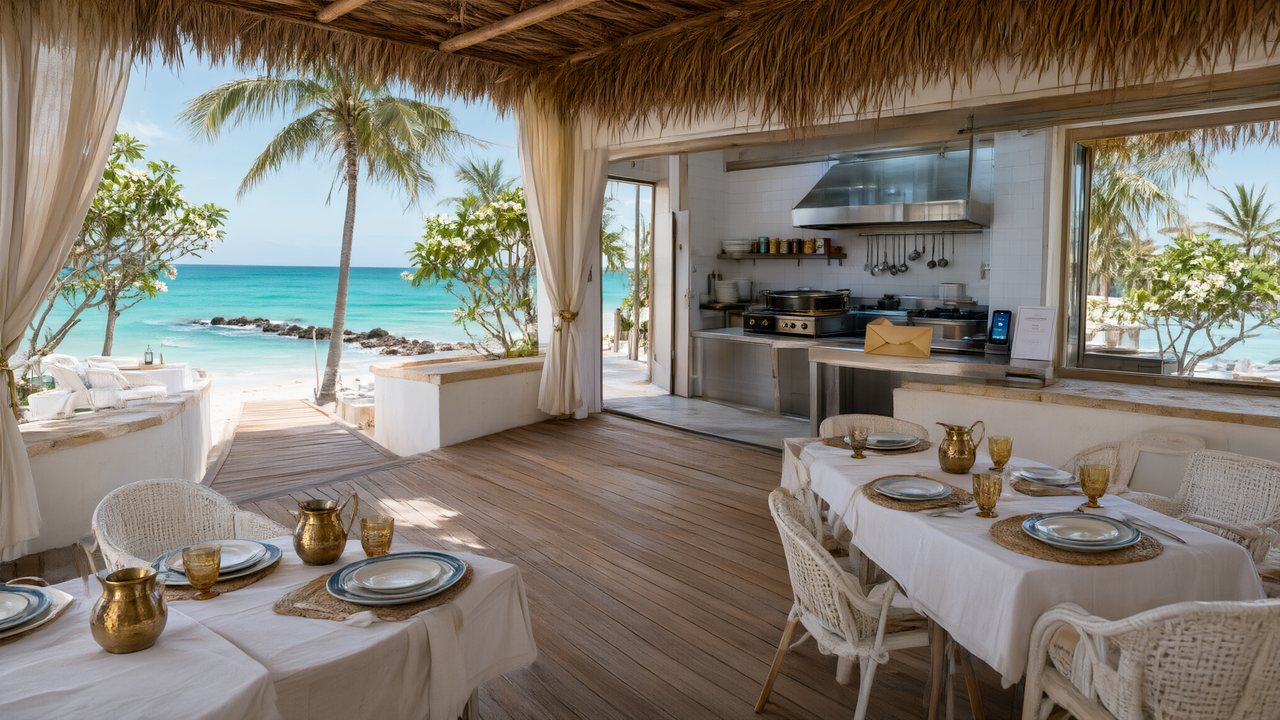 El Secreto de CostaEspañolNative dialogue
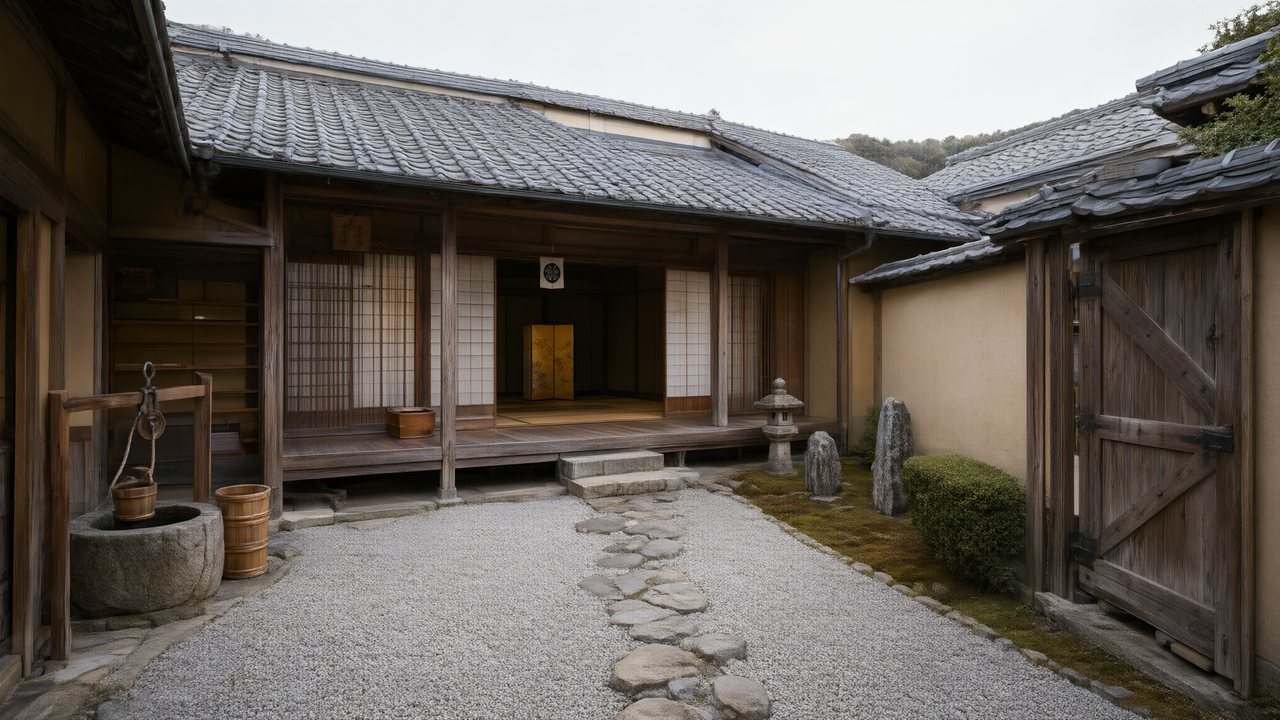 浪人の誓い日本語Native dialogue
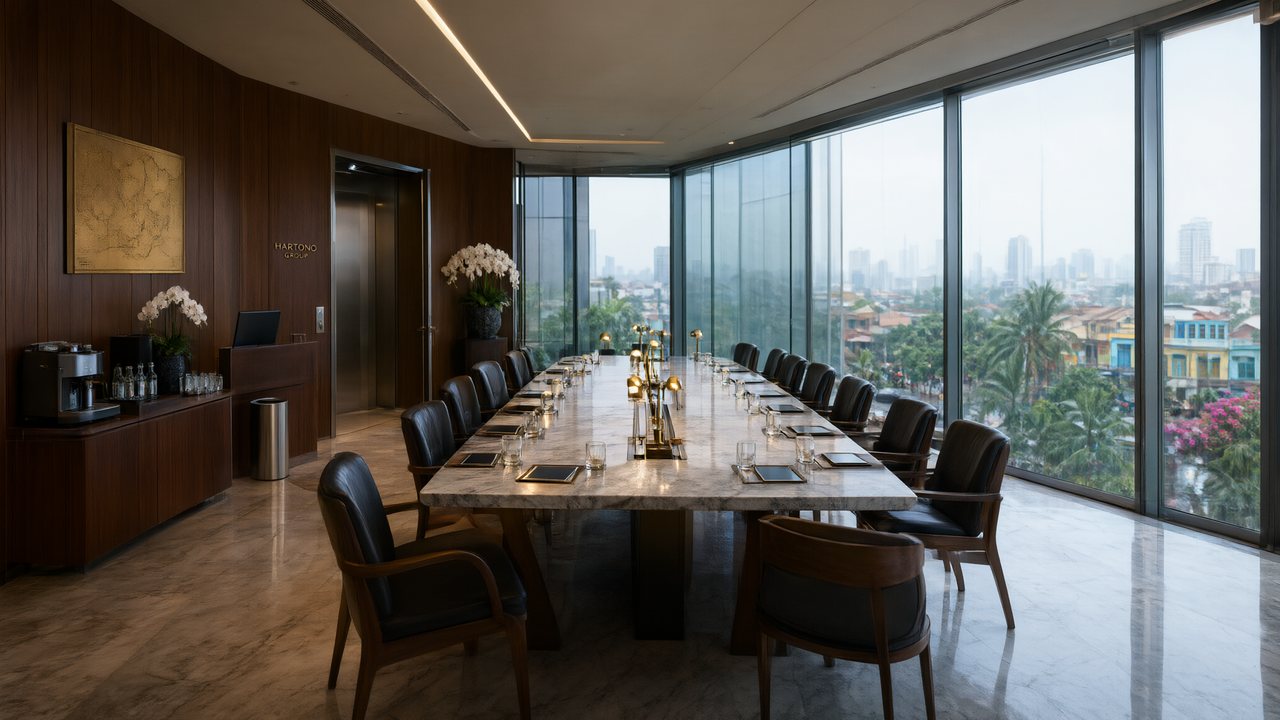 Ikrar JakartaBahasa IndonesiaNative dialogue
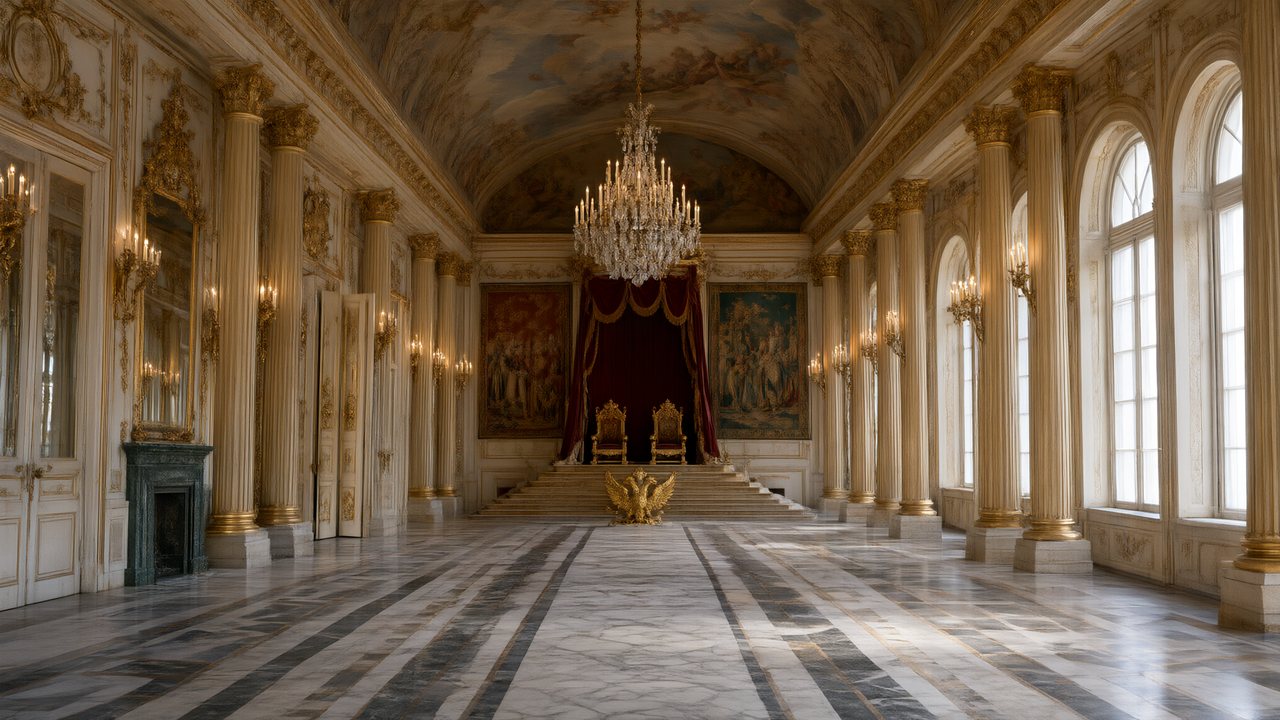 Зимняя коронаРусскийNative dialogue
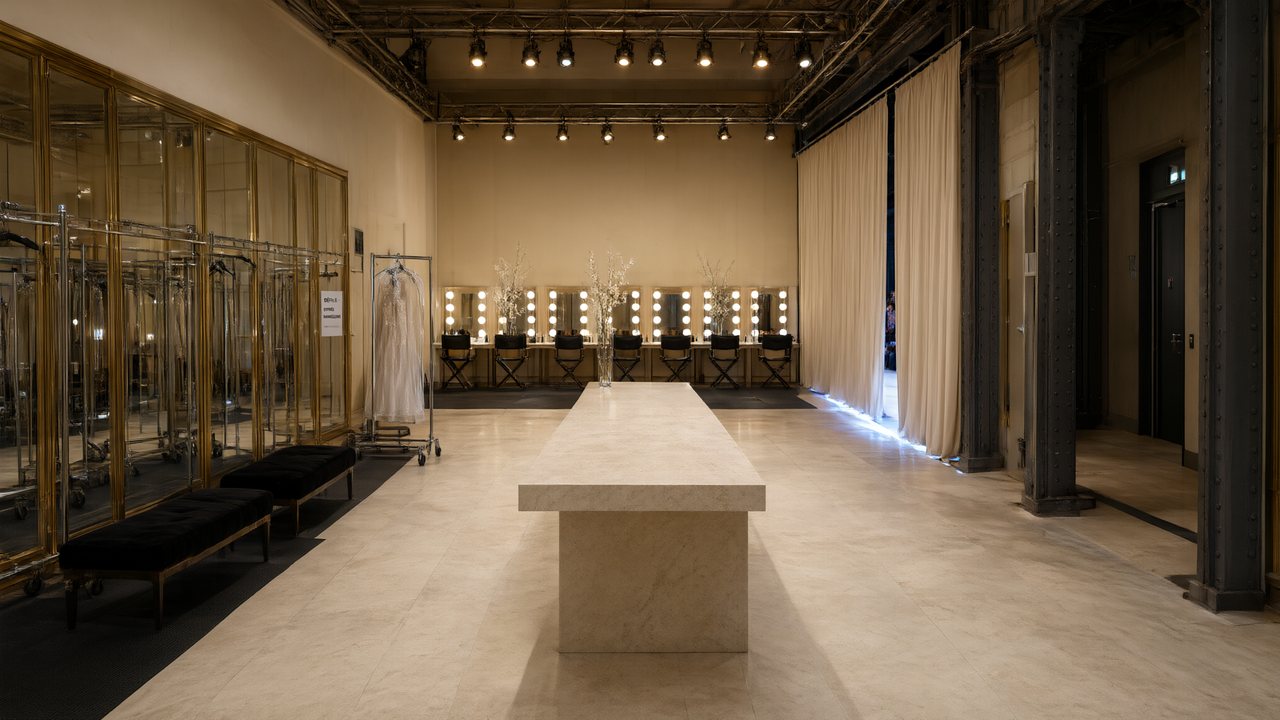 L’Héritier du DéfiléFrançaisNative dialogue
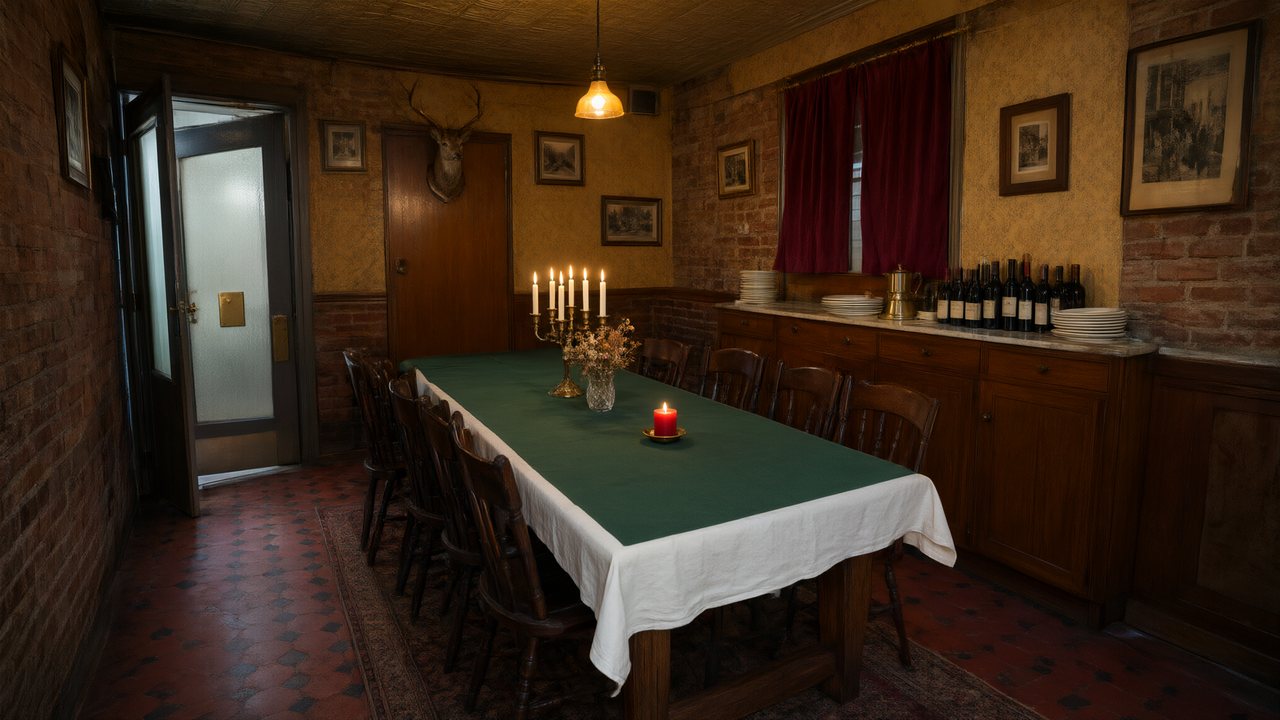 Il Tavolo dell'OlivaItalianoNative dialogue
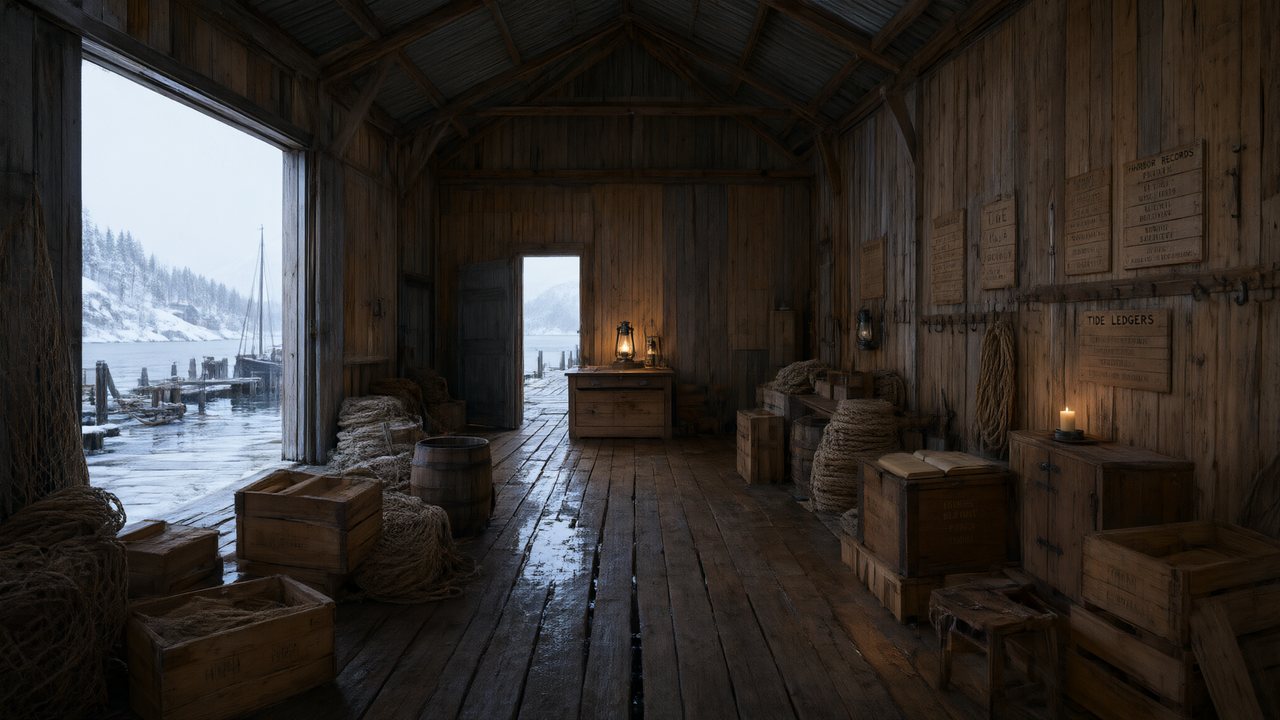 De Vuurtoren van de FjordNederlandsNative dialogue
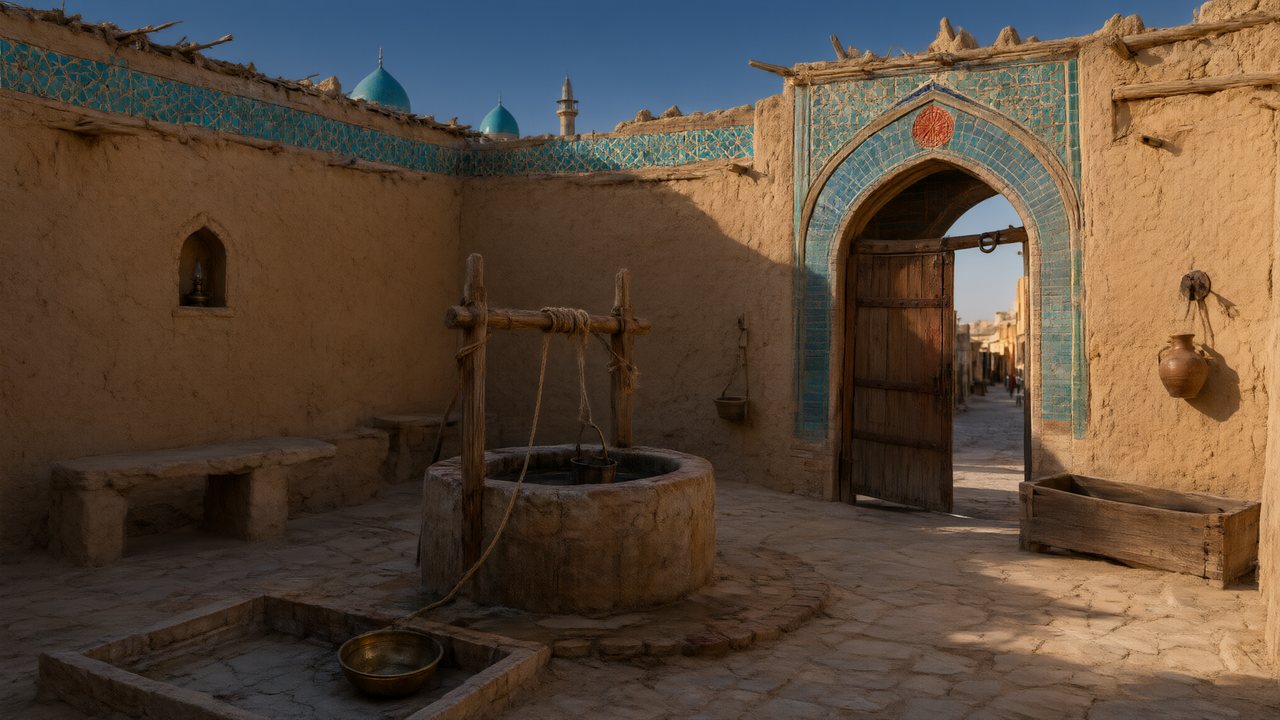 العهد الصحراويالعربيةNative dialogue
 Çantasındaki SözleşmeTürkçeNative dialogue
 Die Istanbul-TäuschungDeutschNative dialogue
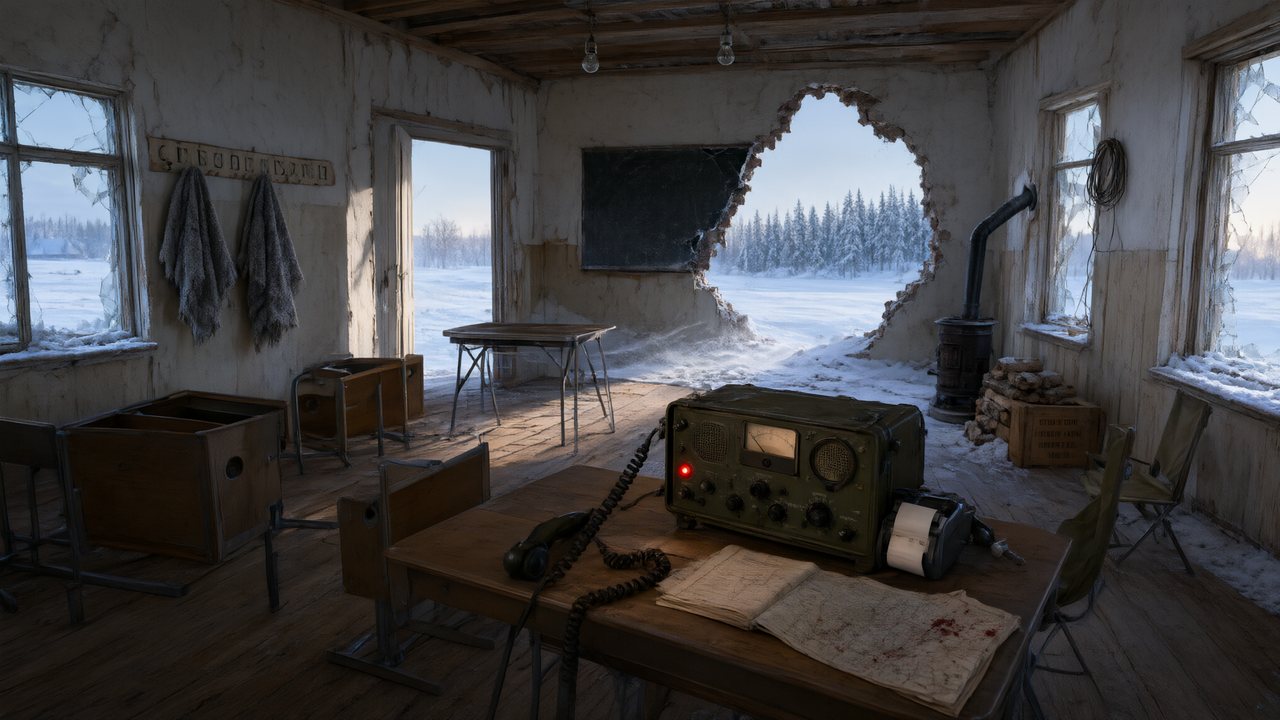 Останній сигналУкраїнськаNative dialogue
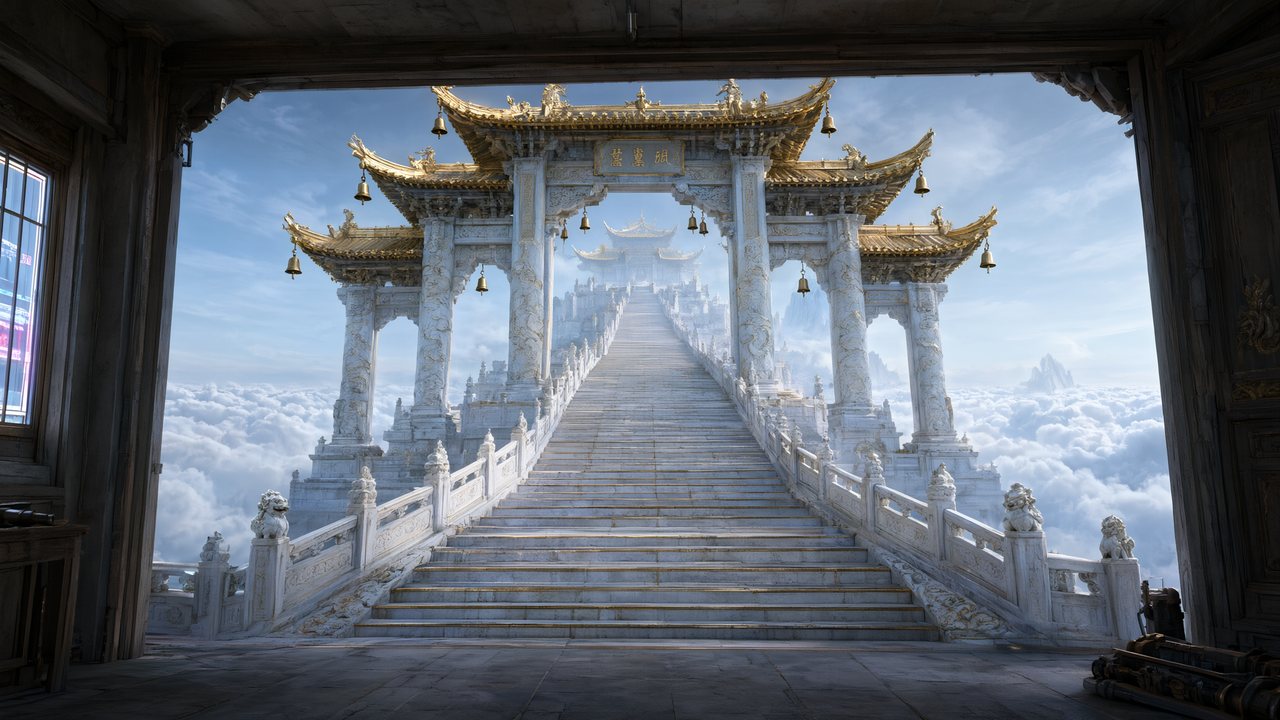 問劍青雲繁體中文Native dialogue
 The Last EnvelopeEnglishIn your language
FAQ
How do I create an AI video?
Write a brief, check the cast, read the storyboard, shoot one segment, then the rest, and join them. The steps that are text come first because they cost almost nothing to change.
What should I write in the brief?
A person, a place and one thing that goes wrong, in one line. Pick a length from Mini to Long; the price shows on the button.
How long does it take?
Writing and reading take minutes. Each generated segment takes minutes too, because the model takes minutes; segments beyond your limit wait in line.
How much does it cost to create an AI video?
Video is 10 credits a second on the default tier and joining is 1 credit a second; a 60-second episode is about 660 credits before retakes.
What if a shot comes out wrong?
Edit the shot's text, which is free, and regenerate that one segment. Earlier takes are kept and switching back is free.
Can I create an AI video from just one sentence?
Yes. One line on the AI Create tab becomes a script, a cast and a storyboard; you read and edit them before any video is paid for.
Can the video have speech and music?
Yes. Dialogue is spoken in the video itself in any of 15 languages, and each episode is scored for you.
Do I need to write shots myself?
No. The storyboard is written for you; reading it and editing a line is enough. Writing a shot yourself is for the shots you want to control.
Start with one line
Brief, cast and storyboard first. Video only when you have read them.
Updated November 3, 2026