AI movie generator
AI Movie Generator
Updated September 20, 2026

What changes when you set the type to film
Content type is one of the four settings you pick before analysis runs, and it is not cosmetic — it rewrites the rules the analysis and the shot list are written under. Short drama assumes a phone, a viewer with a thumb on the scroll bar, and a hook every ninety seconds. Film assumes someone who has already decided to sit down.
| Type | Length of a unit | Pacing and dialogue |
|---|---|---|
| Short drama | Up to 240 seconds | Conflict inside the first ten seconds, dense dialogue, an explicit hook to close every unit — identity reveal, reversal, unresolved beat. |
| TV series | Up to 300 seconds | Fifteen to twenty seconds of establishment before the conflict; a closing beat that can be an emotional suspension or an unfinished decision rather than a twist. |
| Film | No hard cap | Length follows the dialogue and the atmosphere shots it needs; subtext, silence and half-spoken lines are allowed; suspense can be a shot of a door rather than a cliffhanger. |
The practical difference shows up first in dialogue. Short-form grammar forces characters to say what they mean, because a scrolling viewer cannot be asked to infer. Film mode switches that off: a line can land sideways, a scene can end on a look. Set it before you run analysis — changing it later needs a re-parse to take full effect, since it is the analysis pass that carries the rule.
Length is stacked, not requested
Every generated segment is 4–15 seconds, with some model tiers reaching 30. Runtime comes from putting those segments end to end, not from asking for a long take, and that constraint shapes what this tool is good at. It means a scene can be re-cut a shot at a time for the price of one shot. It also means a feature is a very large number of segments, each of which is a paid generation.
The script is still divided into units — in film mode they are sequences rather than episodes, without the length cap and without the forced hook — and every stage after analysis is scoped and billed to one unit. You can finish and watch sequence one before deciding whether sequence two is worth generating.
How long a script it can read
Up to roughly 300,000 characters of English in a single project, about 50,000 words — comfortably a feature screenplay, and a short novel besides. Past about 33,000 characters the analysis switches to a two-call path: one call for the cast, locations and props, a second for the structural skeleton, with each unit's full outline expanded when you open it. The reason is unglamorous — a single call has an output budget, and a script that exceeds it comes back truncated with no error raised. A fifty-unit script returning as ten units, silently, is the failure that path exists to prevent. Longer than the ceiling, split the script by act and run the parts as separate projects.
Be honest about the bill before you start
This is the part most tools in this category leave vague, so here is the arithmetic. Video is charged per second of finished output: 10 credits a second on the cheapest tier (≈ $0.06/s at the lowest credit price) and up to $0.47/s on the sharpest, plus 1 credit a second to assemble. Analysis and shot lists are rounding errors next to that.
So: a ten-minute short film is six hundred seconds of that rate. A ninety-minute feature is nine times more, and a regenerated take is charged again. At the cheapest tier a short film is an affordable weekend; a full feature at the sharpest tier is a real production budget, just a much smaller one than a camera crew. The honest recommendation is to treat this as a tool for short films, proofs of concept, pilot sequences and previsualisation first — and to generate a feature only once you have watched a sequence of it and know the look holds.
What it will not do
- One continuous take of any length. The cap is per generation, per model tier. Long takes are the one film grammar this pipeline cannot give you.
- Edit or grade footage you shot. Everything is generated from the shot list. There is no timeline for imported clips.
- Cast a real person. The cast is generated, or uploaded by you; voices come from a preset library or your own sample. No face swap, no voice cloning.
- Crowd scenes and long fight choreography. The shot list deliberately steers around them because current video models fail at them; background figures are scenery, not cast.
For what it does instead — a cast that survives ninety minutes of screen time, a shot list you can edit line by line, and a segment you can re-render on its own — see consistent characters and the shot list.
Fifteen dialogue languages
The spoken language is set once, before analysis, and performed natively by the video model — no dubbing pass, and no change in the per-second price. Each series below came out of the same pipeline in a different language.
Languages
Native dialogue in 15 languages
Every series below was produced by the same pipeline with the cast speaking that language natively: the interface, the working documents and the spoken lines are all in one language, and nothing is dubbed. Open one to hear it.
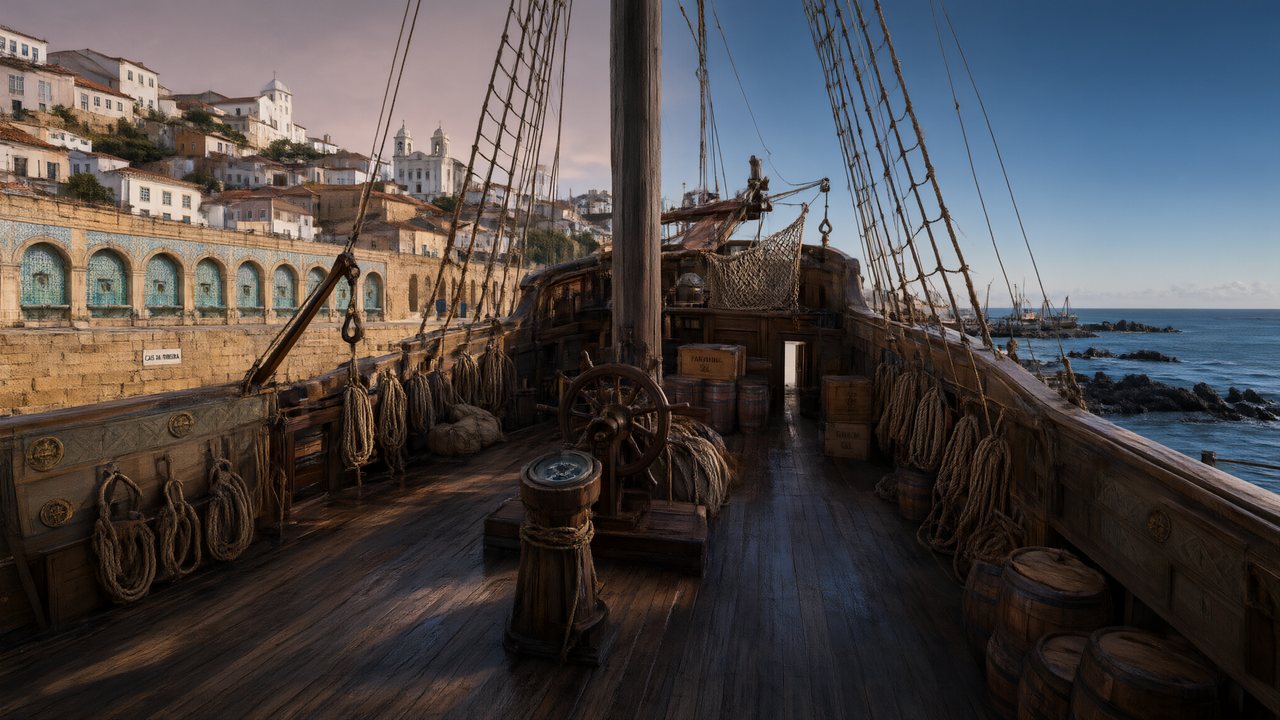 A Carta de LisboaPortuguêsNative dialogue
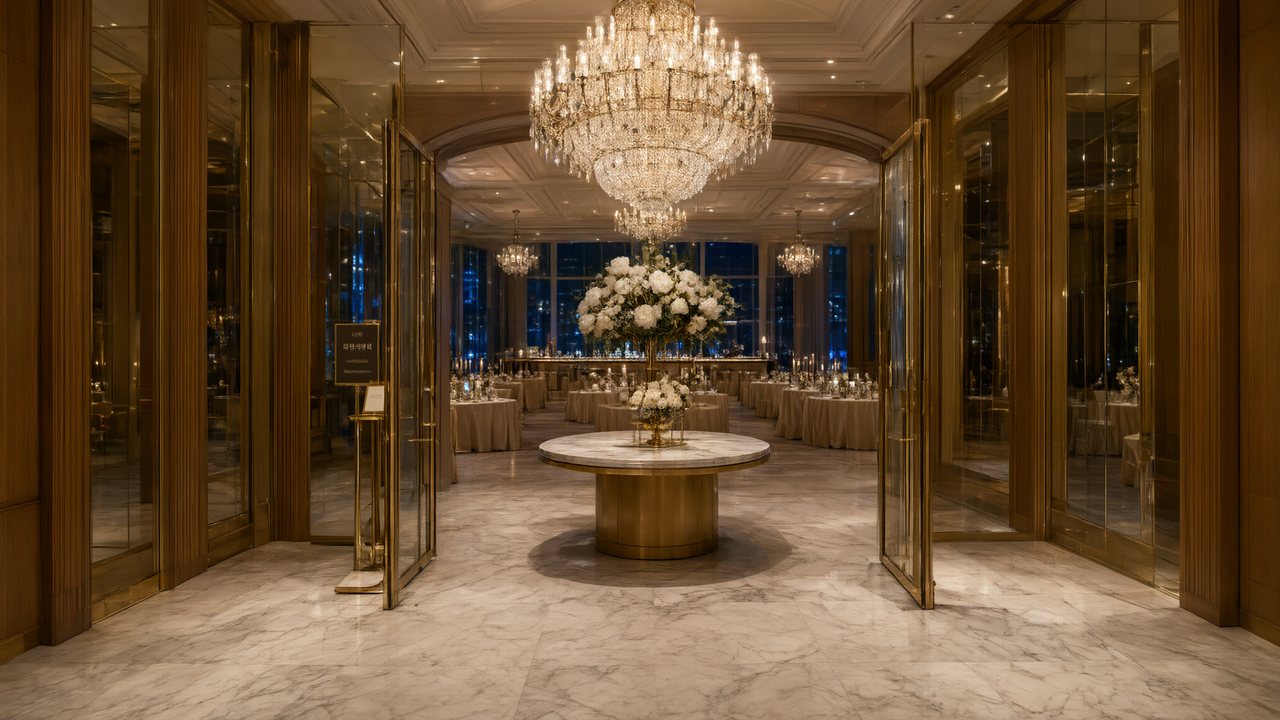 윈터 프라미스한국어Native dialogue
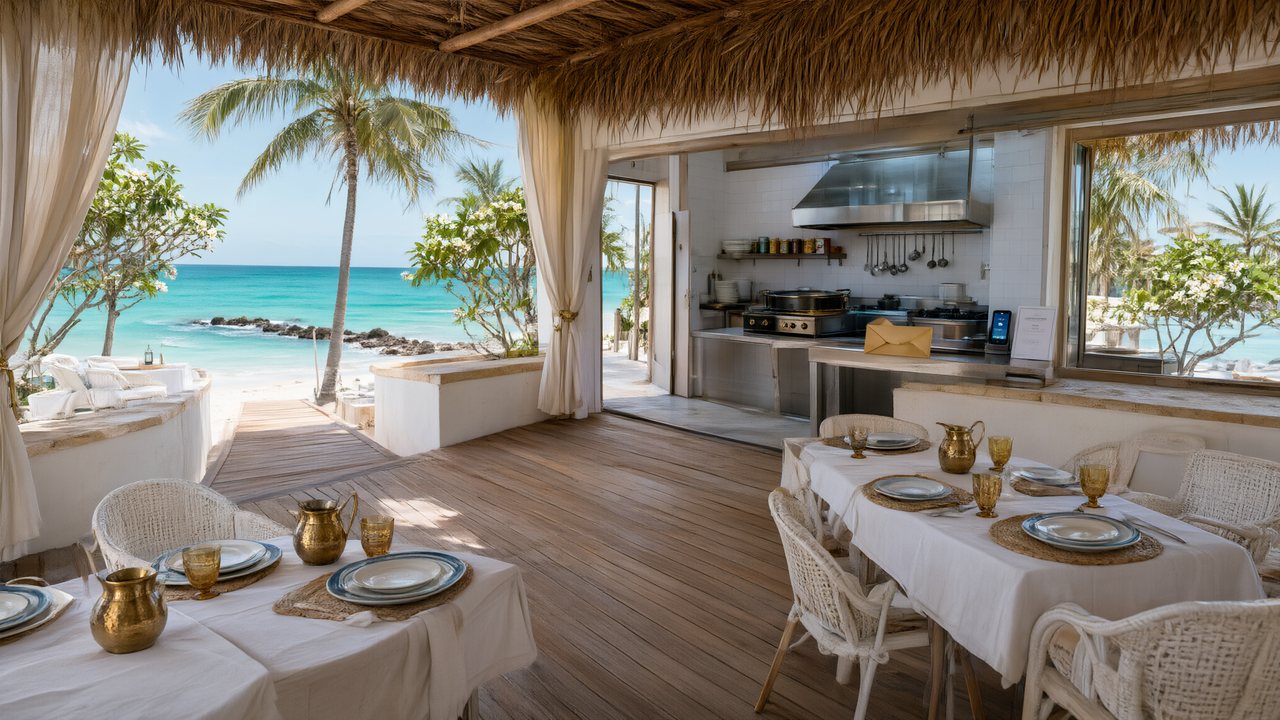 El Secreto de CostaEspañolNative dialogue
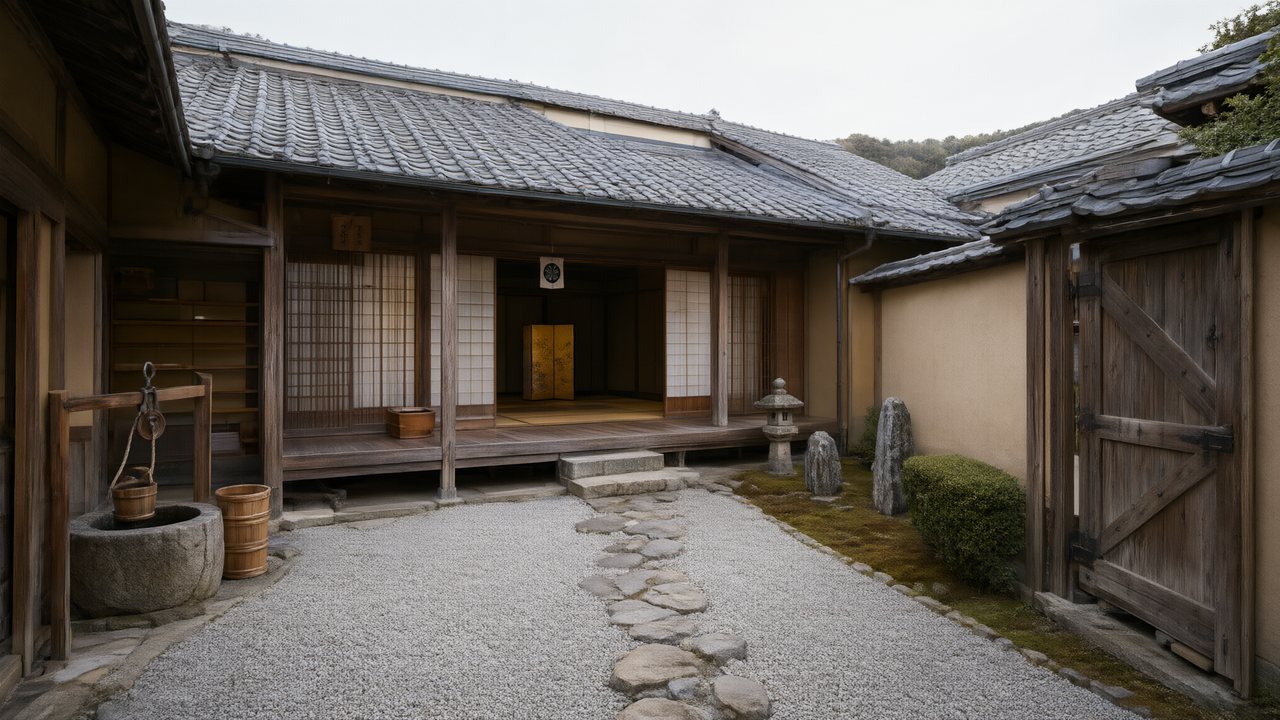 浪人の誓い日本語Native dialogue
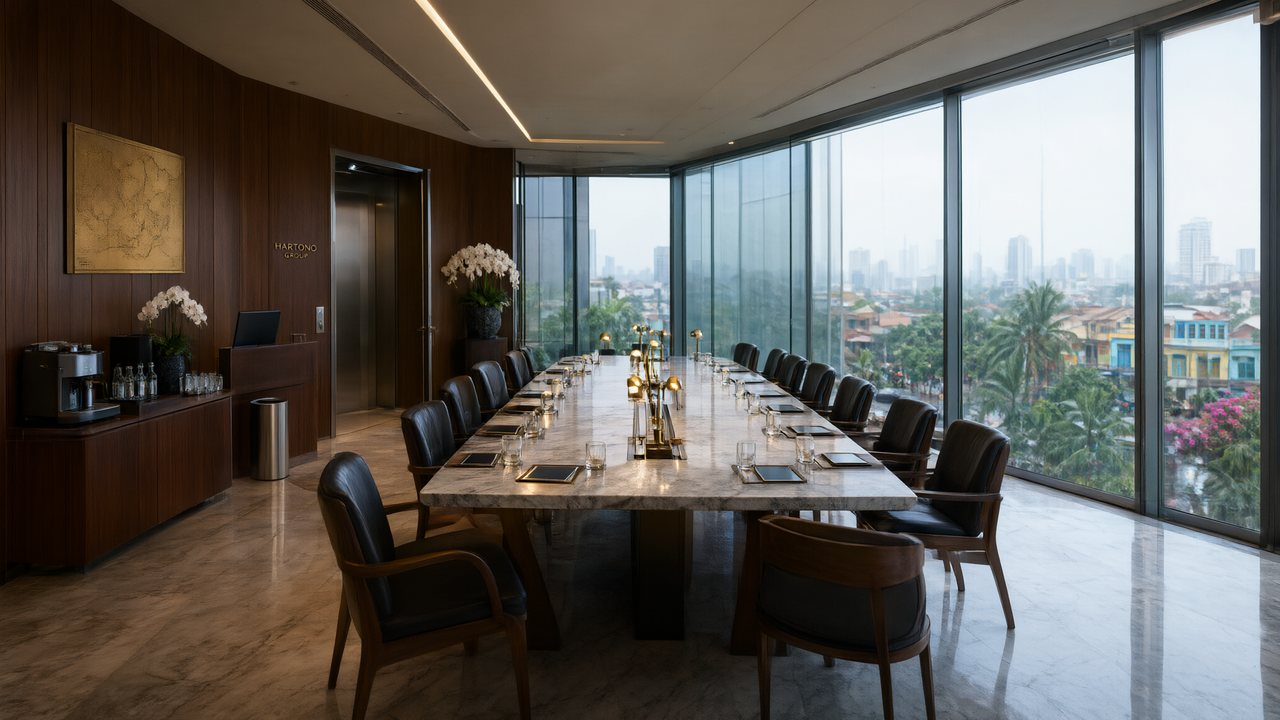 Ikrar JakartaBahasa IndonesiaNative dialogue
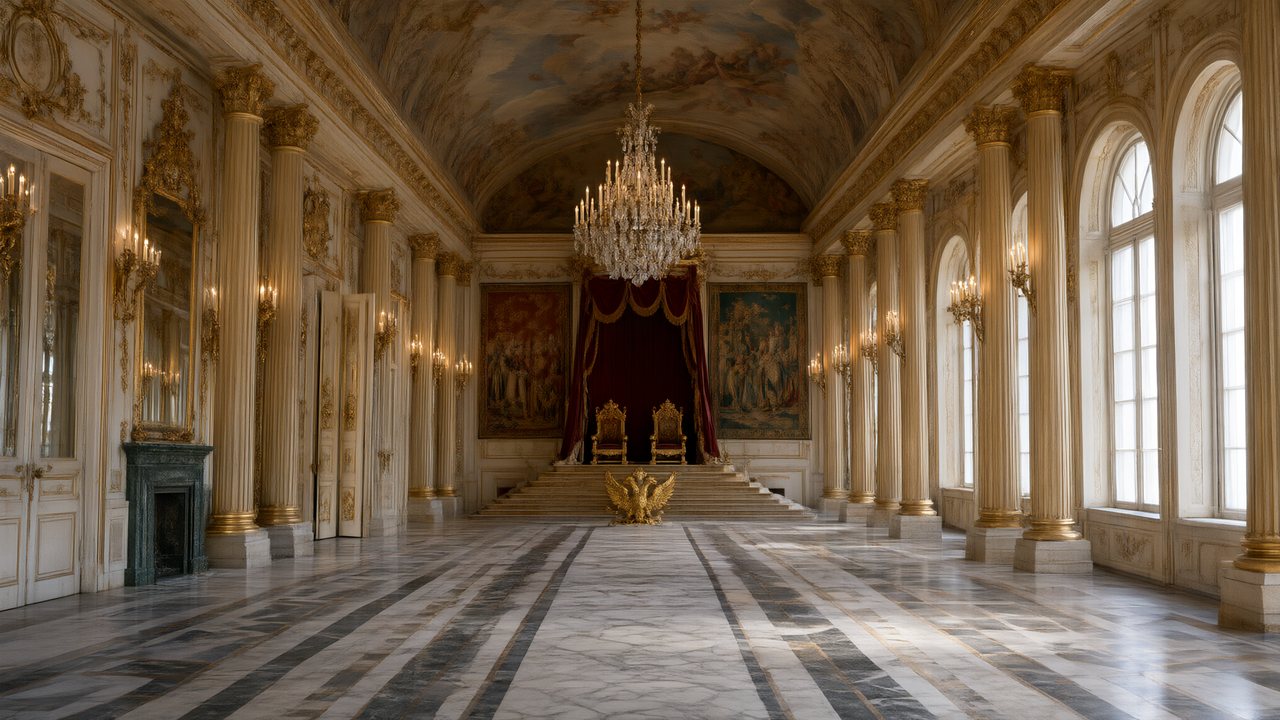 Зимняя коронаРусскийNative dialogue
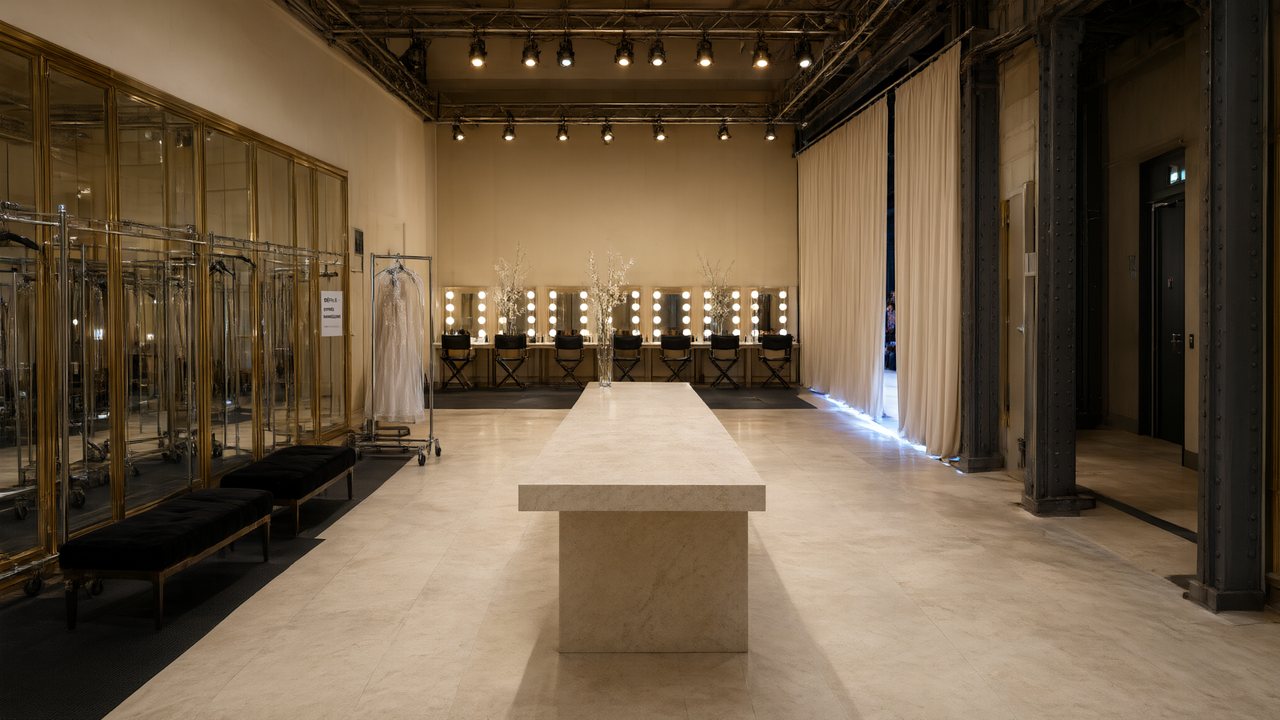 L’Héritier du DéfiléFrançaisNative dialogue
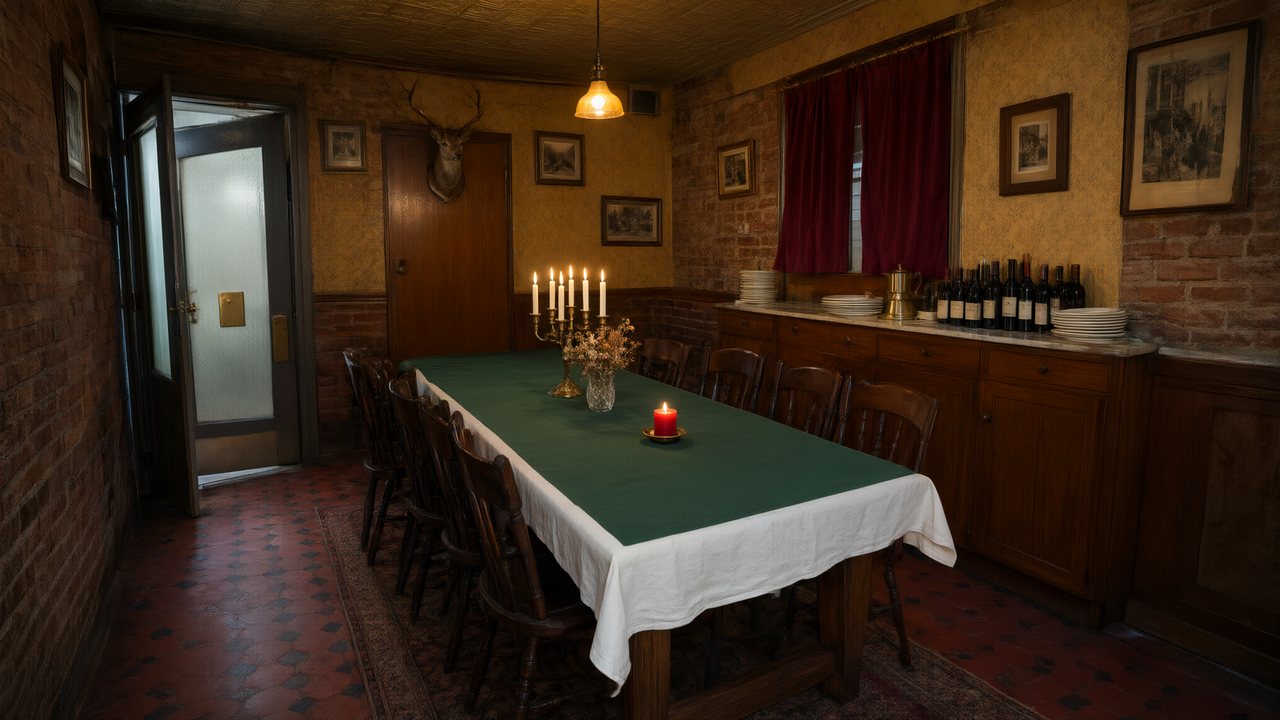 Il Tavolo dell'OlivaItalianoNative dialogue
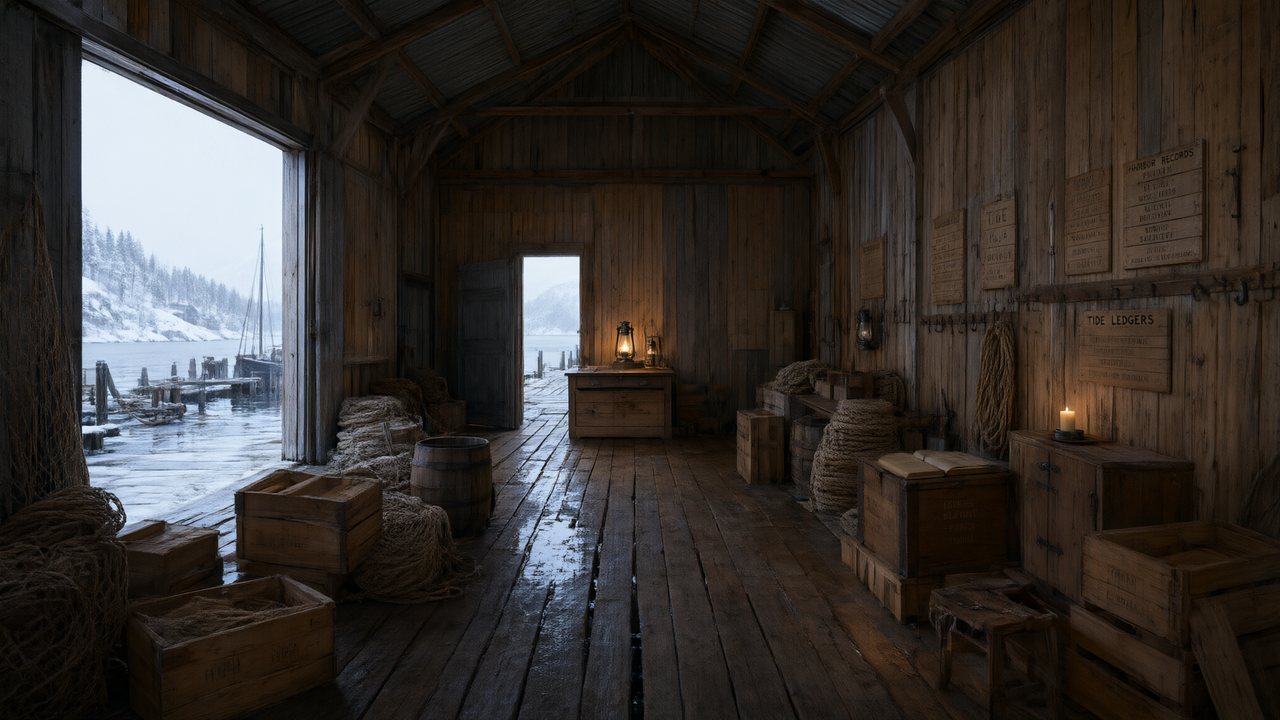 De Vuurtoren van de FjordNederlandsNative dialogue
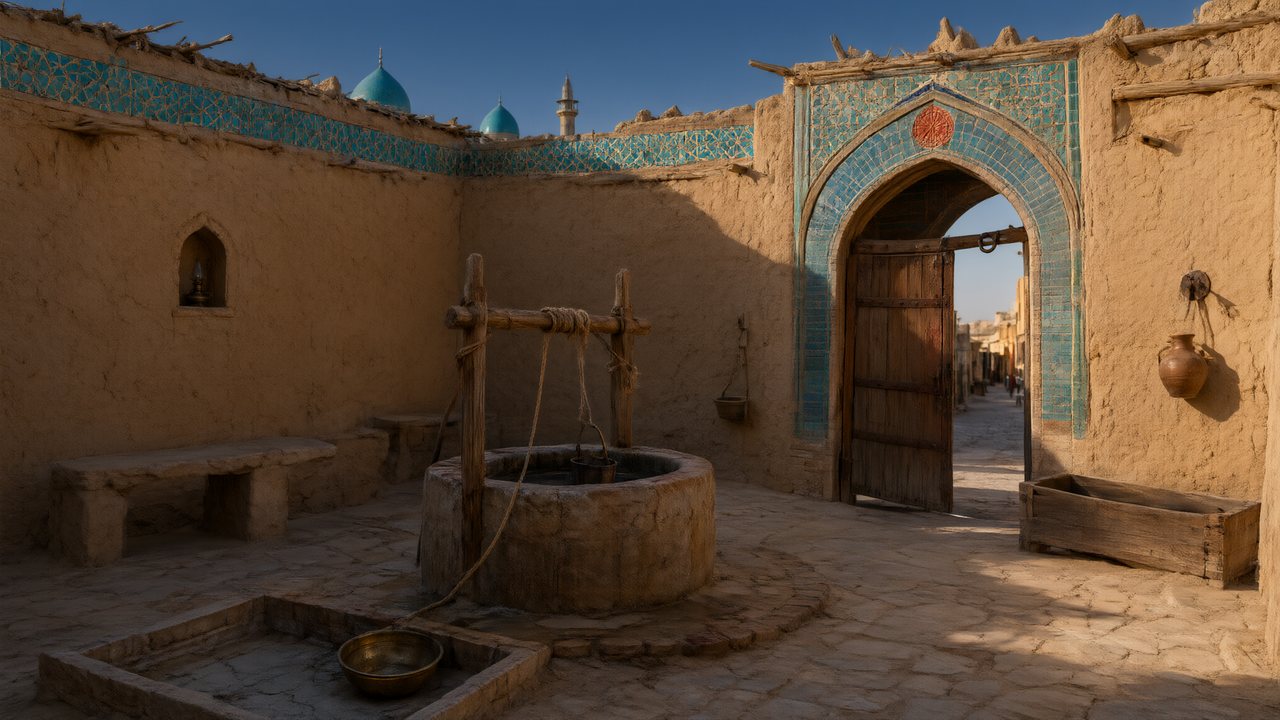 العهد الصحراويالعربيةNative dialogue
 Çantasındaki SözleşmeTürkçeNative dialogue
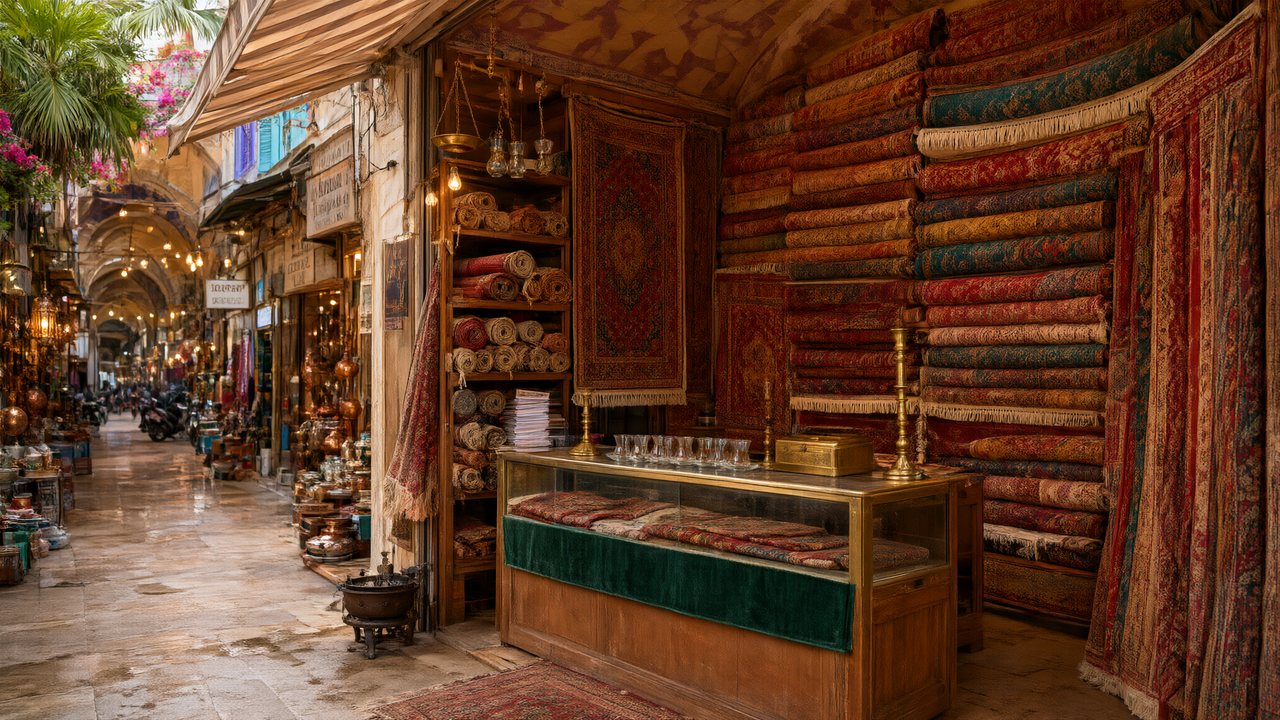 Die Istanbul-TäuschungDeutschNative dialogue
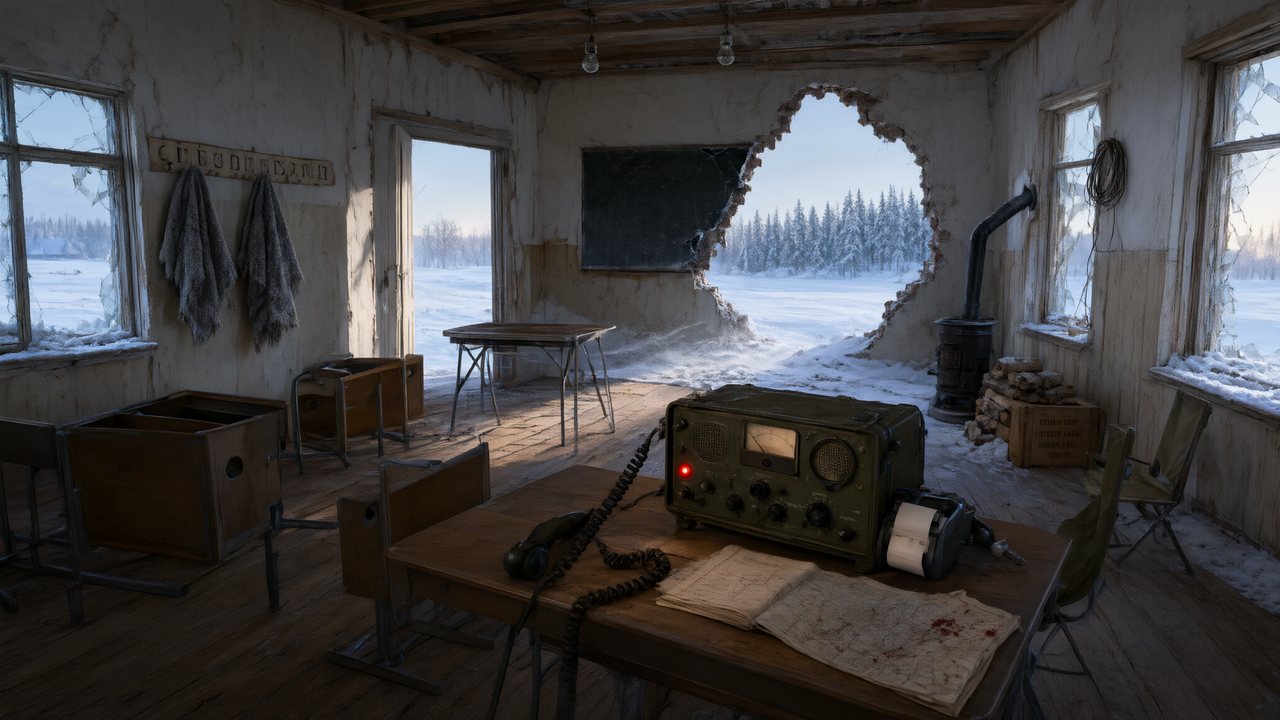 Останній сигналУкраїнськаNative dialogue
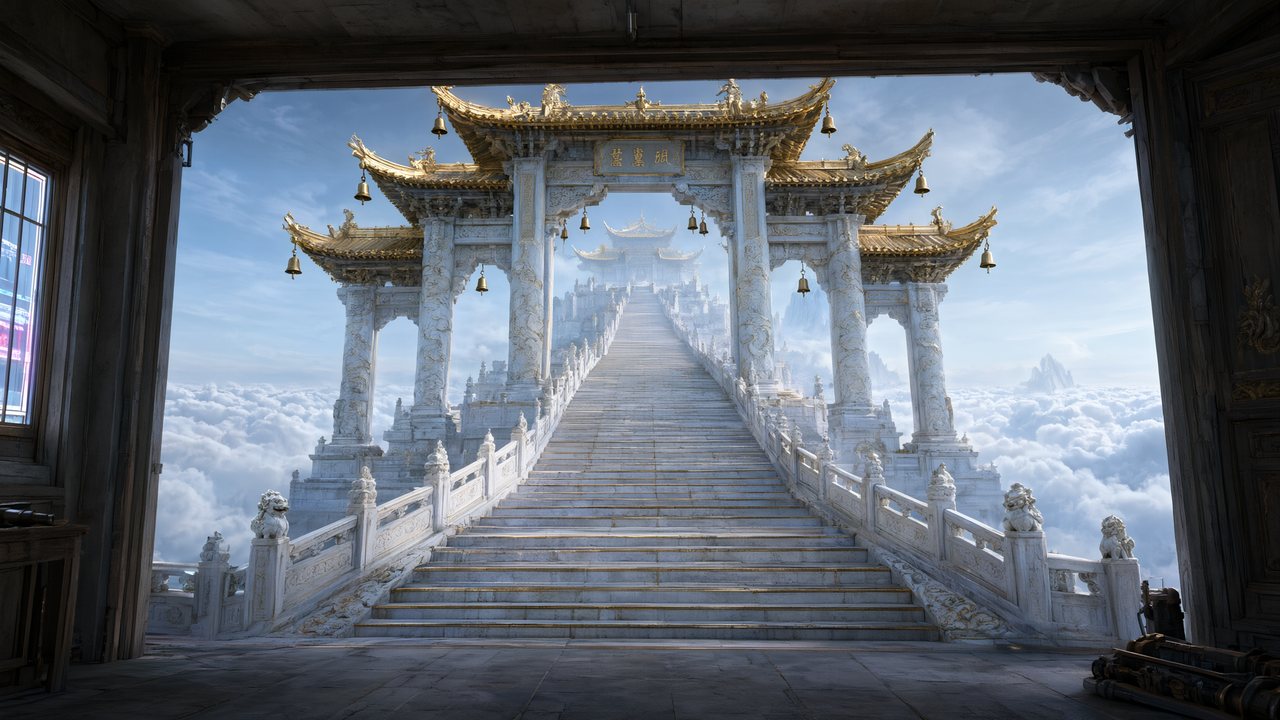 問劍青雲繁體中文Native dialogue
 The Last EnvelopeEnglishIn your language
Frequently asked questions
Can it really make a feature-length film?
It can read a feature screenplay and generate it sequence by sequence, and nothing in the pipeline stops you at ninety minutes. Whether you should is a budget question rather than a capability one: every finished second is a paid generation, so a feature costs roughly nine times a ten-minute short at the same tier. Most people here are making shorts, pilots and previsualisation, and that is what we would suggest starting with.
What is the difference between film mode and short drama mode?
Length caps, dialogue grammar and the way a unit ends. Short drama forces explicit dialogue, a conflict in the first ten seconds and a hook at the close; film mode allows subtext and quiet endings and drops the per-unit cap. It is set before analysis, and changing it afterwards requires re-running analysis for it to fully apply.
Can I generate one scene rather than the whole script?
Yes. Analysis covers the script once, and everything after that is requested per unit, in any order. Generating sequence four without sequences one to three is normal practice — it is how you test whether the look holds before committing.
Does the cast stay consistent over ninety minutes?
The mechanism does not care about runtime. Each character is generated once as a reference sheet and crops of it are attached to every shot they appear in, so shot 900 is matched against the same picture as shot 3. The hard cases are unchanged by length: two characters in matching costume sharing a frame, and characters whose sheet is mostly coat.
What aspect ratio and resolution?
16:9 by default, 9:16 available, set once per project. Resolution follows the model tier you pick per unit, from 480P up to 1080P, and the per-second price moves with it — which is why it is worth generating a test sequence at the cheapest tier before committing a whole film to the sharpest one.
Can I upload a Final Draft script?
Export it to plain text first. Uploads are .txt, .docx and .md, or paste directly. Screenplay layout is read as well as prose, so a text export keeps its structure.
Start with a sequence, not a feature
Read the script, generate one sequence, then decide.
Try SceneMixer freeCredit packages from $1.49 · Pro $7.99/mo · No credit card to start
Pricing·Novel to Video·Guides·Samples·Support·Privacy·Terms·Legal·Contact·© 2026 SceneMixer