AI real estate video
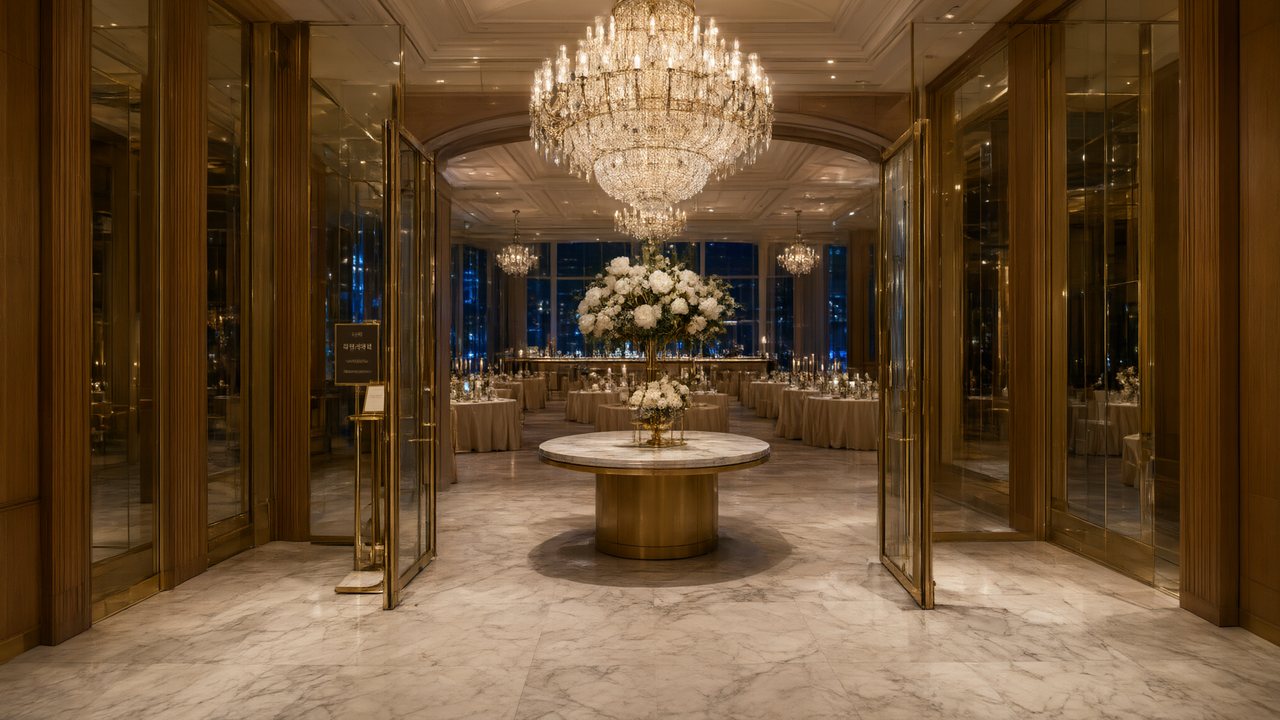
One line for the box next to the upload: A two-bedroom flat by the park with a south-facing living room and a new kitchen, ready to move in; for first-time buyers. Tone: A day in the life; 60 seconds; landscape for the listing page.
What the ad does with a property photo
Products are cleaned onto white so the ad can put them anywhere; a place cannot be treated that way, because cut out, a room loses its depth and scale and a shopfront loses its sign. So a property photo is kept as it is and becomes the first scene the ad happens in. With up to four photos, every extra becomes another set the shots can move through. The people in your photos (the owners, the agent) are removed before anything is made, and the ad's own cast is generated into the rooms. An ad for a store or a property covers the general case; this page is about listings.
Four photos, four rooms, four segments
An ad is made in 15-second segments, one, two or four, and a segment is one place and one timeline. That is why a four-photo, 60-second ad can be a tour: each segment has room for one set.
| Photo | What to shoot | What the segment is for |
|---|---|---|
| 1 (the hero) | The best room, or the front of the building, straight on, in daylight | The opening; the end card is also built around this image |
| 2 | The main living space from the doorway, curtains open | Life in the room: a coffee, a window, a conversation |
| 3 | The kitchen or the feature room (a terrace, a view, a garden) | The reason someone buys: a meal, a morning |
| 4 | A bedroom, or the street and the park outside | The close: rest, the neighbourhood |
The first photo is the featured subject and fills the frame; the others become the sets the shots move through, and the script decides how each is used. If you need the rooms in a fixed order, choose Take the wheel: you pay for the cleanup and the script, then land in the editor with the ad already set up and can rewrite the script and edit any shot. Hand it to AI or take the wheel · One place per segment.
Photographing a room for it
- Daylight, curtains open, one clear view of the room from the doorway; tidy surfaces, because the room is kept as it is.
- Straight on and level, not tilted: the room is kept as shot, so a level, undistorted photo gives the ad a cleaner set to start from.
- People are fine in the photo: the composer says People will be removed and they are; the room stays.
- No floor plans or screenshots as photos. Show the plan in the listing, next to the video.
- JPG or PNG, under 10 MB each, of a property you have the rights to use.
Which tone, which length, which button
| Listing | Tone | Length and format | End card button |
|---|---|---|---|
| A flat or house for sale | A day in the life, Minimal | 60 seconds, landscape for the listing page | Arrange a viewing |
| A rental | A day in the life | 30 seconds, portrait for stories | Book a viewing |
| A holiday let | Warm, Epic for a view | 30 or 60 seconds | Book your stay |
| A just-listed teaser | Minimal | 15 seconds, portrait | See the listing |
| An open house | Warm | 15 or 30 seconds | Open house Sunday |
| A new development | Epic, Minimal | 60 seconds | Register your interest |
Length and quality move the price; tone and format do not. Ads are never the free first project. Length, format and quality.
One tour, several end cards
The end card is the one place text is readable: your brand, a product name (here the property: Two-bed flat, Maple Park), a tagline and a button. After the tour is made, Edit end card and Rebuild final cut re-join the same shots with a new card without reshooting. The same shots can open with Just listed, then Open house Saturday, then Offers invited. Keep the price and the address in your listing and caption, because text in the picture is not drawn reliably. The end card · Rebuild the final cut.
What it is and is not
- It is a staged film of your photos. The rooms are generated from them, so small details can differ from the real room. Put it next to the real photos and the floor plan so a viewer can check.
- It is not virtual staging. It does not furnish or rearrange a room in your photo; the generated people live in the room as it is.
- It does not use your face or voice. The cast is generated; there is no face swap and no voice cloning, so the agent appears on the end card by name, not on screen.
- It can speak in the buyer's language. The spoken lines and end card follow the language you choose; a second language is a second ad from the same photos.
- It will not say the best. Superlatives and unverifiable claims are removed from the script. Making AI video look realistic.
Make it in SceneMixer, start to finish
- Photos: open the Ad Video tab and upload one to four photos of the same subject. The read is free and tells you what it saw: category, product name, any brand name legible on the label.
- One line: say what it is and who it is for. When the line and the photo disagree, the line wins.
- Pickers: vibe, length (15, 30 or 60 seconds), portrait or landscape, 480P / 720P / 1080P. The price beside the quality is the ceiling you will pay.
- Make my ad: the script, cast, locations and storyboard are written, every segment is generated with its sound, and the end card carries your brand, product name, tagline and call to action.
- Fix, then export: a shot that missed can be regenerated alone; the end card text can be edited and the cut rebuilt without reshooting. The ad progress page.
| For the listing | Do | Do not |
|---|---|---|
| Photos | Up to four of one property, daylight, hero first | Floor plans, screenshots, tilted wide-angle shots |
| The line | Who it is for and what is visibly true | The best, a dream home, guaranteed |
| The picture | Rooms as shot, a generated cast | Readable prices or addresses |
| The end card | Agency, property name, a button, edited per stage | Reshooting for each stage of the sale |
FAQ
How do I make a real estate video with AI?
Add up to four photos of the property on the Ad Video tab, write one line about who it is for, pick a tone, length and format, and press Make my ad. The rooms are kept as shot and the ad is set inside them.
Will the video show my actual property?
Yes, in the sense that your photos are kept and used as the sets; people in them are removed. It is a staged film made from your photos, so check small details against the real rooms.
Can I make a video tour of several rooms?
Yes. Up to four photos become up to four sets; a 60-second ad has four segments, each in one place.
Can I control the order of the rooms?
The first photo is the hero; for a fixed order choose Take the wheel, where you can edit the script and each shot.
Can the agent appear in the video?
No. People in photos are removed and the cast is generated; the agency is named on the end card.
Can I put the price and the address on screen?
Not in the picture. Put them in the listing, the caption and the end card within its limits.
Can I change the end card for an open house?
Yes. Edit the end card and rebuild the final cut; no reshoot.
Can I make it in Spanish or another language?
Yes. The spoken lines and the end card follow the language you choose, so a second language is a second ad from the same photos.
What does a listing video cost?
One figure is quoted before it starts and it is a ceiling; length and quality set it. A 15-second teaser is the cheapest, a 60-second tour the most.
Updated November 2, 2026