AI scene generator
AI Scene Generator
Updated September 20, 2026

A plate, not a poster
The temptation with location art is to make it beautiful: dramatic side light, fog, a shaft of sun through the window. That is exactly wrong for reference art. Whatever light is baked into a plate is inherited by every shot that uses it, and then fights the per-shot lighting the storyboard asks for — you end up with a 3 a.m. scene lit like a noon scene because the plate said so. So plates are generated to a narrower brief:
- Three layers of depth — foreground, middle, background — so the model has real spatial structure to work with rather than a flat wall.
- The light source is named, not its effect. "A bare bulb above the counter" rather than "warm light on the countertop". Describe the effect and the model paints a patch of colour exactly where you said it lands.
- No mood grading, no silhouettes, no fog, no light shafts, and no people. Anything that competes with the space for attention is noise in a reference.
- Several angles per location. A location can carry multiple sub-plates for different camera positions, so cutting around a room does not mean re-inventing it.
Three style axes, three jobs
Look is controlled by three independent settings, chosen once in Step 1. They are kept apart on purpose: overlapping them is how a project ends up with every character dressed the same and every room graded the same.
| Render style (21 presets) | The medium and its texture — live-action, 2D, 3D, stop-motion. Applies to character art, location art, prop art and video alike. |
|---|---|
| Art direction (55 presets) | What gets built: spatial language, materials, colour discipline, how densely a room is dressed. Applies to locations, props and video — and is excluded from character sheets, which stay neutral casting photos. |
| Wardrobe (80 presets) | What people wear: silhouette, cut, fabric, construction. Injected only at script analysis and as a fallback for characters whose clothing is unspecified — never into location or prop art. |
Members can write their own descriptor for any axis instead of picking a preset. Whichever you choose, the rule for writing one is the same as everywhere else in this pipeline: describe the cause, not the result. "Concrete, steel and unfinished plaster" is a brief; "dramatic and impressive" is not.
Props get the same treatment
Props are generated on a plain background with lighting used only to reveal material — is it brushed or polished, cast or forged. An object that lives in a sheath or a case is drawn with the contents out and the container beside it, because a plate of a sheathed sword teaches the model that this object is a sheathed sword, and the moment a character draws it on screen the blade turns back into a scabbard.
Reuse, limits and cost
Location and prop art is generated once per project and reused by every episode — that reuse is the whole point, and it is also why the art is worth reviewing before you generate video. A project holds up to 100 characters, 100 locations and 100 props by default, within an overall budget of 200 assets and shots. Location and prop art is billed separately from script analysis (4 credits per 3,333 characters of English text): each account gets 15 reference images free, and images after that are 7 credits each on the default image model. Full table on the pricing page; the generator overview shows where scene art sits in the run.
Every episode, in fifteen languages
The dialogue language is set once in Step 1 and the whole run is performed in it, with the target-region setting moving names, faces and streets to that market at the same time. Each sample below was produced that way, one per language.
Languages
Native dialogue in 15 languages
Every series below was produced by the same pipeline with the cast speaking that language natively: the interface, the working documents and the spoken lines are all in one language, and nothing is dubbed. Open one to hear it.
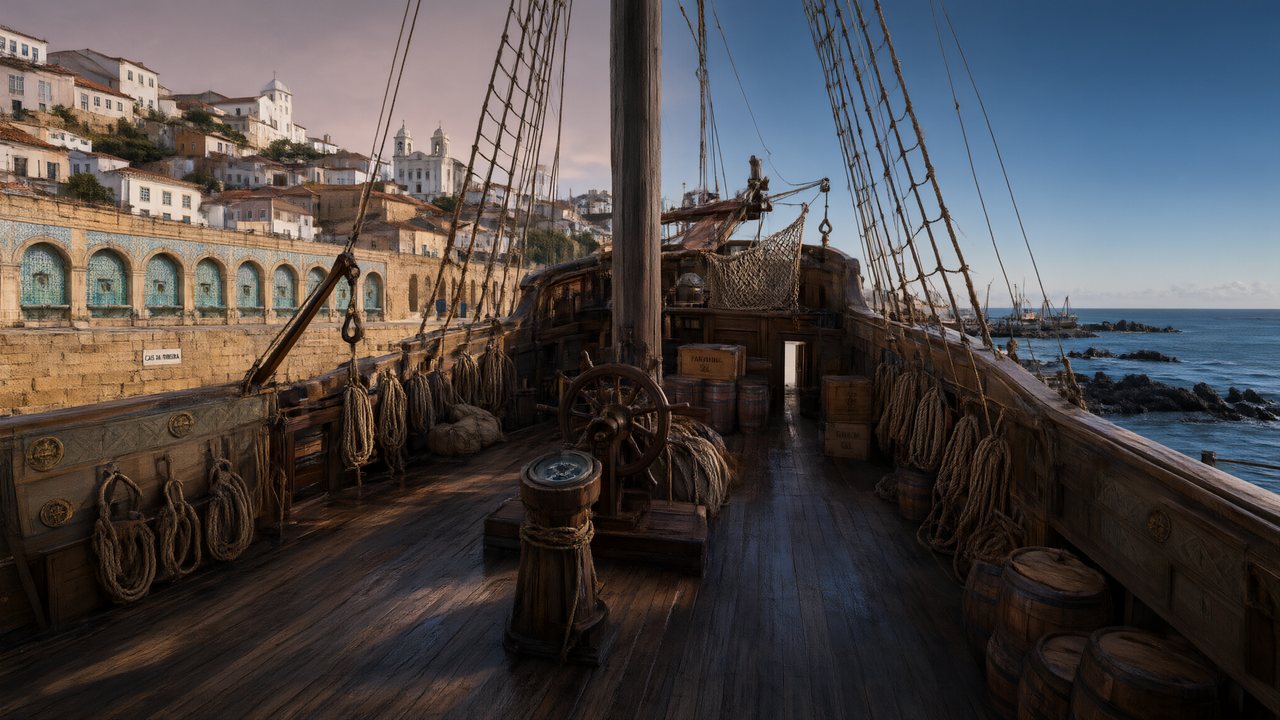 A Carta de LisboaPortuguêsNative dialogue
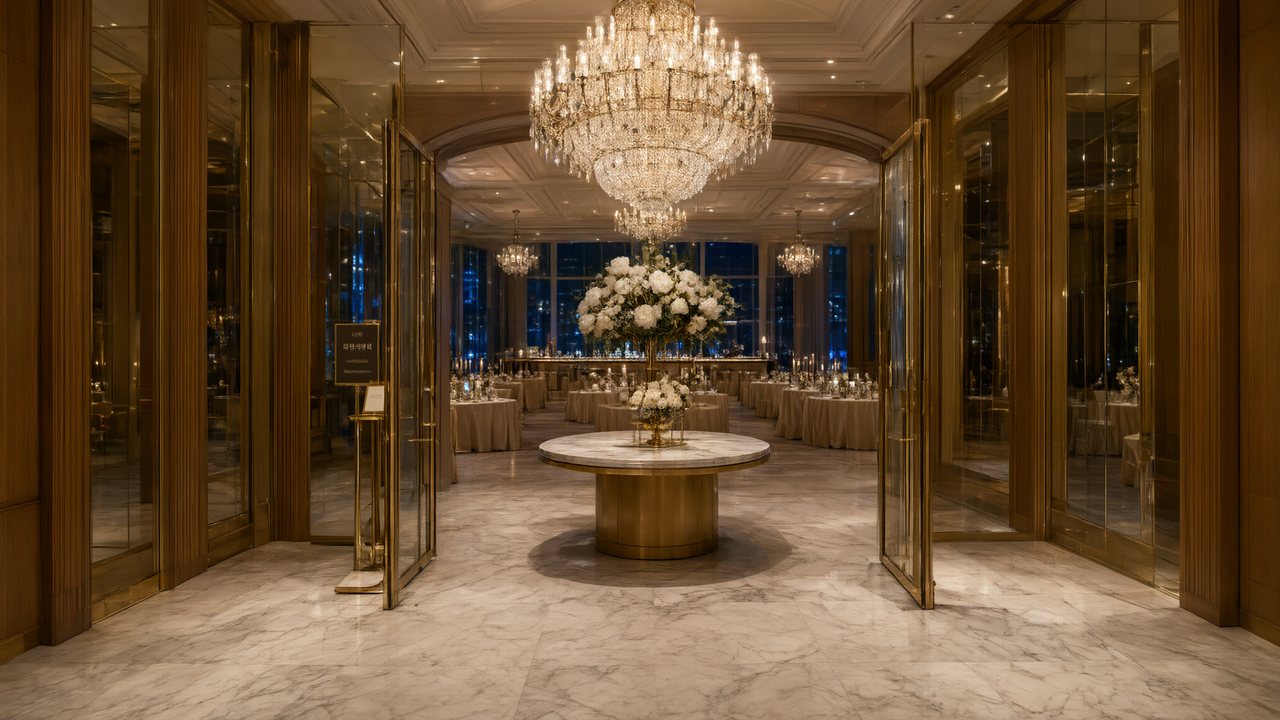 윈터 프라미스한국어Native dialogue
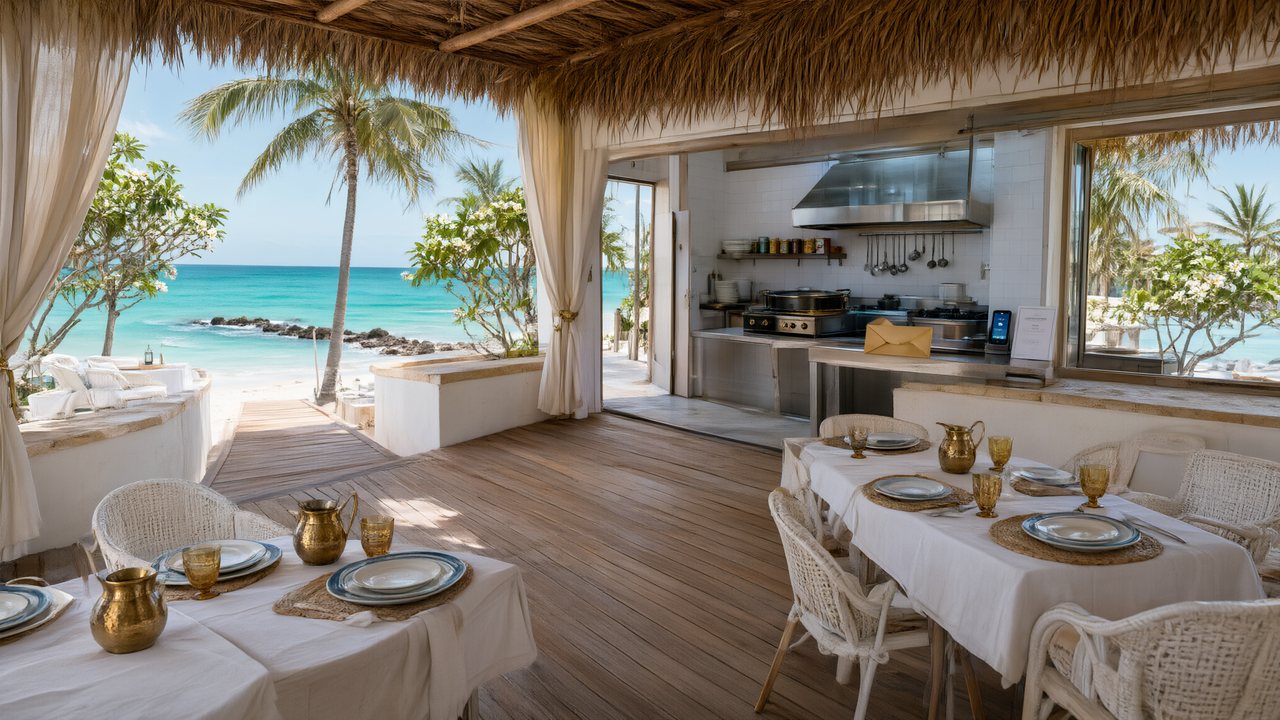 El Secreto de CostaEspañolNative dialogue
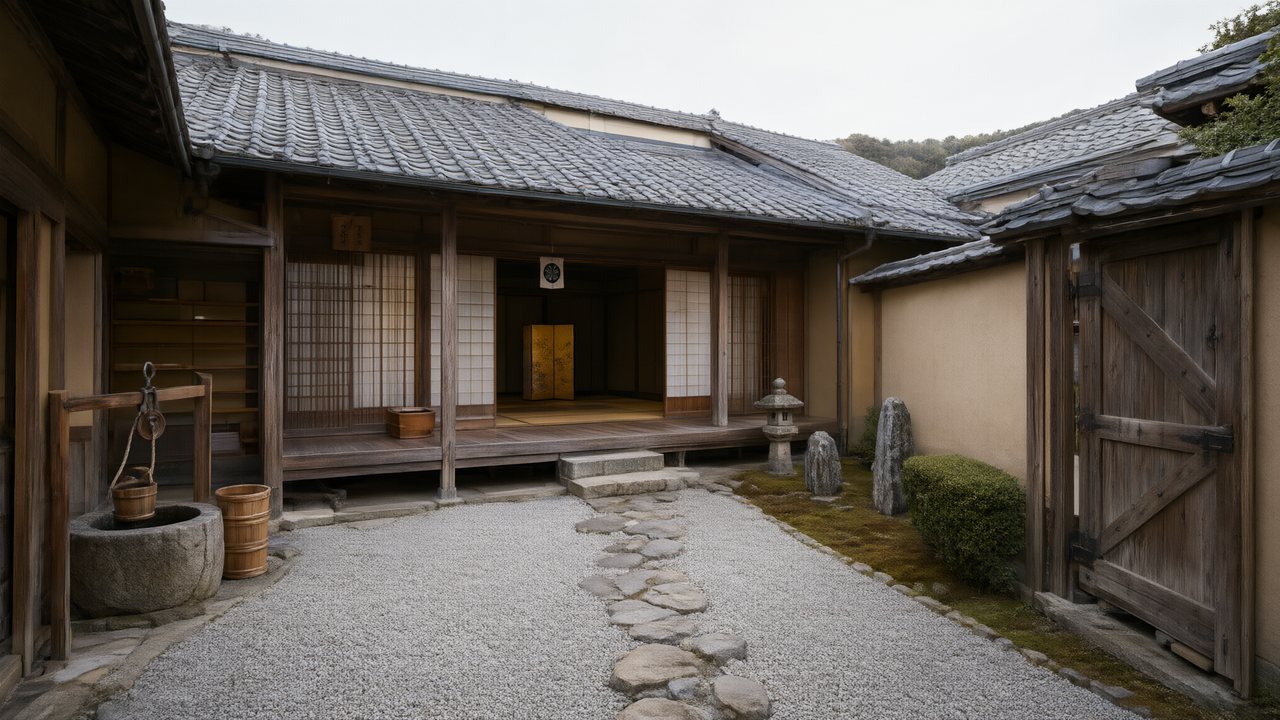 浪人の誓い日本語Native dialogue
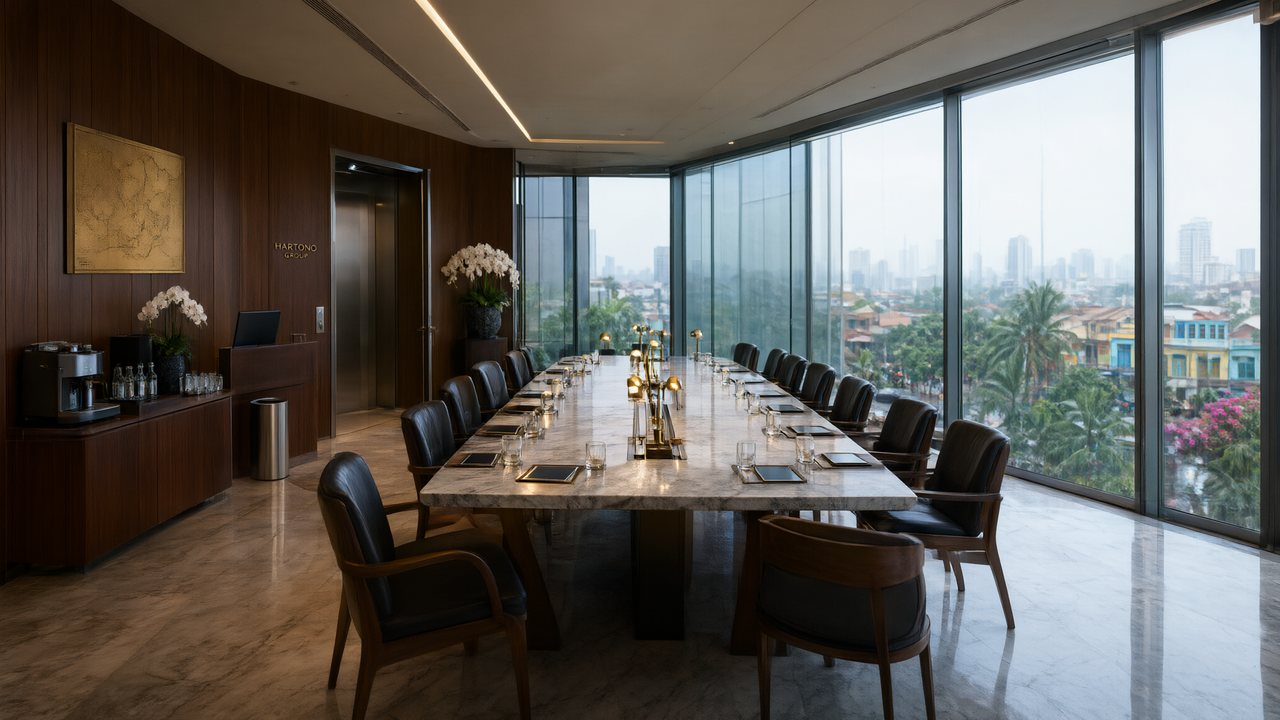 Ikrar JakartaBahasa IndonesiaNative dialogue
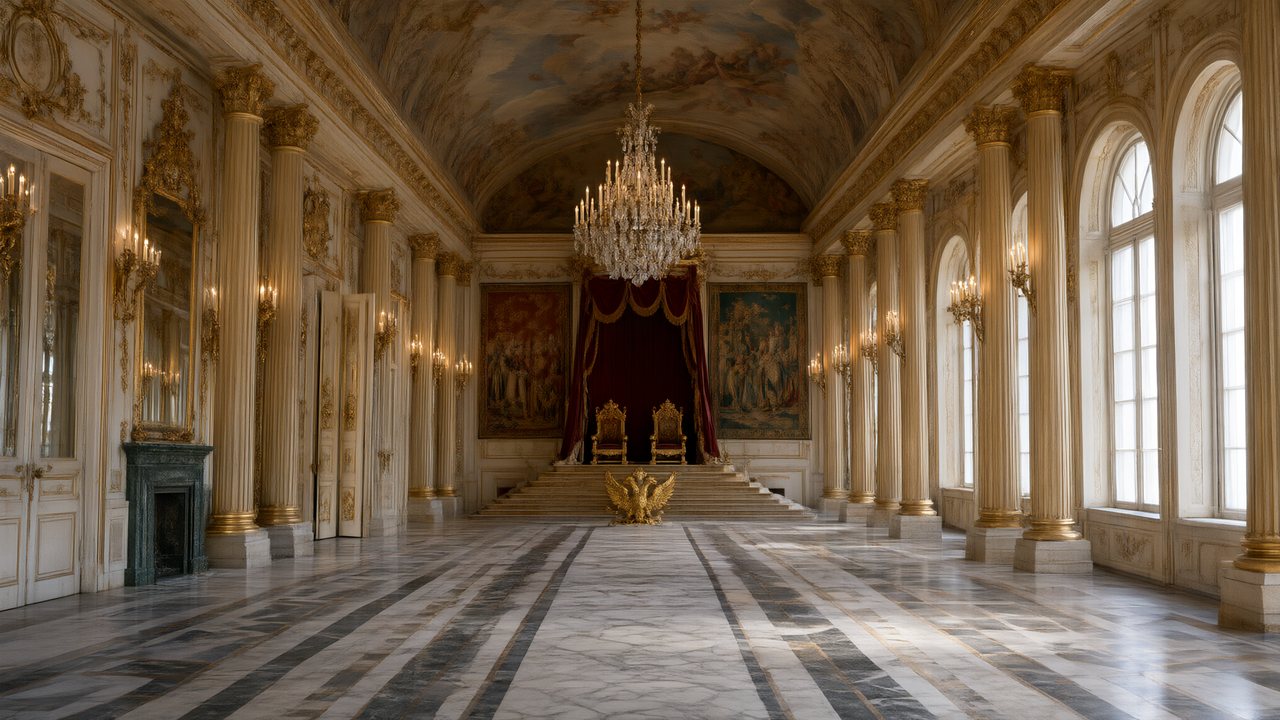 Зимняя коронаРусскийNative dialogue
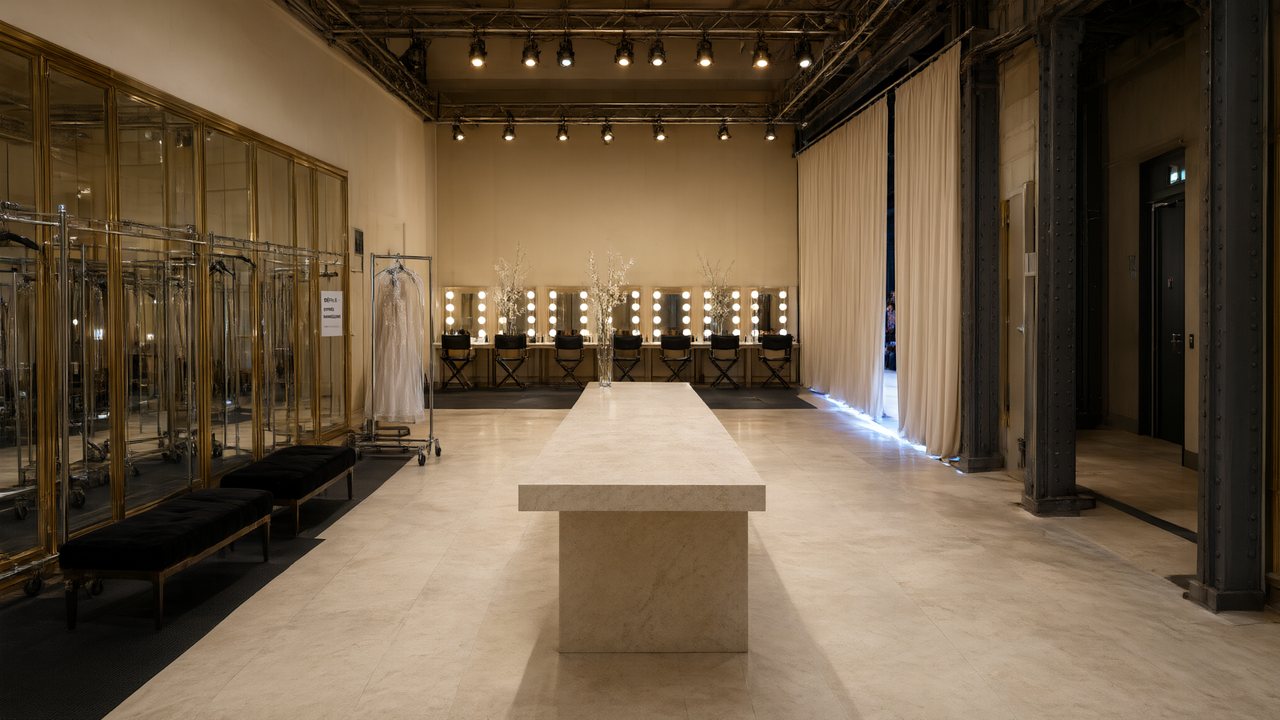 L’Héritier du DéfiléFrançaisNative dialogue
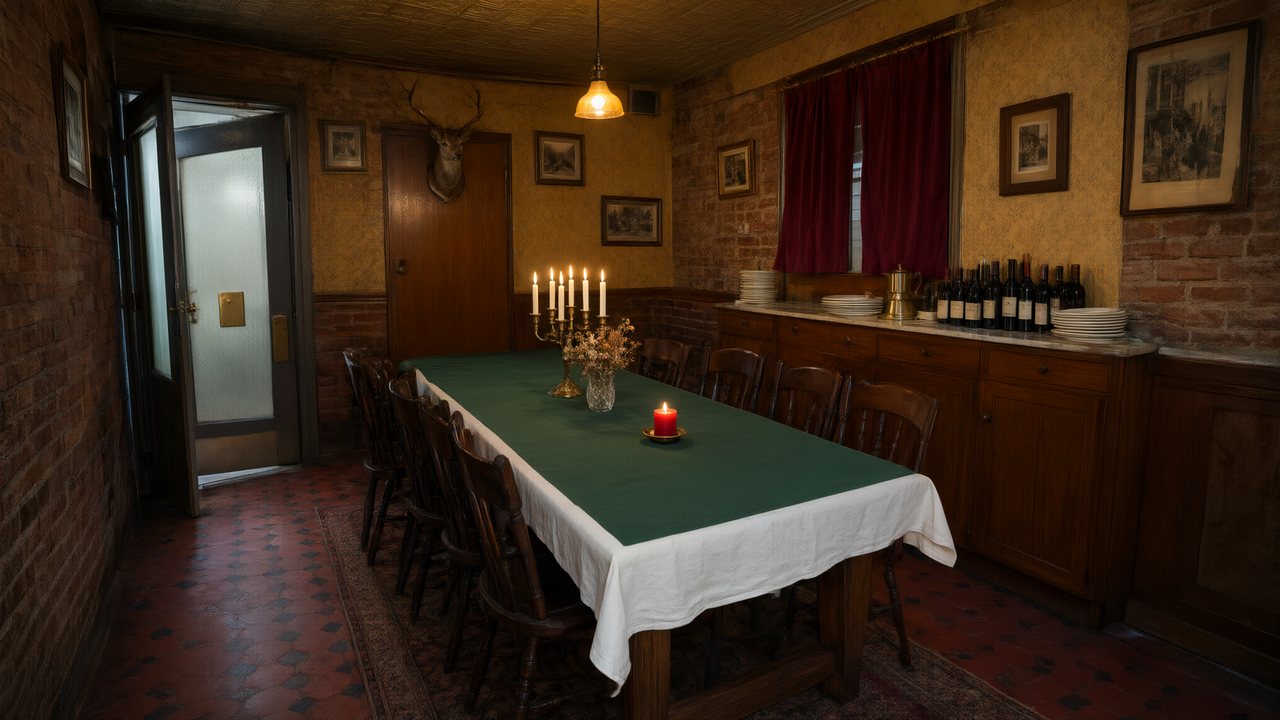 Il Tavolo dell'OlivaItalianoNative dialogue
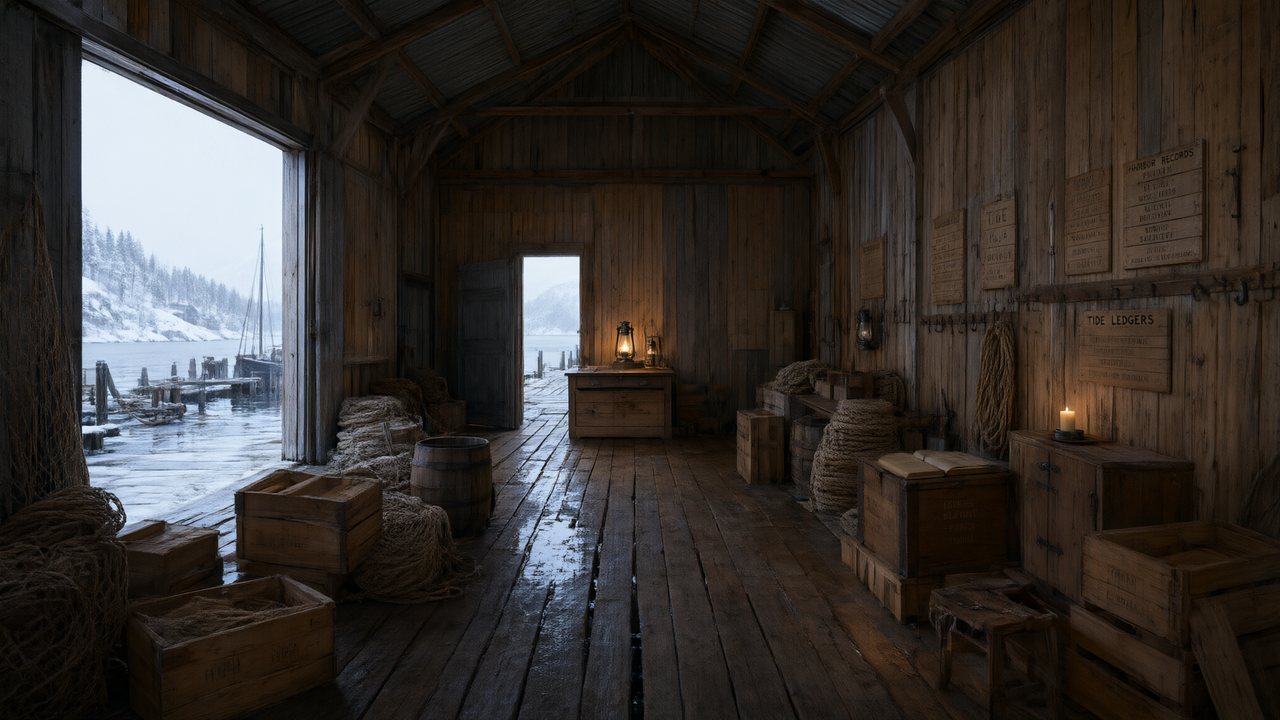 De Vuurtoren van de FjordNederlandsNative dialogue
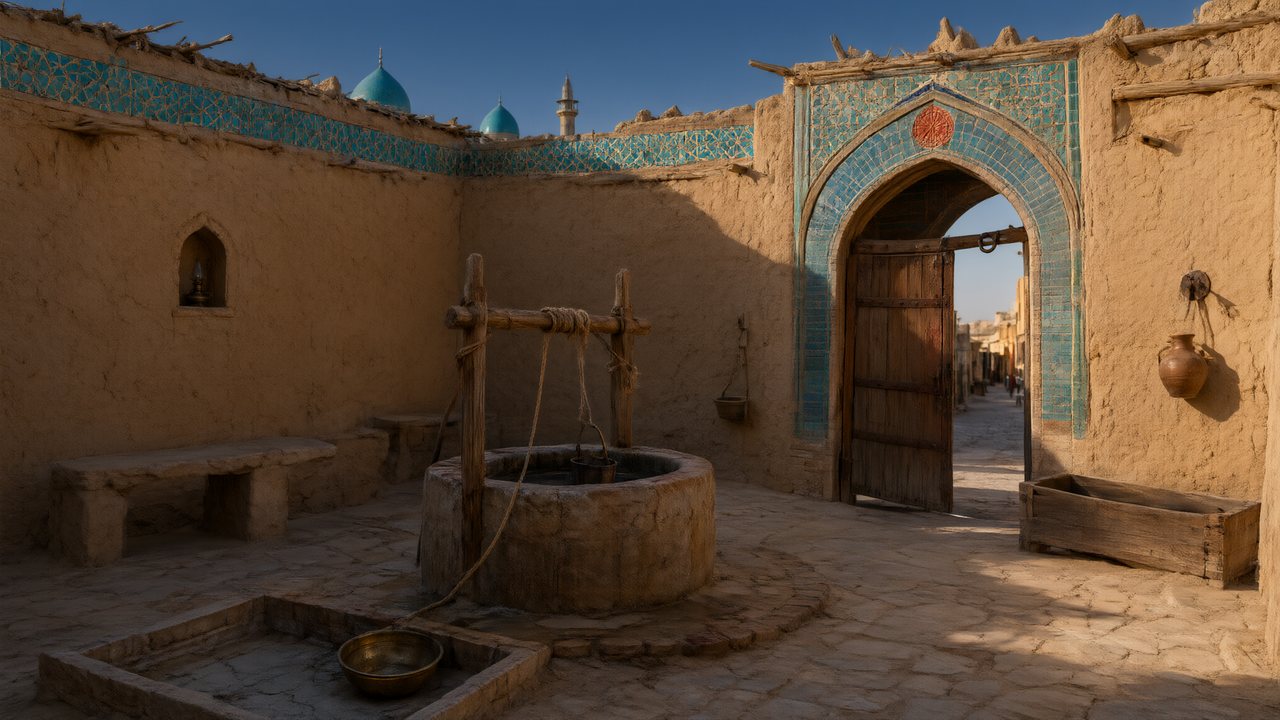 العهد الصحراويالعربيةNative dialogue
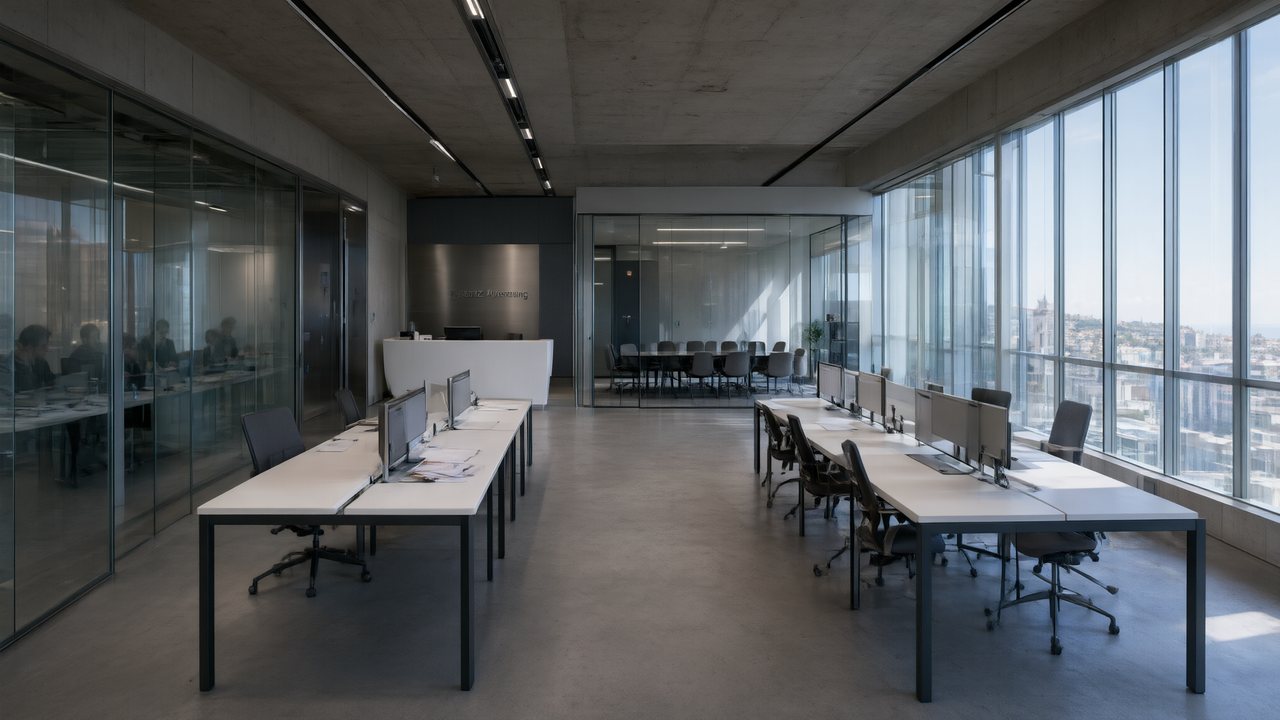 Çantasındaki SözleşmeTürkçeNative dialogue
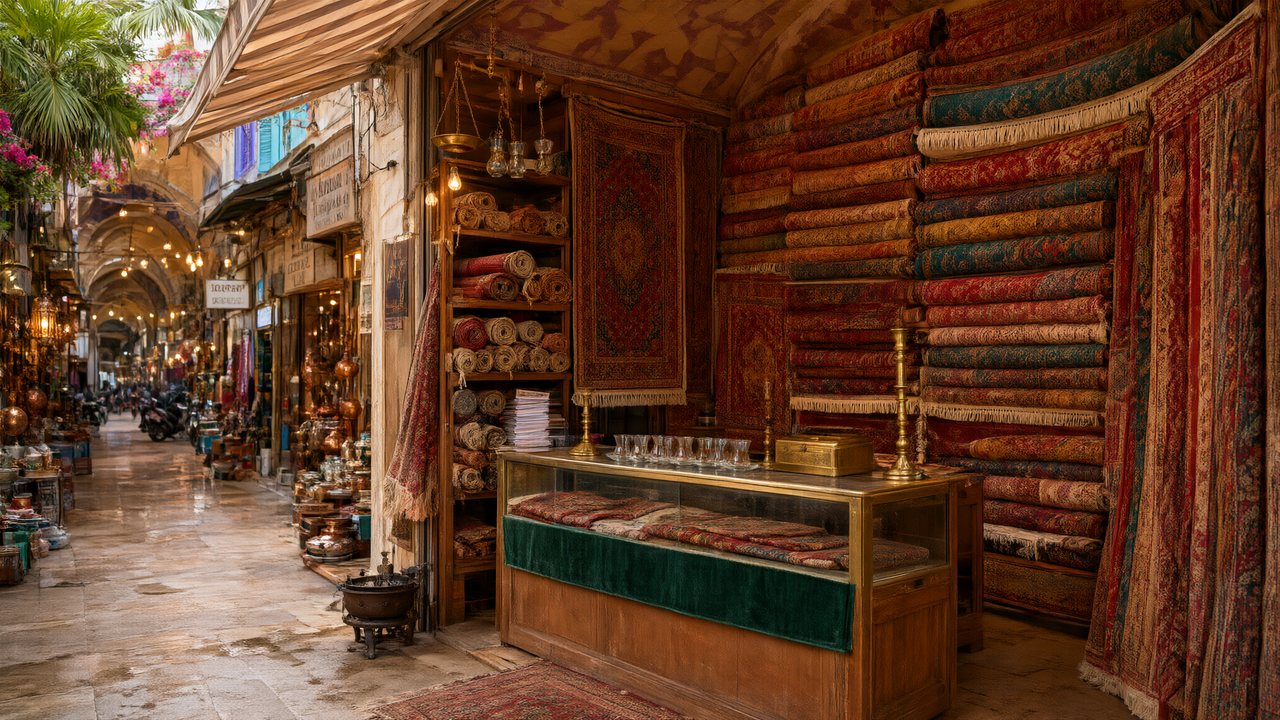 Die Istanbul-TäuschungDeutschNative dialogue
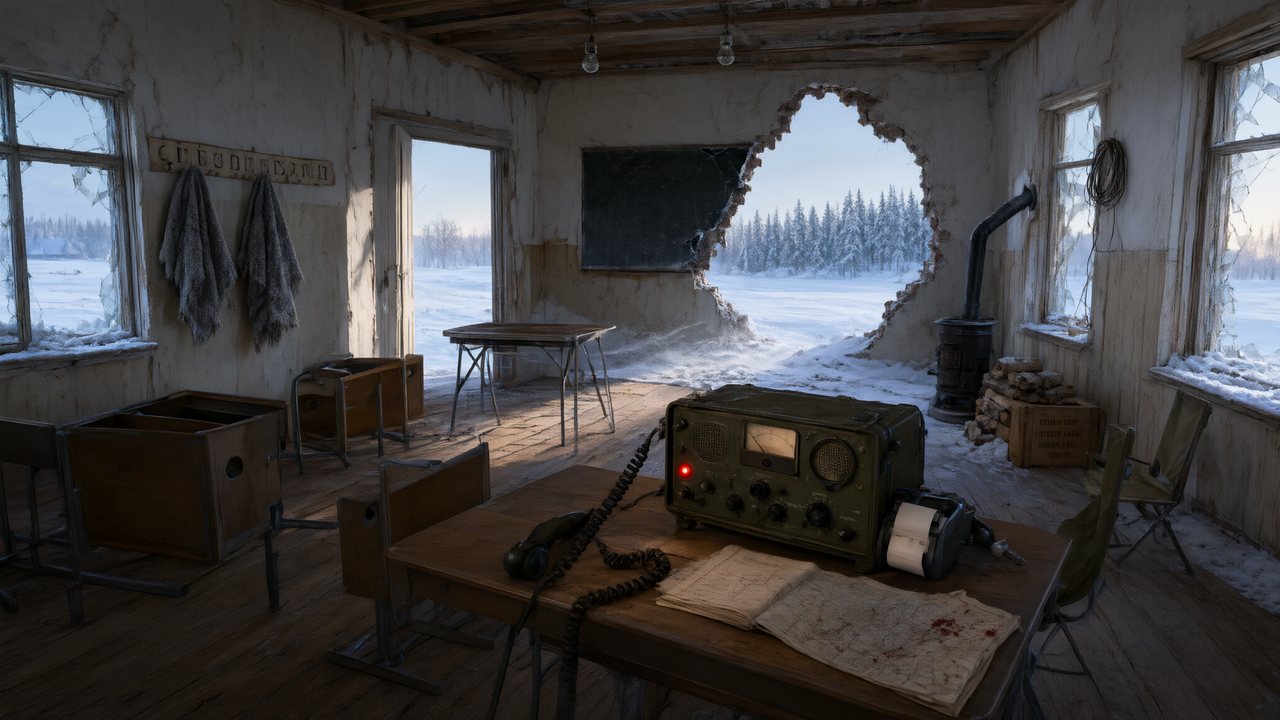 Останній сигналУкраїнськаNative dialogue
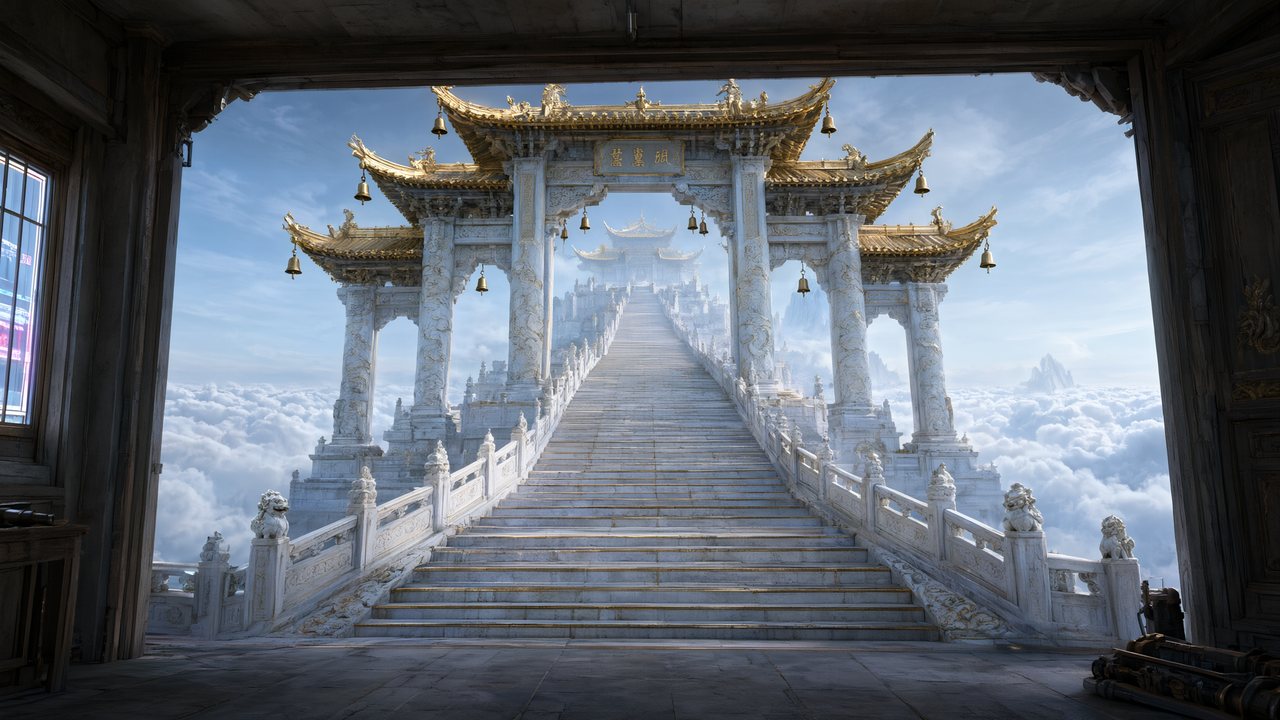 問劍青雲繁體中文Native dialogue
- The Last EnvelopeEnglishIn your language
Frequently asked questions
Can I generate a scene without a script?
Scene art is generated as part of a project, from the locations the script actually uses, because its purpose is to be reused by that project's shots. If you want a single standalone image rather than a series, a general image generator is the better tool.
Why do the location plates look flat compared with the finished video?
By design. A plate is a reference, so it carries structure and a light source and nothing else; the drama is added per shot by the storyboard, which can light the same room differently at noon and at midnight. A plate that already looks like a finished frame would override that.
Can one location have several camera angles?
Yes. A location can hold multiple sub-plates for different camera positions, generated together, so cutting around a space stays coherent.
Can I upload a photo of a real place?
Yes — any plate can be replaced with an image you upload, and the rest of the pipeline treats it as the reference for that location.
What is the difference between art direction and render style?
Render style is how it is drawn: live-action, 2D, 3D, stop-motion. Art direction is what is built: the materials, the colour discipline, how full a room is. You can put a spare brutalist interior in a 2D cel style or in photoreal live-action, and the two settings do not interfere.
Build the world once, shoot in it all season
Locations and props generated as references, reused by every episode.
Try SceneMixer freeCredit packages from $1.49 · Pro $7.99/mo · No credit card to start
Pricing·Novel to Video·Guides·Samples·Support·Privacy·Terms·Legal·Contact·© 2026 SceneMixer