Glossary

The project
Project — One drama, ad or remake. Holds the settings, the cast and the episodes. What is inside a project
Reading the script — The first paid step for a drama you brought a script to — a remake starts by reading your video instead. Turns your text into a cast and a list of episodes. Art direction takes effect only here and wardrobe mostly does, which is why both are chosen beforehand. Choosing your style settings
Episode — A numbered part of the story with its own storyboard.
Cast — The characters, locations and props belonging to a project. Each has a description and a generated image.
Content type — Short drama, long drama or film. A structural switch: episode length, dialogue density, the performance grammar the storyboard is written in. Choosing your style settings
Images
Setup image — The reference picture of a character, location or prop. Every later segment that uses that character or place points at it, which is what keeps a face the same across episodes. Keeping a character consistent
Character sheet — A character's setup image. Always 9:16, whatever the project's aspect ratio is, because a full-length standing figure needs the height.
State image — An alternative setup image for the same subject after a change a sentence cannot fix — a full costume change, visible injury, a hall after it burns, a blade drawn. Costume changes and scene states
Override — Using a different image for one episode, or one state for one segment, without touching the cast. What is inside a project
The storyboard
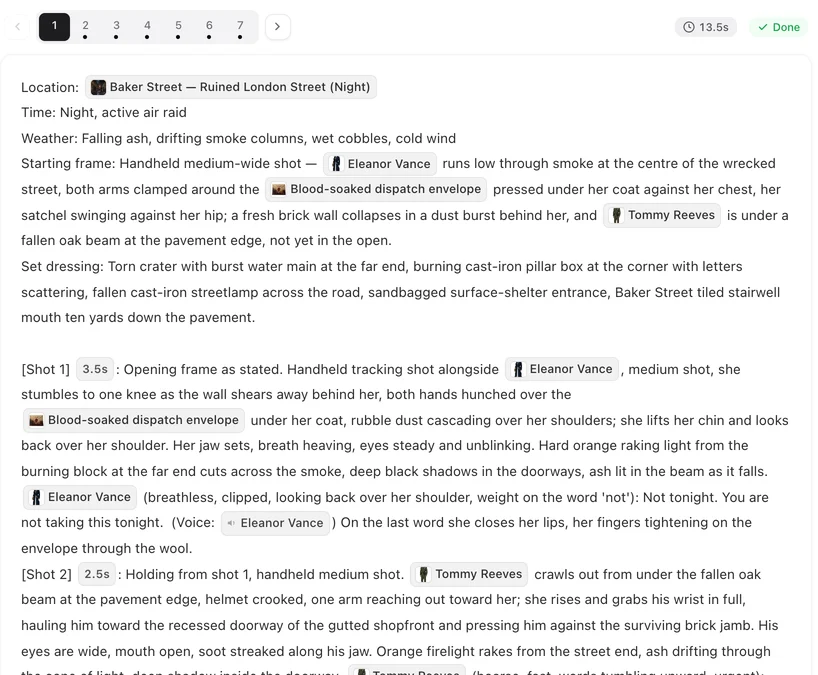
Storyboard — The written plan for one episode: its segments, and inside each the numbered shots with their durations, who is in frame, and the spoken lines.
Segment — One generation. Fifteen or thirty seconds of finished video, chosen per episode when you generate its storyboard. This is the unit you pay for and the unit the model produces in one go — not a cut. Aspect, length, resolution
Shot — A numbered part of a segment with its own duration. Shots inside one segment are cuts the model performs within a single generation; their durations add up to the segment's length.
In frame — The list of who is actually visible in a shot. It decides who gets a face and a reference image. Someone mentioned but not in frame is written as off-screen and is not given a face. When a shot comes out wrong
Background people — A line in a segment's header declaring that a crowd is present. Declared consistently or not at all — a crowd that appears in one segment and not the next usually traces back to this. When a shot comes out wrong
Voice tag — The marker on a spoken line saying which voice reads it. Picking character voices
Video and delivery
Take — One generated video for one segment. Every take is kept and switching between them is free. Fixing one shot
Tier — A named row of configuration: which model, which resolution, the longest a segment may be, and the price. All three kinds are changeable in settings; video is the one worth changing. What runs underneath
Compositing — Joining an episode's segments into one file. The full-quality segments are copied rather than re-encoded. Compositing and sharing
AI badge — The small label burned into the corner of delivered video, plus a line of AI-generated-content metadata in the file. Rights and labels
Credits and queueing
Credit — The unit everything is priced in. Bought in packs or granted by a plan; both land in the same balance. Where credits go
Freeze — Credits held aside when a job starts — not yet spent. Charged if it succeeds, released if the model never ran, held pending a manual check if we cannot tell. When a shot comes out wrong
Parked — A job waiting because your account already has as many running as your plan allows. It is promoted automatically when a slot frees; nothing failed. Why a generation takes time
Slot — One of the generations your account may run at the same time. A paid plan raises the count; it does not make a single generation faster. What a paid plan changes
Allowance — The credits a plan grants at the start of each period. They go into the same balance as bought credits and do not expire monthly. What a paid plan changes
Words that mean something else here
Three worth flagging, because borrowing the wrong intuition from editing software is the most common source of confusion.
“Segment” is not a cut — It is one call to the model. A cut inside it is a shot, and cuts inside one segment are free in a way that continuity across two segments never is.
“Regenerate” means two different things — Regenerating one segment's video is safe and keeps the old take. Regenerating an episode's storyboard rebuilds the episode and discards every finished video in it. Fixing one shot
“Delete” has no undo — There is no recycle bin and no restore button anywhere in the app. Where your files live
FAQ
What is the difference between a segment and a shot?
A segment is one generation, around fifteen seconds. A shot is a numbered part of a segment with its own duration — a cut the model performs inside that single generation. You pay per segment.
What does it mean when credits are frozen?
They are held aside rather than spent. If the job succeeds they are charged; if the model never ran they are released; if we cannot tell, they stay held for a manual check.
What is a setup image for?
It is the reference every later segment points at, which is what keeps a character's face and a location consistent across an episode.
What is a tier?
A named configuration row: which model, which resolution, the maximum segment length and the price per second. You choose the video tier.
Why is my job 'waiting' rather than failing?
Your account already has as many generations running as your plan allows, so it is parked and will be promoted automatically when one finishes.
See the words in place
Every term here is easier to understand once you have used it. A new account gets 50 credits, 15 free setup images and a free first storyboard — enough to read a script, generate the cast and try one short shot before you pay for anything.
Updated September 21, 2026
Pricing·Novel to Video·Guides·Samples·Support·Privacy·Terms·Legal·Contact·© 2026 SceneMixer