‘This Segment’s Dialogue Is Not in the Project’s Dialogue Language’: Why, and the Two Ways Out

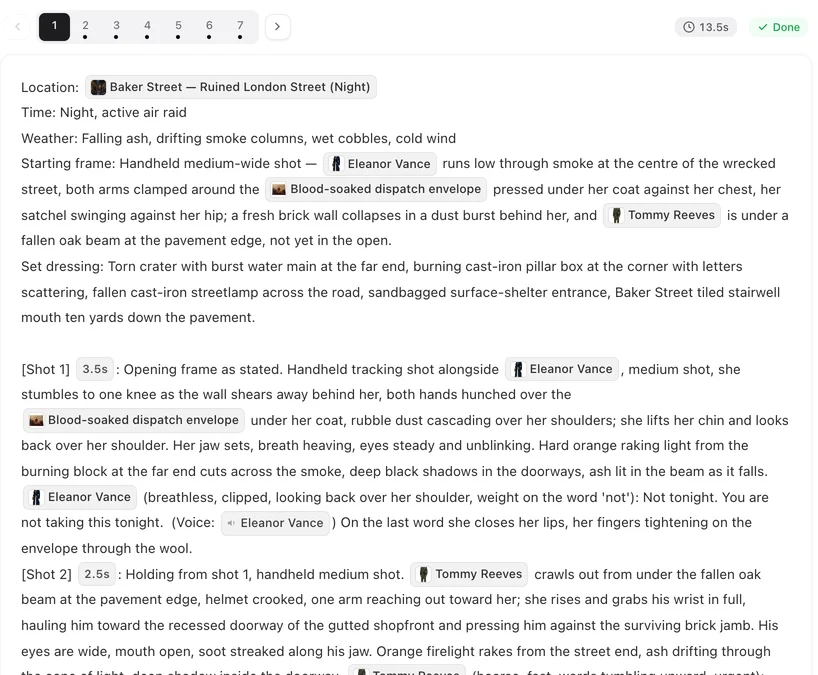
Open the segment and read the lines after the speaker tags: the language you see there is what the check saw.
Where the check happens
At the moment you click generate on a segment, on that segment only. It looks at spoken lines (text after a speaker tag), not at the picture description, and it compares their script to the project’s dialogue language. The rest of the episode is not affected. Choose the Dialogue Language.
Why lines end up in the wrong language
Hand edit: you typed a line in another language; retype it in the project language. Model slip: the storyboard came out with a line in the wrong language despite the setting — often a line the original script had in another language; the site catches most of these before saving, this check catches the rest. Edit the line. Regenerating the storyboard does not help, because it copies the outline’s lines word for word; and the dialogue language itself cannot be changed after the script is read. What you can change after the read.
Fixing the lines
Edit the segment text and change only the words after the speaker tag; keep the tag and the delivery note. Save; generate again. Only the segments you generate are checked, so you can fix them one at a time. Dialogue Lines, Voice-Over and Captions.
Generating anyway
If the other language is intended, confirm in the dialog and the clip is generated with the lines as written; the model speaks them in that language as best it can. The confirmation is per click; the next generation on that segment asks again unless the lines change.
What is not the cause
The interface language and the language you read the storyboard in do not matter here; the check reads the working text. Captions and picture descriptions are not checked. Remakes have their dialogue language fixed at the read, so this message on a remake means a hand edit.
| Cause | Fix |
|---|---|
| A line edited by hand into another language | Retype the line in the project language |
| Model wrote one line in the wrong language | Edit that line |
| Foreign phrase or song on purpose | Confirm and generate |
FAQ
Was I charged?
No. The check runs before anything is sent.
Does confirming change the project's dialogue language?
No. It only lets this generation proceed.
Will the clip pronounce the other language correctly?
Best effort; a line in a language the project was not set up for may not sound natural.
The message appears on every segment of the episode.
The outline’s lines are in another language, usually the original script’s. Edit the lines, or confirm if that language is what you want; regenerating the storyboard keeps the outline’s language.
Can I turn the check off?
No; confirming per click is the override.
Fix the line, or confirm and shoot
The check only makes sure the clip speaks what you meant.
Updated September 27, 2026
Pricing·Novel to Video·Guides·Samples·Support·Privacy·Terms·Legal·Contact·© 2026 SceneMixer