When Support Looks at Your Account: What They Can See, What They Cannot Do

Use the Help window’s feedback with a screenshot: the report carries your account id and the page you were on, which is what support needs first.
What support sees
The same pages you see, as you see them: home, project wizard, episode editors, library, billing, settings. Storyboards and descriptions are readable so a problem in the text can be found; clips can be played. Passwords are never visible to anyone, including staff.
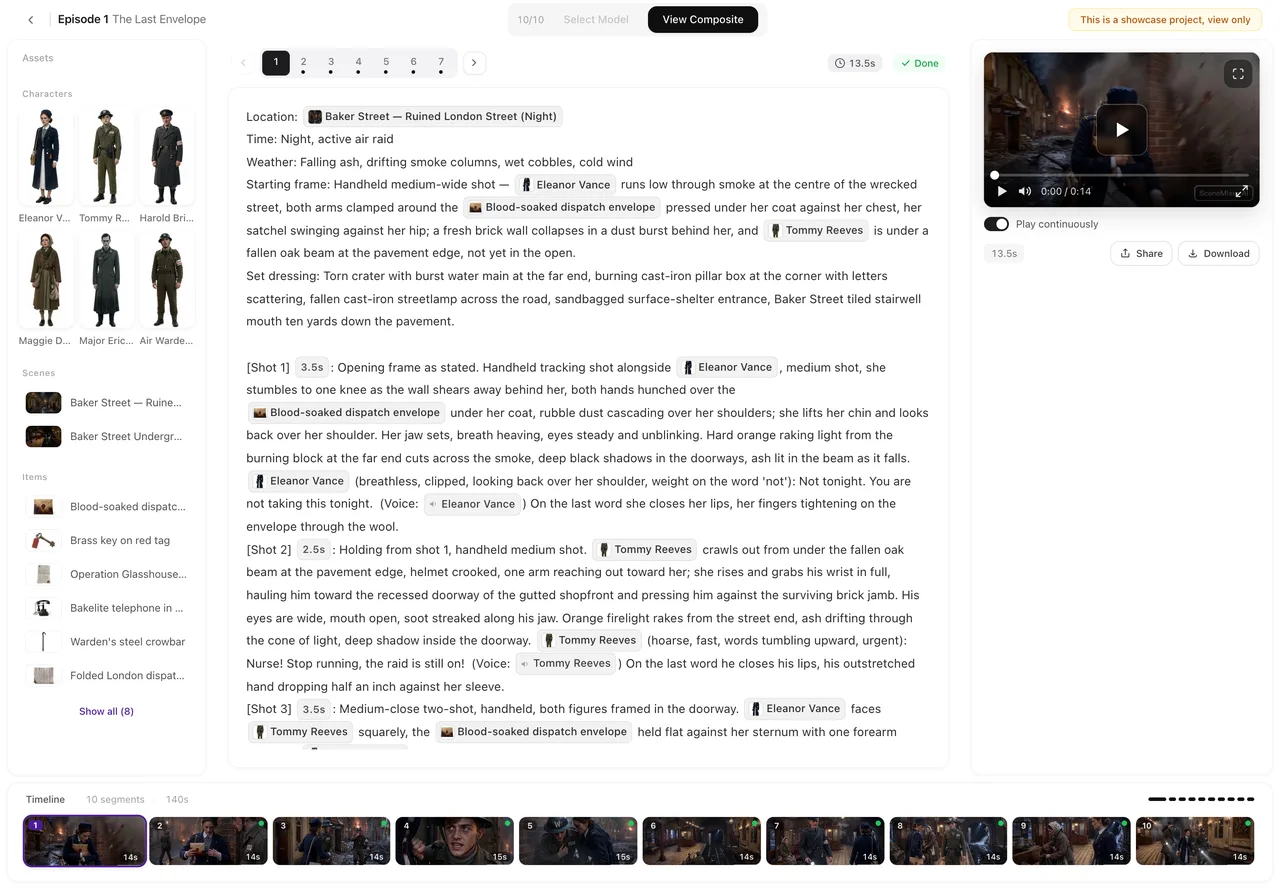
What the read-only view cannot do
Start or stop generations, buy, refund or move credits, change settings (badge switch, interface language, watermark choice), edit or delete projects, sheets or storyboards, change your dialogue or reading language, or dismiss the onboarding tour. The mode refuses those actions at the server; a banner in the view says read-only. Refunds and credit adjustments are done from the back office with a separate audit record, never by acting inside your account.
How it is logged
Requests made while viewing your account carry the staff member’s id and are written to the request log; credit changes made from the back office are written to your ledger with a reason you can read. Reading Your Credit History.
What to send so nobody needs to look
The exact message or the card showing the state, the project and episode name, the approximate time, and what you expected. The Help window’s feedback form attaches screenshots and your account id automatically. How to Get Help.
Privacy
Your scripts and clips are not used to train models and are not shown to other users; the read-only view exists only to resolve your report. Details in the privacy policy linked in the footer.
| Action | Support in read-only view | Back office |
|---|---|---|
| Read projects, storyboards, clips | Yes | Yes |
| Start or stop a generation | No | No |
| Spend, buy or move credits | No | Adjust with audit record |
| Change your settings or language | No | No |
| Delete anything | No | No |
| Refund an order | No | Yes, logged |
FAQ
Can support generate a clip to test on my account?
No. The view cannot start generations; tests are run on staff accounts.
Did someone change my language?
Not from the read-only view; it cannot. Check the top-bar language menu on this browser.
Can support see my password?
No one can; passwords are not stored in readable form.
Will I be told when my account was viewed?
There is no notification; the log exists and is used for audit.
Can I refuse?
Say so in your report and support will work from screenshots only.
Send the screenshot first
Most reports are solved from the card and the time; a look inside is the exception.
Updated September 27, 2026
Pricing·Novel to Video·Guides·Samples·Support·Privacy·Terms·Legal·Contact·© 2026 SceneMixer