AI prop generator
AI Prop & Item Generator
Updated September 20, 2026

A prop is a reference image with a job
Objects that matter in a story — the letter, the blade, the phone with the message on it — need to look the same every time they appear, and generated video has no memory between shots. So each one gets a reference image, and each shot that uses it says what role that image is playing. Without the role, the model treats a picture of a dagger as a mood board rather than as “this exact dagger, in this hand, now”.
At a glance
| Extracted | During script analysis, alongside characters and locations. Objects the story acts on, not set dressing. |
|---|---|
| Framing | Follows the project aspect ratio. Clean white background; light used to reveal material, not to build mood. |
| Which shots get it | Only shots whose prop field names it. An object mentioned in the location description or the opening state does not attach an image. |
| Role in the shot | Stated explicitly — this is the reference for the object being held, not a style suggestion. |
| Second form | Drawn or broken gets its own image. Held, put down, pointed, lit does not. |
| Cap | One auto-proposed state per prop. Over-generating states costs money and changes nothing. |
Why the prop field is the only thing that counts
A dashboard panel once appeared in seven consecutive shots of an episode because the phrase sat in the location description and every shot inherited it. The fix was to stop treating mentions as references: images attach only from the shot's own prop list, and a prop that no line of the shot text actually mentions is dropped from that list before rendering. Set dressing describes the world; props are the objects the camera is asked to show.
Sheathed, drawn, broken
Objects with two physical configurations used to be drawn as one picture showing both — a blade out of its scabbard with the scabbard beside it. That is a good casting photo and a bad reference: the render kept snapping the drawn blade back into its sheath mid-shot. Now the base image is the object in its carried state, and drawn is a separate state image, chosen per segment like a costume change.
The same rule covers breakage. A cracked, snapped or burned version of an object is a different object structurally, so it gets its own image; an object that is merely dirty, wet or lit is the same object and is handled in text.
Describing an object so it can be drawn
The same rule that governs every visual prompt here applies: describe causes, not results. “Ornate”, “precious” and “masterfully crafted” give a model nothing to draw. Material, construction, wear, closure, proportion do.
- Instead of “an exquisite antique locket” — write a hinged oval case, tarnished silver, worn smooth at the thumb catch, hairline scratches across the front.
- Instead of “dramatic lighting on the blade” — write a single hard source from the upper left, so the forging pattern reads along the edge.
- Do not write what the light should land on. Written as a landing point, the render paints a bright patch exactly there.
Editing and replacing
Every prop can be renamed, re-described, regenerated or replaced with your own upload. Regenerating costs one image. Renaming is safe — shot text is rewritten to follow the new name, so references do not break — and uploading your own picture is the right move when the object is real and you have a photo of it.
What it will not do
- Render readable text on an object. Labels, letters and screens with legible writing are outside what current models do; a letter can be a letter, but not a letter you can read.
- Keep a prop in a shot that does not list it. By design.
- Turn a photo into a 3D asset. Uploads are reference images, not models.
- Track an object's exact position between shots. Continuity is carried by the written opening and closing state of each segment, not by simulation.
What it costs
Prop images are ordinary generated images: 7 credits each beyond the 15 free reference images in your first project, which cover characters, locations and props together. State images have their own separate free allowance in that first project. Attaching props to shots costs nothing, and so does renaming or re-describing. See location plates for the same approach applied to sets, and the pricing page for rates.
Languages
Native dialogue in 15 languages
Every series below was produced by the same pipeline with the cast speaking that language natively: the interface, the working documents and the spoken lines are all in one language, and nothing is dubbed. Open one to hear it.
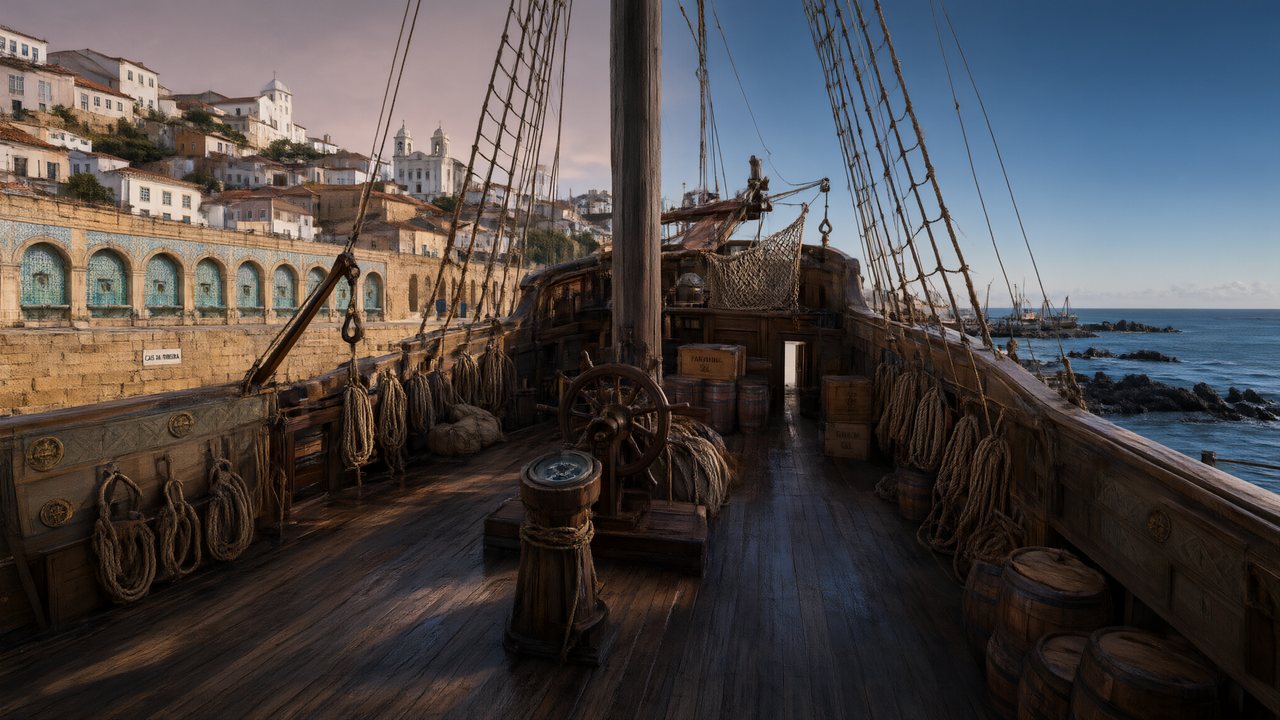 A Carta de LisboaPortuguêsNative dialogue
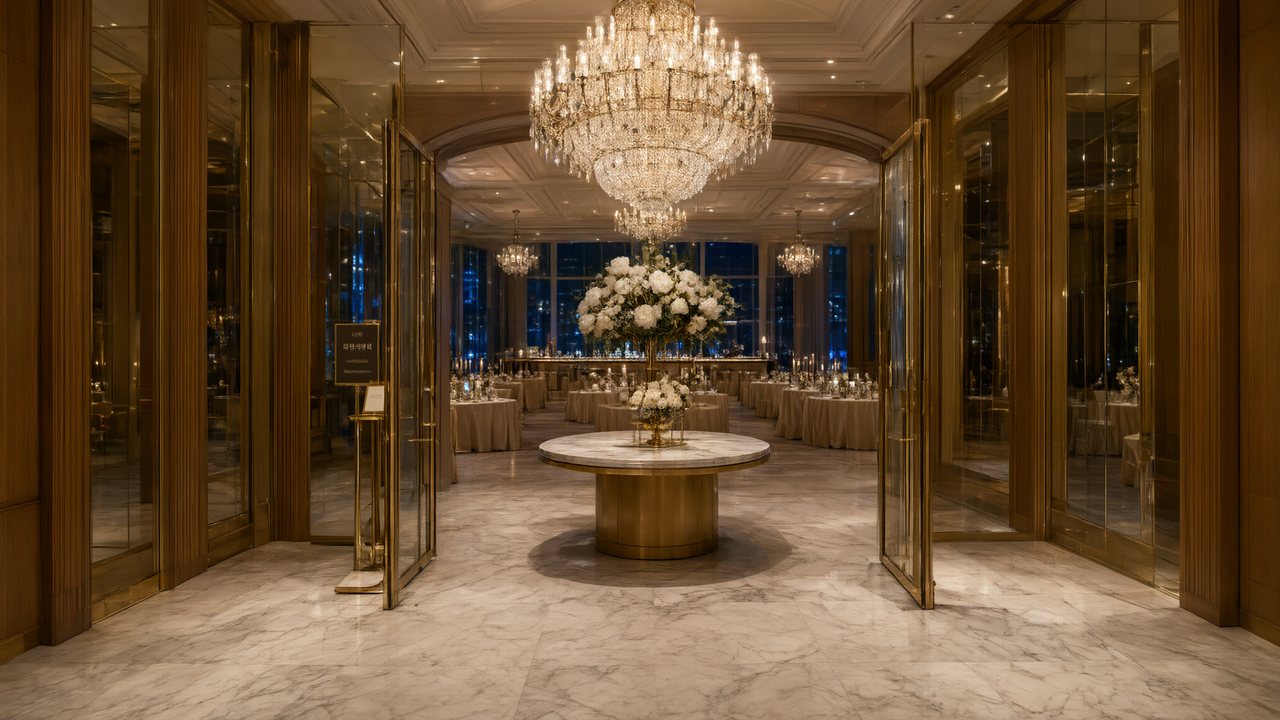 윈터 프라미스한국어Native dialogue
 El Secreto de CostaEspañolNative dialogue
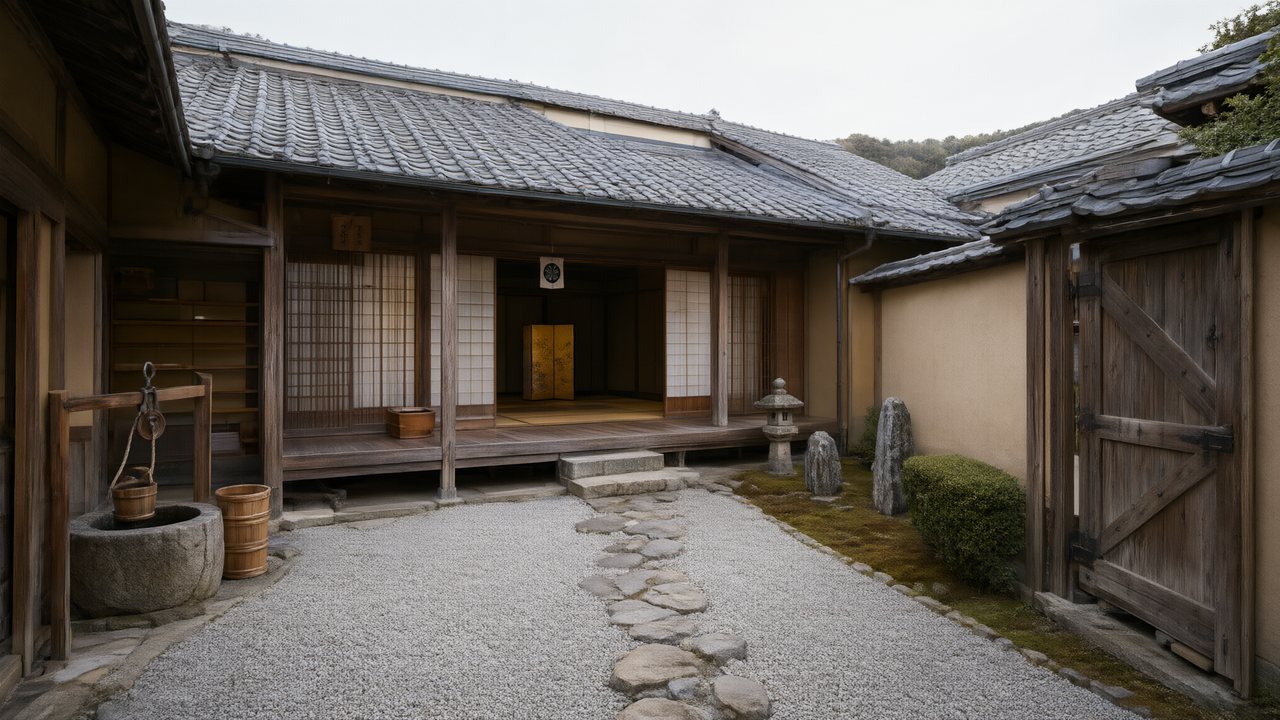 浪人の誓い日本語Native dialogue
 Ikrar JakartaBahasa IndonesiaNative dialogue
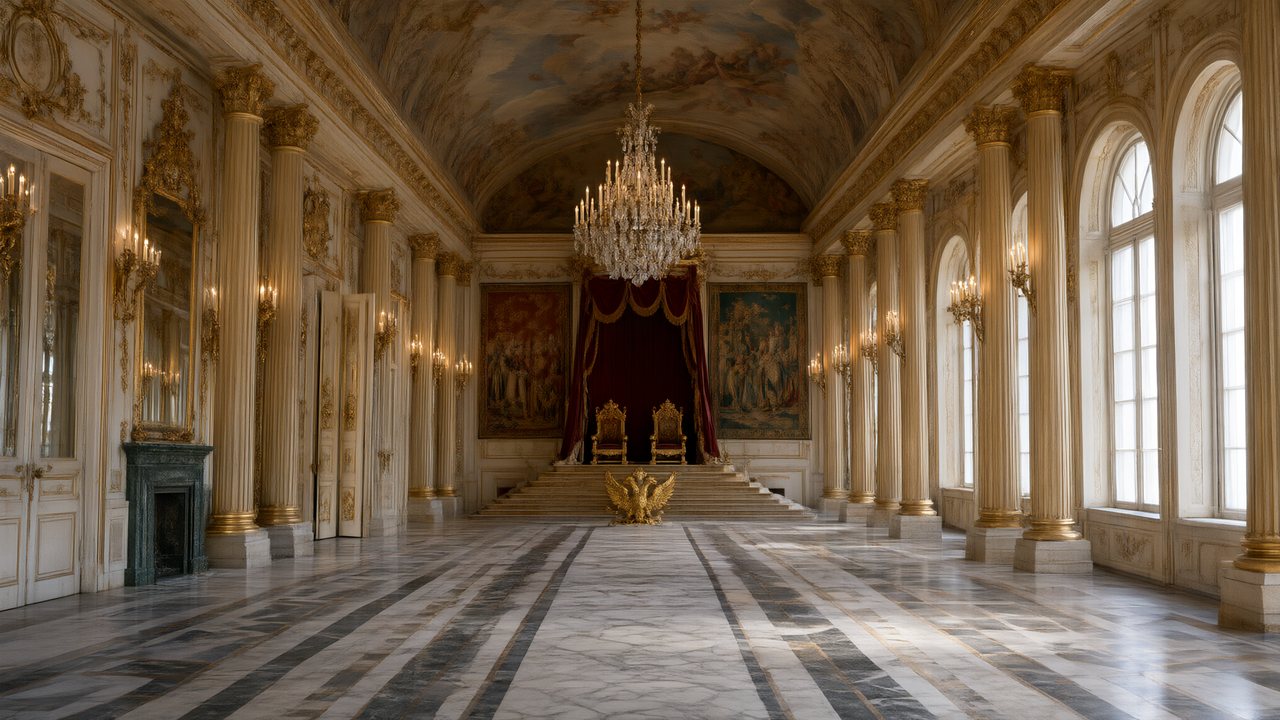 Зимняя коронаРусскийNative dialogue
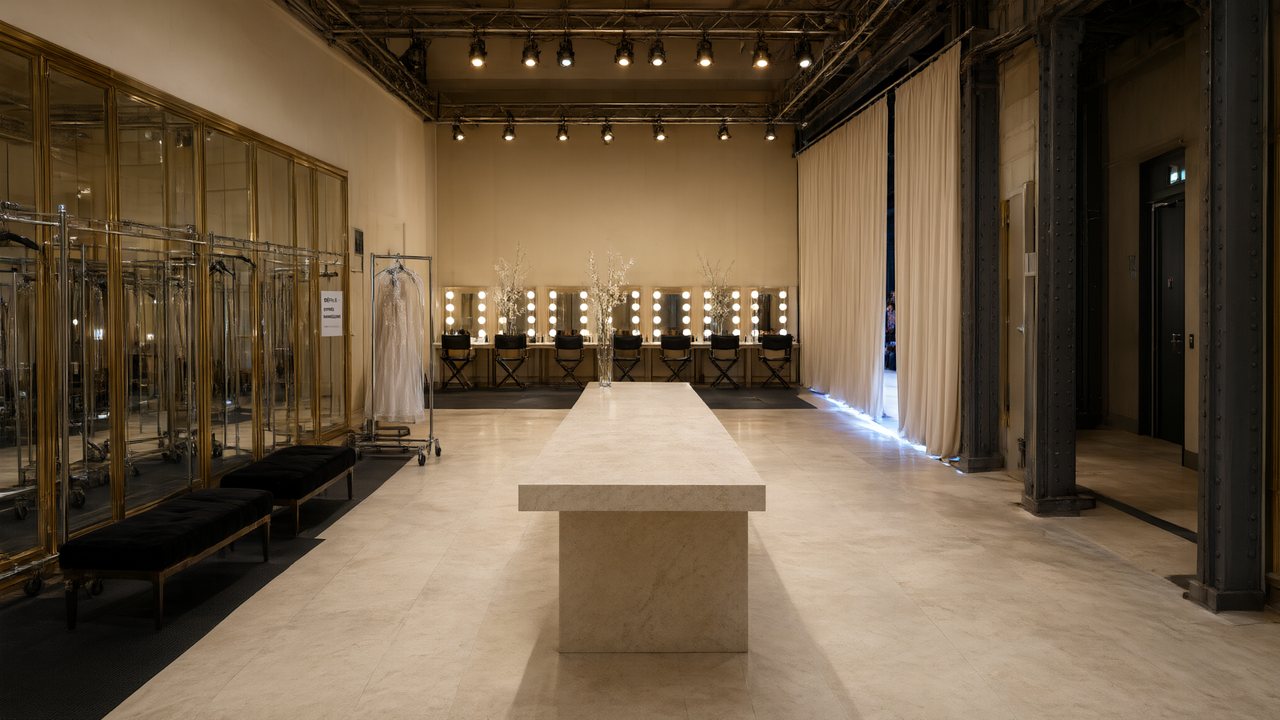 L’Héritier du DéfiléFrançaisNative dialogue
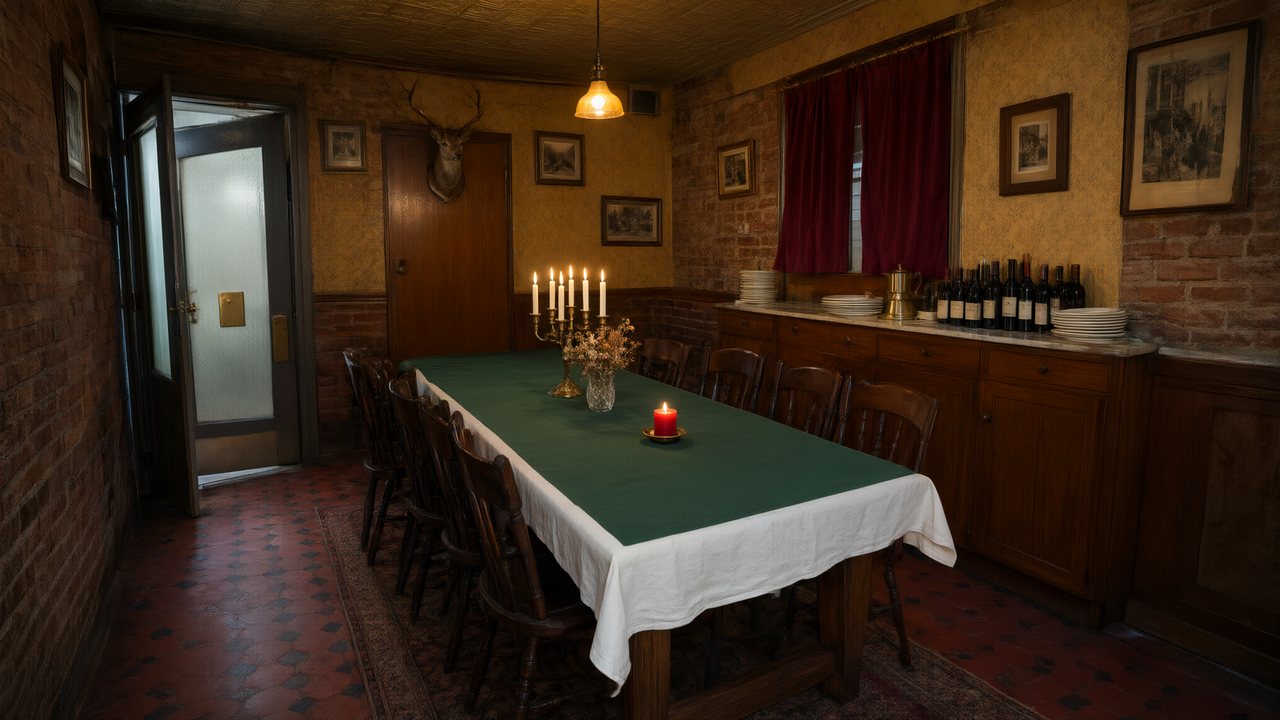 Il Tavolo dell'OlivaItalianoNative dialogue
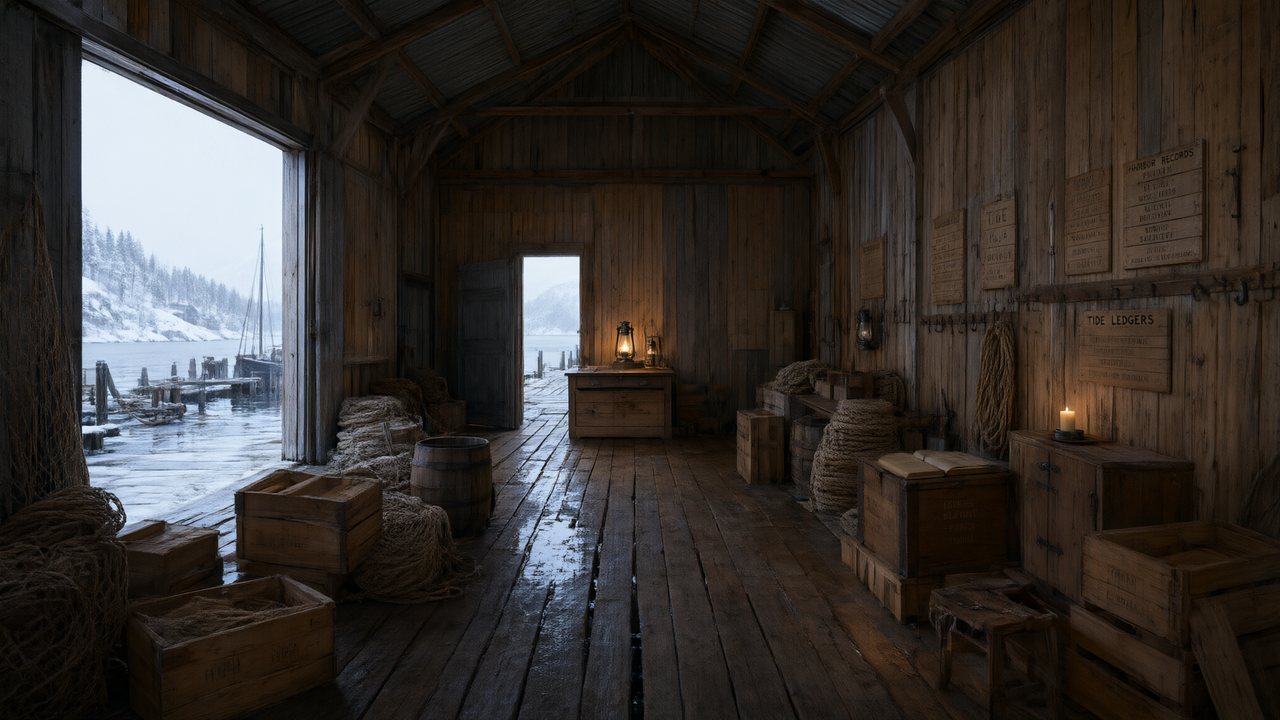 De Vuurtoren van de FjordNederlandsNative dialogue
 العهد الصحراويالعربيةNative dialogue
 Çantasındaki SözleşmeTürkçeNative dialogue
 Die Istanbul-TäuschungDeutschNative dialogue
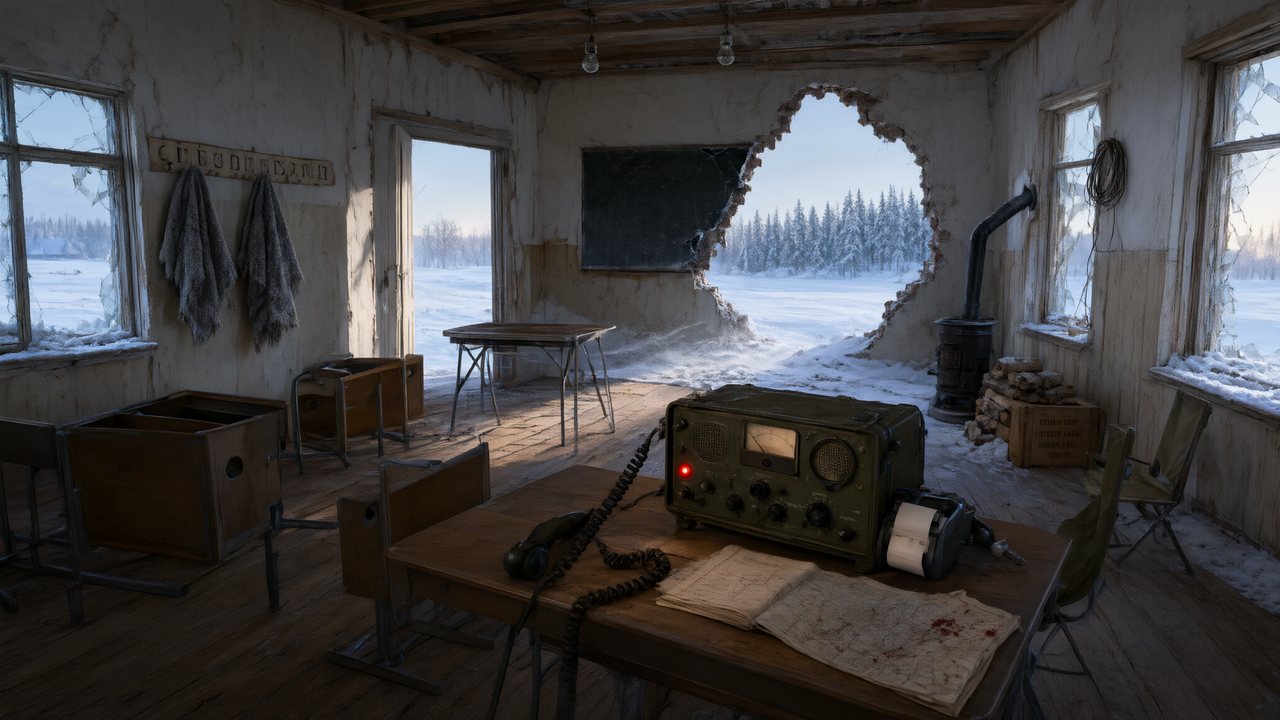 Останній сигналУкраїнськаNative dialogue
 問劍青雲繁體中文Native dialogue
 The Last EnvelopeEnglishIn your language
Frequently asked questions
What counts as a prop rather than set dressing?
An object the story acts on — picked up, handed over, drawn, read, broken. Set dressing describes the room and stays in the location plate; props get their own reference image and are attached per shot.
Why did an object appear in shots it should not be in?
That happens when a mention leaks in from the location description. Images now attach only from each shot's own prop list, and props no line of the shot actually mentions are dropped before rendering.
How do I show a sword being drawn?
The base image is the sword as carried; drawn is a separate state image, selected for the segments where it applies. Drawing both configurations in one picture used to make the render snap the blade back into its scabbard mid-shot.
Can I upload a photo of a real object?
Yes, as that prop's reference image. It is used the same way a generated one is. It stays a reference picture, not a 3D asset.
Can a prop carry readable writing?
Not reliably — no current video model produces dependable lettering, which is also why no text is rendered in frame anywhere in the pipeline. A note can be a note; it cannot be a note the audience reads.
The same blade in every shot
Props share the fifteen free reference images in your first project.
Try SceneMixer freeCredit packages from $1.49 · Pro $7.99/mo · No credit card to start
Pricing·Novel to Video·Guides·Samples·Support·Privacy·Terms·Legal·Contact·© 2026 SceneMixer