The Same Prop in Every Hand

Open a finished episode, switch the left panel to Items, and look for the same object across two segments.
Props are entries, like characters
Reading the script produces three lists: characters, scenes, props. The props list holds the objects the story depends on — a weapon, a document, a keepsake, a device. Each entry has a description and, after step 2, an image. That image is the prop.
Everyday objects that nobody would notice — a random cup, a chair — do not become props. They do not need to be the same cup twice.
Telling a shot which prop you mean
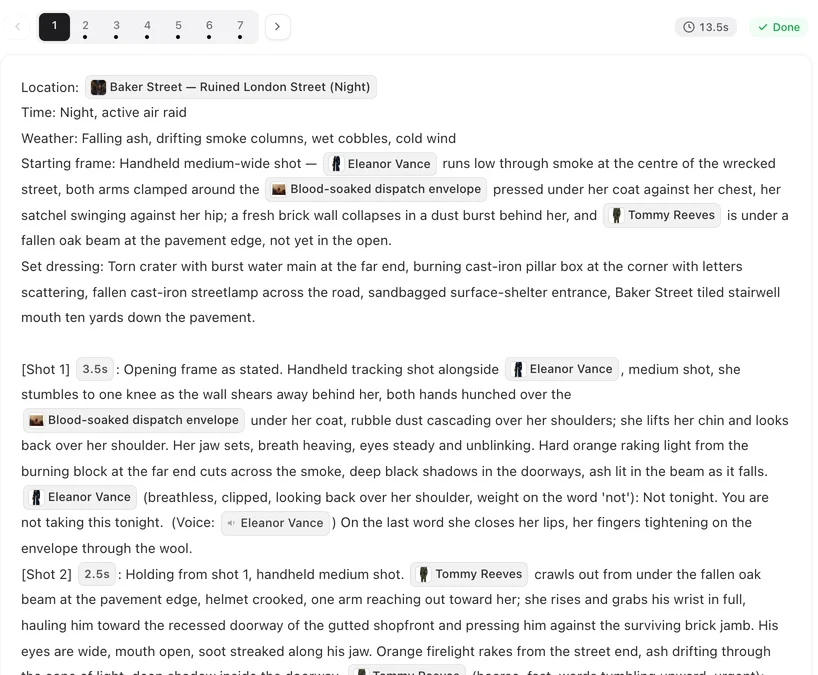
In the storyboard, a prop appears as an @ chip, the same way a character does. Type @, open the Props tab, pick the prop, and the chip drops into the text. A shot that says @Sealed letter is handed over gets that letter: same paper, same seal, same size in the hand.
A shot that says “a letter” with no chip is asking for any letter. It may come back close. It may not. The chip is what makes it the same one. How to write props into a shot.
What holds and what changes
What holds: the object’s shape, colour, material and markings, across shots, segments and episodes. A blade is the same blade drawn or sheathed — but drawn and sheathed are two different pictures.
That is what states are for. A prop can have states: the letter before and after it is burned, the sword in its scabbard and out of it, the phone whole and cracked. Each state is its own image, and you choose which segments use it. States, step by step.
Adding a prop the script did not list
If the reading missed an object you care about, add it. In step 2, open the Items tab and add a new entry with a description; generate its image. From the editor, Add assets on the left panel brings an existing prop into this episode. Then name it in the shots with @.
When a prop comes out wrong
Check three things. Is it in the props list at all? Did the shot name it with the chip? Is the shot asking for too many objects at once? A shot crowded with five named props tends to lose one. Split the action across two shots, name the prop in each, and regenerate the segment. Every version is kept.
| Situation | What to do |
|---|---|
| The same object must appear in several episodes | Make sure it is a prop entry; name it with @ in each shot |
| The object changes (breaks, opens, burns) | Add a state for the changed version and assign it to those segments |
| The object was not picked up from the script | Add it under Items in step 2, generate its image, then name it |
| A shot shows a different-looking object | Add the @ chip for the prop in that shot and regenerate the segment |
FAQ
Does every object in the story become a prop?
No. Only objects the story depends on. Incidental things stay incidental.
How do I make a shot use a specific prop?
Name it in the storyboard with the @ chip from the Props tab. Unnamed objects are not guaranteed to match.
Can a prop change during the series?
Yes, through states: one image per version of the object, assigned to the segments where that version applies.
Can I upload my own image of a prop?
Yes. Open the prop in step 2 and upload an image; it replaces the generated one.
Will a prop look the same in a character's hand and lying on a table?
Yes. It is the same object at any size and angle; the shot text says where it is and who holds it.
Give your story its objects
Upload a script and see which props it picks out. Add the ones it missed.
Updated September 26, 2026
Pricing·Novel to Video·Guides·Samples·Support·Privacy·Terms·Legal·Contact·© 2026 SceneMixer