Guide · Languages
AI Short Drama in 15 Languages (2026): Interface, Scripts and the Dialogue Your Cast Actually Speaks
Published September 12, 2026
The three layers, and which one you are usually asking about
| Layer | What it covers | Where you set it |
|---|---|---|
| Interface | Menus, buttons, wizard steps, error messages, emails — 15 languages | Language menu in the top bar; first visit follows your browser |
| Working documents | Script analysis, episode outlines, storyboard scripts, character and scene descriptions | Follows the interface language automatically; edits you make in your language sync back to the production script |
| Spoken dialogue | The lines the cast says out loud in the generated clips | Step 1 of the project wizard, "Dialogue language", before the script is parsed |
Most questions about "multilingual AI video" are really about the third layer. A translated interface is table stakes; a translated storyboard is convenient; what sells a series in a new market is a cast that speaks the audience's language natively, with the timing and mouth shapes of that language, not a voice track glued on top of an English performance.
How the dialogue layer works
- One production script, one dialogue language. The pipeline keeps a working script in English or Chinese for the machine steps (analysis, storyboarding, consistency checks). When you pick a dialogue language, the outline is written with the lines in that language and every storyboard copies them verbatim — the storyboard step is not allowed to rewrite dialogue.
- The video model performs the line. Audio and picture are generated together, so pacing, breath and mouth movement come from the same pass. Nothing is dubbed afterwards.
- Timing is computed per language. Shot lengths are derived from how fast people actually speak: about 3 words per second for English and about 5 characters per second for Chinese, with the other languages mapped onto those scales. A line that needs 4 seconds gets a 4-second shot.
- A guard before you pay. If a segment's lines are not in the project's dialogue language (for example after a manual edit), the submit is stopped and you are asked to confirm before any credits are frozen.
- Same price in any language. The dialogue language does not change the credit cost of a segment; the translated working documents are free.
What to expect per language (checked 2026-09-12)
| Language | Dialogue quality | Notes |
|---|---|---|
| English, Chinese | Baseline | The production languages; the general sample series on this site use one of them, and the language samples below add one native-dialogue series per language |
| Portuguese, Korean, Spanish, Japanese, Indonesian | Native-level | Verified with native speakers on multi-line scenes |
| Russian, French, Italian, Dutch, Turkish, Cantonese | Native-level | Cantonese is available for dialogue only; the interface uses the Chinese dictionary |
| Arabic | Good | Occasional single-word pronunciation flaws; regenerate the segment if one lands on a key line |
| German, Ukrainian | Good, with a caveat | Long sentences can produce a mispronounced verb ending or past-tense form; the storyboard prompt already keeps lines short for these two, and a flagged segment can be regenerated on its own |
These are working observations from SceneMixer's own test scenes, not vendor claims. When a line comes out wrong, the fix is local: rewrite that segment's script or simply regenerate it, and you pay only for that segment.
Localizing more than the words
A script written for one market often needs more than translation. SceneMixer's target-region setting adapts the cast's names and ethnicity, the street scenes and props, and the language of any on-screen text to a Western, East Asian, Southeast Asian, Latin American or Central Asian audience during script analysis, so the Korean-dialogue version of your story is not a Western cast reading Korean. See how to choose the dialogue language and localize the cast for the workflow, and native dialogue vs. dubbing for why the performance is generated rather than dubbed.
Hear it: one sample series per language
Reading about dialogue quality is one thing; hearing a cast perform a scene in your language is another. For each of the 13 languages beyond English and Chinese, one complete series was produced by the same pipeline with the dialogue language set in Step 1 and the target region matched to that market, so the names, streets and on-screen text belong to it too. Open any of them to see every segment's storyboard next to its video, or browse the full samples page for all 15 languages.
Languages
Native dialogue in 15 languages
Every series below was produced by the same pipeline with the cast speaking that language natively: the interface, the working documents and the spoken lines are all in one language, and nothing is dubbed. Open one to hear it.
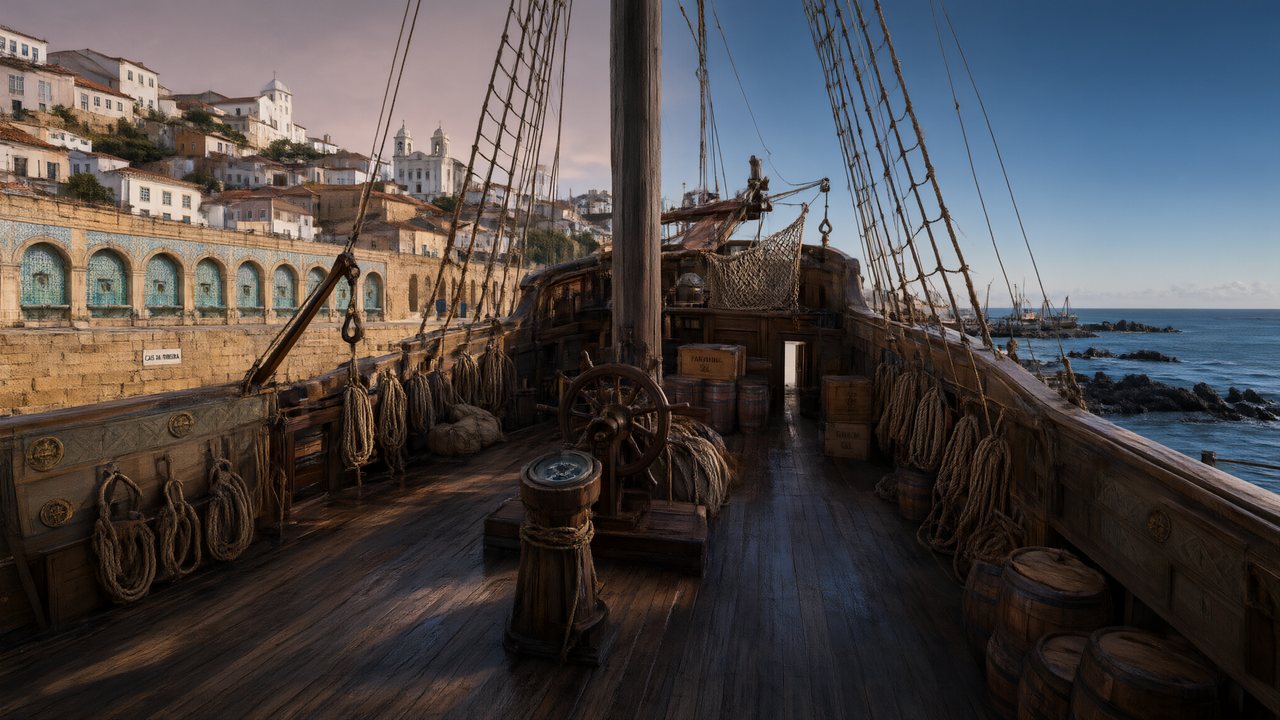 A Carta de LisboaPortuguêsNative dialogue
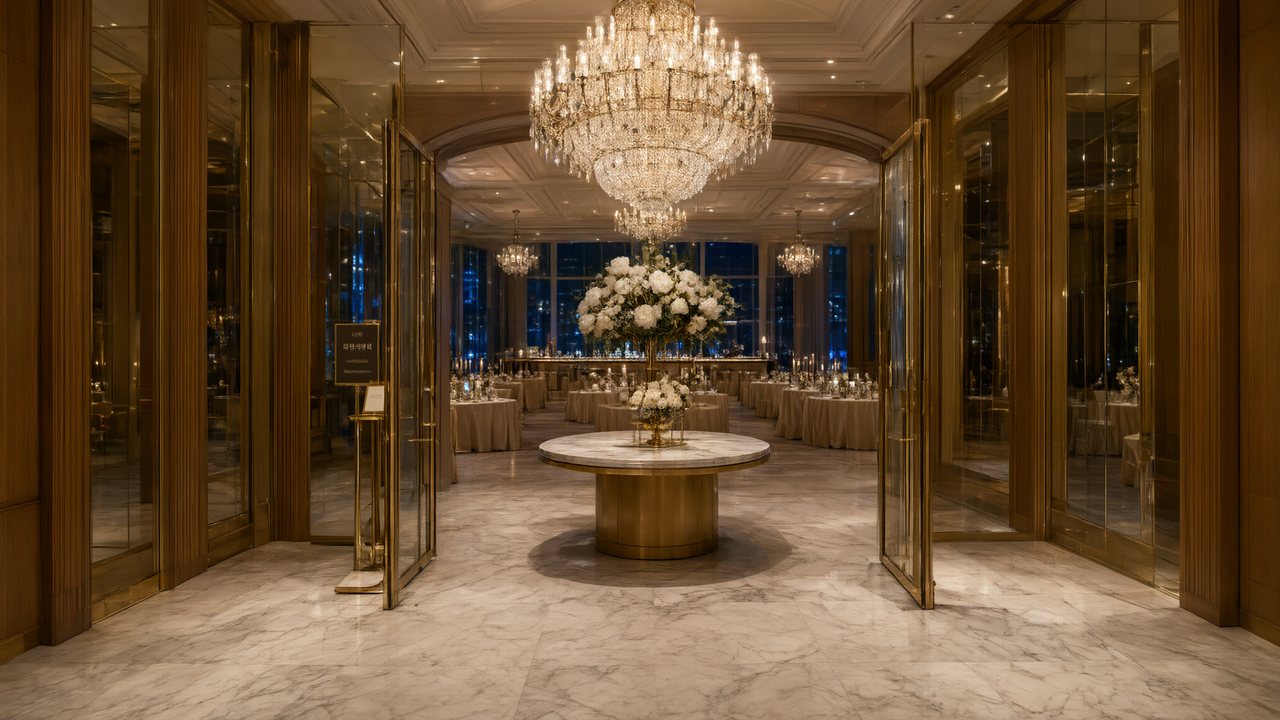 윈터 프라미스한국어Native dialogue
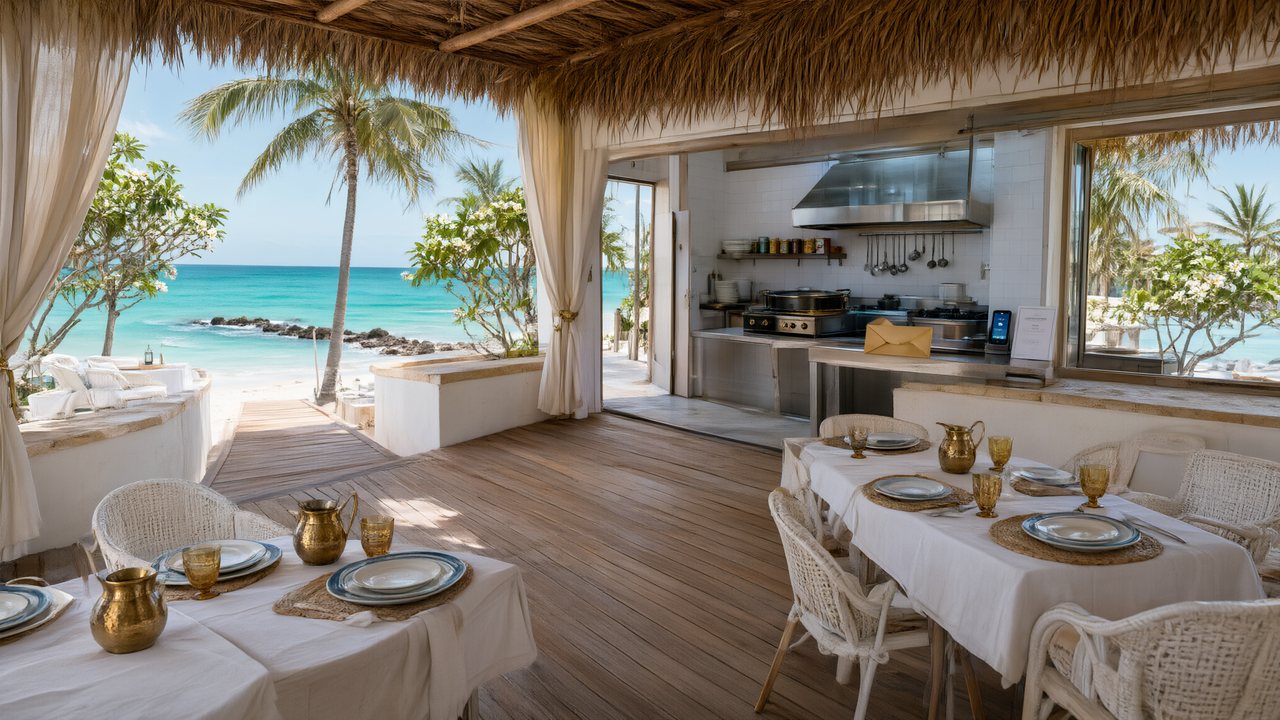 El Secreto de CostaEspañolNative dialogue
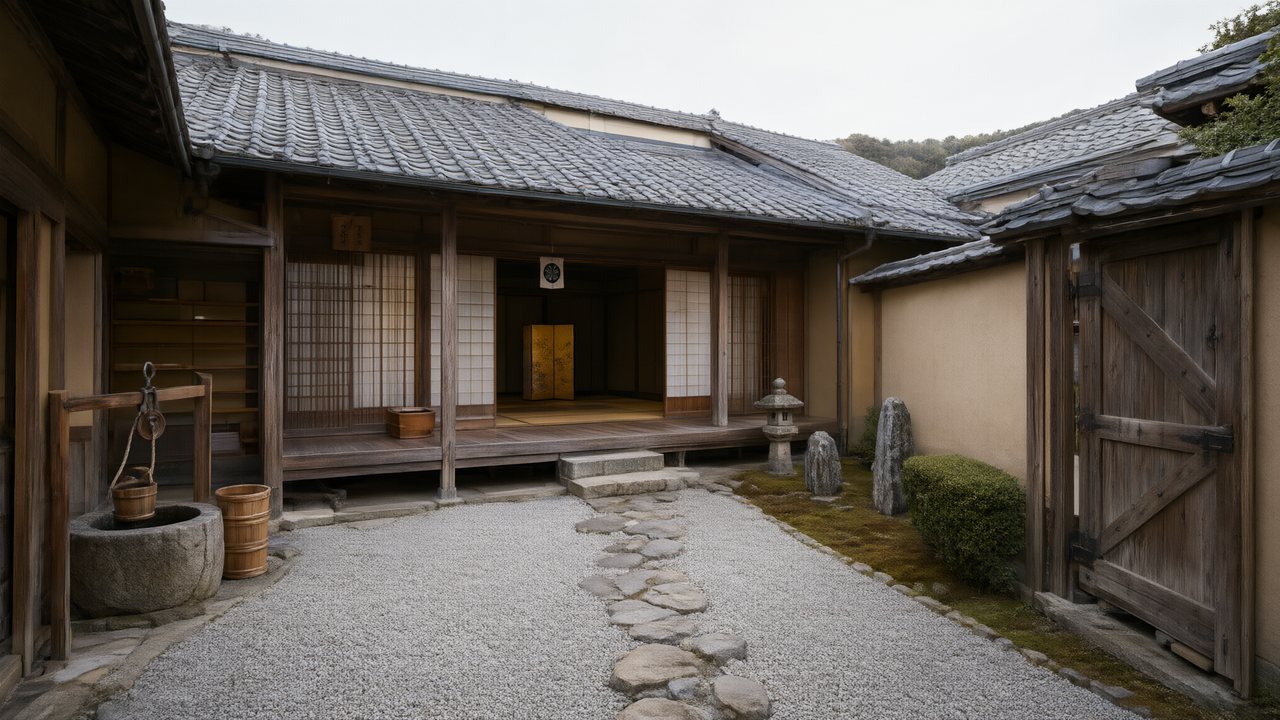 浪人の誓い日本語Native dialogue
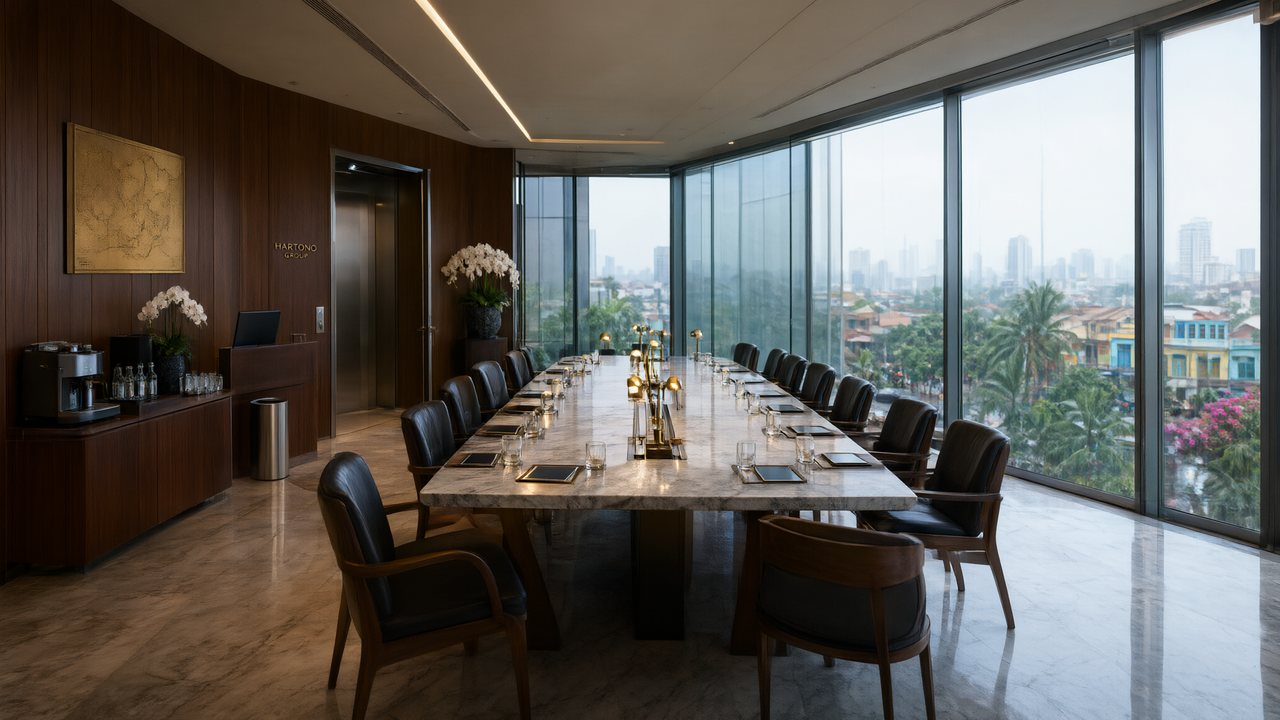 Ikrar JakartaBahasa IndonesiaNative dialogue
 Зимняя коронаРусскийNative dialogue
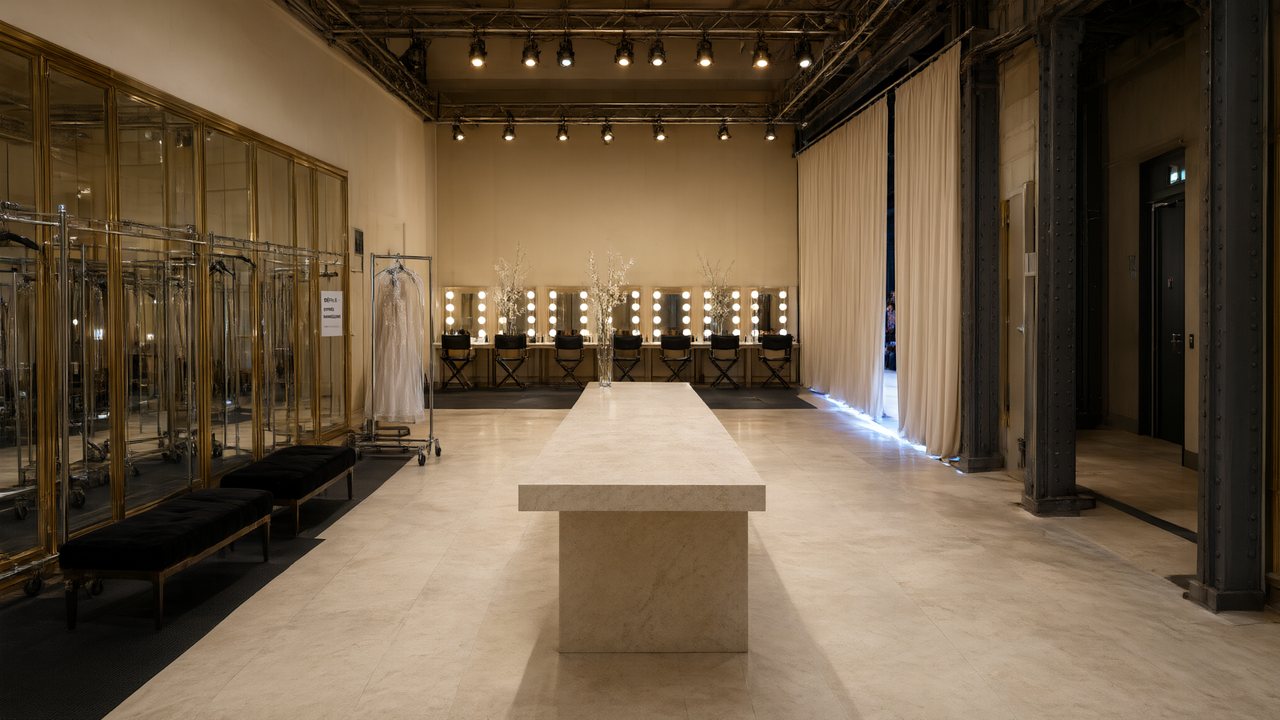 L’Héritier du DéfiléFrançaisNative dialogue
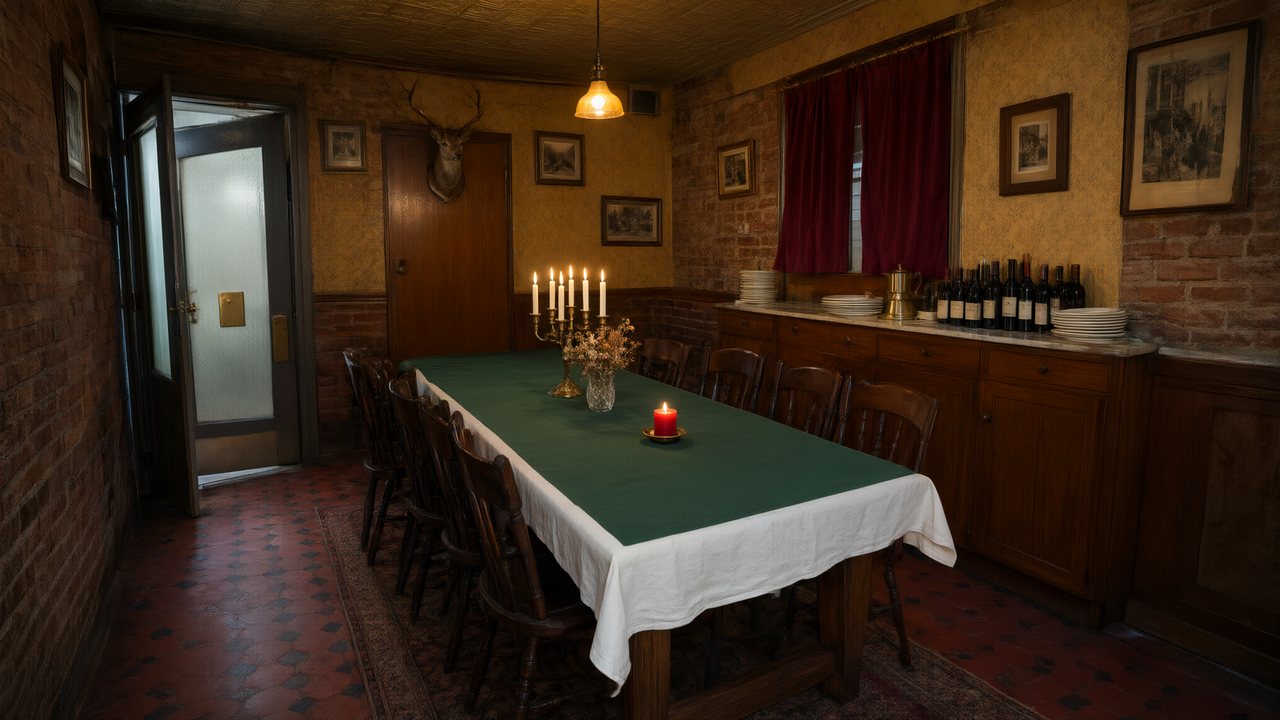 Il Tavolo dell'OlivaItalianoNative dialogue
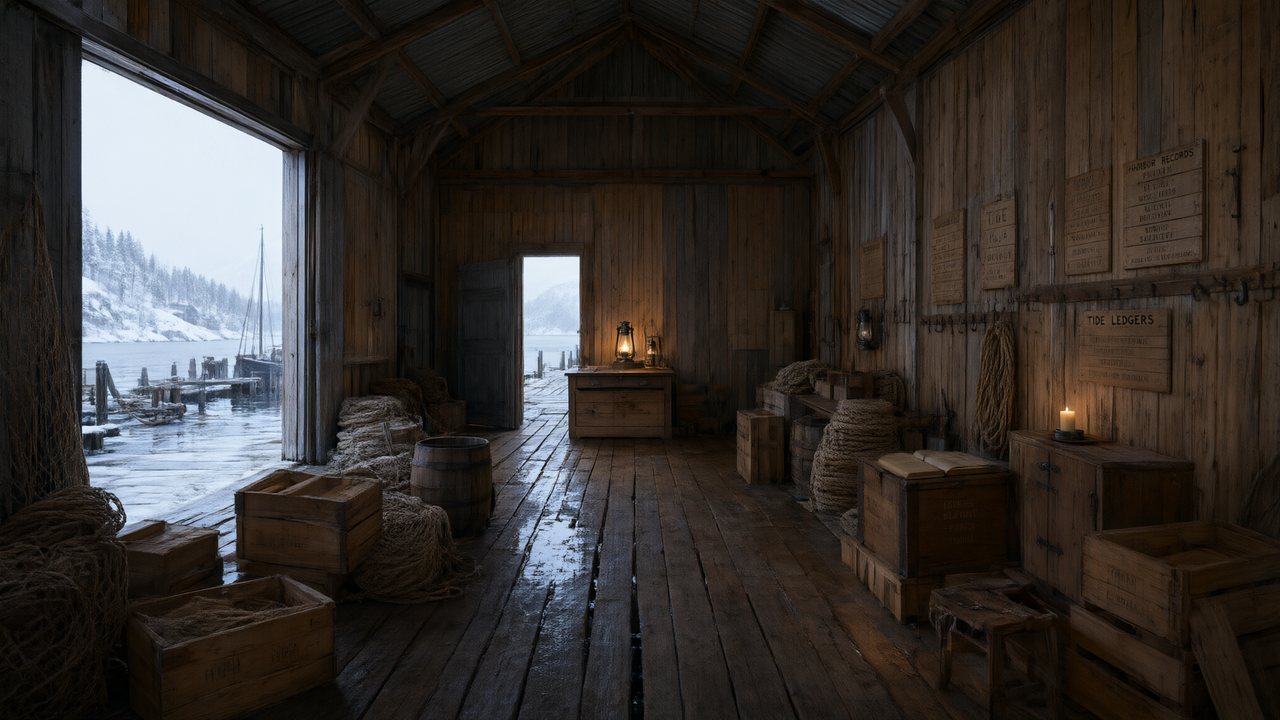 De Vuurtoren van de FjordNederlandsNative dialogue
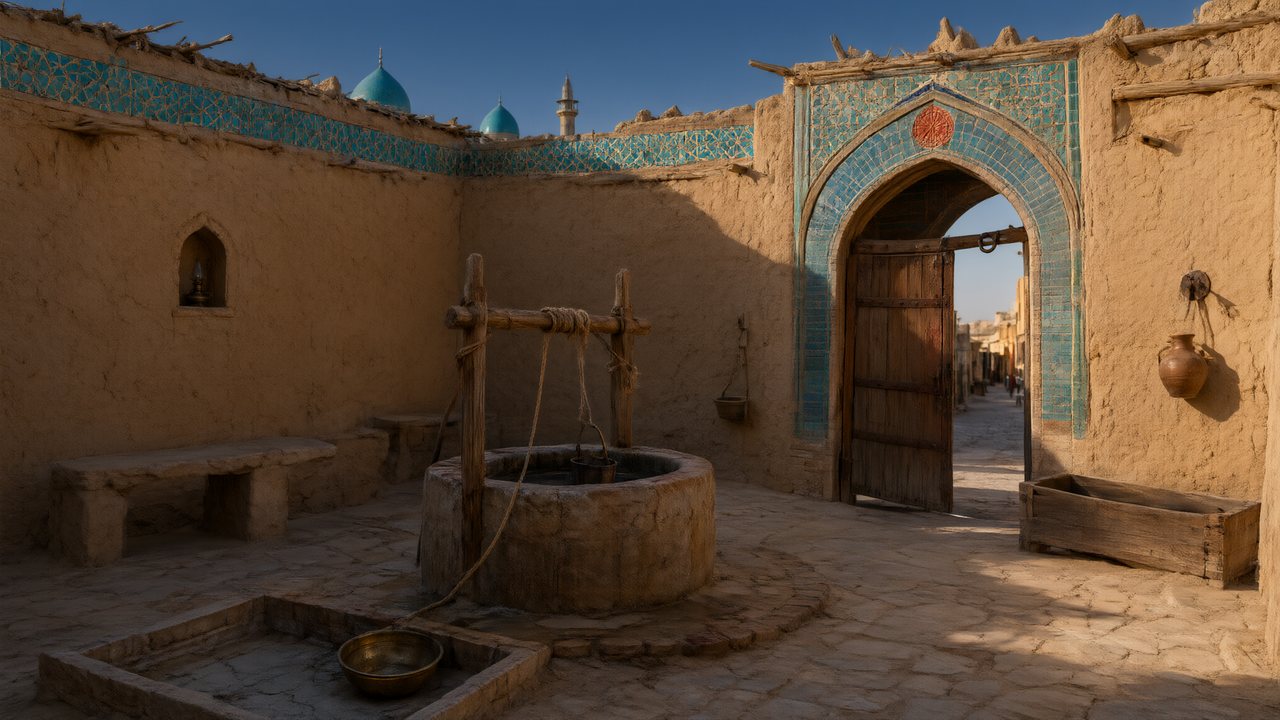 العهد الصحراويالعربيةNative dialogue
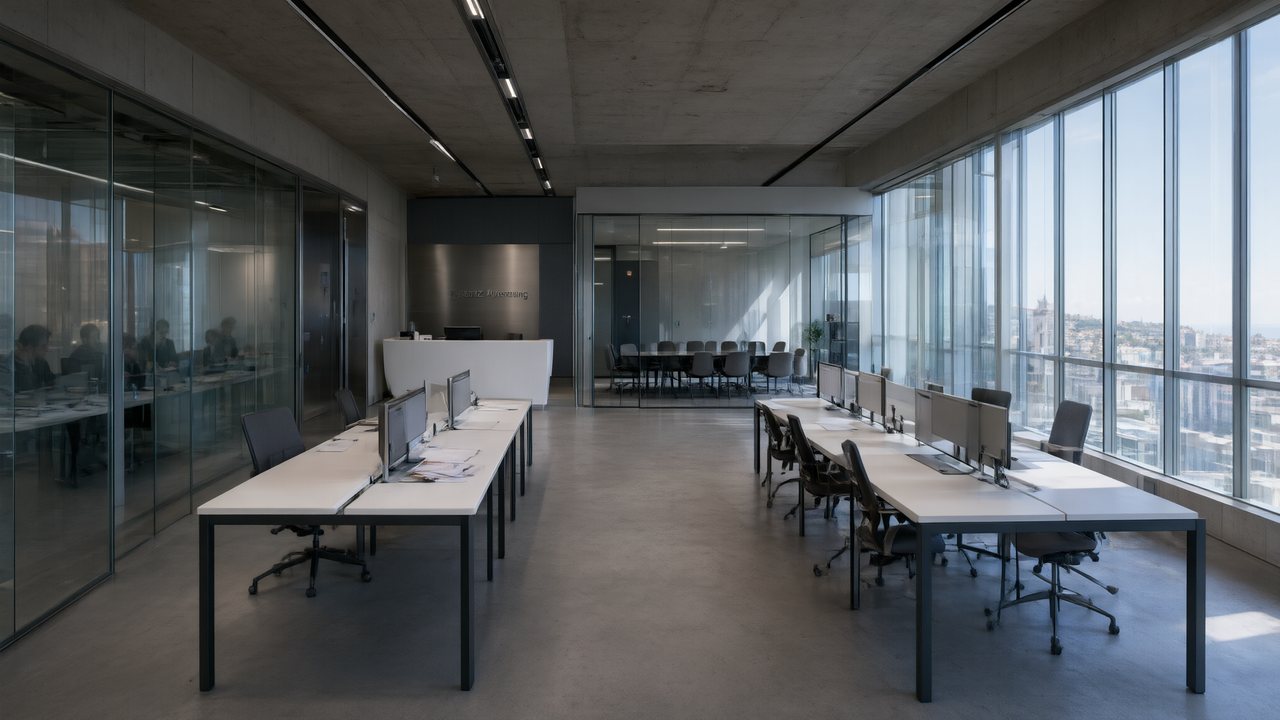 Çantasındaki SözleşmeTürkçeNative dialogue
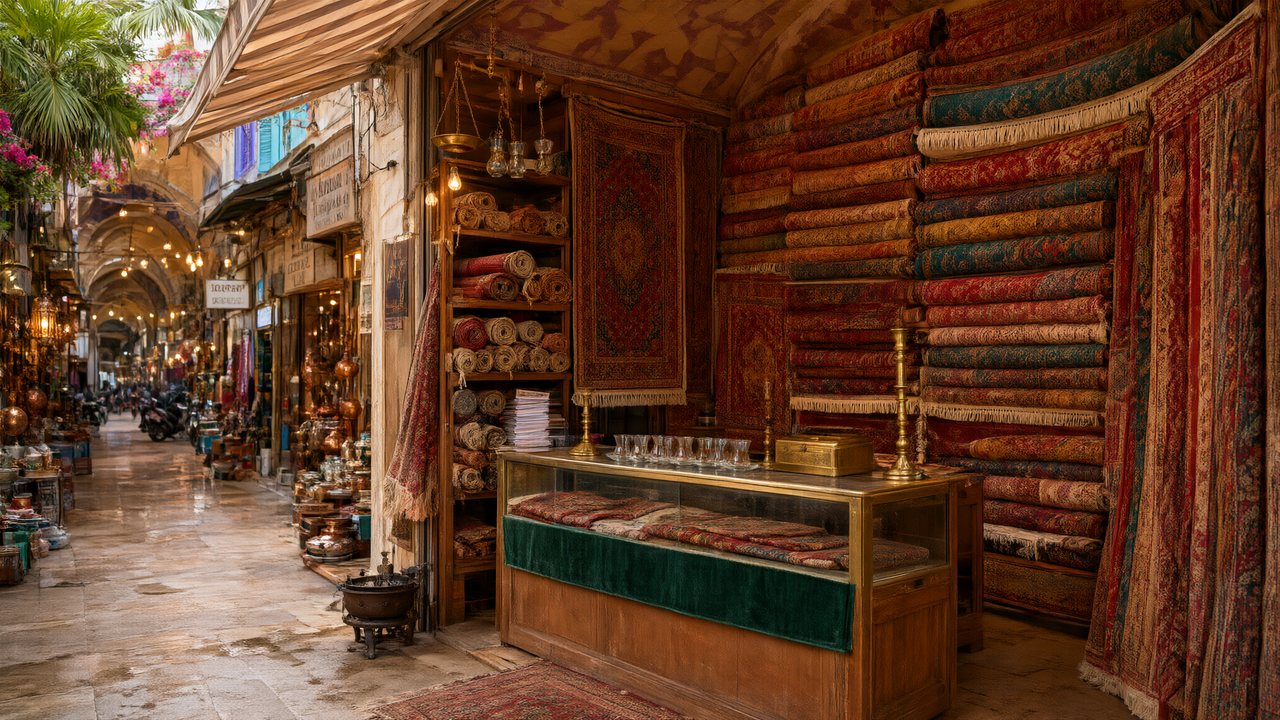 Die Istanbul-TäuschungDeutschNative dialogue
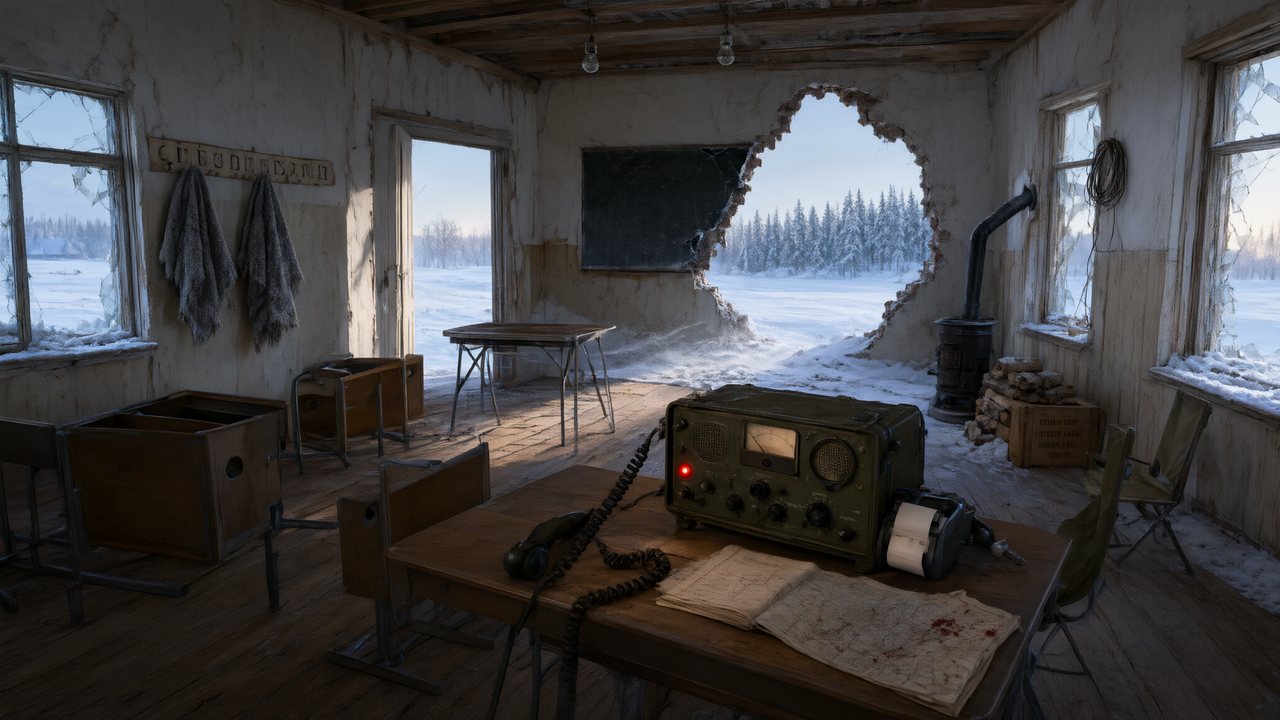 Останній сигналУкраїнськаNative dialogue
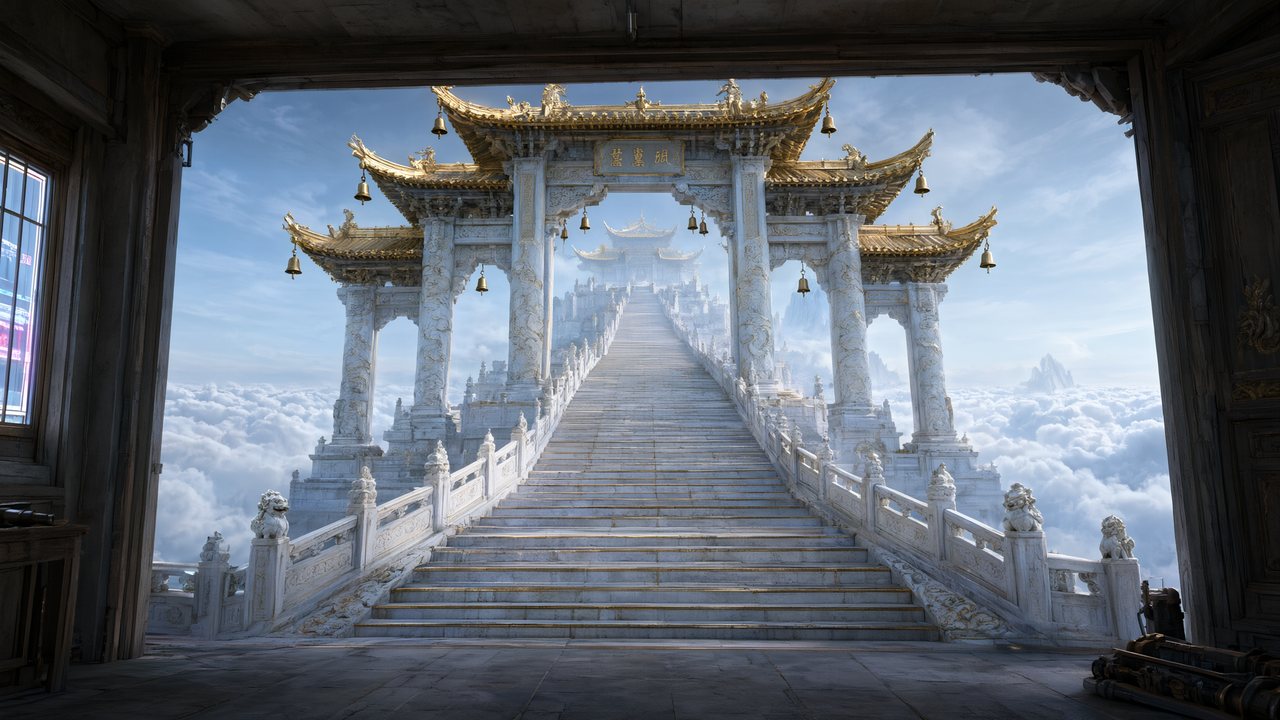 問劍青雲繁體中文Native dialogue
 The Last EnvelopeEnglishIn your language
Inside SceneMixer
- Step 1: paste or upload the script, pick the visual style, aspect ratio and the dialogue language. On the international site the interface follows your browser; the dialogue language is yours to choose.
- Step 2: character sheets, scene plates and props are generated; their descriptions appear in your interface language.
- Step 3: storyboards per episode, then video per segment. Each segment can be regenerated or its script rewritten; version history keeps every take.
- Ads: the same language layers apply to the ad-video workflow, including the end card text.
FAQ
Does SceneMixer dub the video, or does the cast speak the language?
The cast speaks it. The video model generates picture and audio together with the line already in the chosen language, so pacing and mouth movement match that language. There is no dubbing pass and no separate voice track to align.
Which languages can the dialogue be in?
Any of the 15 interface languages — English, Chinese, Portuguese, Korean, Spanish, Japanese, Indonesian, Russian, French, Italian, Dutch, Arabic, Turkish, German and Ukrainian — plus Cantonese as a dialogue-only option. The language is set per project in Step 1, before the script is parsed.
Does choosing another dialogue language cost more credits?
No. A segment costs the same in any language, and the translated storyboards and descriptions you read in your interface language are free. You only ever pay per generated segment.
Can the interface be in one language and the dialogue in another?
Yes. A producer working in German can make a series whose cast speaks Indonesian: the interface and the working documents follow the interface language, the spoken dialogue follows the project setting.
Can I watch a sample in my language before I start?
Yes. The samples page for 15 languages lists one finished series per language, each with the cast speaking that language natively and every segment's storyboard shown next to its video. Open the one in your language to hear the timing and mouth shapes before you spend any credits.
What if a line is mispronounced?
Rewrite that segment's script or regenerate the segment; only that segment is charged again. German and Ukrainian are the two languages where an occasional mispronounced word ending shows up on long sentences, so keep lines short there.
Make one series speak 15 languages
Pick the dialogue language in Step 1; the storyboards you read follow your interface language; the cast performs the lines natively.
Sign up freeLanguage list and per-language notes reflect SceneMixer's language registry and test scenes as of 2026-09-12; quality notes are working observations, not vendor guarantees.